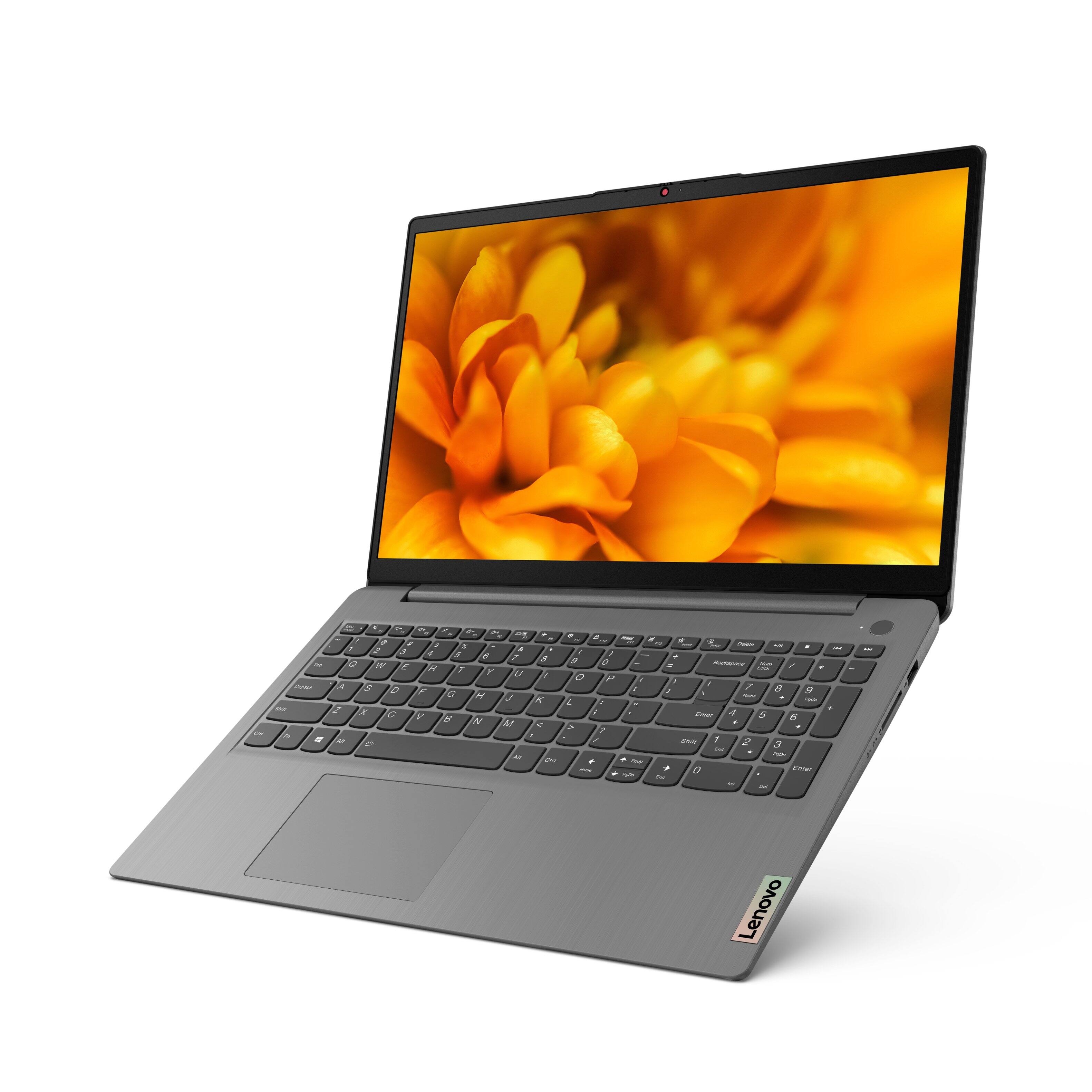
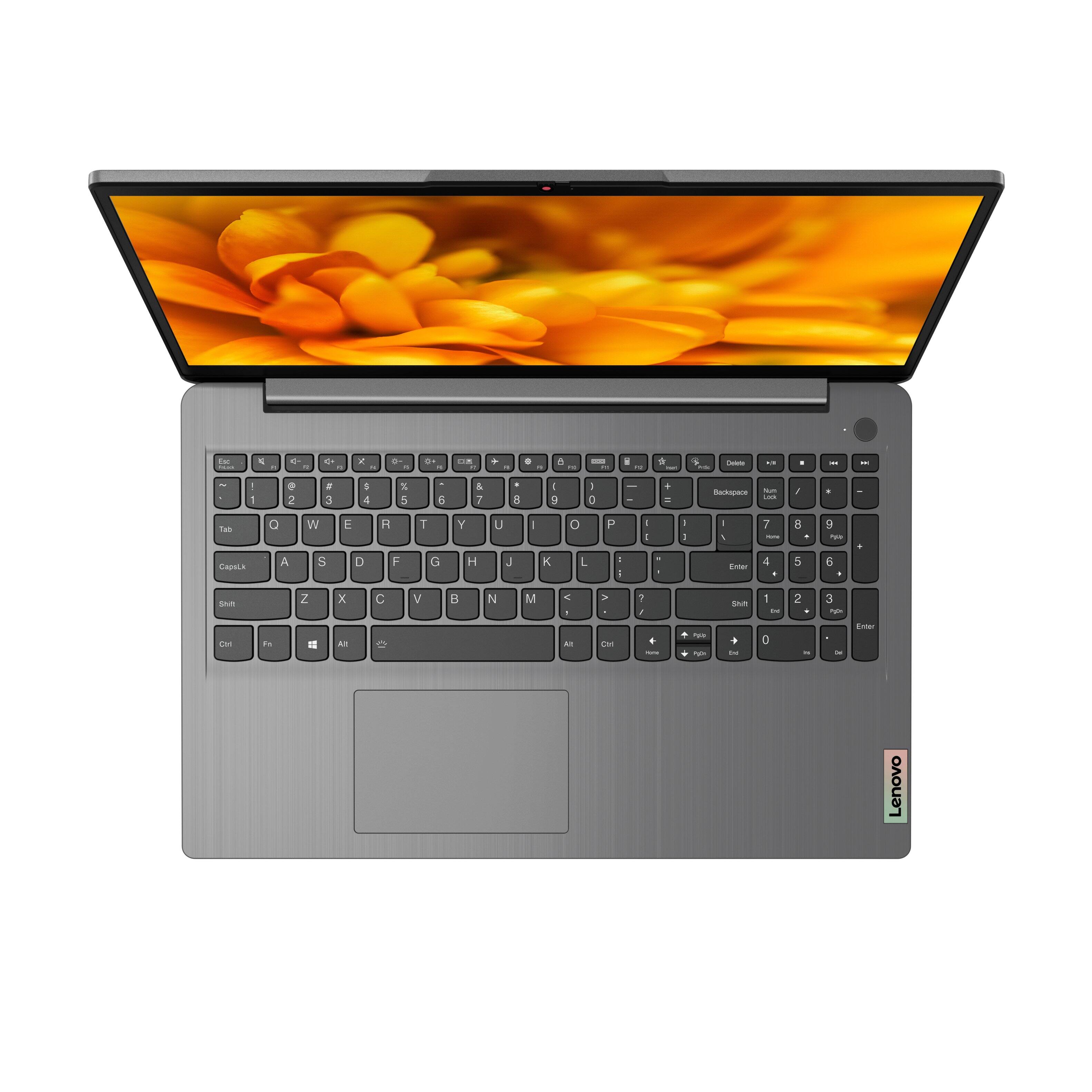
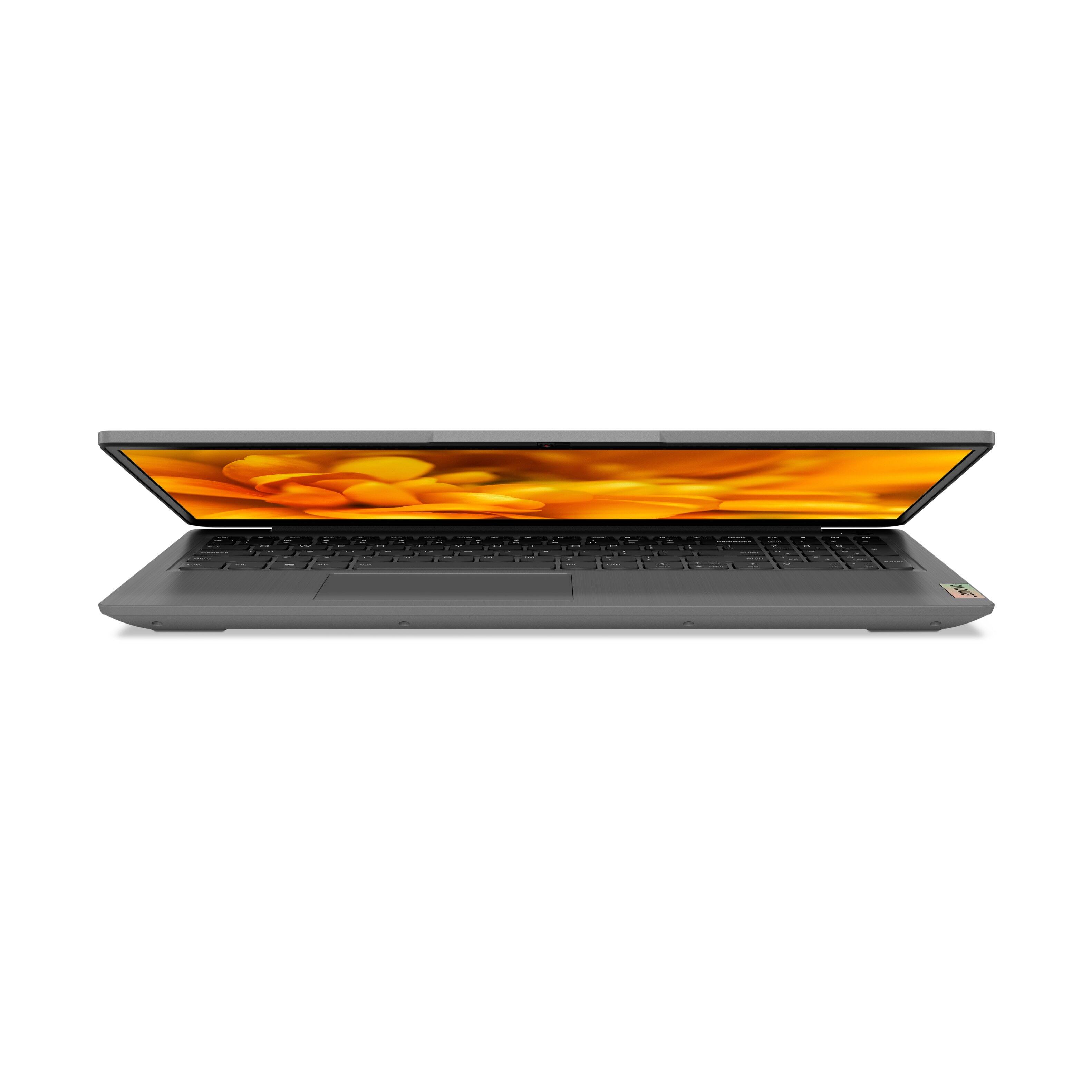
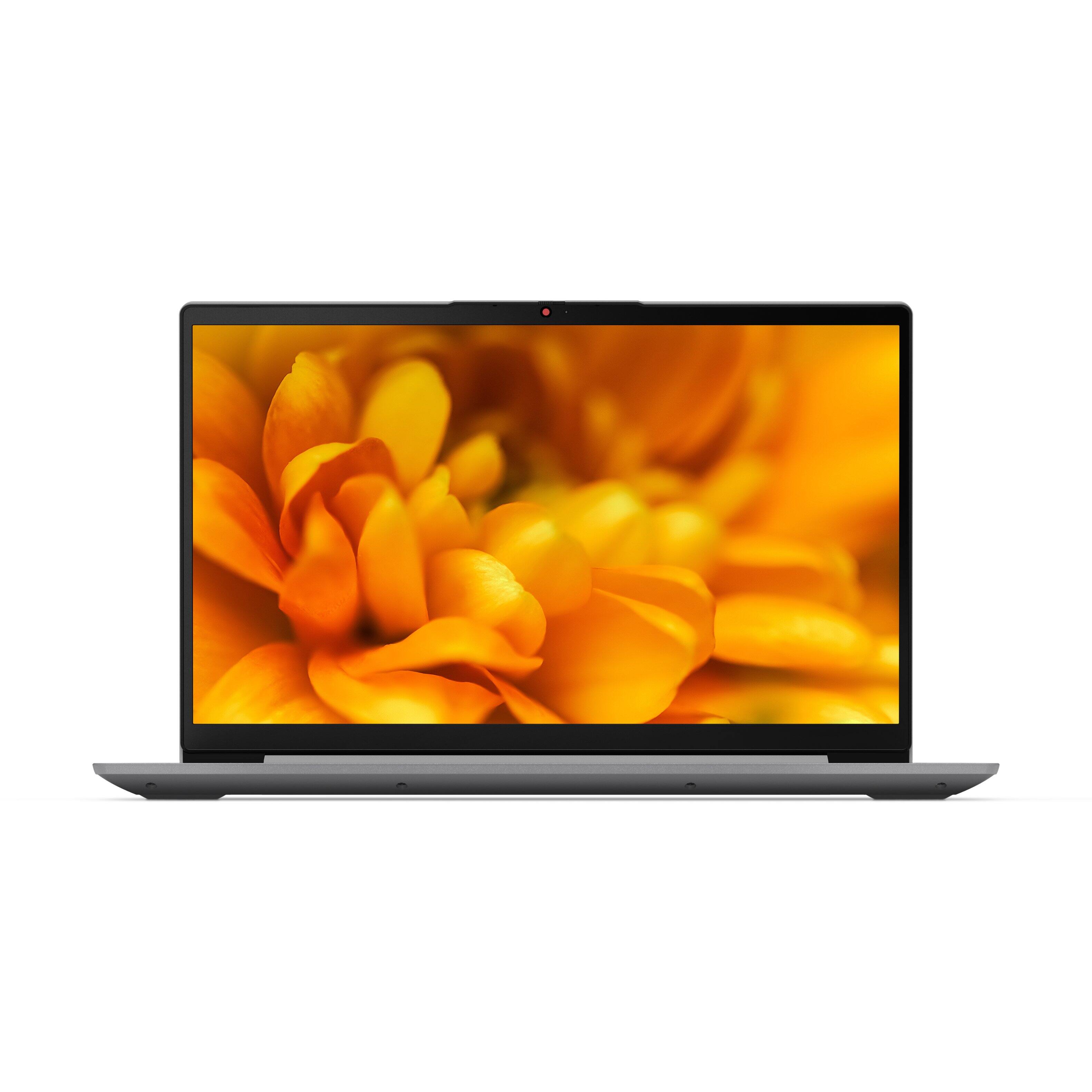
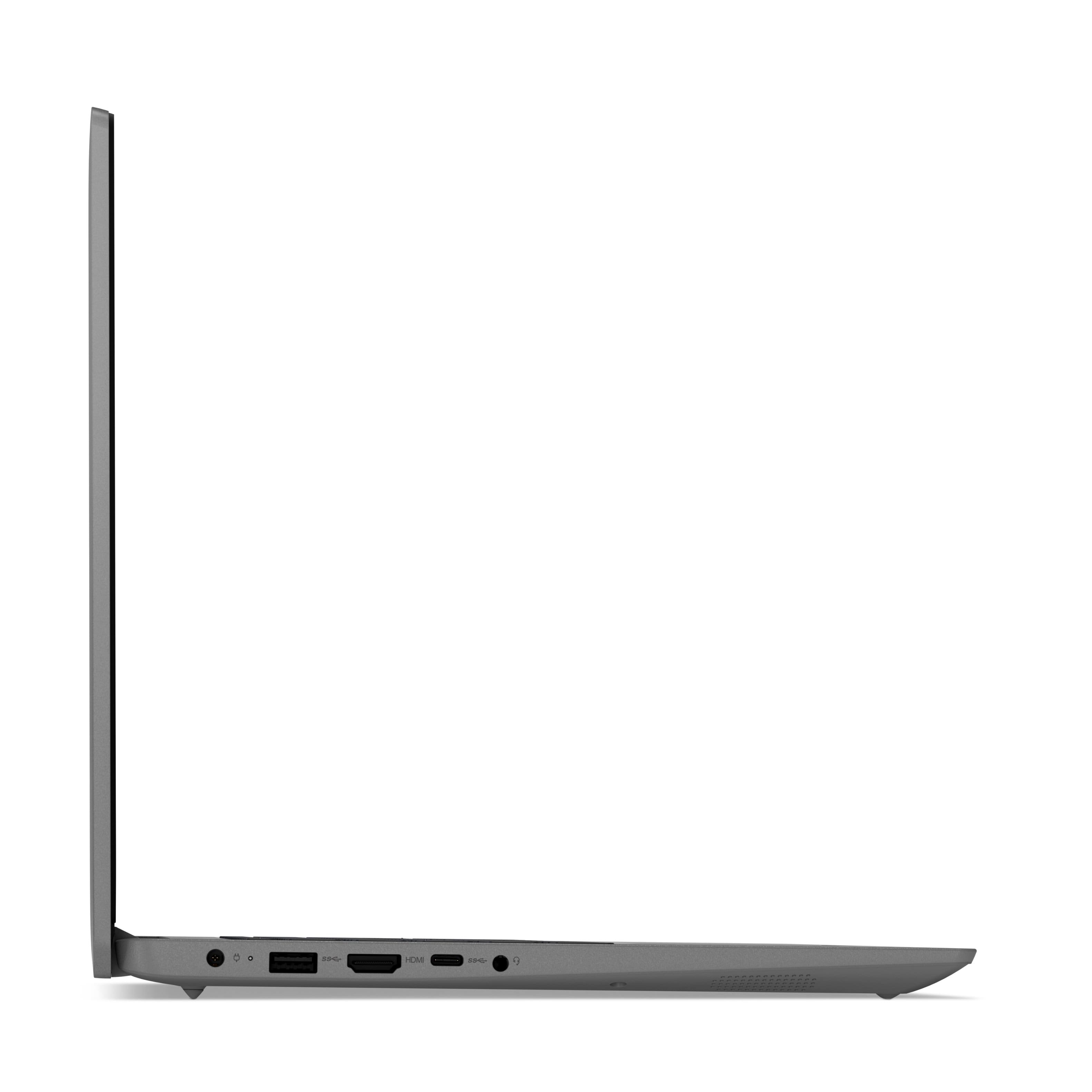
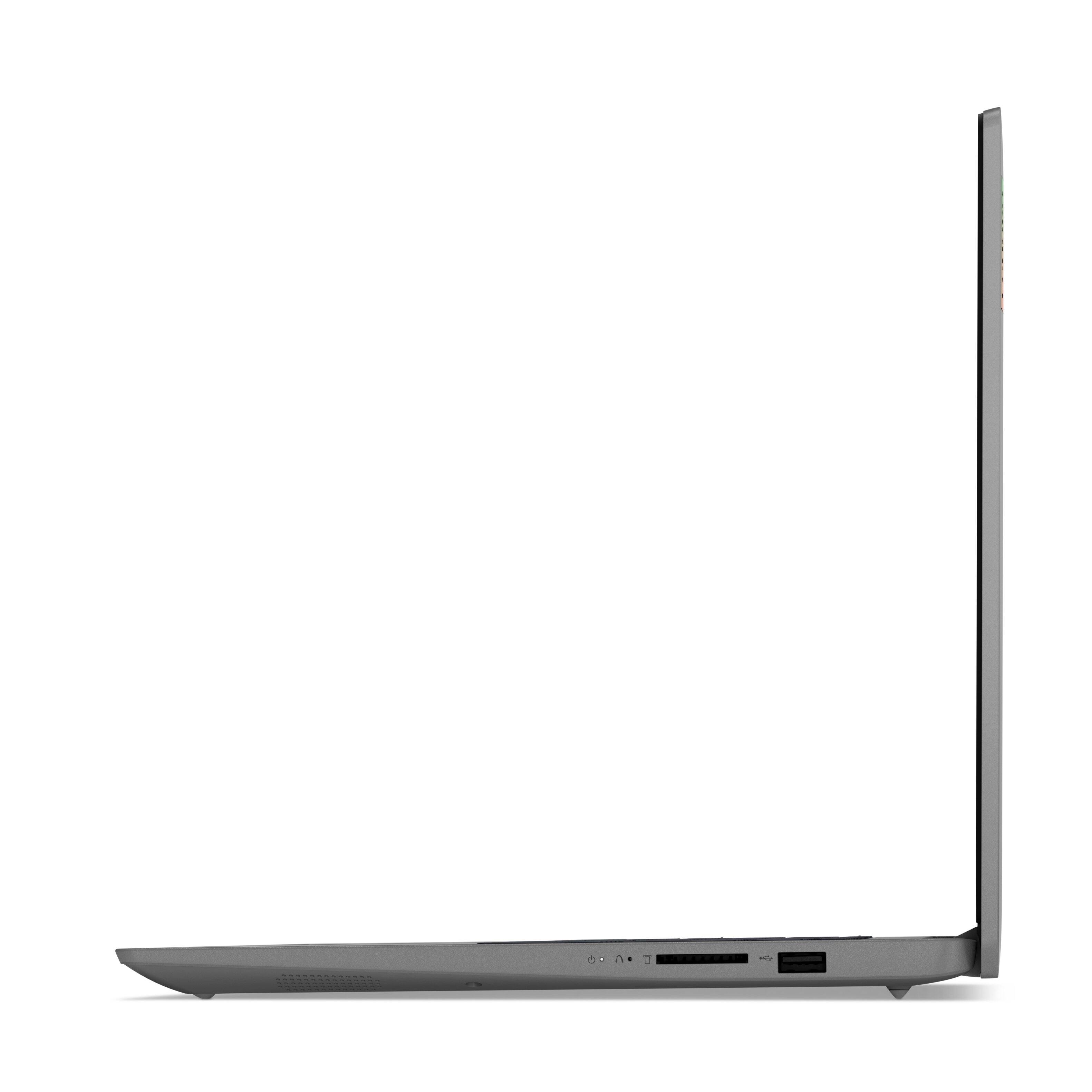
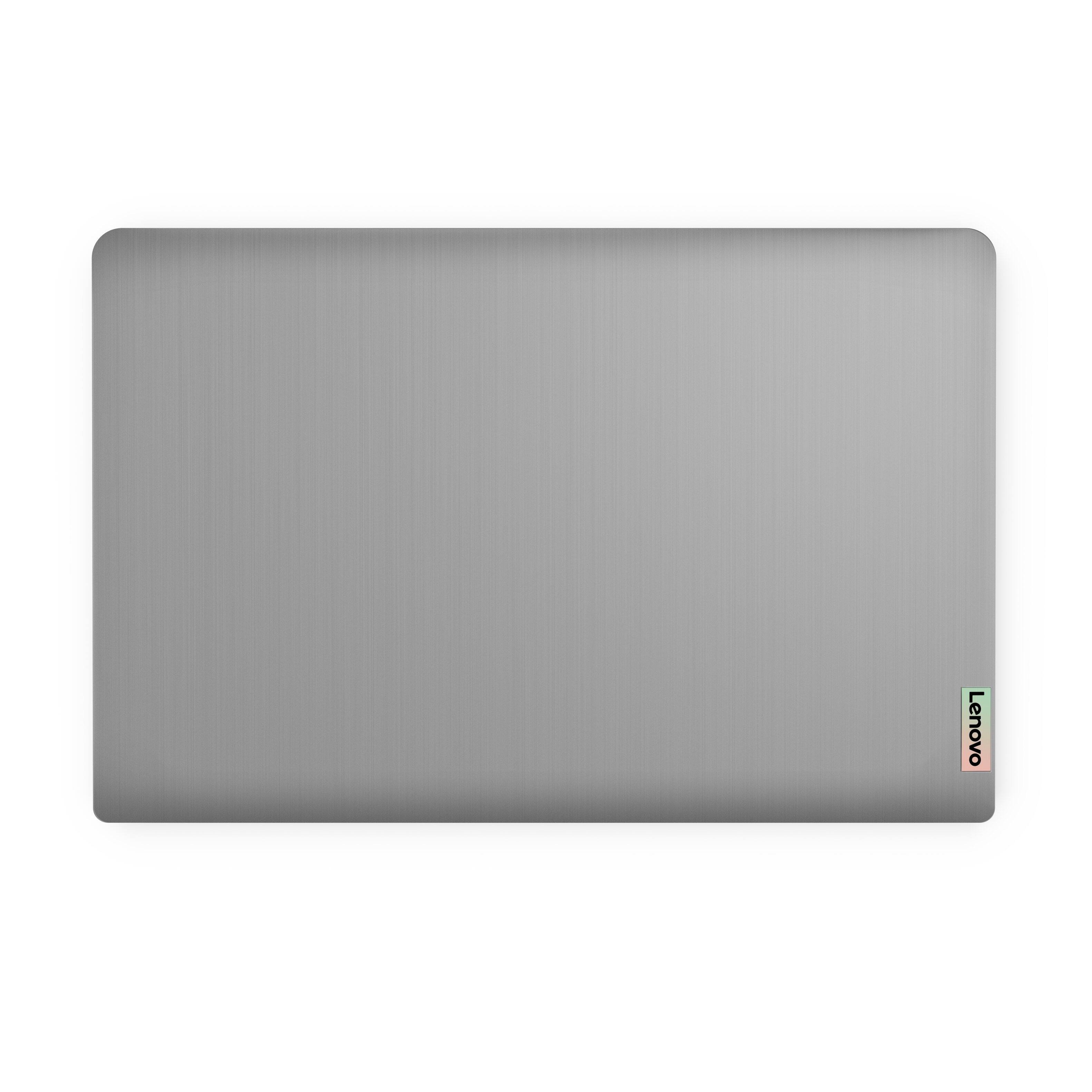
A:AnswerThe Lenovo IdeaPad 3 15 Laptop, model number 82H801DQUS, ships with a 15.6 inch (screen size measured diagonally) IPS - FHD (1920x1080) 10-point Multi-touch screen, with a brightness level of 300 nits, has an Anti-glare coating. This screen provides 67 Percent of the sRGB (45 Percent NTSC) color gamut.
A:AnswerNo it does not come with a rom drive, it has 12gb memory with a 256gb ram. that's the reason I purchased it . I am told you can purchase a external drive for usb.
A:AnswerLenovo does not make a screen protector or keyboard cover for its laptops, including this Lenovo IdeaPad 3 15 Laptop. 3rd party manufacturers may provide such products.
A:AnswerThe Lenovo IdeaPad 3 15 Laptop, model number 82H801DQUS ships with Windows 11 S-Mode 64-bit Operating System. Model number 82H8018SUS, will ships with Windows 10 S-Mode 64-bit Operating System and will be upgradeable to Windows 11 S-Mode, when available. Windows 10 S-Mode provides added security by only allowing APPs available ( and therefore certified by Microsoft) at the Microsoft Store. If you don't need the added security or you need to install APPs not available at the Microsoft Store, you can switch to standard Windows 10 Home 64-bit Operating System, at no additional cost. If you choose to switch out of S-Mode for Windows 10/11 Home: Here is a link to instructions for switching from Windows 10/11 S-Mode to Windows 10/11 Home: https://support.microsoft.com/en-us/help/4456067/windows-10-switch-out-of-s-mode
A:AnswerIf your Lenovo IdeaPad 3 15 laptop shipped with Windows 10 S-Mode Operating System installed and the outside of the original shipping box shows model number 82H8018SUS, your configuration has WiFi-5, 2x2 802.11ac frequency WiFi installed.
A:AnswerNo. The Lenovo IdeaPad 3 15 laptop, model number 82H801DQUS, ships with 8GB DDR4-3200MHz RAM (4GB Soldered DDR4-3200 + 8GB SO-DIMM DDR4-3200MHz RAM), installed. One memory soldered to systemboard, one DDR4 SO-DIMM slot, dual-channel capable. The maximum RAM this model configuration can support is: Up to 12GB (4GB soldered + 8GB SO-DIMM) DDR4-3200MHz RAM. We recommend you consult with your certified technician about your RAM upgrade options.
A:AnswerThe Lenovo IdeaPad 3 15 Laptop, model number 82H801DQUS, ships with Windows 11 S-Mode 64-bit Operating System installed. The IdeaPad 3 15 Laptop, model number 82H8018SUS, ships with Windows 10 S-Mode 64-bit Operating System installed.
A:AnswerI have not really checked how long it last but I charge it during the night and use it all day without having to plug it back in. Hope this helps.
A:AnswerThis Lenovo IdeaPad 3 15 Laptop, model number 82H801DQUS, is a 110V device. It does ships with a Dual Voltage AC adapter/charger, with a USA compatible wall side plug. To use this computer outside the USA, you will need to add a compatible wall side plug adapter, compatible with the country that the computer will be used in. This wall side plug adapter is sold separately.
A:AnswerThat will depend on the requirements and compatibility of the specific APP you want to use. This Lenovo IdeaPad 3 15 Laptop, model number 82H801DQUS ships with Windows 11 S-Mode, 64-bit Operating System installed. Windows 11 S-Mode provides added security by only allowing APPs available ( and therefore certified by Microsoft) at the Microsoft Store. If you don't need the added security or you need to install APPs not available at the Microsoft Store, you can switch to standard Windows 11 Home 64-bit Operating System, at no additional cost. We recommend you check with the specific APPs software publisher's web site, of the APP you will need to use, for their compatibility with Windows 11 S-Mode 64-bit operating system and the minimum/recommended hardware requirements (Is a Graphics card required, the processor speed and the minimum required system RAM and the minimum available hard drive space) to run their program, then compare those requirements to this system's configuration. If you choose to switch out of S-Mode for Windows 11 Home: Here is a link to instructions for switching from Windows 11 S-Mode to Windows 11 Home: https://support.microsoft.com/en-us/help/4456067/windows-10-switch-out-of-s-mode
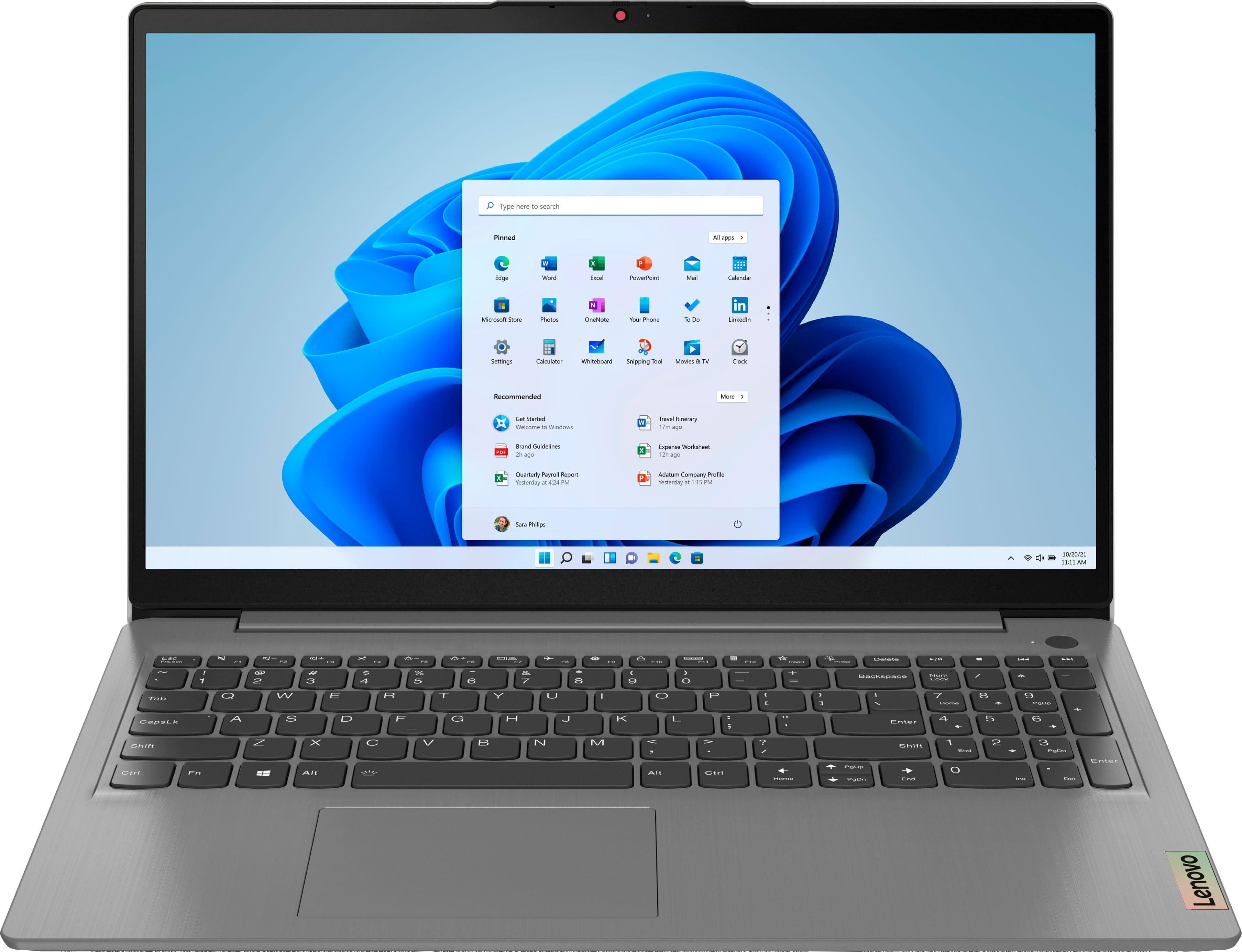
A:AnswerThe Lenovo IdeaPad 3 15 Laptop ships with a Integrated 45Wh, Lithium-Polymer Battery, which within this configuration, has a battery life of up to 7 hours, depending on the work the device is performing. This IdeaPad 3 15 Laptop supports Rapid Charge (charge up to 80% in 1hr).
A:AnswerModel 82H801DQUS does come with a fingerprint scanner! I double checked if the biometrics is enabled and it was. So far the fingerprint scanner is working once again all I did was disable it and re-enrolled ONLY one finger.
A:AnswerAll laptops can be charged in a vehicle with an ac/dc inverter. This particular model has a 20v 3.25a charger which is a little over 30watts. Any inverter which is at least 110watts continuous will suffice. I hope this answers your question.
A:AnswerThat really will depend on the requirements and compatibility of the specific software you want to run. This Lenovo IdeaPad 3 15 Laptop, model number 82H801DQUS, ships with the Windows 11 S-Mode 64-bit Operating System installed. Windows 11 S-Mode provides added security by only allowing APPs available ( and therefore certified by Microsoft) at the Microsoft Store. If you don't need the added security or you need to install APPs not available at the Microsoft Store, you can switch to standard Windows 11 Home 64-bit Operating System, at no additional cost. We recommend you check with the specific software publisher's web sites for their compatibility with Windows 11 S-Mode 64-bit operating system and the minimum/recommended hardware requirements (Is a Graphics card required, the processor speed and the minimum required system RAM and the minimum available hard drive space) to run their program, then compare those requirements to this system's configuration. If you choose to switch out of S-Mode for Windows 11 Home: Here is a link to instructions for switching from Windows 11 S-Mode to Windows 11 Home: https://support.microsoft.com/en-us/help/4456067/windows-10-switch-out-of-s-mode
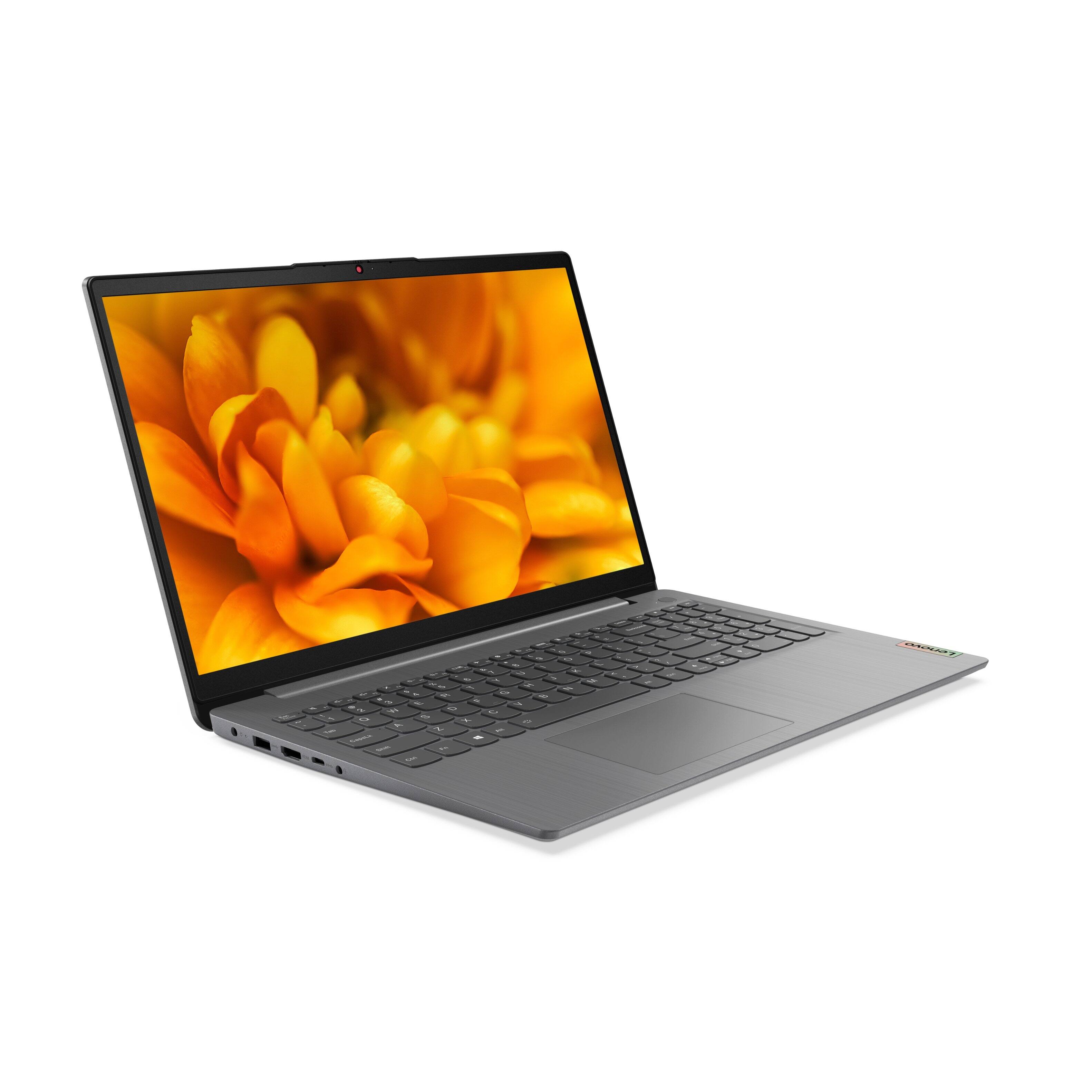
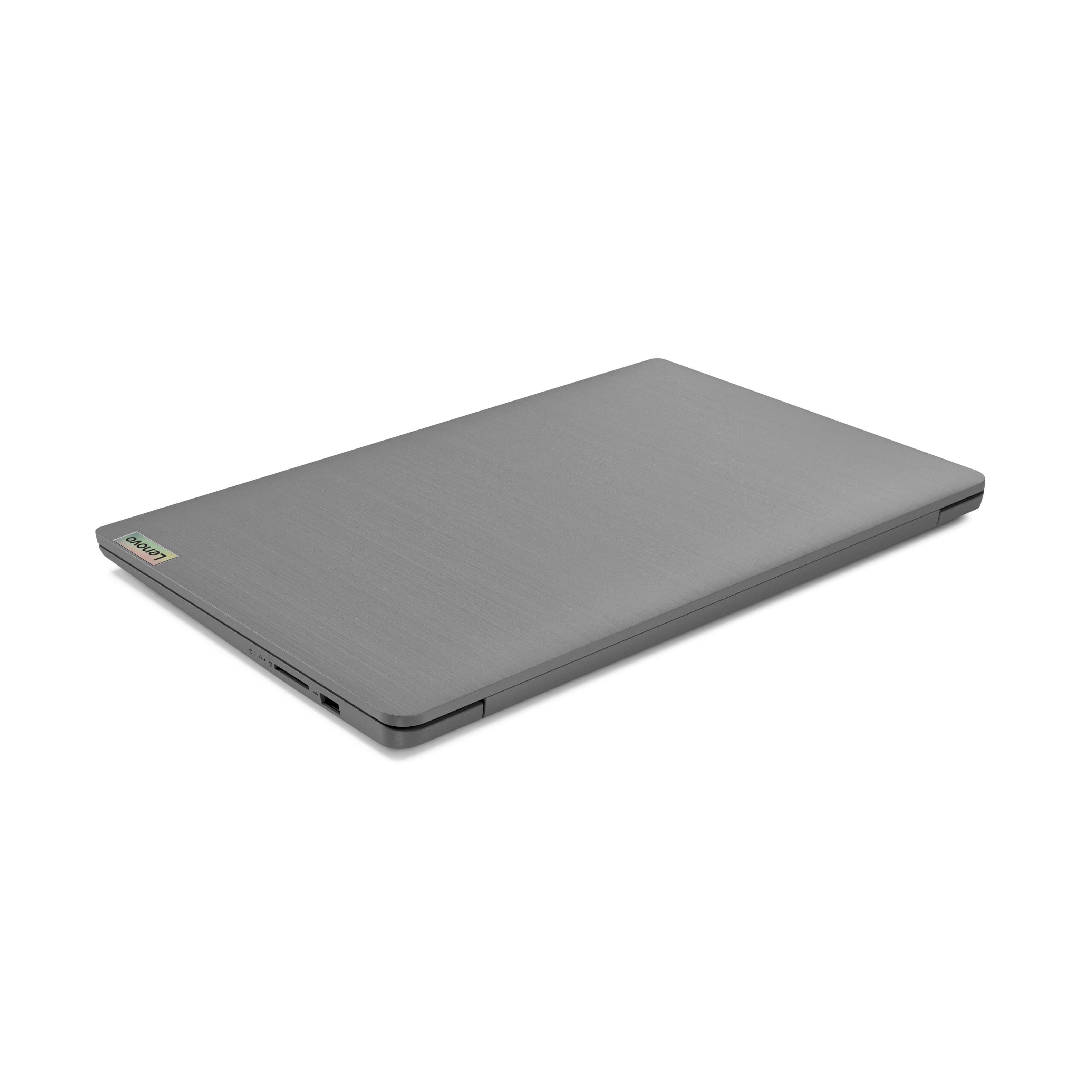
A:AnswerAlthough there is no built in CD/DVD drive within this Lenovo IdeaPad 3 15 Laptop, you can use an external, USB-based Windows compatible CD/DVD drive with this laptop, like this one: https://www.bestbuy.com/site/lg-8x-external-usb-double-layer-dvdrw-cd-rw-drive-black/5852919.p?skuId=5852919