Year-End SaleEnds 1/1/26. Limited quantities. No rainchecks.

Main Content

Questions & Answers

Your price for this item is $299.99
Clearance
The comparable value price is $499.99
Page Showing 21-40 of 204 questions
  • Questionis the 8 GB all soddered or is it split 4 soddered and 4 in the slot? I want to know if I can put 16 GB RAM total in this

    Asked by Rob.

    • Answer This Lenovo IdeaPad 3 15 Laptop, model number 81X800KLUS, ships with 8GB DDR4-2666MHz RAM installed (4GB Soldered DDR4-2666 + 4GB SO-DIMM DDR4-2666MHz RAM). The maximum supported RAM that this model configuration can support is: Up to 12GB (4GB soldered + 8GB SO-DIMM) DDR4-2666MHz RAM. We recommend you consult with your certified technician about your RAM upgrade options.

      Answered by Lenovo Product Expert

  • QuestionI need a laptop which can smoothly run Articulate 360 program. I read many reviews which referred to something called SMode. Is this mode an issue for running Articulate? Is this a good choice for my needs? Thanks

    Asked by DesignGuy.

    • Answer The "S" in S mode stands for Security. It means that only programs on the Microsoft Store will run on the device, as these programs have been tested thoroughly to insure that they have no malware. Of course, this means that most of the software is of Microsoft origin (Office, etc.) and that popular browsers such as Chrome, Firefox, and Opera can NOT be installed, so you are stuck with Edge (which is not terrible, but not my first choice, either). Check the Store to see if Articulate and any other programs you need are listed, and you will know whether this machine, out of the box, is for you. If Articulate is not in the Store, all is not lost. It is easy to leave S Mode and allow the installation of any program, with or without malware present, so you take your chances. Go to the MS website and you will find instructions on how to do it.

      Answered by luislast

  • QuestionIf it has speakers then why can I not get any sound? When I run the trouble shooting it tells me no speakers are connected (Bluetooth or headphones) how can I fix this?

    Asked by Heather.

    • Answer Straight out of the box, you shouldn't be having problems like this, so you might just want to return it to Best Buy and let them deal with it. If you want to try fixing the issue on your own, open up Device Manager and see if there is question or exclamation driver for Audio inputs and outputs. If so, try updating the drivers, first through Dell. If that doesn't work, try updating them through MS. If neither work, uninstall speakers and repeat. If this still doesn't work, definitely return to Best Buy.

      Answered by luislast

  • QuestionI renew Webroot on my old Dell laptop every year. Will I need it on this Lenovo laptop and, if so, can I just transfer it from one to the other?

    Asked by JD.

    • Answer The Lenovo IdeaPad 3 15 Laptop, model number 81X800ENUS, ships with a 30-day trial of McAfee Virus Protection Software installed. It will activate automatically with the initial activation of Windows 11 and protect your computer for the 30-day trial period. You do not need to use McAfee VPS. You can uninstall McAfee and use the free Windows Defender VPS that comes with Windows 11 or you can uninstall McAfee and then install your choice of any compatible 3rd party VPS. The key is to uninstall McAfee if you will not be using it, as there can only be one active VPS on the computer at a time. Here is a link to information on uninstalling McAfee from Windows 11: https://service.mcafee.com/?articleId=TS101331&page=shell&shell=article-view

      Answered by Lenovo Product Expert

  • QuestionCan this be use for a business?

    Asked by Grace.

    • Answer That really will depend on the software you will need to use, its requirements and compatibility and your business workload. This Lenovo IdeaPad 3 15 Laptop, model number 81X800ENUS, ships with Windows 11 S-Mode, 64-bit Operating System, installed. Windows 11 S-Mode provides added security by only allowing APPs available ( and therefore certified by Microsoft) at the Microsoft Store. If you don't need the added security or you need to install APPs not available at the Microsoft Store, you can switch to standard Windows 11 Home 64-bit Operating System, at no additional cost. This system configuration is good for moderate to heavy workloads and is capable of multi-tasking workloads. We recommend you check with the specific software publisher's web sites, of the software you will need to use, for their compatibility with Windows 11 S-Mode 64-bit operating system and the minimum/recommended hardware requirements (Is a Graphics card required, the processor speed and the minimum required system RAM and the minimum available hard drive space) to run their program, then compare those requirements to this system's configuration. If you choose to switch out of S-Mode for Windows 11 Home: Here is a link to instructions for switching from Windows 11 S-Mode to Windows 11 Home: https://support.microsoft.com/en-us/help/4456067/windows-10-switch-out-of-s-mode

      Answered by Lenovo Product Expert

  • QuestionHey there - Just a quick question here. How many bluetooth devices can be paired to the laptop at one time ? Would it be able to have 3 devices paired at the same time ? (keyboard, mouse and headphones)

    Asked by Par.

    • Answer This Lenovo IdeaPad 3 15 Laptop, model number 81X800ENUS, ships with Bluetooth 5.0 Version capability built in. The latest Bluetooth 5 version, allows multiple devices to connect to one primary Bluetooth at once. However, the maximum number of devices that can hook up to one Bluetooth are 7 Bluetooth-equipped devices. Here is a link to more information: https://thegadgetbuyer.com/how-many-devices-can-hook-up-to-one-bluetooth/#:~:text=The%20latest%20Bluetooth%205%20version,are%207%20Bluetooth%2Dequipped%20devices.

      Answered by Lenovo Product Expert

  • QuestionDoes it have a camera for ZOOM meets?

    Asked by Dee.

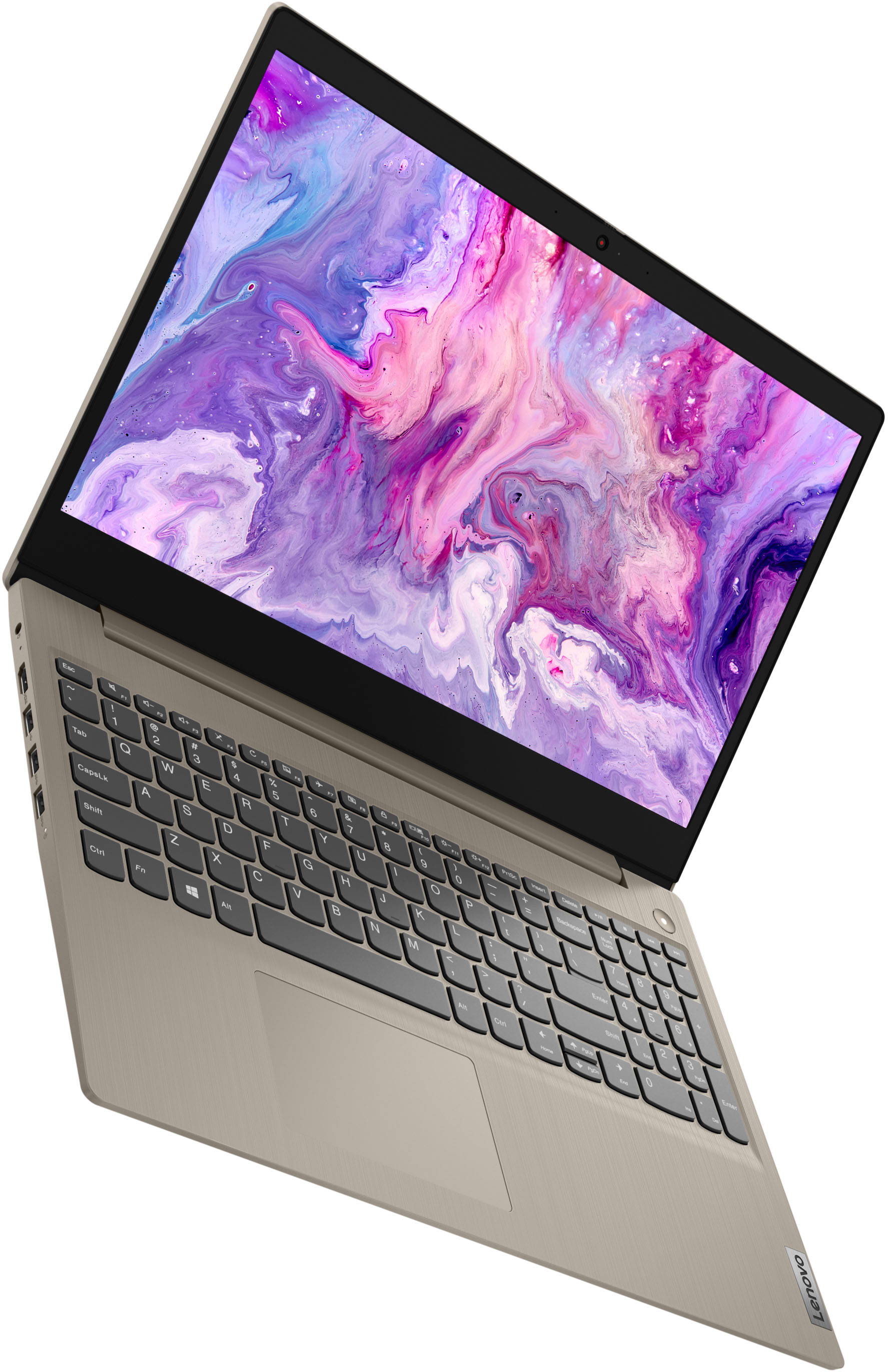
    • Answer Yes! It works just like a Chromebook or a Tablet in the area of taking a video for Zoom meetings or anything of that nature.

      Answered by Anonymous

  • Questionis this ok to run powerpoint on?

    Asked by PowerPoint.

    • Answer Yes, you can run PowerPoint on this laptop. It seems to work fine for average sized presentations. If you plan on inserting large videos and doing complicated transitions in a large presentation, I would suggest adding more memory.

      Answered by Alex

  • QuestionHow loud are the speakers when you are using it during the Zoom meetings? Are the speakers any good?

    Asked by Mark.

    • Answer They are loud enough for a video chat, loud enough to listen to music without being obnoxious.

      Answered by Sandicat

  • QuestionWhat pen is compatible with this laptop since it has a touch screen. I'm trying to buy one for school.

    Asked by eiffel.

    • Answer Most pens that have windows 11 compatibility are compatible but pens that are for windows 10 usually aren't. Been trying to find the best one myself. The surface pens and Wacom I believe we're the highest recommended.

      Answered by Vanitt

  • Questiondoes the screen rotate 360 degree ?

    Asked by gina.

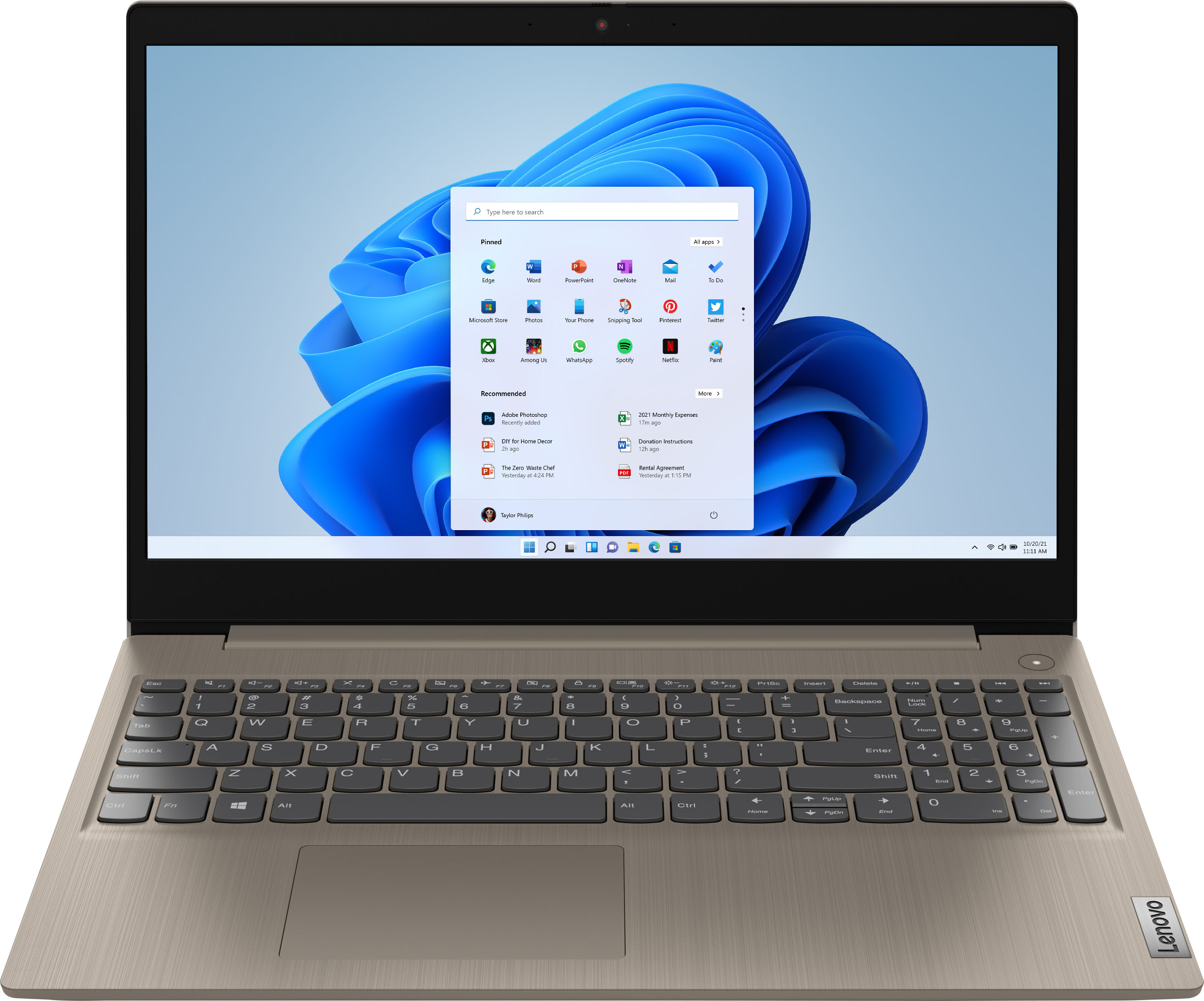
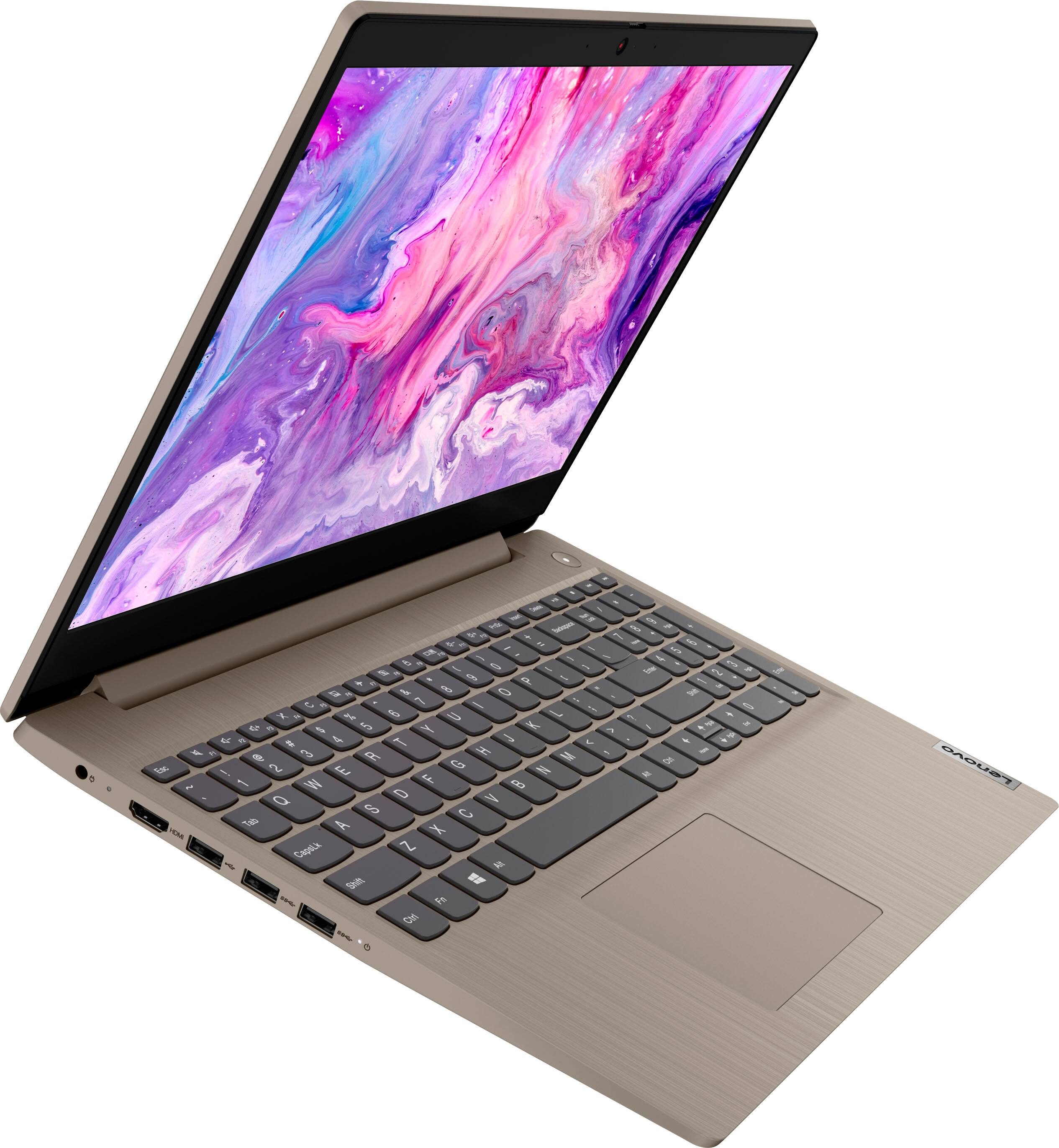
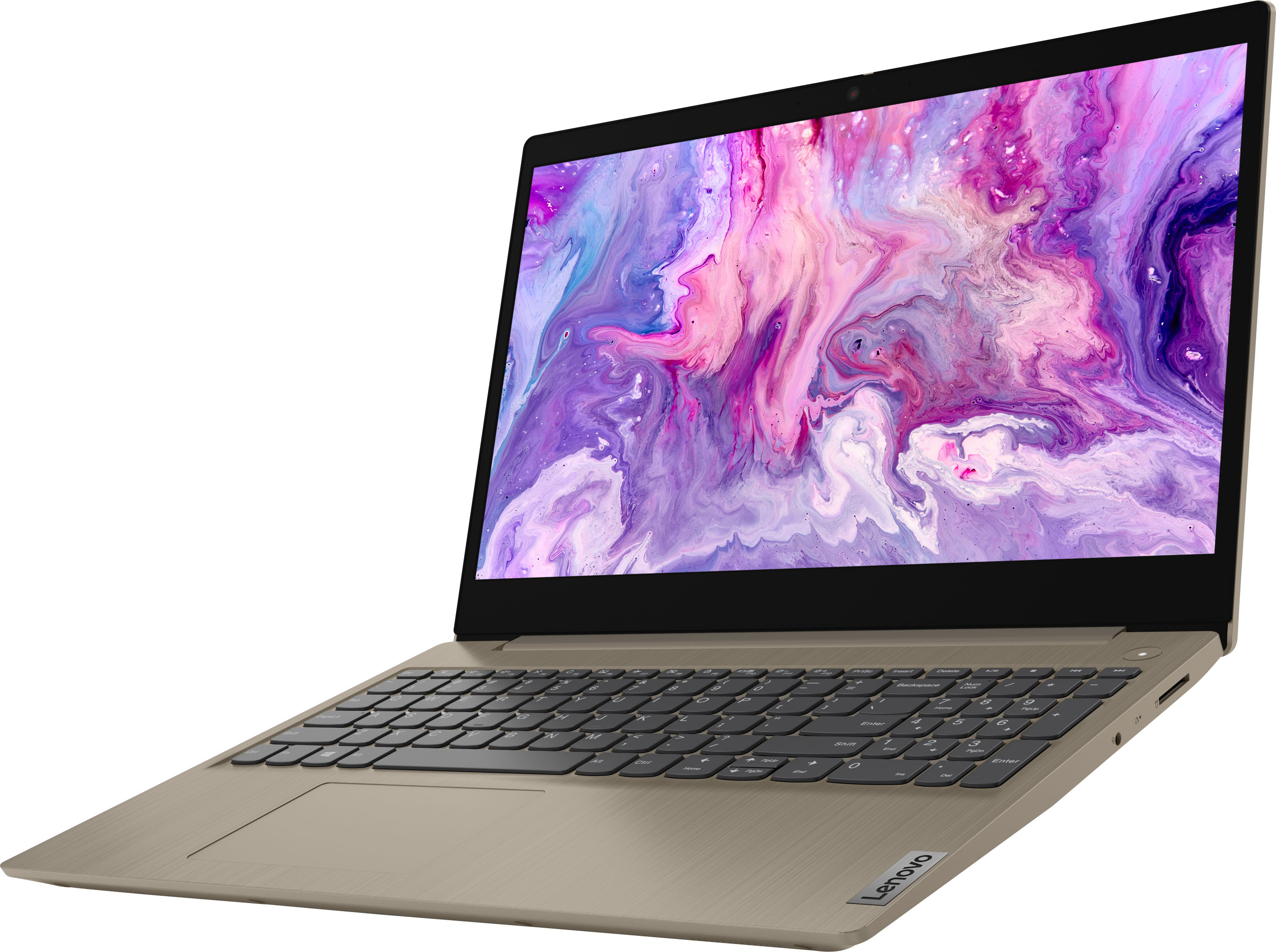
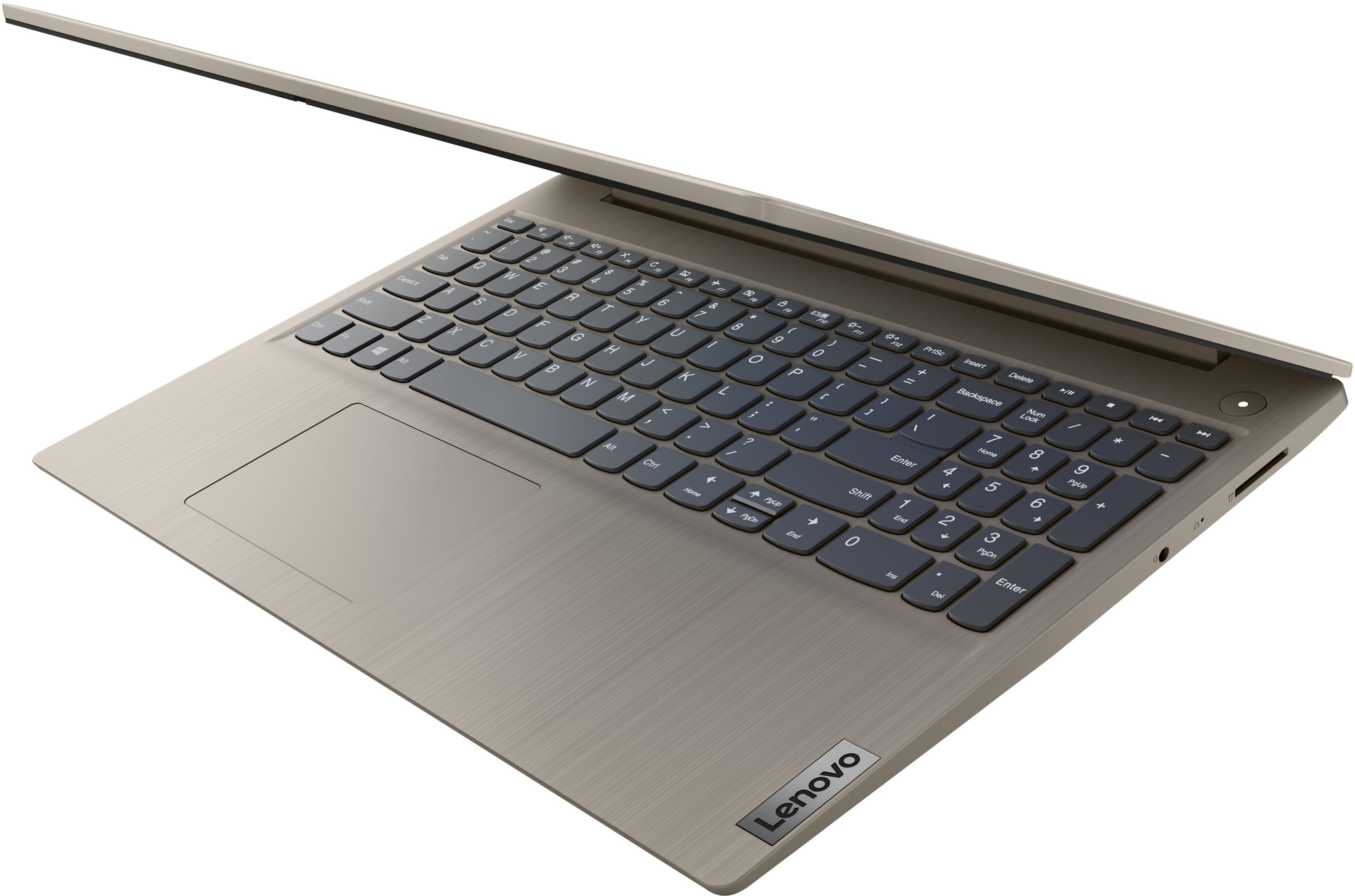
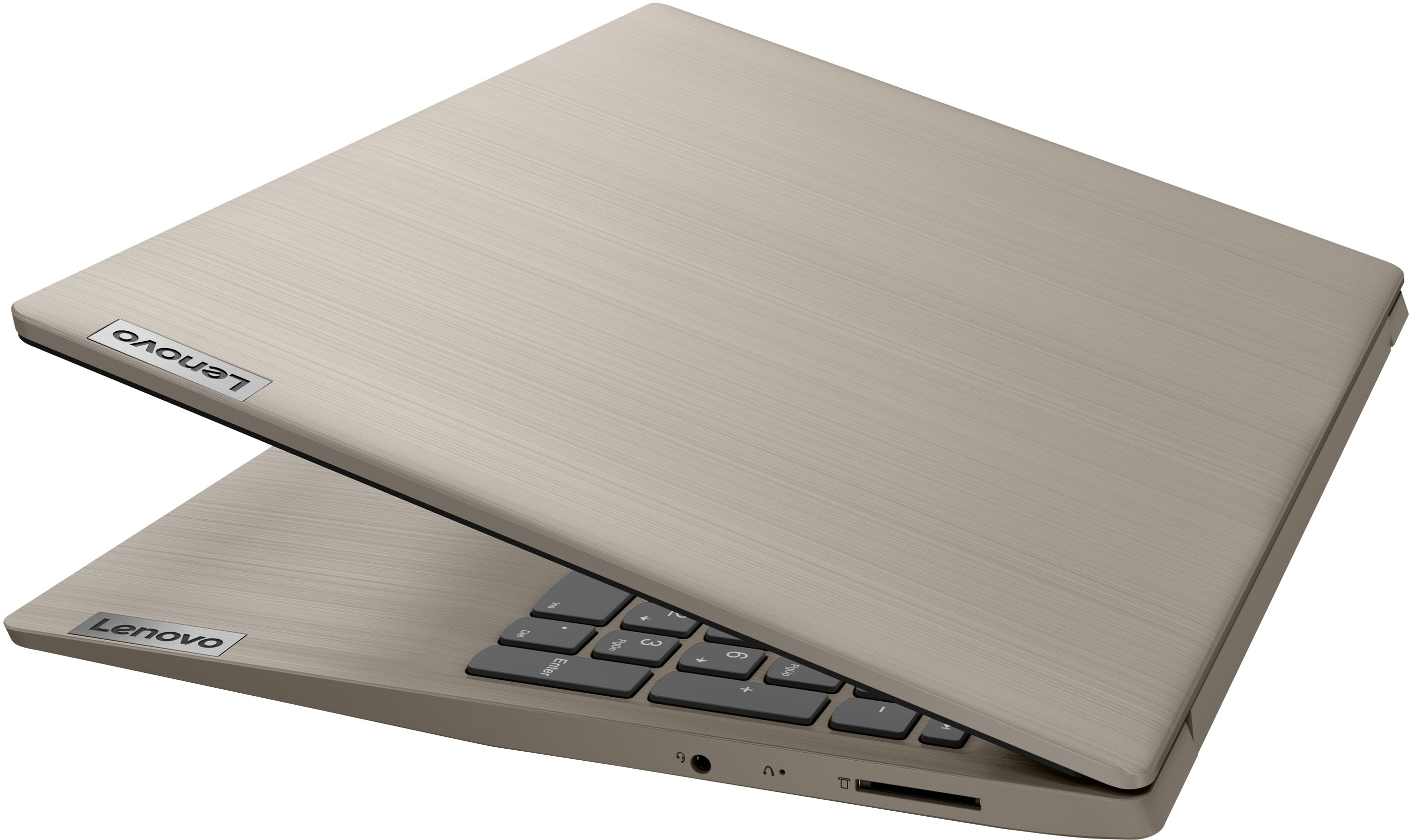
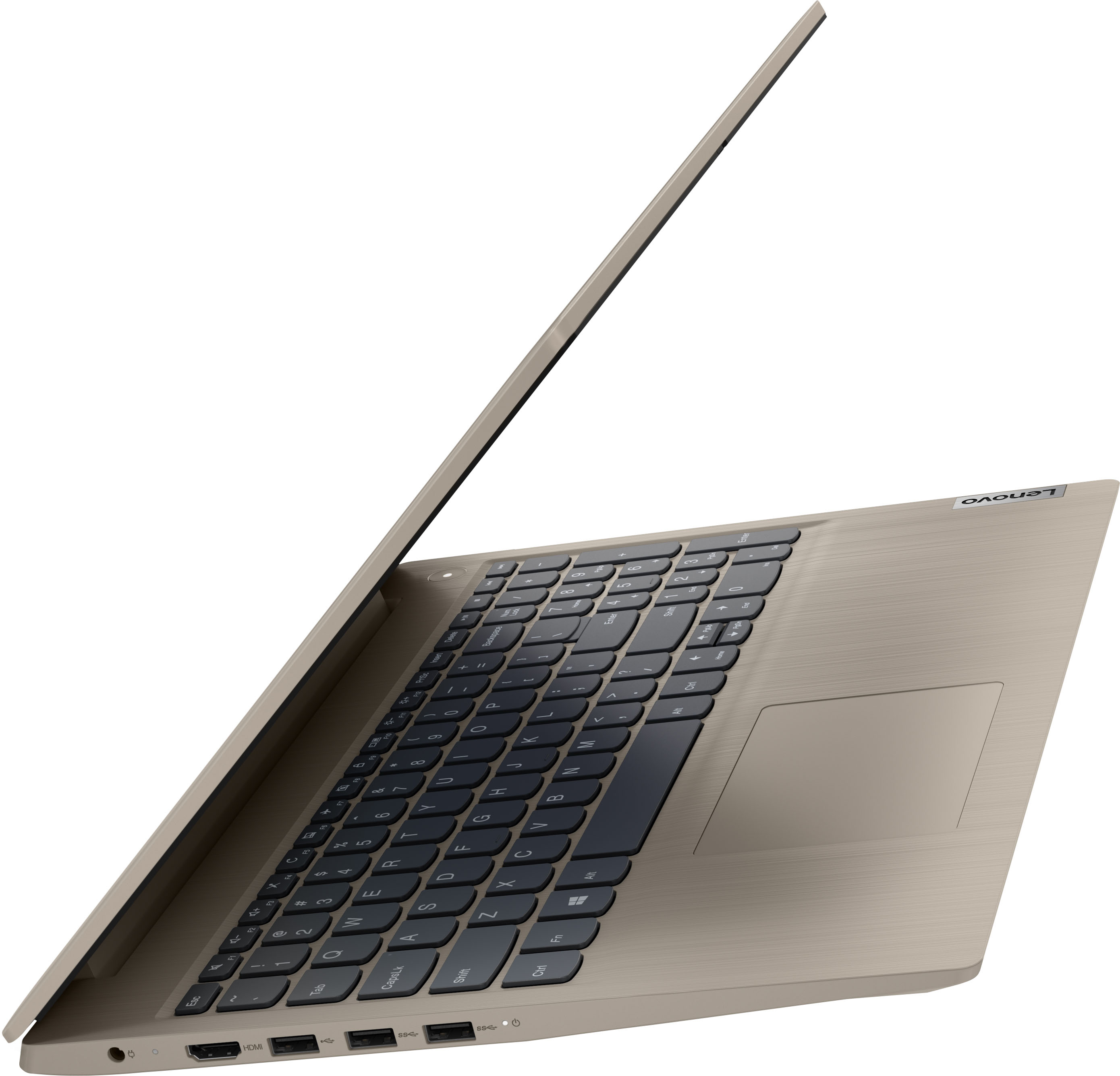
    • Answer No. This Lenovo IdeaPad 3 15 Laptop, model number 81X800KLUS, is a traditional laptop configuration. The screen will open to a maximum of approximately 110-degrees only.

      Answered by Lenovo Product Expert

  • QuestionCould the memory be upgraded?

    Asked by Tonysant4417.

    • Answer This Lenovo IdeaPad 3 15 Laptop, model number 81X800KLUS, ships with 8GB DDR4-2666MHz RAM installed (4GB Soldered DDR4-2666 + 4GB SO-DIMM DDR4-2666MHz RAM). One memory soldered to systemboard, one DDR4 SO-DIMM slot, dual-channel capable. The maximum RAM that this model configuration can support is: Up to 12GB (4GB soldered + 8GB SO-DIMM) DDR4-2666MHz RAM. There is also a 256GB M.2 2242 PCIe 3.0x4 NVMe solid state hard drive installed. The maximum storage capacity that this model can support is: up to two drives, 1x 2.5 inch HDD + 1x M.2 SSD: 2.5 inch HDD up to 1TB + M.2 2242 SSD up to 512GB or M.2 2280 SSD up to 1TB. We recommend you consult with your certified technician about your upgrade options.

      Answered by Lenovo Product Expert

  • QuestionI have a Lenovo Idea Pad L340. It is very slow and takes forever to load. Will the new Lenovo be a big improvement?

    Asked by mkl.

    • Answer We are sorry to hear that you are having issues with your Lenovo IdeaPad L340 Laptop. To improve the performance of your IdeaPad L340, check to be sure any software you installed is compatible with Windows 10. Incompatible software can slow down system performance and cause slow boot up of your computer. Additionally, there is no need to install Microsoft Office software. The software is already part of the operating system, you just need to activate the software with a purchased product key. If you have installed a copy of Microsoft Office, this is conflicting with the existing copy on the system and this will slow your system down. If you have installed a 3rd party anti-virus program, be sure that Windows Defender is turned off and that the trial version of McAfee Anti-Virus software is uninstalled. There can only be one anti-virus program on the system. Here is a link to instructions for uninstalling McAfee from a Windows computer: https://service.mcafee.com/?articleId=TS101331&page=shell&shell=article-view You may need to restore your system to original factory default settings if any of the programming errors have occurred. You can do that by typing "restore" in the Cortana search window. Just click on the magnifying glass icon at the bottom left of your Windows 10 Desktop. Click on "Reset This PC" Then click on "Get Started" and follow the on screen directions to restore to factory defaults. If the problem persists, we recommend you contact Lenovo Tech Support at: 877-453-6686. Regarding a new computer purchase, we always recommend you check the requirements and compatibility of any software/games you will be installing on your new computer, before you invest in any computer. Be sure your new computer can support the software/games you will need to use and your workload.

      Answered by Lenovo Product Expert

  • QuestionDoes the laptop come with an ethernet adapter? If so how does the adapter connect to the PC? USB?

    Asked by Tiger150123.

    • Answer I had to purchase the Ethernet adapter separately

      Answered by WayneH

  • QuestionCan you operate this system without a Microsoft account? Can you access Zoom, or only Microsoft products? Can you download non-Microsoft products, such as open source word processing apps, or do you absolutely have to purchase Microsoftsoftware?

    Asked by Dill.

    • Answer It is possible to setp this Lenovo IdeaPad 3 15 laptop without a Microsoft Account. Here is a link to more information: https://www.windowscentral.com/how-set-windows-11-without-microsoft-account. This Lenovo IdeaPad 3 15 model number 81X800KLUS, ships with Windows 11 S-Mode, 64-bit Operating System installed. Windows 11 S-Mode provides added security by only allowing APPs available ( and therefore certified by Microsoft) at the Microsoft Store. If you don't need the added security or you need to install APPs not available at the Microsoft Store, you can switch to standard Windows 11 Home 64-bit Operating System, at no additional cost. If you choose to switch out of S-Mode for Windows 11 Home: Here is a link to instructions for switching from Windows 11 S-Mode to Windows 11 Home: https://support.microsoft.com/en-us/help/4456067/windows-10-switch-out-of-s-mode

      Answered by Lenovo Product Expert

  • QuestionDoes this laptop have a fan?

    Asked by Fae.

    • Answer Yes. This Lenovo IdeaPad 3 15 Laptop, model number 81X800KLUS, ships with 1x System FAN L 81WB FAN, Lenovo Part Number - 5F10S13910, installed.

      Answered by Lenovo Product Expert

  • QuestionDoes this laptop have a smart card reader? CAC Card reader?

    Asked by Liz.

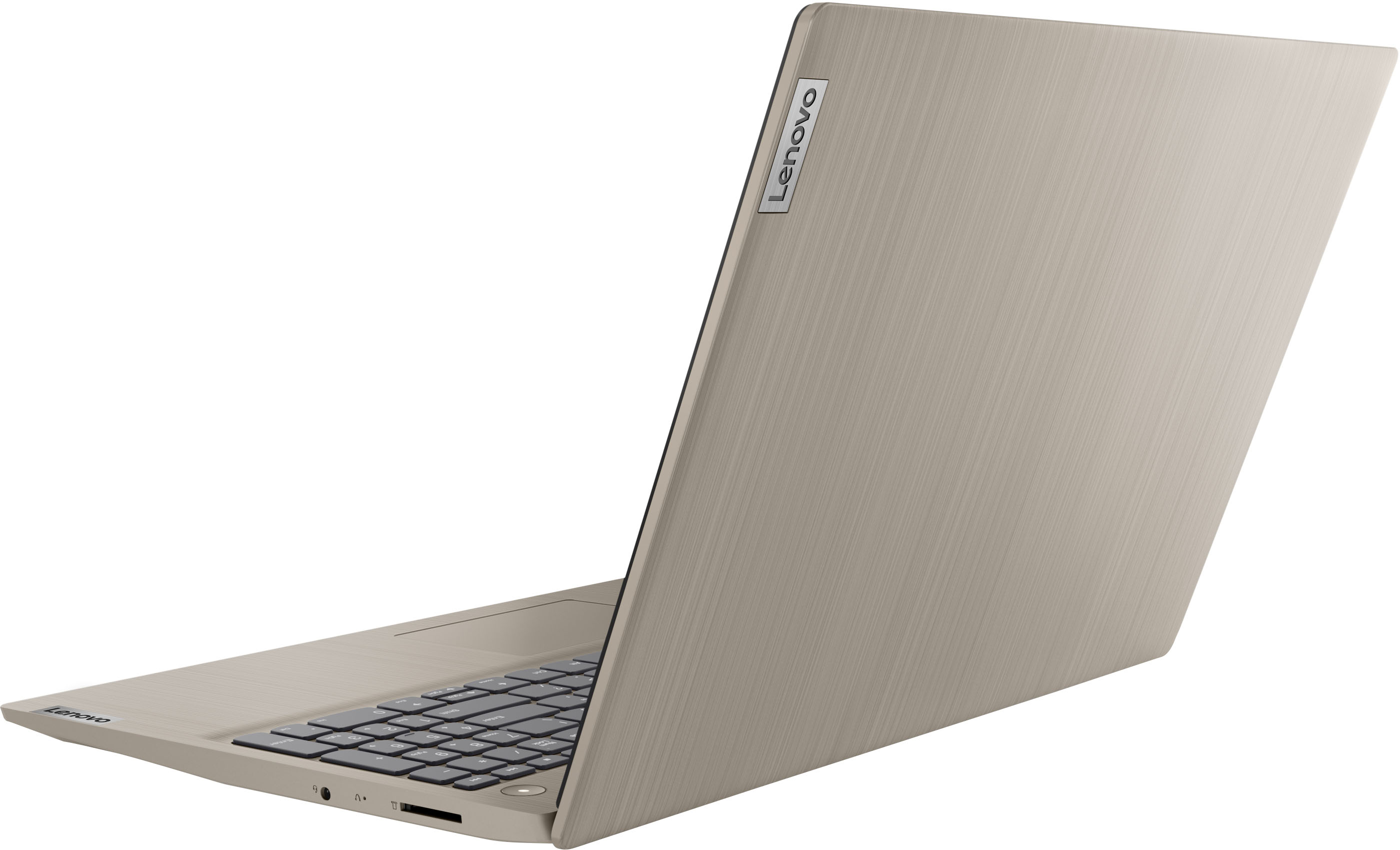
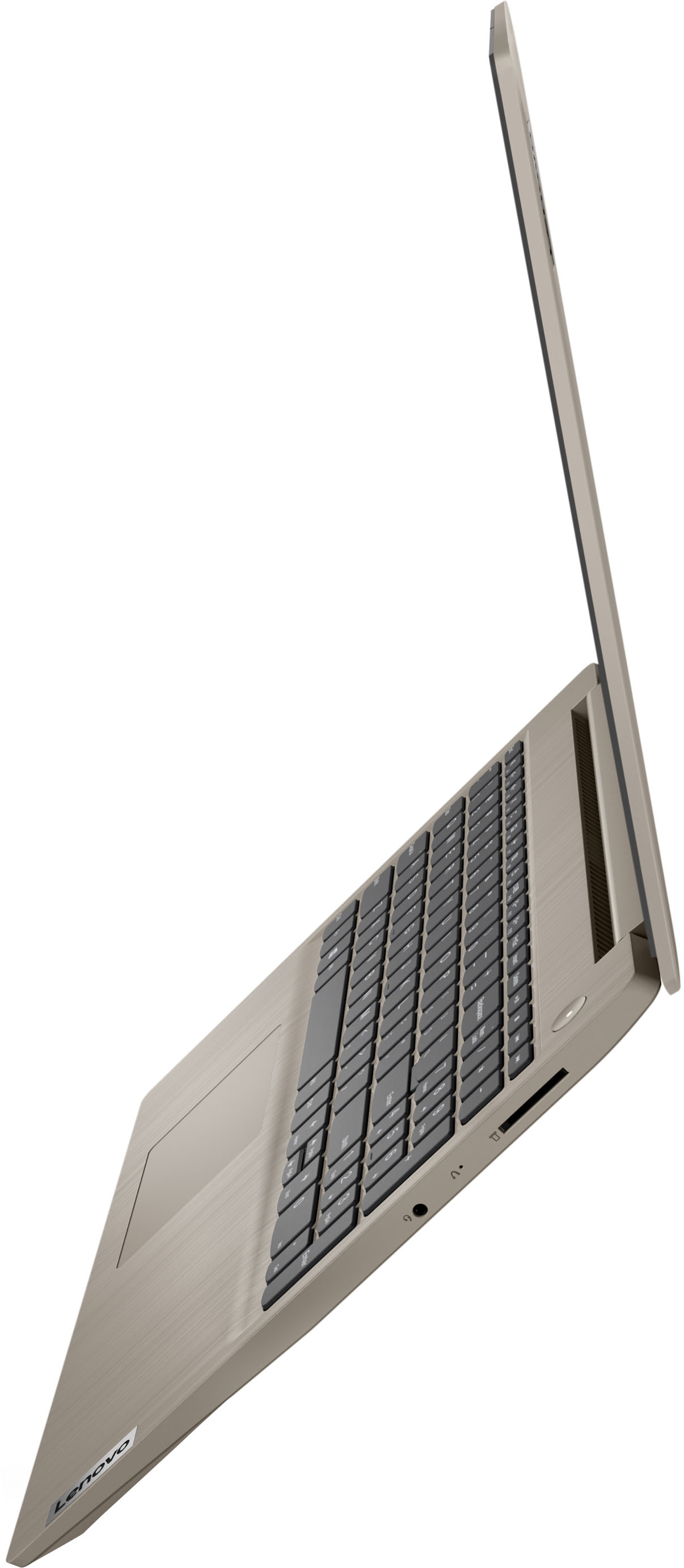
    • Answer This Lenovo IdeaPad 3 15 Laptop, model number 81X800KLUS, ships with a 4 in 1 SD Card Slot, which is compatible with SD, SDHC, SDXC, MMC format smart cards.

      Answered by Lenovo Product Expert

  • QuestionDo I need to get Windows 365 if this laptop comes with Windows 11?

    Asked by Anonymous.

    • Answer This Lenovo IdeaPad 3 15 Laptop, model number 81X800KLUS, ships with a 30-day trial of Microsoft Office 365 included as part of the Windows 11 operating system. To keep the program active after the trial period, you will need to purchase a product key. You will not need to download any additional software.

      Answered by Lenovo Product Expert

  • QuestionIf I Only Want Windows 10 Home software can I get that installed. Is it only available W/ Windows 11 + is that pre-installed?

    Asked by Mike.

    • Answer This Lenovo IdeaPad 3 15 Laptop, model number 81X800KLUS, ships with Windows 11 S-Mode, 64-bit Operating System, factory installed. You can downgrade Windows 11 to Windows 10. Here is a link to more information: https://answers.microsoft.com/en-us/windows/forum/all/downgrade-from-windows-11-to-windows-10/84a2416d-ccfb-4d87-9eee-e1056591e91f#:~:text=Open%20Settings%20app%20on%20your,Windows%2010%20screen%20should%20appear.

      Answered by Lenovo Product Expert

  • QuestionDoes the top flip all the way back and lay flat like a tablet

    Asked by ANYONE.

    • Answer It will open and lie flat but not fold over like a tablet.

      Answered by amber