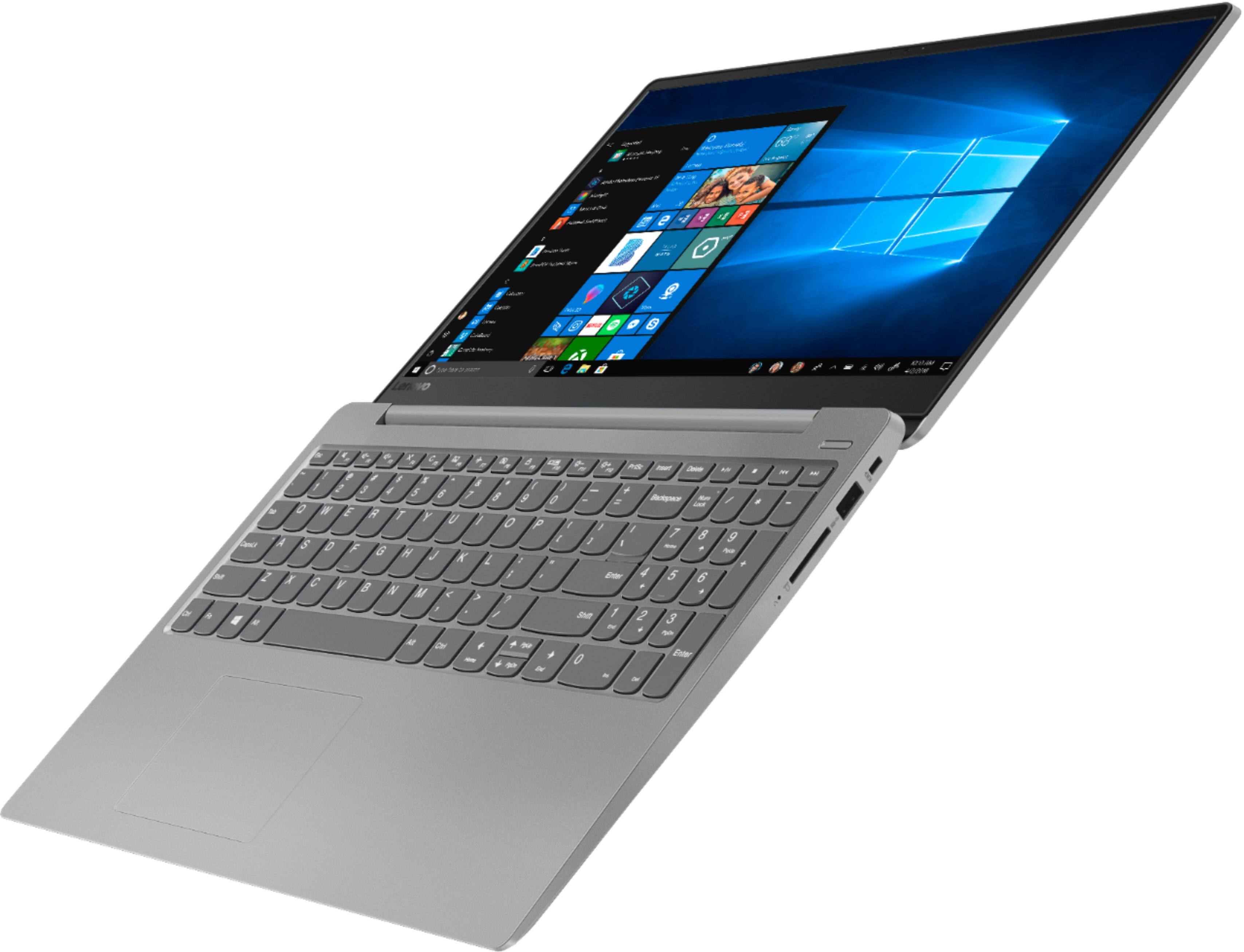
A:Answer Yes. You must purchase DDR4-2400 SODIMM laptop memeory for it work well with the built in memory.
The person who said a "CERTIFIED TECHNICIAN" must upgrade it is only saying that to either boost "THE GEEK SQUAD"'s revenue or is trying to cover their backside.
It is actually very easy to upgrade.
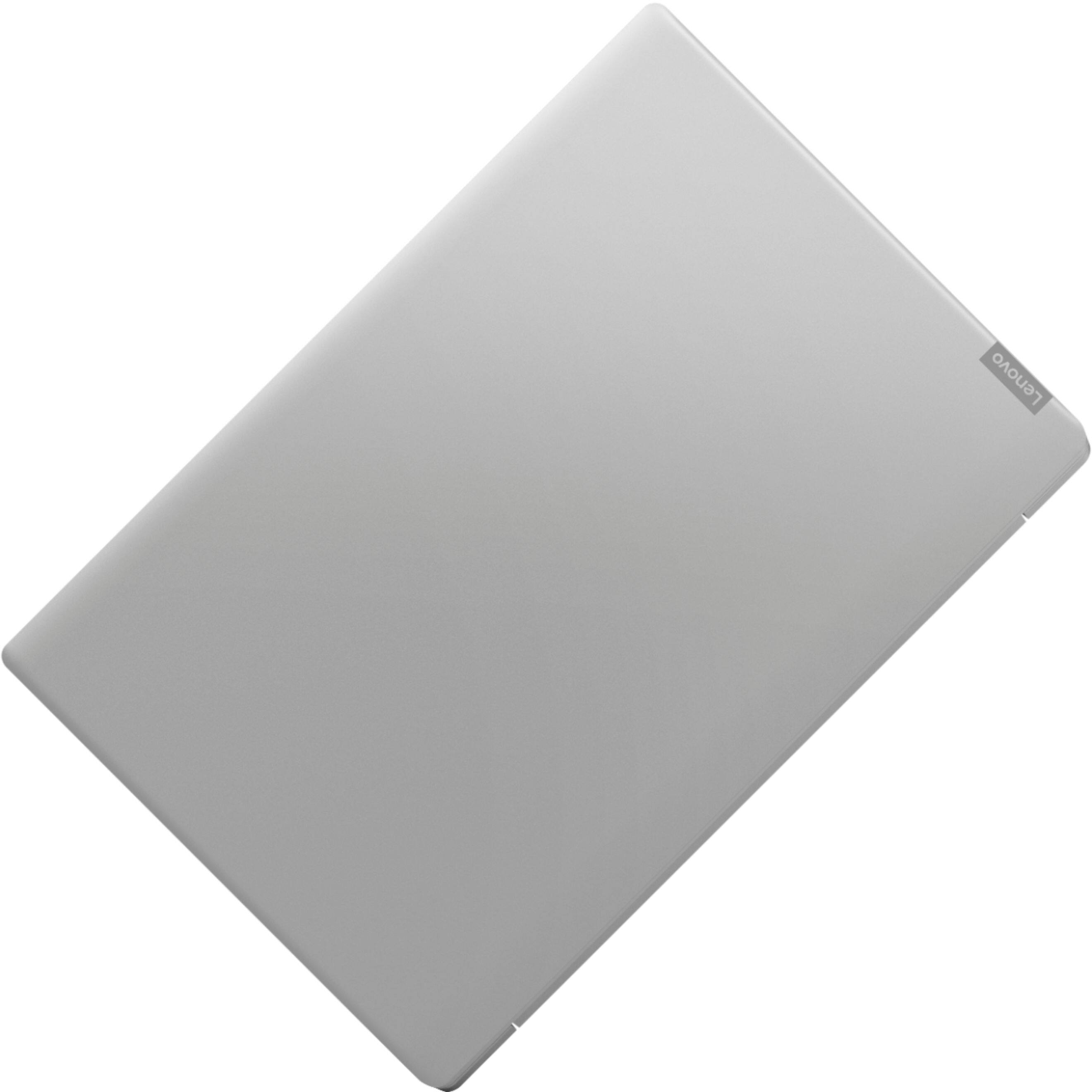
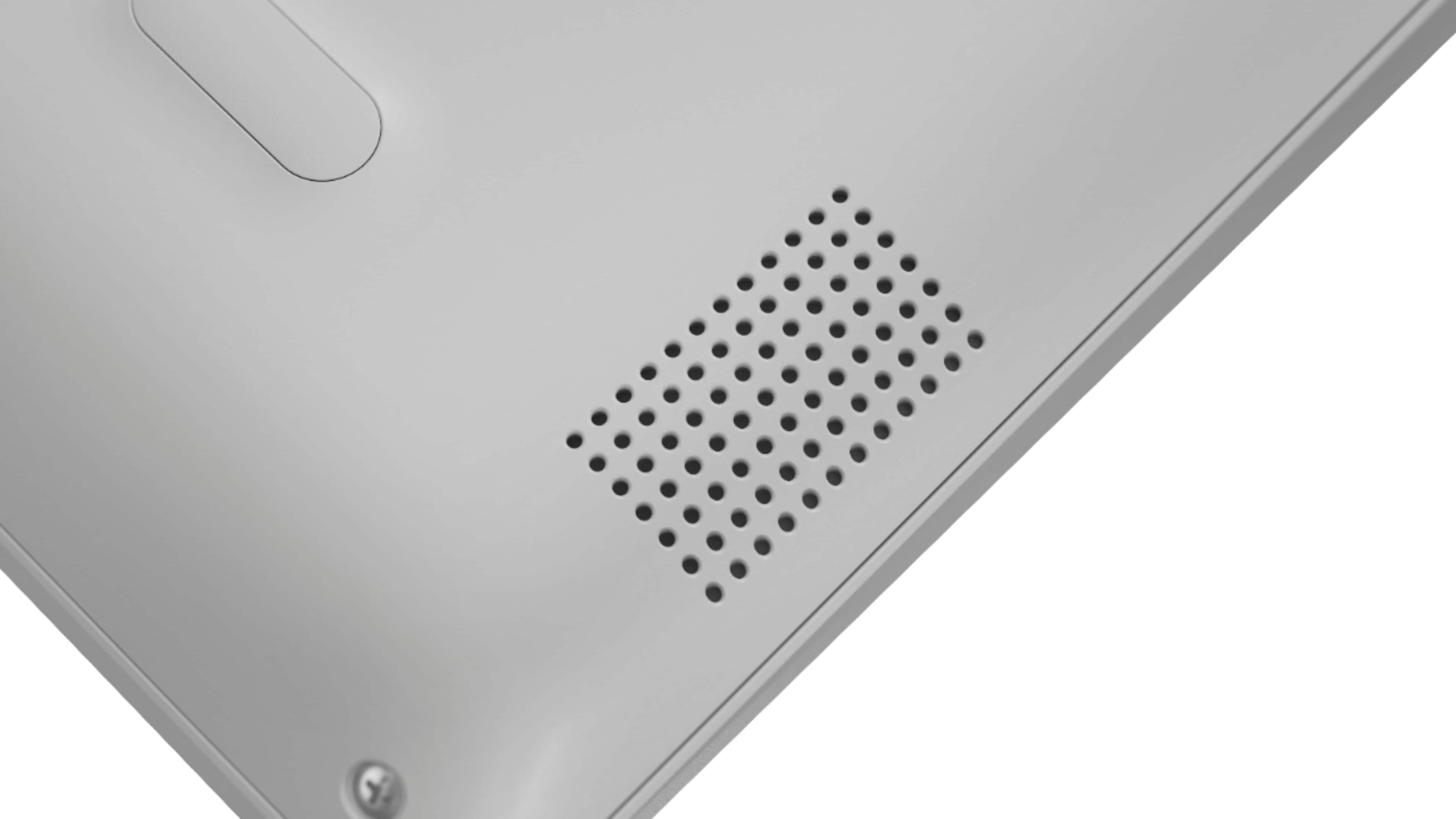
Remove the 10 screws holding the bottom on, pull at the plastic carefully up by the display hinge, and the bottom will pop off.
There is a small metal black panel by the existing hard drive. Under that panel is the M.2 slot for a new hard drive and the DDR4 slot for a single memory chip to be installed. There are 3 screw that hold that metal panel in place, along with 3 small squeeze clips. The squeeze clips do not require any tools to remove, just gently pulling straight up.
Take not of the 3 screws you are removing cause they are different than the bottom panel screws.
Once you have that panel off, just clip in your new memory chip, making sure you have the notch aligned properly, and snap it in place. Then re-assemble by following the instructions above in reverse order. Same instructions apply for installing a new M.2 drive. And this DOES take the NVMe type for even better performance.
Even though it is only an I-3 core processor, it actually does a really good job with the simple stuff, and pretty good with some of the more complex.