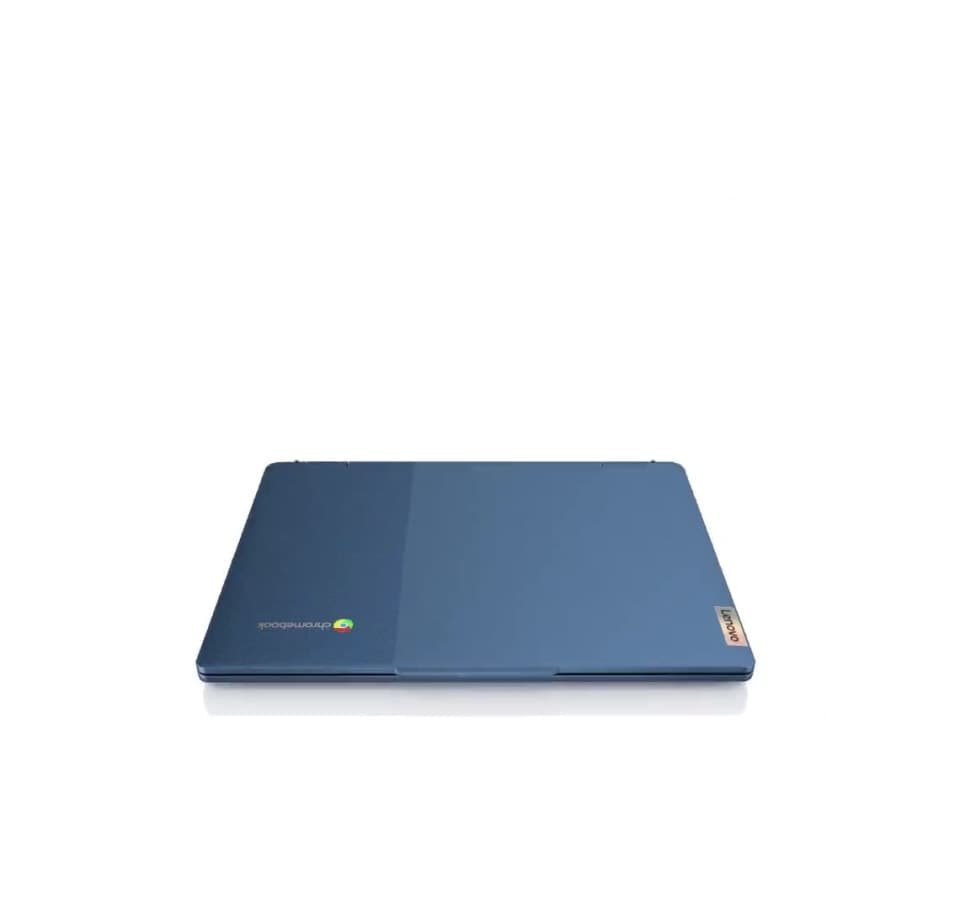
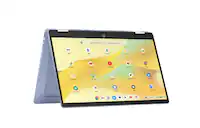
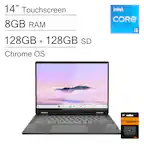
A:AnswerYes everything available on Google Store can be played. It's got a very good processor. should be able to handle it if it's not too much graphics.
A:AnswerGreetings from the Intel team. Thank you for your question.
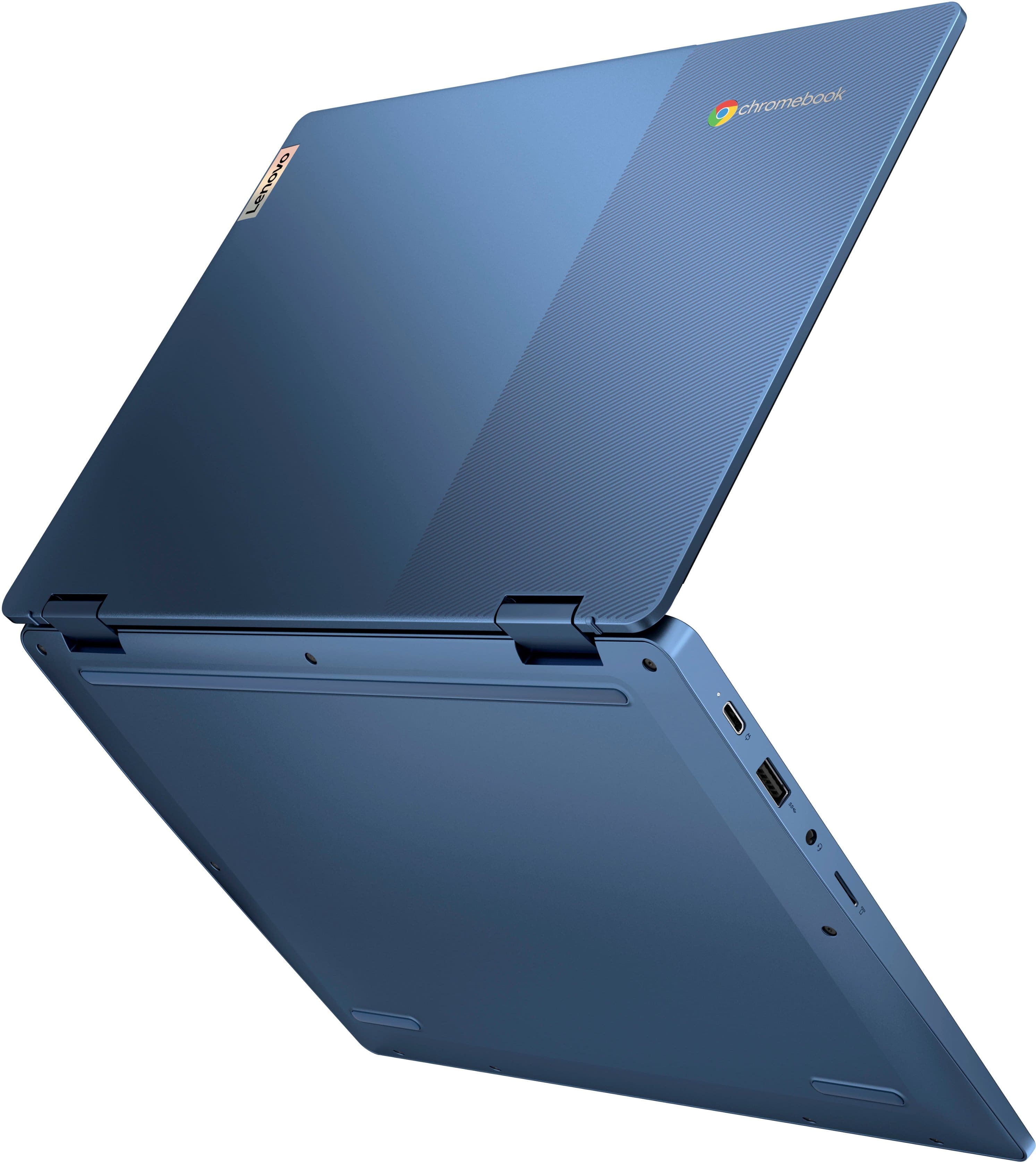
Based on the product specifications reference (PSREF), the Lenovo - Flex 3i model 82XH0001US has a weight starting at 1.25 kg (2.76 lbs). For further information, check the PSREF:
https://psref.lenovo.com/Detail/IP_Flex_3_Chrome_12IAN8?M=82XH0001US
For detailed information about the Intel® N100 processor, visit:
https://ark.intel.com/content/www/us/en/ark/products/231803/intel-processor-n100-6m-cache-up-to-3-40-ghz.html
Thank you for choosing Intel! Emilio_Intel
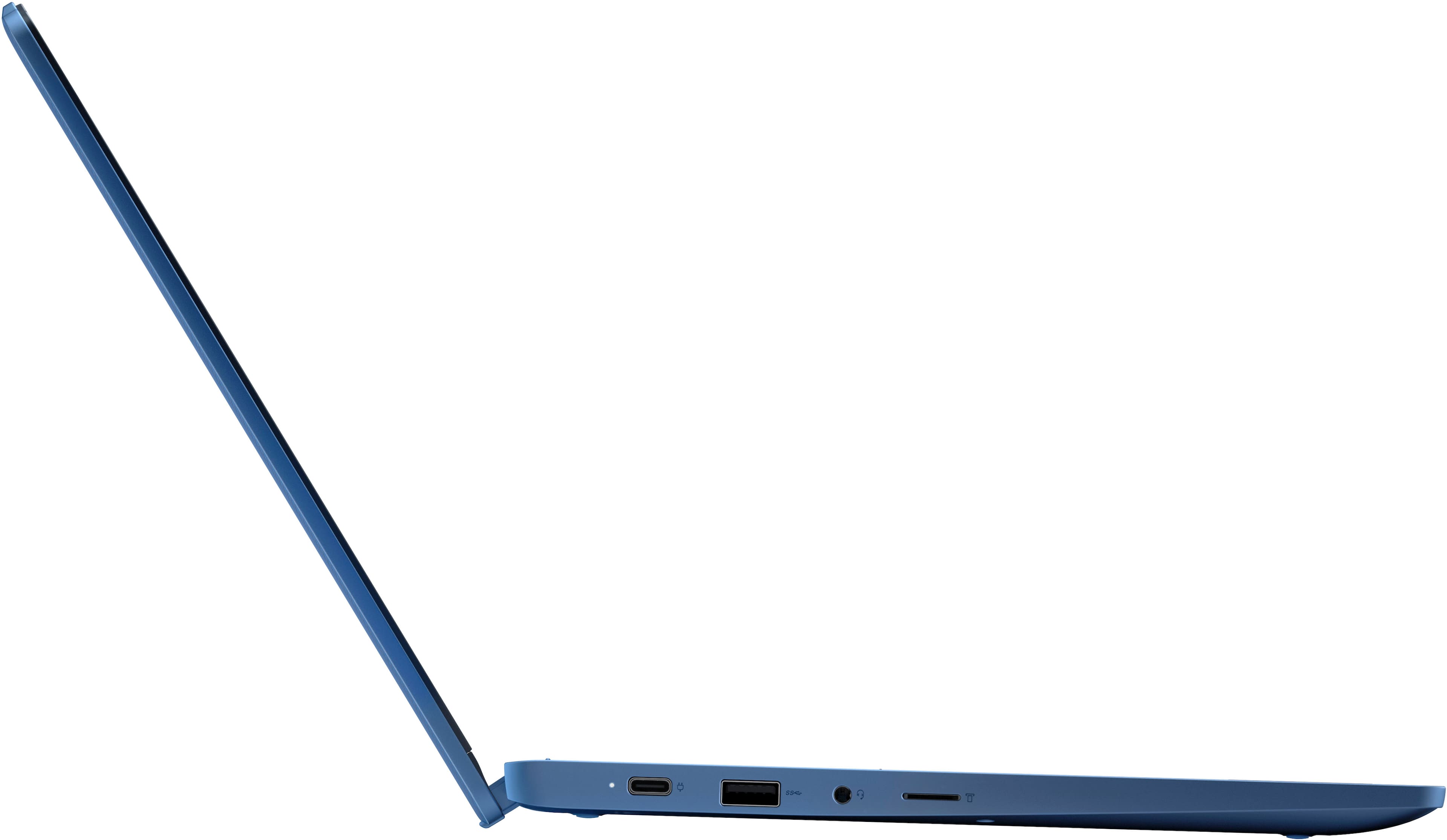
A:AnswerHello, MrMan. Thank you for your question. In short, not quite. More specifically, this Flex 3i can support three displays, including the display on the laptop itself. You can connect a maximum of two external displays, as whether the laptop display is in use or not, the maximum threshold of three displays has been met. The USB-C port does feature PD 3.0 and DP 1.4. As a disclaimer, this model was designed for use with a 45W power adapter.
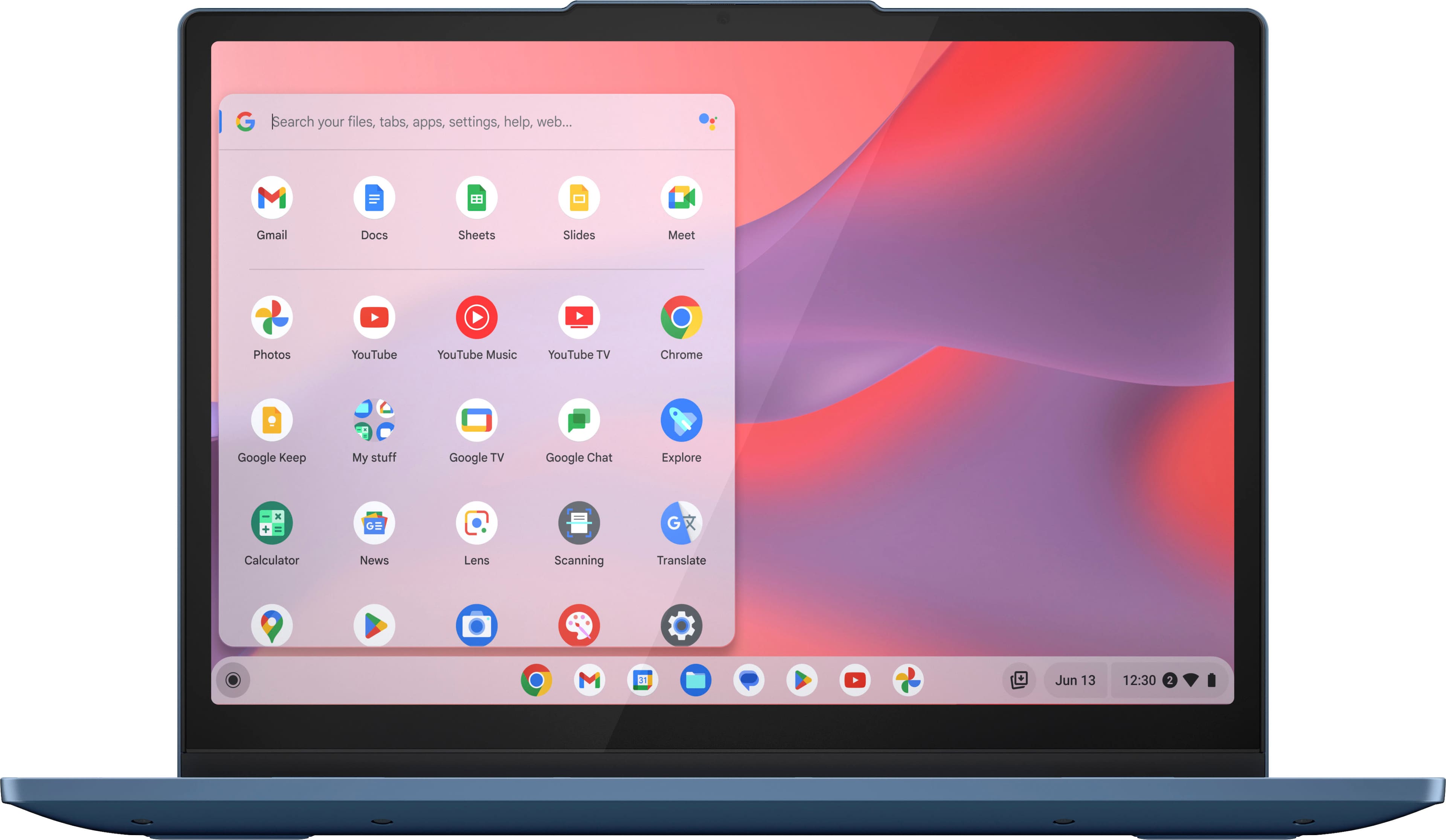
A:AnswerHey David,
This IdeaPad Flex 3i Chromebook 2-in-1 does not support cellular connectivity. You can connect a mobile Wi-Fi point for internet on the go if needed.
Please feel free to reach out to us with any other questions!
A:AnswerHey SRM,
Yes, you can use a wireless mouse and keyboard with this Flex 3i Chromebook.
Please feel free to reach out to us with any other questions!
A:AnswerHey ChromebookCindi,
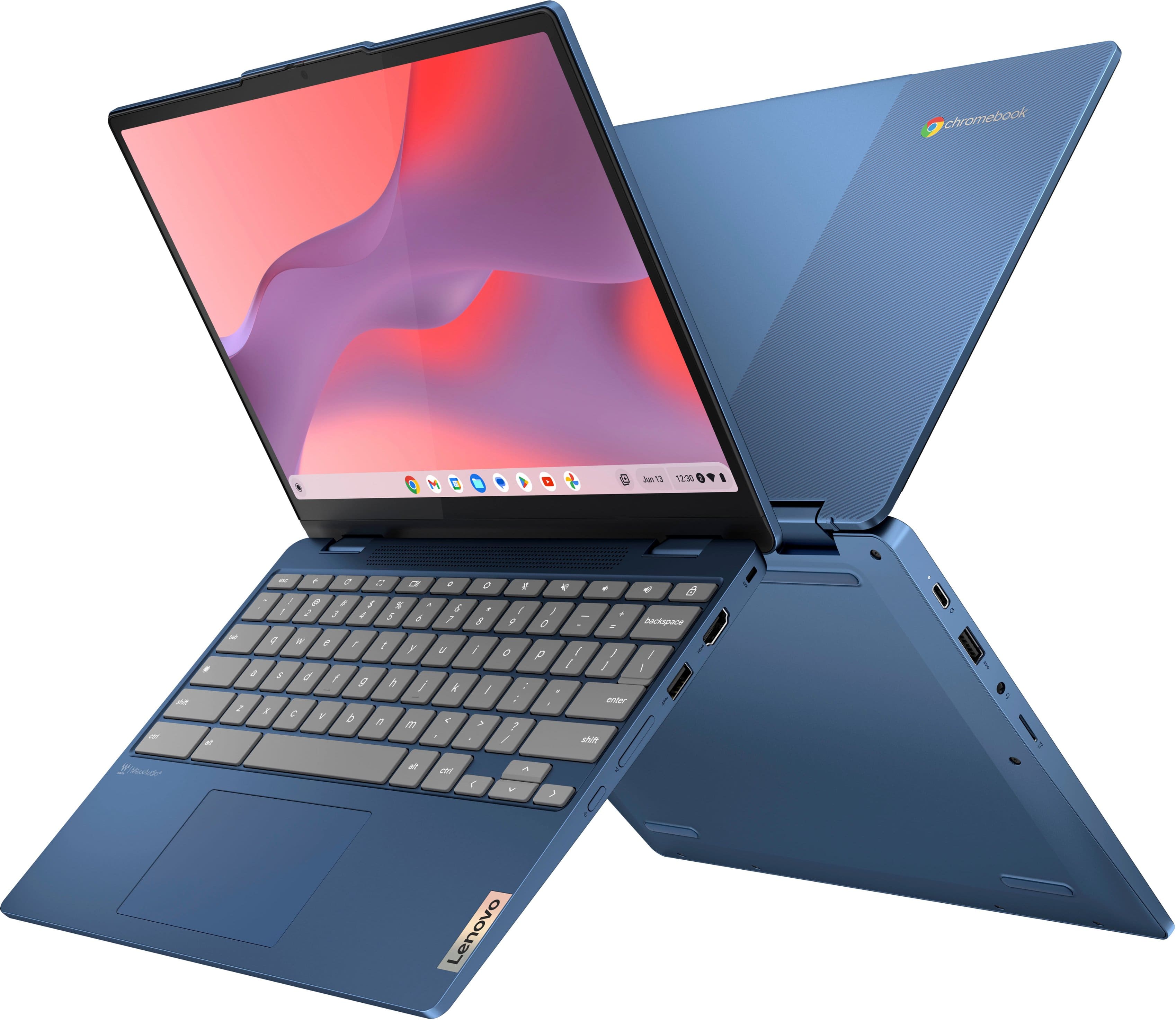
This IdeaPad Flex 3i Chromebook 2-in-1 features a fanless design.
Please feel free to reach out to us with any other questions!
A:AnswerHey princess,
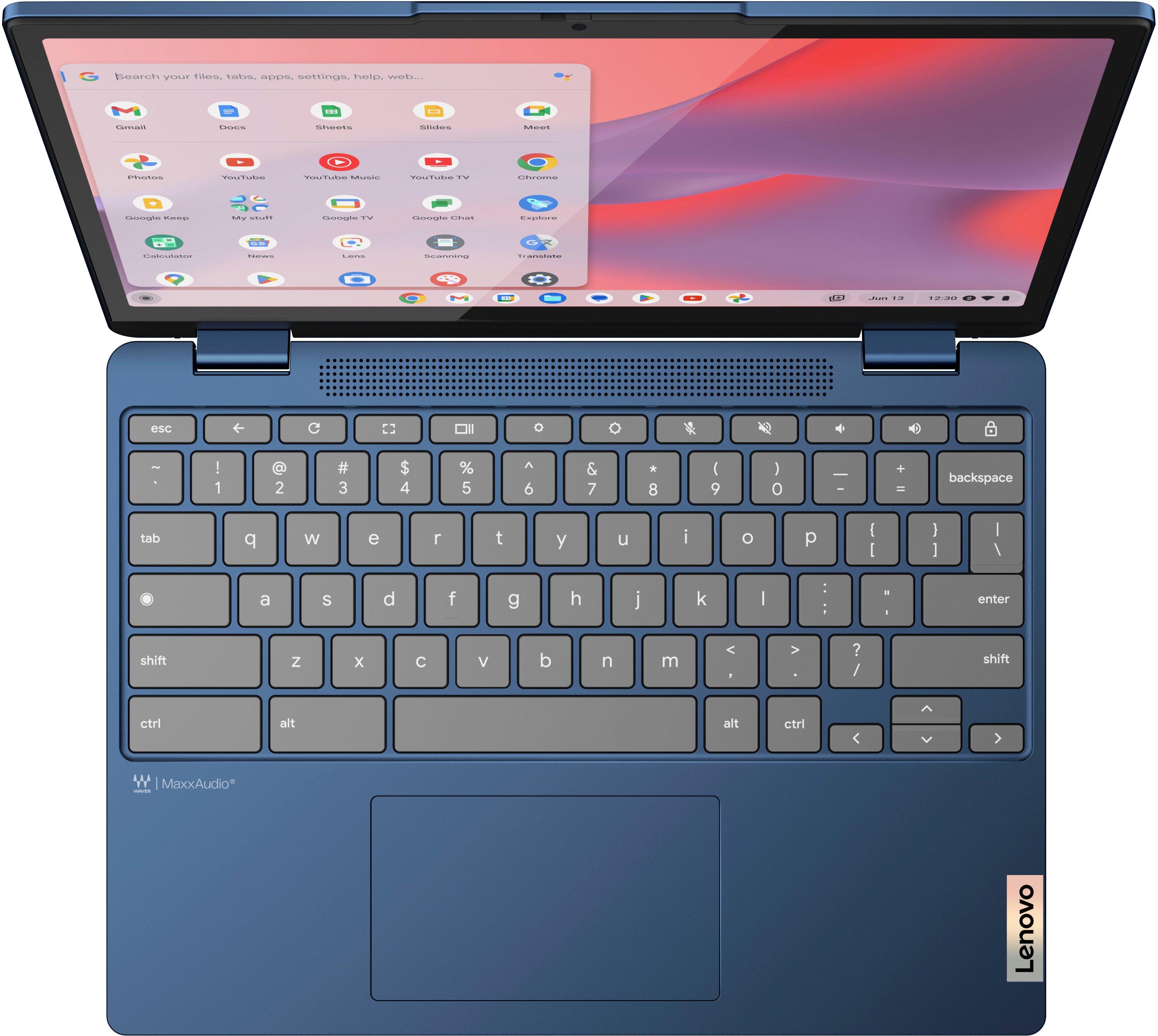
This IdeaPad Flex 3i Chromebook 2-in-1 does not feature a backlit keyboard.
Please feel free to reach out to us with any other questions!
A:AnswerI have not really had any problems with any style pen.But I would not recommend one that has a sharp tip because I have seen some that I have gotten scratches because of it.
A:AnswerHi Doggy937,
This model of IdeaPad Flex 3i Chromebook 2-in-1 is part of the 8th generation of the product line.
Please feel free to reach out to us with any other questions!
A:AnswerHey there,
Yes, you can use a wireless mouse (Bluetooth or USB receiver) with this Flex 3i Chromebook 2-in-1.
Please feel free to reach out to us with any other questions!
A:AnswerHi coop,
You can view a digital version of this Flex 3i Chromebook's user guide at this link: https://download.lenovo.com/pccbbs/pubs/flex3_chrome_12ian8/html_en/index.html#t=EN%2Fcover.html
Please feel free to reach out to us with any other questions!
A:AnswerHey Bob,
Thank you for reaching out to us. We are sorry to hear that you're having trouble with your Flex 3i Chromebook, and we'd like to work with you to try to resolve this issue.
To start, please follow the steps from an online Google Support guide for when "Sound doesn't work":
1. Make sure sound isn't muted:
a. At the bottom right, select the time.
b. Adjust the volume using the slider.
2. Change the sound input or output:
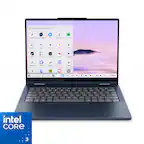
a. At the bottom right, select the time.
b. Next to the volume slider, select the Right arrow .
c. Change where sound comes from (output) or where you speak into (input).
3. Unplug audio devices (like headphones or speakers) from your Chromebook.
If these steps do not work, please follow the link to the referenced Google Support webpage: https://support.google.com/chromebook/answer/6309225?sjid=9872489333424931136-NA#zippy=%2Csound-doesnt-work, to follow the links for steps 4 and 5 to continue troubleshooting the issue.
Please update us when you can regarding this and feel free to reach out to us should you need further assistance.
Best regards,
Lenovo
A:AnswerHi marie,
We apologize for any confusion around this. To clarify, the IdeaPad Flex 3i Chromebook has an End of Support date of March 28th, 2029, and will receive automatic updates until June 2031. We stand by our products and wish for you to have a smooth experience now and into future.
Please feel free to reach out to us with any questions, comments, or concerns.
A:AnswerHey Bob,
Yes, you can download, save, and view movies locally depending on the video format.
Please let us know if you may have any other questions!