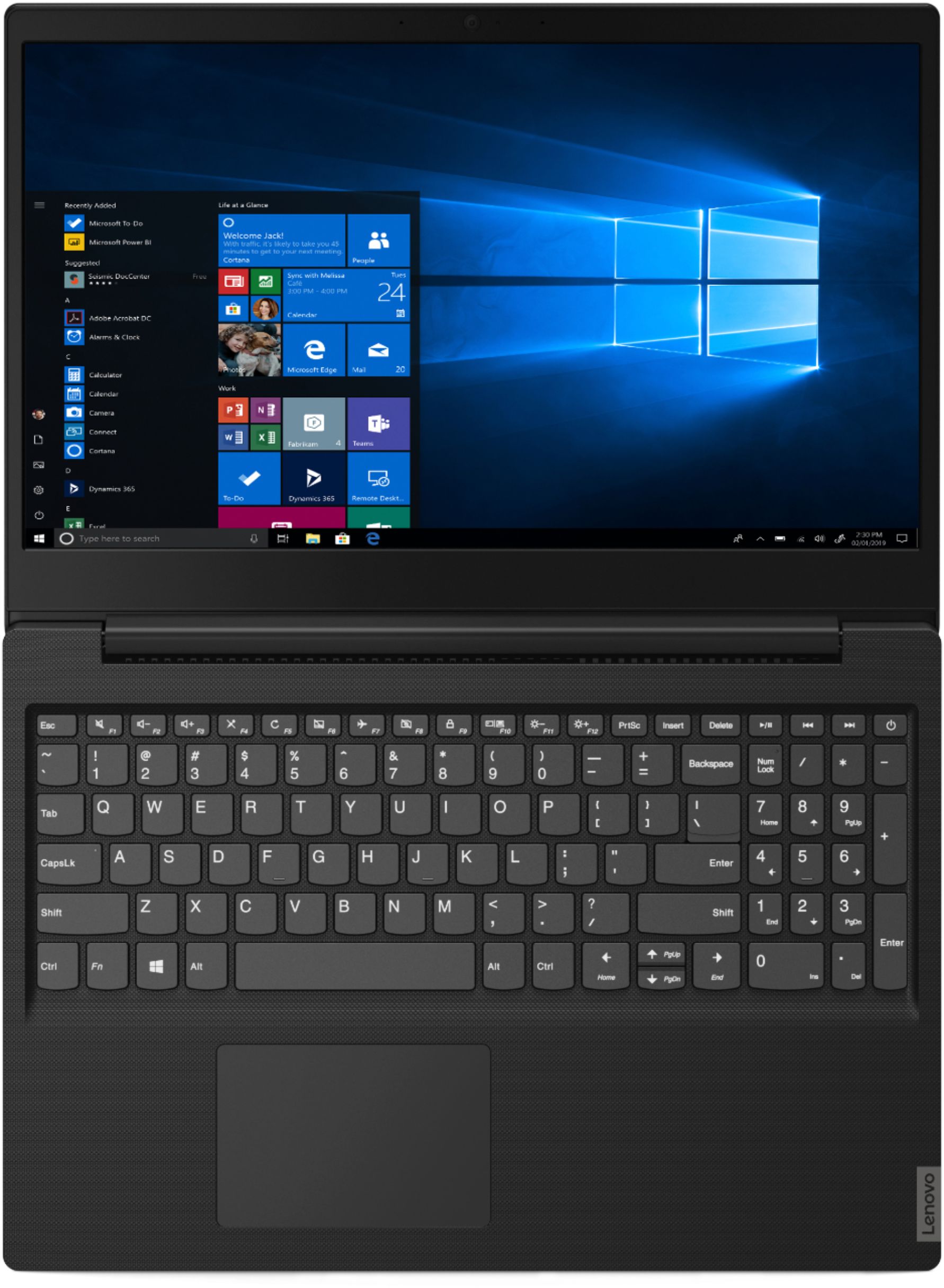
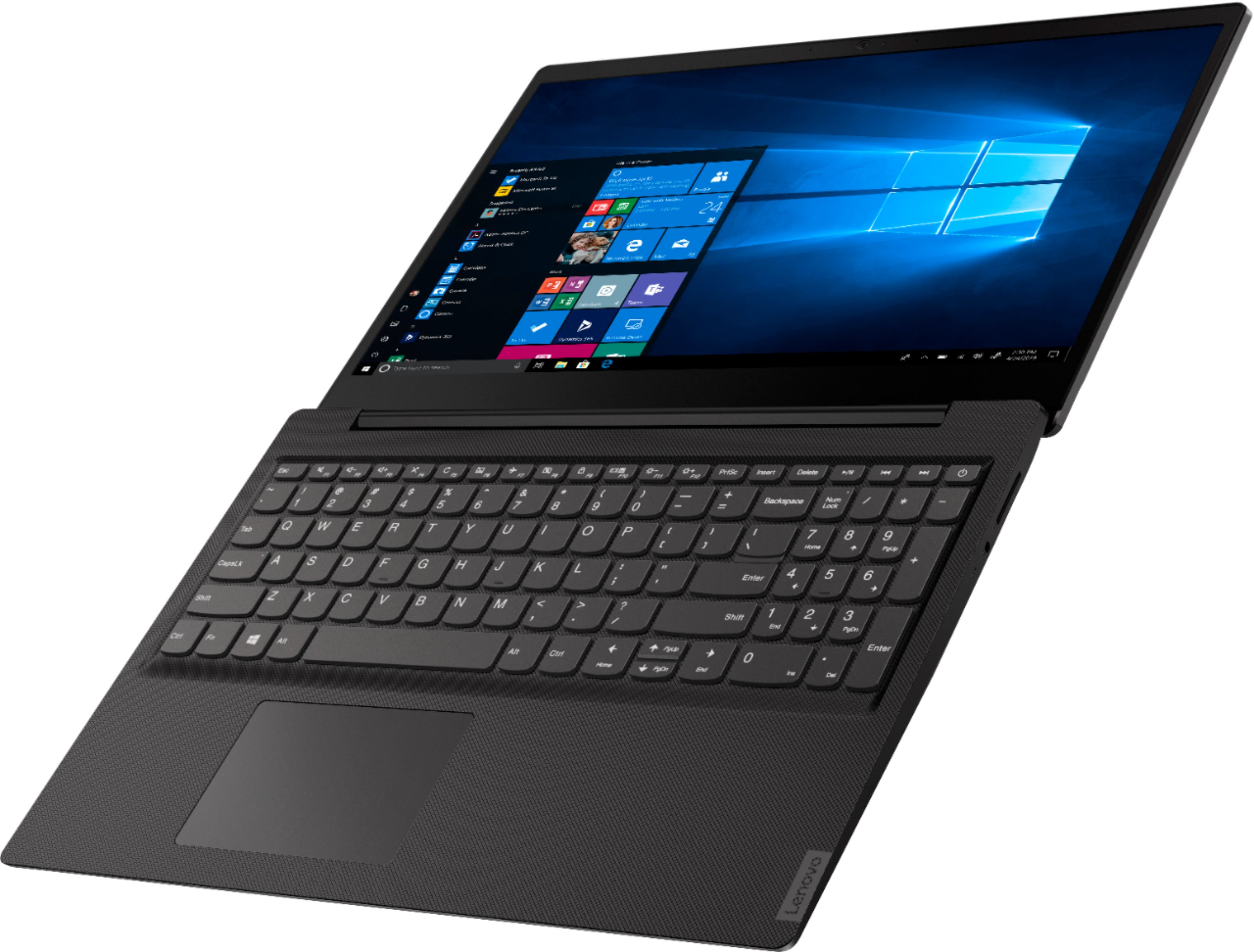
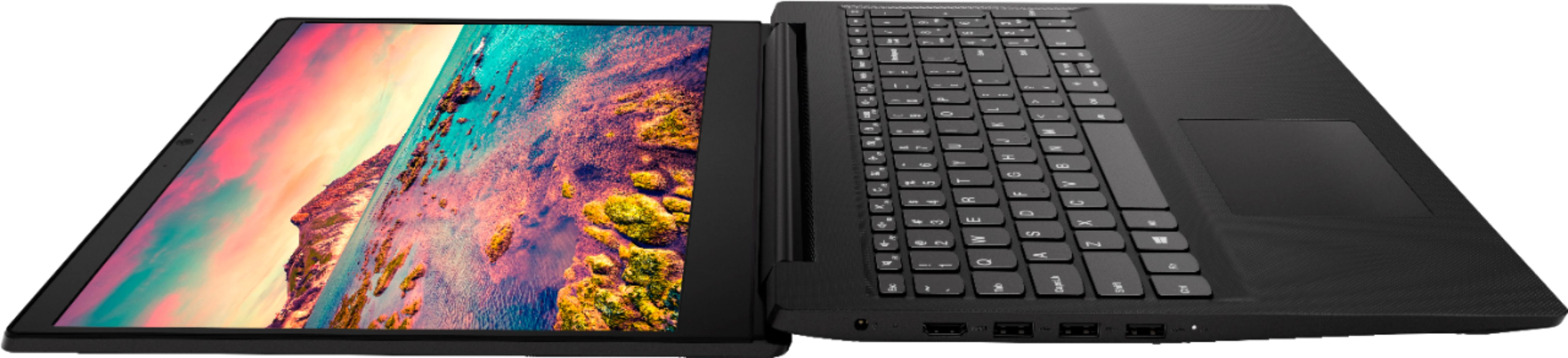
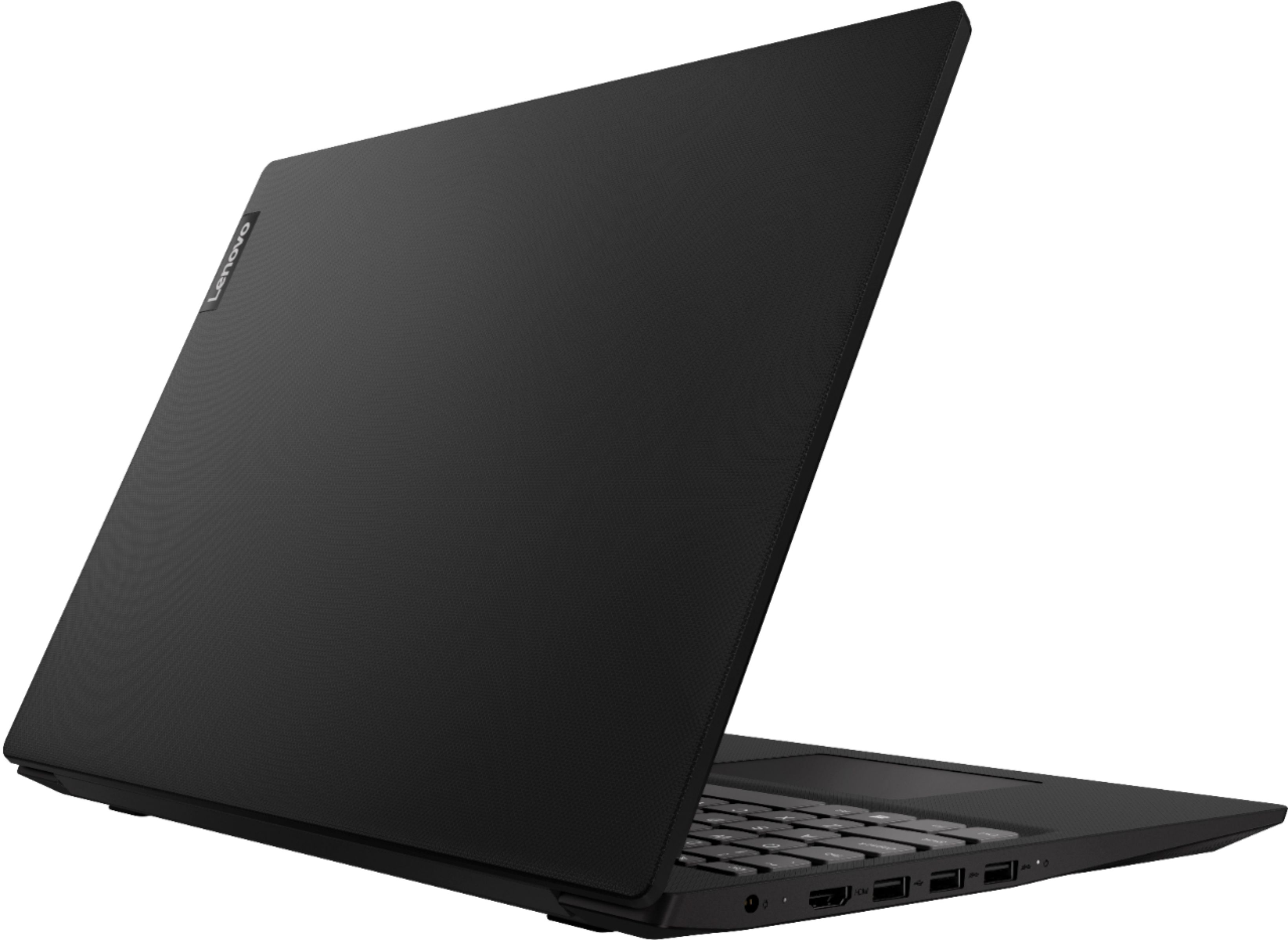
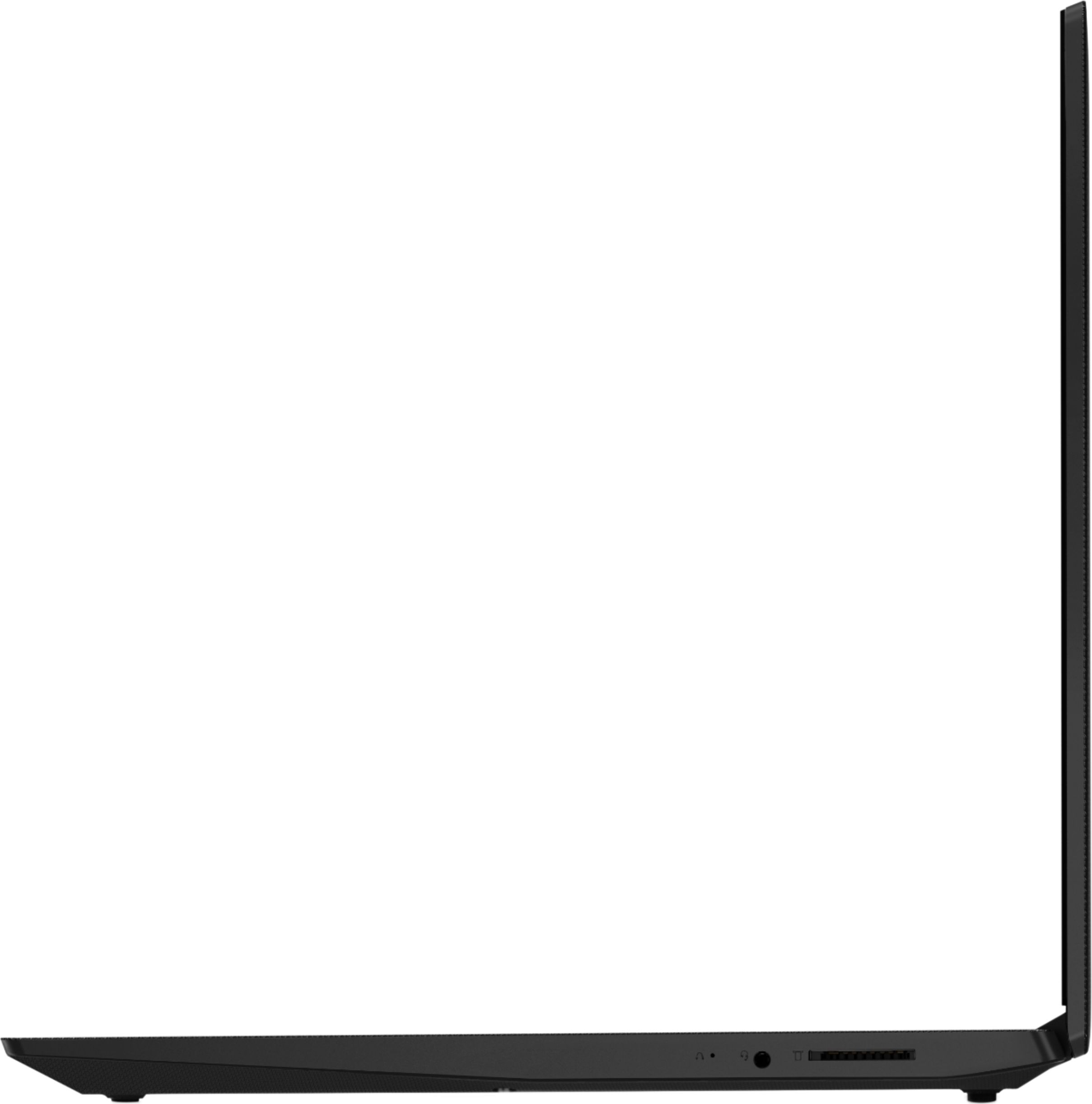
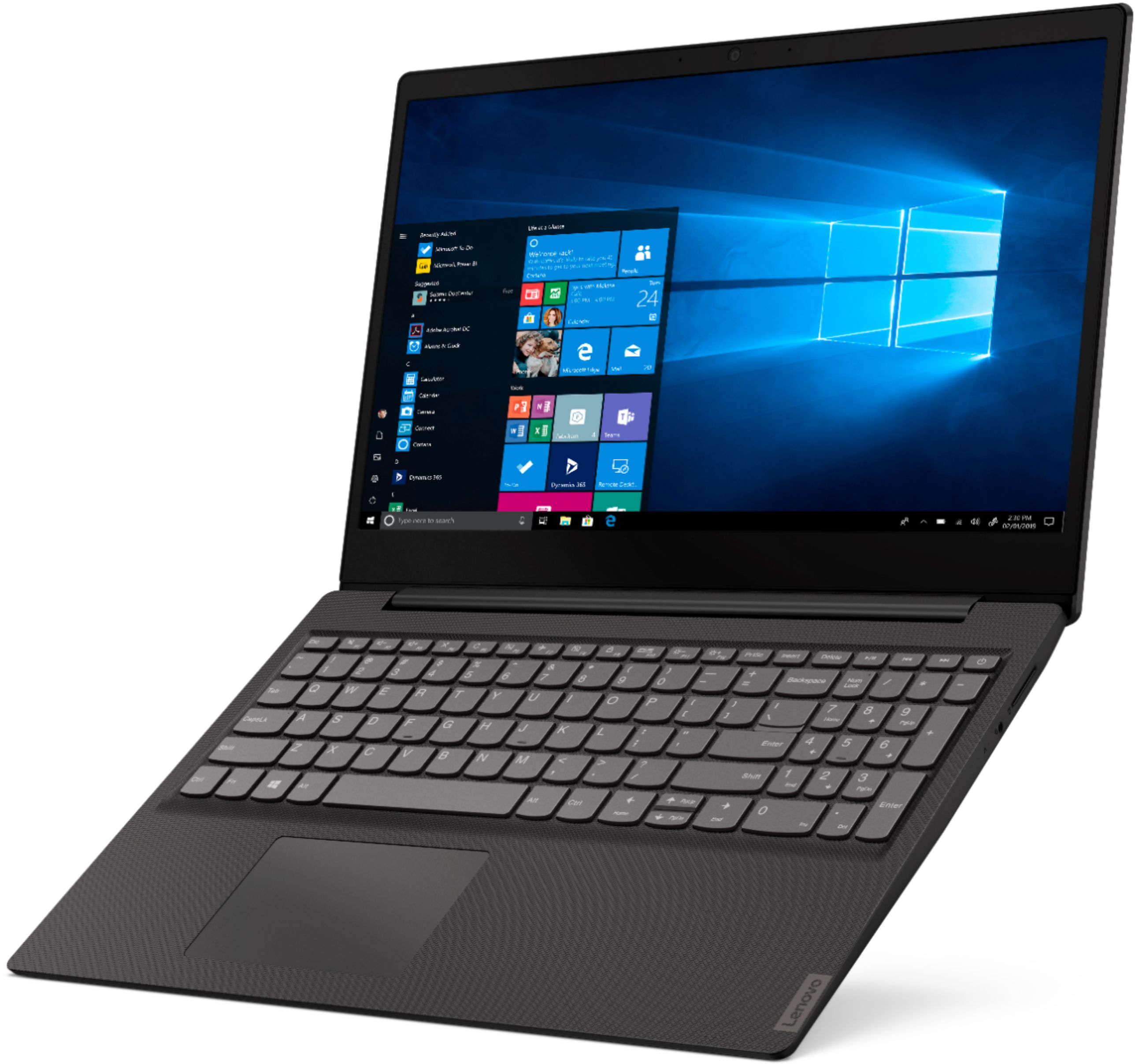
A:AnswerThe Lenovo IdeaPad S145-15 laptop, model number 81MV0001US, ships with Windows 10 S-Mode 64-bit Operating System. Windows 10 S-Mode provides added security by only allowing APPs available ( and therefore certified by Microsoft) at the Microsoft Store. If you don't need the added security or you need to install APPs not available at the Microsoft Store, you can switch to standard Windows 10 Home 64-bit Operating System, at no additional cost.
A:AnswerYou can use any printer, either USB-wired or wireless, that is compatible with the Windows 10 S-Mode Operating System. Windows 10 S-Mode provides added security by only allowing APPs available ( and therefore certified by Microsoft) at the Microsoft Store. If you don't need the added security or you need to install APPs not available at the Microsoft Store, you can switch to standard Windows 10 Home 64-bit Operating System, at no additional cost. We recommend you consult with the manufacturer of the printer you are interested in for the compatibility of that printer. Once you select a compatible printer, just follow the printer manufacturer's pairing instructions for a new Windows 10 computer.
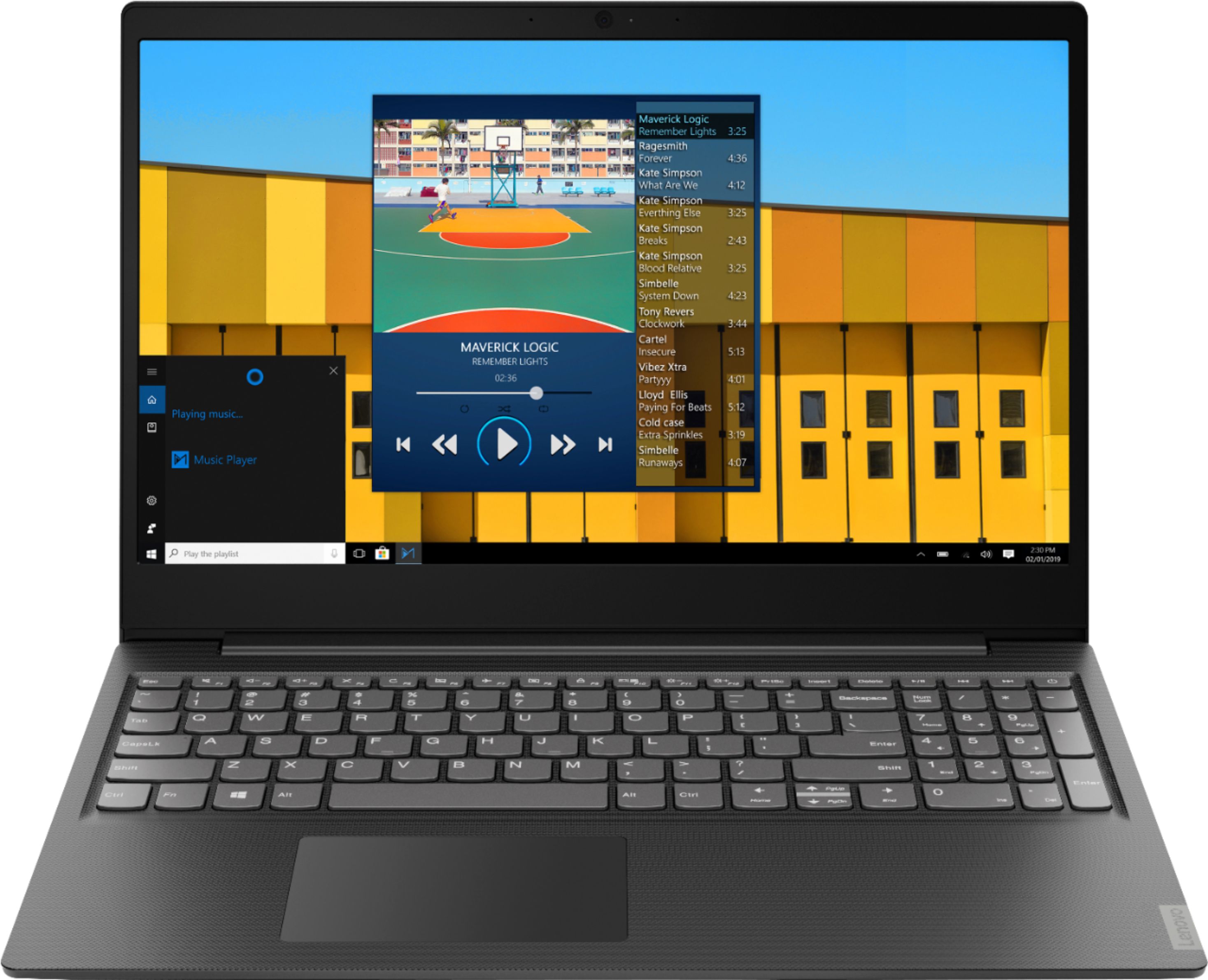
A:AnswerFor business, I think she need to buy a laptop that have larger memory. Or she can have this laptop with upgrade the memory to at least 8 GB and upgrade the hard disk to 240 GB SSD may be better.
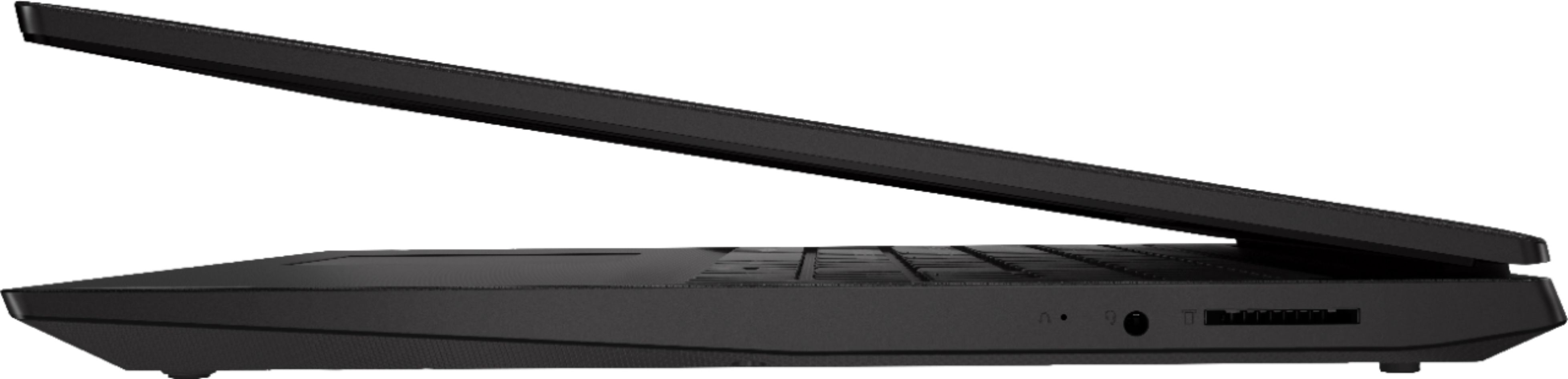
A:AnswerThe Lenovo IdeaPad S145-15 laptop, model number 81N3009BUS, does not have a ethernet port built in, but you can attach this computer to an ethernet cable by using a USB to ethernet adapter. The maximum resolution that the integrated Intel UHD Graphics 610 version can support is 4096x2304@24Hz through the HDMI-Out 1.4 port on this model.
A:AnswerWindows 10 S-Mode 64-Bit Operating System, additionally, there are just two adware programs, a 30-day trial of Microsoft Office 365 (as part of Windows 10 operating system) and a 30-day trial of McAfee virus protection. Lenovo computers ship with one of the cleanest factory software installs within the consumer computer industry.
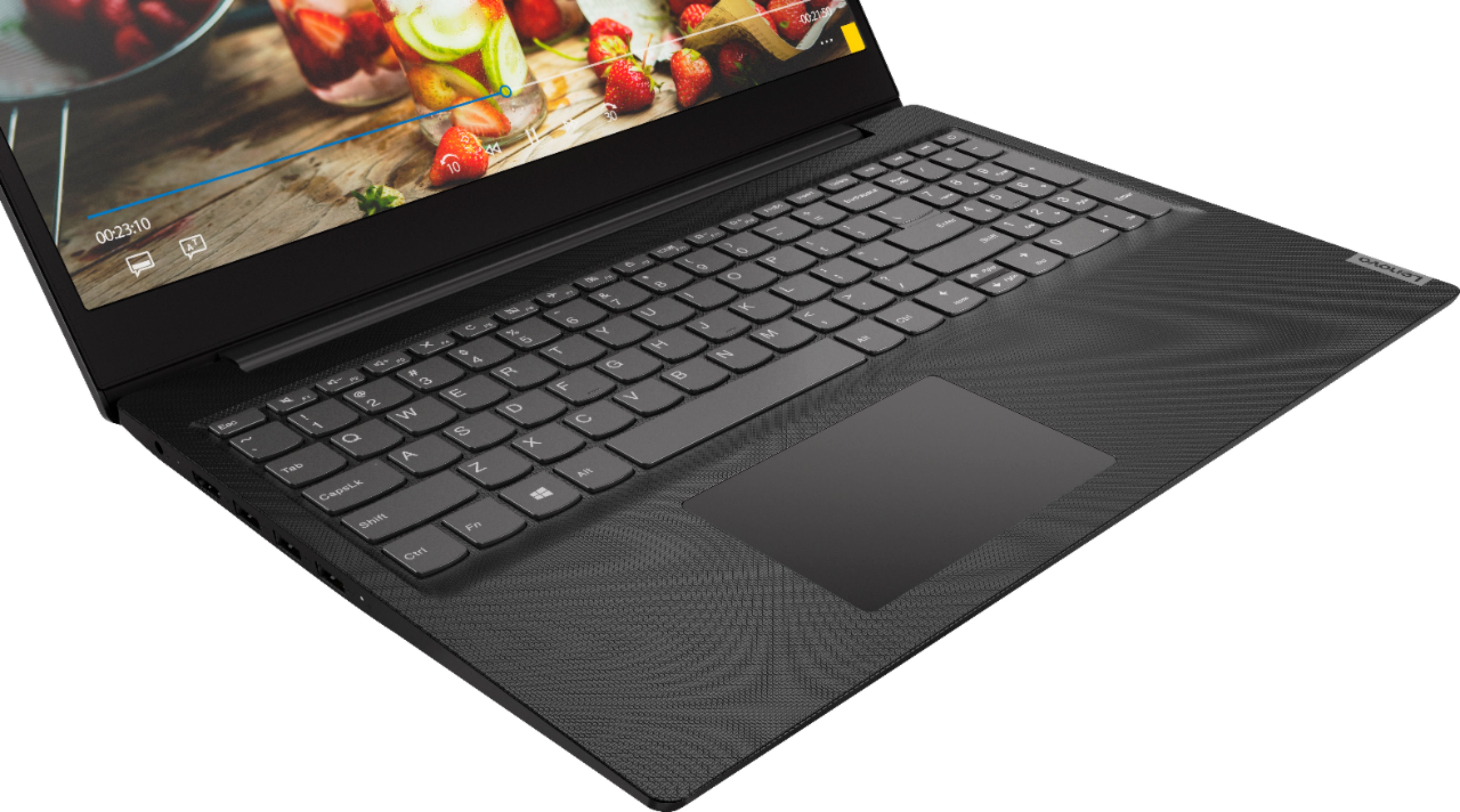
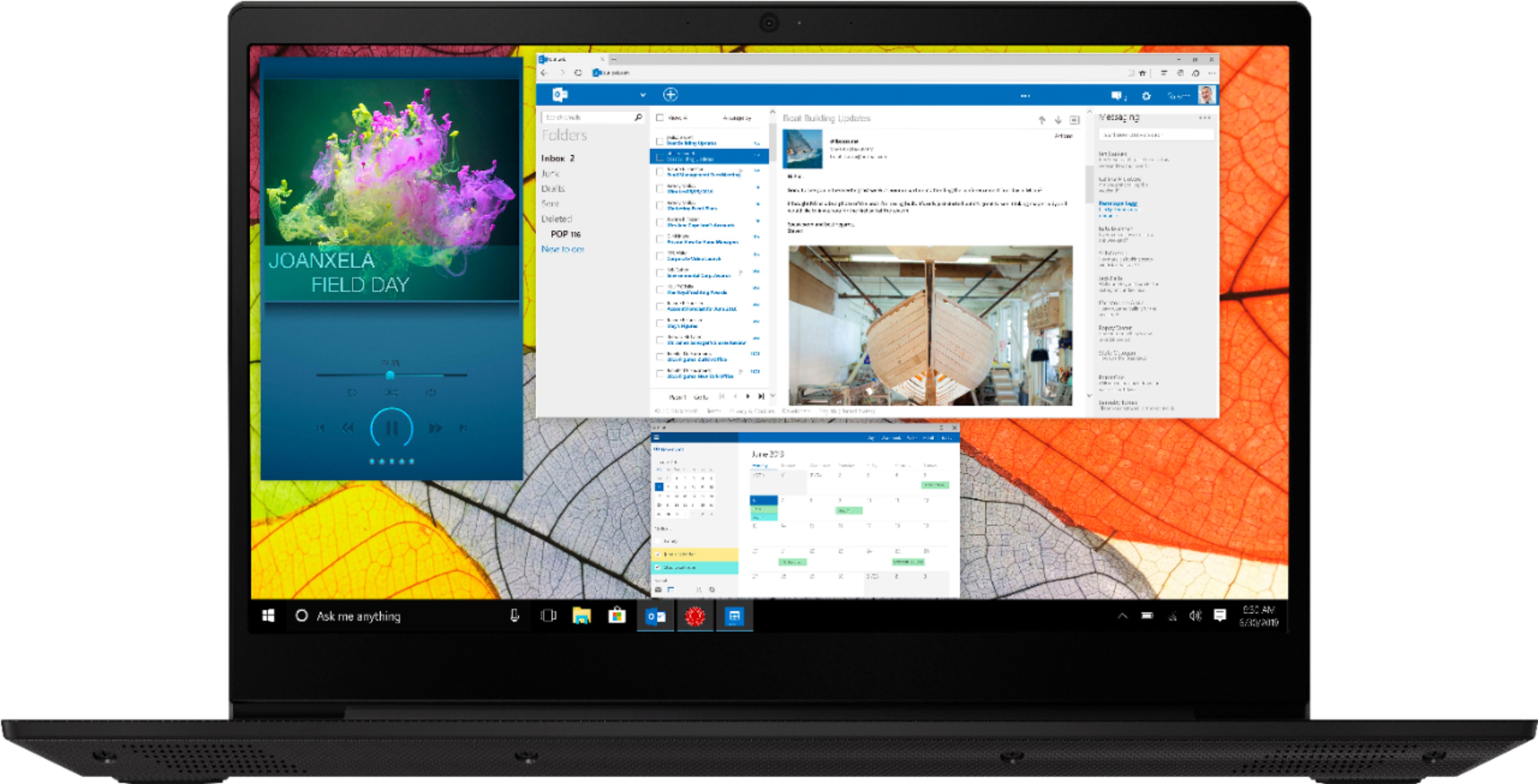
A:AnswerThe Lenovo IdeaPad S145-15 laptop, model number 81MV0001US, ships with a 15.6-inch HD (1366 x 768) anti-glare screen, with a brightness level of 220 nits, and a 45% color gamut.
A:AnswerThat really depends on the requirements and compatibility of the specific game. We recommend you check with the specific game's software publisher's web site for their compatibility with Windows 10 S-Mode 64-bit operating system (Windows 10 S-Mode provides added security by only allowing APPs available ( and therefore certified by Microsoft) at the Microsoft Store. If you don't need the added security or you need to install APPs not available at the Microsoft Store, you can switch to standard Windows 10 Home 64-bit Operating System, at no additional cost.) and the minimum/recommended hardware requirements (Is a Graphics card required, the processor speed and the minimum required system RAM and the minimum available hard drive space) to run their program, then compare those requirements to this system's configuration.
A:AnswerThere is a 1-year manufacturer's warranty covering OEM hardware issues. You can contact Lenovo Tech Support for more information at: 877-453-6686.
A:AnswerYes. You can either use a 2.4GHz wireless mouse with a USB receiver attached to the computer or use a Bluetooth mouse. The IdeaPad S145-15 ships with Bluetooth 4.1 capability built in.
A:AnswerThere is a 30-day trial of McAfee virus protection software installed on the computer. In order to keep the program active after the trial period, you will need to purchase a product key. You will not need to download any additional software. There is also Windows Defender virus protection installed as part of the Windows 10 operating system. It is turned off due to the 30-day trial of McAfee being activated. There can only be one active virus protection software on the device. You do not need to use McAfee if you do not want to. You can install any 3rd. party virus protection you choose. Just uninstall McAfee first, before you install another virus protection. Here is a link to information on uninstalling McAfee from Windows 10: https://service.mcafee.com/webcenter/portal/oracle/webcenter/page/scopedMD/s55728c97_466d_4ddb_952d_05484ea932c6/Page29.jspx?wc.contextURL=%2Fspaces%2Fcp&articleId=TS101331&_afrLoop=1355161020222084&leftWidth=0%25&showFooter=false&showHeader=false&rightWidth=0%25¢erWidth=100%25#!%40%40%3FshowFooter%3Dfalse%26_afrLoop%3D1355161020222084%26articleId%3DTS101331%26leftWidth%3D0%2525%26showHeader%3Dfalse%26wc.contextURL%3D%252Fspaces%252Fcp%26rightWidth%3D0%2525%26centerWidth%3D100%2525%26_adf.ctrl-state%3Dx25crirbo_9

A:AnswerThe Lenovo IdeaPad S145-15 laptop is an entry level, light use system with its Intel Pentium processor. It is not meant for multi-tasking or demanding programs. It is good for Microsoft Office and light internet browsing. This model ships with Windows 10 S-Mode Operating System. Windows 10 S-Mode provides added security by only allowing APPs available ( and therefore certified by Microsoft) at the Microsoft Store. If you don't need the added security or you need to install APPs not available at the Microsoft Store, you can switch to standard Windows 10 Home 64-bit Operating System, at no additional cost. The heart of the IdeaPad S145-15 is the Windows 10 Operating System. With regard to learning your way around Windows 10, you may want to try YouTube.com (just type that address in your browser address window). There are hundreds for free instructional videos there about Windows 10. Just type Windows 10 Introduction in to the YouTube search window. You can watch free videos there that will show you the basics all the way up to tips and tricks videos and they're all free.