A:AnswerHere is a link to instructions for switching from Windows 10 S-Mode to Windows 10 Home: https://support.microsoft.com/en-us/help/4456067/windows-10-switch-out-of-s-mode
A:AnswerThat will depend on the requirements and compatibility of the specific software you want to use. The Lenovo IdeaPad S340-15 Laptop, model number 81QG000DUS, ships with Windows 10 S-Mode Operating System. Windows 10 S-Mode provides added security by only allowing APPs available ( and therefore certified by Microsoft) at the Microsoft Store. If you don't need the added security or you need to install APPs not available at the Microsoft Store, you can switch to standard Windows 10 Home 64-bit Operating System, at no additional cost. We recommend you check with the specific software publisher's web sites for their compatibility with Windows 10 S-Mode 64-bit operating system and the minimum/recommended hardware requirements (Is a Graphics card required, the processor speed and the minimum required system RAM and the minimum available hard drive space) to run their program, then compare those requirements to this system's configuration.
A:AnswerThe Lenovo IdeaPad S340-15 Laptop model number 81QG000DUS, uses integrated graphics processing within the AMD Ryzen 7 3700U processor. It is the integrated Integrated Radeon Vega 10 Graphics version.
A:AnswerThe Lenovo IdeaPad S340-15 Laptop, model number 81QG000DUS, ships with a 720p (HD) webcam with manual Privacy Shutter and Dual Array Microphones built in. There are stereo 2W system speakers with Dolby Audio Premium sound. For the best audio experience, be sure Dolby Audio Premium is turned on and adjusted to your personal preferences.
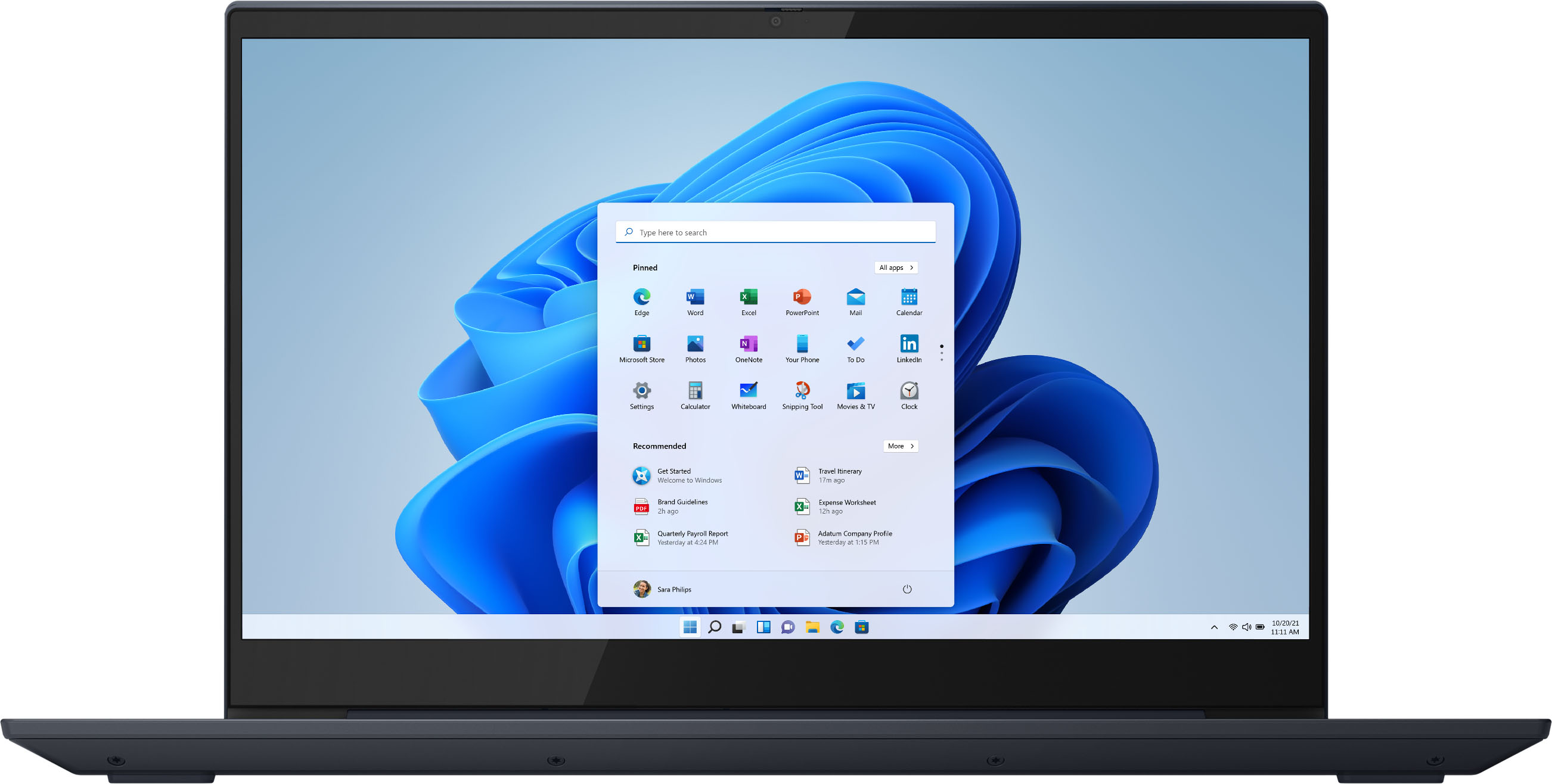
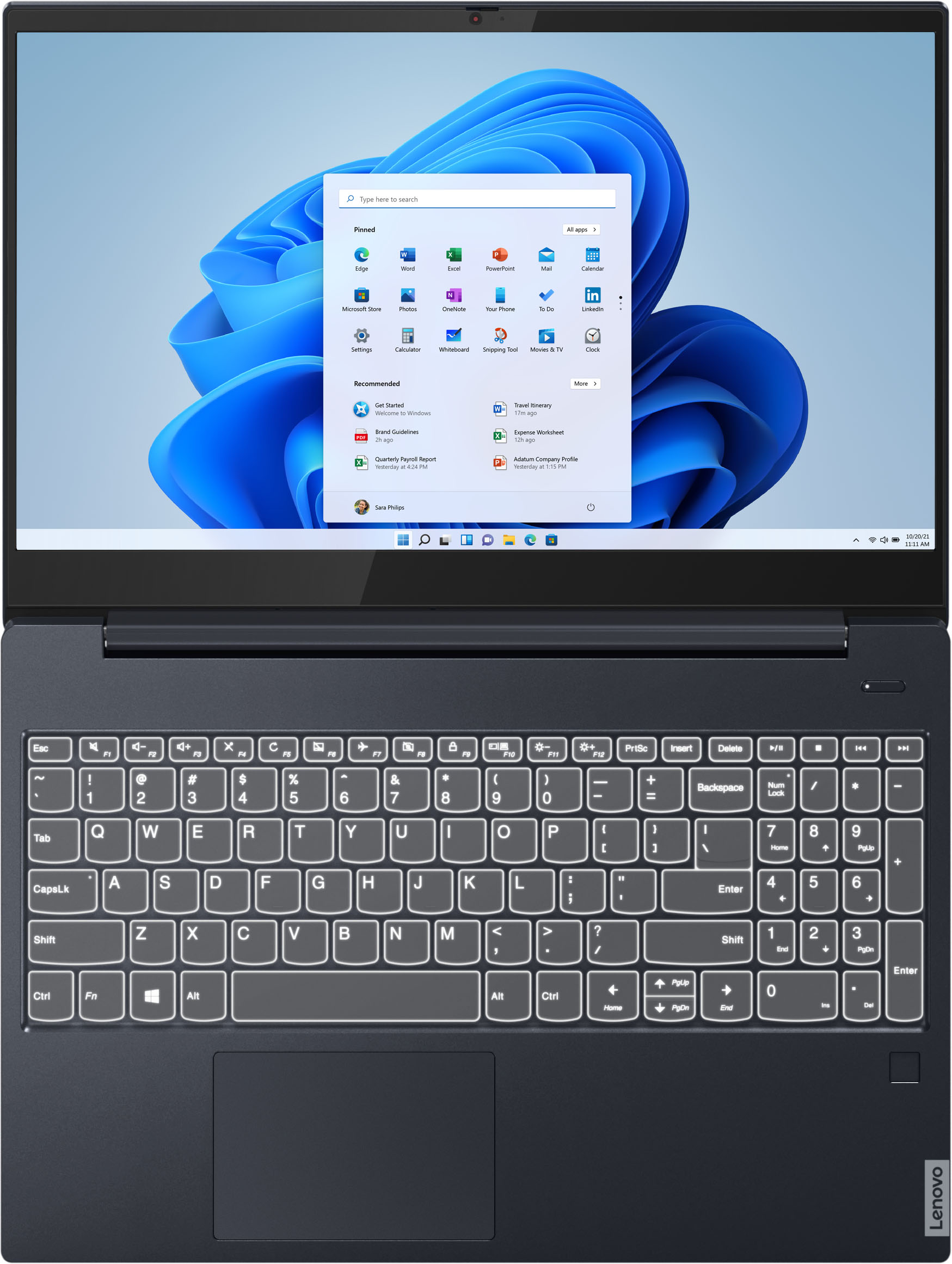
A:AnswerHi there the IdeaPad S340 15" laptop model # 81QG000DUS` was announced 2019-04-04 and ships with a 15.6" FHD (1920x1080) IPS 250nits Anti-glare, Touch display.
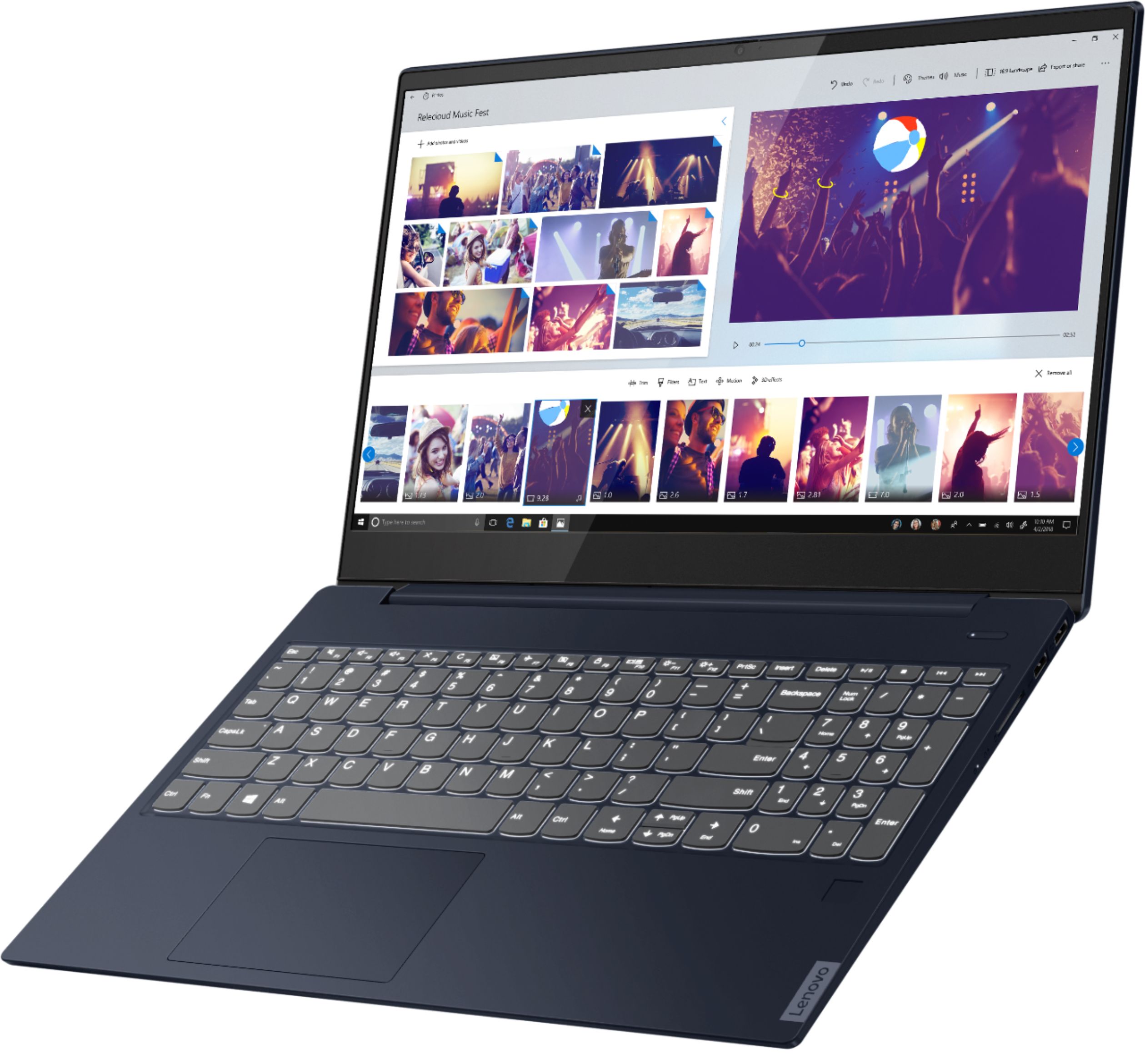
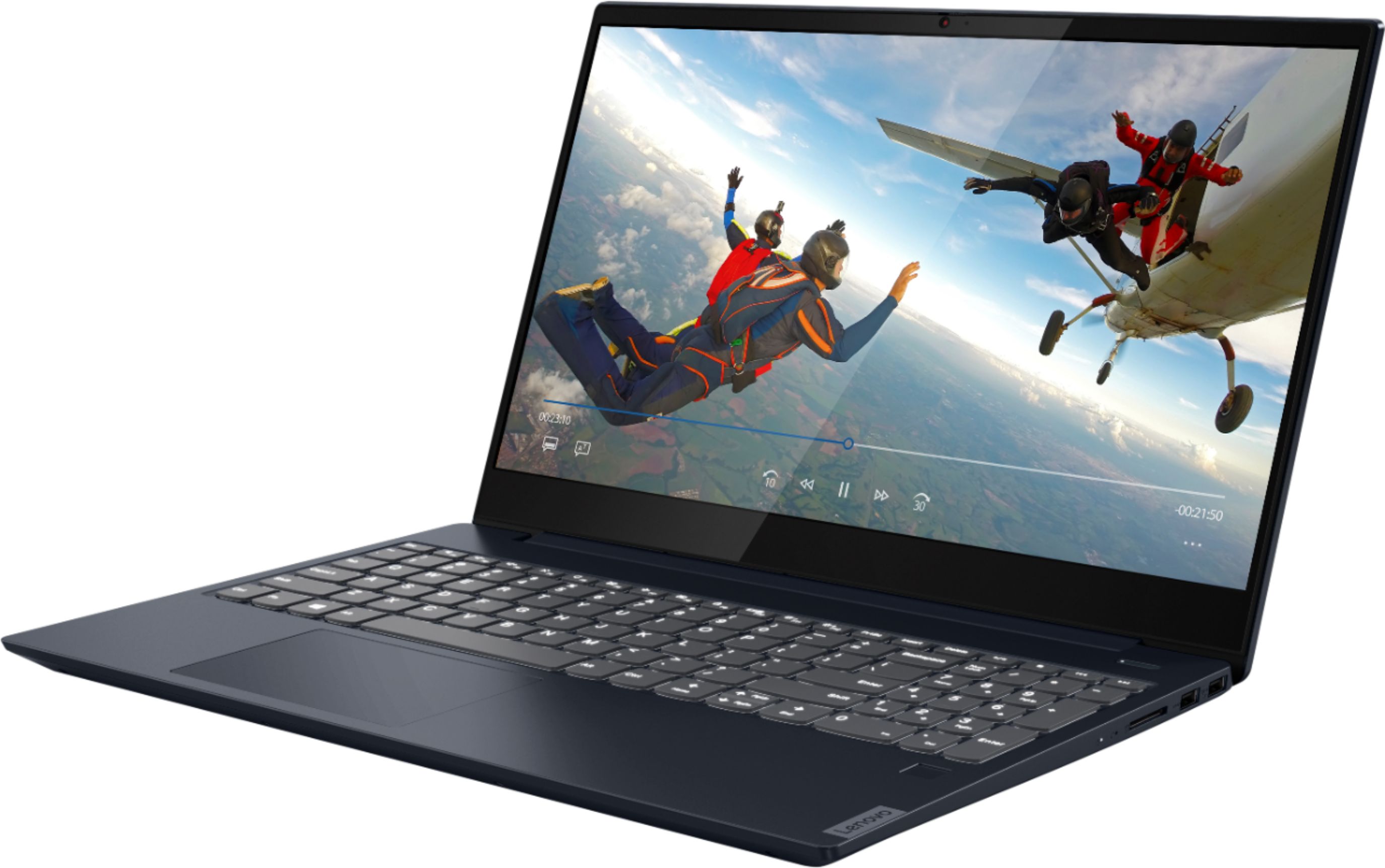
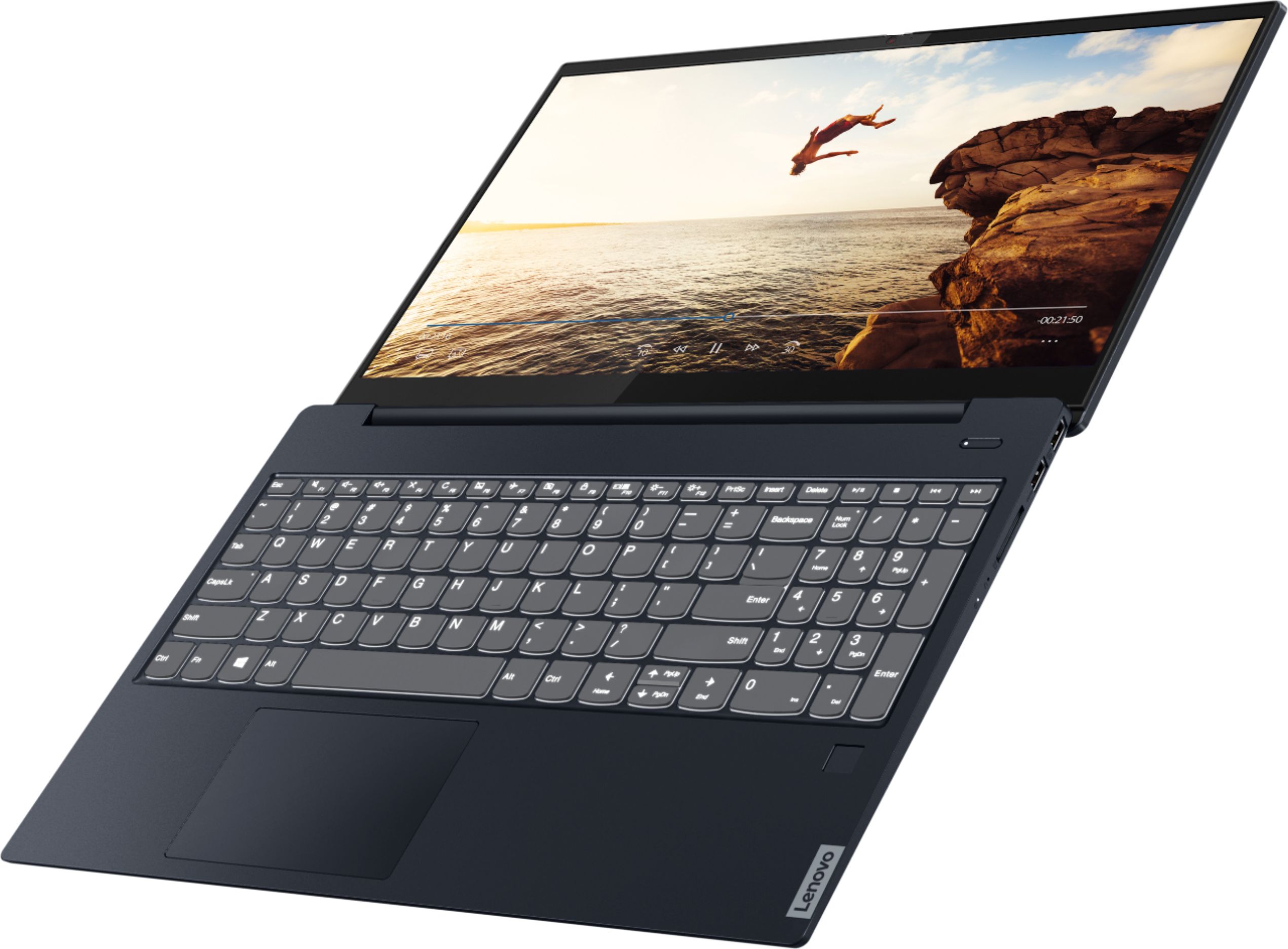
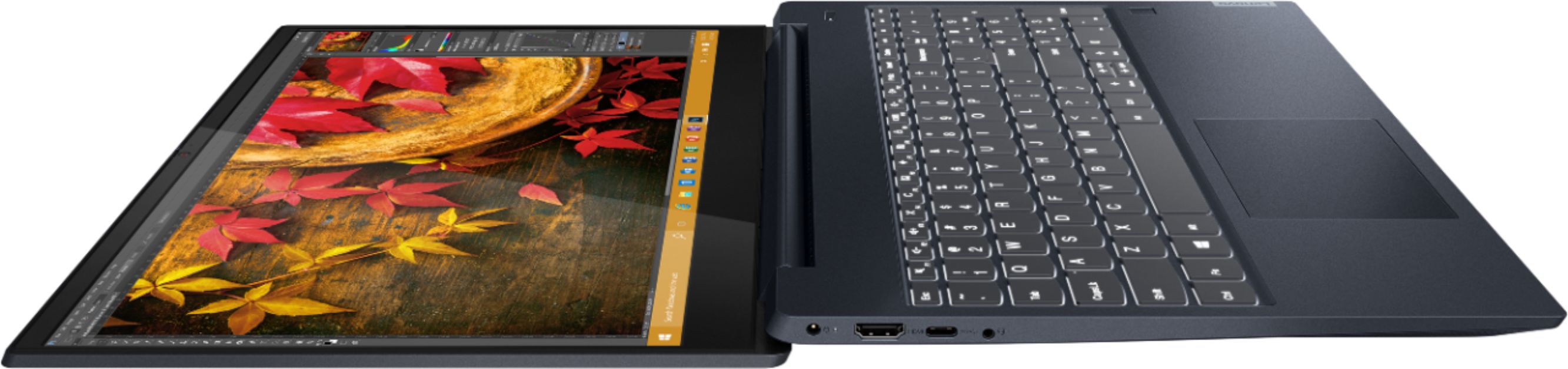
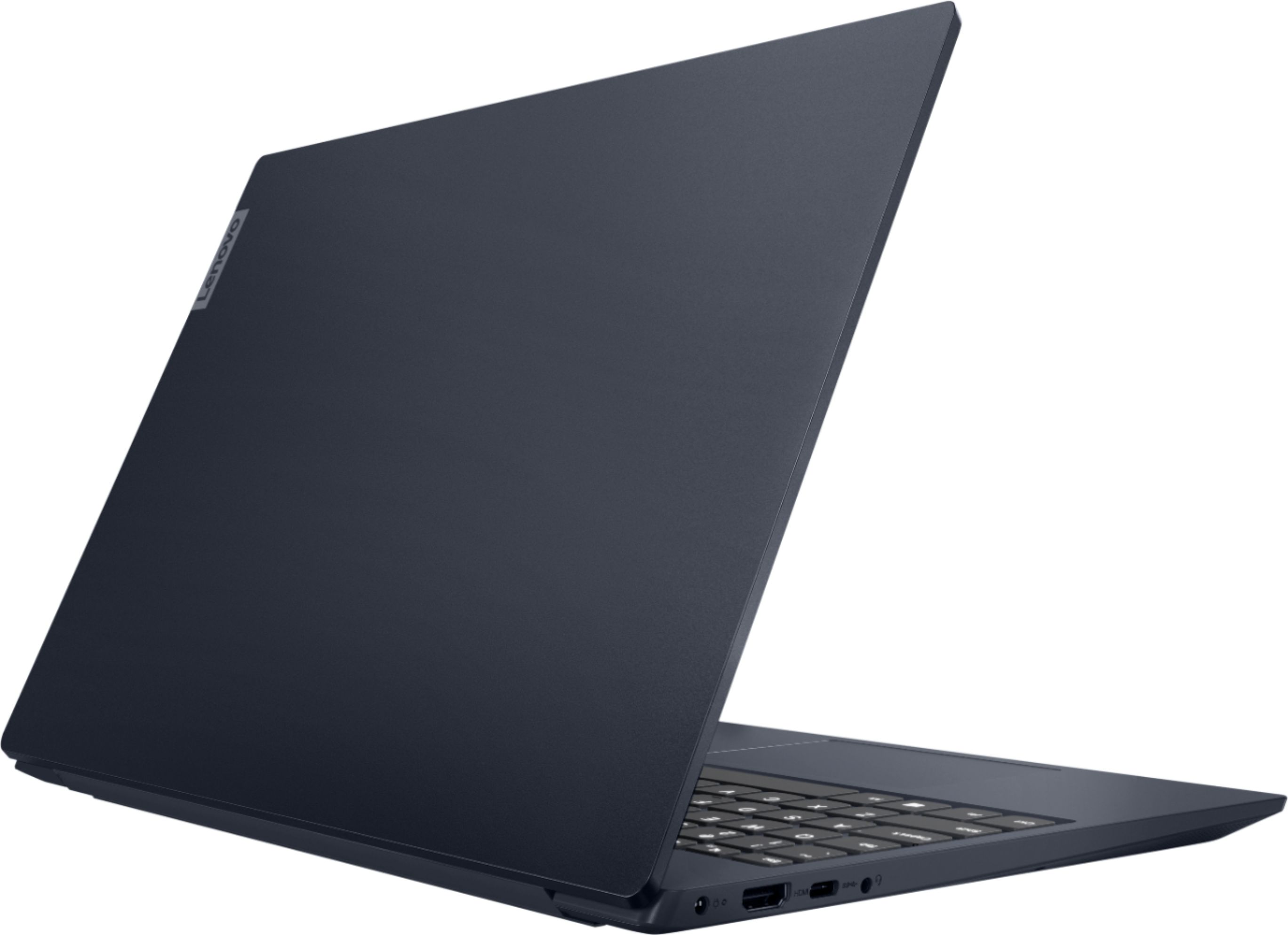
A:AnswerIt is 180 degrees in the picture. It's not a 2 in 1. I bought the laptop today & so far it has been really amazing most. At the $599 price point is really a very amazing deal. The Abyss Blue is a really pretty color as well. I do wish it was a 2 in 1 with the 360 degrees it would help add to the greatness of it. Hope this information helps. Happy Holiday's to you & your family.
A:AnswerThe Maximum supported RAM for the Lenovo IdeaPad S340-15 Laptop, model number 81QG000DUS is the 12GB DDR4-2400MHz RAM this configuration ships with. With regard to storage upgrades, this model is not user upgradable. A certified technician must do all of the work, so as to not void the warranty. We recommend you consult your certified technician about your storage upgrade options.
A:AnswerNo there is not built in ethernet port on the Lenovo IdeaPad S340-15 Laptop model number 81QG000DUS, but you can connect this laptop to an ethernet cable by using a USB to ethernet adapter like this one, this is one example there are many varieties available: https://www.bestbuy.com/site/insignia-usb-3-0-to-gigabit-ethernet-adapter-white/3510527.p?skuId=3510527
A:AnswerThe Lenovo IdeaPad S340-15 Laptop, model number 81QG000DUS, has a Aluminum (Top), PC / ABS (Bottom). Here is a link to more information about this model: https://psref.lenovo.com/Detail/IdeaPad/ideapad_S34015API?M=81QG000DUS
A:AnswerProbably beats most i5 processors. It would depend on which i7 you are comparing against. it would be on par with a Intel Core i7-7700HQ which is a laptop cpu as well. But the built in Graphics chip with the Ryzen 7 3700 is better than what you will find on intel.
A:AnswerThe Lenovo IdeaPad S340-15 Laptop, model number 81QG000DUS, ships with Windows 10 S-Mode 64-bit Operating System. Windows 10 S-Mode provides added security by only allowing APPs available ( and therefore certified by Microsoft) at the Microsoft Store. If you don't need the added security or you need to install APPs not available at the Microsoft Store, you can switch to standard Windows 10 Home 64-bit Operating System, at no additional cost.
A:AnswerIf it does, it will appear on the outside of the box the computer ships in. If this model carries such a warning, there could be lead-based solder used in the manufacture of the internal parts of both the computer and its AC adapter/charger power supply. As long as the user does not open either the computer back or the power supply transformer, the user will not come into contact with any listed materials.
A:AnswerThe Lenovo IdeaPad S340-15 Laptop, model number 81QG000DUS, ships with built in Dual Array Microphones that will allow you to be as much as 8 feet away from the microphones and still be heard. Be sure you have adjusted both the volume level of your microphone on the computer as well as within the video conferencing APP you are using. Here is a link to a YouTube video demonstrating how you can test your video and audio through the Zoom APP before you attend a live meeting: https://www.youtube.com/watch?v=7SZhsjc-qSY. If you continue to have audio issues after testing with Zoom, we recommend you contact Lenovo Tech Support for additional help at: 877-453-6686.
A:AnswerThe Lenovo IdeaPad S340-15 Laptop, model number 81QG000DUS, ships with a 30-day trial of McAfee Virus Protection software installed, which will activate with the initial activation of Windows 10 S-Mode Operating System. You do not need to use McAfee. You can install any 3rd party virus protection software or use the free Windows Defender virus protection that comes with Windows 10. Just uninstall McAfee before you add or change your virus protection settings. Here is a link to information on uninstalling McAfee from Windows 10: https://service.mcafee.com/webcenter/portal/oracle/webcenter/page/scopedMD/s55728c97_466d_4ddb_952d_05484ea932c6/Page29.jspx?wc.contextURL=%2Fspaces%2Fcp&articleId=TS101331&_afrLoop=1355161020222084&leftWidth=0%25&showFooter=false&showHeader=false&rightWidth=0%25¢erWidth=100%25#!%40%40%3FshowFooter%3Dfalse%26_afrLoop%3D1355161020222084%26articleId%3DTS101331%26leftWidth%3D0%2525%26showHeader%3Dfalse%26wc.contextURL%3D%252Fspaces%252Fcp%26rightWidth%3D0%2525%26centerWidth%3D100%2525%26_adf.ctrl-state%3Dx25crirbo_9
A:AnswerThe RAM within the Lenovo IdeaPad S340-15 Laptop, model number 81QG000DUS runs as single channel. There is 4GB RAM soldered to the motherboard then an additional 8GB RAM in the one available RAM memory slots. Two different types of RAM like this can only run as single channel RAM.
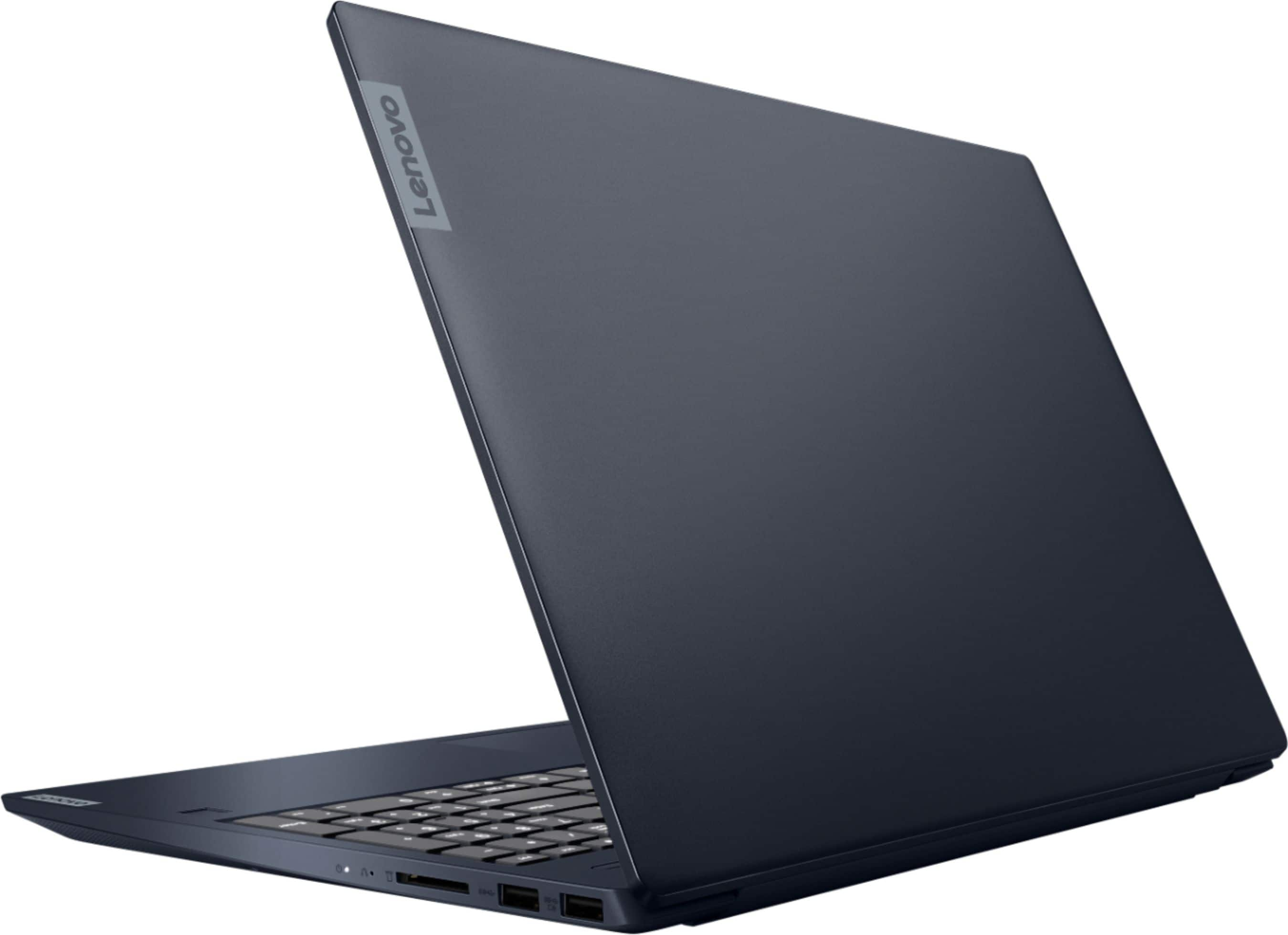
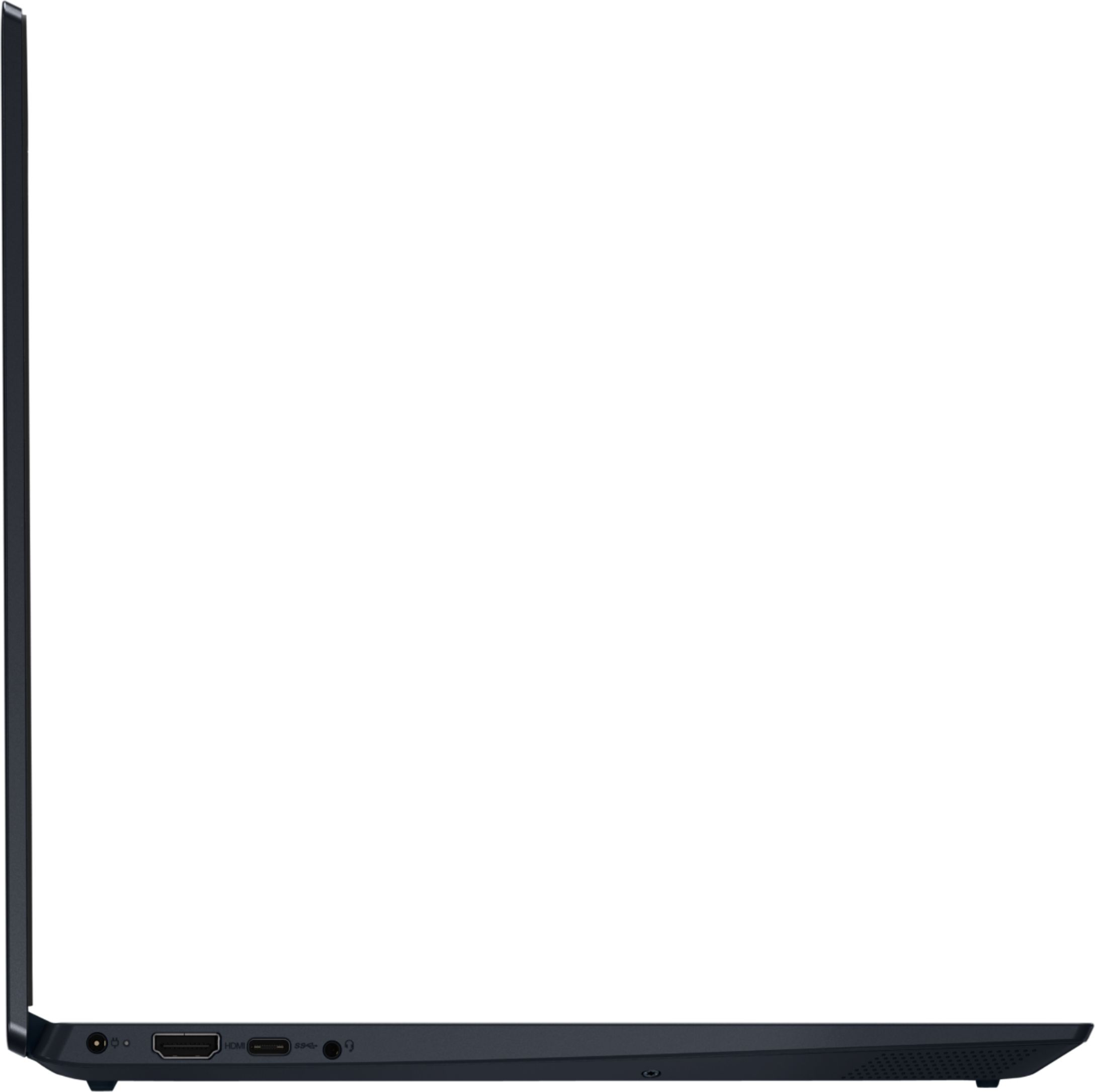
A:AnswerThe Lenovo IdeaPad S340-15 Laptop, model number 81QG000DUS, ships with these ports: 1x power connector, 1x card reader, 1x USB-C 3.1 Gen 1, 1x USB 3.1 Gen 1 (Always On), 1x HDMI 1.4b
1x headphone / microphone combo jack (3.5mm), 1x USB 3.1 Gen 1.
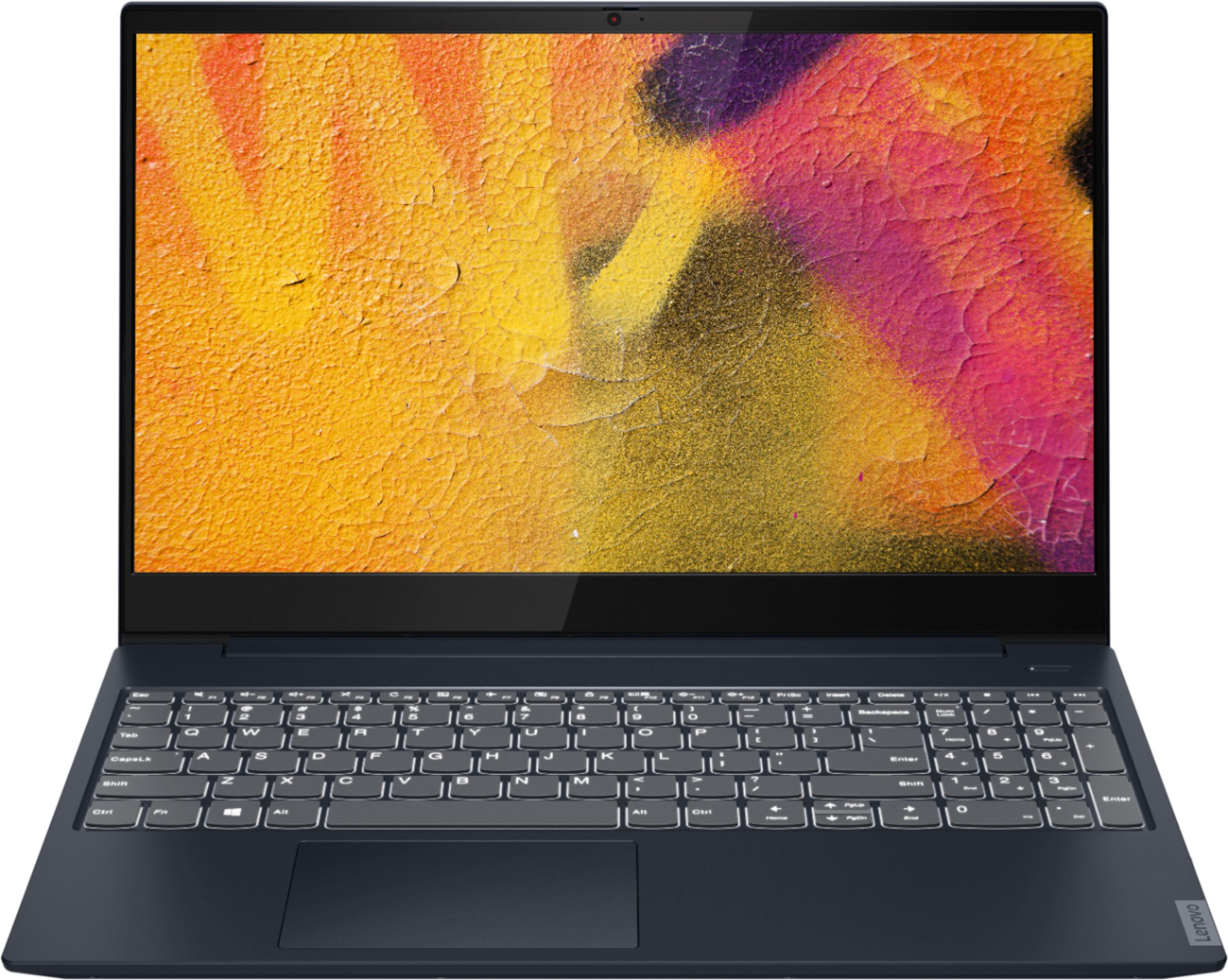
A:AnswerWe are sorry to hear that you are having issues with your Lenovo IdeaPad S340-15 Laptop, model number 81QG000DUS. This configuration ships with a 3CELL_52.5WH_INTERNAL, Lithium Polymer
Battery which, within this configuration, has a battery life of up to 10 hours, depending on the work the device is performing. If you are getting substantially less battery life, first, set your screen brightness at less than 100-percent - try 80-percent to start with. Then, be sure Battery conservation Mode is turned off. This power management setting should only be used when the laptop is plugged in all the time. It will prolong overall battery life by only charging the battery to 60-percent of capacity. Here is a link to instructions for turning off Battery Conservation Mode: https://support.lenovo.com/us/en/solutions/ht103159. Also check what programs are running in the background on the computer. Be sure only the programs you want running in the background are. These programs will drain the battery. Here is a link to information about how to find out what programs are running in the background on your Windows 10 computer and how to manage them for better system performance: https://www.windowscentral.com/how-prevent-apps-running-background-windows-10. Then, finally, be sure any software you installed is compatible with Windows 10. Incompatible software will drain the battery at a faster rate. There is no need to install Microsoft Office software. The software is already part of the operating system, you just need to activate the software with a purchased product key. If you have installed a copy of Microsoft Office, this is conflicting with the existing copy on the system and this will slow your system down. If you have installed a 3rd party anti-virus program, be sure that Windows Defender is turned off and that the trial version of McAfee Anti-Virus software is uninstalled. There can only be one anti-virus program on the system. You may need to restore your system to original factory default settings if any of the programming errors have occurred. You can do that by typing "restore" in the Cortana search window. Just click on the magnifying glass icon at the bottom left of your Windows 10 Desktop. Click on "Reset This PC" Then click on "Get Started" and follow the on screen directions to restore to factory defaults. Regarding the webcam within your IdeaPad S340-15, this model ships with a 720p (HD) webcam with manual Privacy Shutter built in. Be sure the Privacy Shutter is completely open before trying to use the webcam or the webcam will not operate. There is a small slider, directly above the webcam lens. Move the tab to the right to open the Privacy Shutter. There is a red dot over the webcam lens that will disappear when the Privacy Shutter is fully open. This will indicate that the webcam is really to use. You can close the Privacy Shutter when you are done with the webcam for your security, by sliding the tab to the left to close the Privacy Shutter. The Red Dot will appear over the webcam lens when the Privacy Shutter is closed. If the Privacy Shutter is open but the webcam still does not function, now check to be sure you have the latest version of Windows 10 on the computer. Then update all BIOS files and drivers up to that latest version of Windows 10. You can easily accomplish this by scanning the computer with the Lenovo Utility software available on this computer. This system has Lenovo utilities installed to help maintain the health of the device and keep the operating system software up to date. Type "Lenovo Vantage" in the Cortana Search window (if Lenovo Vantage is not installed on your device, you can download the APP and install it now). Select Lenovo Vantage from the list. In the window that opens, click on "Health and Support". In the expanded menu, select "Hardware Scan" In the window that opens, select "Run Quick Tests". This will scan your entire system for errors. Follow any directions that may pop up. If the problem continues after this scan, now click on "System Update". First select Windows update from the menu. Scan your system to be sure you have the latest version of Windows 10. Once that scan is complete, select "Additional Updates". This will scan your device to be sure there are no new BIOS/Driver updates needed. Follow any instructions that may pop up. If the issues continue, we recommend you consult with your local Best Buy Store's Geek Squad about the cost of repairs.