A:Answer Hey Michele,
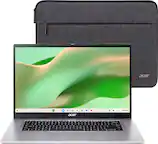
Are you referring to Mbps when you say you "need 130 or higher"? If so, this isn't dictated as much by the Chromebook's Wi-Fi card capabilities as it features Wi-Fi 6 connectivity, but rather your network's performance capabilities. To put it into an example, you may wish to have 100Mbps+ Wi-Fi download speeds, but if the Wi-Fi network you're connected to is only able to deliver 60Mbps download speeds, the computer cannot do anything to boost these speeds, as these changes need to be made to the network itself.
Please feel free to reach out to us with any other questions!
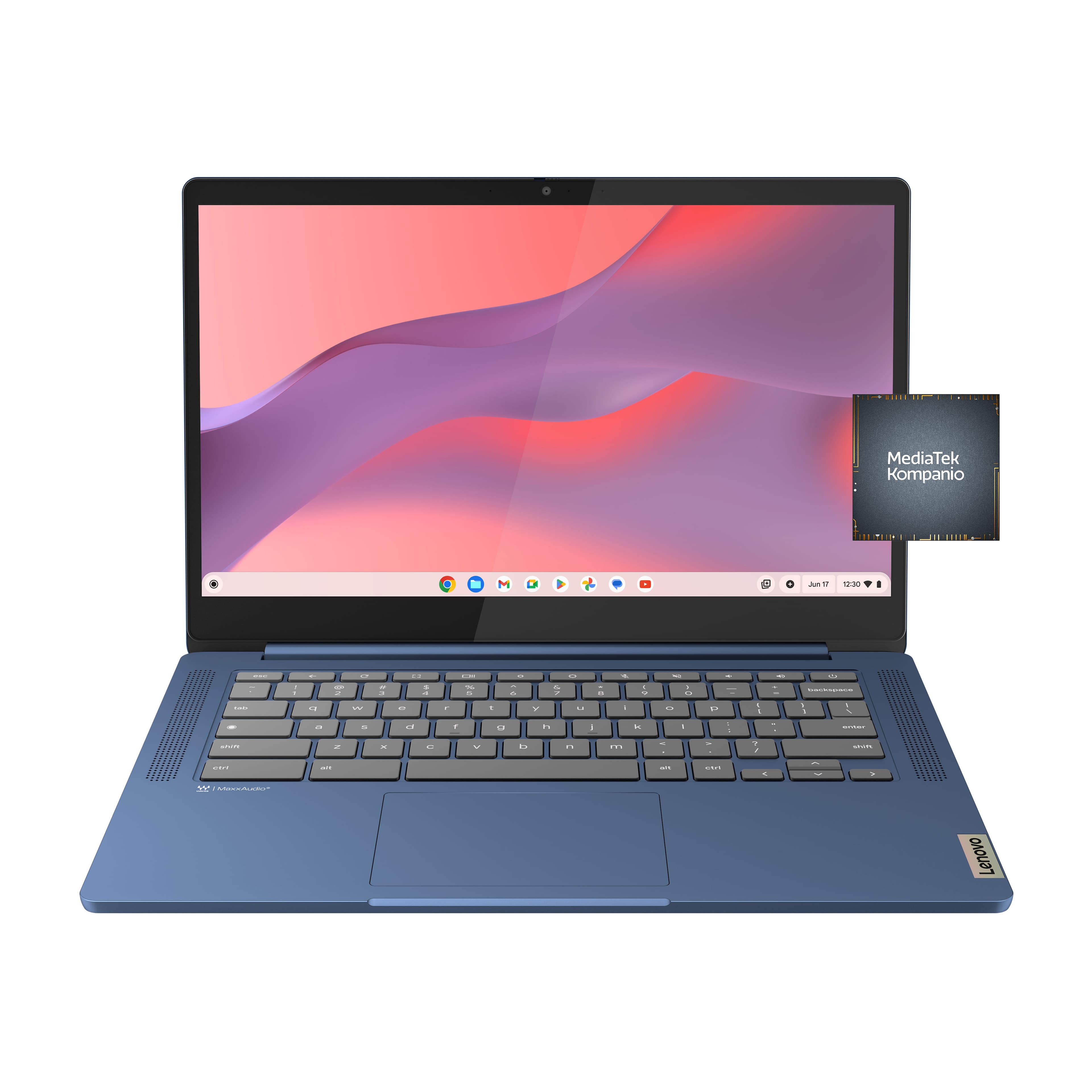



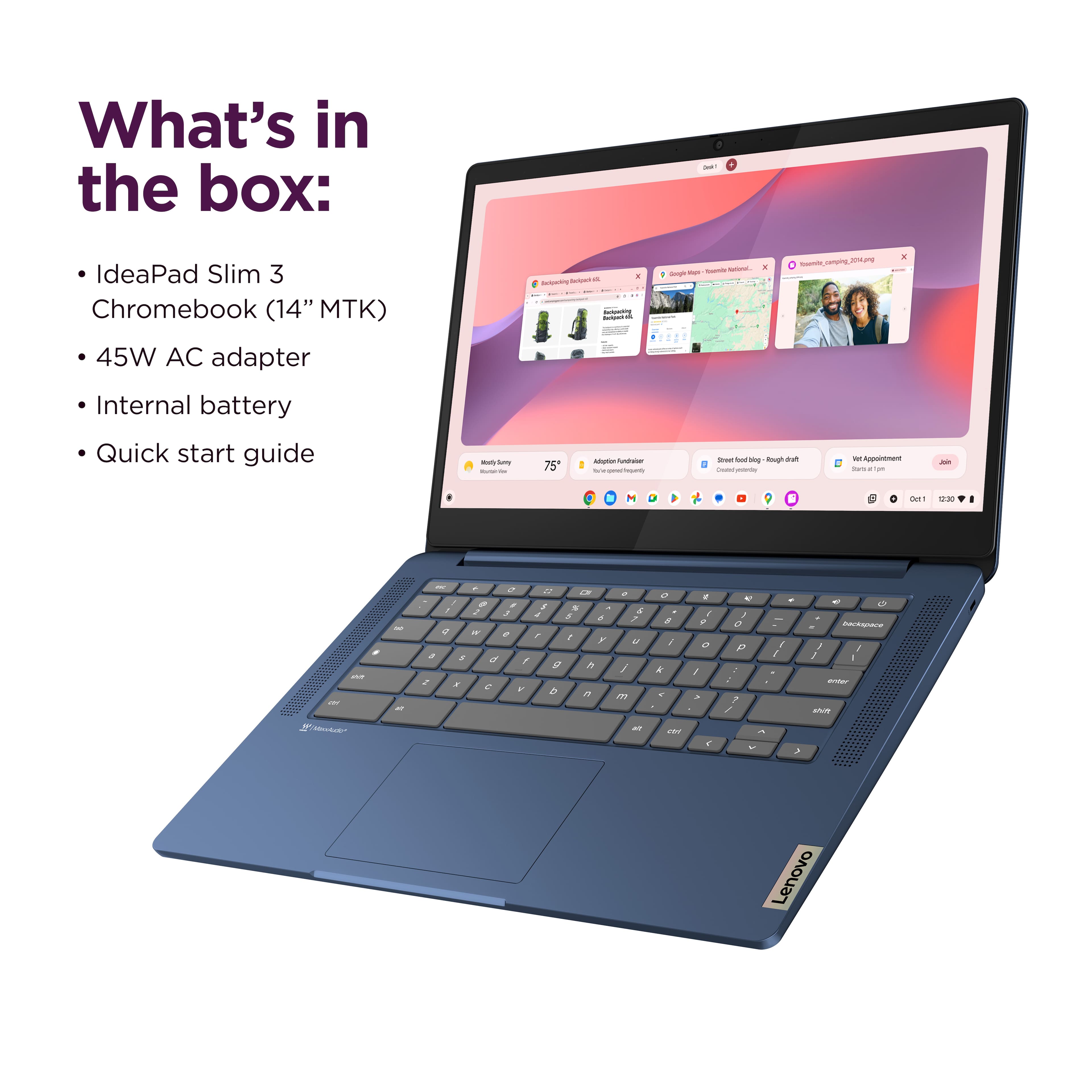
![The text on the image is a keyboard layout, which includes the letters, numbers, and symbols typically found on a computer keyboard. The layout is as follows:
1. 2. 3. 4. 5. 6. 7. 8. 9. 0. - + = backspace tab q w e r t y u i o p [ ]
2. a s d f g h i k l ; ' . - enter shift Z x C V b n m < d > c ? / shift ctrl alt alt ctrl < W MickAudio Lenovo](https://pisces.bbystatic.com/image2/BestBuy_US/images/products/ac1eedc3-1853-48ce-b3f3-e9b54880526c.jpg)