Questions & Answers
- Model:
- 82XJ004AUS
- |
- SKU:
- 10468361
$182.59
Save $136.41
Comp. Value: $319.00
Page Showing 61-71 of 71 questions
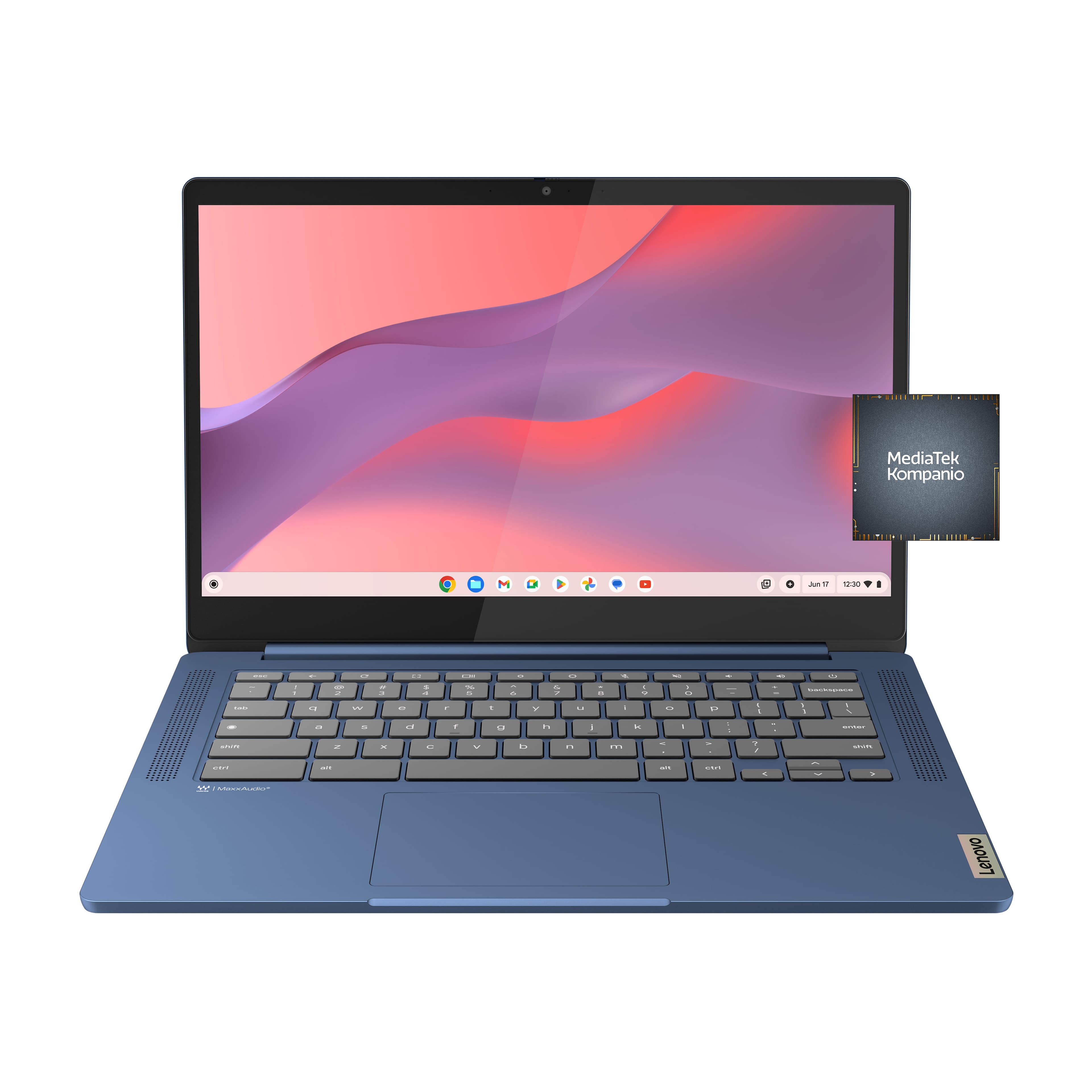
Q: QuestionDoes it have camera?
Asked by Stacy.
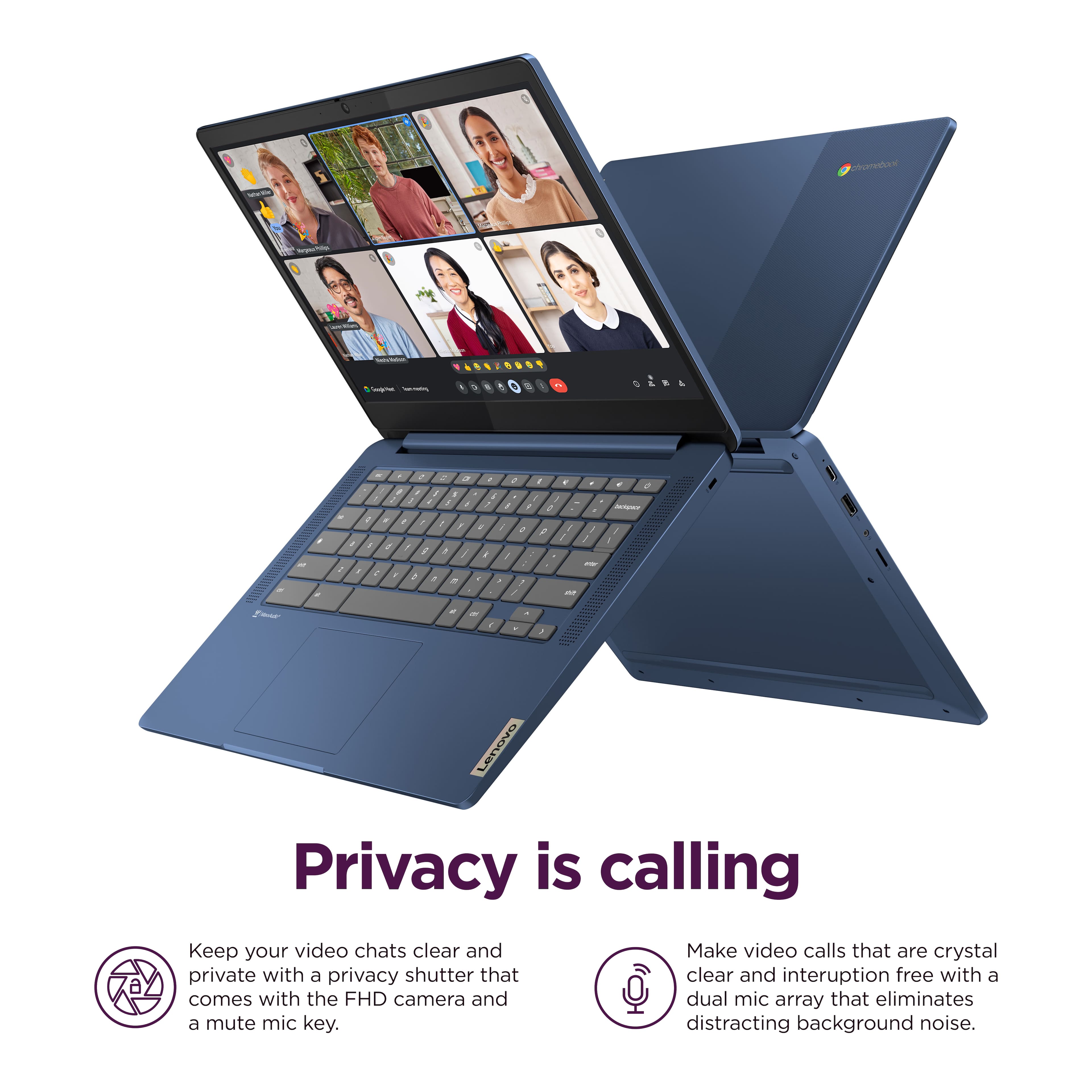
- A:Answer Hey Stacy, Yes, this IdeaPad Slim 3 Chromebook features an HD, 720p camera with a Privacy Shutter for security. Please feel free to reach out to us with any other questions!
Answered by Lenovo Product Expert

Q: QuestionWould this run 3d printer slicer programs without any issues?
Asked by Info.
- A:Answer Hey there, That will depend on if the programs you wish to use are offered and compatible with ChromeOS systems via a web browser or app from the Google Play Store. If you have the name of any programs you wish to use, we can help determine compatibility to help you more precisely. Please feel free to reach out to us with any other questions!
Answered by Lenovo Product Expert

Q: QuestionIs this a good laptop for my 8 year old granddaughter to play games like Roblox
Asked by Noni.
- A:Answer Hey Noni, Yes, based on user reviews, many have had success playing Roblox from the Google Play Store on this IdeaPad Slim 3 Chromebook. Please feel free to reach out to us with any other questions!
Answered by Lenovo Product Expert

Q: Questionwhat is the weight of this model
Asked by tupid.
- A:Answer Hey moms, This IdeaPad Slim 3 Chromebook weighs 2.87 pounds. Please feel free to reach out to us with any other questions!
Answered by Lenovo Product Expert

Q: QuestionHow do I find out what generation on Chromebook is?
Asked by RangerRob.
- A:Answer Hey RangerRob, This model is part of the 8th generation of IdeaPad Slim 3 series Chromebooks. Please feel free to reach out to us with any other questions!
Answered by Lenovo Product Expert

Q: QuestionCan more System memory be add?
Asked by Lenovo.
- A:Answer Hey there, Memory cannot be upgraded, as it is soldered to the systemboard. Please feel free to reach out to us with any other questions!
Answered by Lenovo Product Expert

Q: QuestionDoes this laptop have any programs included. A[so is it window's compatable?
Asked by Ken.
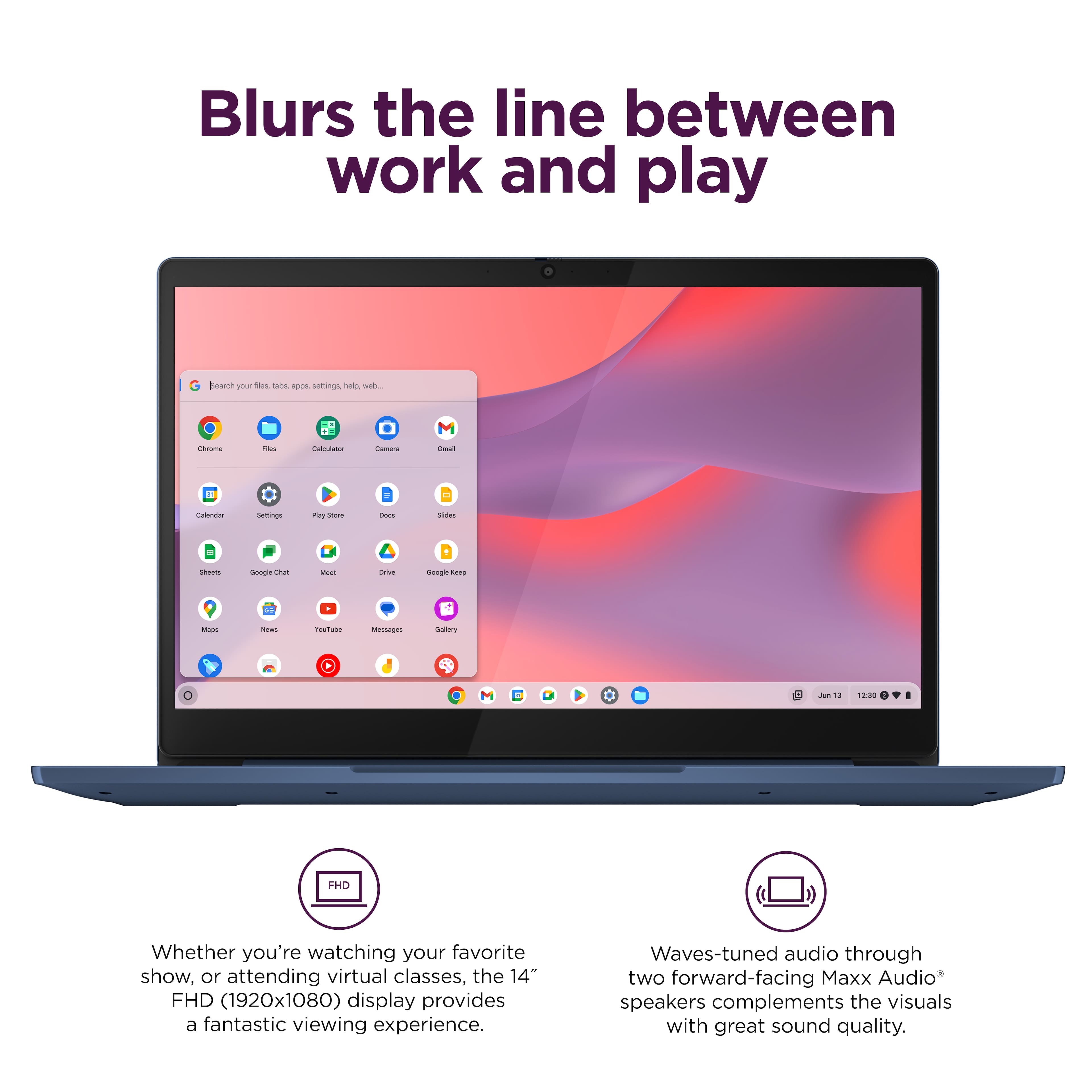
- A:Answer Hey Ken, The IdeaPad Slim 3 Chromebook comes with various apps preinstalled including the G-Suite apps and Google apps like YouTube and Chrome as the default browser. As for Windows compatibility, Chromebooks use ChromeOS as its operating system platform, and it is not designed to use Windows software. Please feel free to reach out to us with any other questions!
Answered by Lenovo Product Expert

Q: QuestionWill the one USB-c port support a hub so that I can use an external display and charge at the same time through the usb c only?
Asked by Tim.
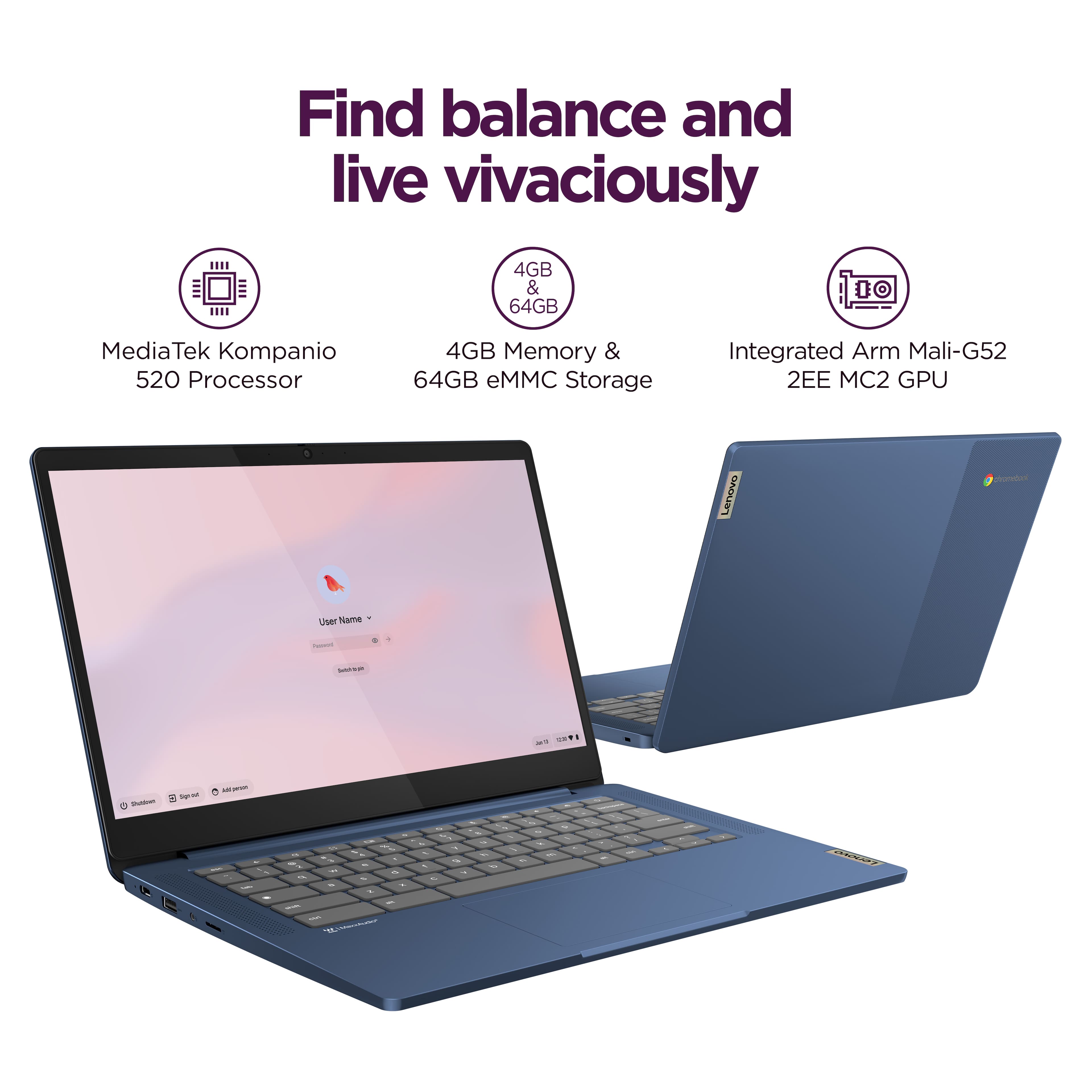
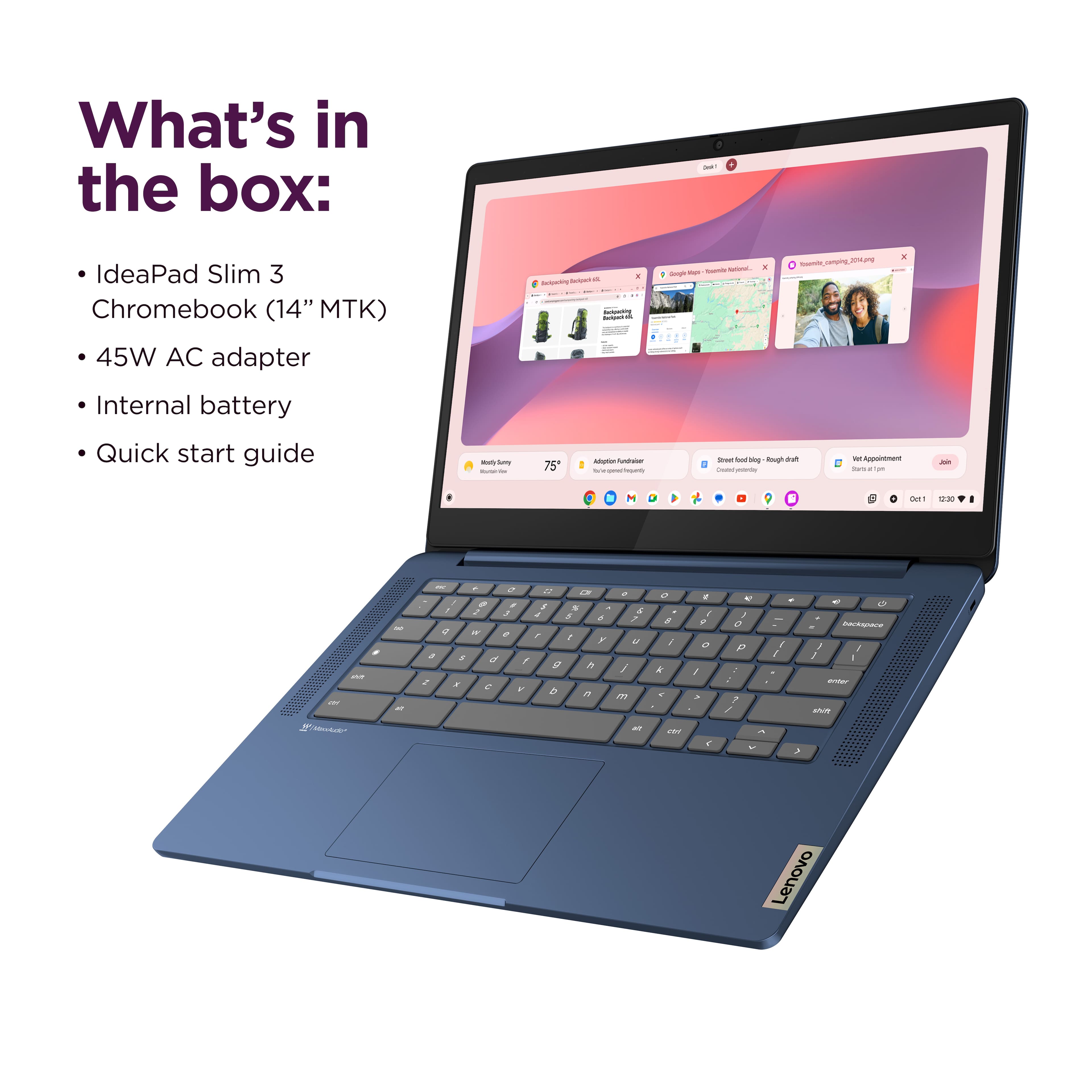
- A:Answer Hey Tim, Yes, you can use a USB-C hub for this function, as this IdeaPad Slim 3 Chromebook supports Power Delivery 3.0 and DisplayPort 1.1a. Please feel free to reach out to us with any other questions!
Answered by Lenovo Product Expert

Q: QuestionDoes it have Bluetooth?
Asked by BT.
- A:Answer Hi there, Yes, the IdeaPad Slim 3 Chromebook features Bluetooth 5.3 connectivity. Please feel free to reach out to us with any other questions!
Answered by Lenovo Product Expert

Q: QuestionThis is not the model with the touchscreen even though it has the exact same name, so that's misleading. However, should this screen look washed out and hard to view unless at the perfect angle? The contrast seems bad and strains my eyes.
Asked by Kodi.
- A:Answer Hey Kodi, Thank you for sharing your feedback with us. We are sorry to hear that you are dissatisfied with the viewing experience on your IdeaPad Slim 3 Chromebook. To provide context to the answer to this question, this model Slim 3 Chromebook features a TN panel display type, a display panel that generally has narrower viewing angles and lower color accuracy on average than other display types, such as IPS panel displays. This would explain why the color contrast seemingly reduces when the display is viewed at indirect angles. Please feel free to reach out to us should you have any issues with the function of your Chromebook, any concerns, or general questions. Best regards, Lenovo
Answered by Lenovo Product Expert
Q: QuestionCan you use a standard USB-C cable with an adapter for charging the battery instead of the large two piece unit that comes with this Lenovo chromebook?
Asked by mckathy.
- A:Answer Hey mckathy, We recommend using the included power adapter, but you can use an alternative so long as it delivers a sufficient wattage to align with the system's design, 45W. Please reach out to us with any other questions!
Answered by Lenovo Product Expert


![The text on the image is a keyboard layout, which includes the letters, numbers, and symbols typically found on a computer keyboard. The layout is as follows:
1. 2. 3. 4. 5. 6. 7. 8. 9. 0. - + = backspace tab q w e r t y u i o p [ ]
2. a s d f g h i k l ; ' . - enter shift Z x C V b n m < d > c ? / shift ctrl alt alt ctrl < W MickAudio Lenovo](https://pisces.bbystatic.com/image2/BestBuy_US/images/products/ac1eedc3-1853-48ce-b3f3-e9b54880526c.jpg;maxHeight=54;maxWidth=54;format=webp)