A:AnswerHey Phill2Ls,
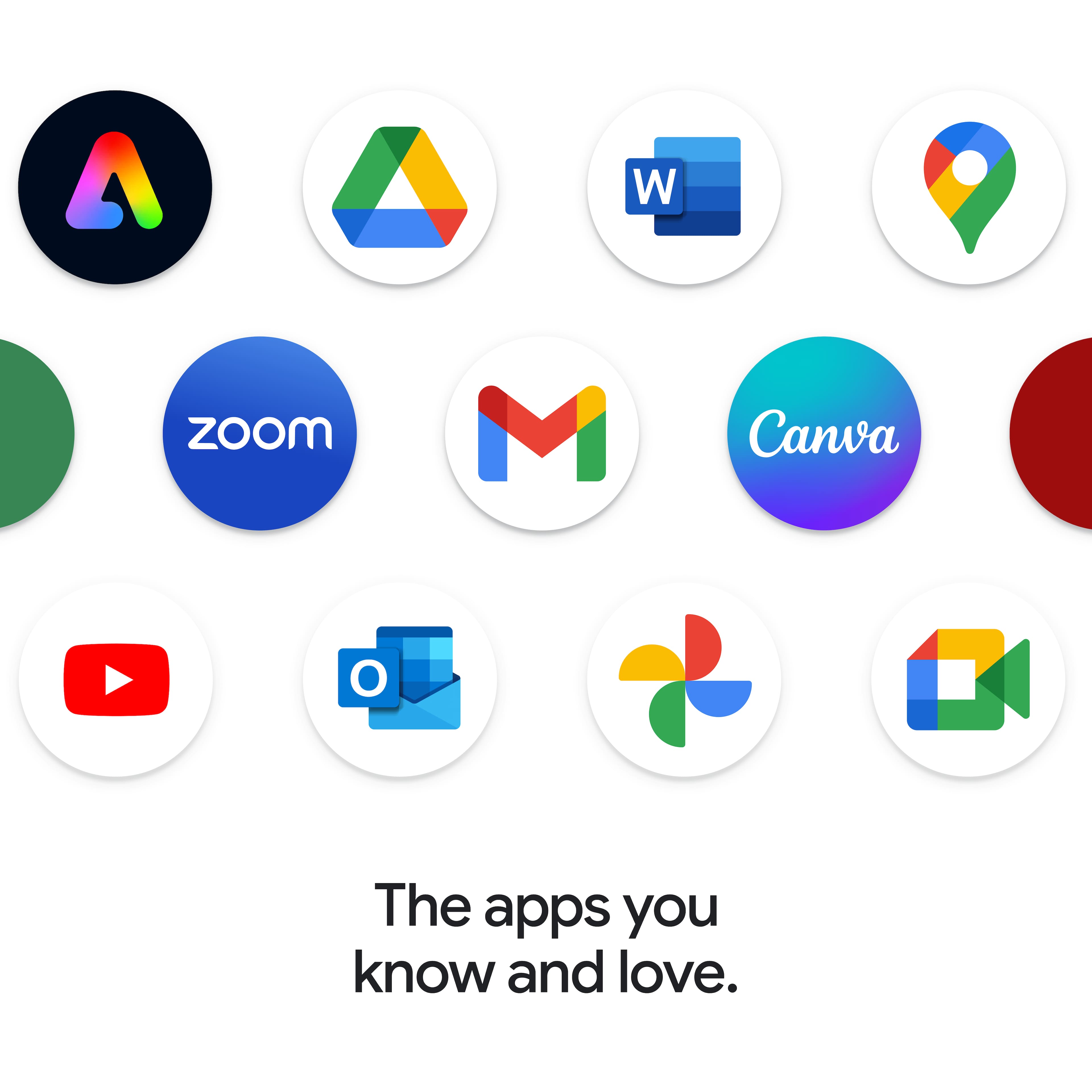
Yes, you can do so via the web browser, the OneDrive web app (PWA) or via the Google Play Store.
Please feel free to reach out to us with any other questions!
A:AnswerHey,
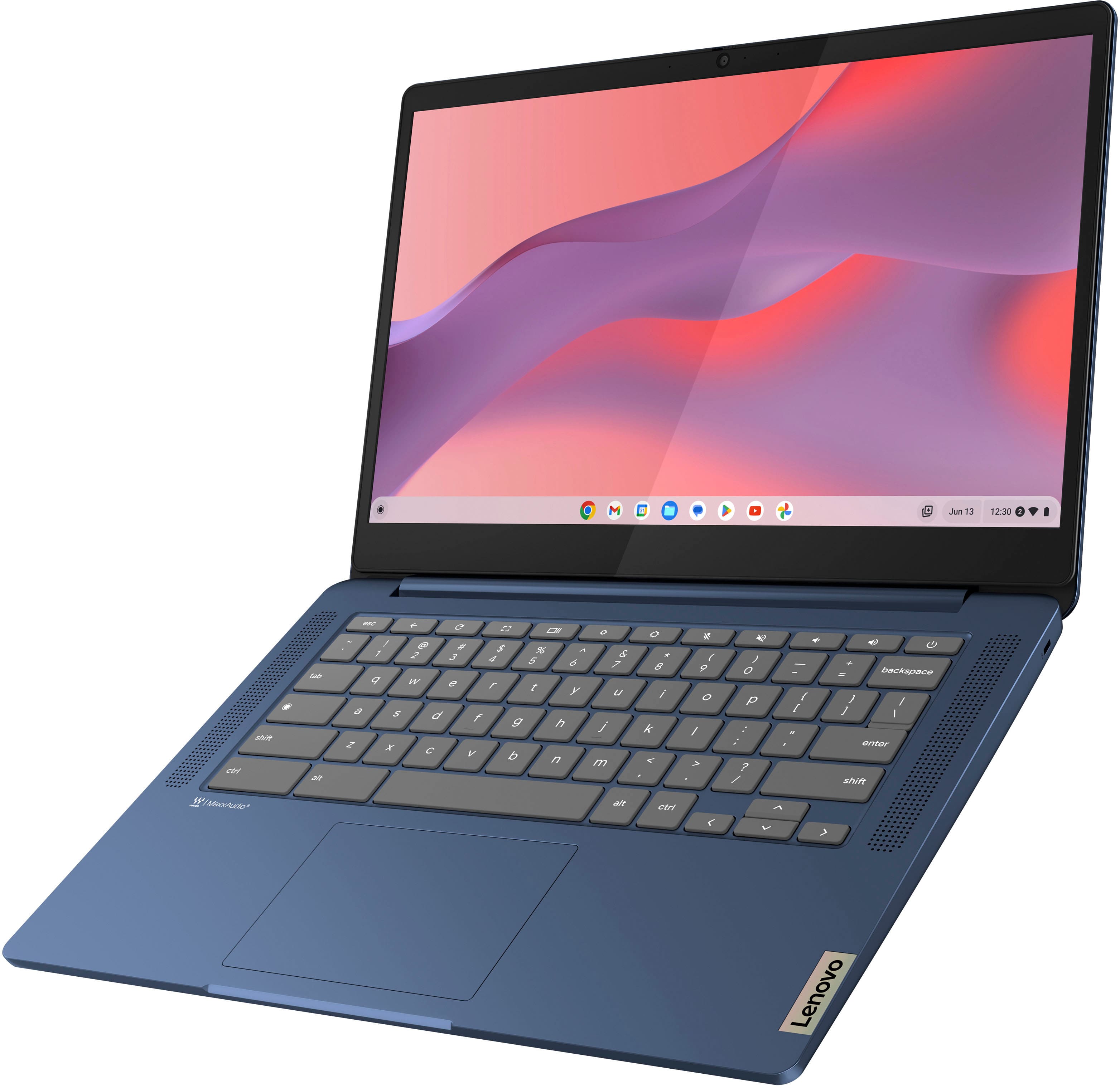
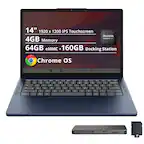
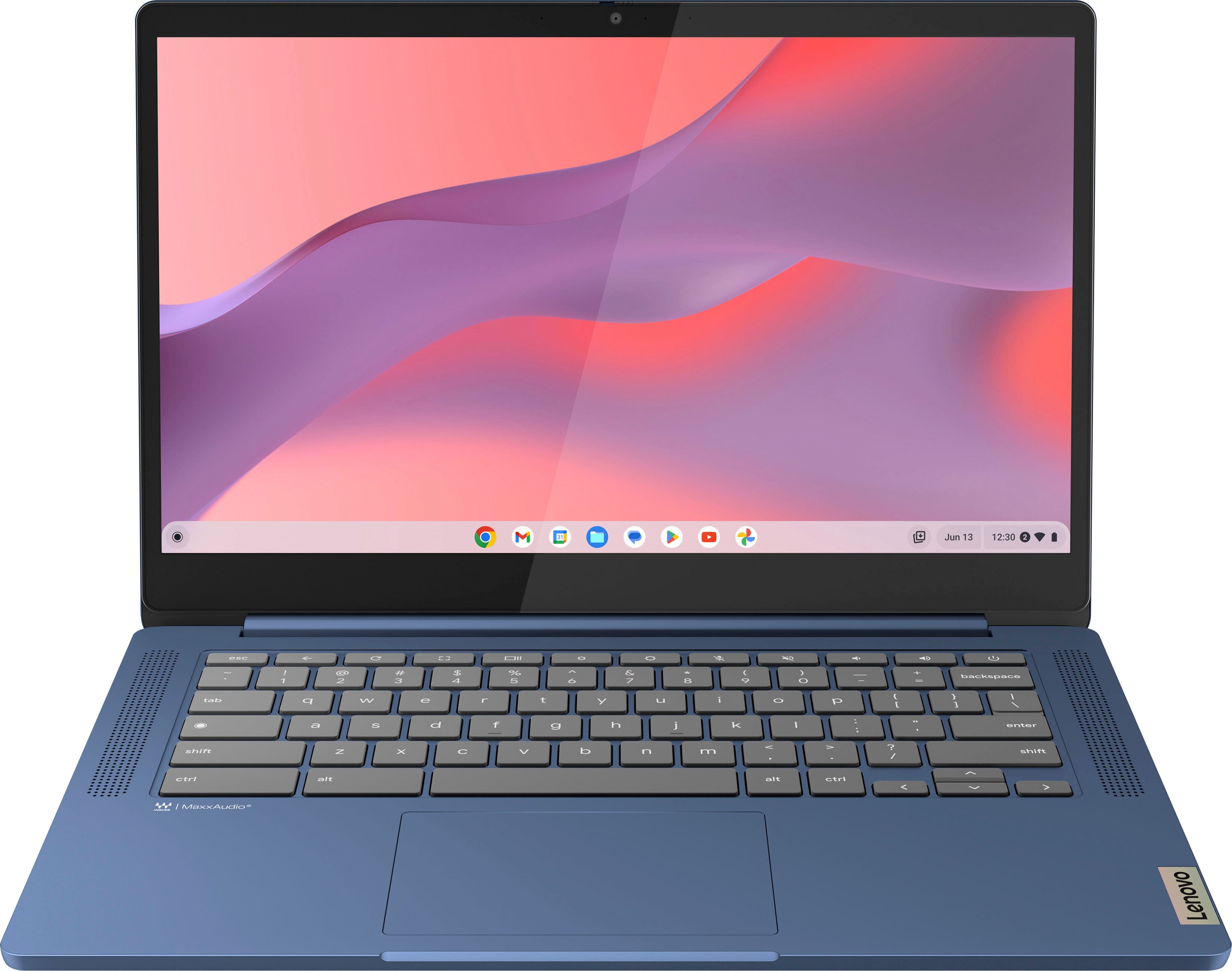
This IdeaPad Slim 3 is a Chromebook, which uses G-Suite for office type programs like Docs for word processing, Slides for presentations, Sheets for spreadsheets, and more. Most G-Suite apps are preinstalled on Chromebooks and are compatible with most Microsoft Office program file types. If you currently have a Microsoft Office 365 subscription, you can access that existing account and use the available apps via the Microsoft 365 app on your Chromebook.
Please feel free to reach out to us with any other questions!
A:AnswerHey there,
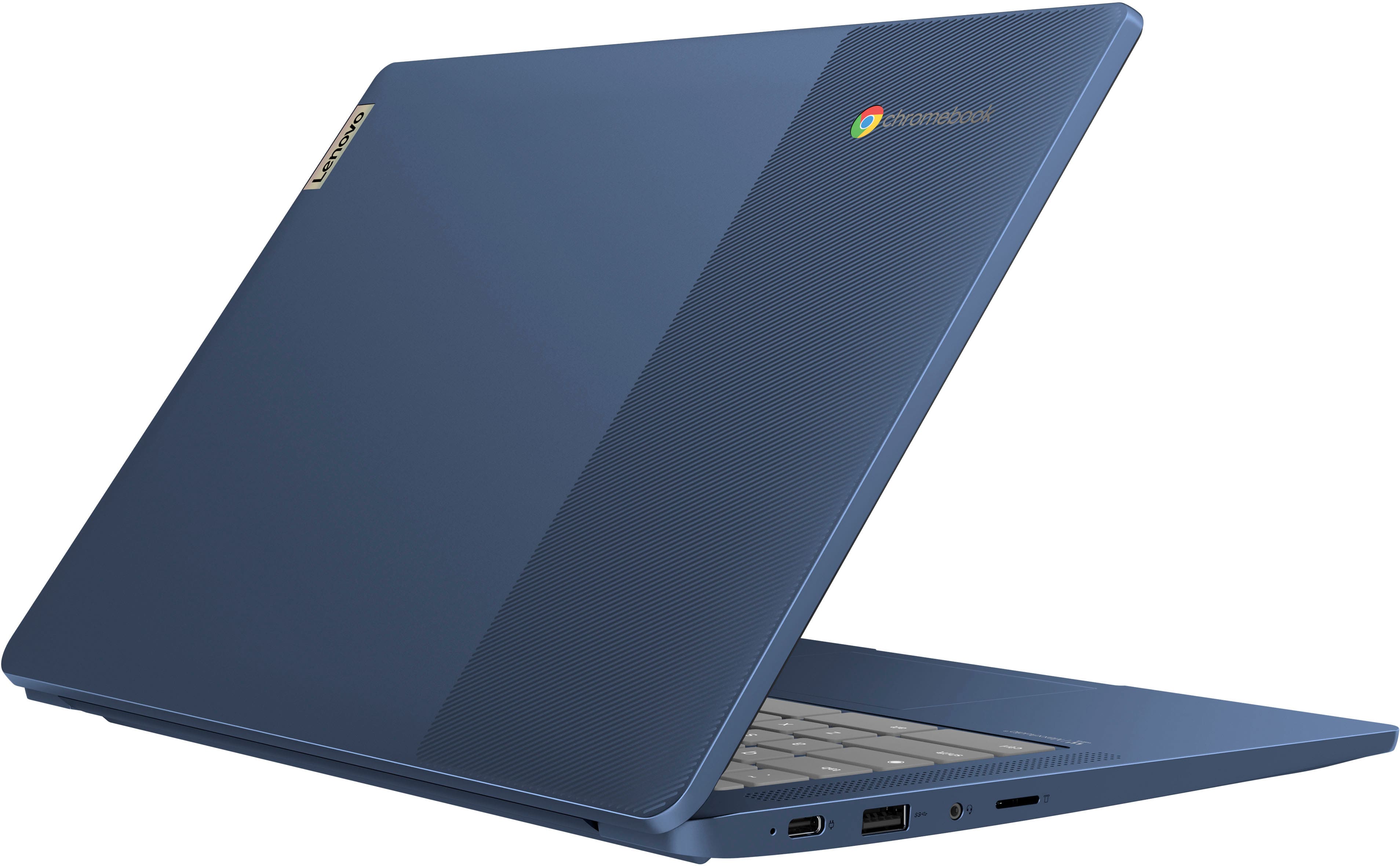
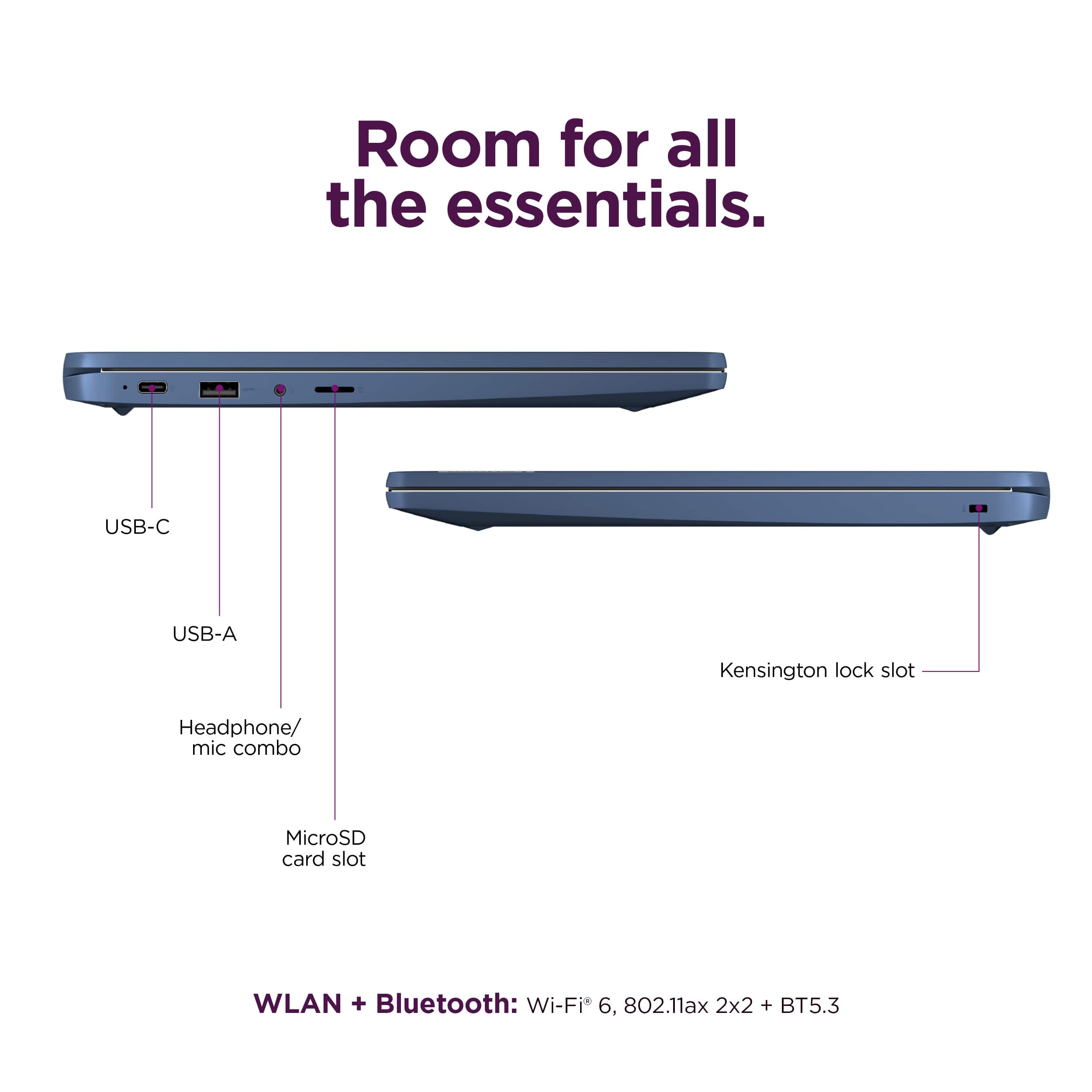
This IdeaPad Slim 3 Chromebook features a 45W USB-C power adapter in the box. Also, you can use a wide variety of accessories with Chromebooks, and thanks to Works with Chromebook resources like this Google webpage: https://support.google.com/chrome/a/table/14169095?hl=en, you can view the adapters and more that will work with Chromebook devices.
Please feel free to reach out to us with any other questions!
A:AnswerHey Pop4E,
Yes, Google offers a service called Family Link that enables parents to establish boundaries online, monitor app activity and permissions, along with managing and securing your child’s account. To learn more about the platform, please visit this Google webpage for details: https://safety.google/families/parental-supervision/ | And to learn more about how to manage your child's account on Chromebooks, please visit the following Google Support webpage: https://support.google.com/chromebook/answer/7680868?hl=en |
Please feel free to reach out to us with any other questions!
A:AnswerHey there,
You should be able to use Microsoft Word on this IdeaPad Slim 3 Chromebook either via the Google Play Store as an app or online as a progressive web app. If you use the G-Suite word processing app, Docs, you can import, export and view Word (docx) files in their original format as well.
Please feel free to reach out to us with any other questions!
A:AnswerHey Ptbugsy,
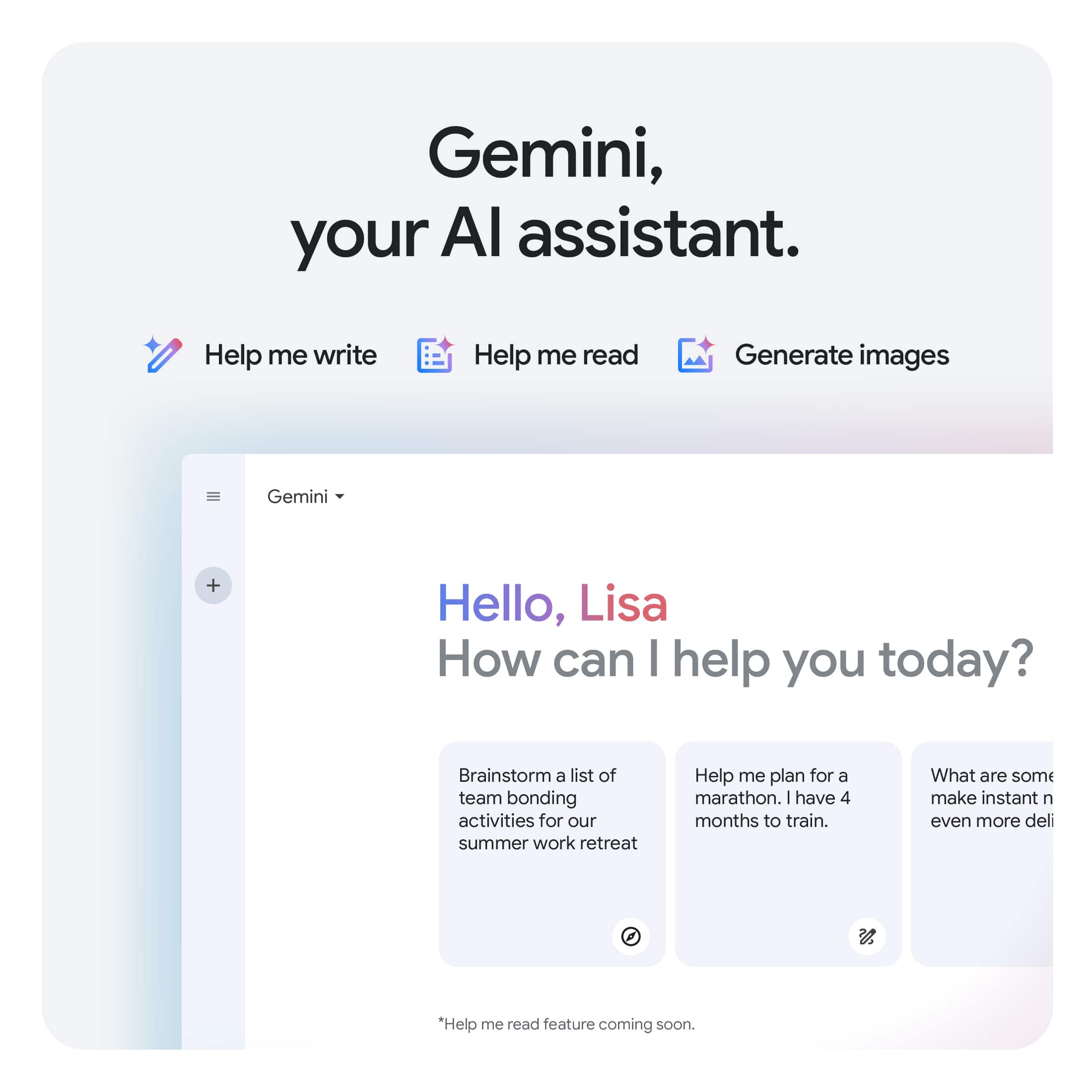
Copilot is not preinstalled, as Chromebook devices leverage Gemini, Google's AI assistant. Although, you can install the Copilot Android app onto this IdeaPad Slim 3 Chromebook via the Google Play Store.
Please feel free to reach out to us with any other questions!
A:AnswerHey Beavis,
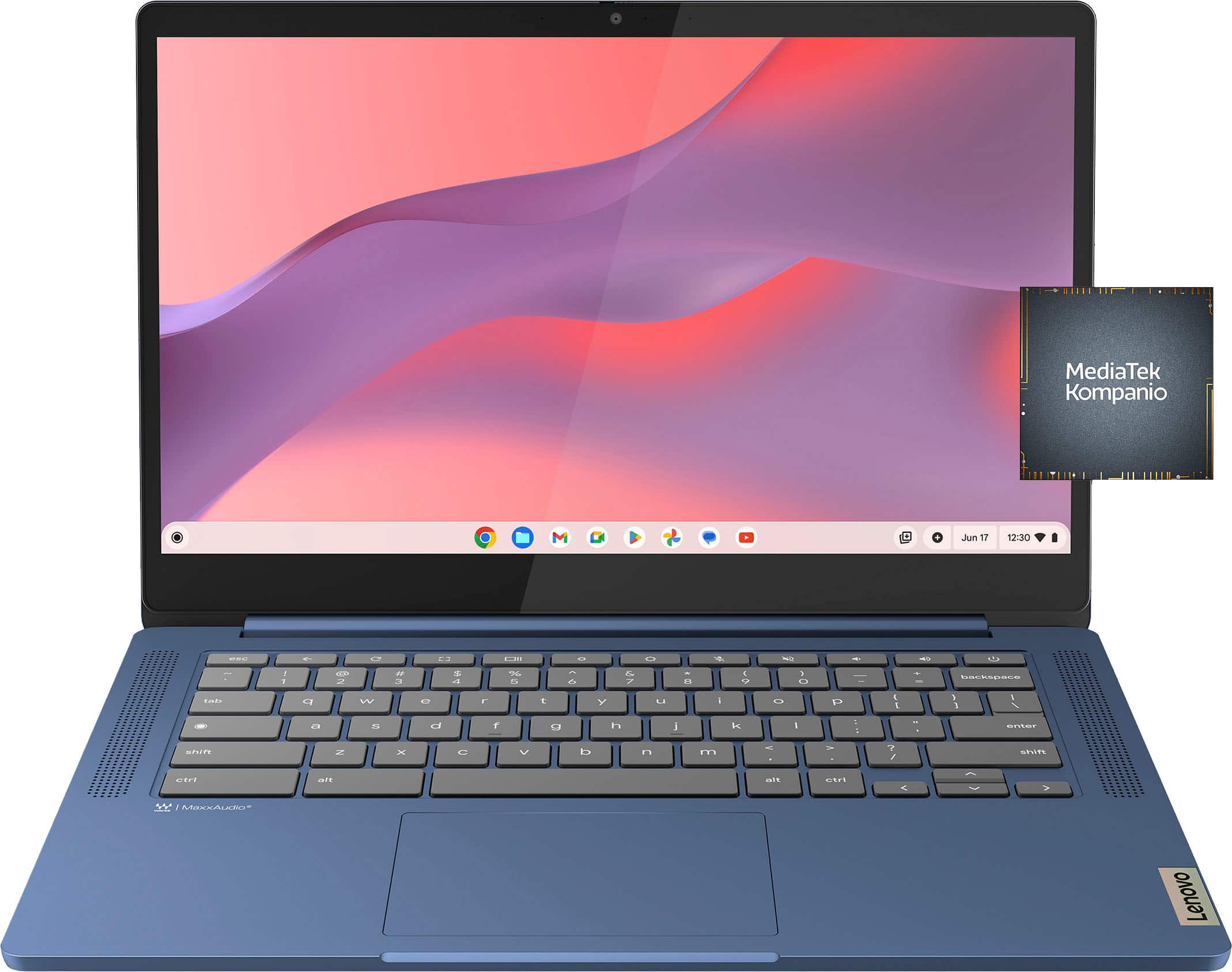
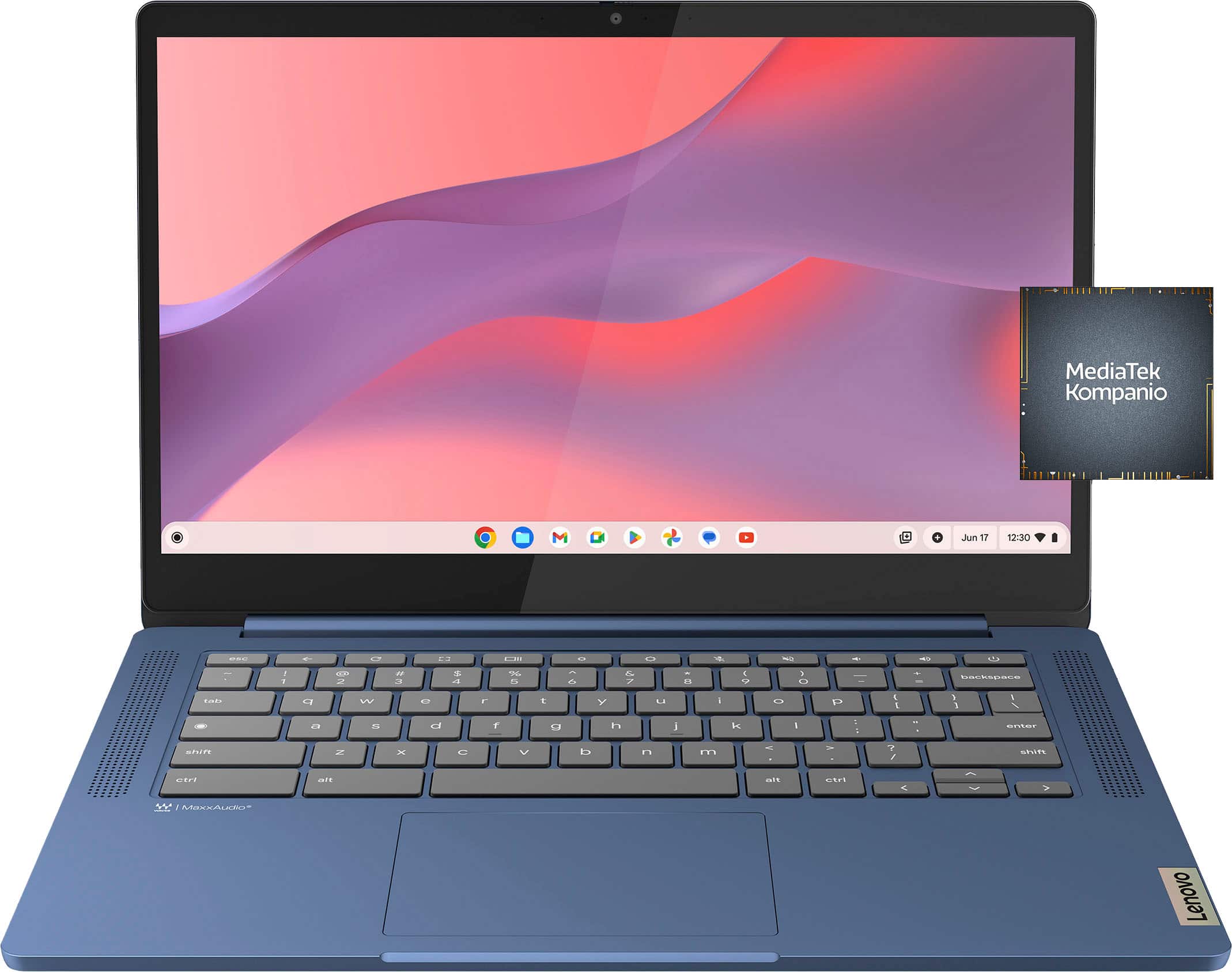
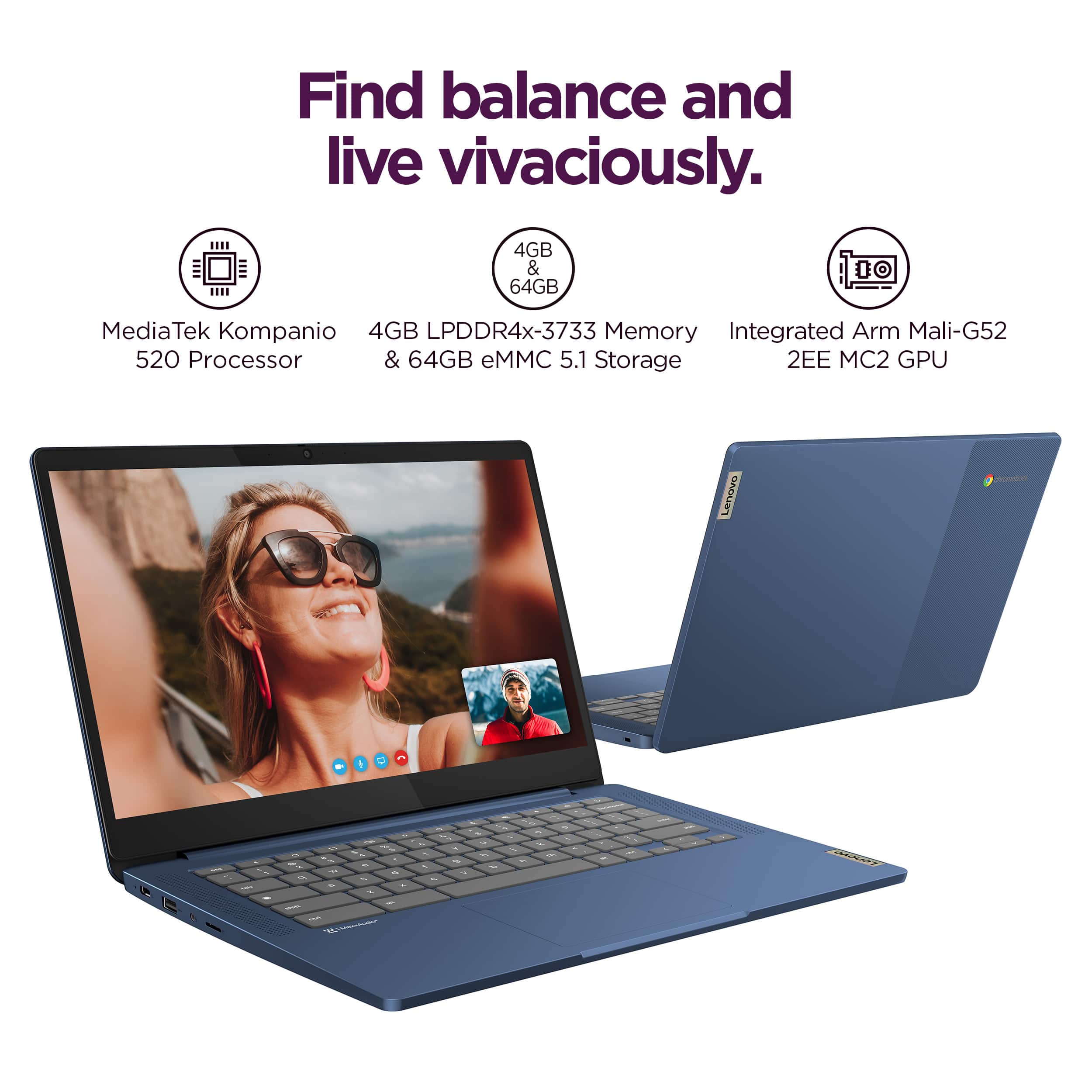
This IdeaPad Slim 3 Chromebook features a MediaTek Kompanio 520 processor.
Please feel free to reach out to us with any other questions!
A:AnswerHey Beth,
The IdeaPad Slim 3 Chromebook is currently scheduled to receive automatic updates until June 2033.
Please feel free to reach out to us with any other questions!
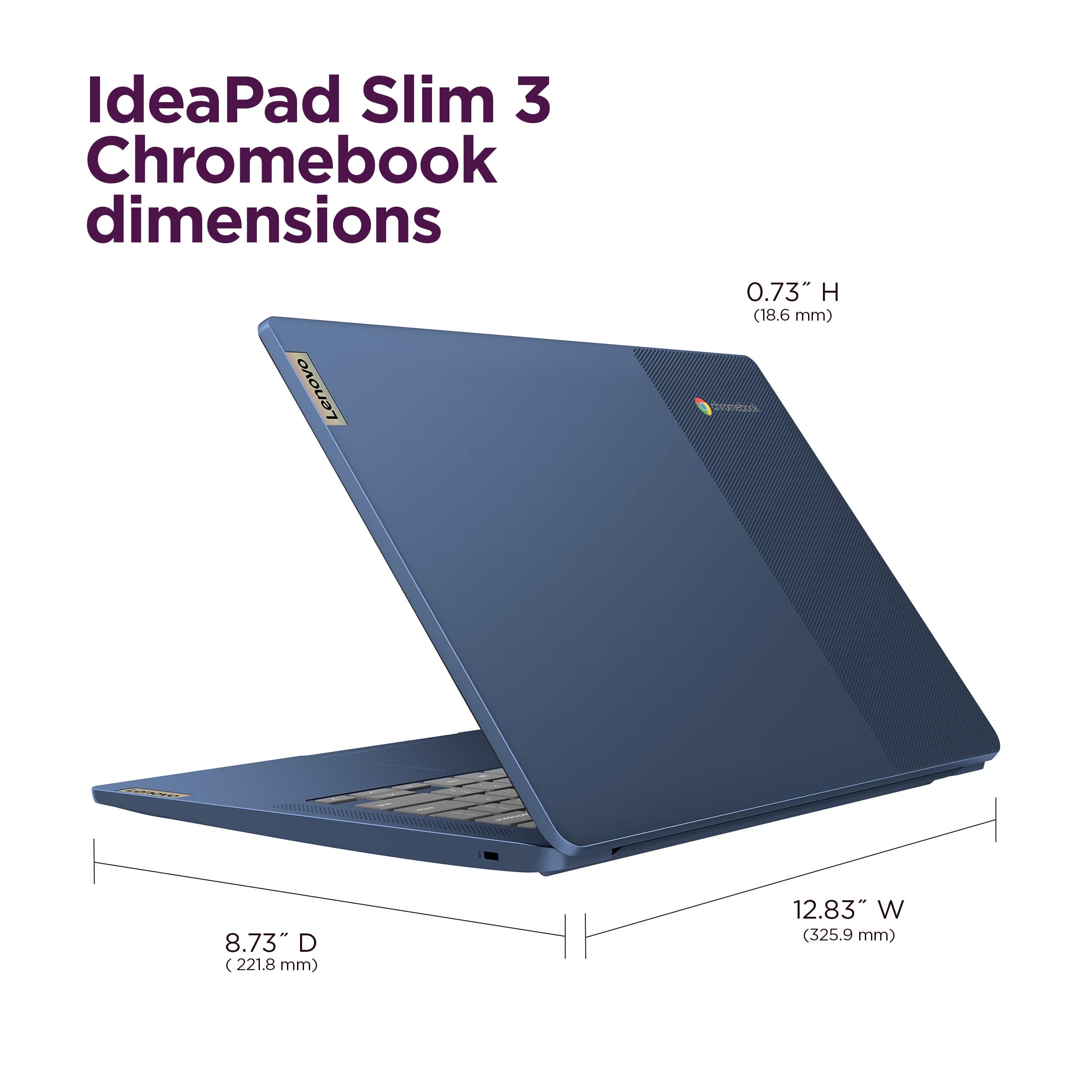
A:AnswerHey there,
The Slim 3 Chromebook 14 is currently slated to receive automatic updates until June 2033.
Please feel free to reach out to us with any other questions!
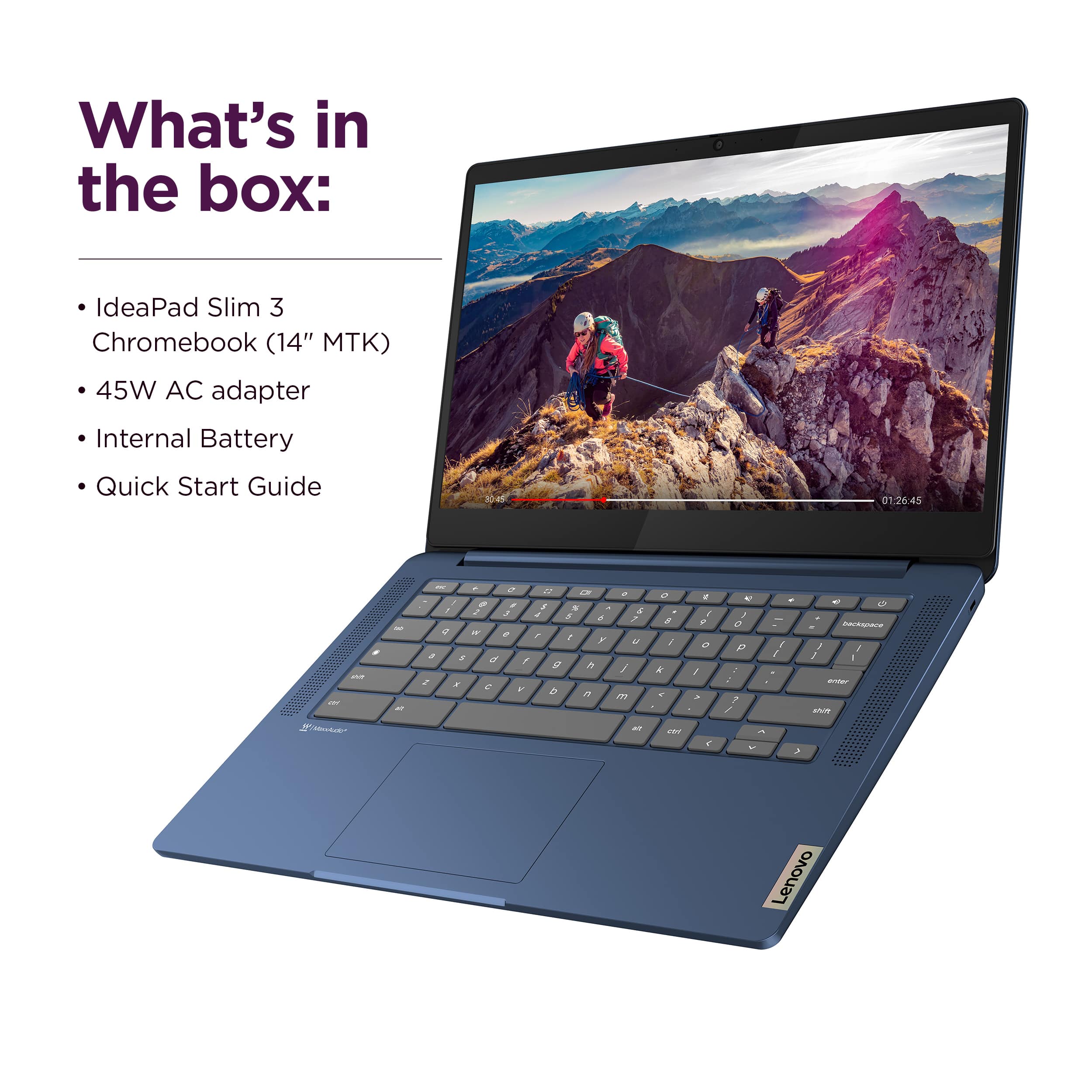
A:AnswerHey Al,
Based on the information within this Google Support webpage detailing supported external devices and file types with Chromebooks: https://support.google.com/chromebook/answer/183093?hl=en, you shouldn't have an issue with completing this function on this IdeaPad Slim 3 Chromebook.
Please feel free to reach out to us with any other questions!