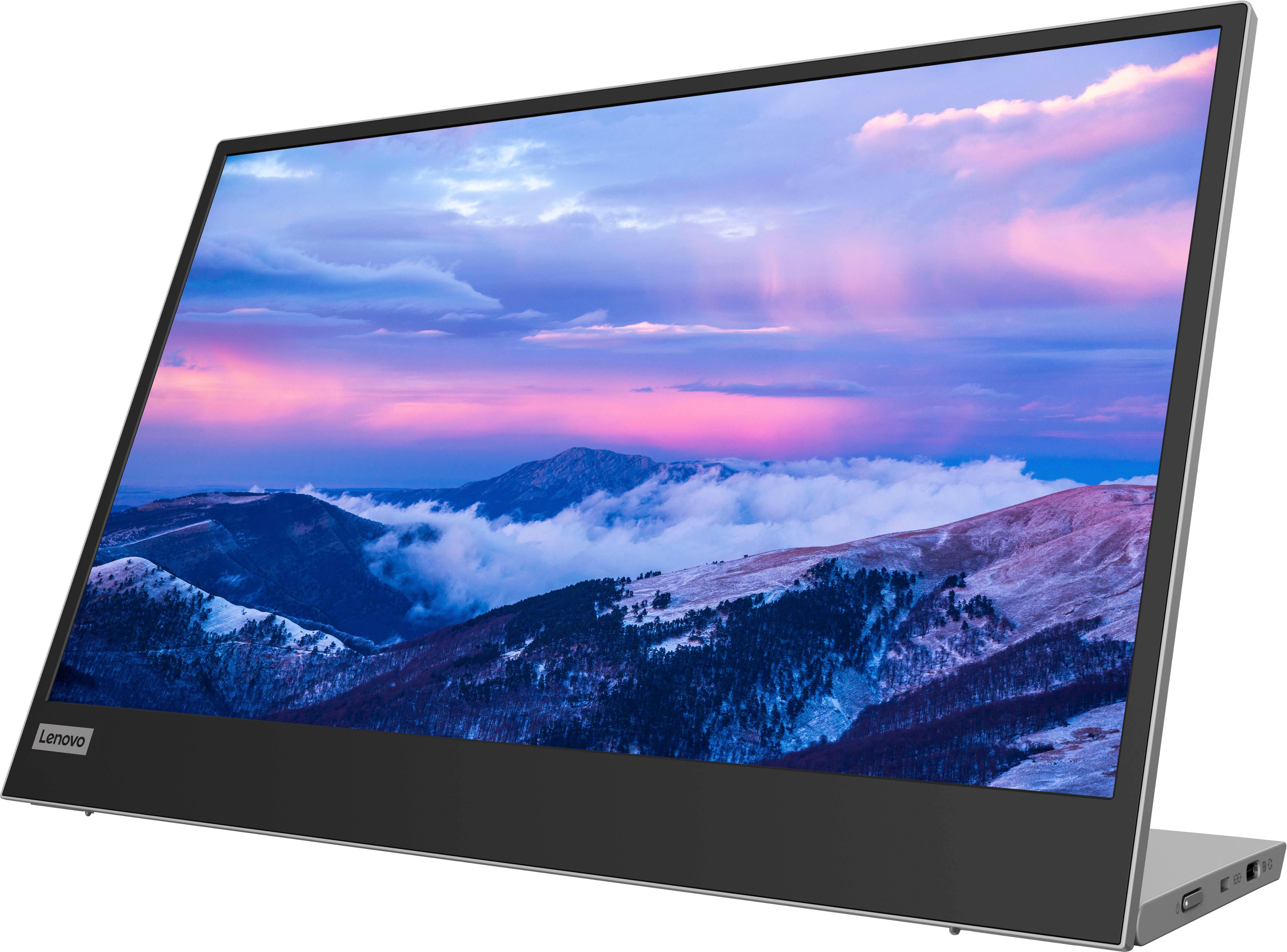
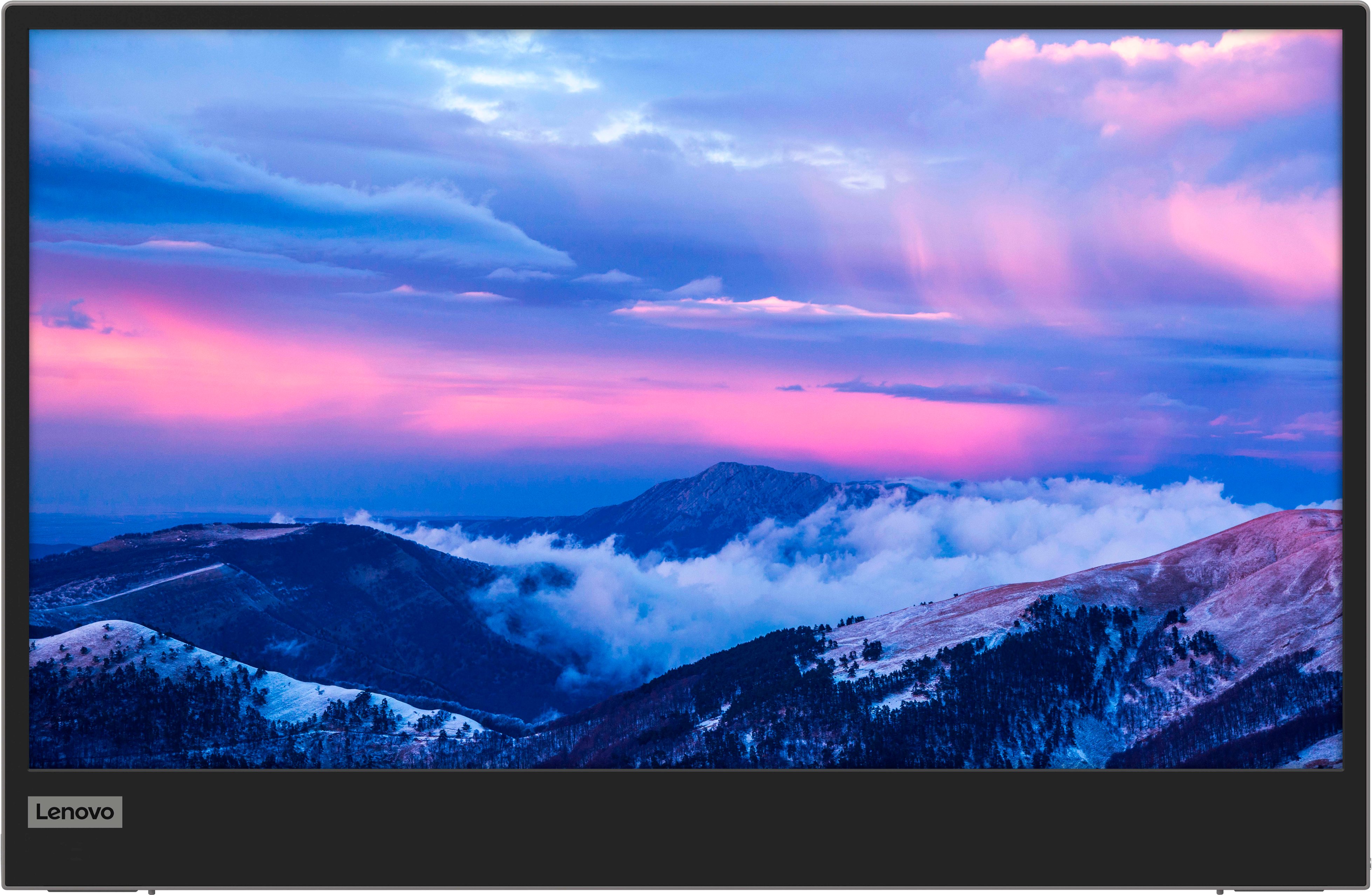
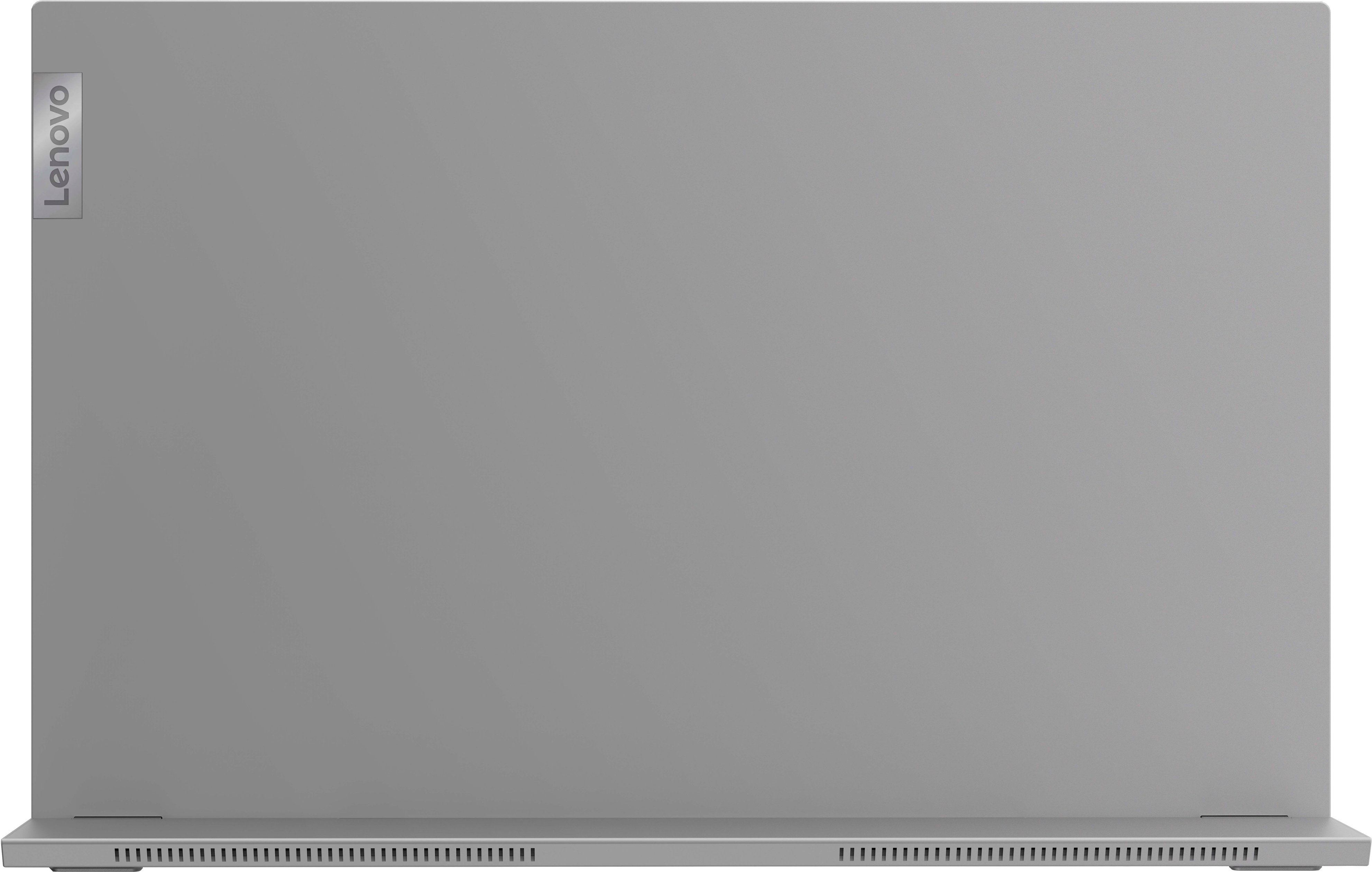
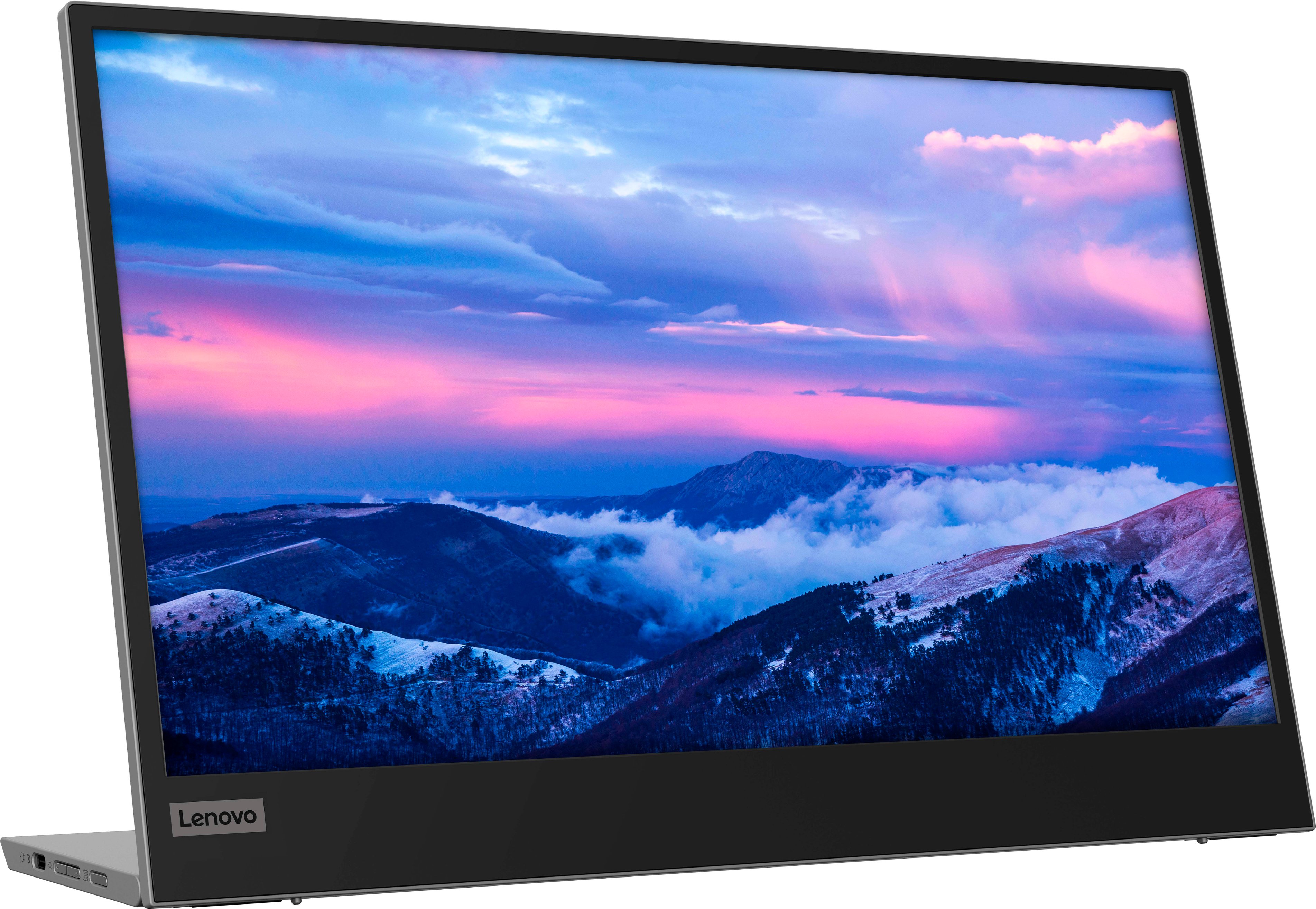
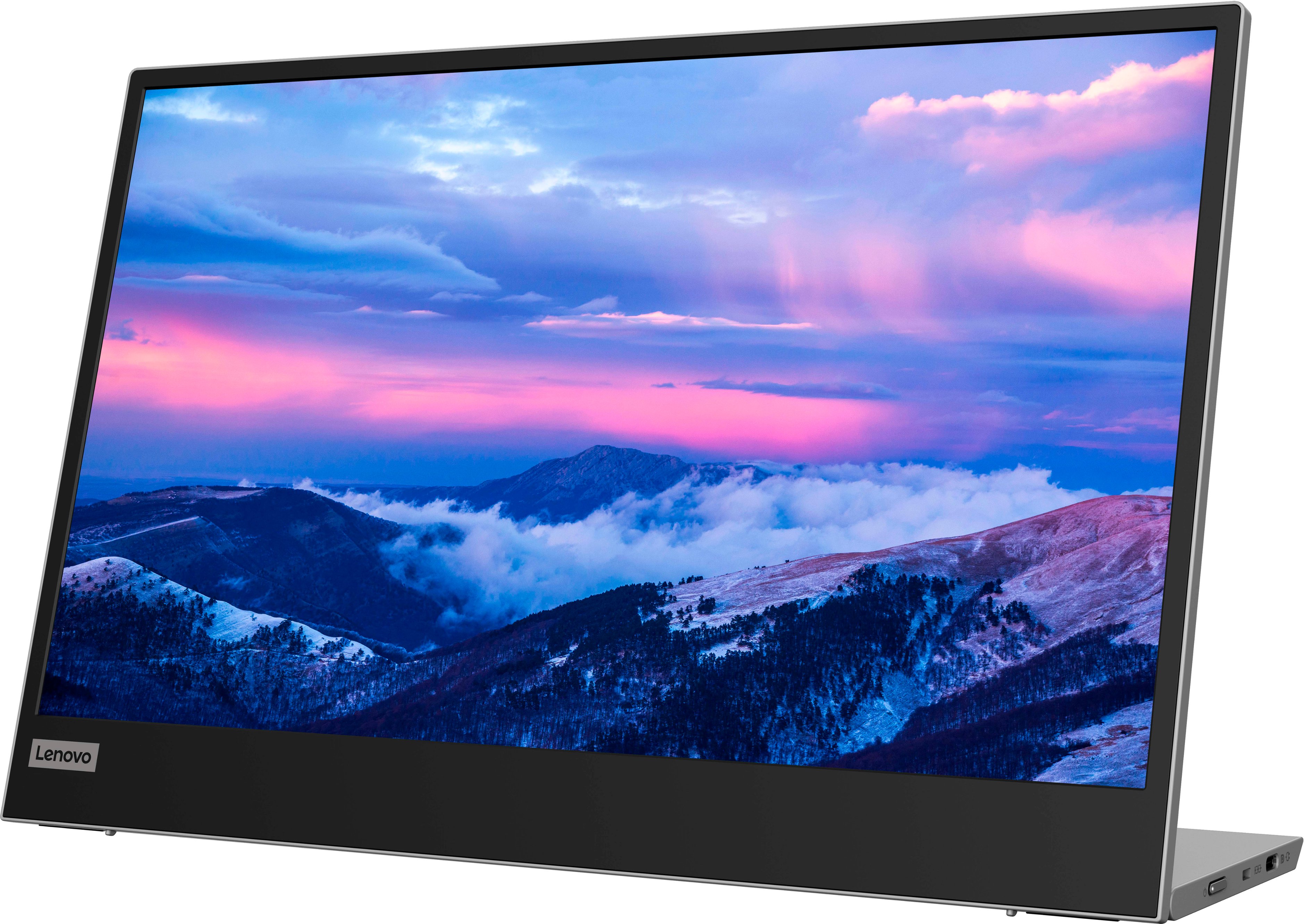
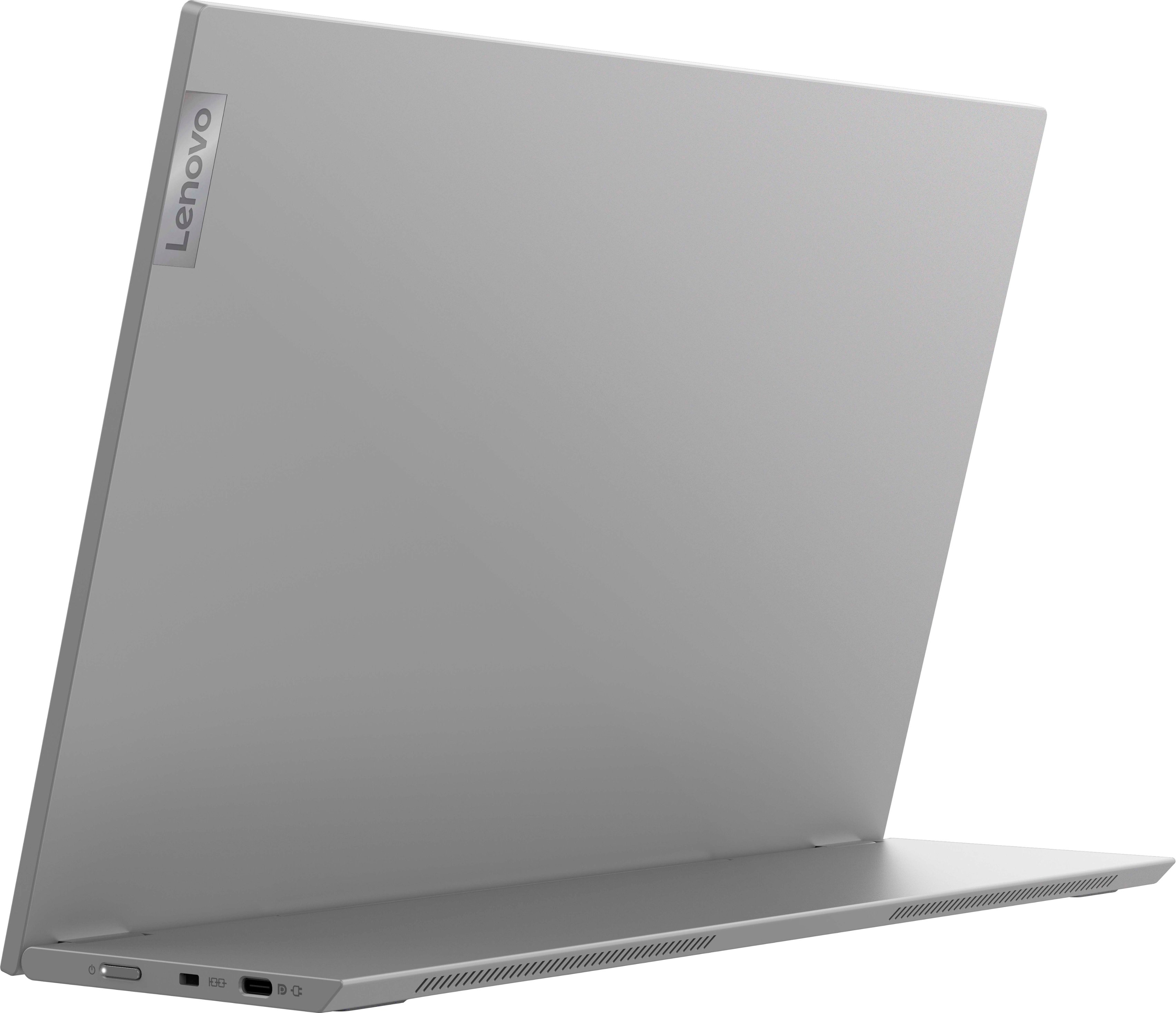
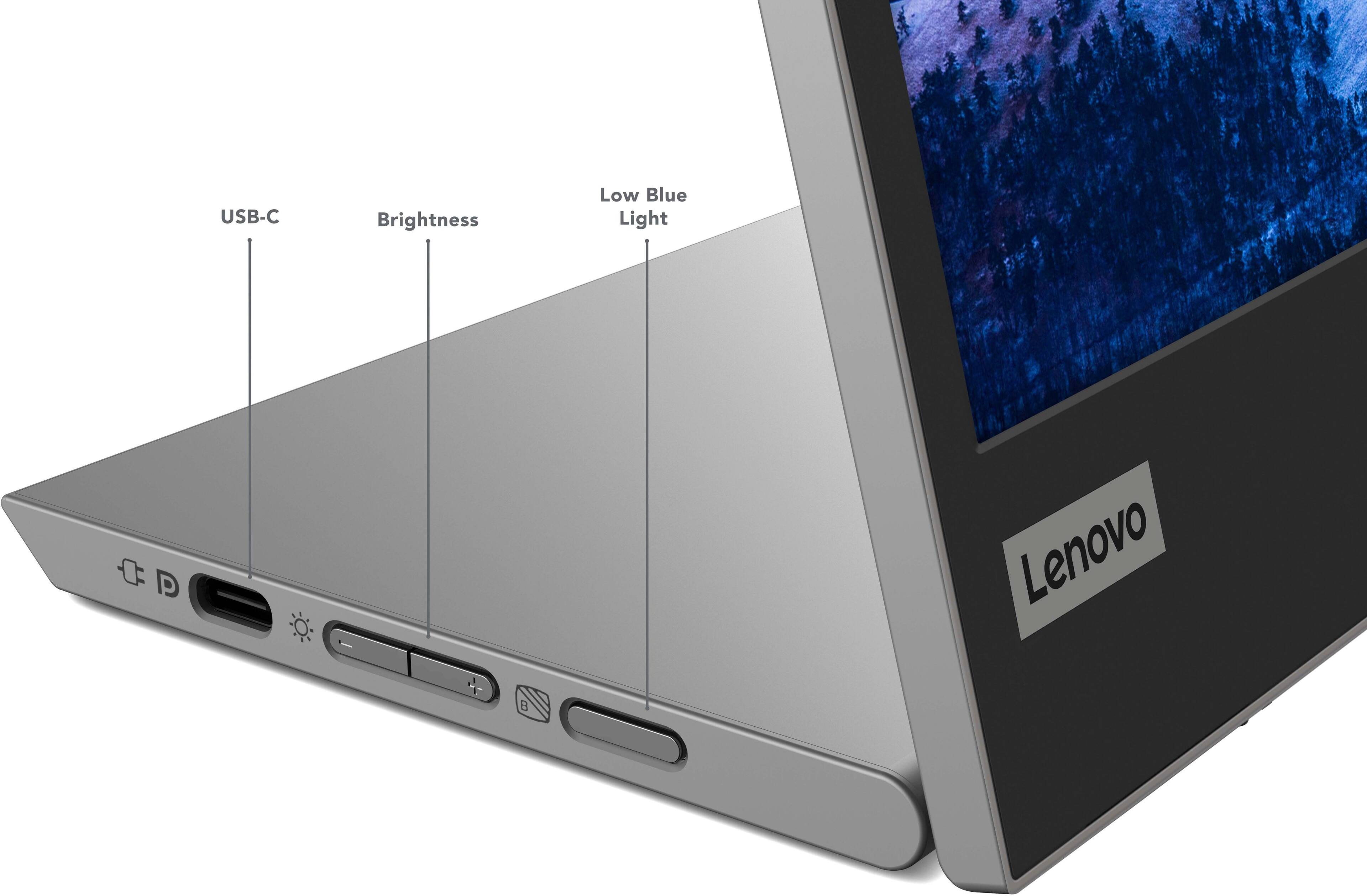
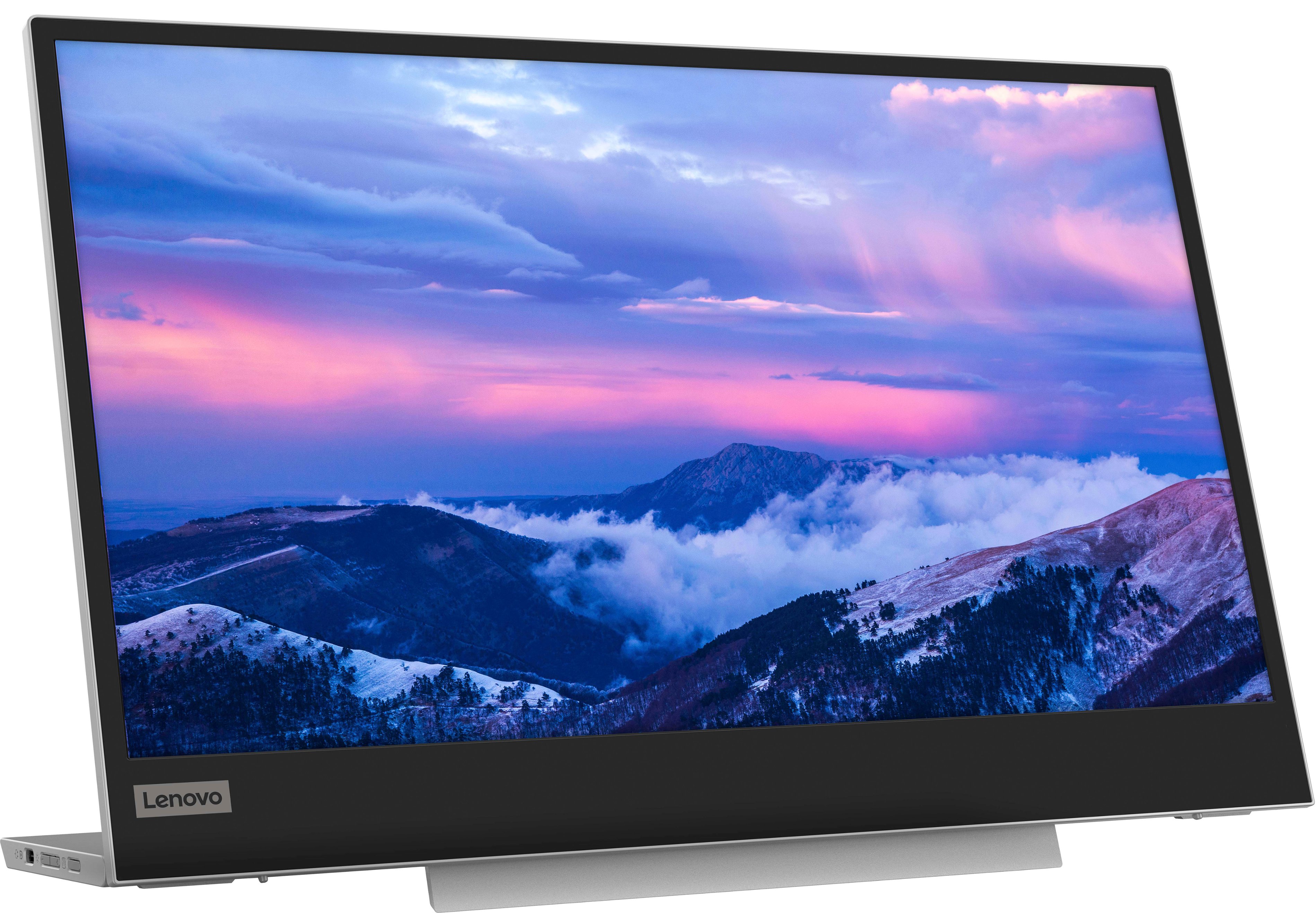
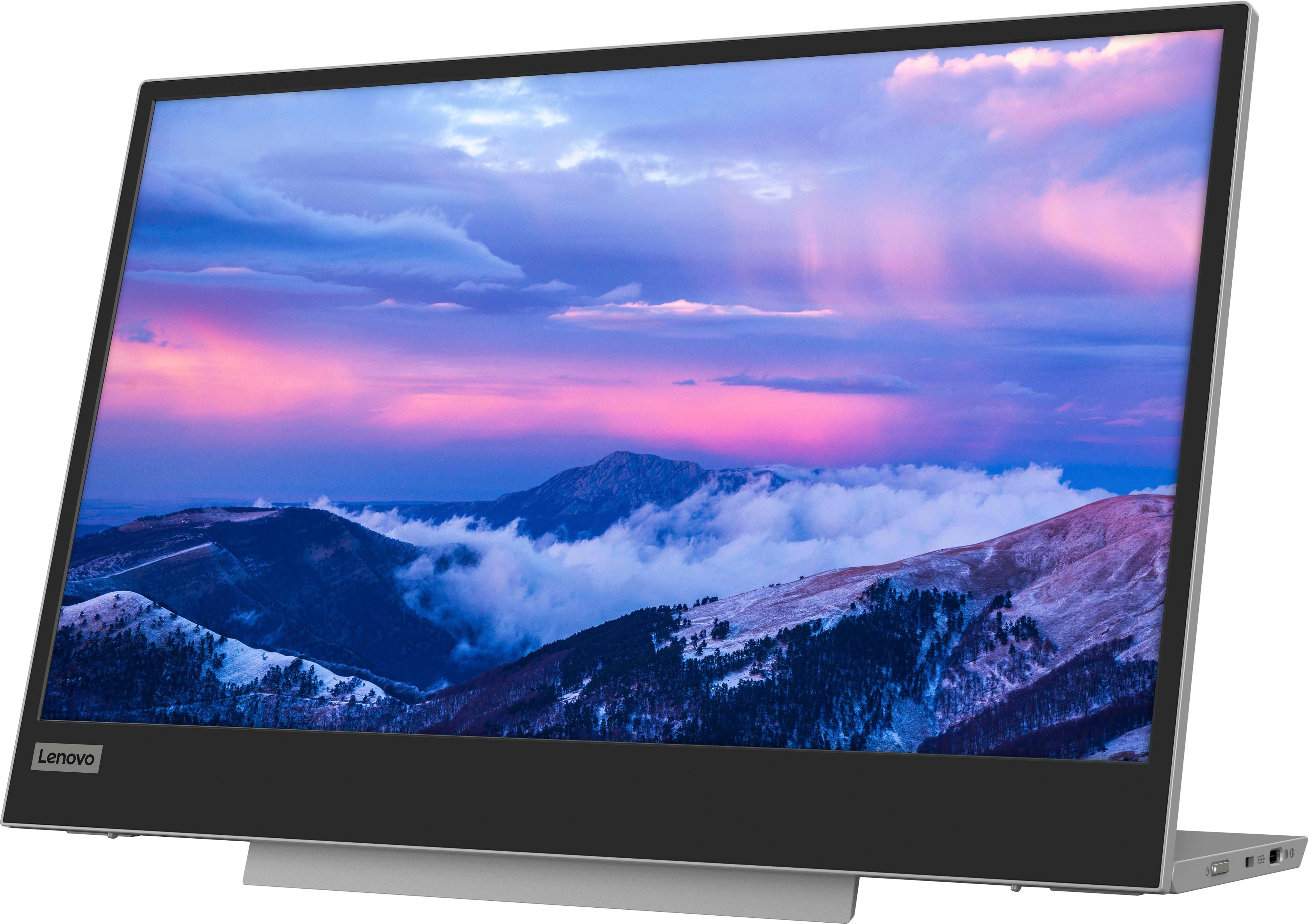
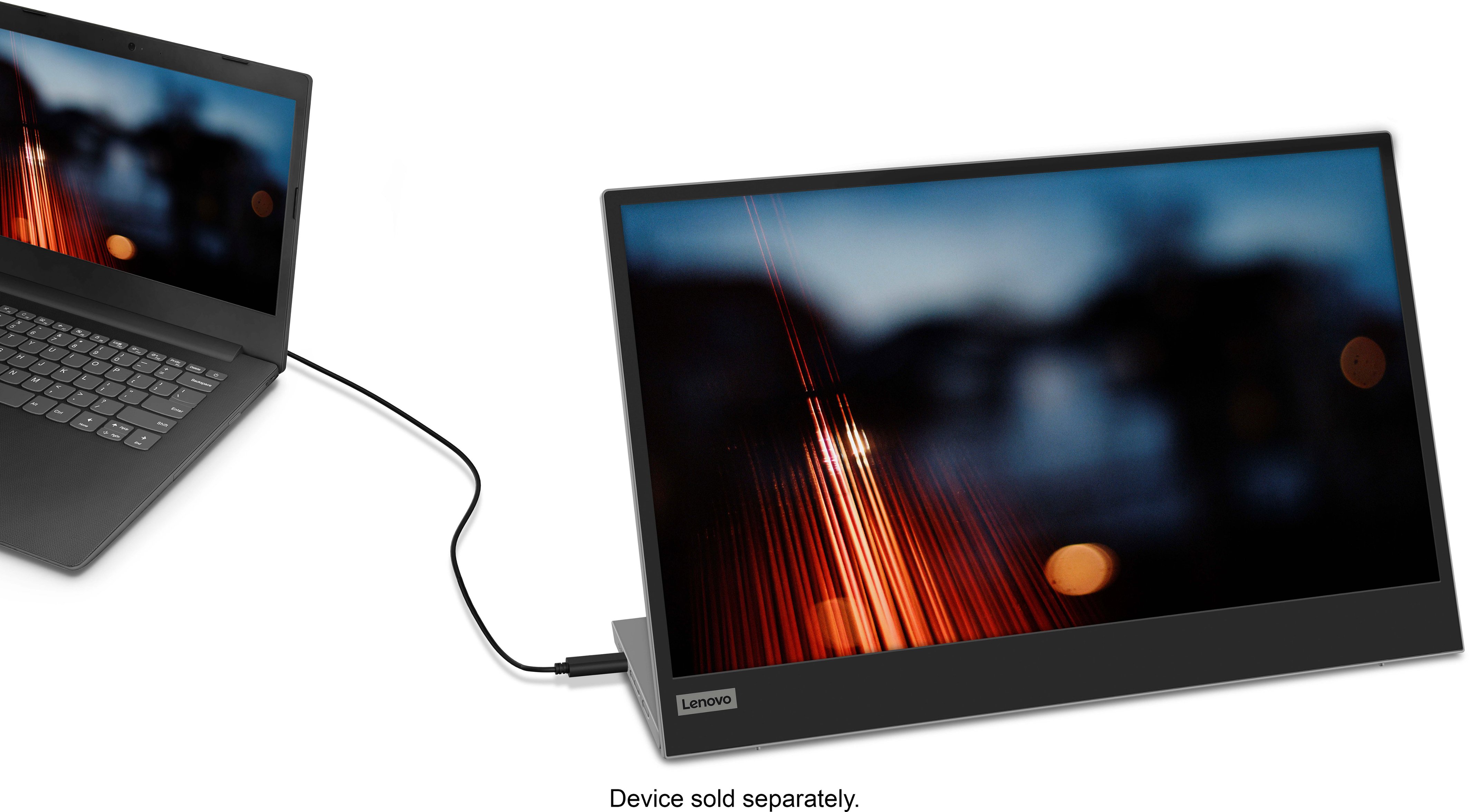
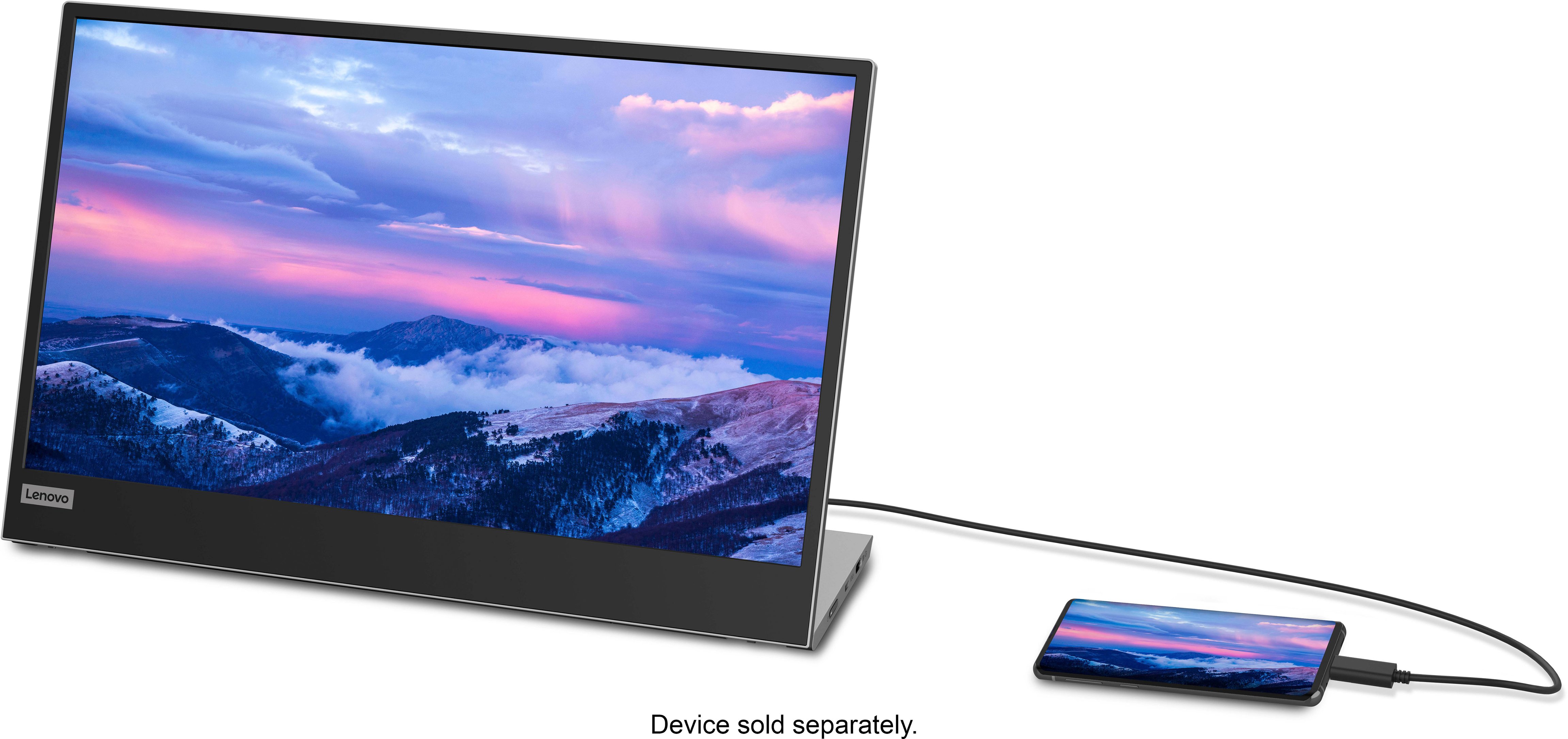
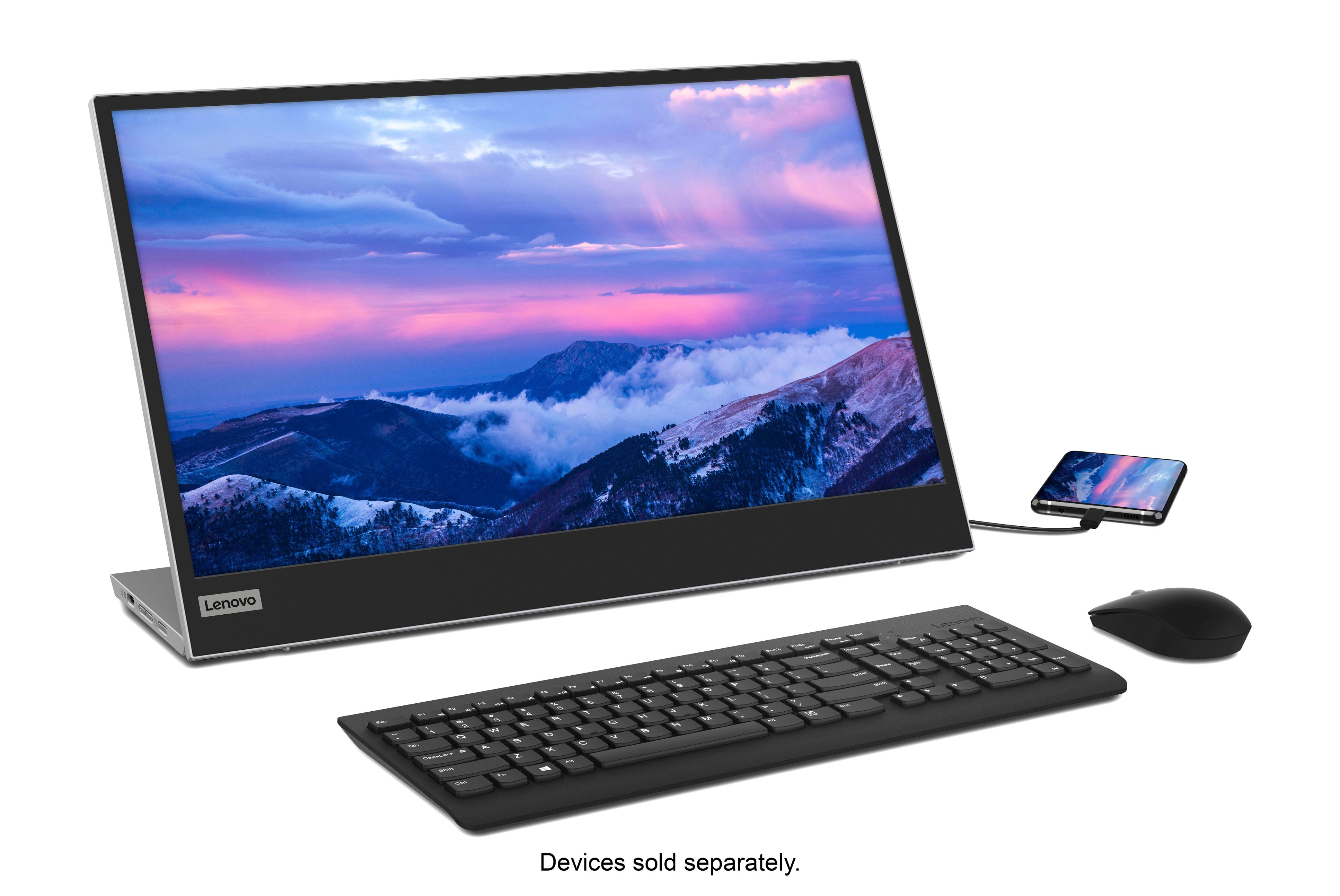
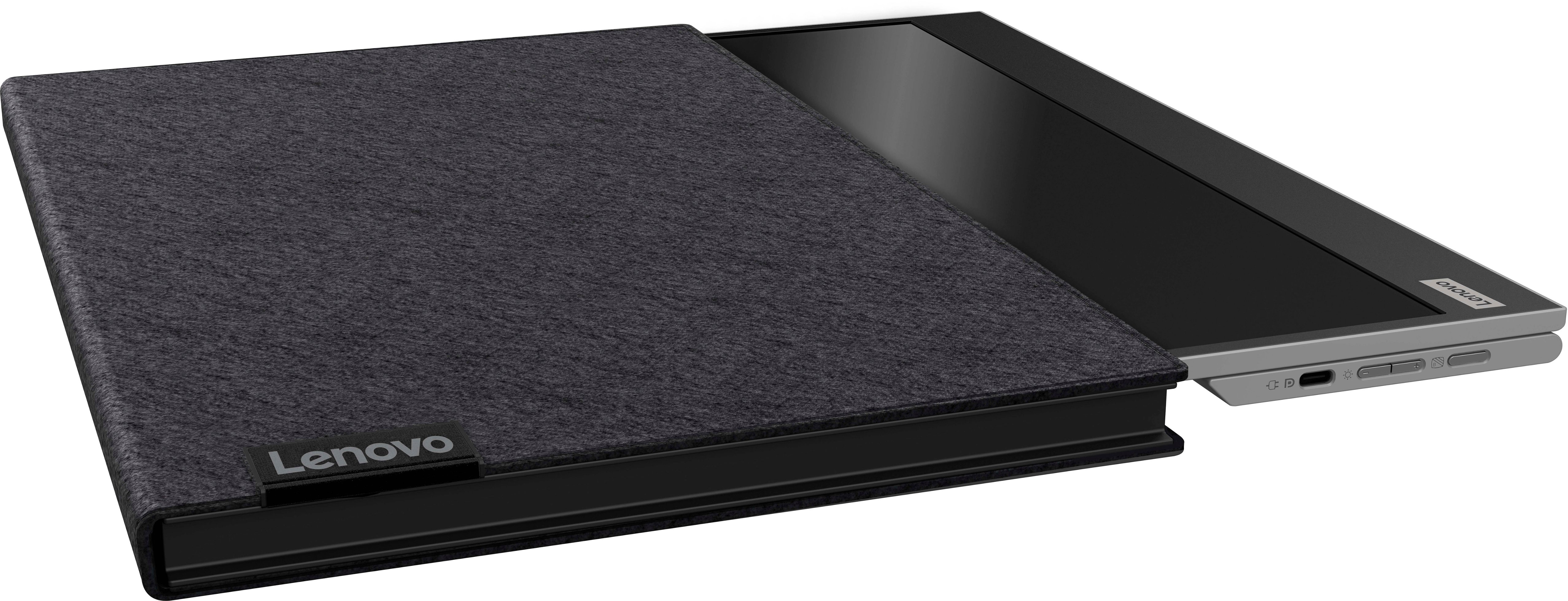
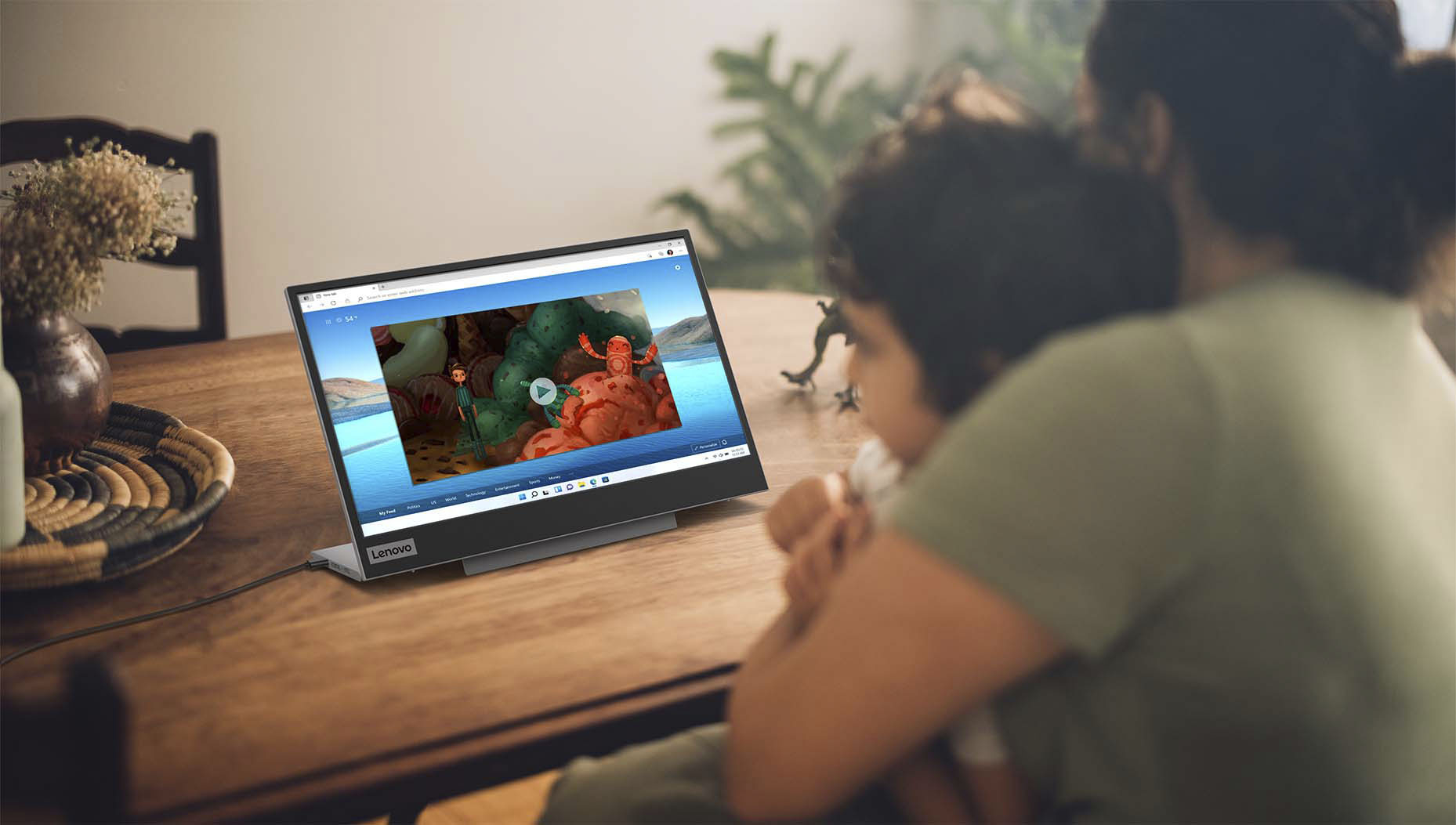
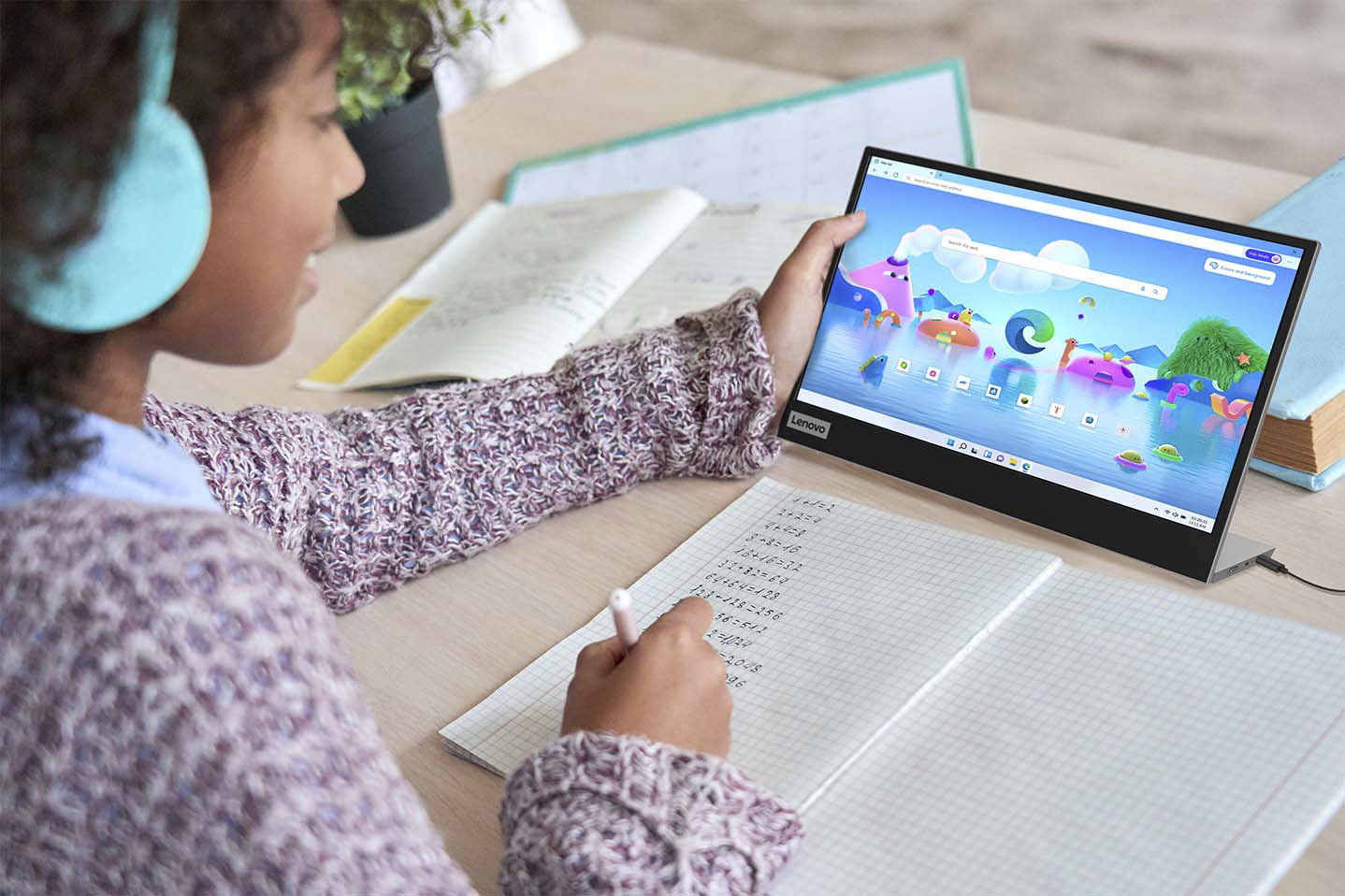
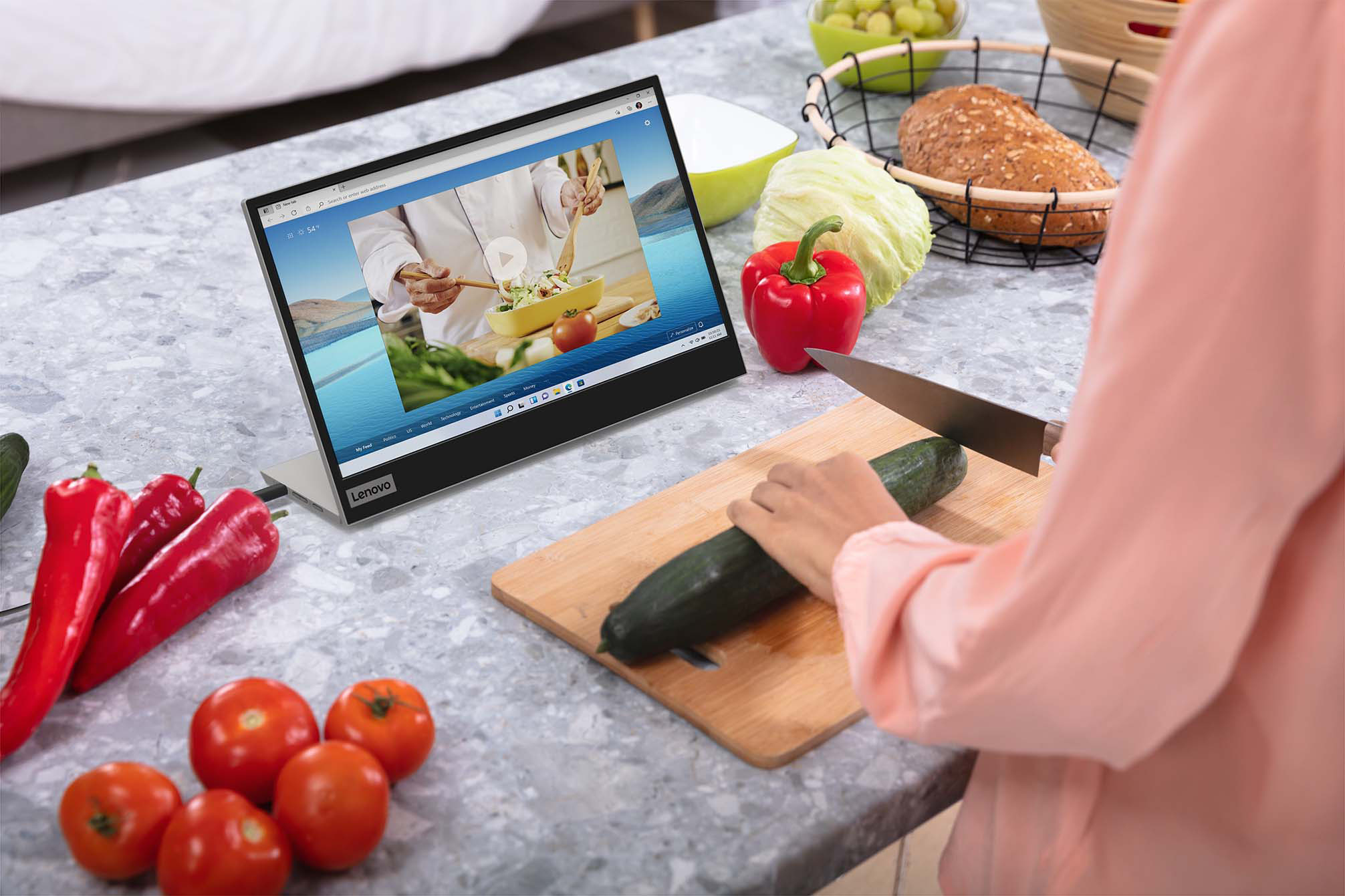
A:AnswerThis Lenovo L15 USB-c Type, Portable Monitor, model number 66E4UCC1US, is powered through its connection to a compatible laptop with a USB-c port that supports both video out, (minimum alt mode DisplayPort 1.2) and Power Delivery out.
A:AnswerThis Lenovo L15 USB-c Portable Monitor, model number 66E4UCC1US, ships with a limited, 1-year manufacturer's warranty, covering OEM hardware issues.
A:AnswerBe sure the devices you are connecting this Lenovo L15 USB-c Portable Monitor to have a USB-c port with video out capability. This L15 USB-c Monitor is Operating System independent and should work with any device that has a USB-c connection with video out capability. We recommend you check with your device manufacturer's web site for the compatibility of the specific model configuration you have.
A:AnswerYes, it does work as an extended display in landscape. I use it as a third monitor. You may just have to change your display settings on your PC.
A:AnswerThis Lenovo L15 USB-c Portable Monitor, model number 66E4UCC1US, is Operating System independent and connects to a compatible device via USB-C 3.2 (DP 1.2 Alt mode) port. We recommend you check with your phone manufacturer's web site for the compatibility and requirements for connecting your specific model phone to a monitor and utilizing the specific software APP you want to use with this Lenovo L15 USB-c Portable Monitor.
A:AnswerI have consistently gotten it to work with any device with AUS BC cable. Plan to check it out with my DVD player and xbox. I would imagine an H DMI TSBC converter should do the trick.
A:AnswerYes, I have used it with three different Dell laptops with USB C and have had no issues. Recognized monitor right away. The were all at least three to four years old too.
A:AnswerNo. Because HDMI can't carry power, any monitor or laptop with an HDMI connection is going to need a separate power connector. This means if you want to have the monitor powered over USB-C, you would need two pathways for power.
A:AnswerThis Lenovo L15 USB-c Portable Monitor, model number 66E4UCC1US, is Operating System independent, but does require compatibility from the phone's port to the monitor's USB Type-C 3.2 (DP 1.2 Alt mode) connection. We recommend you check with your phone's manufacturer's web site for the requirements and compatibility of your specific phone model.
A:AnswerThat kind of depends on what connector your Yoga has. I'd suspect that if the Yoga has any type of display port connector, a cable exists to convert that to USB-C
A:AnswerThis Lenovo L15, USB-C Portable Monitor, model number 66E4UCC1US, is Operating System independent. It will connect to a compatible computer via USB-C 3.2 Gen 1 (DP 1.2 Alt Mode) port. We recommend you check the Nintendo requirements and compatibility for connecting an external monitor to your Switch.