A:AnswerI used a DDR5-5200 32GB module (48GB total) from Crucial (Crucial 32GB DDR5-5200 PC5-41600 CL42 SO-DIMM Memory Module CT32G52C42S5). It's only been installed 24 hours, but so far so good.
A:AnswerNo sound still nor could I find any fix. Ubuntu 23.10 with kernel 6.3.0 tested. Other issues with ACPI flooding dmesg logs and nvidia drivers have issues if you use sleep mode (can't get display back unless you hard reset, something has to do with nvidia settings and power settings from UEFI). Had to return unfortunately due to these issues (100% Linux. user).
A:Answerthis really depends on what games you are playing you could probably get thousands of fps in minecraft but more like 70 in cyberpunk if you can (i don't know how bestbuy website works) respond to me with what games you are playing also i thing you thing of your priorities if all you care about is performance and you just want to play at home and get the best possible experience then go for the tower. if you want something that is portable than go for this but if you tell me your budget and priorities i can give you a better overview of what the best option is. If you want thin and light go for the asus ROG Zephyrus g14 2023 4070 version. if you want more power and better cooling but less portability (maybe you only travel a little bit) then go for the legion pro 5i or if you have an unlimited budget go for the legion pro 7i or the rog strix scar 18. all of these would be the 4070 versions except for the last 2. if you have a little over 2 grand then you should go for the 4080 because it offers tons more performance. You can find these 4080 rog laptops on newegg for about 23 hundred dollars. Hope this was helpful to anybody reading! :)
A:AnswerI currently have 64gb running on this machine, I used the 48GB stick from Crucial and it works just fine. Just make sure to disconnect the battery before installing the module so it registers on reboot.
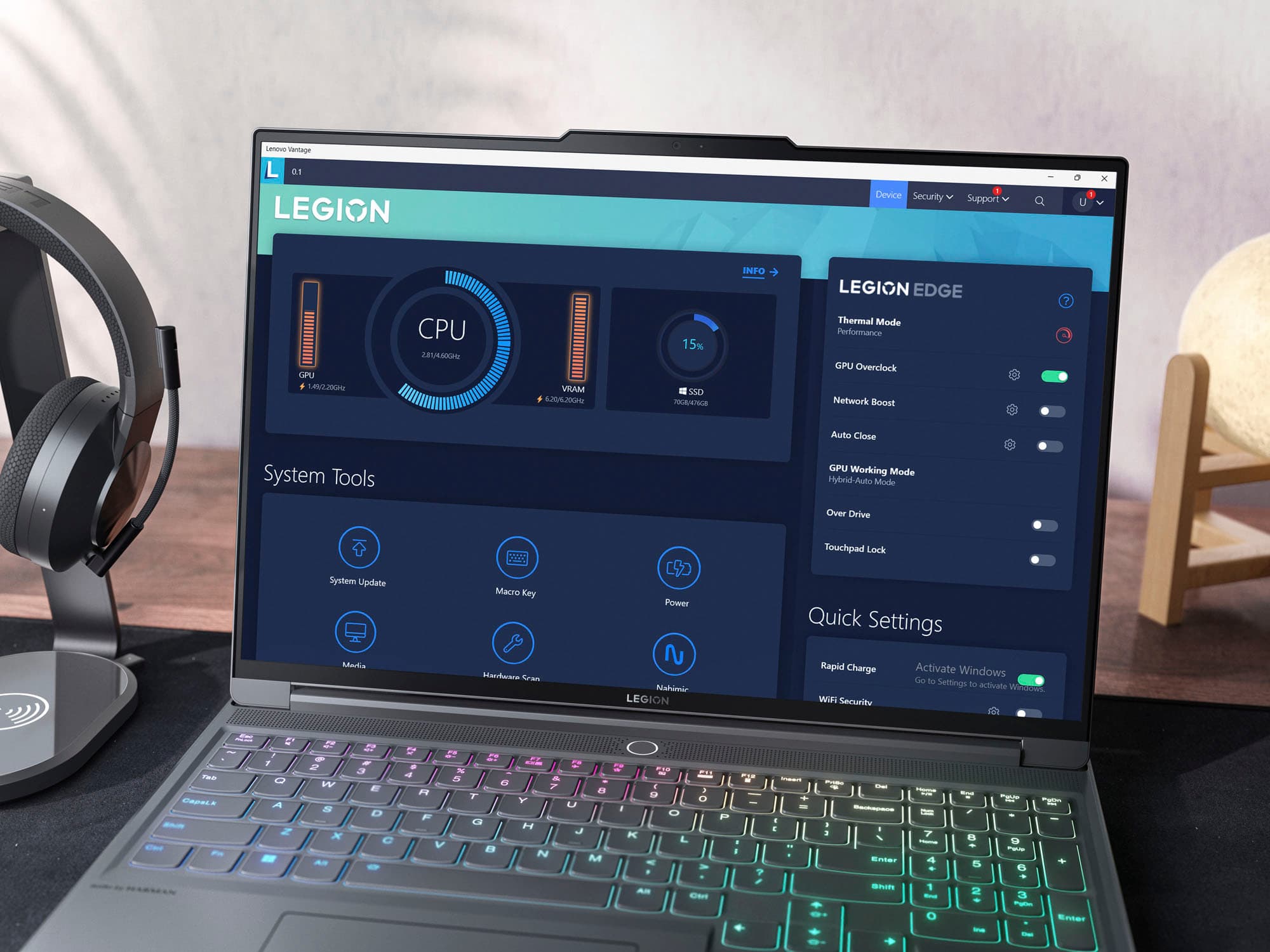
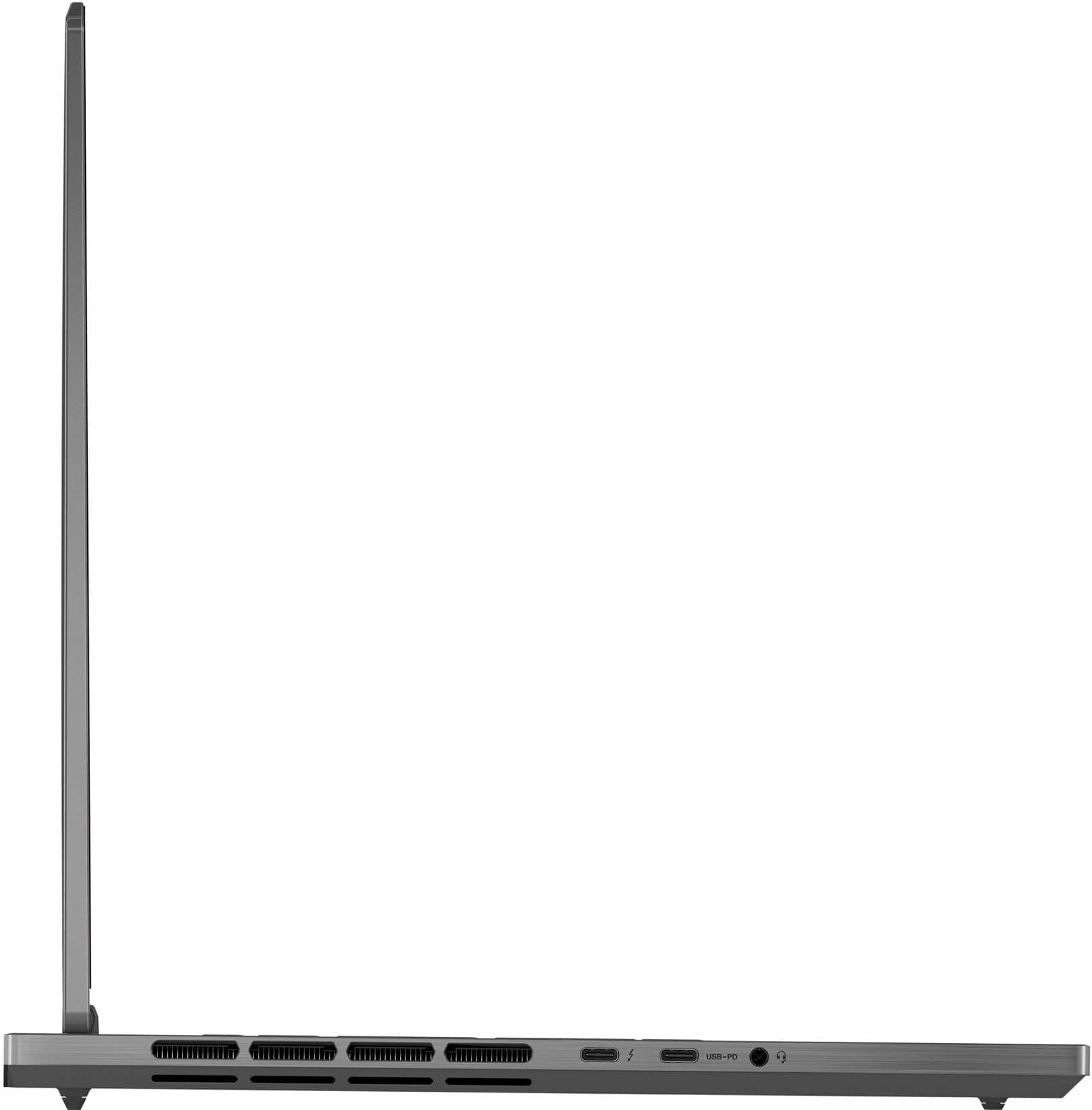
A:AnswerHi, B. It should work in either the standard USB-C port and the Thunderbolt 4 port. We recommend ensuring your Legion is running the latest software by checking for updates in the Lenovo Vantage app and in Windows Settings > Windows updates. Also, if any, we recommend ensuring the adapter's drivers installed on your Legion. Hopefully this helps, but if not, please let us know!
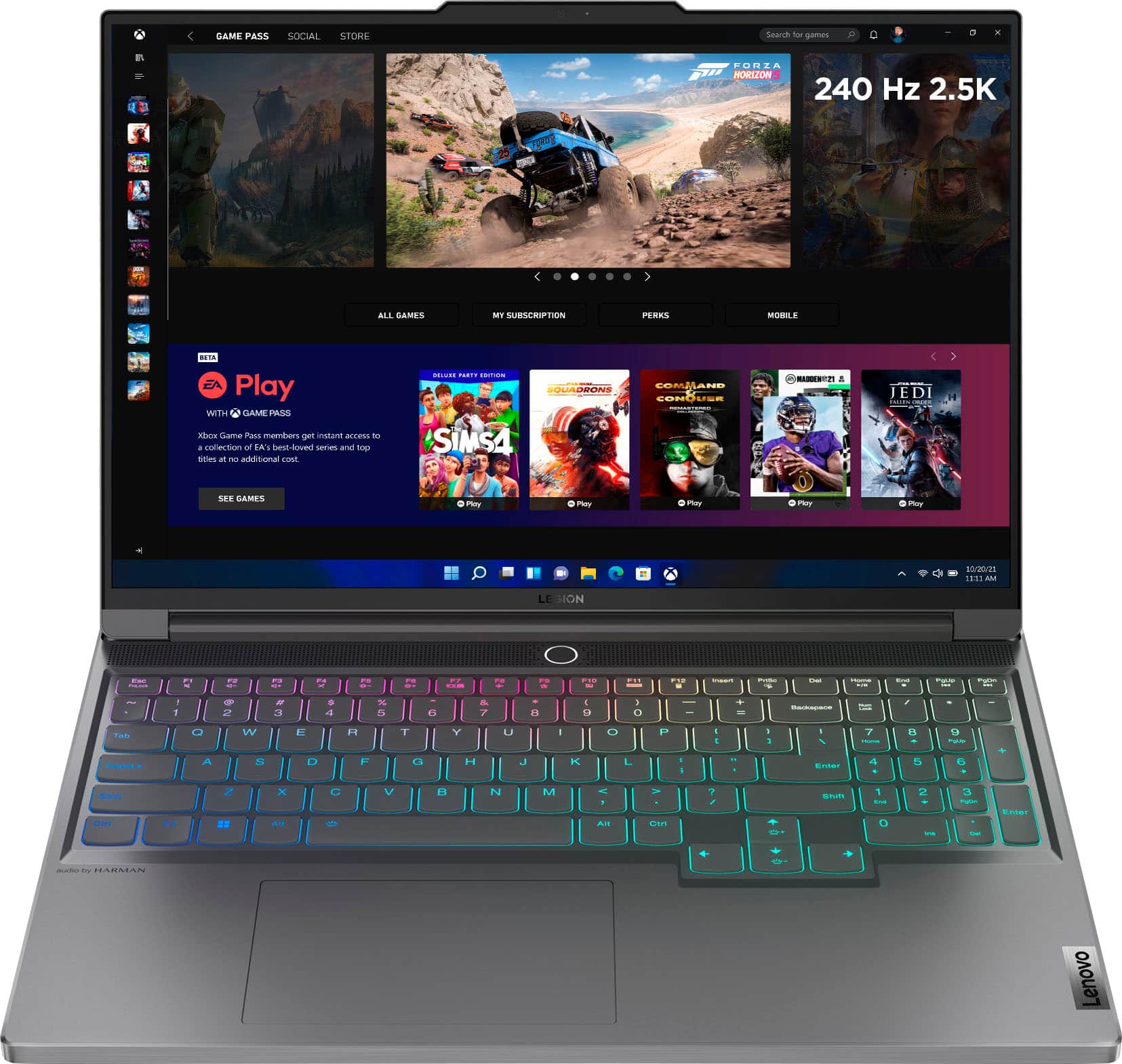
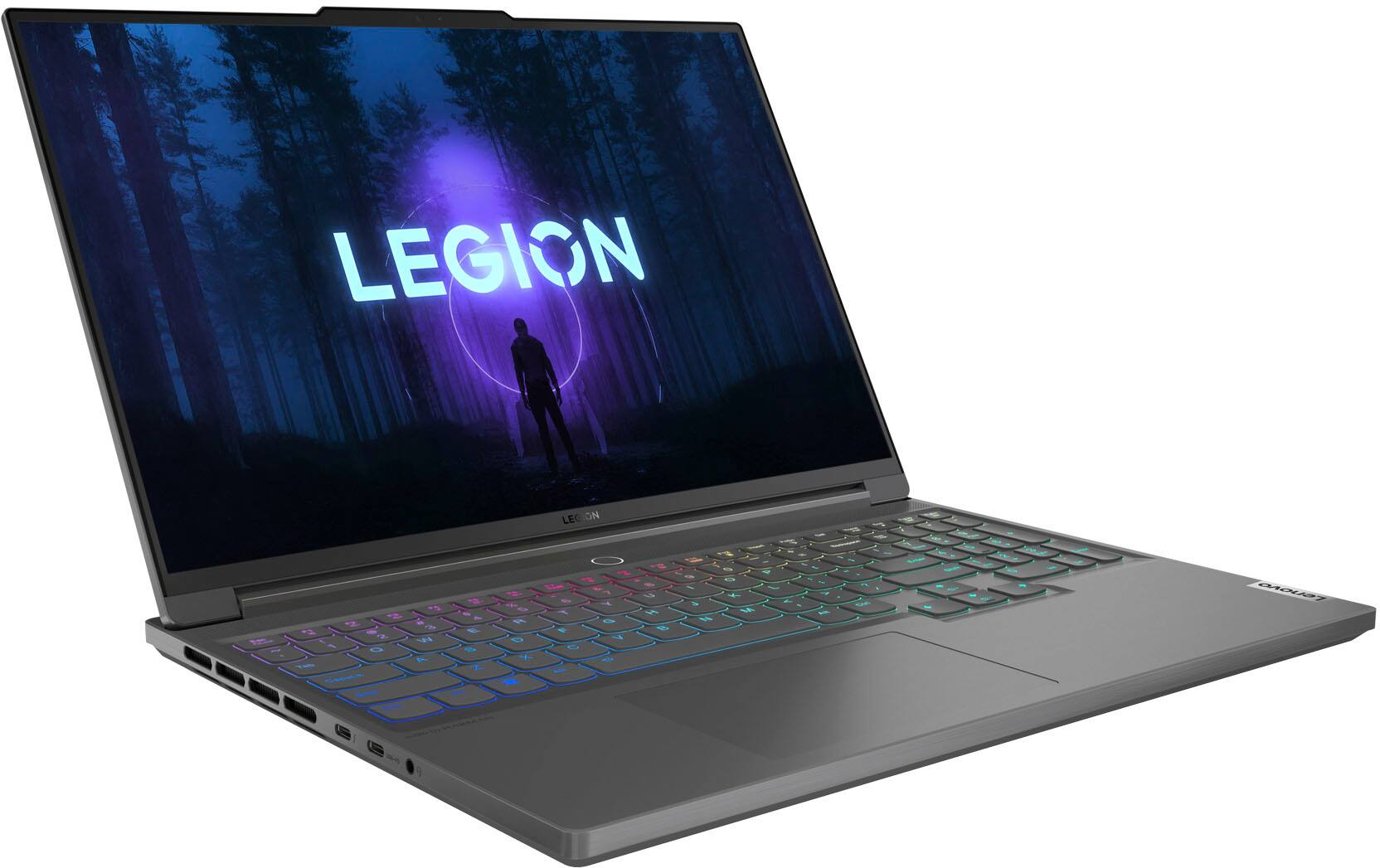
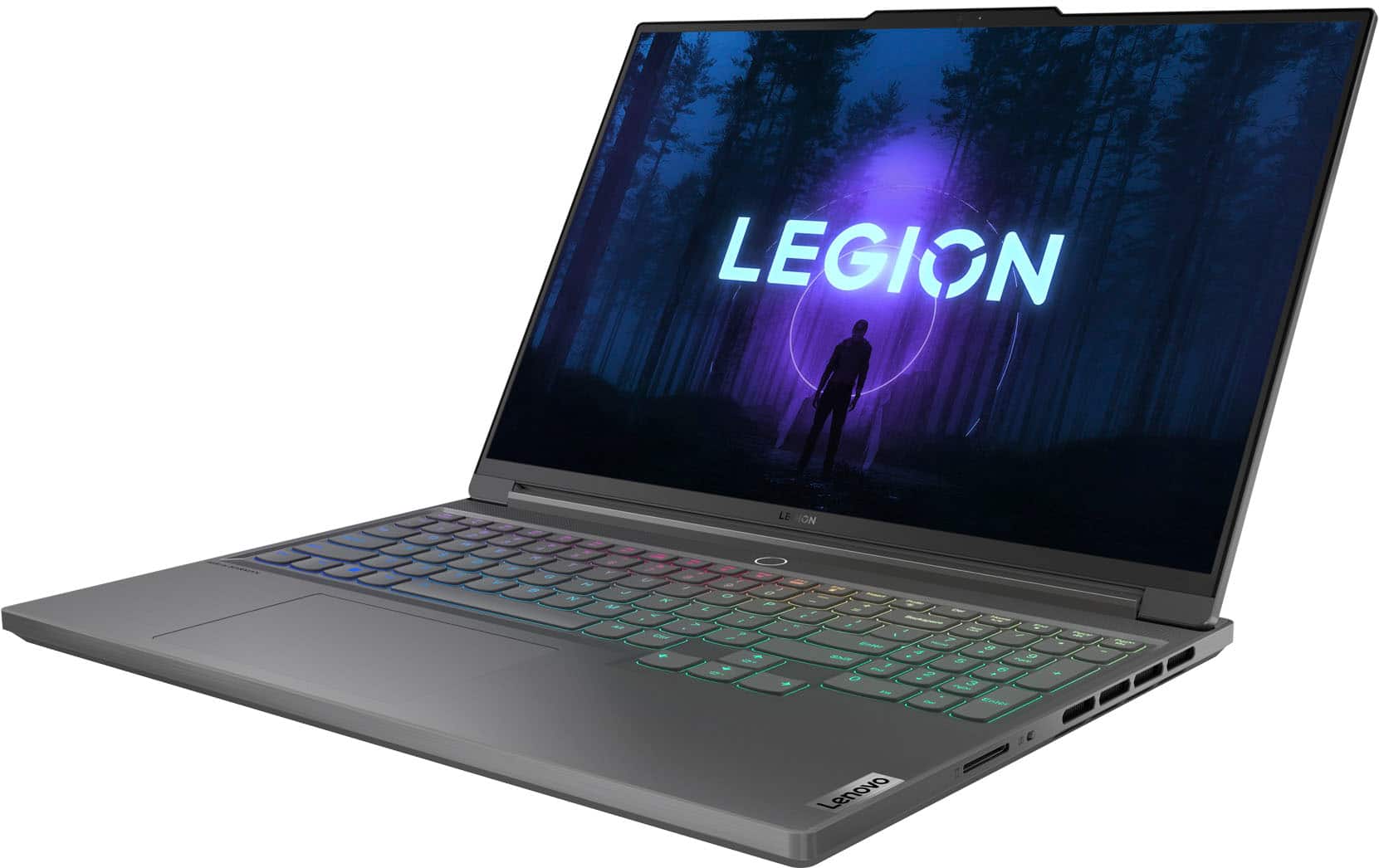
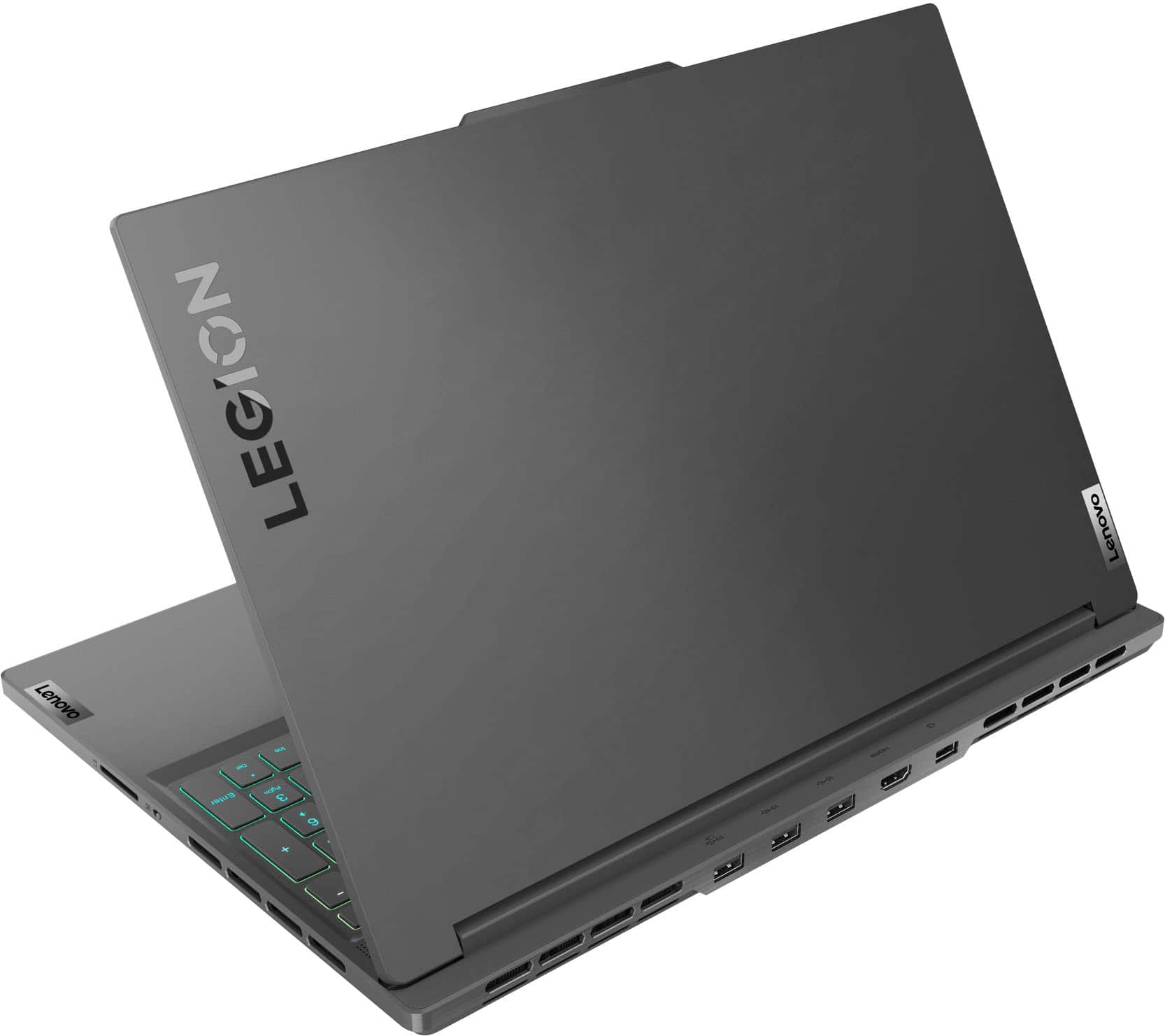
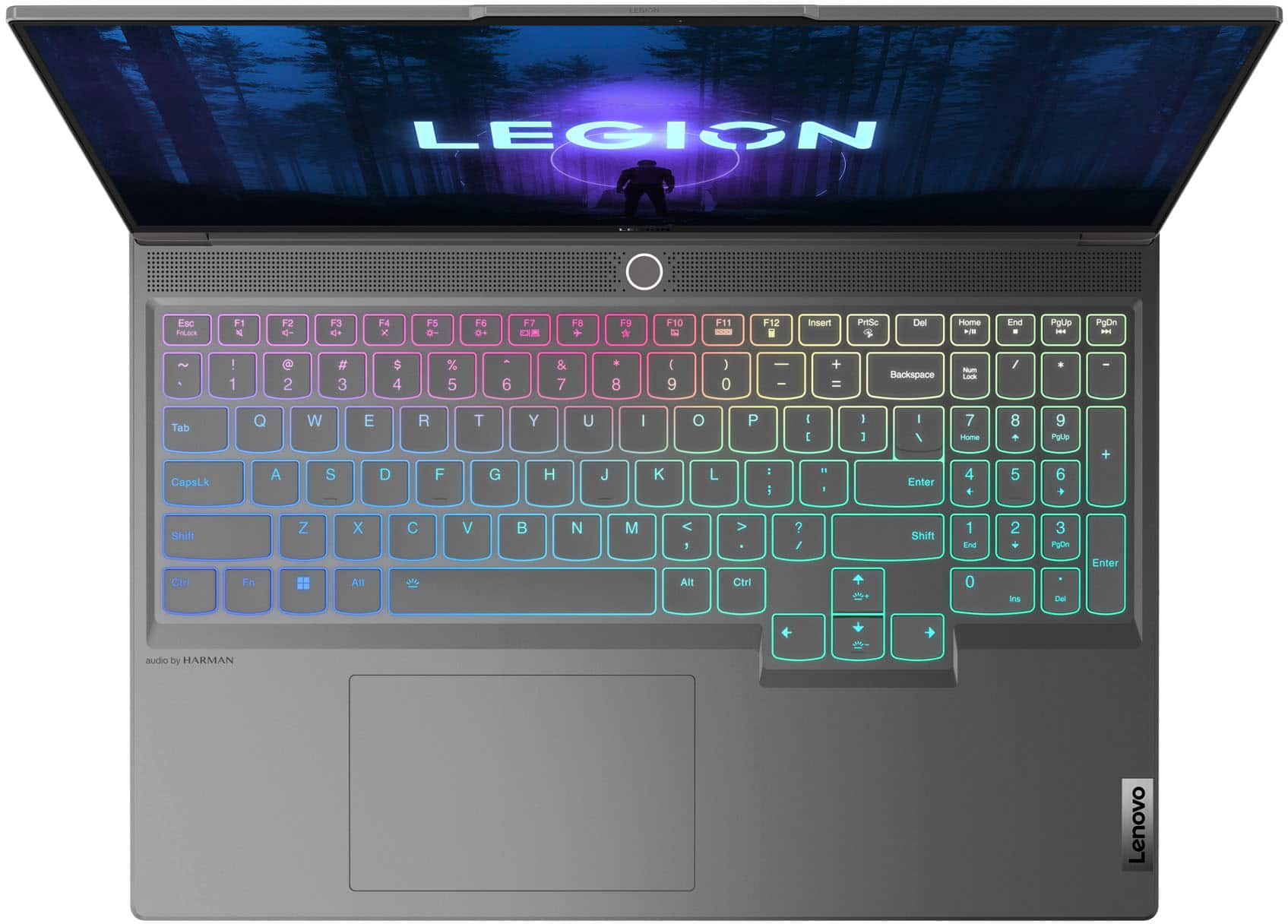
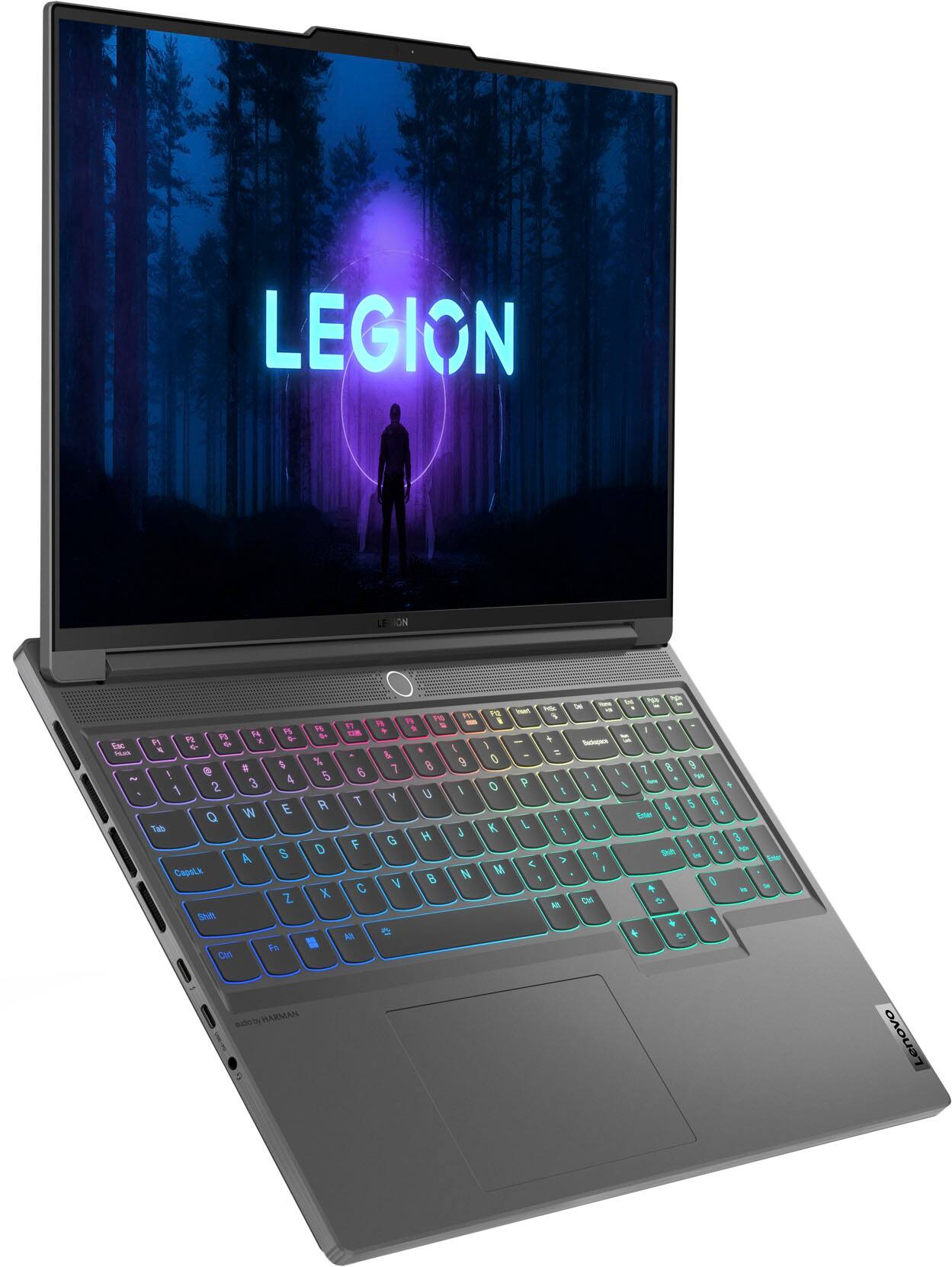
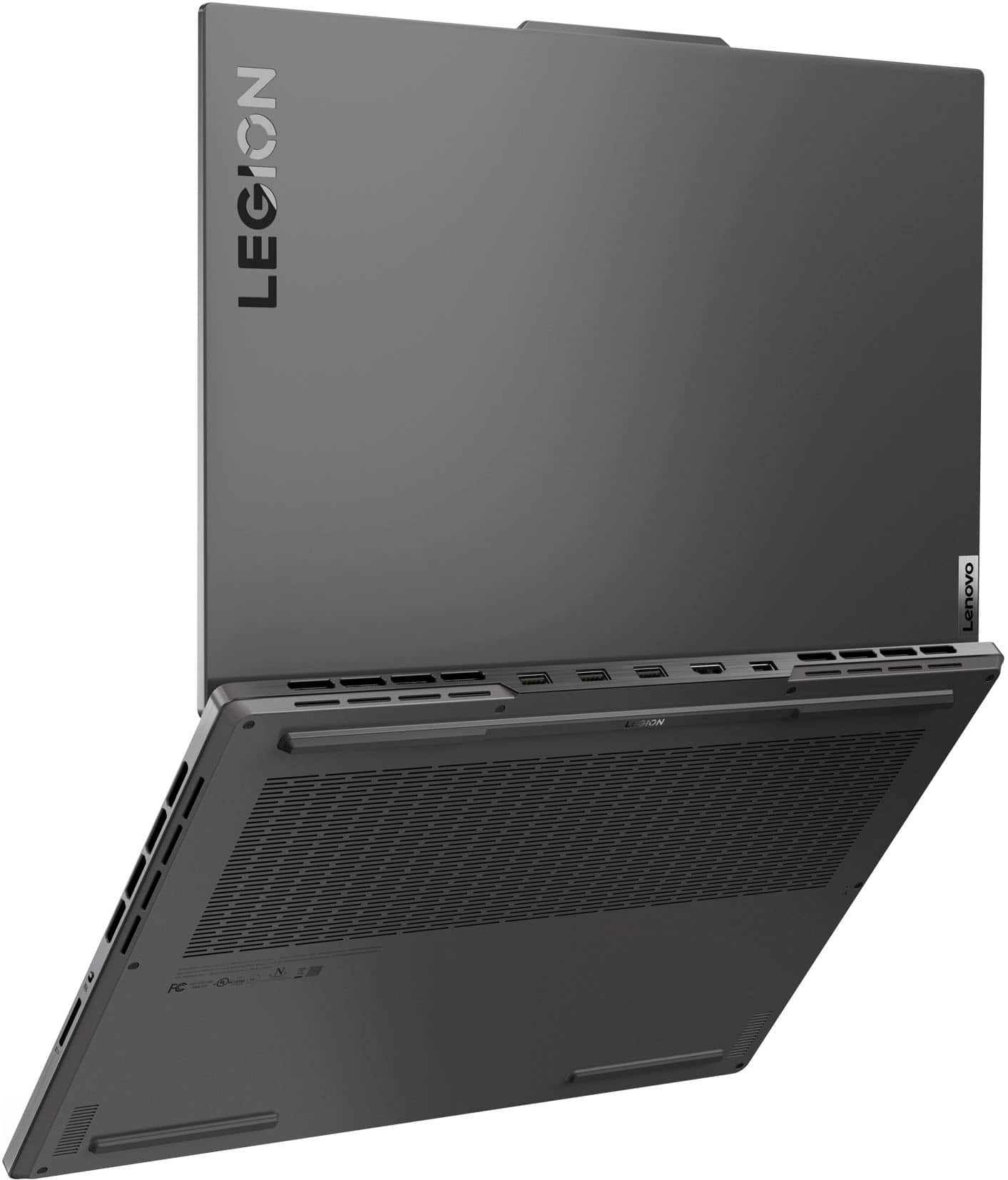
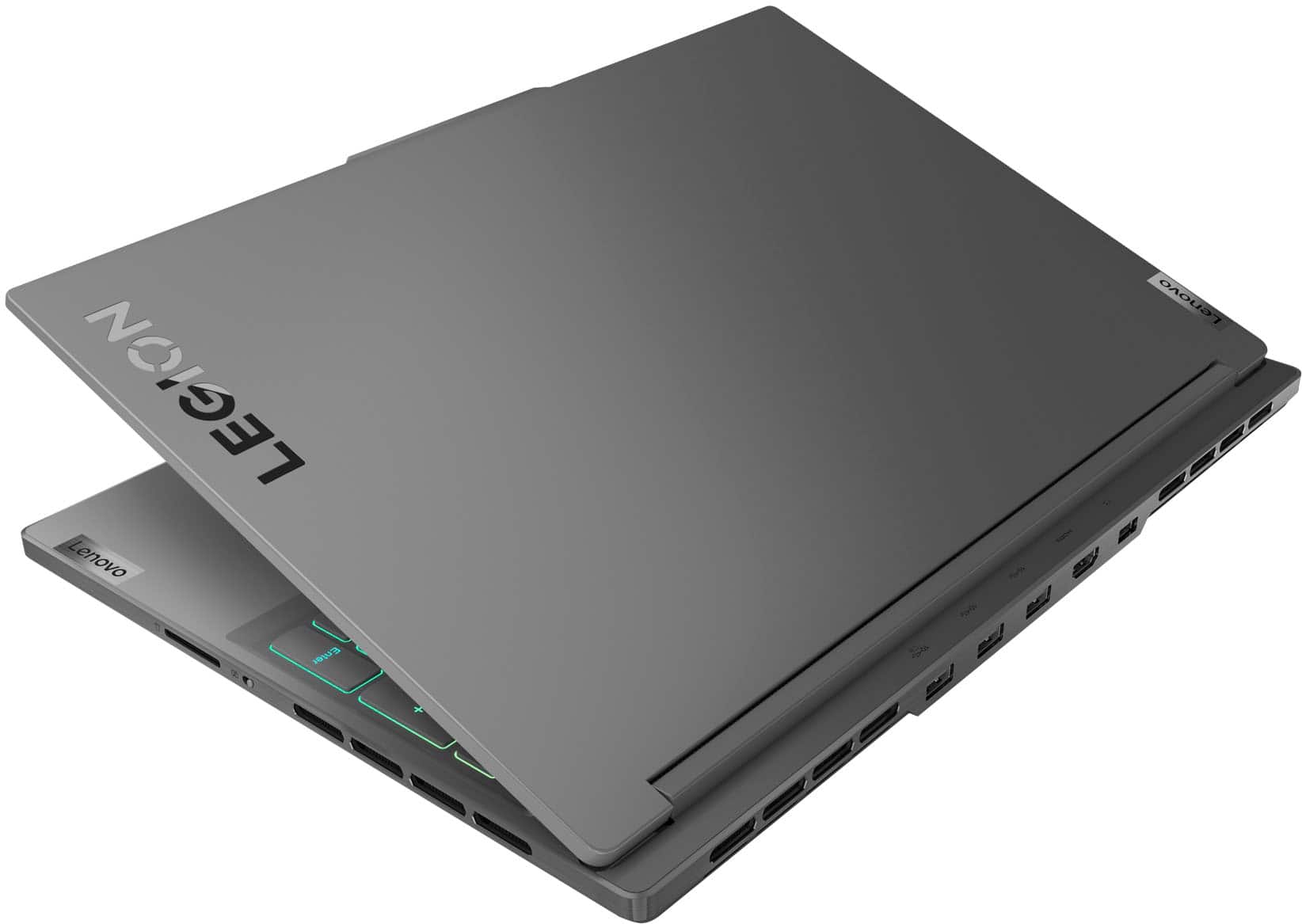
A:AnswerHi, thank you for your question. While this Legion Slim 7i does not feature an ethernet port, you can use a USB-A or USB-C to ethernet adapter for a wired connection.