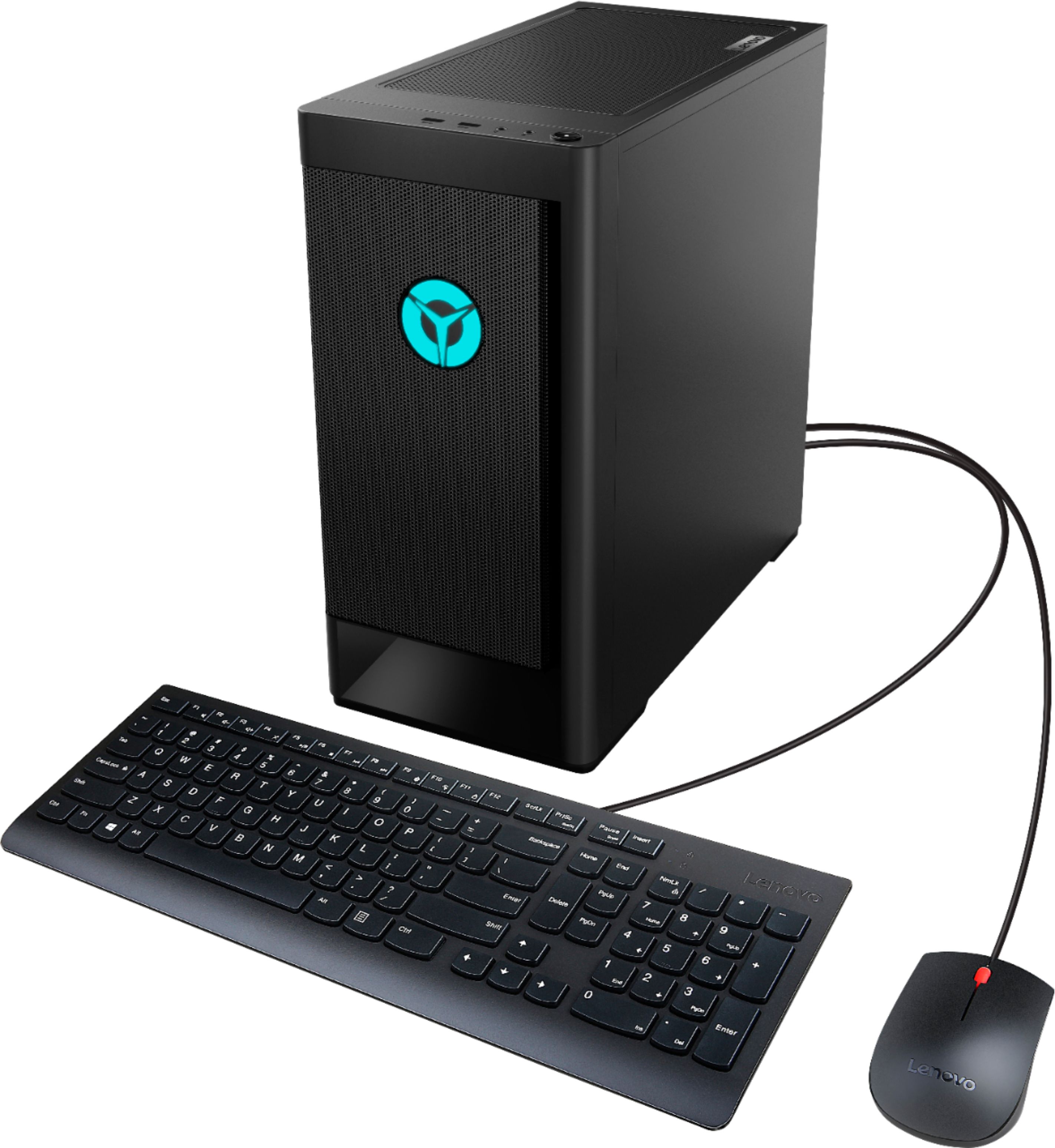
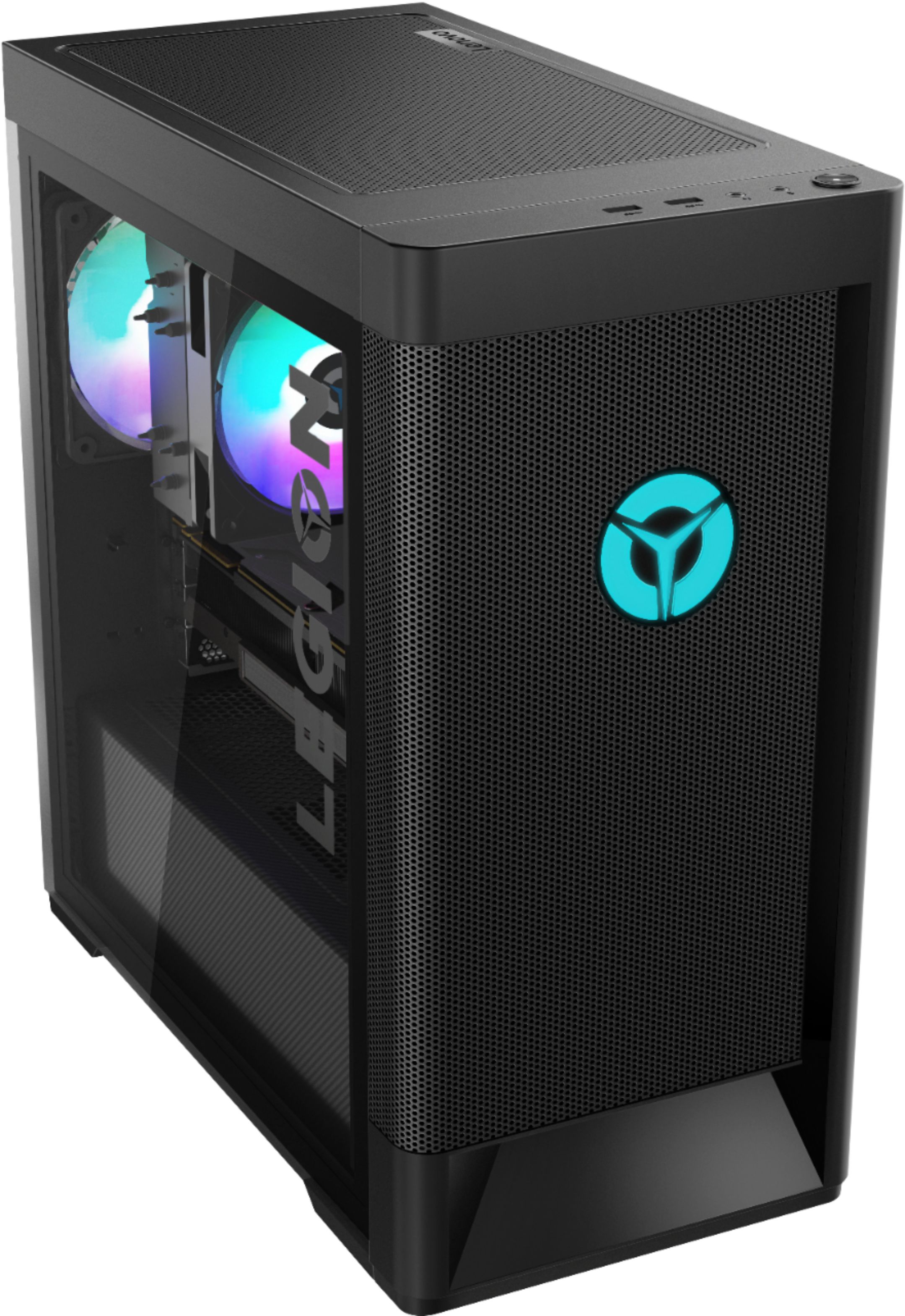
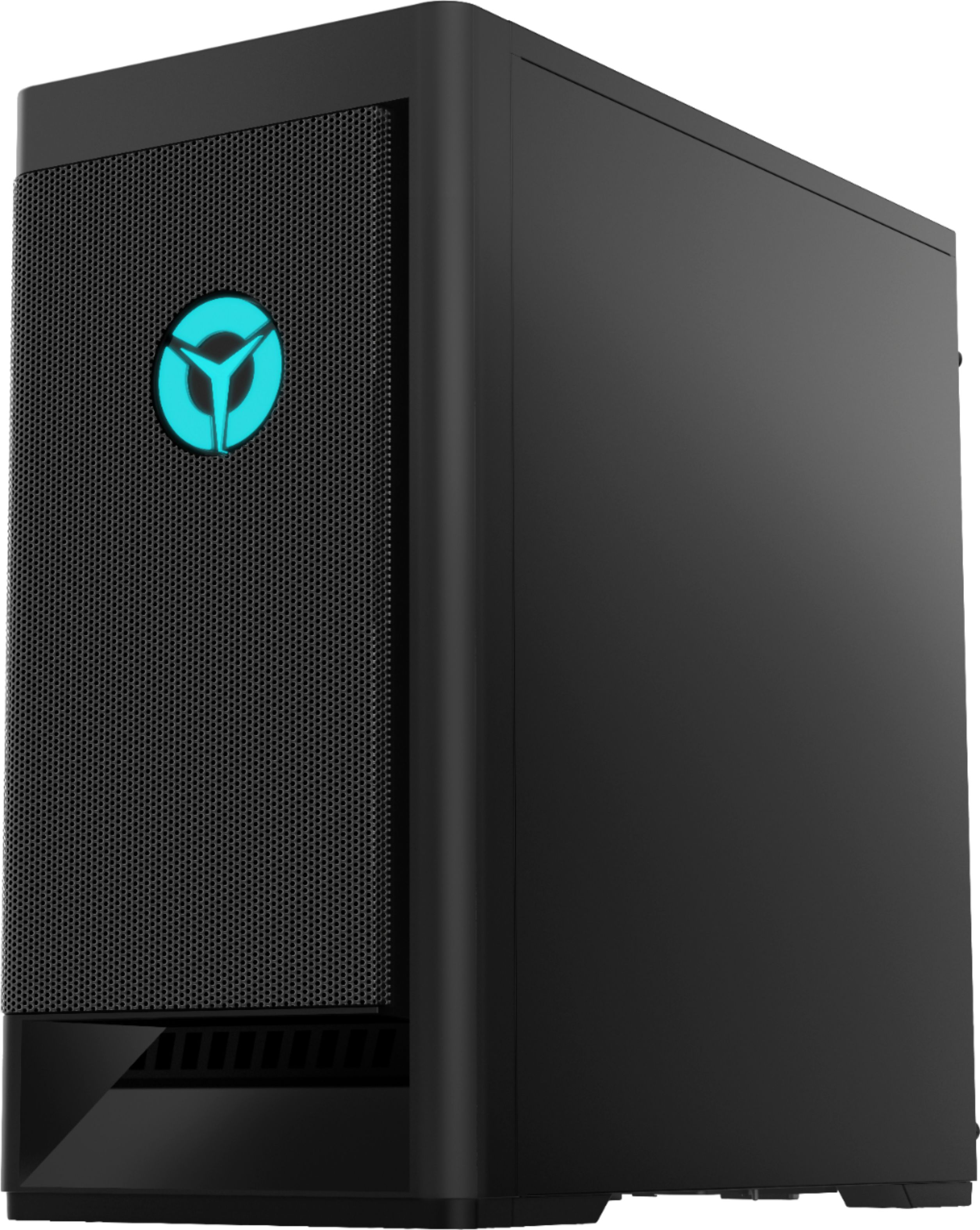
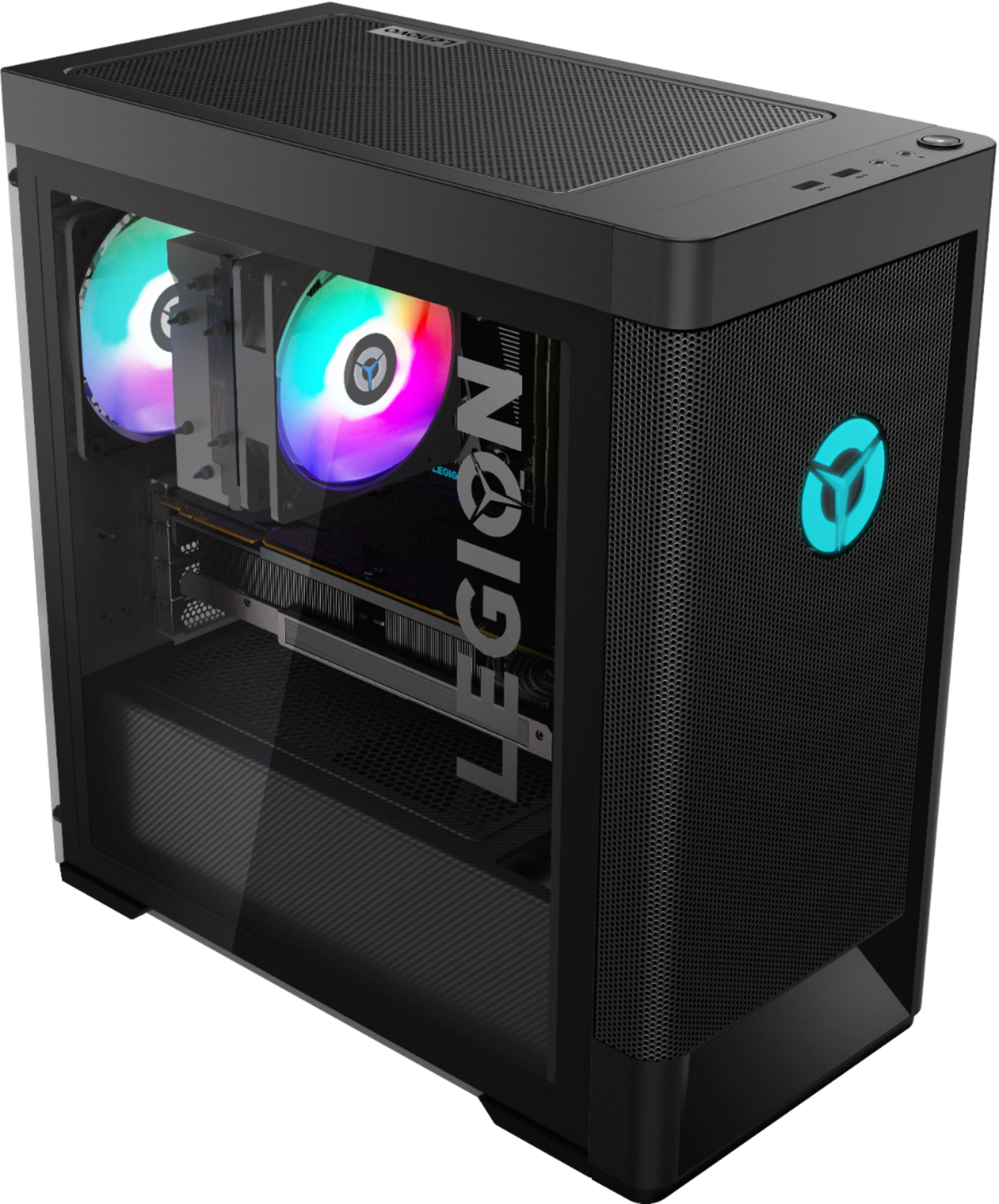
A:AnswerAny standard ATX form factor power supply should be compatible with this system. Don't waste your money on less than 600 watts from a major producers.
A:AnswerHere is a link to the complete parts list for this model: https://pcsupport.lenovo.com/us/en/products/desktops-and-all-in-ones/legion-series/legion-t5-26amr5/90rb/90rb000eus/parts/display/model
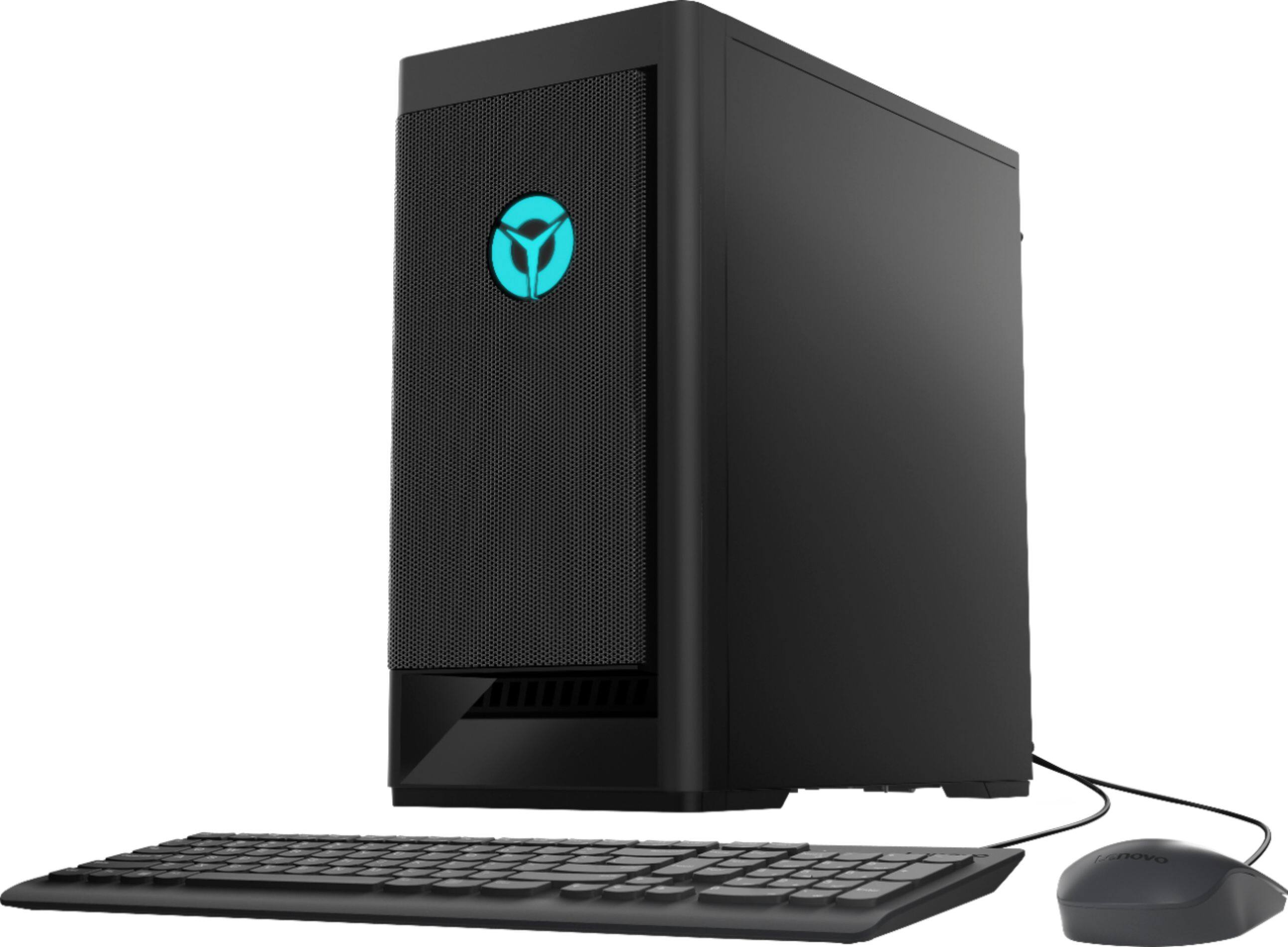
A:AnswerYes. The Lenovo Legion Tower 5 AMD Gaming Desktop, model number 90RB000EUS, ships with a standard wired keyboard and mouse. this model includes the latest 6G, Wide-Range/High Speed 2x2 802.11AX WiFi 6 Frequency WiFi built in.
A:AnswerYou can lookup the parts list for your specific model by inputting your product serial number here, and find the specific part you what information about: https://support.lenovo.com/us/en/partslookup. If you have not purchased the computer yet, you can contact Lenovo Sales here: https://www.lenovo.com/us/en/contact
A:AnswerArk is very hardware intensive, and even with a 2080 Super I couldn’t even get to around 144 frames on ark on ultra settings at 1080p with a 3800X, so I very highly doubt you can get it. The gpu is the main thing holding this back as well because the 3700X is a great cpu when paired with a Navi AMD Gpu (like the 5700XT) or an RTX Nvidia Gpu (go for a 2060 or 2070, not a 3080 or anything right now), which you can get from Best Buy. The ram is also very low on this, as 8gb is very weak these days. Go for 32gb in my opinion because you get lots of legroom for your pc to run things in the background
:)
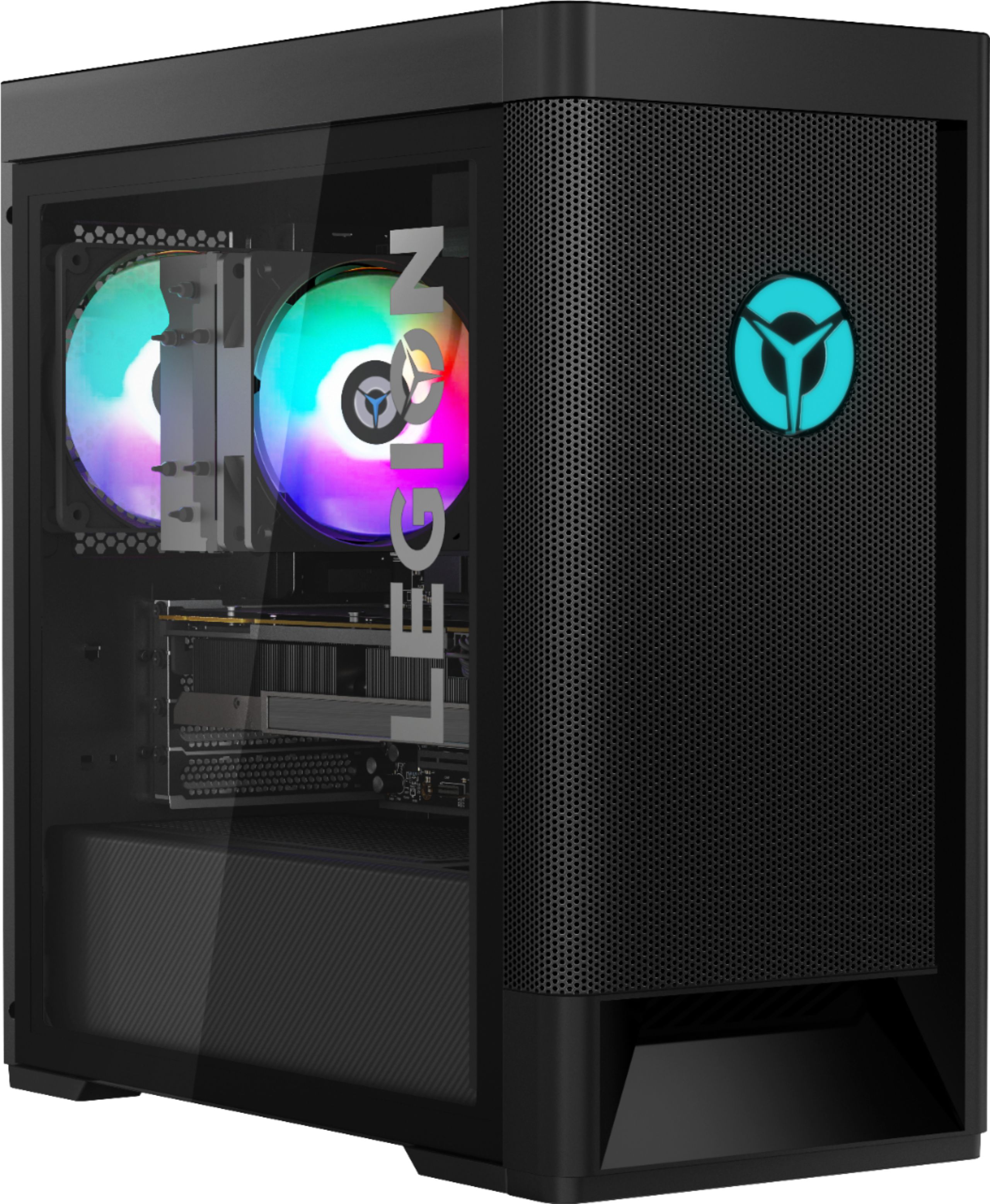
A:AnswerYou will need to go into the BIOS settings to turn LED option on before it shows up on you Lenovo Vantage App.
Power off PC
press F12 (boot options)
choose "enter setup"
turn LED "on"
power off
and option should be available on the Lenovo Vantage App
A:AnswerYes. The Lenovo Legion Tower 5 AMD Gaming Desktop, model number 90RB000EUS, ships with Windows 10 Home 64-bit Operating System installed. The user will need to activate and setup personal preferences for Windows 10 at the initial startup of the computer.
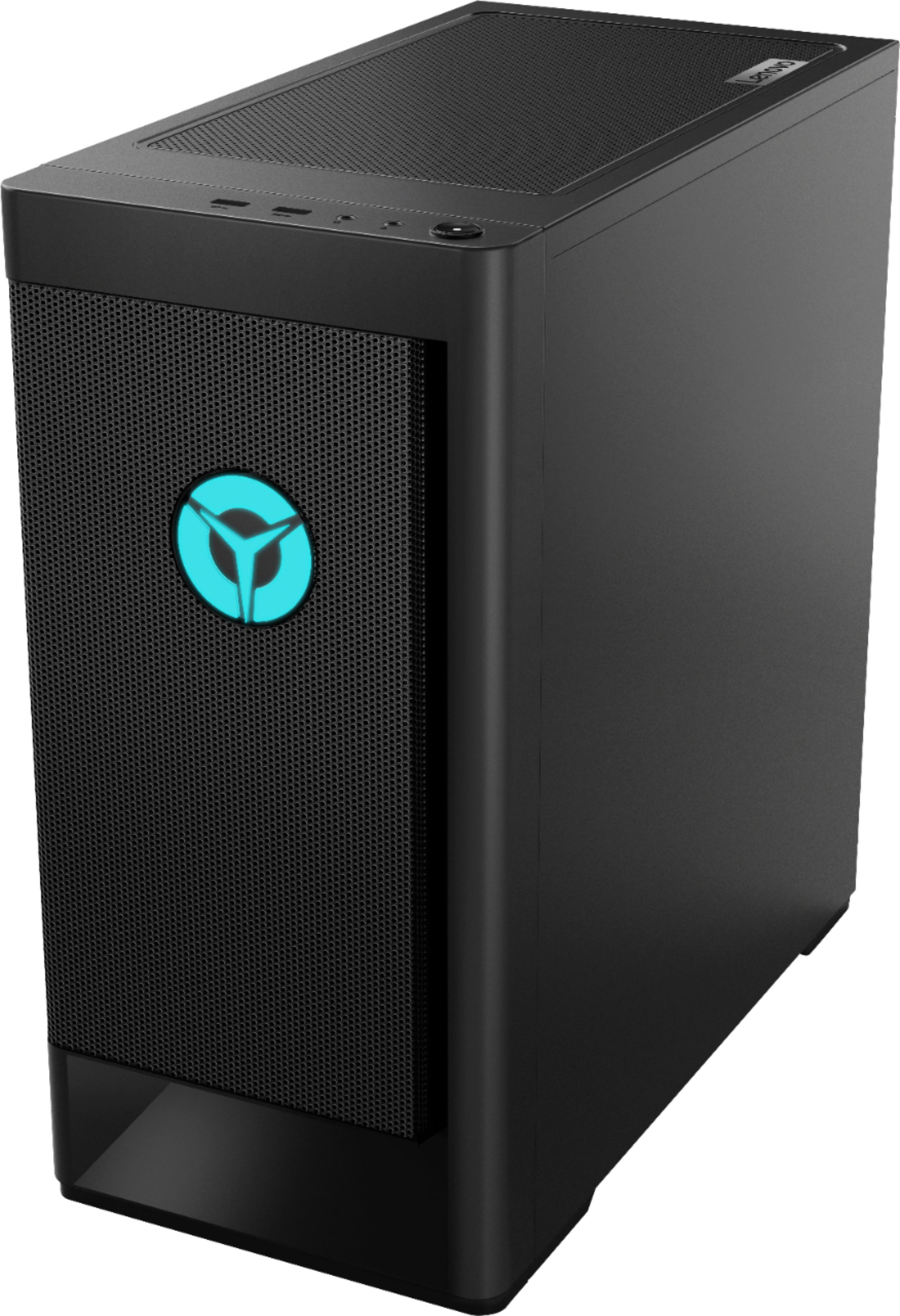
A:AnswerPower button is on top front to the right of the headphone jack. When it goes into sleep mode, you need to press enter on your keyboard a couple of times to wake it up—does feel like it has turned off when it hasn’t. Hope that helps.