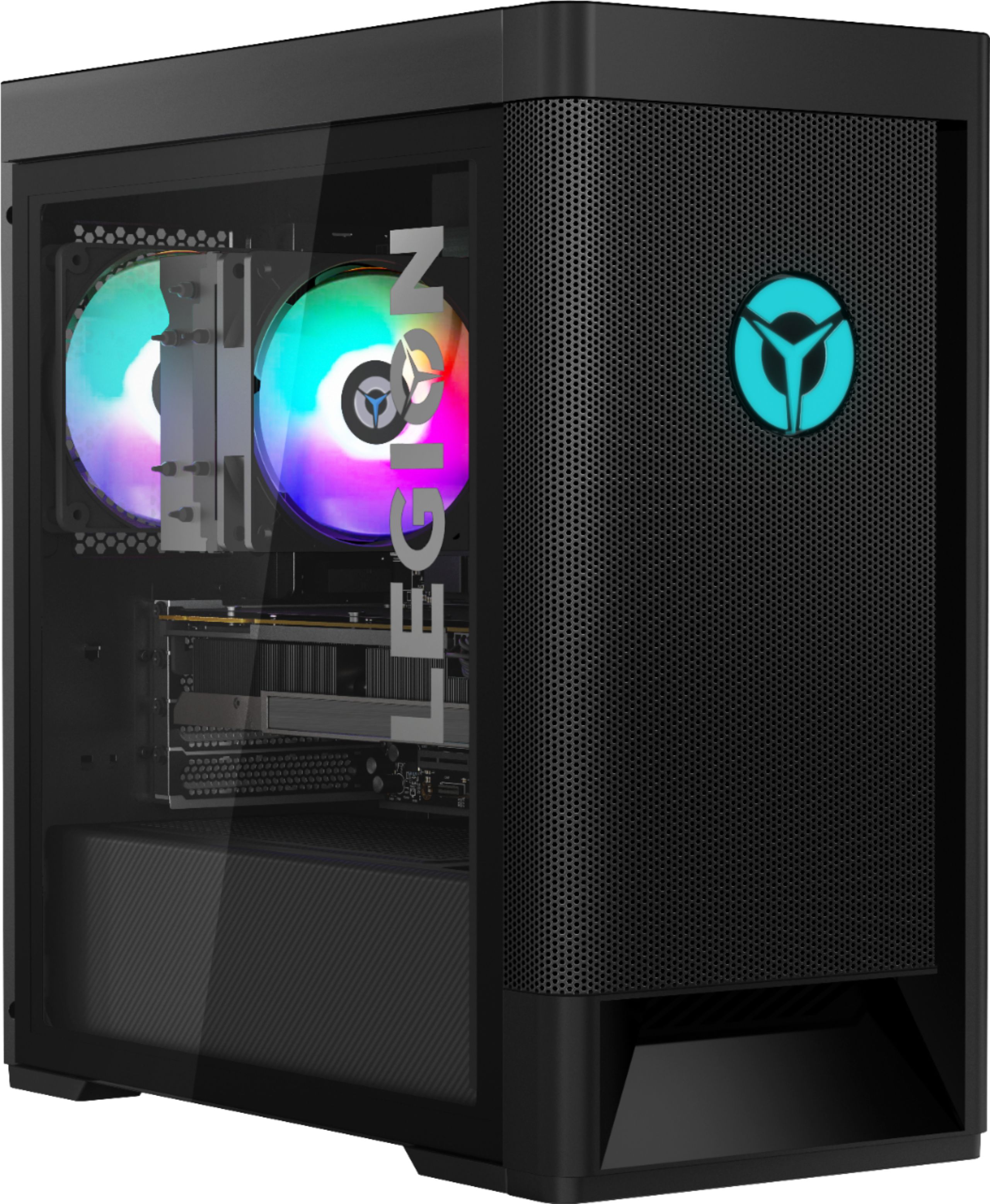
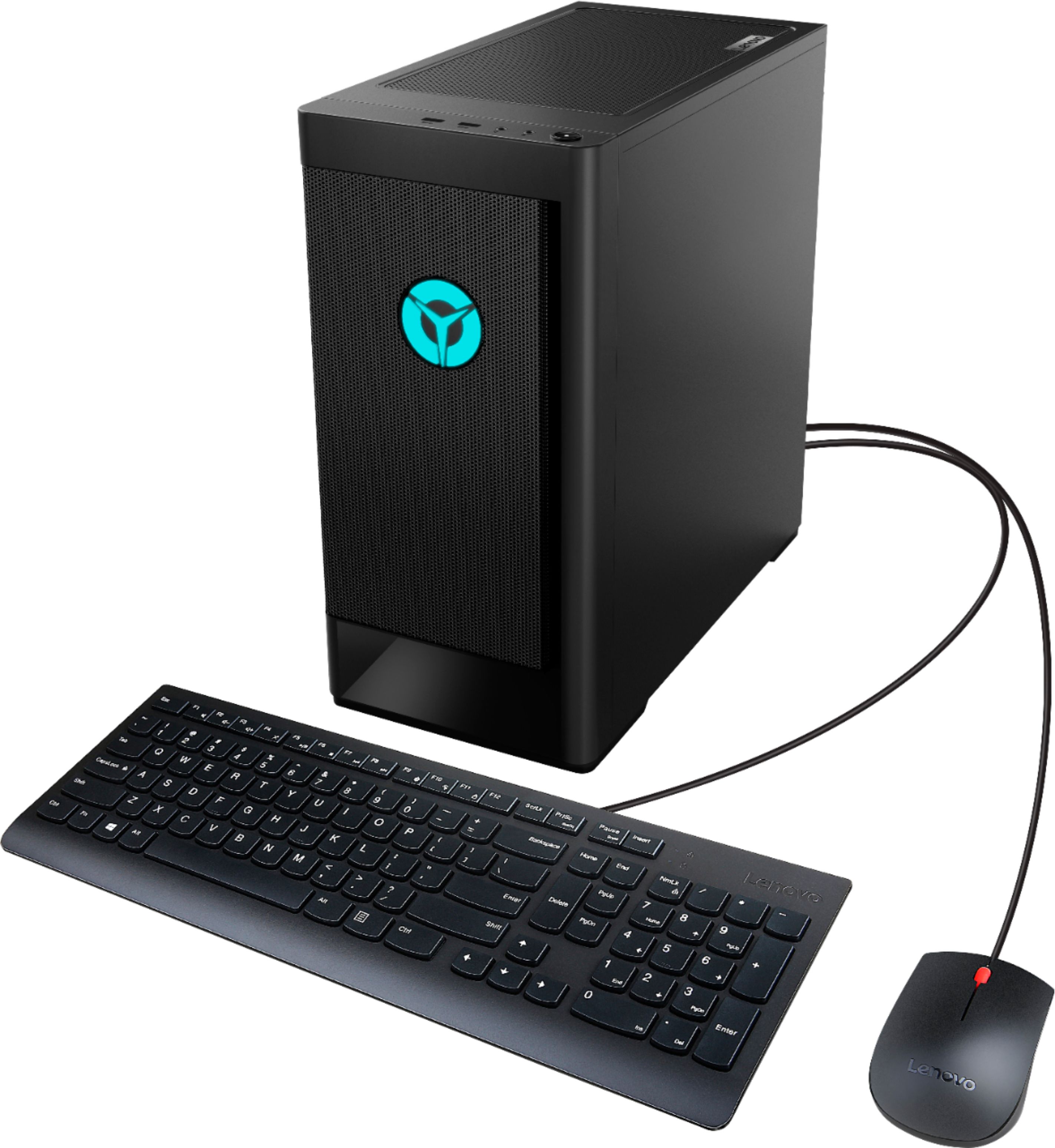
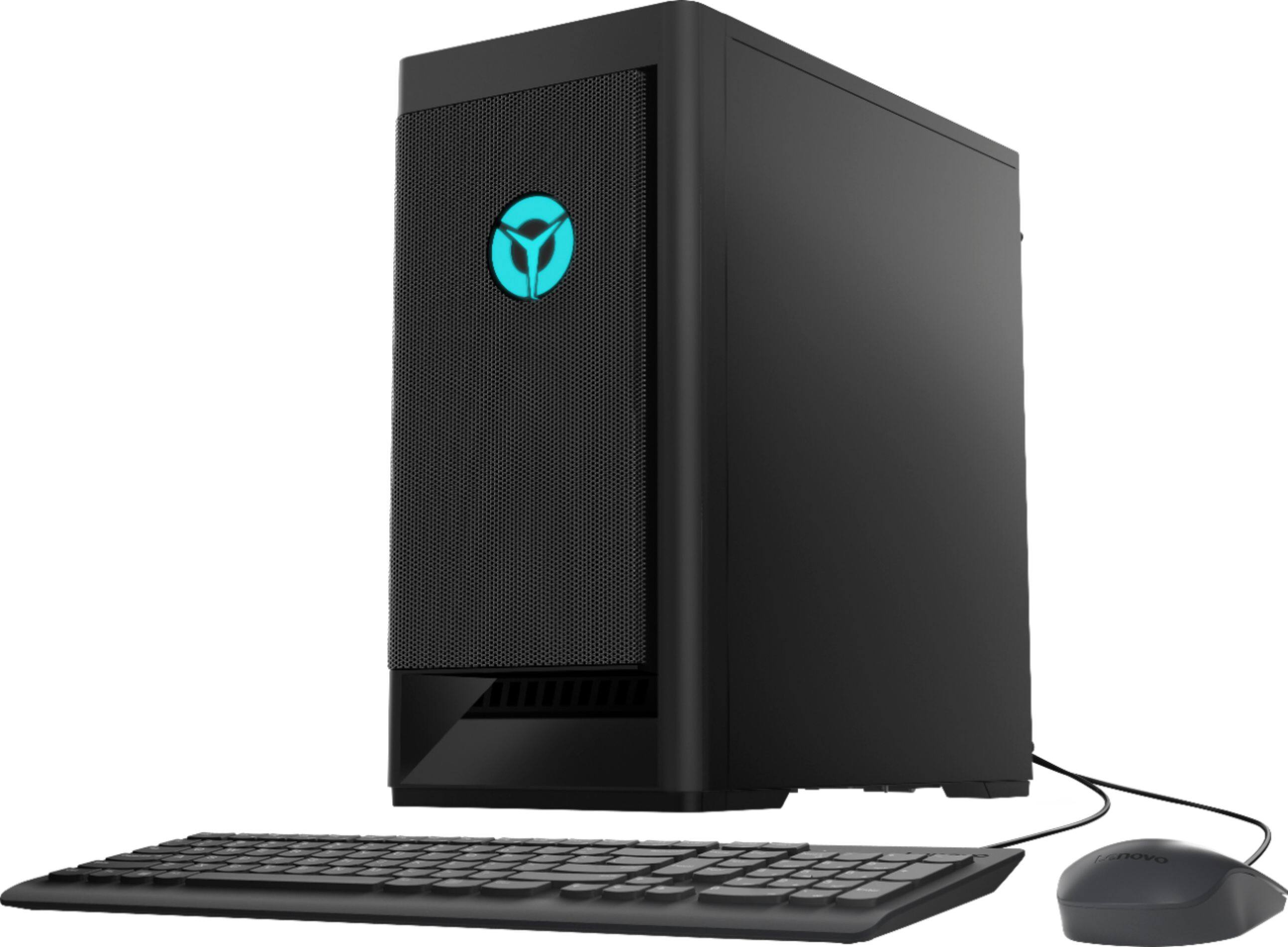
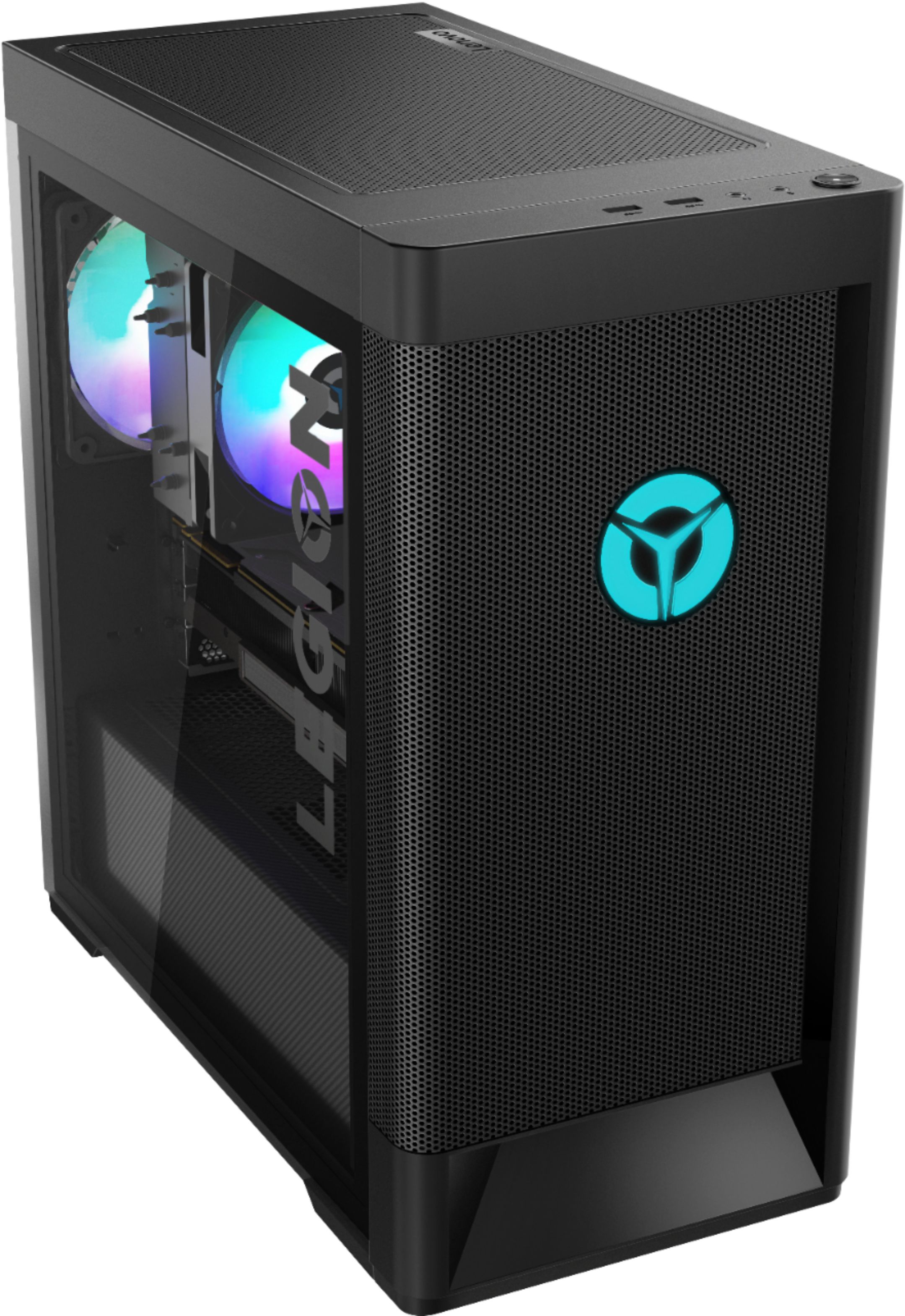
A:AnswerThat will depend on the demand you will be putting on the overall system. We recommend you check with the specific software publisher's web sites of those APPs and games you feel will be most demanding on the system that you will be running, for their compatibility with Windows 10 Home 64-bit operating system and the minimum/recommended hardware requirements (Is a Graphics card required, the processor speed and the minimum required system RAM and the minimum available hard drive space and power supply requirements) to run their program, then compare those requirements to this system's configuration.
A:AnswerThat will depend on the requirements of your streaming software/hardware. We recommend checking those system requirements with the software or hardware manufacture then comparing them to the specifications of this unit.
A:AnswerSelect Start and then select Power > Shut down. Move your mouse to the lower left-hand corner of the screen and right-click the Start button or press Windows logo key + X on your keyboard. Tap or click Shut down or sign out and choose Shut down.
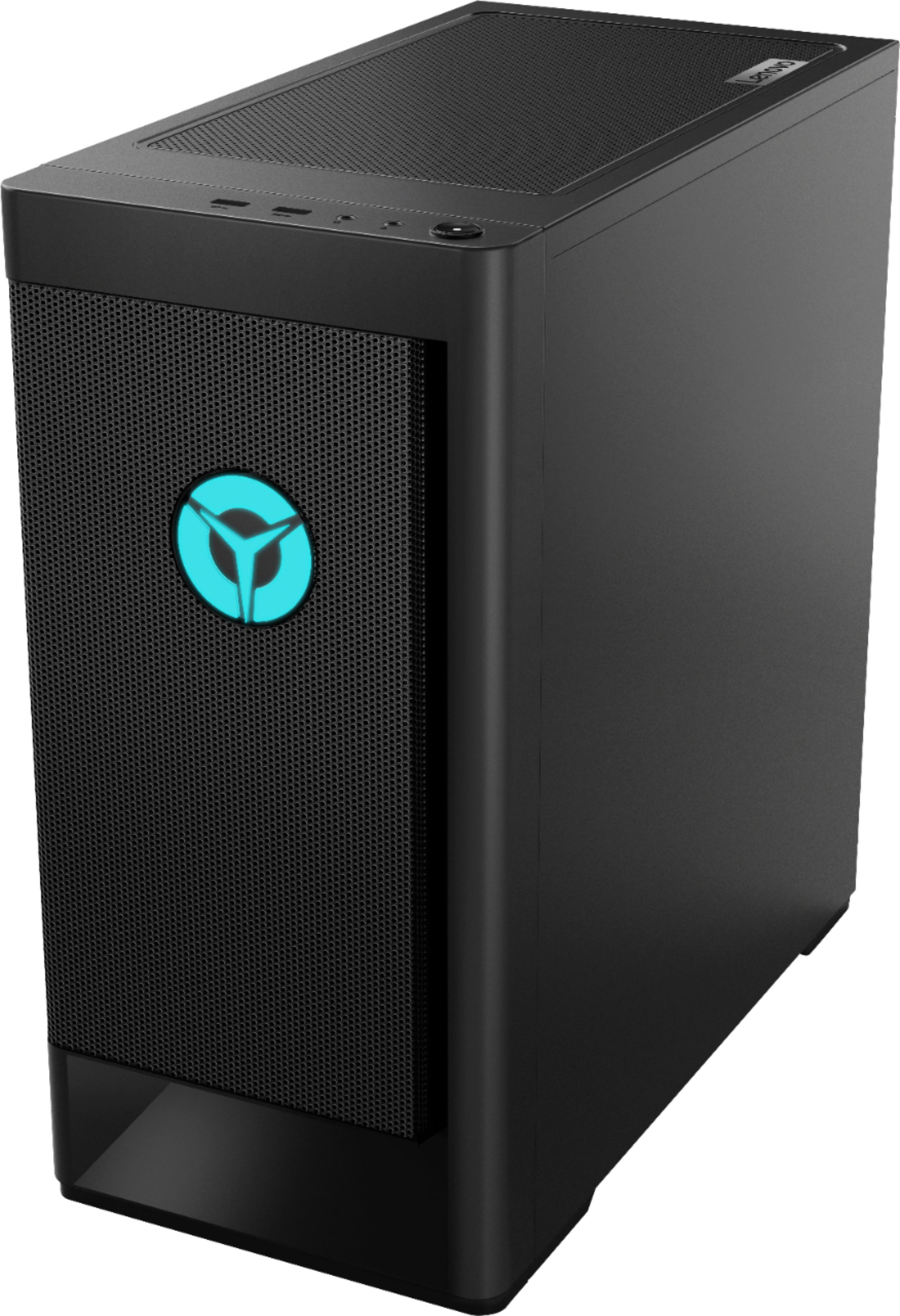
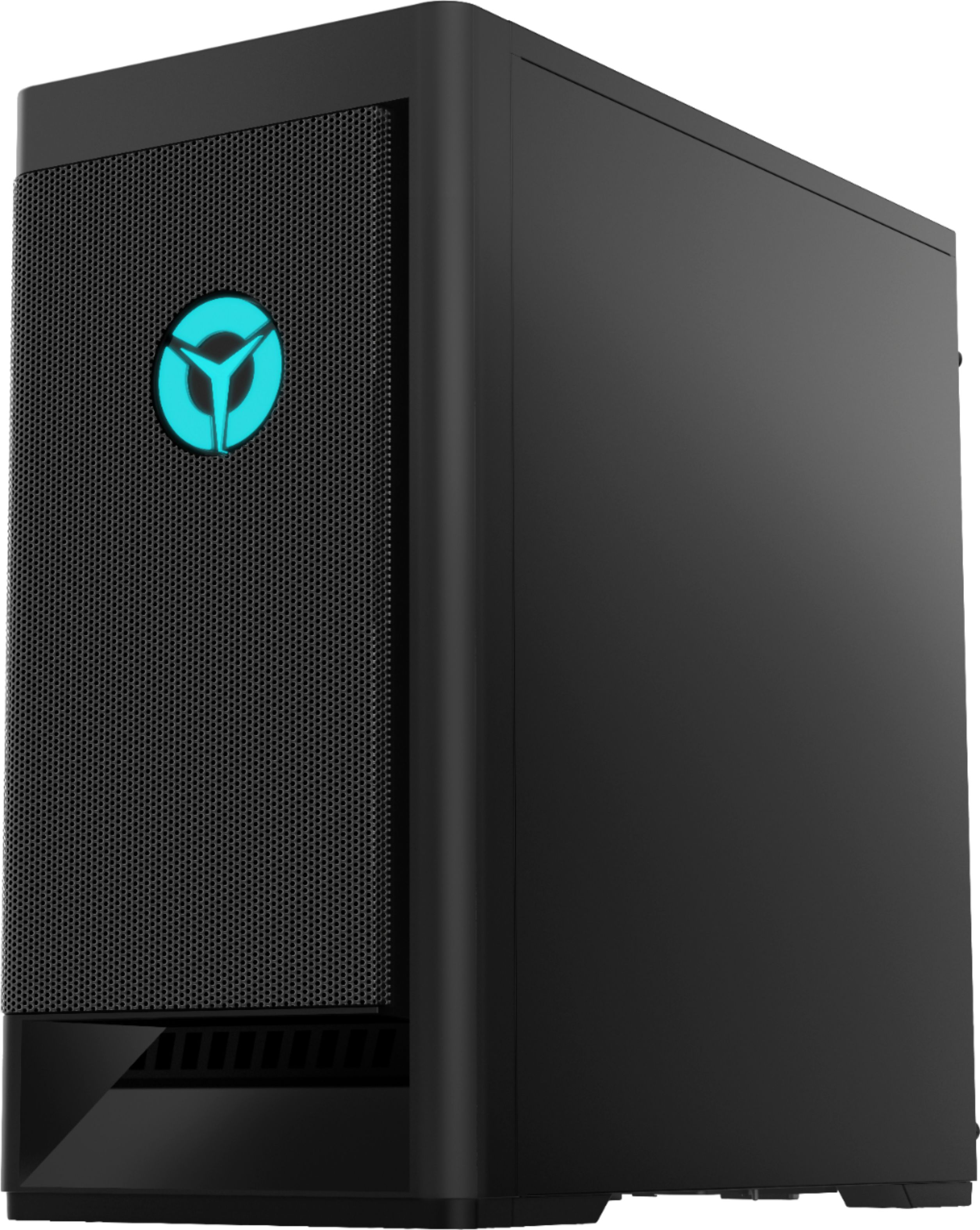
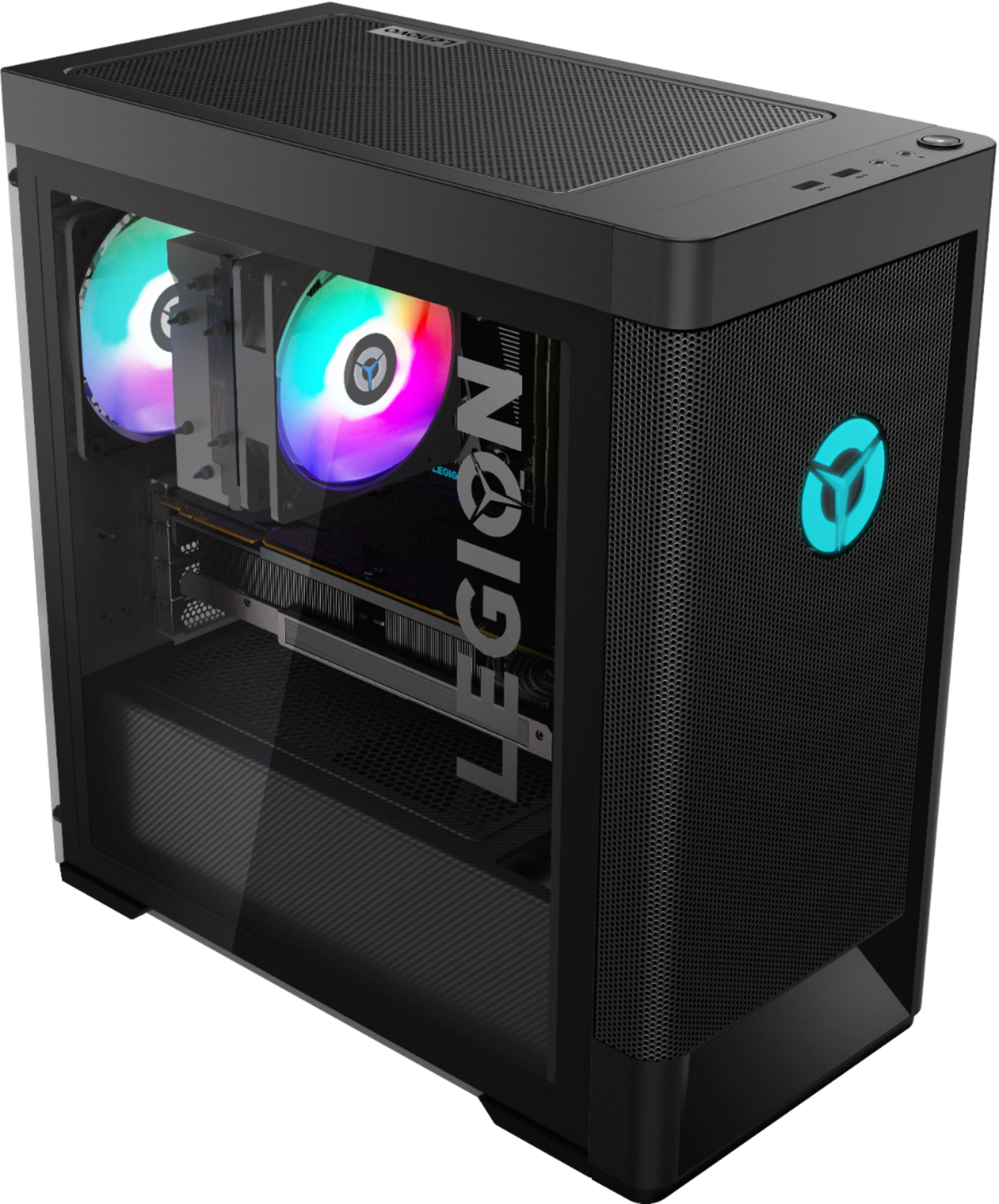
A:AnswerYes. The Lenovo Legion Tower 5 AMD Gaming Desktop model number 90RB000EUS, ships with the latest Wide-Range/High Speed 2x2 802.11AX WiFi 6 frequency WiFi.
A:AnswerCheck within the Lenovo Vantage Dashboard for ambient RGB lighting control. If you need additional help, we recommend you contact Lenovo Tech Support at: 877-453-6686.
A:AnswerWindows 10 Home 64-bit Operating System is installed on the 256GB M.2 2280 NVMe solid state hard drive of the Lenovo Legion Tower 5 AMD Gaming Desktop, model number 90RB000EUS. The user will need to activate and setup personal preferences during the initial startup of the computer.
A:AnswerCall customer service they will take over your pc and fix that problem takes about 10 minutes then you will have the customization panel for the lights
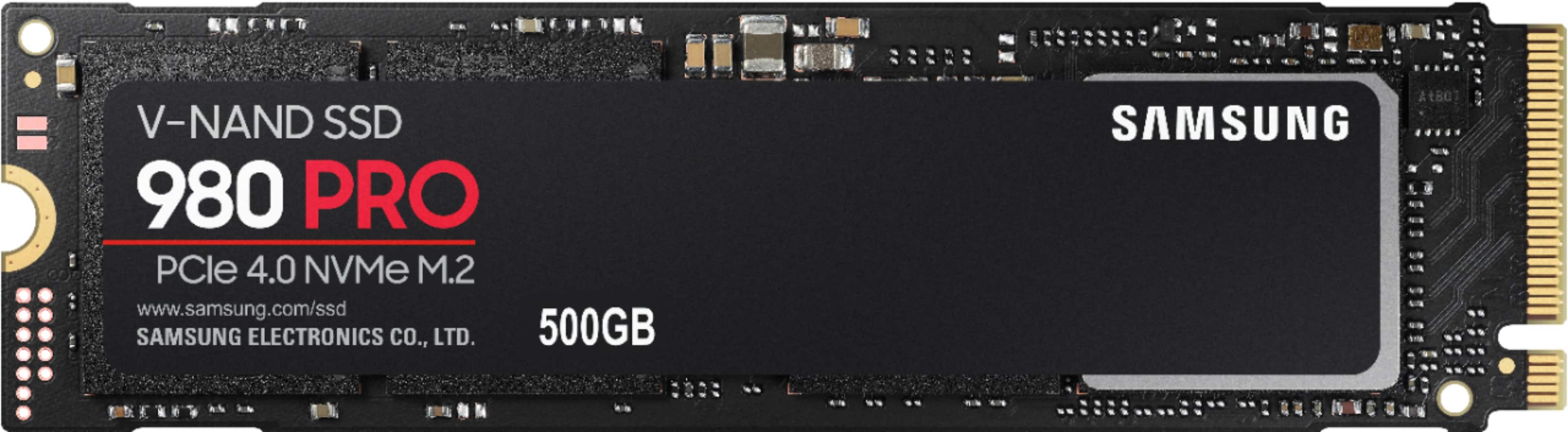
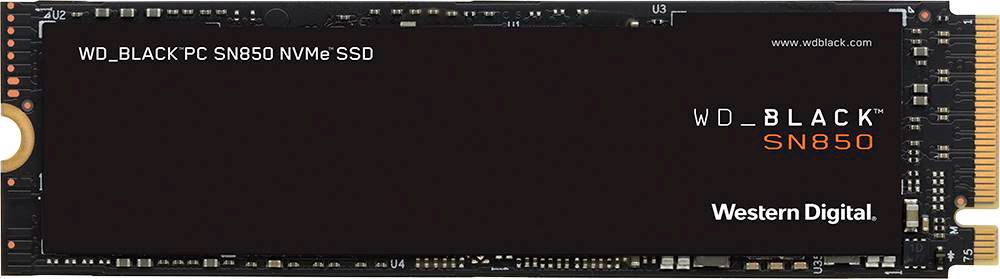
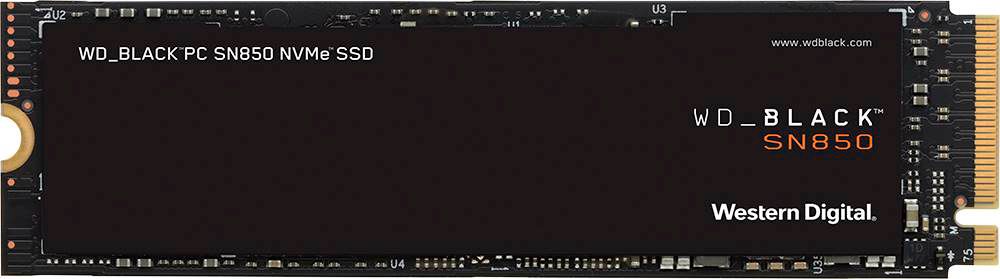
A:AnswerIf you enter the model number here https://support.lenovo.com/us/en/partslookup you can get all the component specs. It says this model is 100-240Vac,400W 90%, I believe 90% qualifies as gold, the Intel versions of this product line are advertised on their site as gold and show up in the component list as 90% also. I have been unable to find info on the AMD models on their sales website, but specs are available through model numbers in the link I shared. I haven't purchased yet, but this product line has great components for the money, you cannot build a complete system with comparable components for the Legion prices, This model is a contender for me, but the power supply on this is scary weak especially when upgrading RAM is likely immediate and a new Video Card within a few years seems inevitable. There are other good options in this product line, but this has the best processor by far (the Ryzen7 version) and is a very good price. All the Legion desktops have NVME SSDs so they're very fast from from the factory, 32 GB transfer opposed to 6GB with traditional SSD's. (It's crazy they don't advertise these things) I wish they offered this processor with a RTX2060 and larger SSD though, they have one like that a bit more expensive with a low end I-5, which is also a contender for me. If I were to get this though I'd immediately upgrade to a 512 or terrabyte NVME SSD, and remove the other hard drive, I don't need a drive that big cooking the box and slowing the system. Samsung 980 Pro or WD black SN 850 NVME SSD are available here at great prices and currently have the 5th and 1st fastest benchmarks, well worth 130-230$ for me, and are 7x faster than my current SATA 850 EVO SSD. I'd likely wait to upgrade power when I upgrade GPU or add RAM. I've read also from a review where someone added a drive to an Intel version, he said the wire system is hard to access, that should be a consideration also for future upgrades in power management. I'm currently debating between this and the I-5 with the RTX2060 It's 50$ more, but has 650 Watt Gold power and has only a single 512GB NVME SSD which should be plenty for programs and files for several years, and might not justify the purchase of the fastest bigger SSD. It's likely the video card will be relevant longer and a CPU upgrade might be cheaper than a PSU, and GPU upgrade in a few years, or unecessary. Comparing benchmarks though, the Ryzen7 is almost double the speed of the cheap I-5, and the video card is only about 1/14th faster in the other, but has the current tech. It's a tough call, but the power issue is a big one. Another thing influencing my purchase is the next gen chips are likely going to be ARM based and destroy anything anyone can buy right now, but it might be a year or two before they're available and work out the kinks, I'm running windows 7 on a 3rd gen I-7 with a GTX-970 and am hitting the limit on my SSD. To make this thing run modern programs I'd need a new SSD, OS, and the video card will barely scrape by... If I'm going to monkey around reinstalling everything and invest 200-500$ just to scrape by I might as well get something new. It's a tough call. The Lenovo website has been a good resource and their sales number has been very helpful with questions and resources.
A:AnswerYes, but make sure to check the wattage needed by the GPU you want to upgrade too, if it draws more power than the !660Super you may also need to upgrade the PSU (which is not a problem btw)