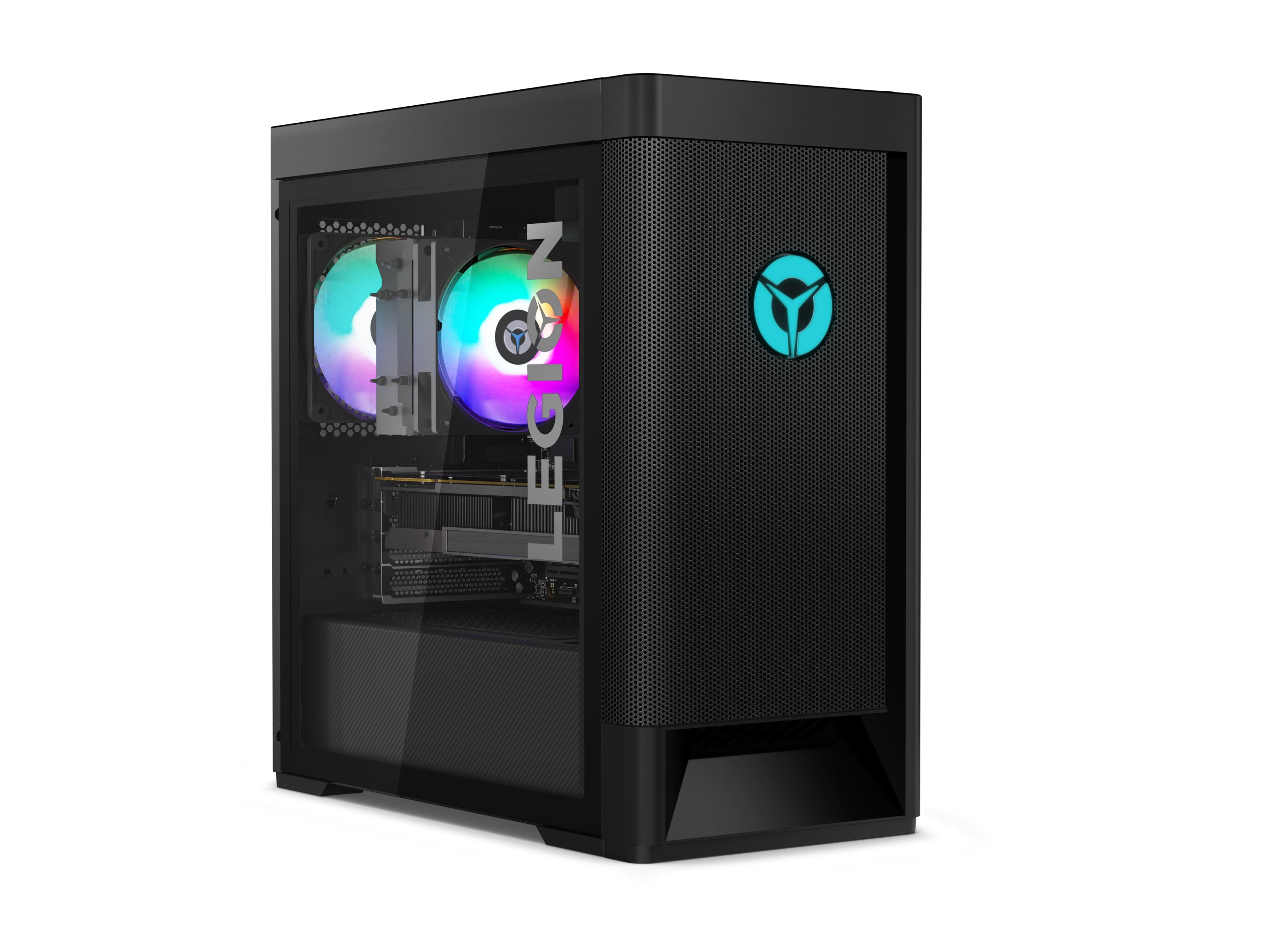
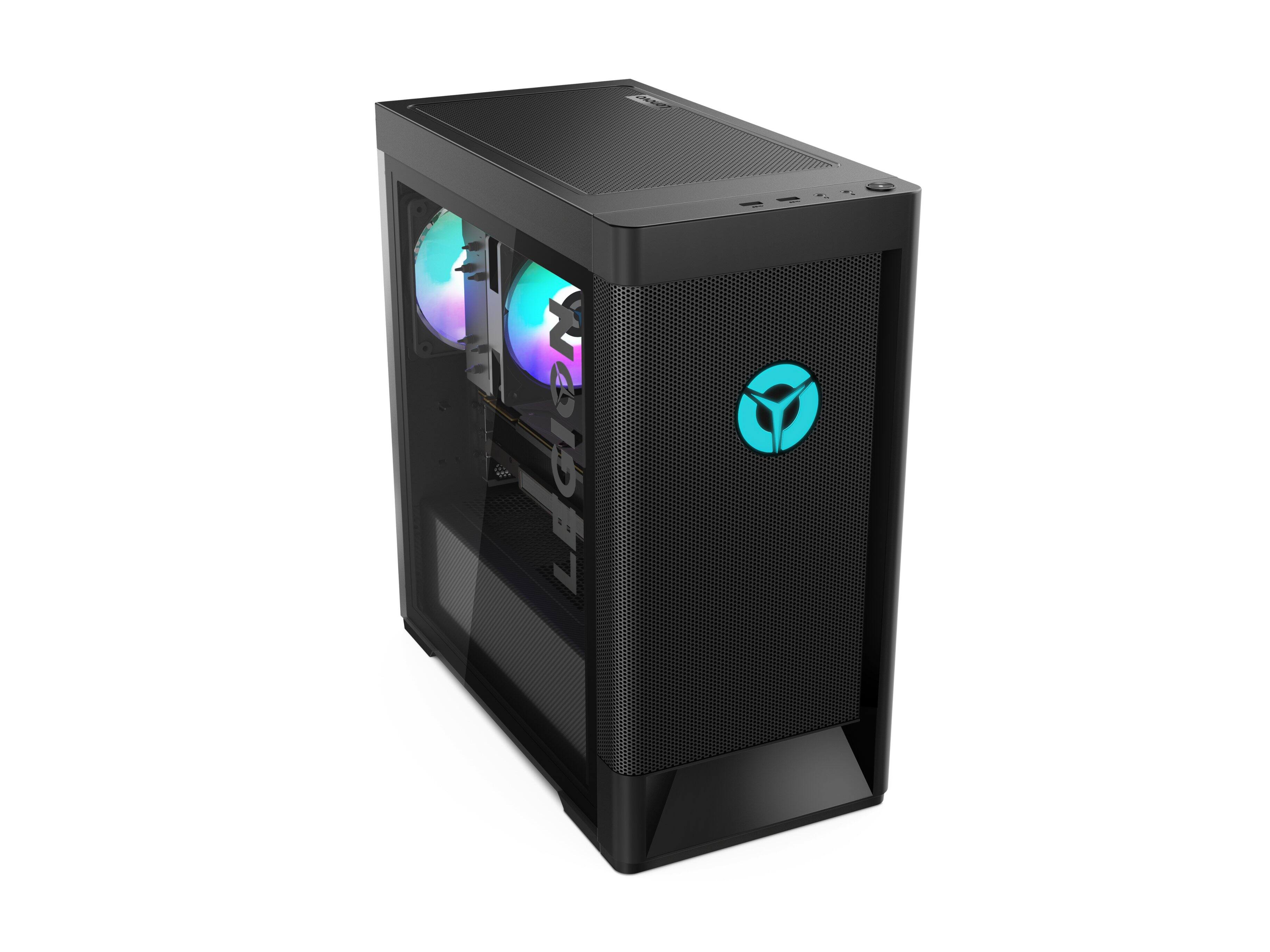
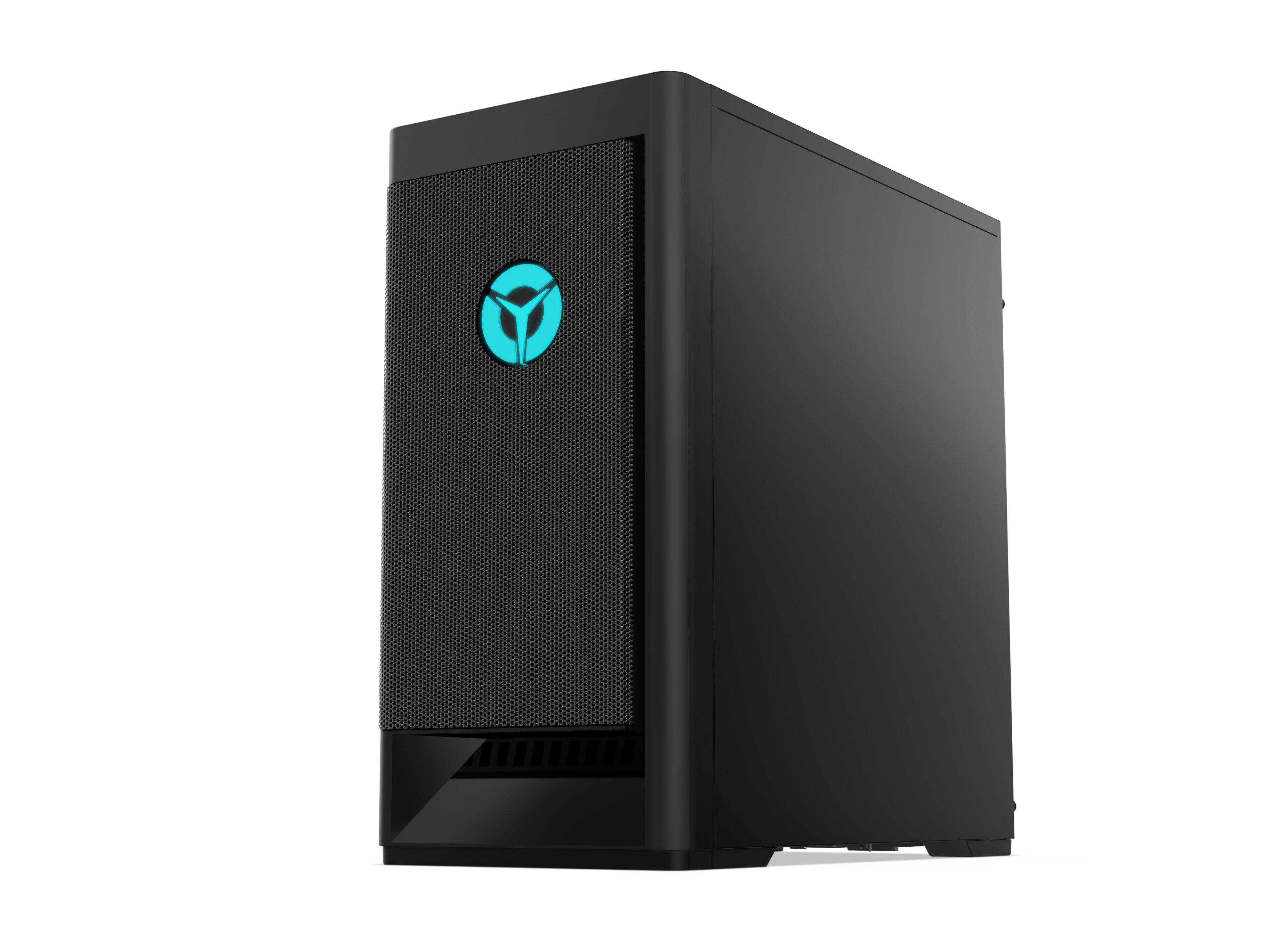
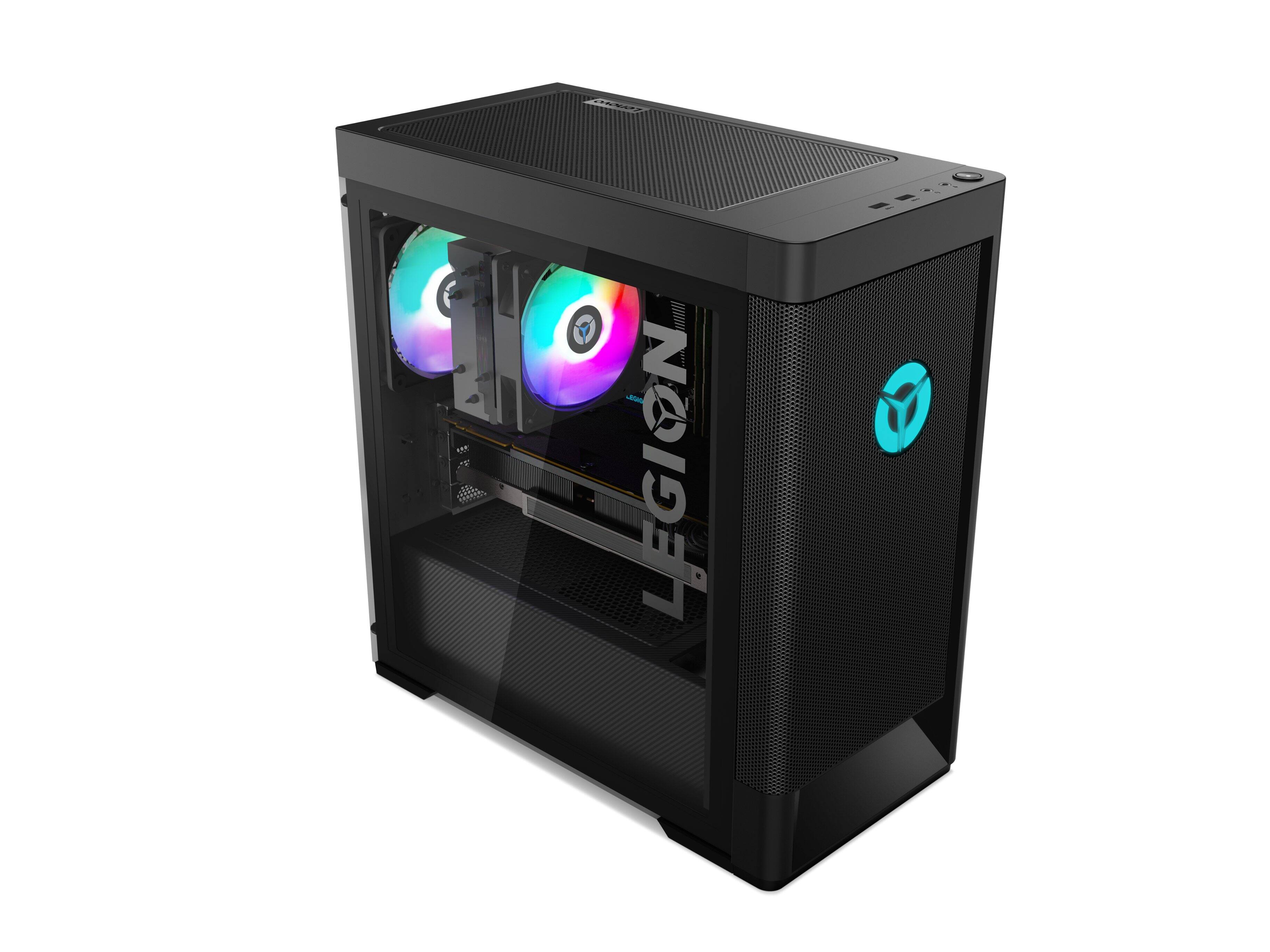
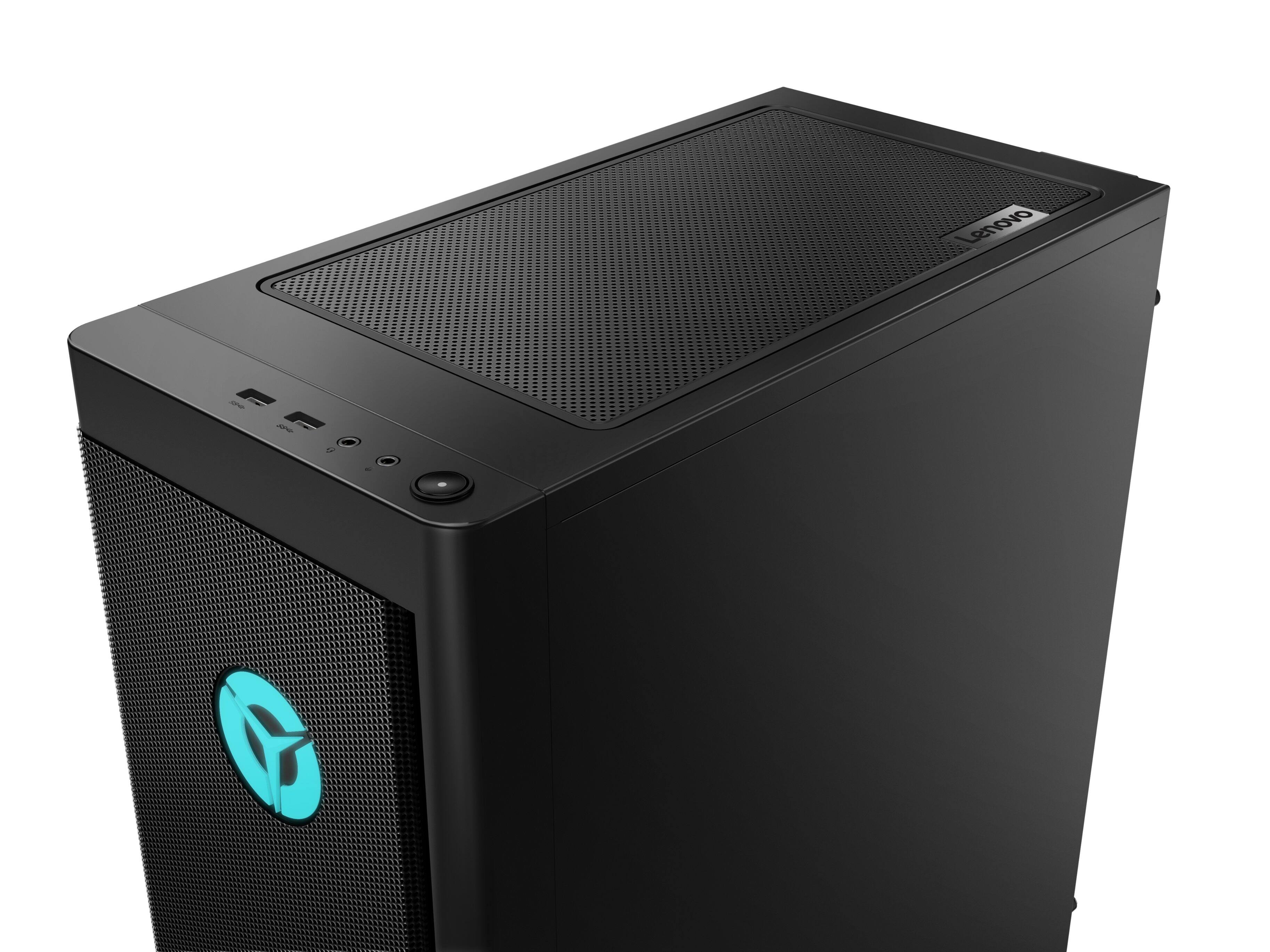
A:AnswerThis Lenovo Legion Tower 5 AMD Gaming Desktop Computer, model number 90RB001LUS, can support up to 128GB DDR4-3200MHz RAM within 4 RAM DIMM Slots available. We recommend you consult with your certified technician about your RAM upgrade options.
A:AnswerWell, the motherboard should be able to handle it, but I suggest upgrading the psu to 750w at least, and that is just the bare minimum, as I suggest a 800-1000w psu, to support future upgrades.
A:AnswerI’m gonna answer this to spare you the trouble I had- yes, you can change it BUT you can only use micro ATX or micro ITX- full size ATX is too big. If you’re looking for one, MAKE SURE it’s b500-m/x570-m or b550-I
A:AnswerYes you can, it will not fit anything bigger. I put in the MSI 240R. It has a different CPU mount though, not a standard AMD clip mount. It uses a hybrid AMD CPU with the Intel 1151 mount slots. You will need to go to a hardware store and get some M2 screws to properly mount the cooler head onto the CPU.
A:AnswerThe Lenovo Legion Tower 5 AMD Gaming Desktop, model number 90RB001LUS, ships with the 8-Core/16-Thread AMD Ryzen 7 5700G processor (AMD Ryzen 7 5700G 3.8GHz/8C/16M 65W
PROCESSOR, Lenovo Part Number - 5SA0U56286), with a base speed of 3.8GHz and a boost speed of up to 4.6GHz. Here is a link to the complete parts list for this configuration: https://pcsupport.lenovo.com/us/en/products/desktops-and-all-in-ones/legion-series/legion-t5-26amr5/90rb/90rb001lus/parts/display/model
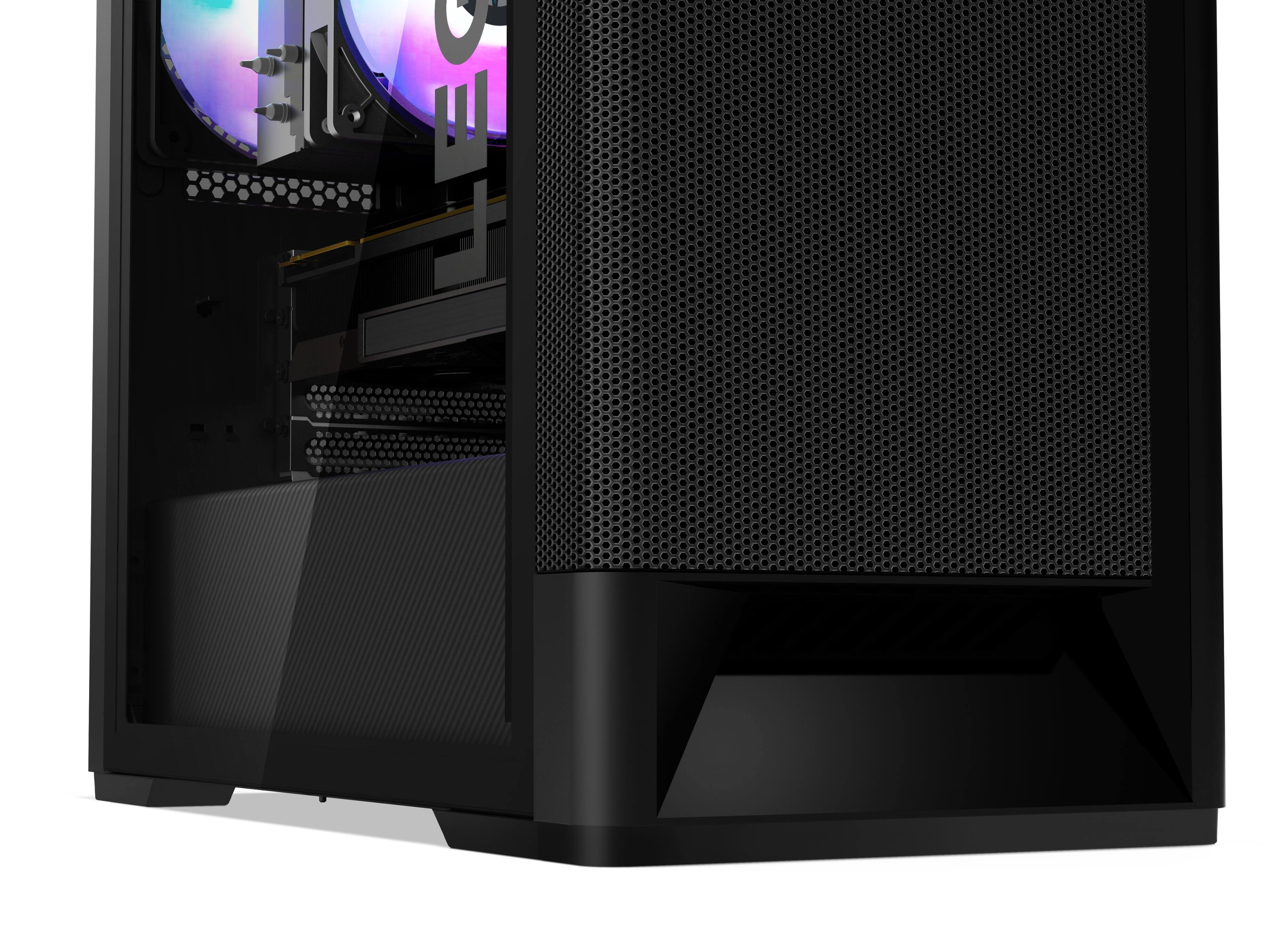
A:AnswerThere is no liquid cooling. 2 fans at the front, 2 on the gpu, 1 on the cpu with heat sink , and one at the rear. I haven’t had any cooling issues.
A:AnswerThere's no need for PCs to ship with media anymore. As long as you have access to any computer with internet, you can download and install Windows 10/11 installation media onto a USB thumb drive, directly from Microsoft. As long as your PC has had Windows installed and running at some point in its life (or comes from a mass producing manufacturer like this one does), there is no need to worry about licensing. As soon as the PC boots up for the first time, it registers itself and its hardware with Microsoft. So if you ever need to rebuild it from scratch (say you buy a new HD and want a clean install) as soon as the installation is finished and Windows logs in - Microsoft's servers will instantly recognize the signature of your PC and will re-activate the license. I have rebuilt dozens of Dells and HPs this way and never encountered an issue. I have no doubt it will be the same with Lenovo.
A:AnswerThat will depend on the requirements and compatibility of the specific streaming services and games you will be using. We recommend you check with both the streaming services as well as the specific game's software publisher's web sites, that you will be using, for their compatibility with Windows 10 Home 64-bit operating system and the minimum/recommended hardware requirements (Is a Graphics card required, the processor speed and the minimum required system RAM and the minimum available hard drive space) to run their program, then compare those requirements to this system's configuration.
A:AnswerA spec sheet doesn’t even come in the packaging unfortunately. I was able to go to pcsupport.Lenovo and find the build for my setup with part numbers. In the search bar on that page enter legion t5-amr5. From there you can go down to knowledge base and guides. This will give you more specific info. If you have a serial number you can select parts and enter it there to give you the specs of a specific build.
There are 2 m.2 slots. The 2nd one is covered by the gpu. The HDD is a 3.5” slot. There are an additional 3 sata connections and there is room for one more hdd in the hdd bay.