Year-End SaleEnds 1/1/26. Limited quantities. No rainchecks.

Main Content

Questions & Answers

Your price for this item is $809.99
Clearance
The comparable value price is $899.99
Page Showing 61-68 of 68 questions
  • QuestionCan an internal DVD drive be added at purchase time?

    Asked by Doug.

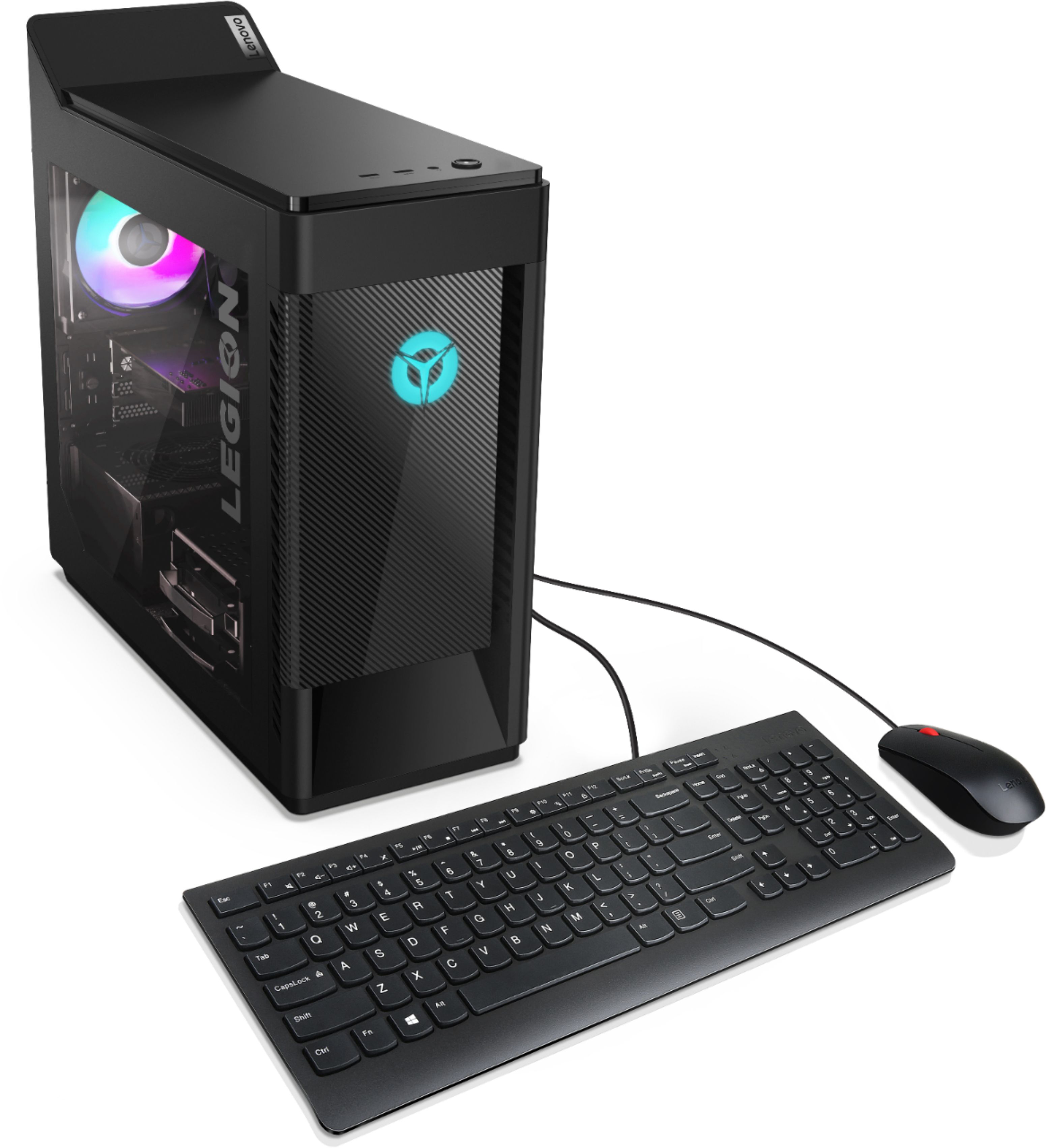
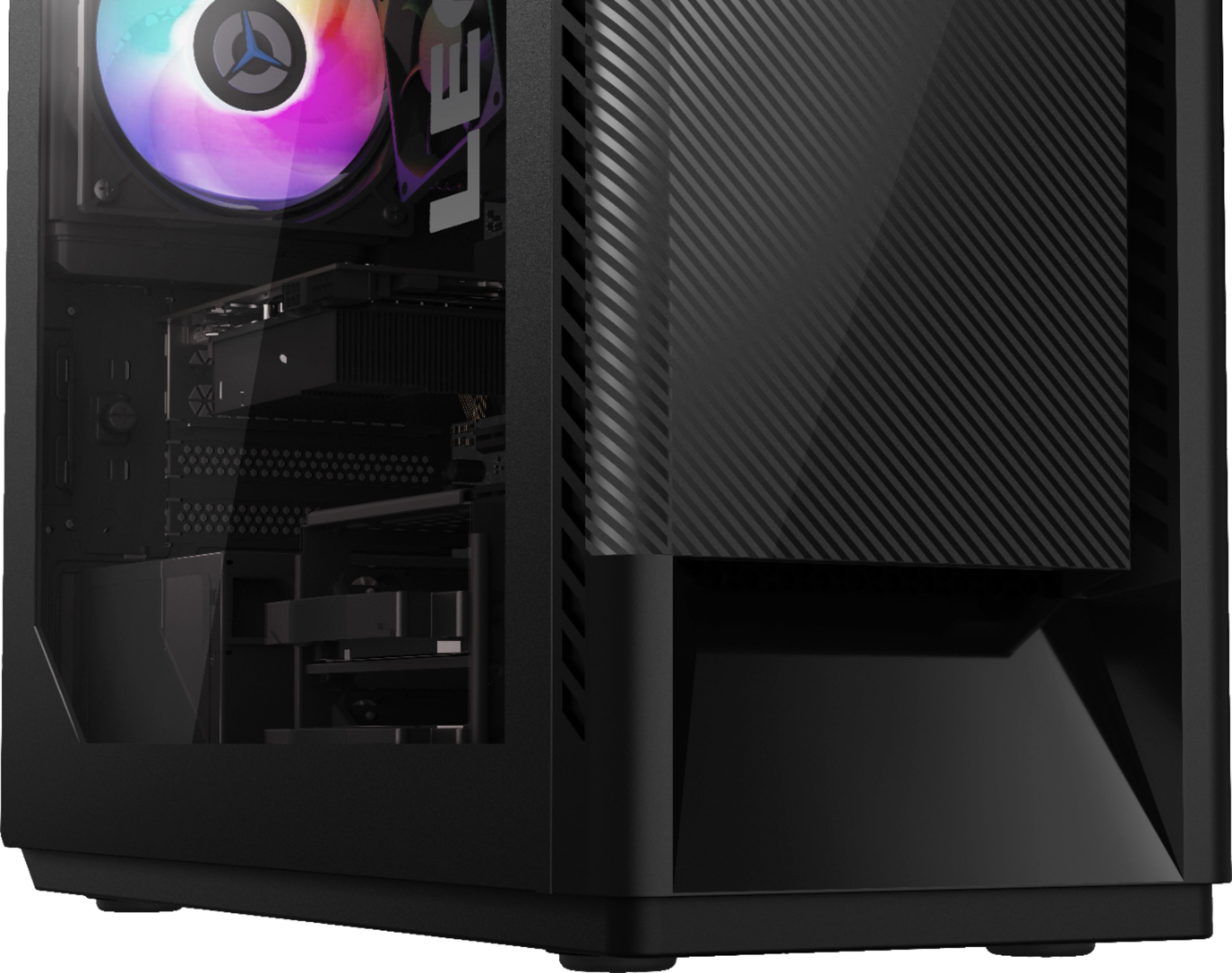
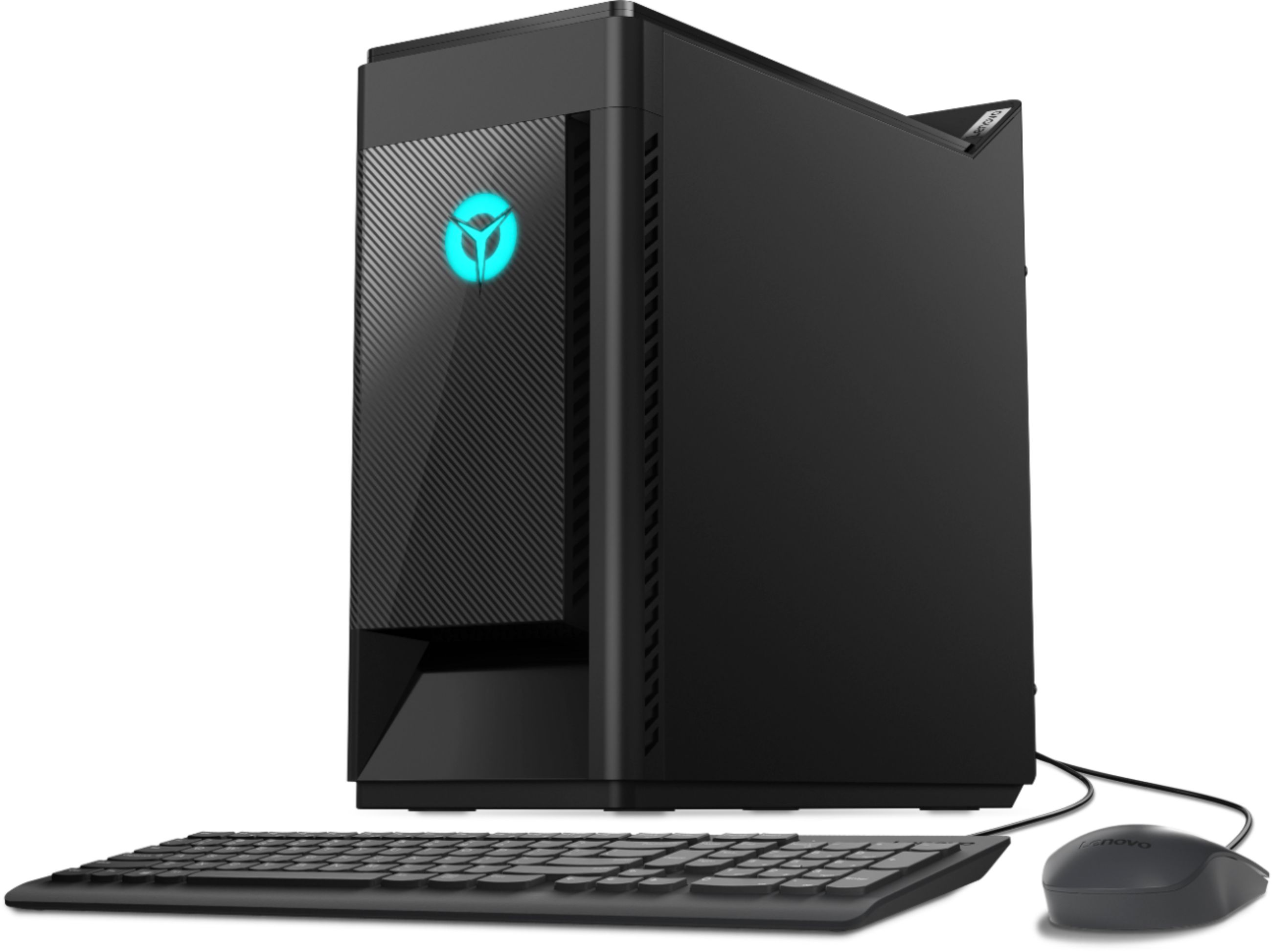
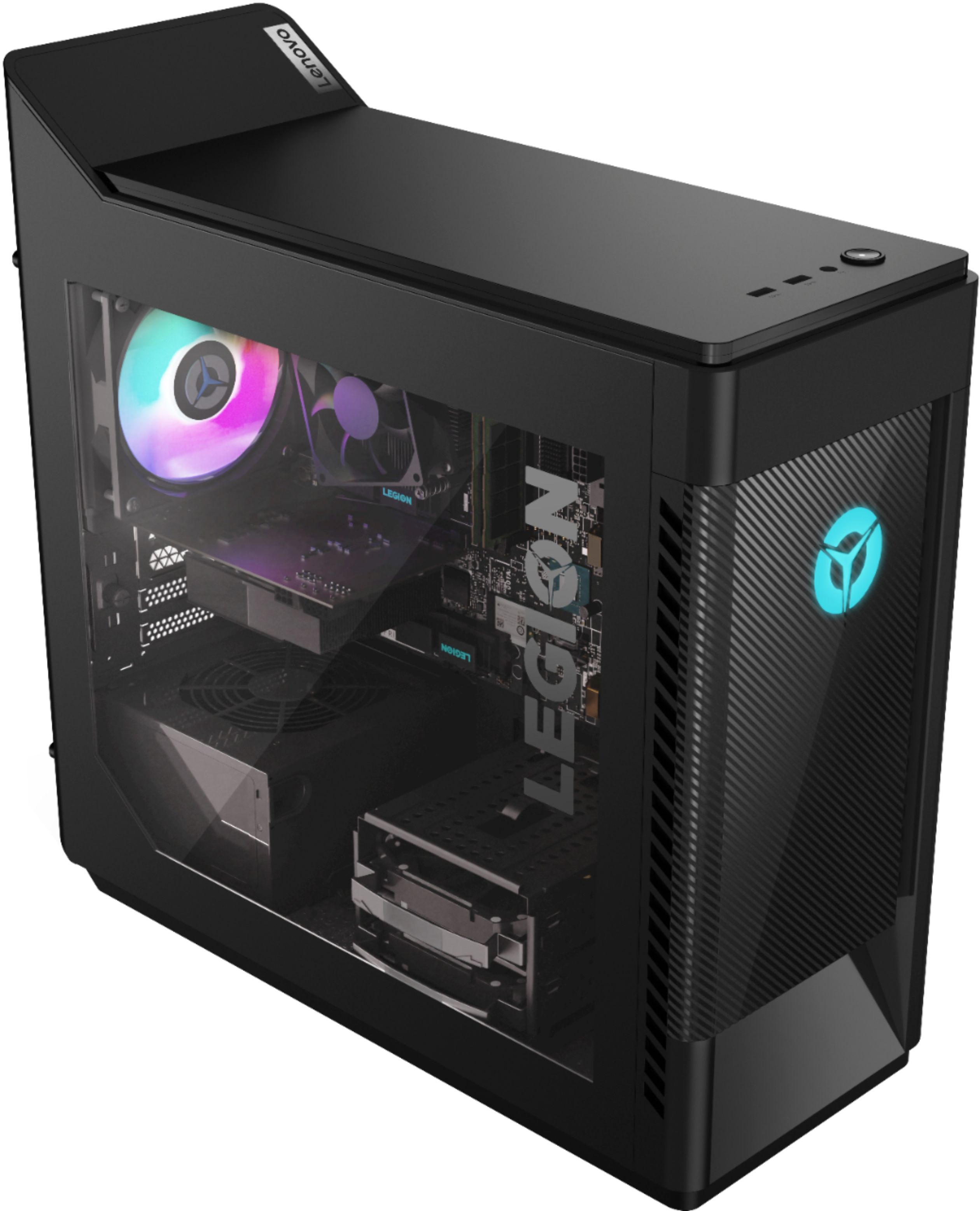
    • Answer There is a vacant 2.5 inch drive bay but there is no knockout for accessibility to the CD/DVD drive tray. The extra drive bay is meant for an additional internal hard drive. It comes with tray to support 2.5 inch drive. You can use an external, USB-based, Windows 10 compatible CD/DVD drive with this system.

      Answered by Lenovo Product Expert

  • QuestionIs the G skill Trident Z Royal compatible with this PC?

    Asked by Anonymous.

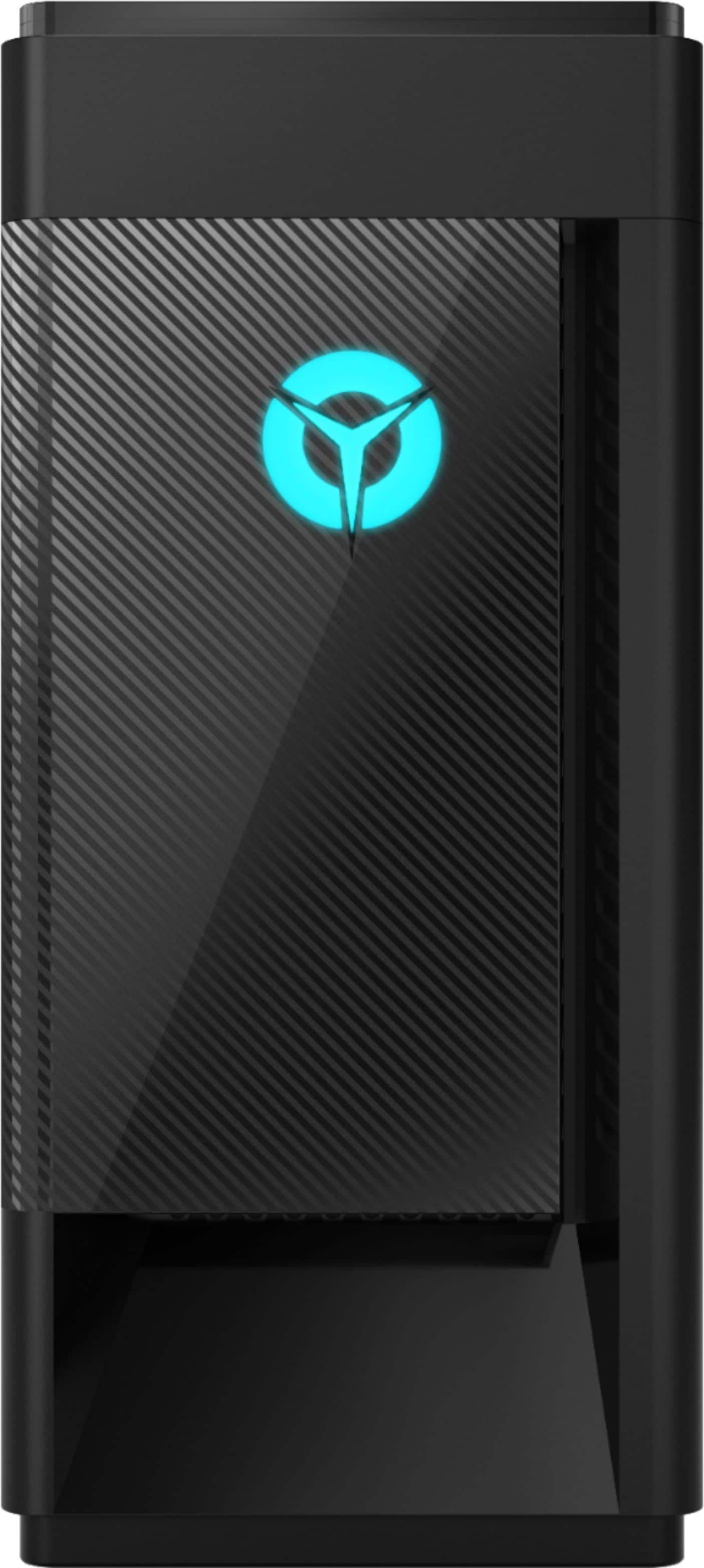
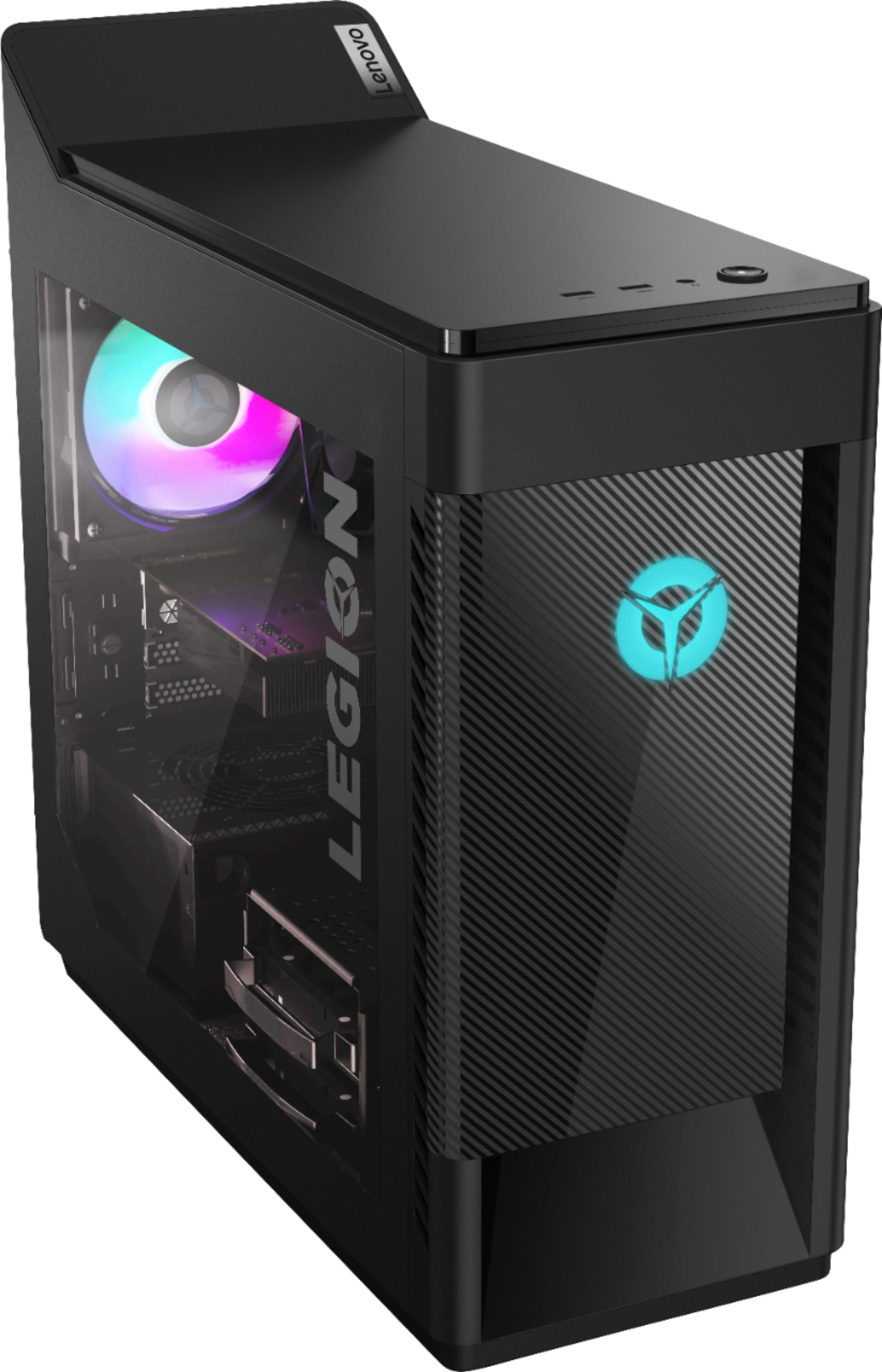
    • Answer G. Skill Trident Z Royal RAM Memory is not listed as a compatible replacement part for the Lenovo Legion Tower 5i Gaming Desktop, model number 90NC00R5US. The Legion Tower 5i ships with 8GB DDR4-2933MHz RAM (UDIMM,8GB,DDR4,2933,Samsung - Lenovo Part Number - 5M30V06817. Here is a link to the complete parts list for this configuration, with substitute parts listed, where applicable: https://pcsupport.lenovo.com/us/en/products/desktops-and-all-in-ones/legion-series/legion-t5-28imb05/90nc/90nc00r5us/parts/display/model
      Answered by Lenovo Product Expert

  • QuestionCan I customize the rgb lighting?

    Asked by Ethan.

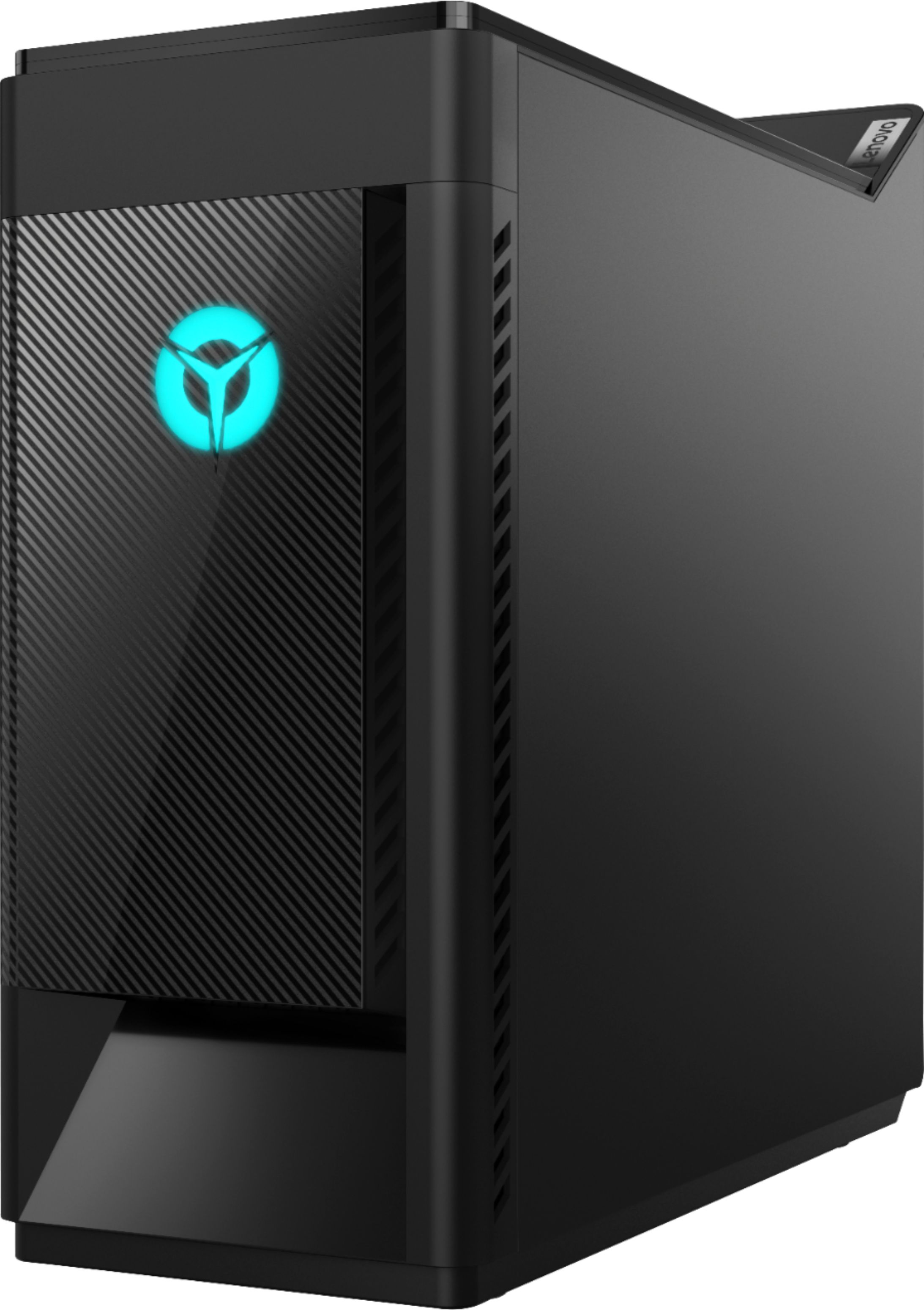
    • Answer You can control the internal aRGB lighting within the Legion Vantage Dashboard.

      Answered by Lenovo Product Expert

  • QuestionI do realize that the pc comes with a 256 gigabyte SSD. But is there another slot where I can place another ssd for more storage?

    Asked by Victor.

    • Answer The Lenovo Legion Tower 5i Gaming Desktop Ships with both a 256GB M.2 2280 NVMe solid state hard drive as well as a 1TB 3.5 inch, 7200RPM mechanical hard drive.

      Answered by Lenovo Product Expert

  • QuestionHow much FPS will it run on COD modern warfare 2019 and does it have windows 10?

    Asked by Noobmaster69.

    • Answer The Lenovo Legion Tower 5i Gaming Desktop Computer, model number 90NC00R5US, ships with Windows 10 Home 64-bit Operating System. Whether this system is compatible with and how well it will perform, if compatible, will depend on the requirements and compatibility of the specific game you want to run. We recommend you check with the specific game's software publisher's web site for their compatibility with Windows 10 Home 64-bit operating system and the minimum/recommended hardware requirements (Is a Graphics card required, the processor speed and the minimum required system RAM and the minimum available hard drive space) to run their program, then compare those requirements to this system's configuration and the expected performance this system configuration is likely to produce.

      Answered by Lenovo Product Expert

  • QuestionWhat is the power supply on this Pc?

    Asked by Shaima.

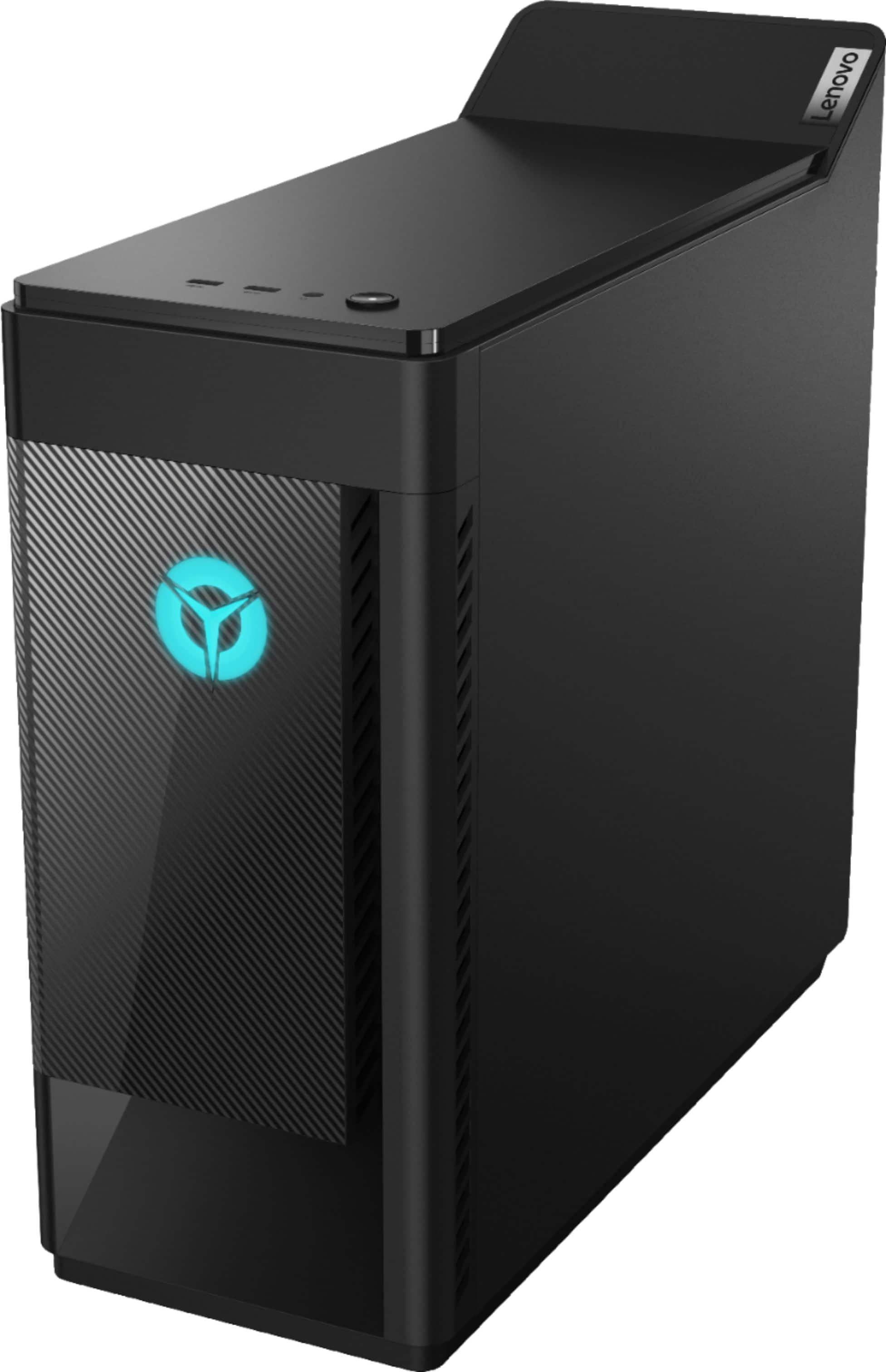
    • Answer The Lenovo Legion Tower 5i Gaming Desktop, model number 90NC00R5US, ships with the FSP - 100-240Vac,400W 90% PSU, POWER SUPPLIES INTERNAL, Lenovo Part Number: 5P50V03178. Here is a link to the complete parts list for this model: https://pcsupport.lenovo.com/us/en/products/desktops-and-all-in-ones/legion-series/legion-t5-28imb05/90nc/90nc00r5us/parts/display/model
      Answered by Lenovo Product Expert

  • QuestionWhat type of power supply does this have?

    Asked by Shaima.

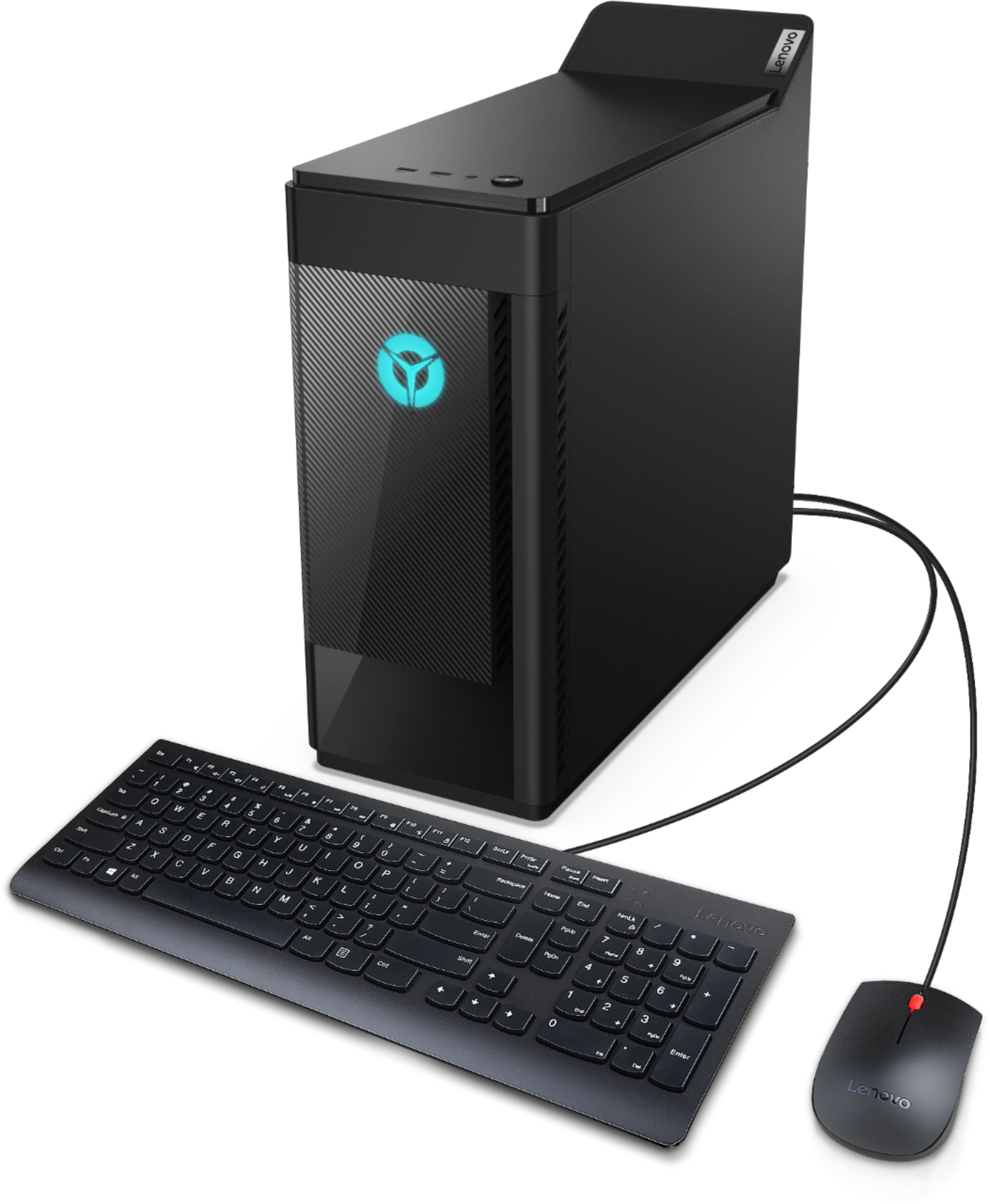
    • Answer The Lenovo Legion Tower 5i Gaming Desktop, model number 90NC00R5US, ships with the FSP - 100-240Vac,400W 90% PSU, POWER SUPPLIES INTERNAL, Lenovo Part Number: 5P50V03178. Here is a link to the complete parts list for this model: https://pcsupport.lenovo.com/us/en/products/desktops-and-all-in-ones/legion-series/legion-t5-28imb05/90nc/90nc00r5us/parts/display/model
      Answered by Lenovo Product Expert

  • QuestionWill this run any high-end VR games, like boneworks, or blades and sorcery?

    Asked by BagelMYT.

    • Answer That will depend on the requirements and compatibility of the VR hardware you want to use. We recommend you check with the VR hardware manufacturer's web site for their compatibility with Windows 10 Home 64-bit operating system and the minimum/recommended hardware requirements (Is a Graphics card required, the processor speed and the minimum required system RAM and the minimum available hard drive space) to run their program, then compare those requirements to this system's configuration.

      Answered by Lenovo Product Expert