A:AnswerFor any specific game, check the website of the game for recommended specs, hardware and software. This is always your best indicator, especially since games are constantly evolving (usually getting more demanding in all the above).
A:AnswerAs always: For any specific game, check the website of the game for recommended specs, hardware and software. This is always your best indicator, especially since games are constantly evolving (usually getting more demanding in all the above).
A:AnswerNo company can predict compatibility with specific games/software with 100% accuracy, especially when the application hasn't even been released. Check Genshin's website if you have a serious concern about this.
A:AnswerHi there, thank you for your question. Based on the system requirements listed on this Blizzard help webpage (https://eu.battle.net/support/en/article/76459), this LOQ can run the game.
A:AnswerHi, thank you for your question. This LOQ should be able to run the game well on lower settings. Based on the system requirements listed on the Sons Of The Forest Steam page (https://store.steampowered.com/app/1326470/Sons_Of_The_Forest/), this LOQ sits between satisfying the minimum system requirements and not meeting all criteria of the recommended system requirements, meaning that the game can run, but it falls below what the game publisher recommends for the best game experience.
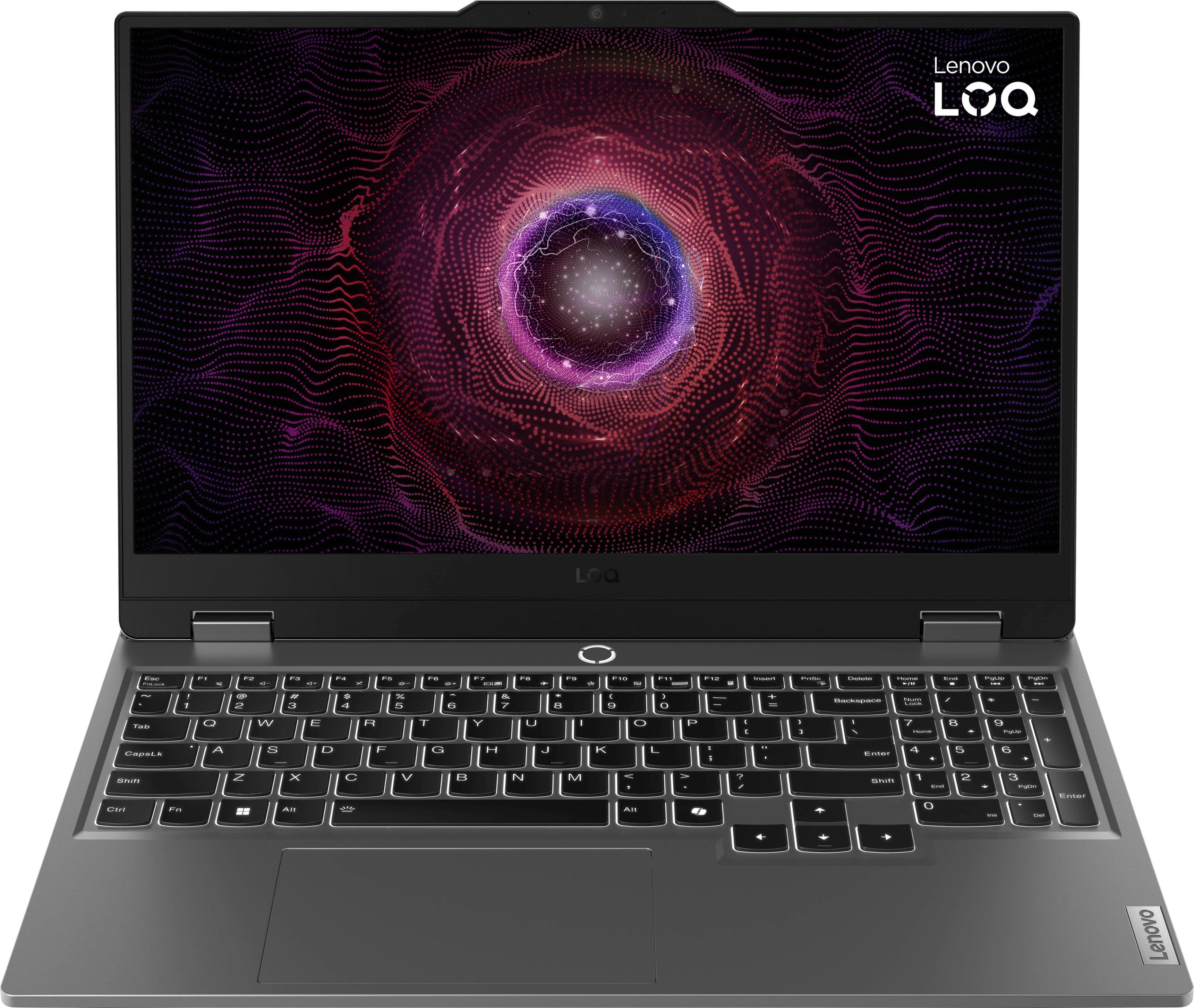
A:AnswerHey, Mikey. Based off the system requirements that are listed on this X-Plane 12 webpage (https://www.x-plane.com/kb/x-plane-12-system-requirements/), this LOQ should be able to run it the software. We recommend reviewing the system requirements detailed on the webpage of the previously embedded link, then comparing it with the specifications of your ThinkPad and this LOQ to see if any irregularities could be responsible for your ThinkPad not being able to download the game, despite it meeting the system requirements.
A:AnswerHi, gamingmn435. Based off the system requirements shared for Path of Exile 2 (should be similar for other Diablo like games), this LOQ 15 game run the game as it satisfies the minimum and recommended system requirements. Hope this helps! Feel free to post any other questions you may have.
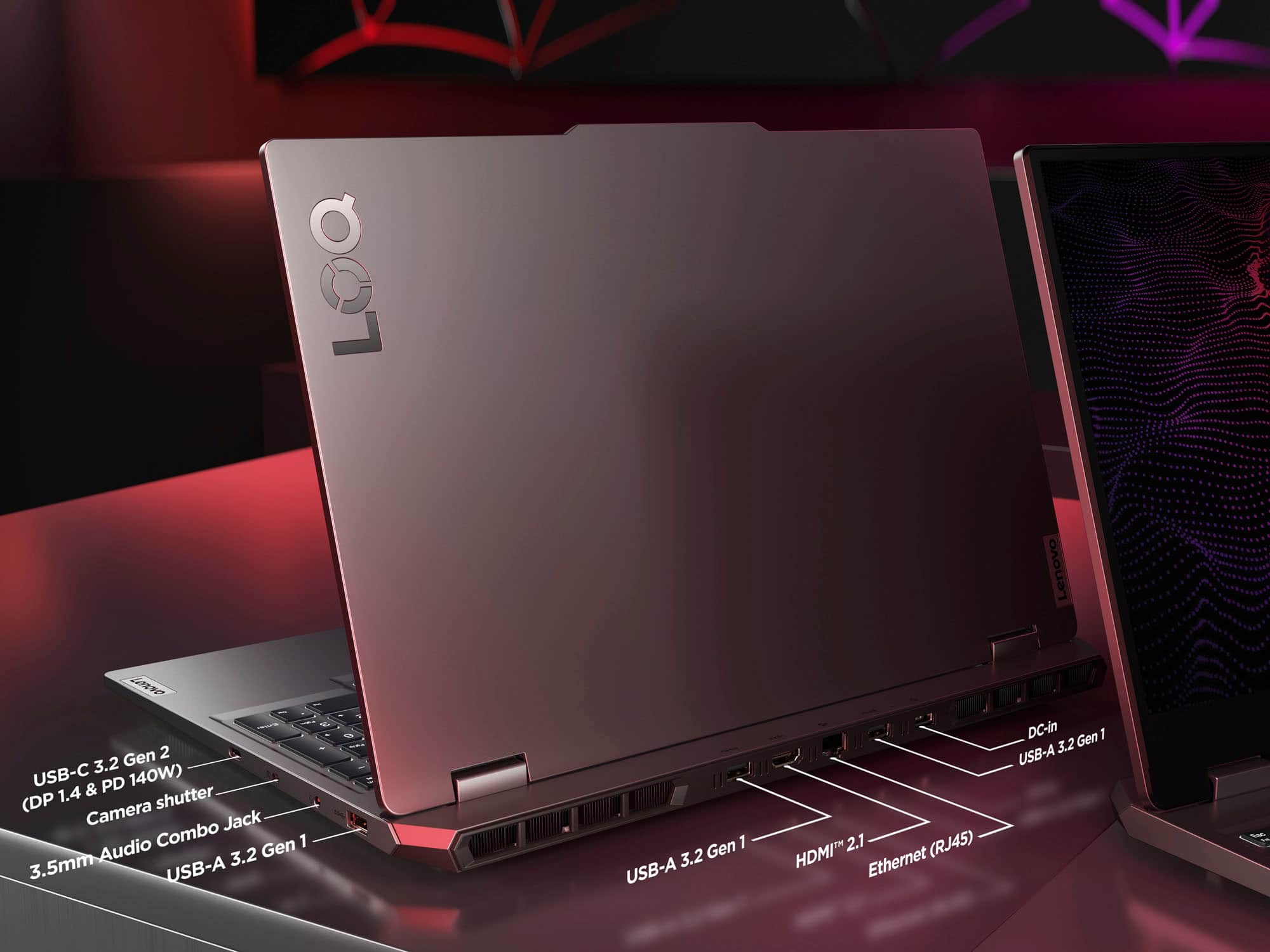
A:AnswerHey, Q. While the system can support 32GB DDR5, the CPU cannot support above 4800MHz. Also, the system features two M.2280 slots so there will be one open slot beside the existing 512GB SSD.
A:AnswerHey, thank you for your question. It really will depend on the VR headset and games you plan to use. To help figure this out, we recommend reviewing the system requirements shared by the manufacturer of the headset you wish to use and games you'd like to play. Then, compare those requirements to the specifications of this LOQ 15 or any computer you’re interested in to help ensure you find the right fit for you. Feel free to share what headset and games you're interested in, and we can help verify this information for you.
A:AnswerHey, thank you for your question. Yes, based off the system requirements that are listed on this Roblox webpage (https://create.roblox.com/docs/studio/setting-up-roblox-studio), this LOQ 15 can run the software and should be able to do so seamlessly based on its configuration.
A:AnswerHey, King. If you're referring to using a voice changing software that operates via PS Remote Play, then yes, it should work fine --- same for your printer, so long as it works with Windows based devices.
A:AnswerHey, Sierra. Yes, it does support DirectX 11, and based off the system requirements you shared, this LOQ should be able to run the game pretty well.