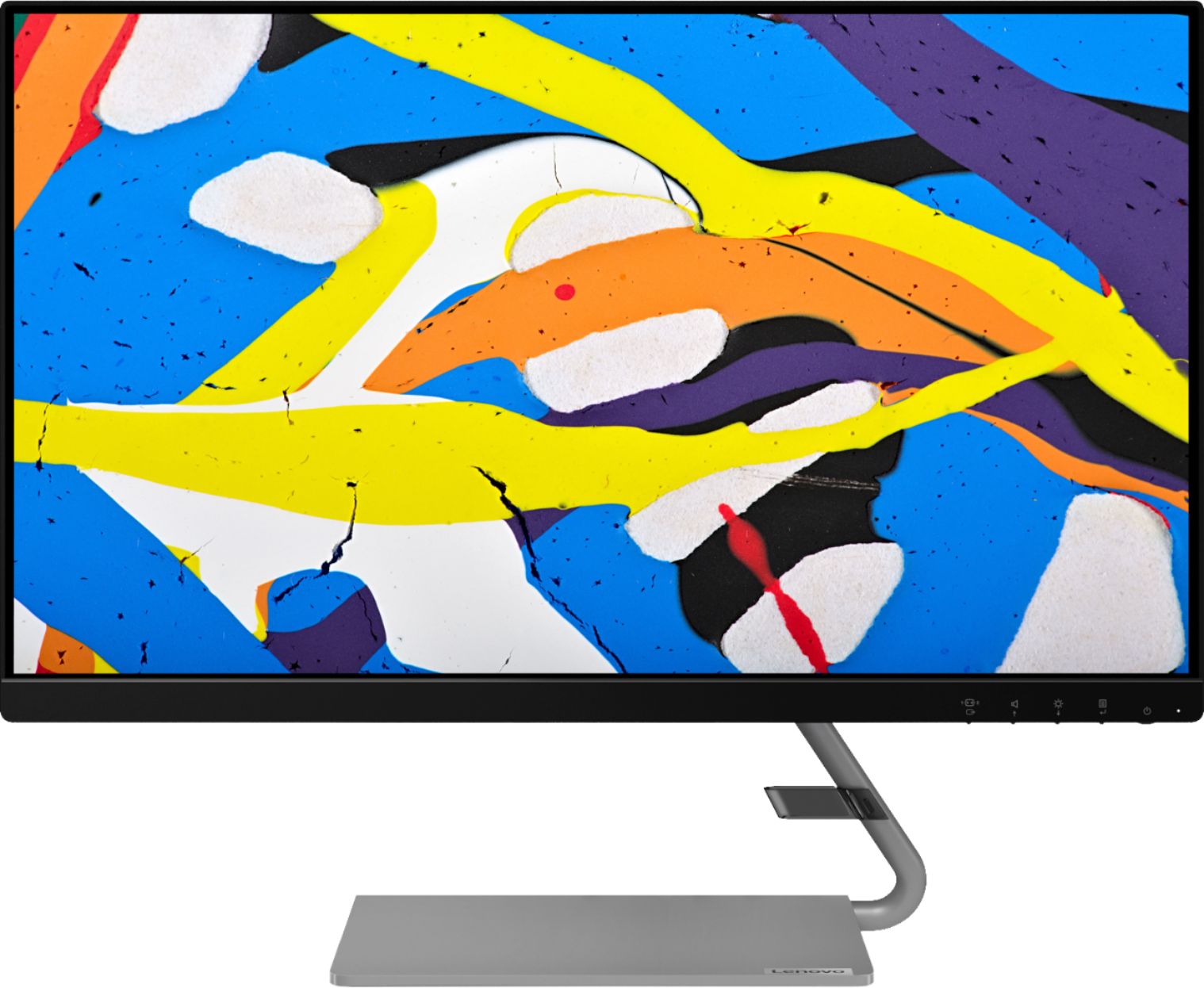
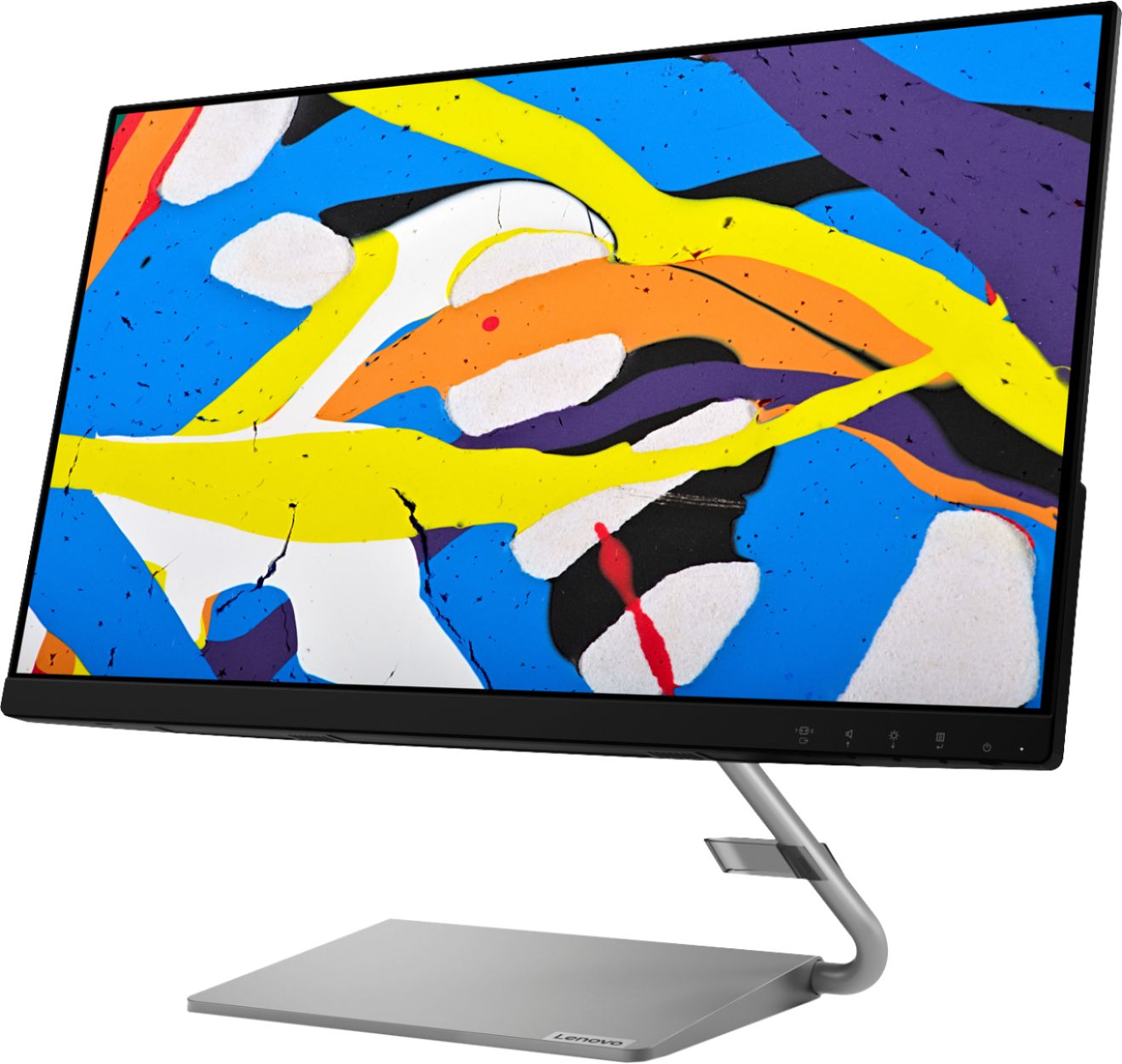
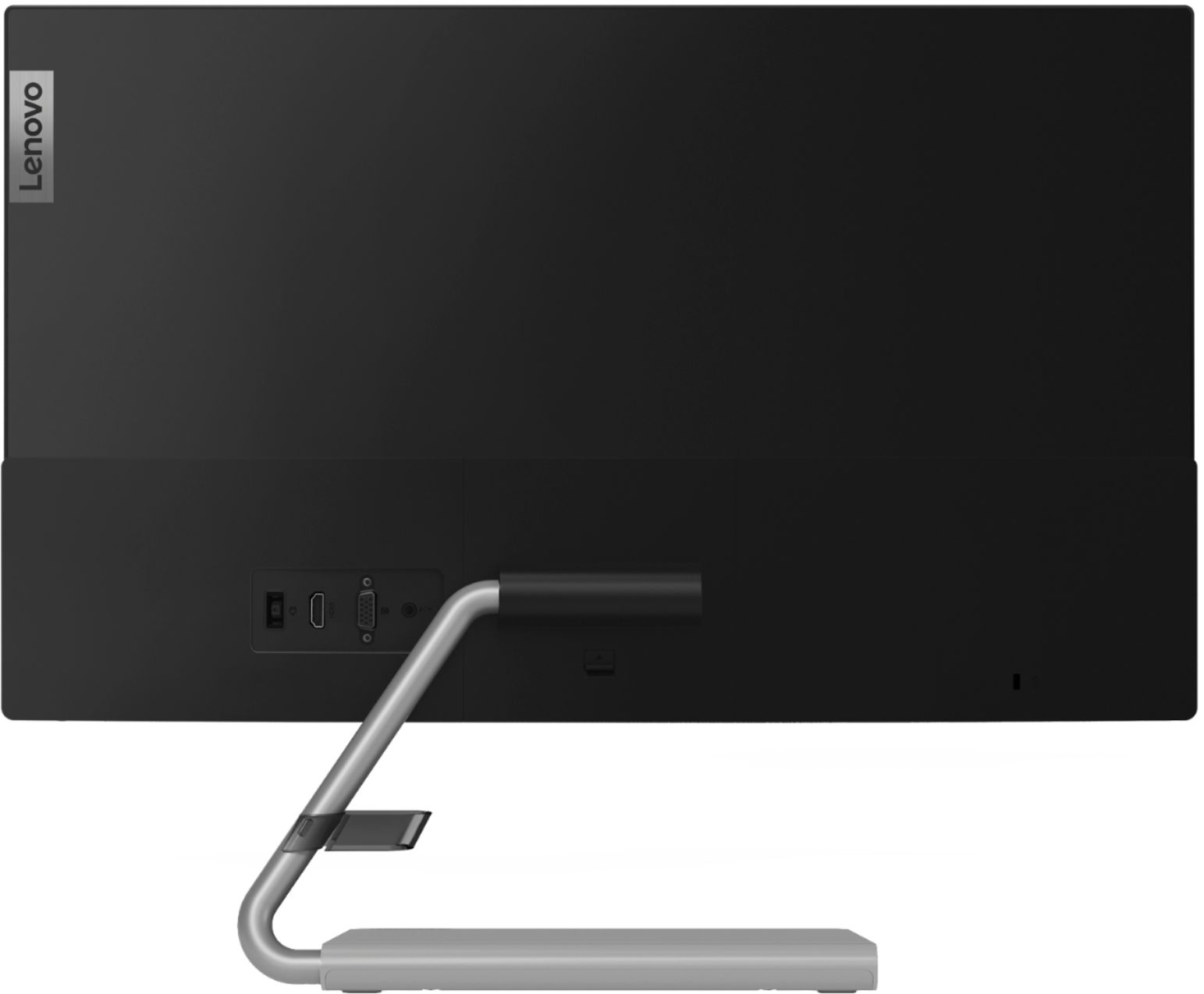
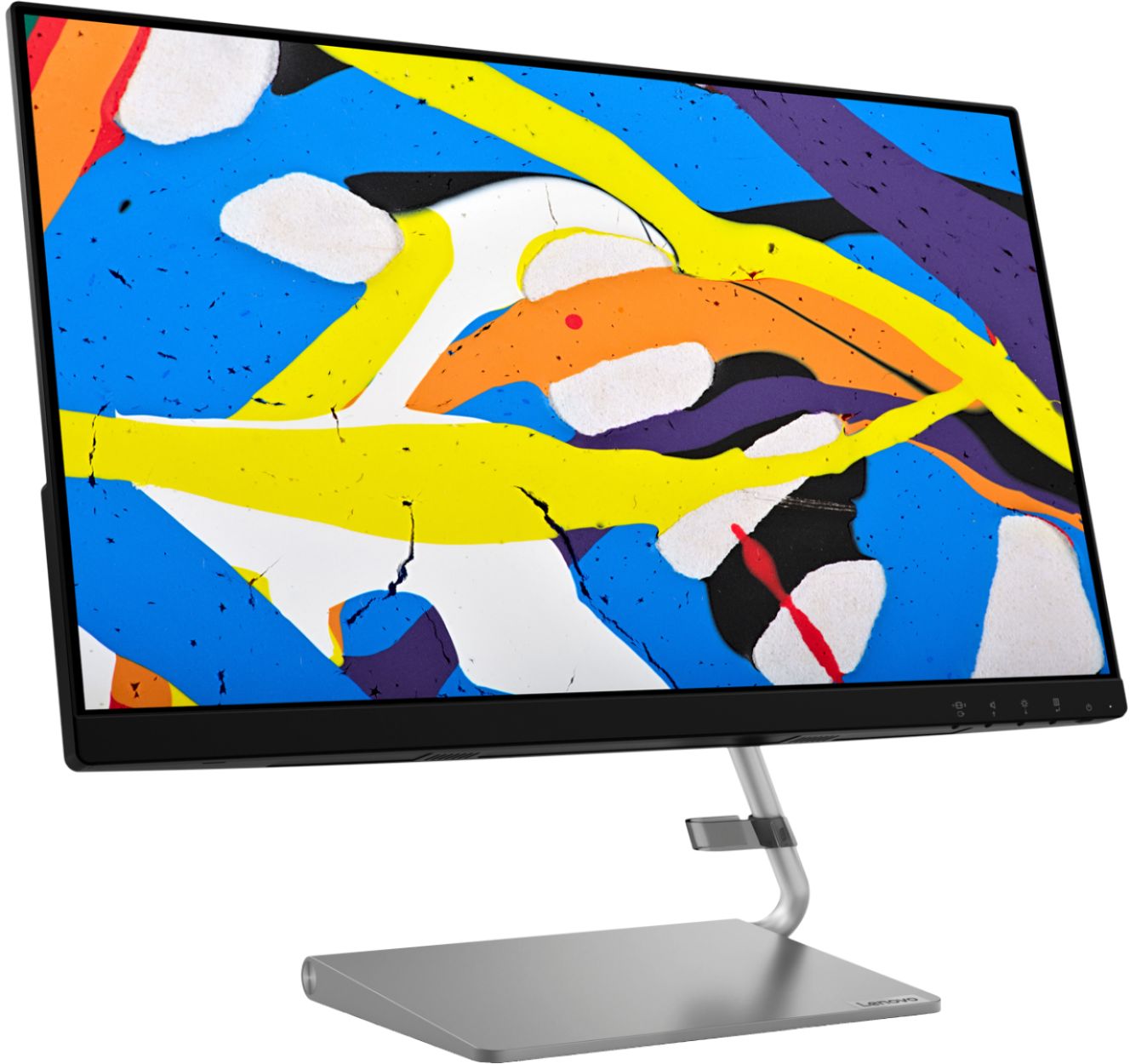
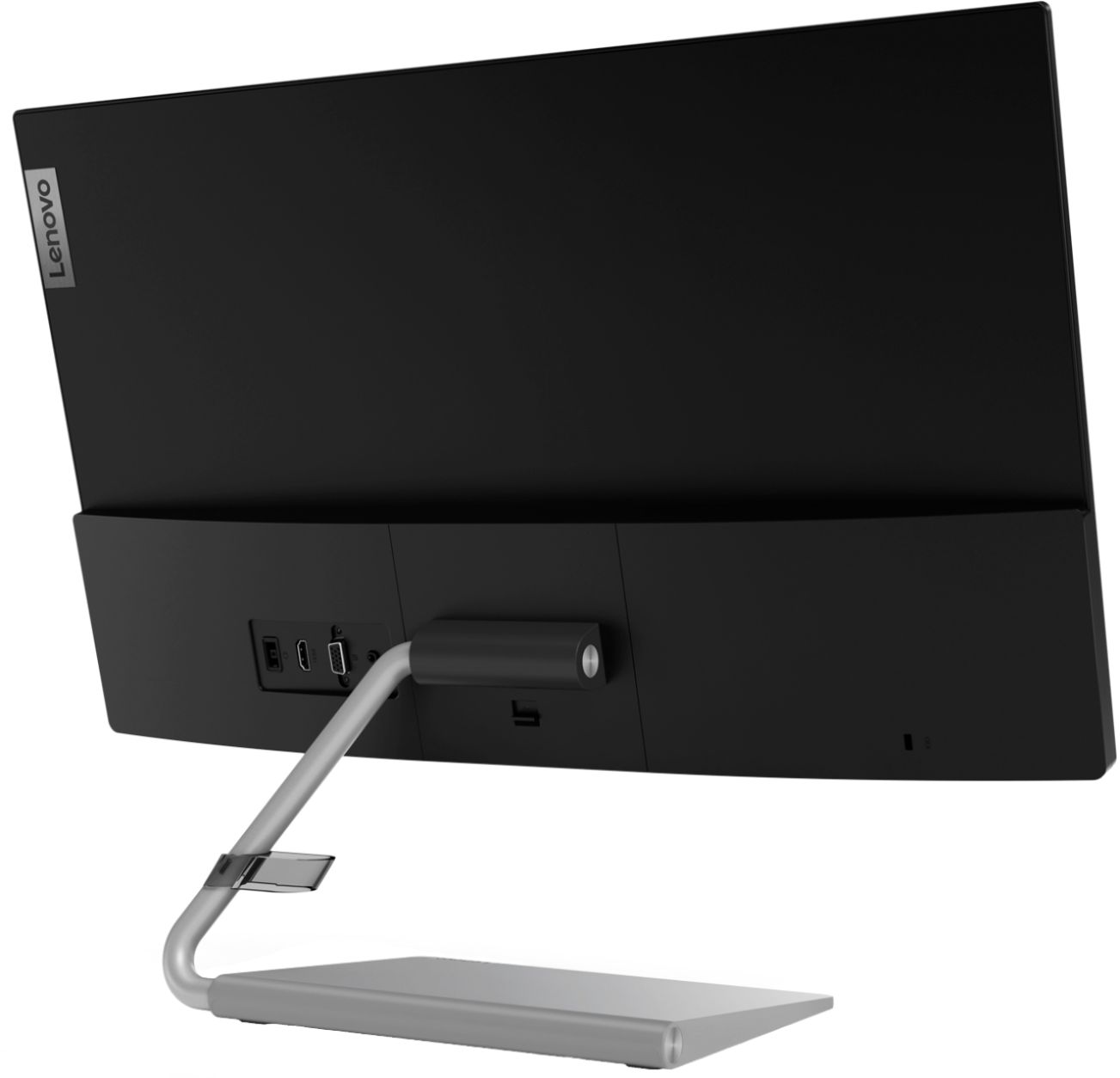
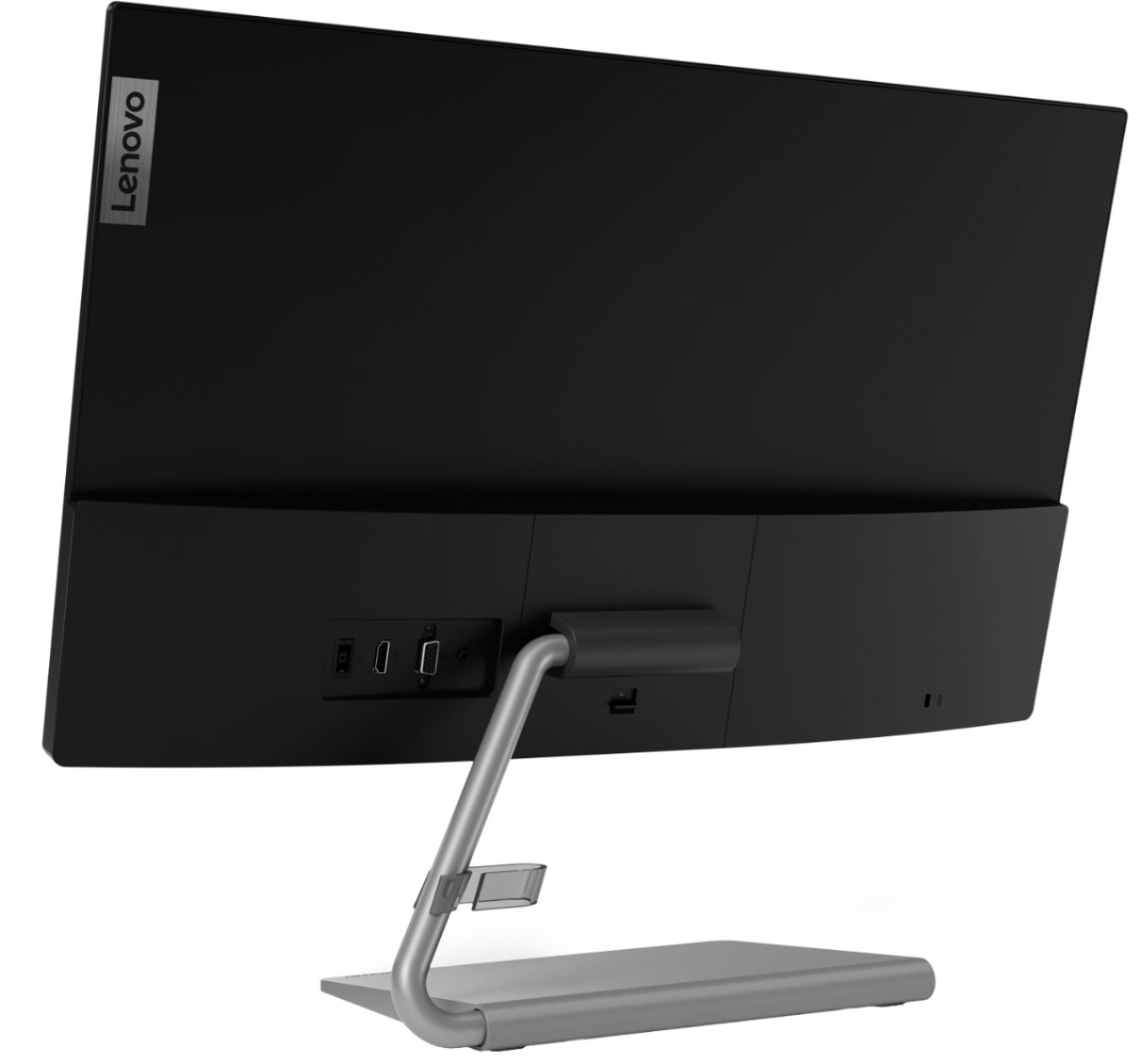
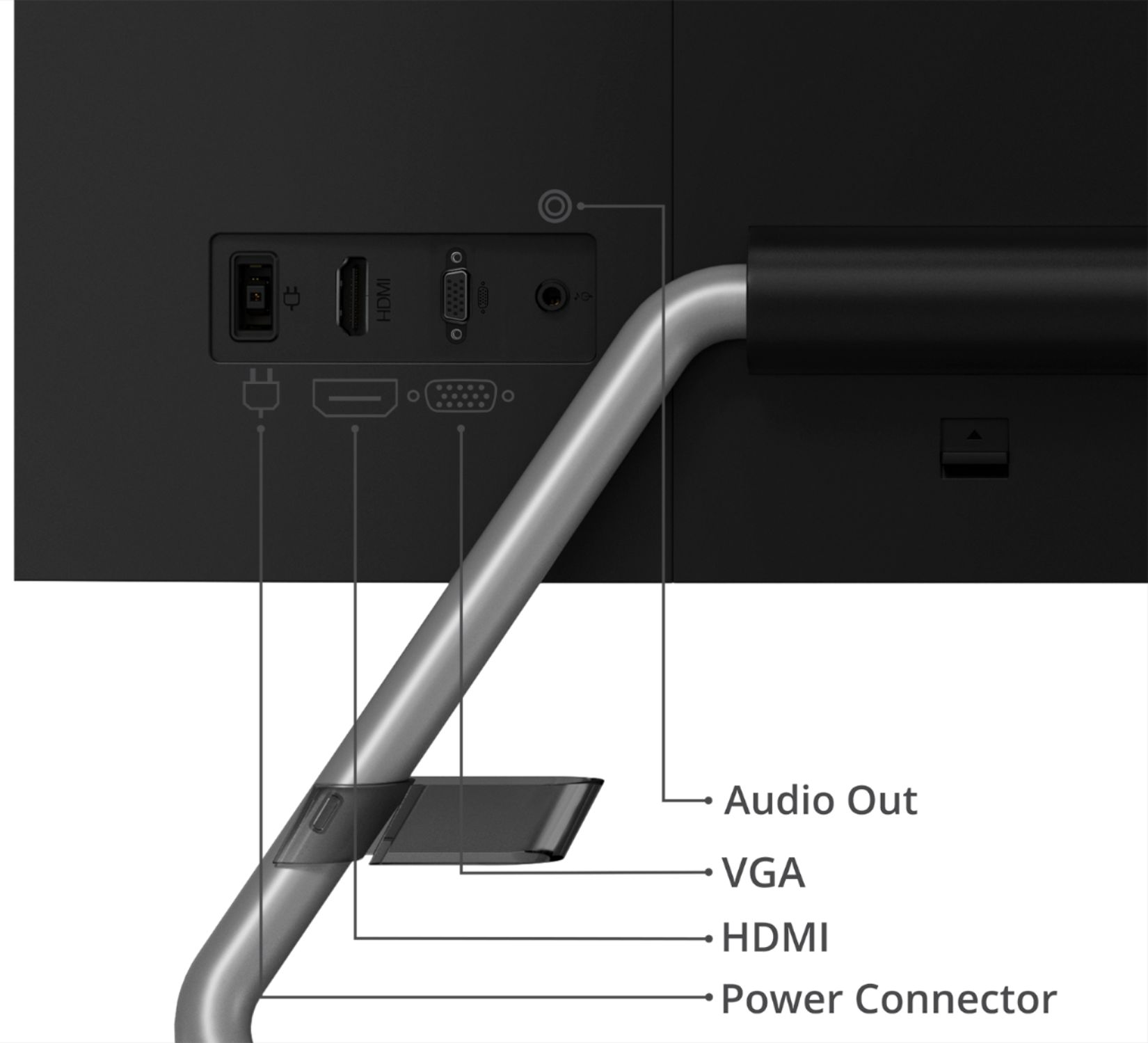
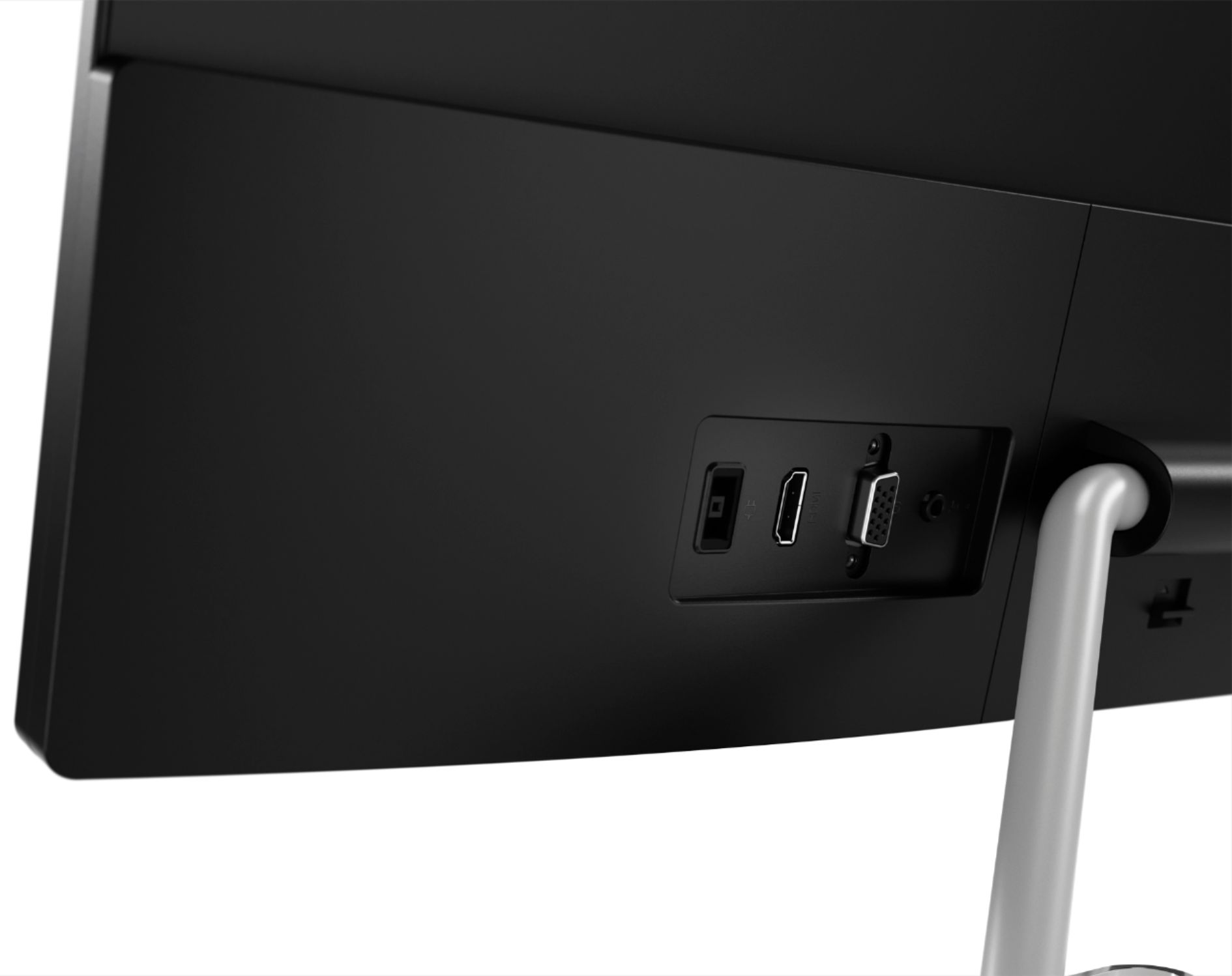
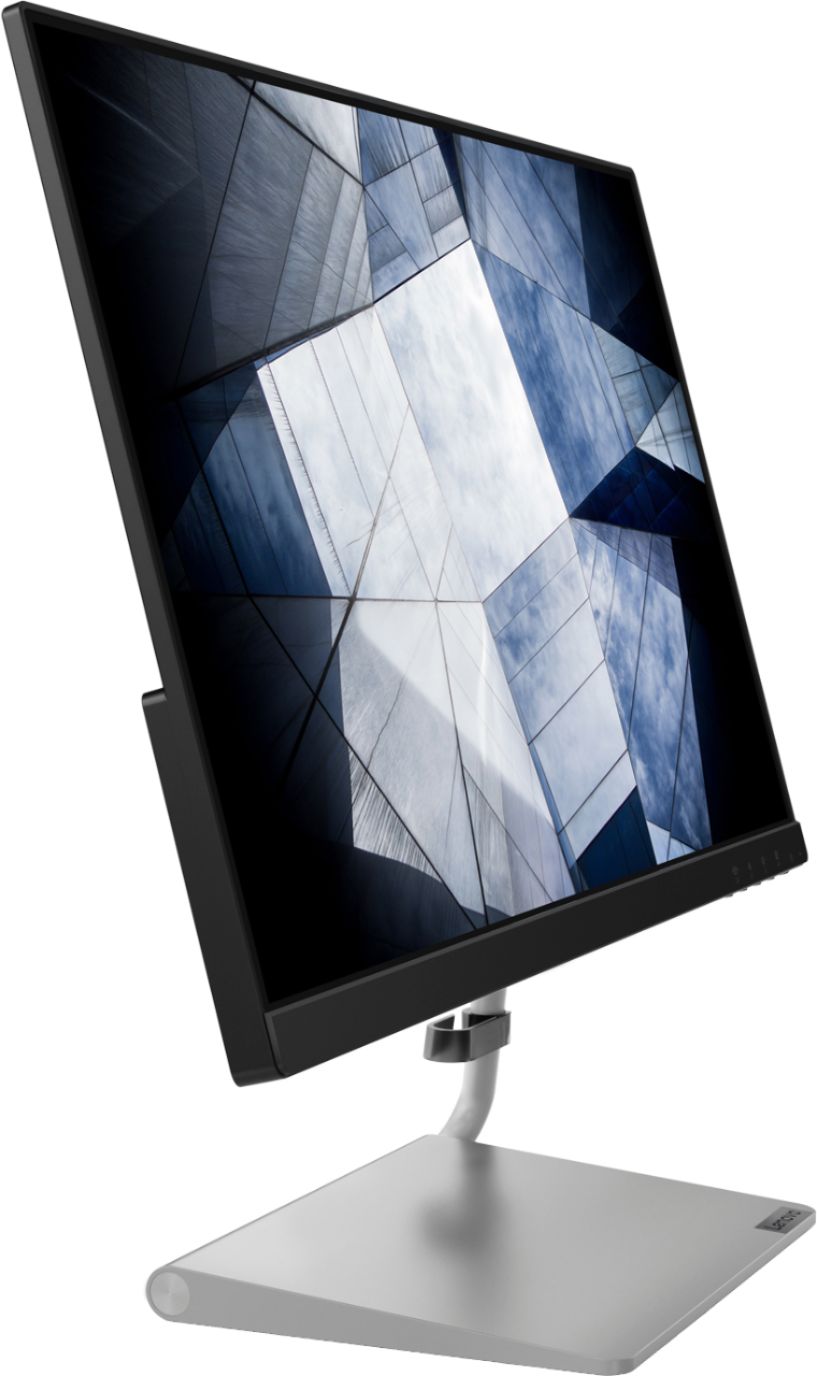
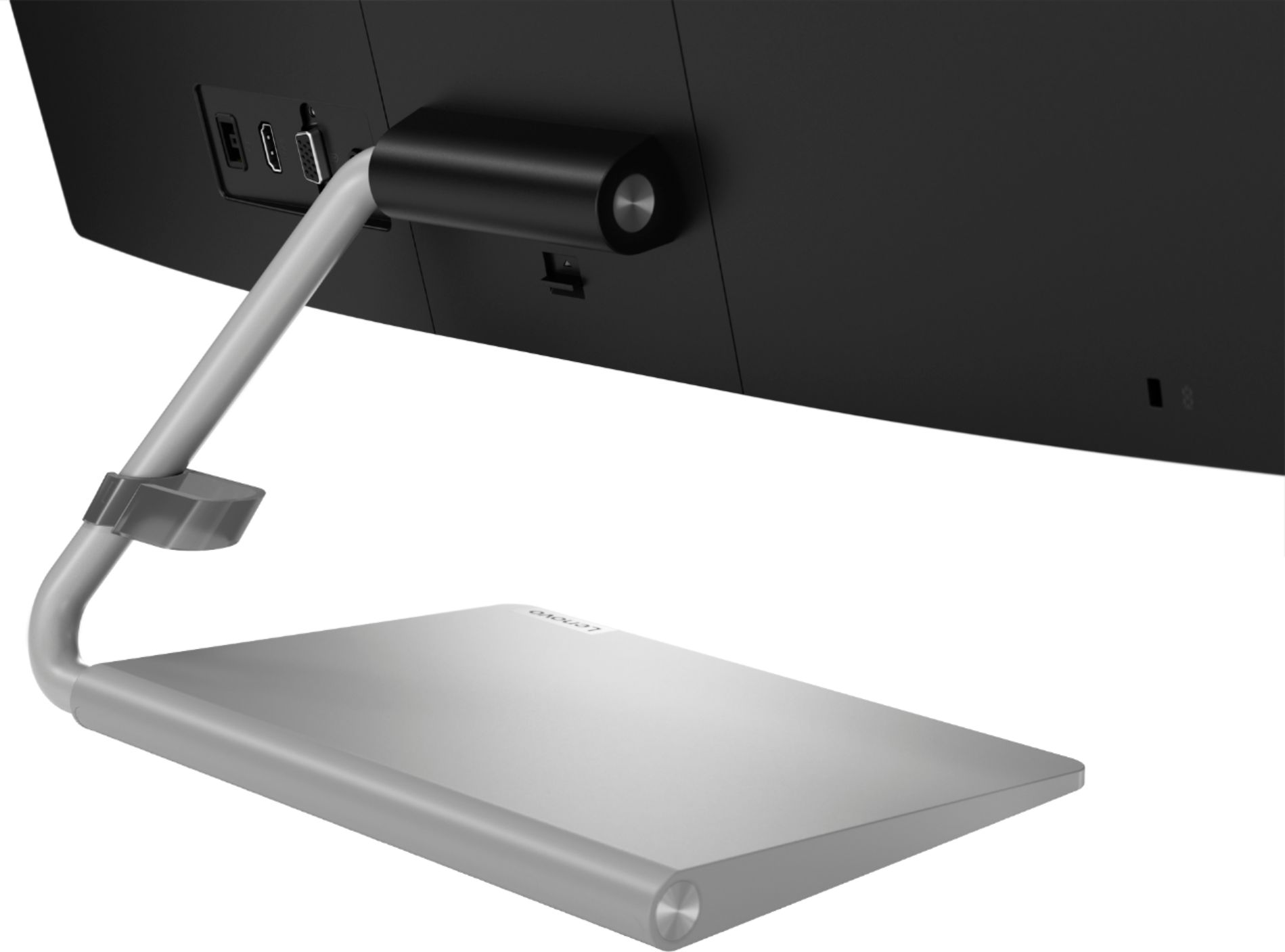
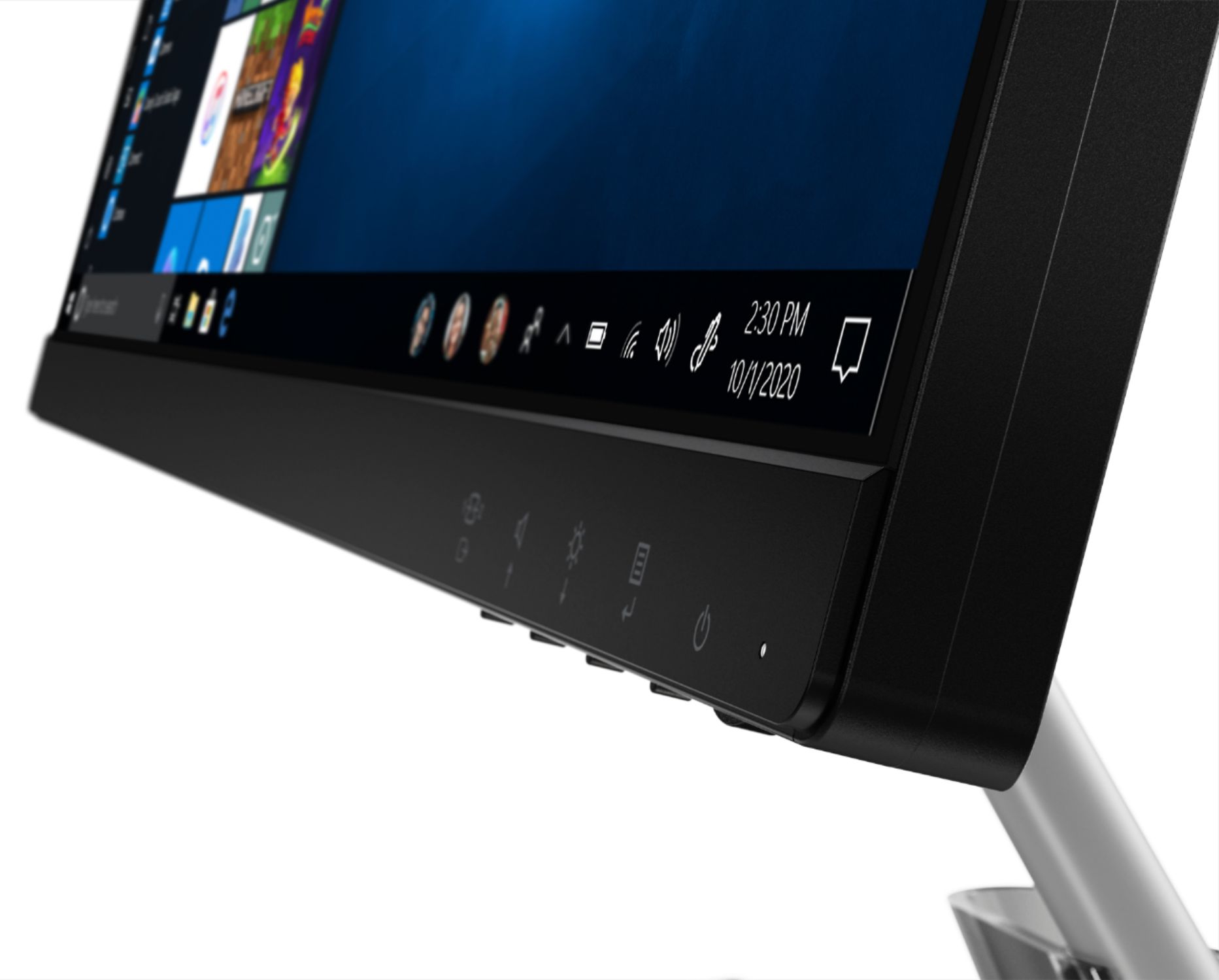
A:AnswerThe Lenovo Q24i-10 Monitor does not connect wirelessly to a computer. This monitor ships with both HDMI and VGA ports for connecting a compatible computer. Here is a link to instructions for connecting this external monitor to your Windows 10 laptop: https://support.microsoft.com/en-us/windows/set-up-dual-monitors-on-windows-10-3d5c15dc-cc63-d850-aeb6-b41778147554
A:AnswerThat will depend on the requirements and compatibility of the gaming console you want to connect. The Lenovo Q24i-10 Monitor, model number 65F3KCC3US, ships with one VGA port and one HDMI version 1.4. Be sure the gaming console you plan on connecting is compatible with this monitor's configuration for maximum performance.
A:AnswerI mean by when I buy it will come with its cables cuz sometimes when it's third party or open box they don't have whats supposed to come with the monitor. Does that make sense?
A:AnswerNo. The Lenovo Q24i-10 Monitor does not have wireless connectivity. You will need either a USB-c or Thunderbolt 3.0 compatible to HDMI adapter (depending on the Yoga model you have) to connect your Yoga via HDMI cable to this monitor.
A:AnswerThe Lenovo Q24i-10 Monitor has no wireless connectivity. It will connect to a video source via either HDMI or VGA connection. The Q24i-10 is Operating System independent. We recommend you check with the requirements and compatibility of the device you want to connect to the Q24i-10 Monitor.
A:AnswerIf the connections are different, someone probably makes an adapter that will allow it to work. I had to get an adapter to connect a Dell monitor to an HP desktop computer that I use to have.
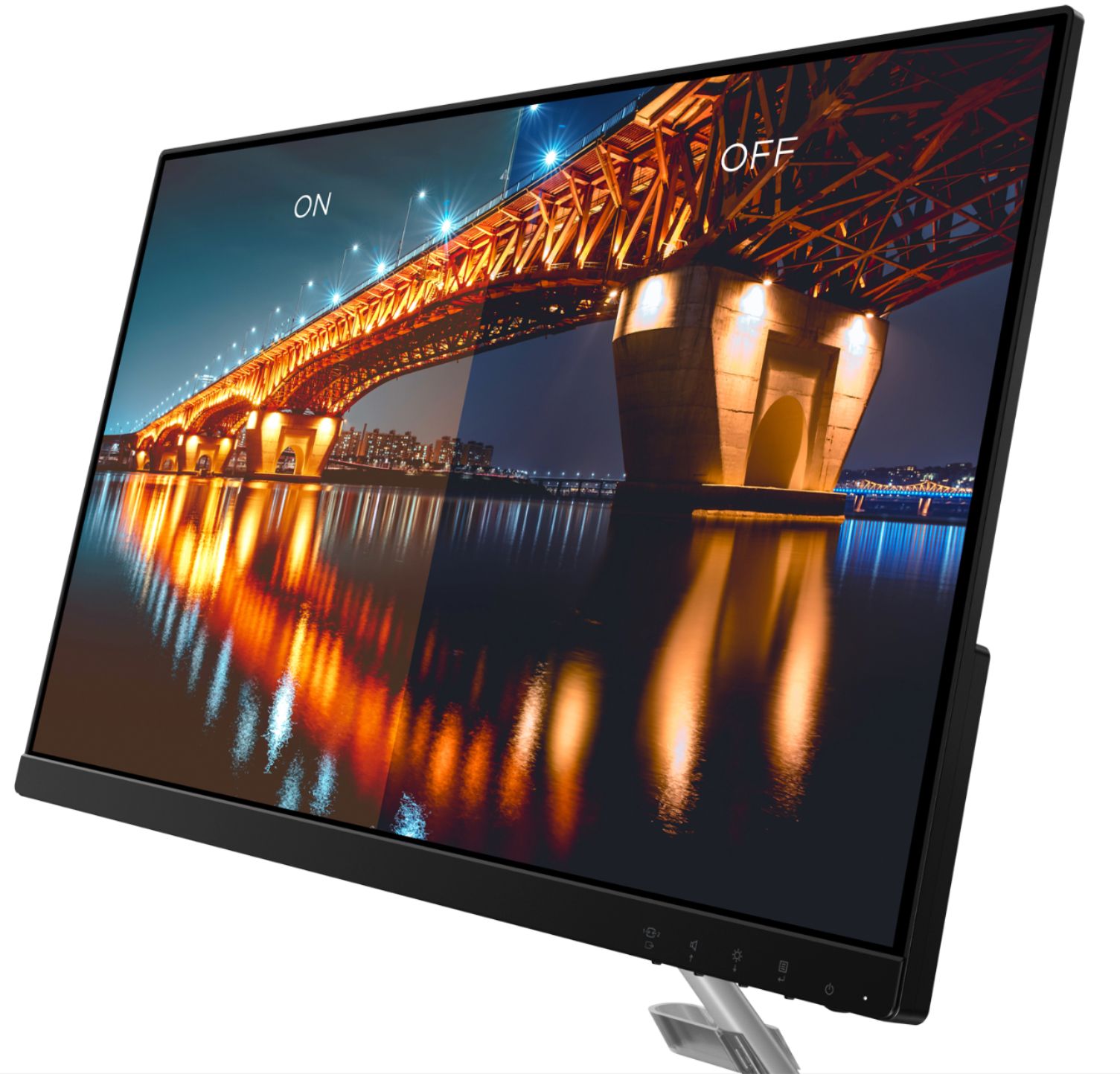
A:AnswerWithin the Lenovo Q24i-10 Monitor, the AMD Free Sync Technology will work automatically with a compatible GPU the user does not have to do anything to either turn on this feature or turn it off.
A:AnswerThat will depend on the capabilities of the video source you will be attaching to this monitor. The video source will need to supply the firmware necessary to send a video image to the monitor in a digital language that is compatible with the monitor. We recommend you check with the manufacturer's web site of the video source device you will be connecting for its compatibility with a Operating System independent monitor like the Lenovo Q24i-10 Monitor, model number 65F3KCC3US.
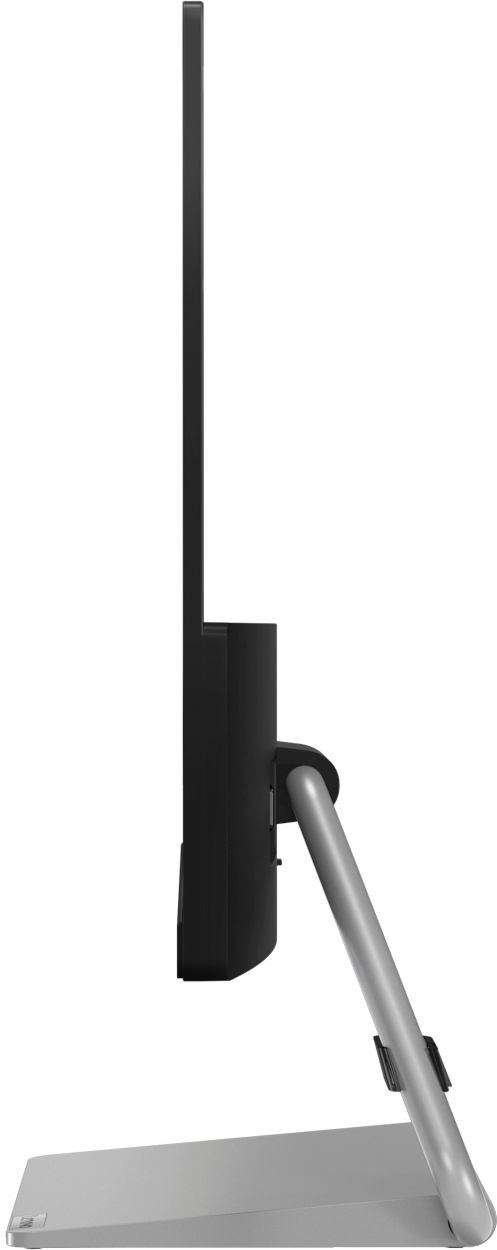
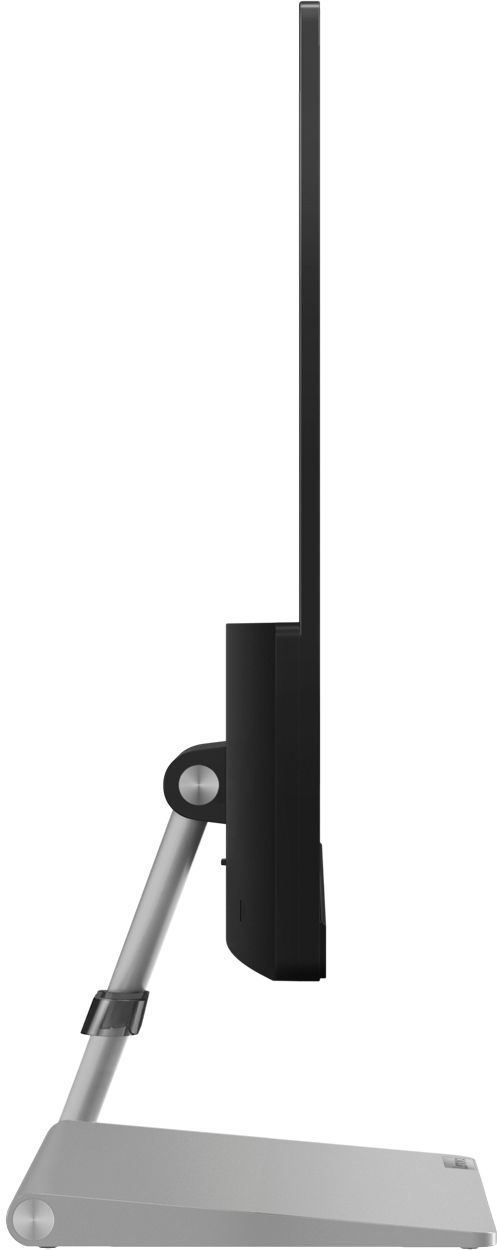
A:AnswerI don't think so. The bracket that connects the base to the monitor appears to connect only one way. If there's a Best Buy near you, you may want to check and see if they have one on display or call or email Lenovo customer service to be absolutely sure.