Questions & Answers
- Model:
- ZA4R0037US
- |
- SKU:
- 6441962
Highly rated by customers for: Ease of use, Sound Quality, Alarm
Page Showing 261-268 of 268 questions
Q: QuestionWill this work with Eufy cameras?
Asked by Dallas.
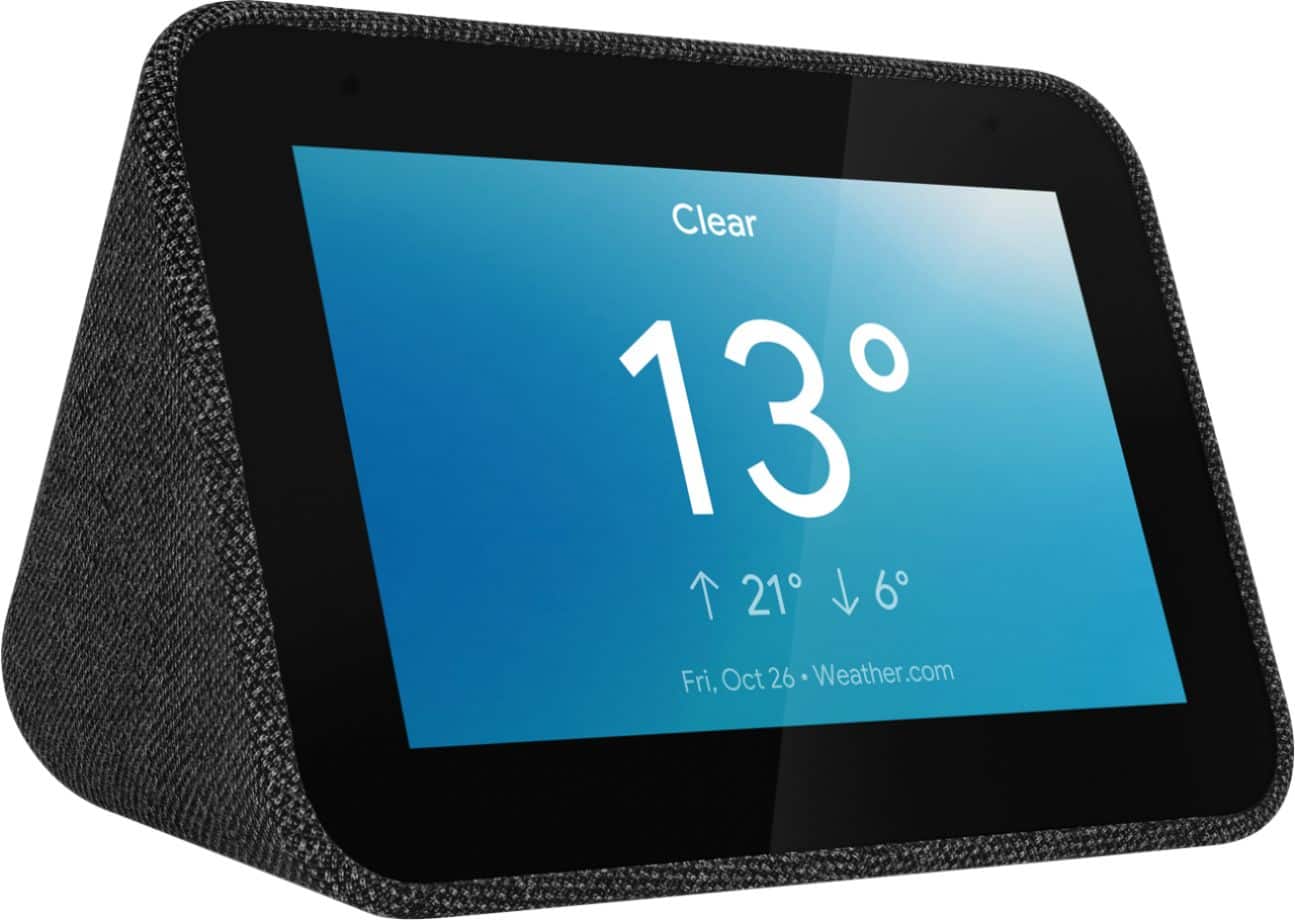
- A:Answer Hello, The Lenovo Smart Clock works with devices that carry the "Google Assistant" Badge. We recommend checking the manufacturers website to ensure compatibility. If you need further assistance please don't hesitate to reach out to Lenovo Technical Support at 866-426-0911 or support.lenovo.com
Answered by Lenovo Product Expert

Q: QuestionThis clock will show whom is at my door with a nest camera or ring doorbell?
Asked by Texan.
- A:Answer No, it does not.
Answered by JonB0108
Q: QuestionCan this be used with iheart radio? I see people saying it can be used with "lots of streaming stations", but the google Home app only has Spotify and Pandora and you cannot add any more. So......?
Asked by JW.
- A:Answer I downloaded the iHeart radio app just to answer you're question. The answer is yes it works
Answered by BurqueDave
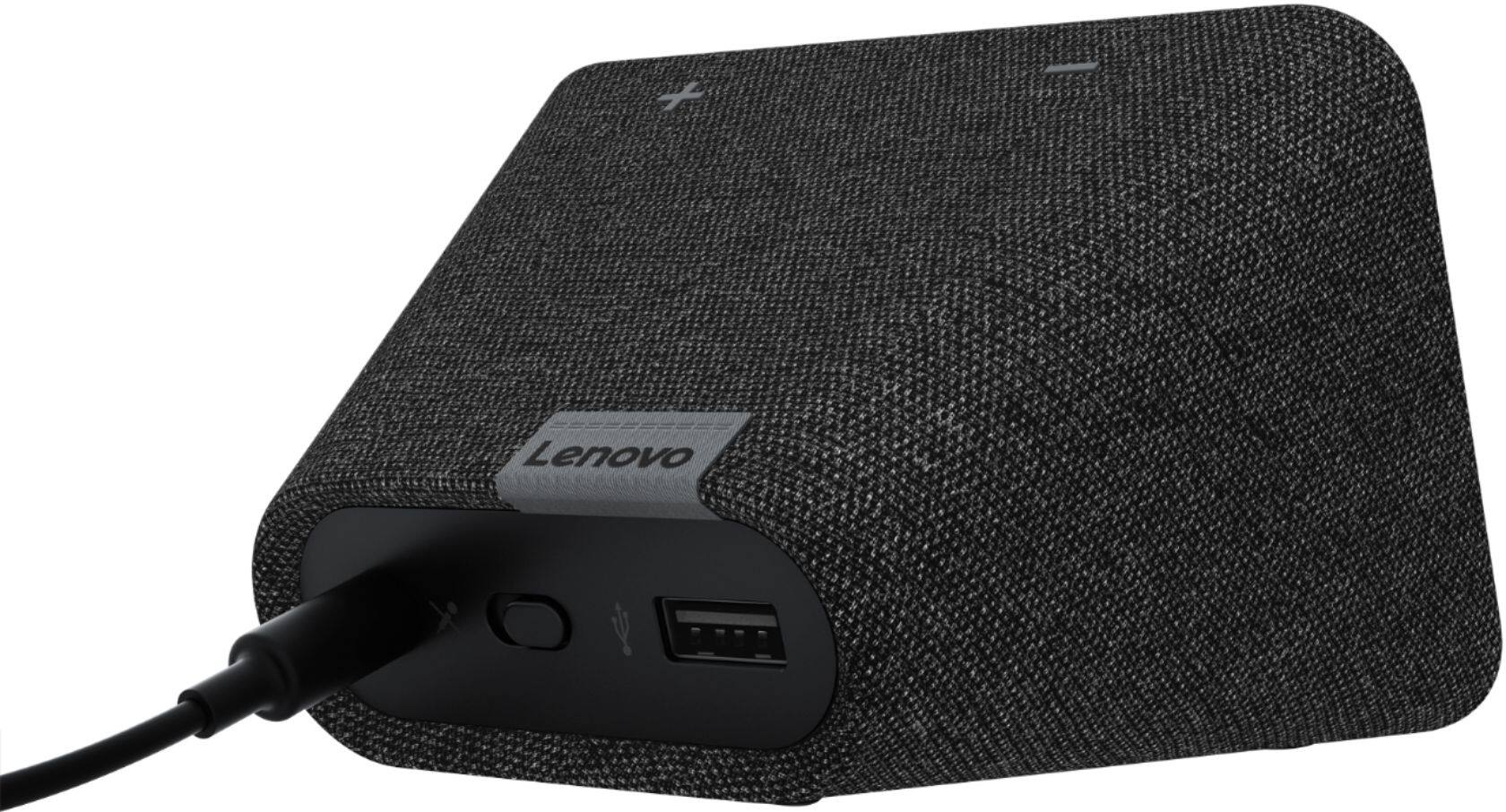
Q: QuestionSo, if I disable the microphone, how do I turn the alarm off in the morning upon waking?
Asked by LHP5150.
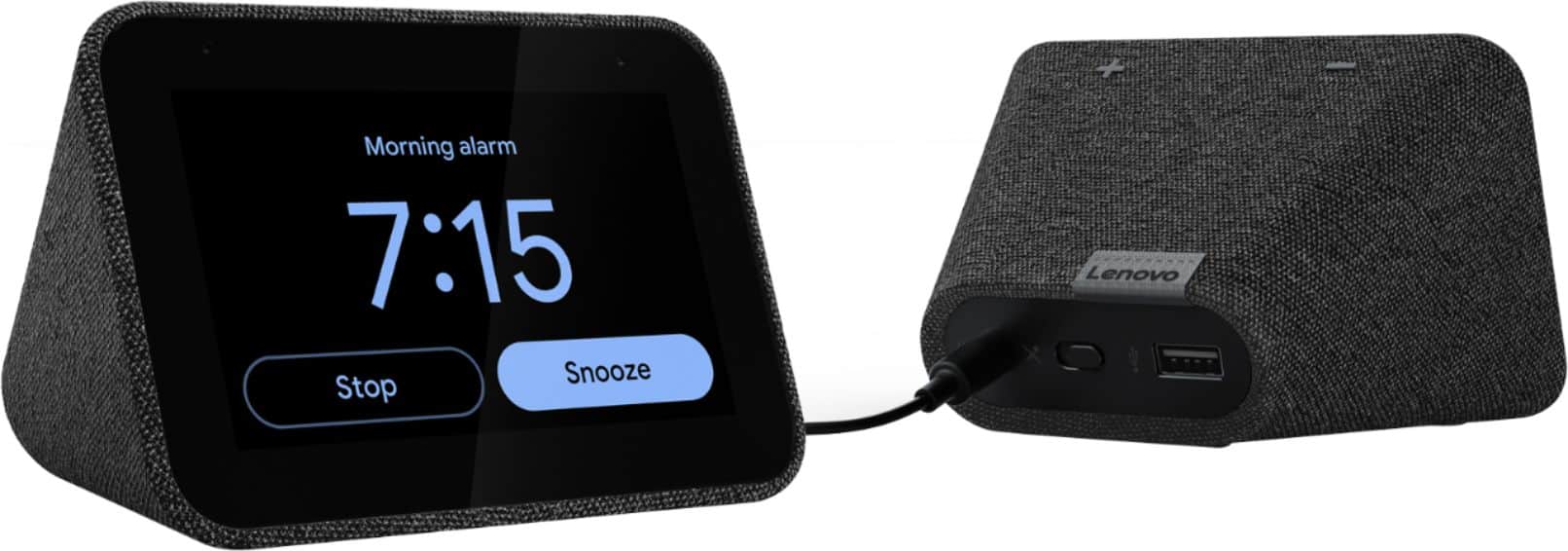
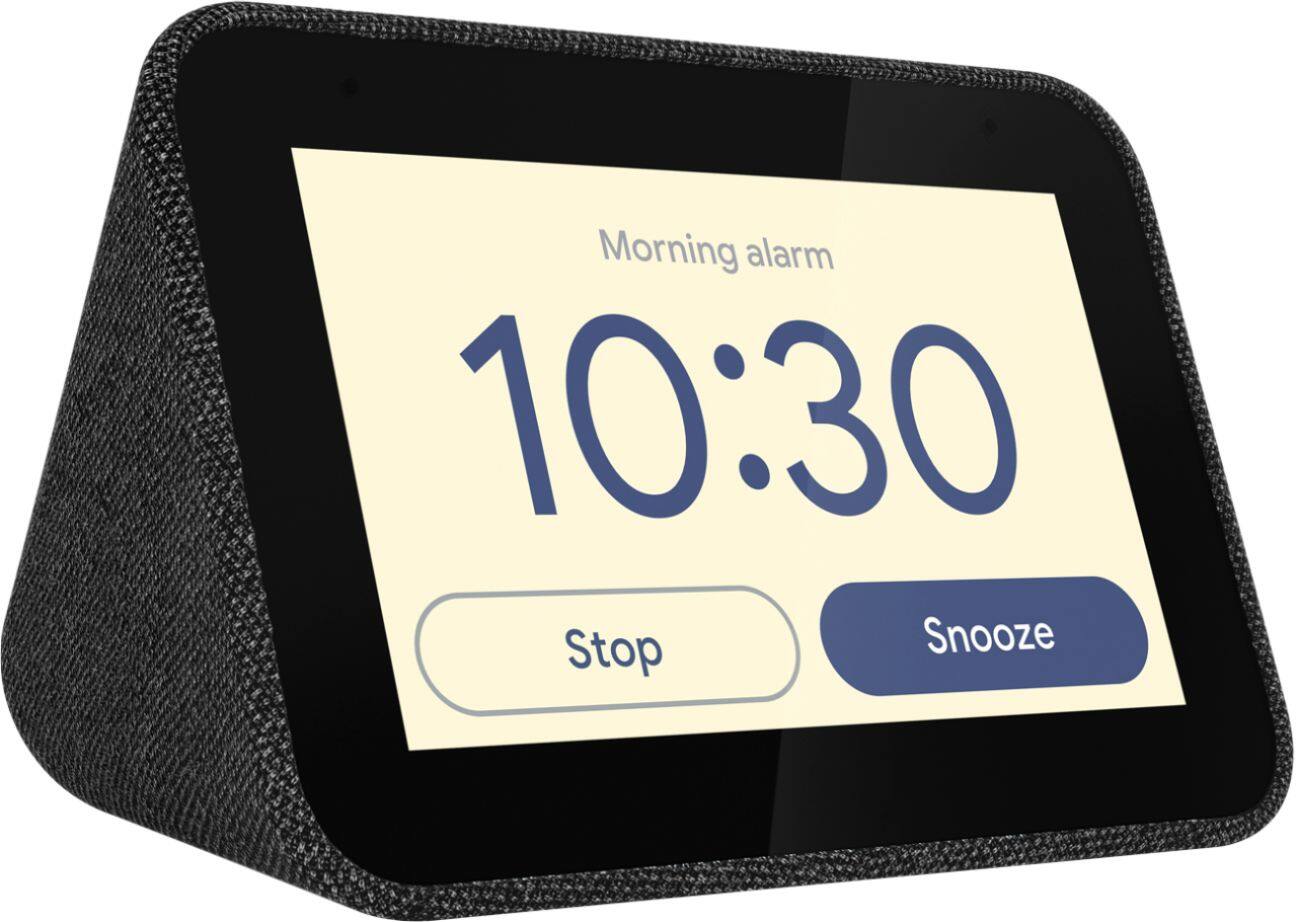
- A:Answer Tap the snooze or stop button on the touch screen
Answered by KevinM
Q: QuestionIs there a way to stop the alarm from increasing in volume every time it goes off?
Asked by Kevincajon.
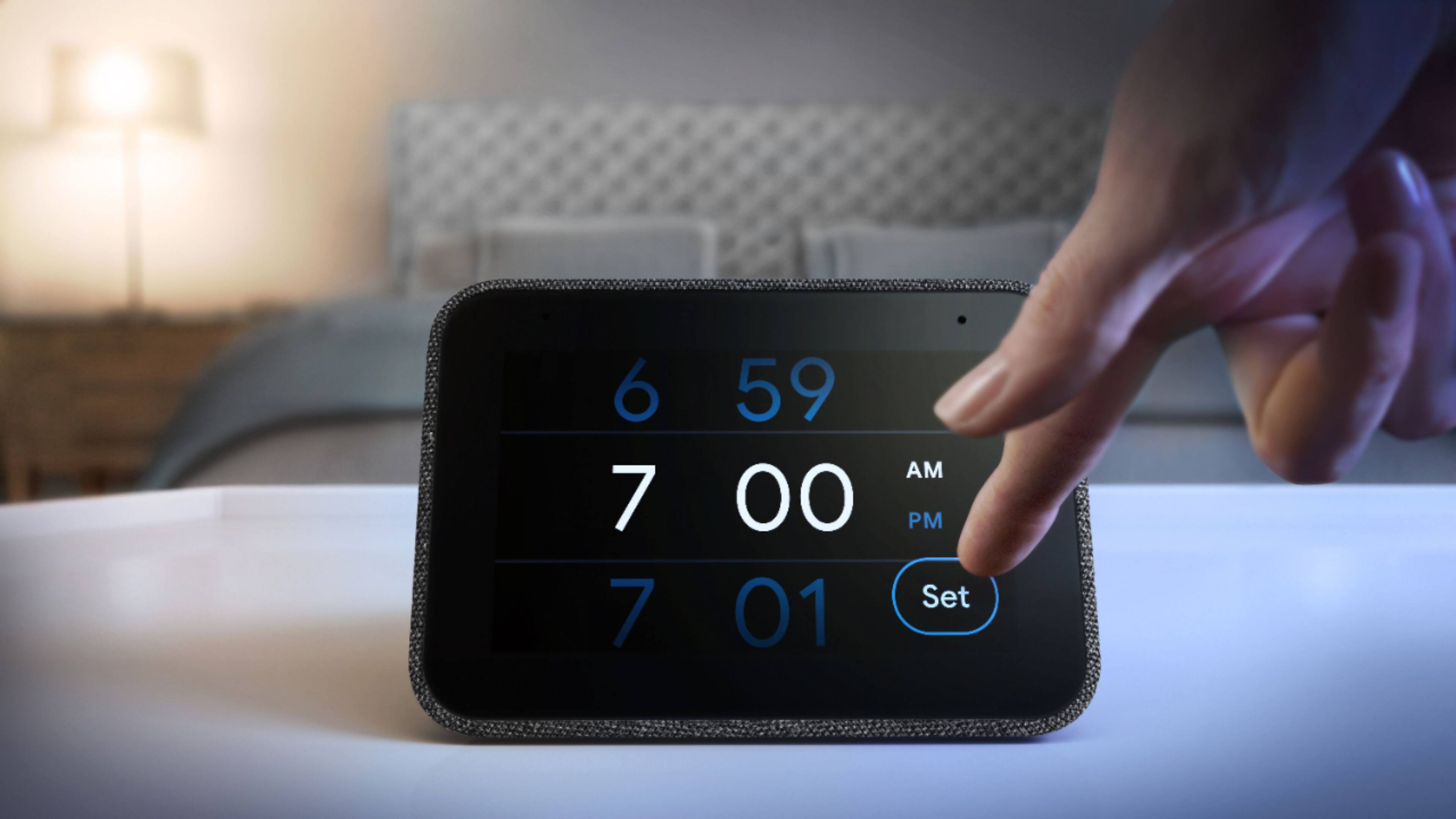
- A:Answer You can adjust the volume scaling/disable scaling in the alarm settings of the Lenovo Smart Clock.
Answered by Lenovo Product Expert

Q: QuestionWe use the Nest cameras as baby monitors. Can we use this to continuously stream the live feed from the cameras? Or will it shut off after a certain amount of time?
Asked by Myers94.
- A:Answer Hello and thank you for your Question! The Lenovo Smart Clock with Google Assistant can stream your Nest camera video feeds no problem. For questions regarding the specific amount of time the video feed can be displayed please reach out to our customer support team at 866-426-0911
Answered by Lenovo Product Expert

Q: QuestionIs there a way to disable the device repeating your command back? Example, I say "Hey Goggle, turn on bedroom light". Then Goggle responds "Sure, turning on bedroom lights". Alexa has an option to just make a noise to confirm.
Asked by John.
- A:Answer If you tell Google to turn off the bedroom lights and the device is in the bedroom it will just make a low chime sound, if the device is in the bedroom and assigned to the bedroom in the Google home app and you tell it to do a command for something out of the bedroom such as turn the kitchen lights off it will repeat turning kitchen lights off. So if you are controlling lights that are assigned to the same room as the clock it will make the chime sound, devices assigned out side the room of the clock it will repeat what it is doing just like any other Google Home speaker.
Answered by mward100
Q: QuestionHello, Where do I find the mac address on this device? Other sites have told me to check the google home app, but the app directs me to the device and I have had no luck. Thank you!
Asked by Ruby.
- A:Answer You can find the Lenovo Smart Clock with Google Assistant by: 1. Open Google Home app. 2. Click upper-left hamburger menu icon. 3. Click "Devices". 4. Click upper-right device dot menu for your device. 5. Select settings. 6. Find Information header (all the way down). 7. " MAC Address" should be listed here -- Includes letters A-F and numerals 0-9. If you continue to have issues finding the MAC address to the Lenovo Smart Clock with Google Assistant, we recommend you contact Lenovo Tech Support for Smart Devices at: 866-426-0911.
Answered by Lenovo Product Expert