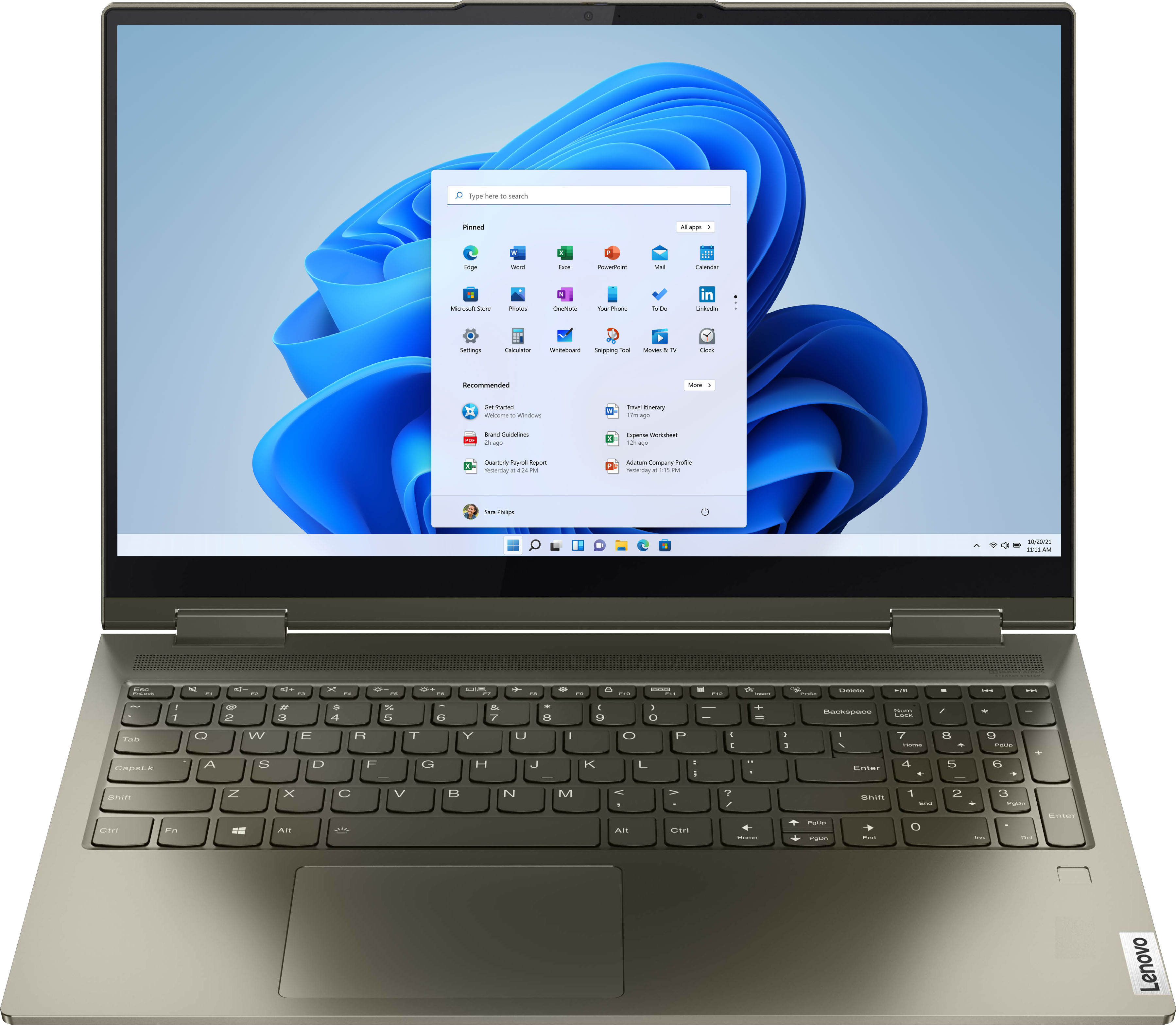
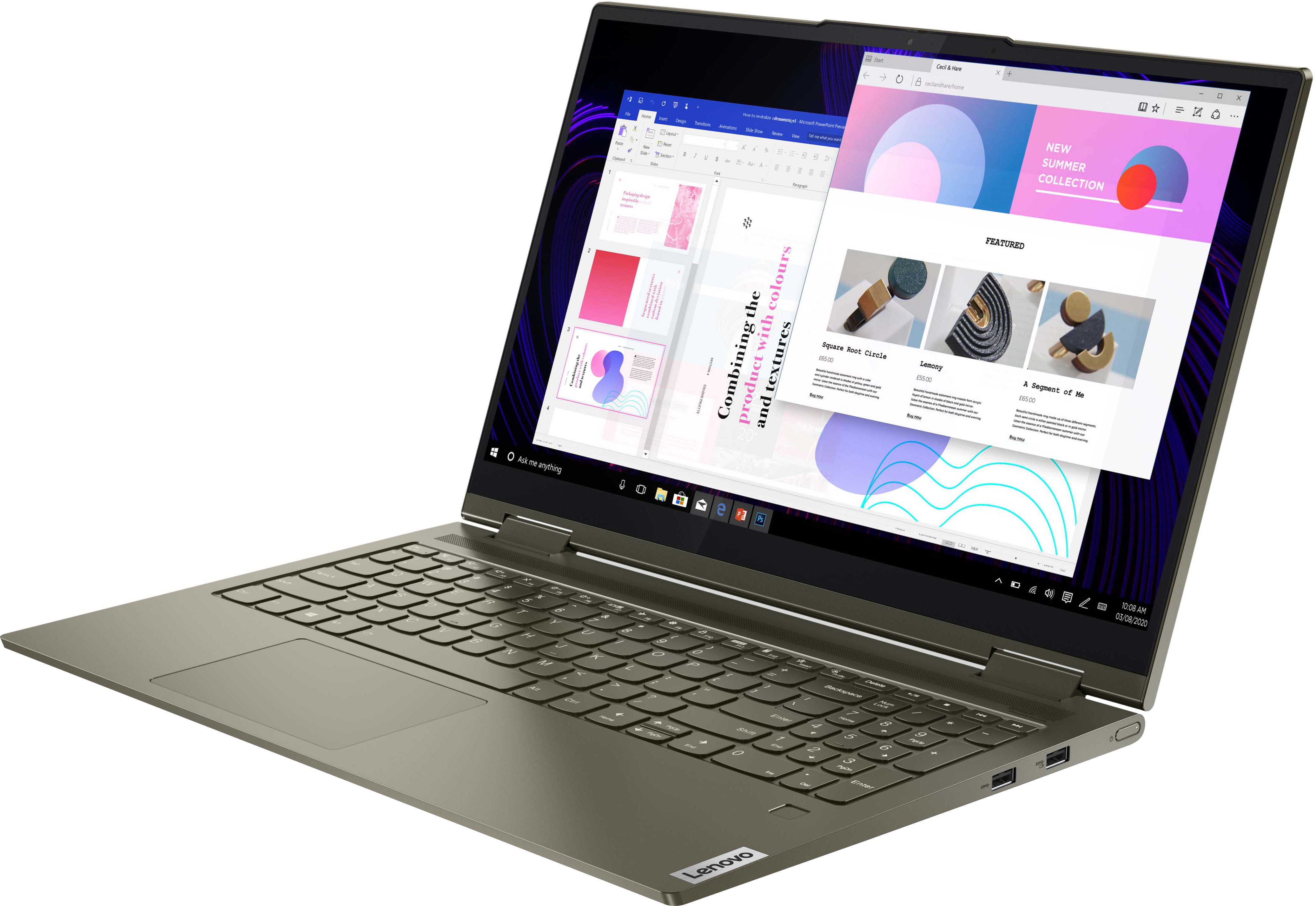
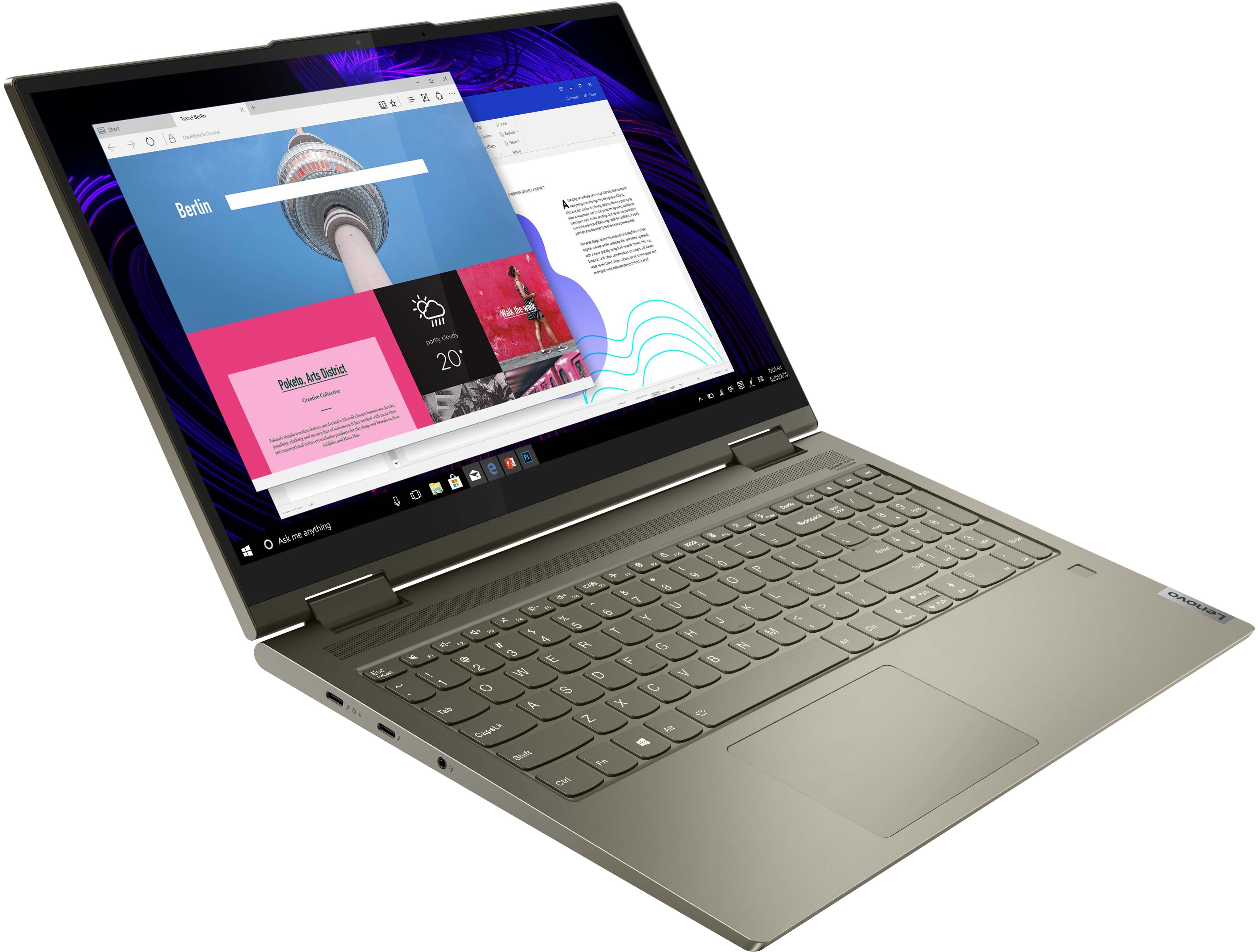
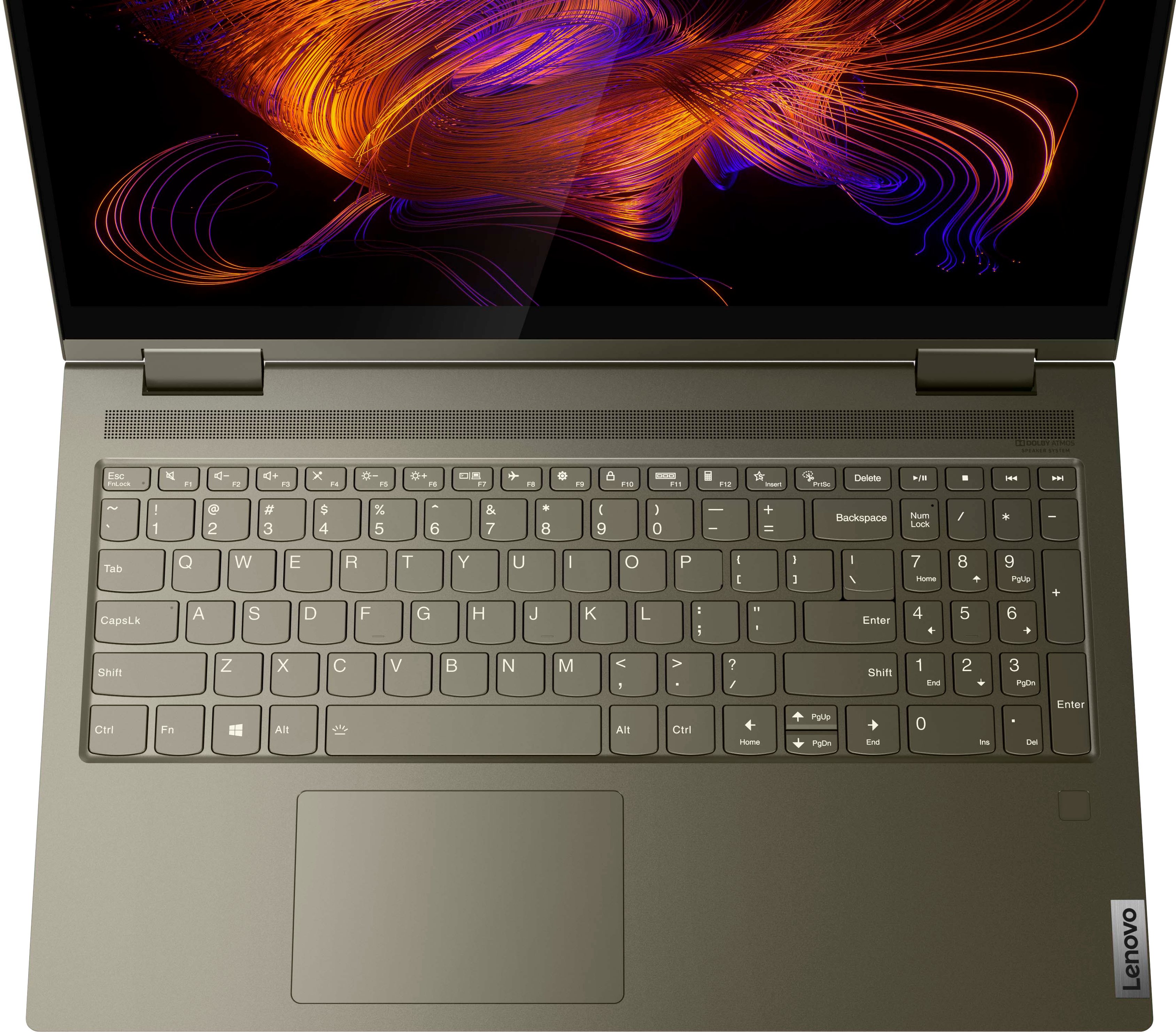
A:Answer This Intel Evo-Certified, Lenovo Yoga 7i 15 model number, 82BJ007WUS, ships with a Touch style fingerprint reader on palm rest that is compatible with Windows Hello biometric security login in.
Here is a link to a YouTube video that demonstrates how to setup your fingerprint reader within Windows OS: https://www.youtube.com/watch?v=E_ikyE5QMIg. The HD (720p) webcam within this Yoga 7i 15 is not setup for facial recognition biometric login. Once you have the fingerprint reader setup, here's a tip for making your fingerprint reader work every time: Try lightly sliding your finger over the fingerprint reader. No need to press hard on the reader, in fact pressing hard on the fingerprint reader will distort your fingerprint and cause read errors. If you continue to have issues with your fingerprint reader, we recommend you contact Lenovo Premium Care for additional help at: 888-278-9707.