A:AnswerThere is a limited 1-year manufacturer's warranty that covers OEM issues. You can purchase extended coverage for this device through Best Buy. Check with Best Buy for coverage details and cost.
A:AnswerExcellent. I consider this model superior than the new one. The actual performance is amazing and in feel very smooth in the navigation. Very happy with it!
A:AnswerWith regard to the touchpad issues you mention with your device, there may be driver updates for your specific system. Follow the link below to look for new driver updates for your specific system. You can also run diagnostics from the Lenovo site as well. As always, be sure to create a restore point on your system before you make any changes. You can do this by just typing "restore point" in the search window within Cortana and follow the link to create a restore point. Here is the link:
http://pcsupport.lenovo.com/us/en/products/laptops-and-netbooks/yoga-series/yoga-710-15ikb/80v5/80v50000us/downloads
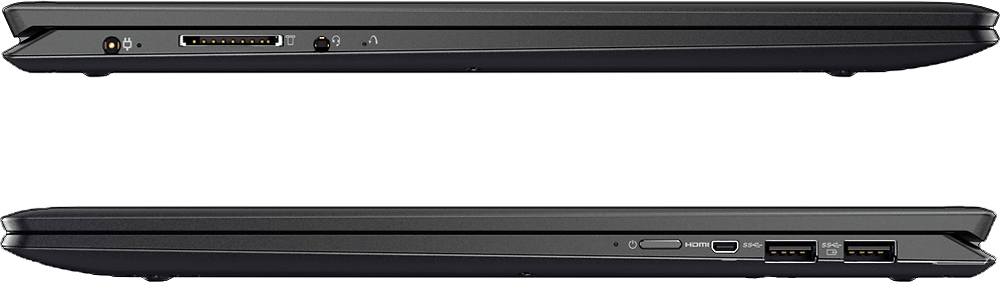
A:AnswerThis system does have a microphone built in, but you can use an external microphone by plugging in to the Combo 3.5mm Headphone/Mic Jack as well.
A:AnswerThis will depend on the software you will be using. We recommend you first choose a music creation software package that will do the work you want to do. Then check with the software publisher of the music creation for their compatibility with Windows 10 Home 64-bit operating system and the minimum/recommended hardware requirements (Is a Graphics card required, the processor speed and the minimum required system RAM) to run their program, then compare those requirements to this system's configuration.
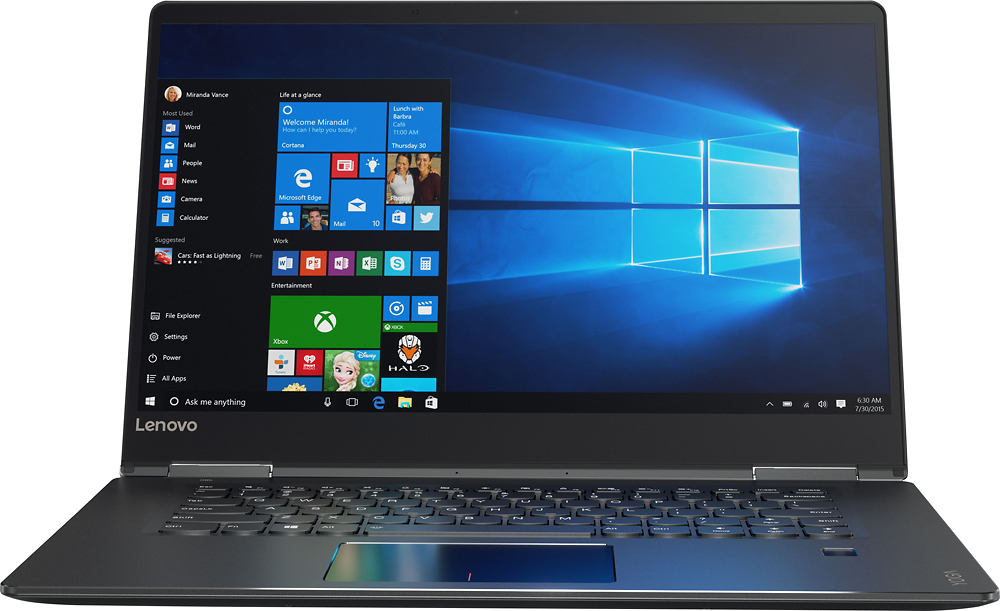
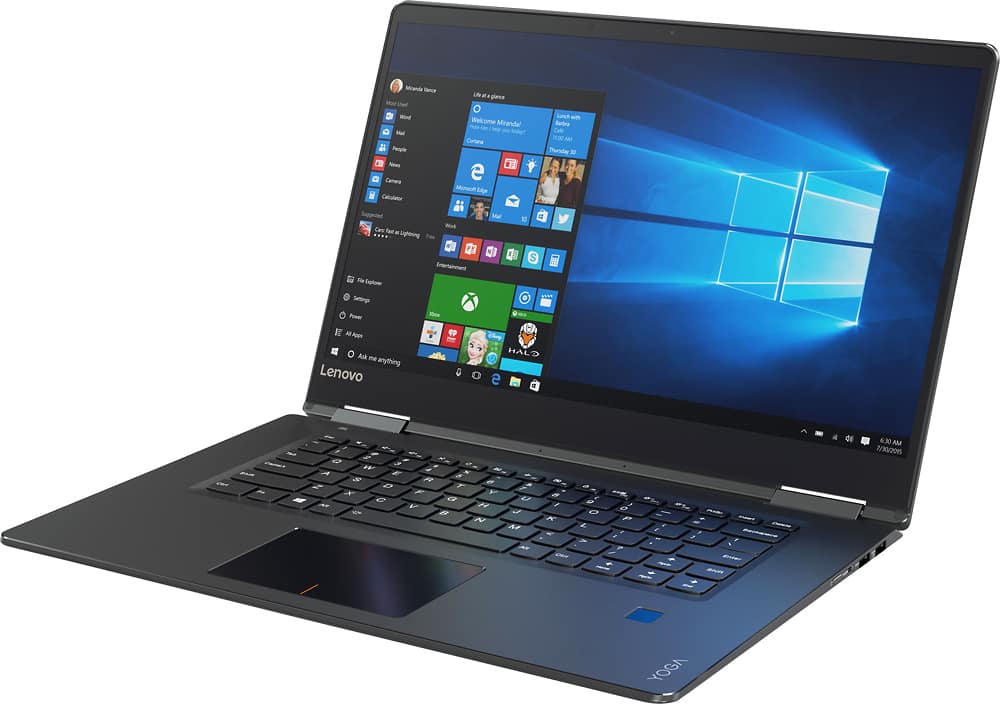
A:AnswerYes, this is a 2 in 1 system. That means this is a light weight system (4.19 lbs), with a screen that has a 360-degree hinge, that will let you flip the screen around and use this laptop as a tablet.
A:AnswerI had to spend some time adjusting the sensitivity on the touchpad. In the bottom right hand corner, to the left of speaker, wi-fi and battery, you will see an up arrow. Click on that and then hover over the icons until you see Synaptics Pointing Device. Open properties - device settings and then settings and you can adjust the touchpad.
A:AnswerIt depends on how you work. The processor speed is about the same with the I-5 and the I-7 processors. What separates the I-7 from the I-5 is the additional cache memory on the I-7 processor. This is essential for people who have multiple windows and programs open at the same time. The I-7 processor will be able to maintain its speed with more windows and programs open than will the I-5 processor.
A:AnswerThis system should never become hot. This is a high performance system and all high performance computer systems like this one have a cooling fan to keep the device within optimal temperature ranges while in use. The sound that the fan makes and whether it is a "problem" is a subjective interpretation. We recommend you stop by your local Best Buy location and DEMO this model for yourself. See if the normal operation of the cooling fan is noticeable and if it is a problem for you.