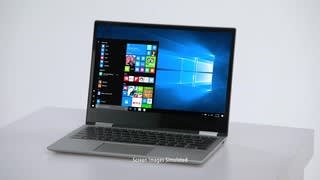
A:AnswerI’ve owned my Lenovo Yoga for about a month or so and have not experienced any problems with it. No black line, no malfunctions of any kind or anything. Most definitely the best purchase I’ve made!
A:AnswerNo, there is a Thunderbolt 3.1 port that carries a video signal. You will need a Thunderbolt to HDMI adapter to connect one external monitor to this device.
A:AnswerIt comes with a one year manufacturer warranty...but I recommend purchasing additional warranty especially if you consider yourself to be a clumsy person.
A:AnswerThis is the newest generation of the Yoga family. The Yoga 720-15 has a 7th Gen Intel Core I-7-7700HQ quad-core/eight thread processor. The Yoga 720-15 is newer, faster, better.
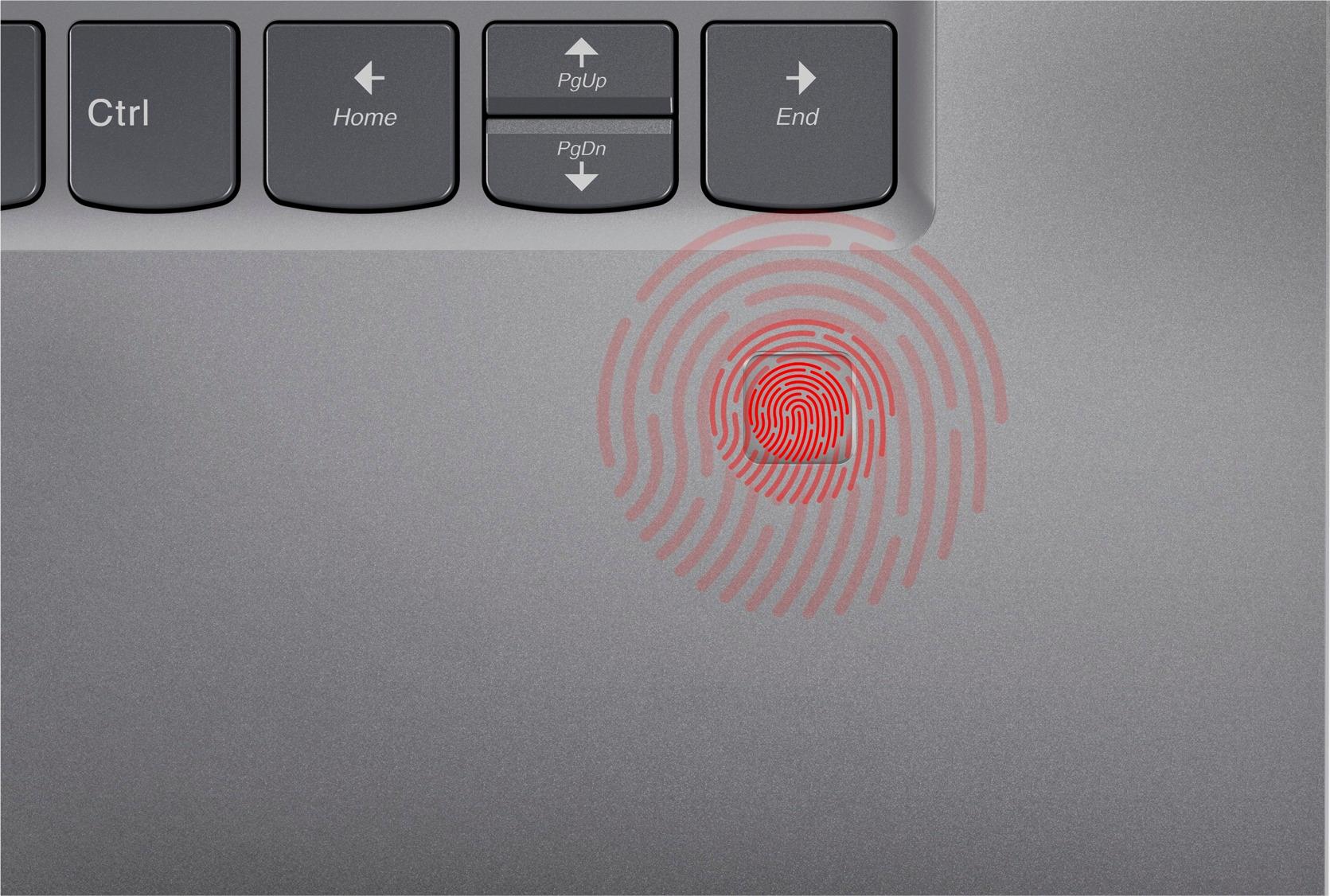
A:AnswerDid you go into Windows account settings and re enter your finger scan? I have ran the updates without any issues. Sounds like Synaptic WDBI maybe your issue.
A:AnswerIt is very light, but with that comes careful use. Mine is solid but I am very light with it. When I open it I open it carefully because I am worried it will bend or break like my last laptop I let my kids use. They destroyed the hinges and it is junk now. So Id recommend being gentle with this thin light laptop. Its not titanium.
A:AnswerYes, with this processor and memory you'll be to run multiple programs/sessions without any lag time . Remember, storage is very limited and you'll need either an external drive and or cloud storage.
A:AnswerThe battery is not user replaceable. A certified technician can replace the battery. Here is a link to a Windows site with instructions on how to turn off the touch screen feature: http://www.thewindowsclub.com/disable-touch-screen-windows-10