A:AnswerWell, we were just about to buy this laptop, glad we saw that the RAM is no upgradable first. It's 2022, why on earth would you make a laptop that you cannot add more RAM!?
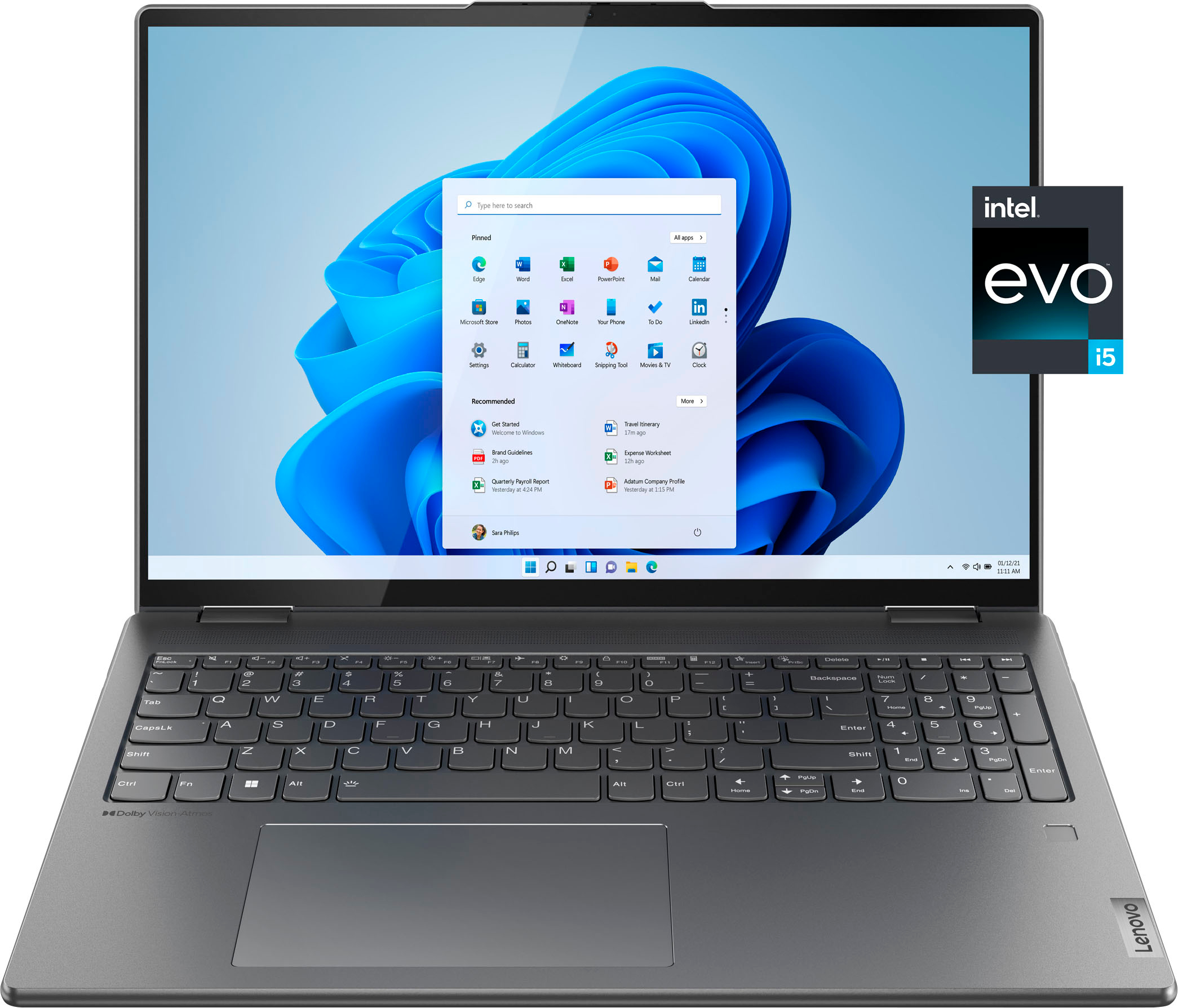
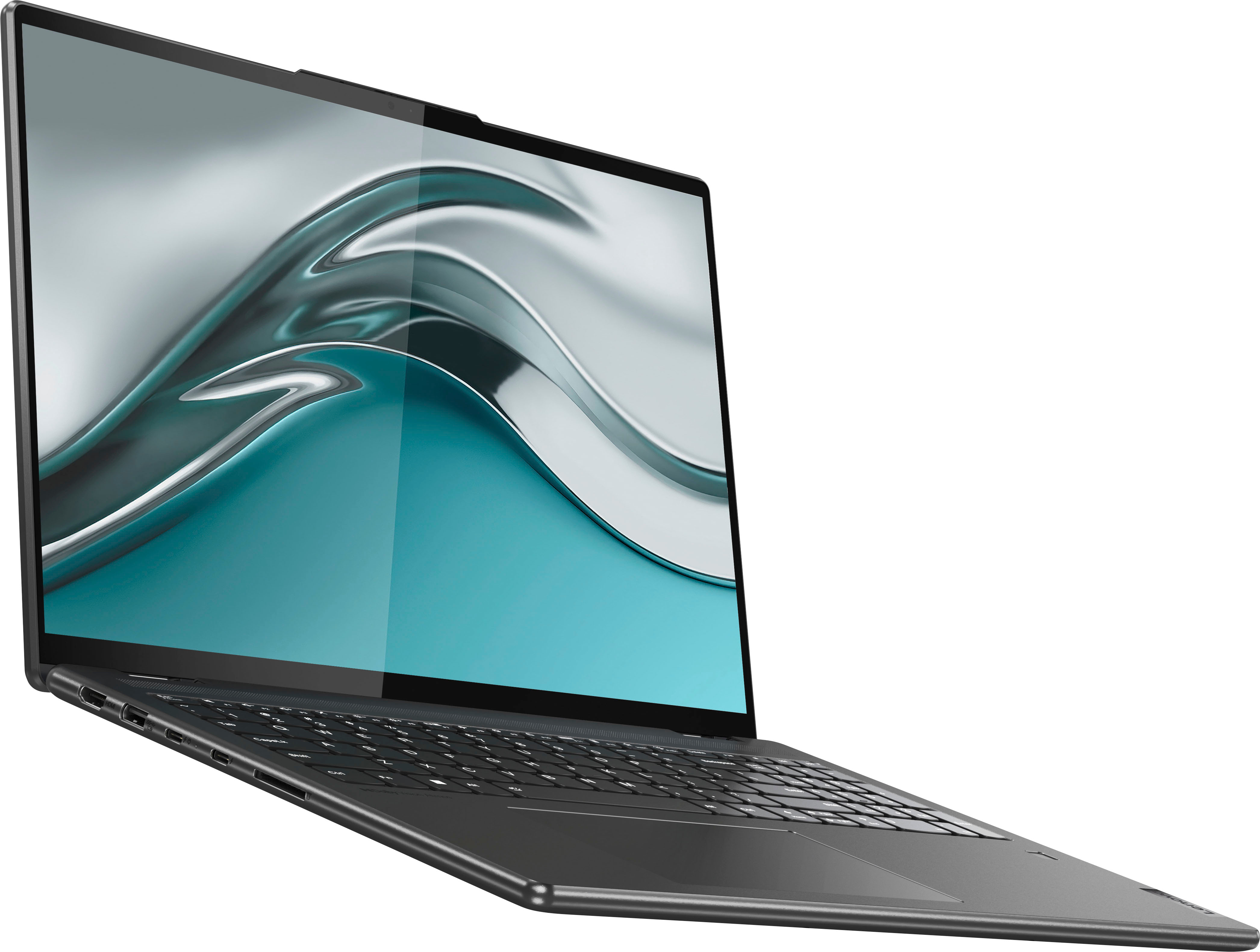
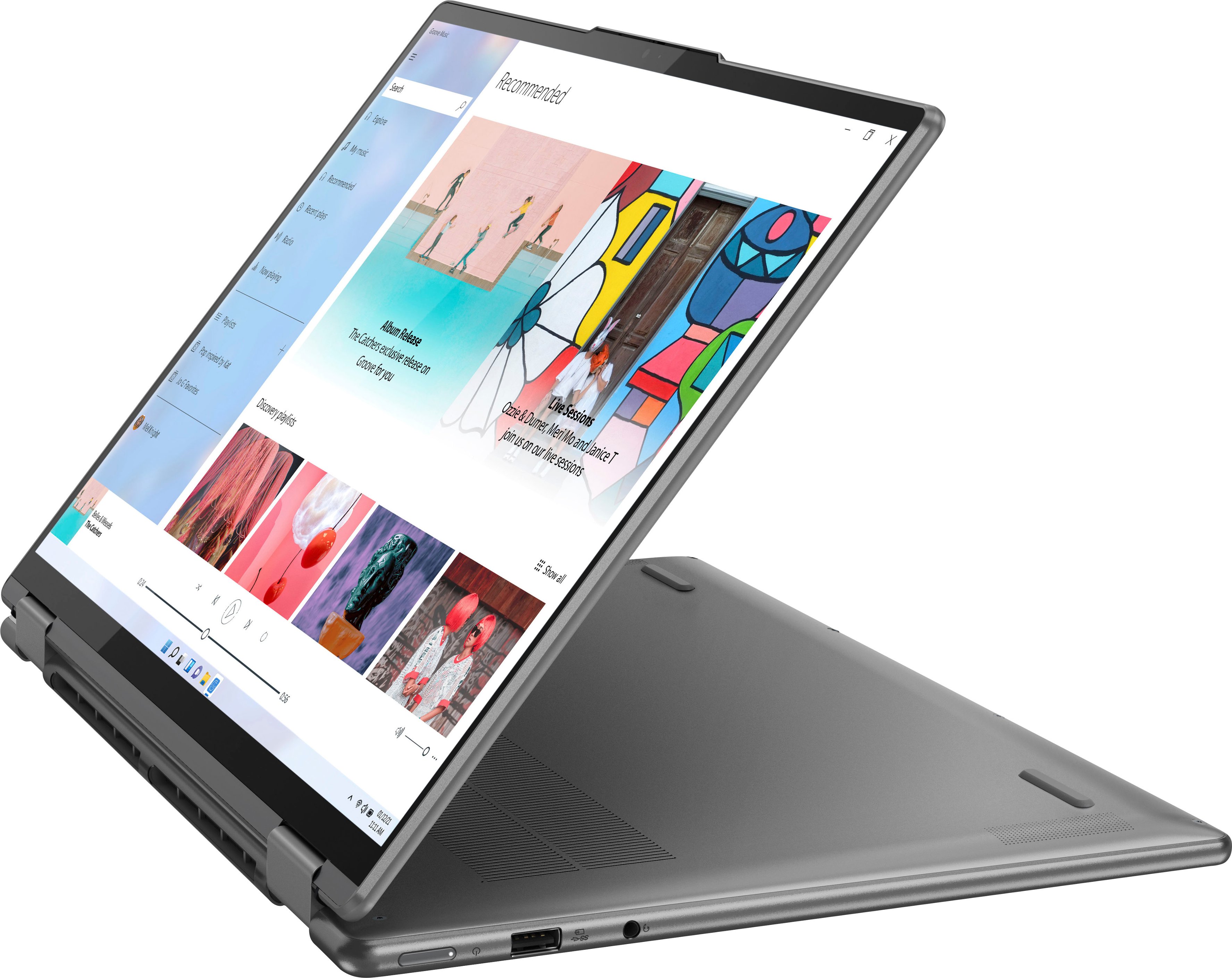
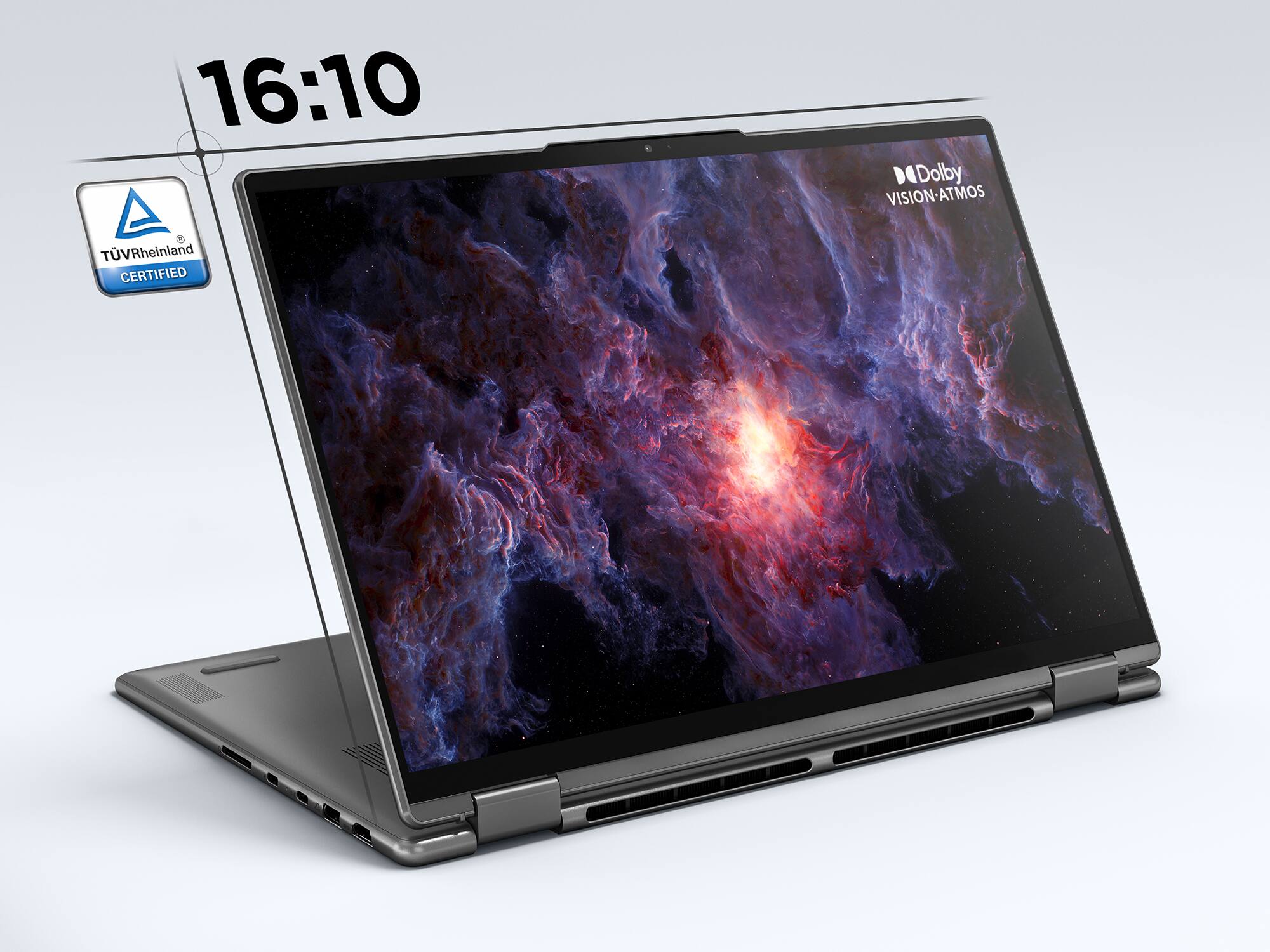
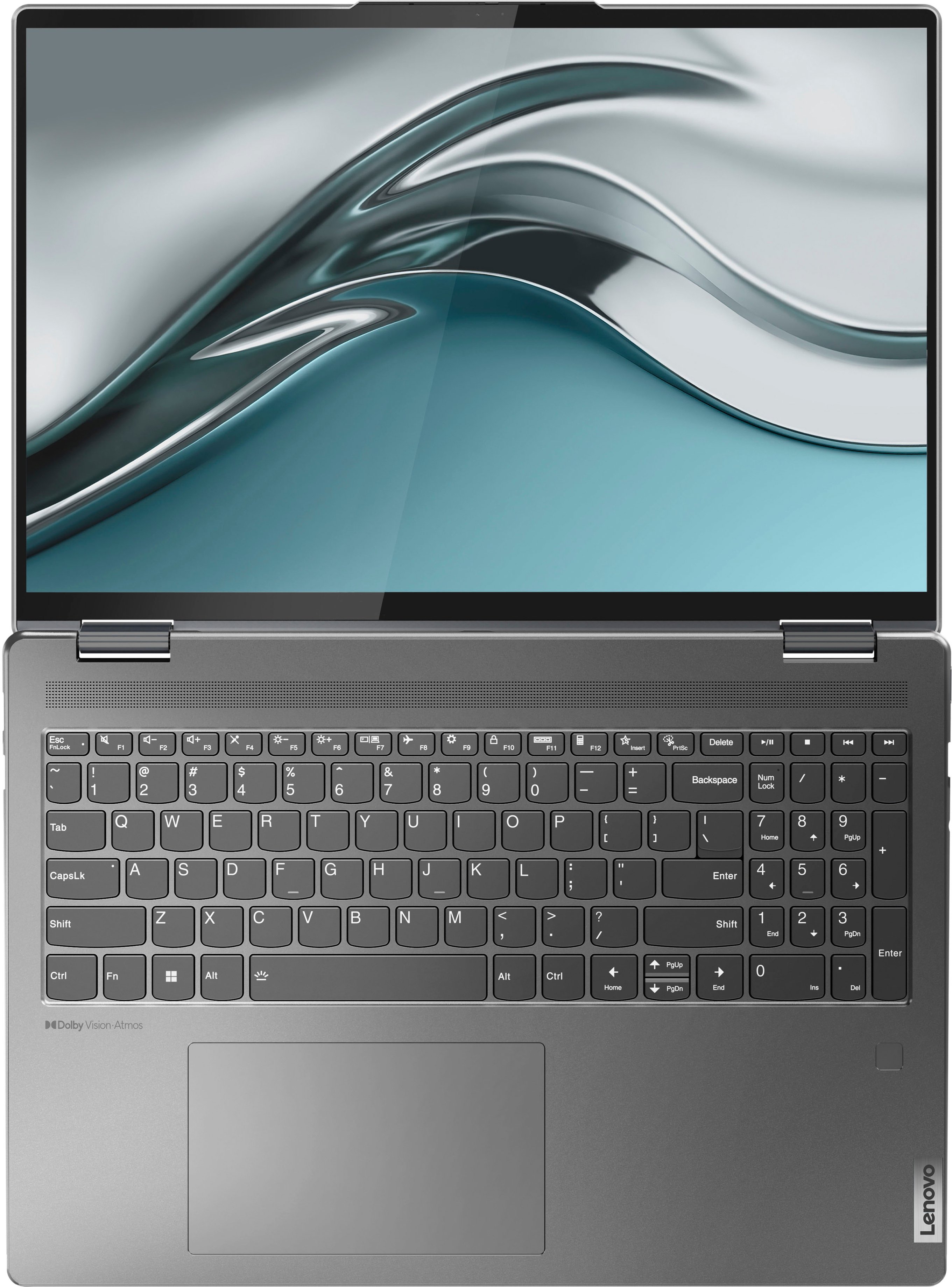
A:AnswerThis Intel Evo-Certified, Lenovo Yoga 7i 16, model number 82QG0001US, ships with a 16:10 aspect ratio, 16 inch (screen size measured diagonally) IPS - 2.5K WQXGA (2560x1600) 10-point Multi-touch screen, with a brightness level of 400 nits, has a Glossy finish. This screen provides 100 Percent of the sRGB color gamut, this screen is TUV Low Blue Light, DC Dimming and Dolby Vision Certified.
A:AnswerThis Lenovo Yoga 7i 16, model number 82QG0001US, ships with 8GB Soldered LPDDR5-4800MHz RAM Memory soldered to systemboard, no slots, dual-channel and is not upgradeable.

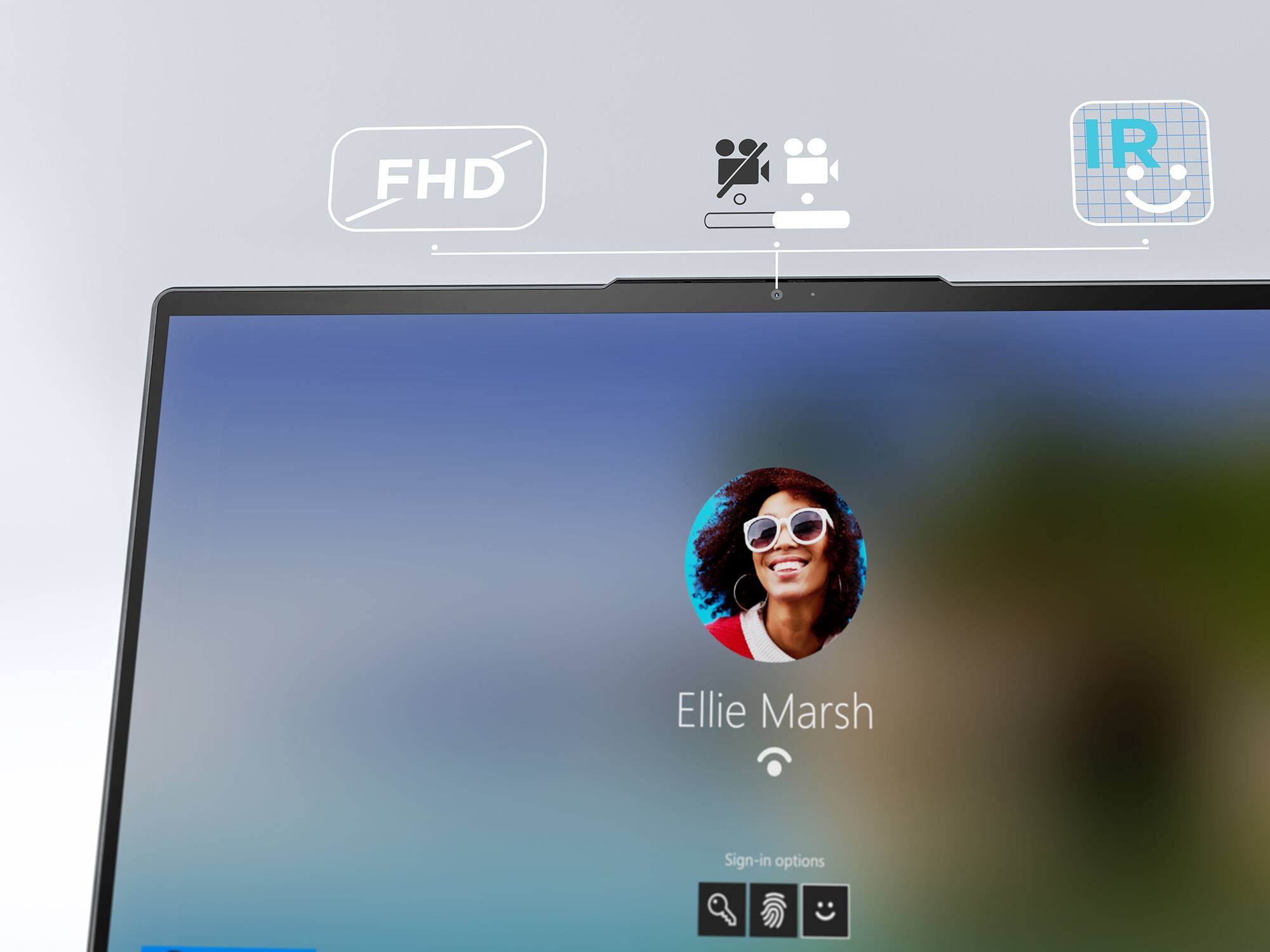
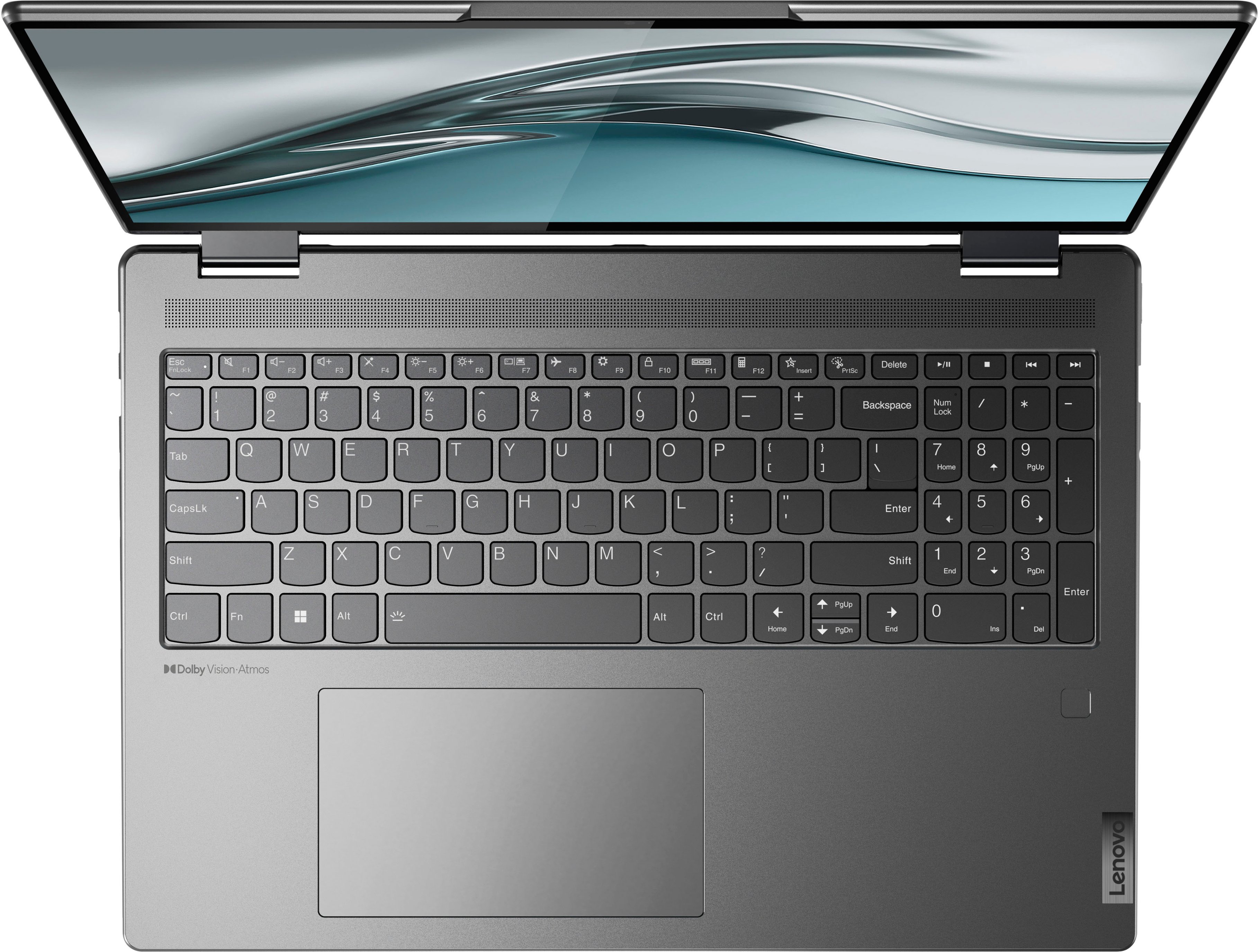
A:AnswerThis Intel Evo-Certified, Lenovo Yoga 7i 16, model number 82QG0001US, ships with both a Touch style fingerprint reader on palm rest as well as a FHD (1080p) & IR (infrared) webcam with Privacy Shutter for Windows Hello facial recognition Biometric security login.
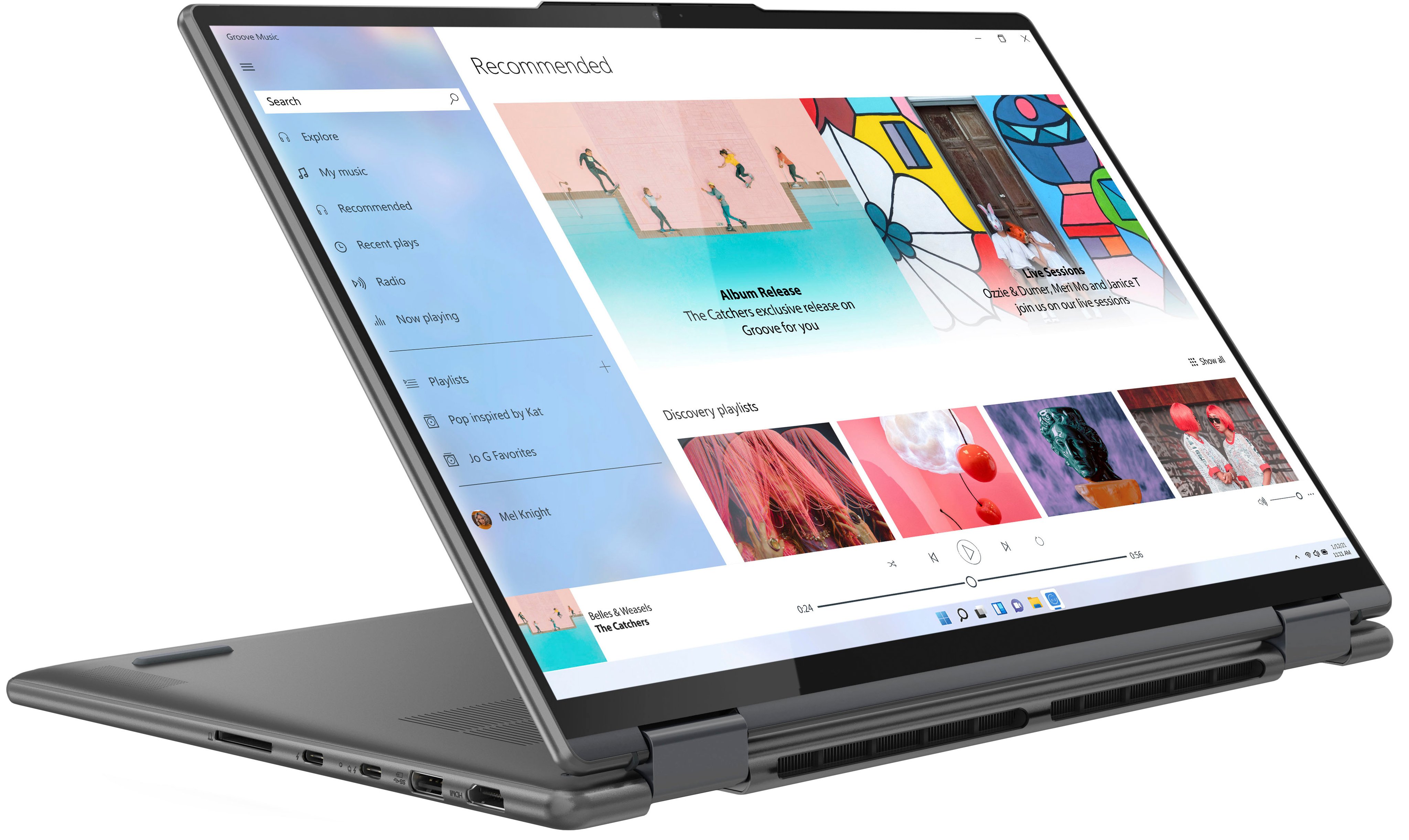
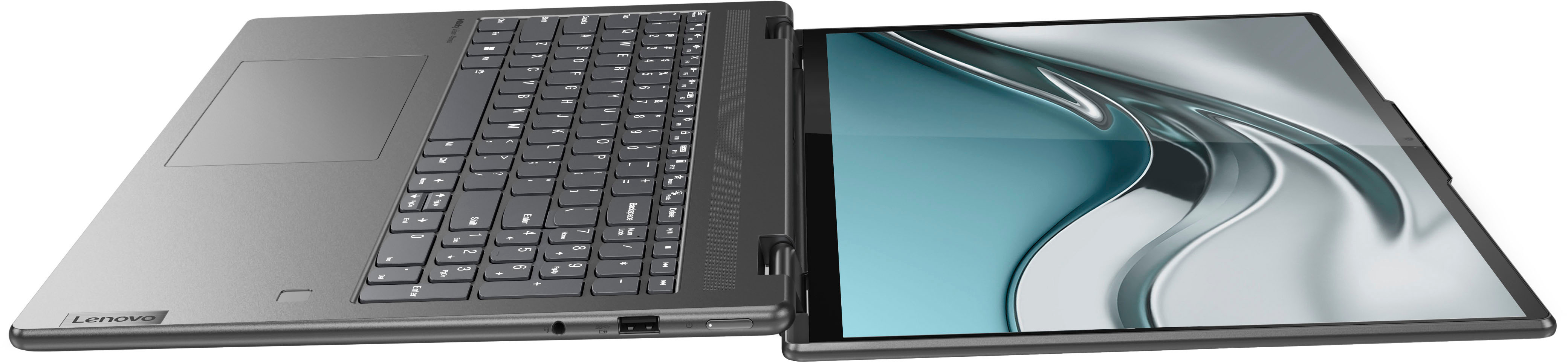
A:AnswerYes, this Intel Evo-Certified, Lenovo Yoga 7i 16, model number 82QG0001US, ships with 2x Thunderbolt 4, USB-c format (support data transfer, Power Delivery 3.0, and DisplayPort 1.4) ports, with video out capability. Be sure your dock is compatible with the Thunderbolt format USB-c port.
A:AnswerThis Intel Evo-Certified, Lenovo Yoga 7i 26, model number 82QG0001US, ships with the 12th Gen, Intel Core i5-1240P Processor, which has a total of 12-Cores (4-Performance Cores + 8-Efficient Cores) / with a total of 16-Threads, P-core base speed 1.7GHz / Turbo Boost Speed up to 4.4GHz, E-core base speed 1.2GHz / Turbo Boost Speed up to 3.3GHz. This 12th Gem Intel Core i5-1240P Processor will automatically boost processing power based on workload demands up to the maximum Turbo Boost Power in either the performance Cores or Efficient Cores, based on system workload.
A:AnswerHere is a link to the User Guide for this Intel Evo-Certified, Lenovo Yoga 7i 16, model number 82QG0001US, all documentation is now available online: https://download.lenovo.com/consumer/mobiles_pub/yoga_7i_userguide_en.pdf
A:AnswerI purchased a slim profile 60w charger and USB-C cable with one end right angle on Amazon. It works perfectly.
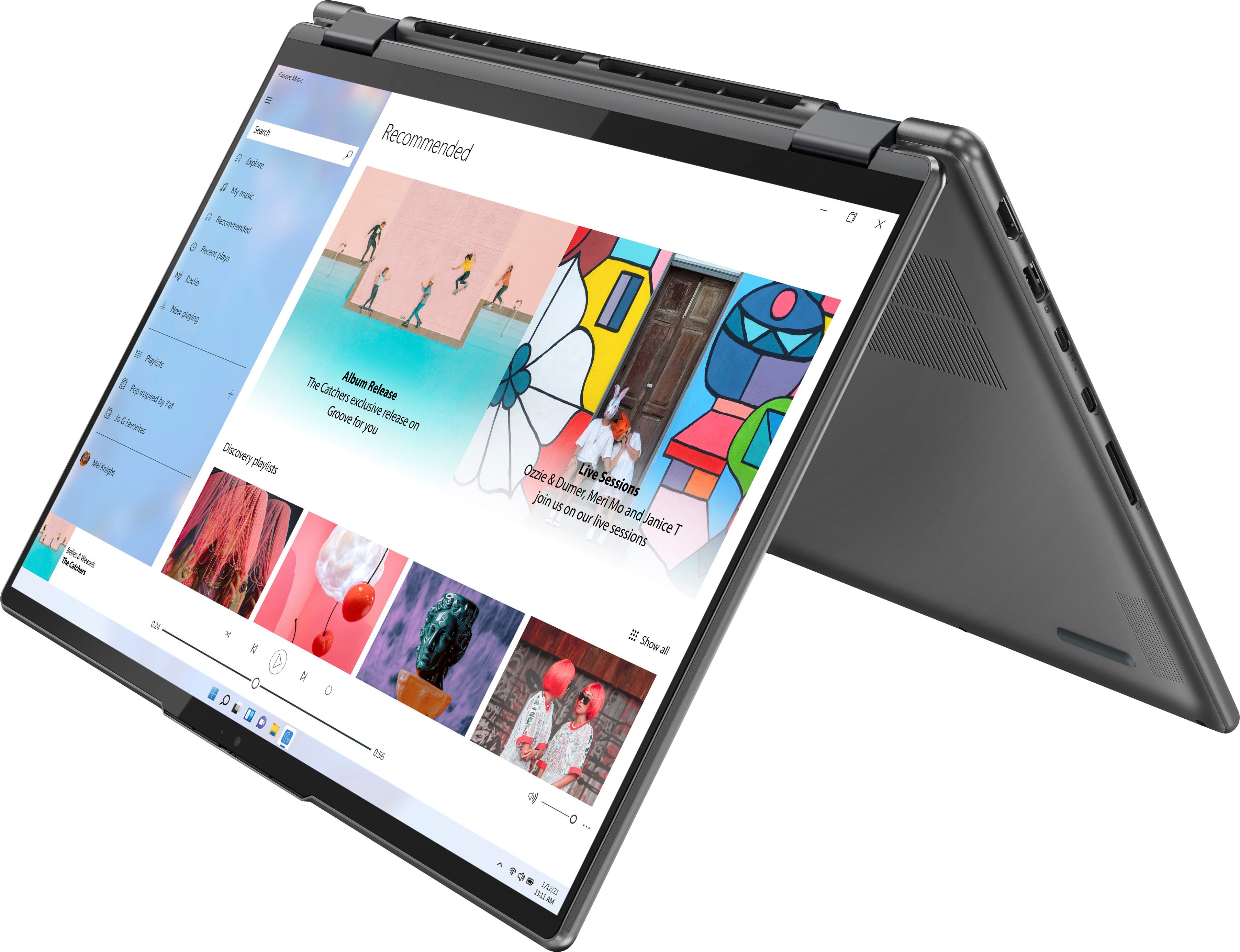
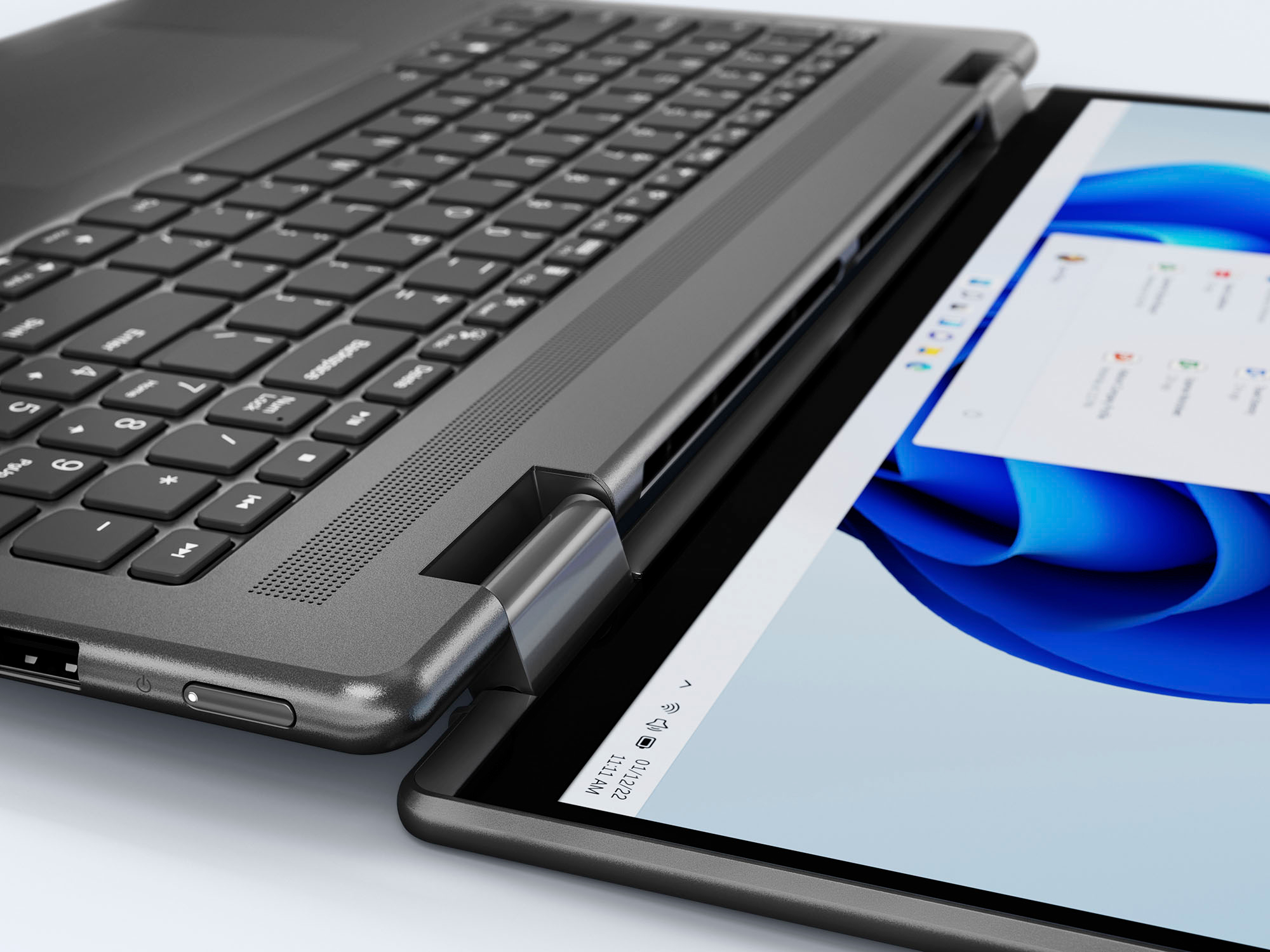
The heat vents are at the back of the hinge location and they vent out at the crease no matter how you have the laptop oriented. They never get too loud or hot.
A:AnswerThat really will depend on the requirements and compatibility of the specific software you will need to use. This Intel Evo-Certified, Lenovo Yoga 7i 16, model number 82QG0001US, is a moderate to heavy workload configuration, with Windows 11 Home, 64-bit Operating System installed. We recommend you check with the specific software publisher's web sites, of the specific software you will be using, for their compatibility with Windows 11 Home 64-bit operating system and the minimum/recommended hardware requirements (Is a Graphics card required, the processor speed and the minimum required system RAM and the minimum available hard drive space) to run their program, then compare those requirements to this system's configuration.
A:AnswerNo unfortunately the rams are soldered in so it’s not upgradable, I think this is a marketing strategy so people don’t buy it and then upgrade for a cheaper cost
A:AnswerThis Intel Evo-Certified, Lenovo Yoga 7i 16, model number 82QG0001US, is compatible with an AES Protocol Active/Digital Pen that is sold separately, like this one: https://www.bestbuy.com/site/wacom-bamboo-ink-smart-stylus-for-windows-ink-2nd-generation-gray/6374981.p?skuId=6374981
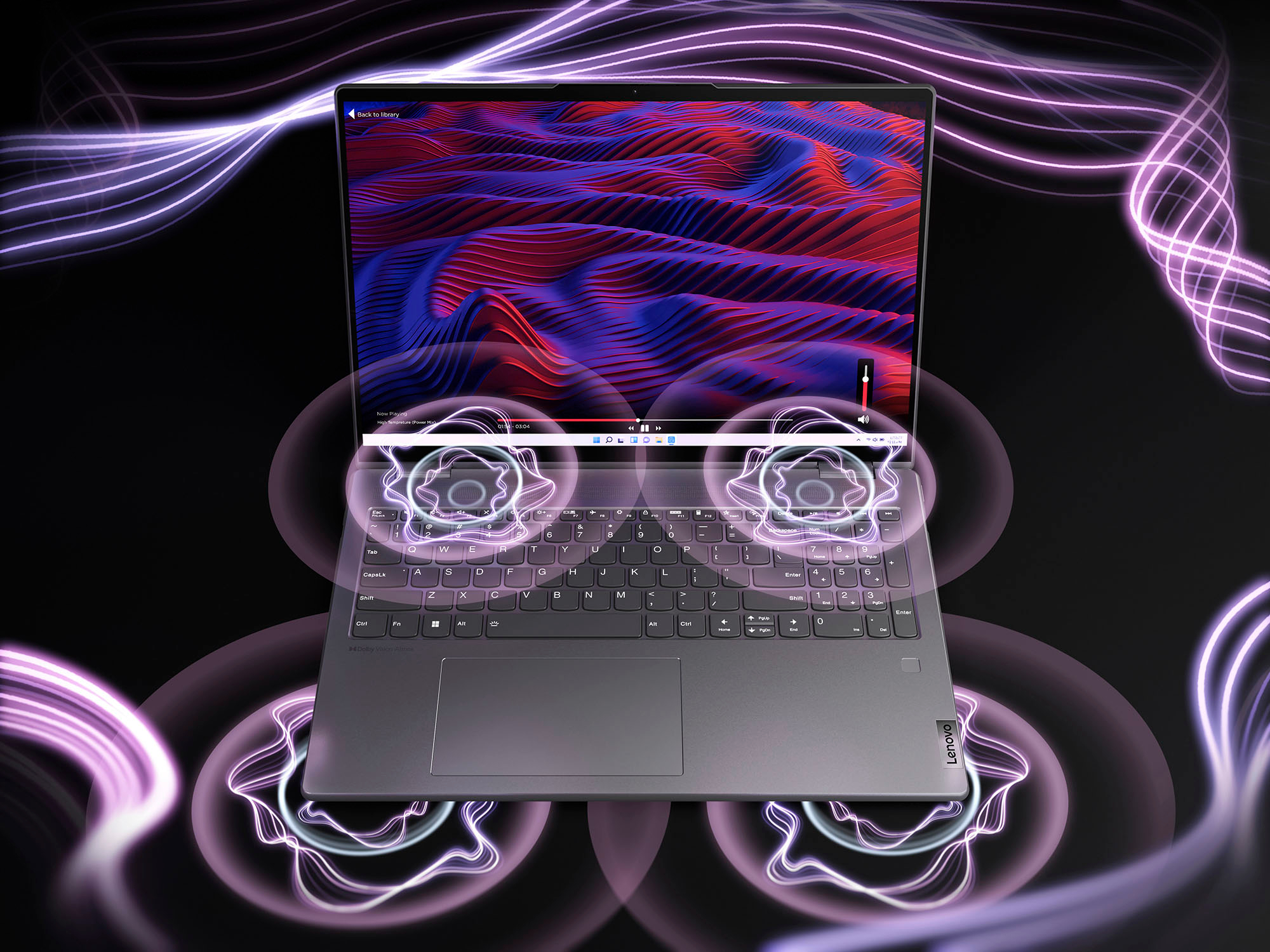
A:AnswerYes the keyboard is lighted....to turn it off and on you need to hold down the Fn key (btw the Ctrl and windows key) and tap the space bar. First tap on mine illuminates the keyboard normal and the 2nd tap makes it brighter and the 3rd tap turns of the backlight, Hope that helps.
A:AnswerThat really will depend on the requirements and compatibility of the specific games you will be playing. This Intel Evo-Certified, Lenovo Yoga 7i 16, model number 82QG0001US, ships with the Windows 11 Home, 64-bit Operating System installed. We recommend you check with the game's software publisher's web site, of the specific games you want to play, for their compatibility with Windows 11 Home 64-bit operating system and the minimum/recommended hardware requirements (Is a Graphics card required, the processor speed and the minimum required system RAM and the minimum available hard drive space) to run their program, then compare those requirements to this system's configuration.
A:AnswerThis Intel Evo-Certified, Lenovo Yoga 7i 16, model number 82QG0001US, is compatible with an AES Protocol Active/Digital Pen that is sold separately, like this one: https://www.bestbuy.com/site/wacom-bamboo-ink-smart-stylus-for-windows-ink-2nd-generation-gray/6374981.p?skuId=6374981
A:AnswerNo, the screen is glass and reflects a bit however, it does get nice and bright to help counteract fluorescent lighting. The glass also helps make the resolution beautifully crisp. I've noticed my older matte screens muddy the clarity.