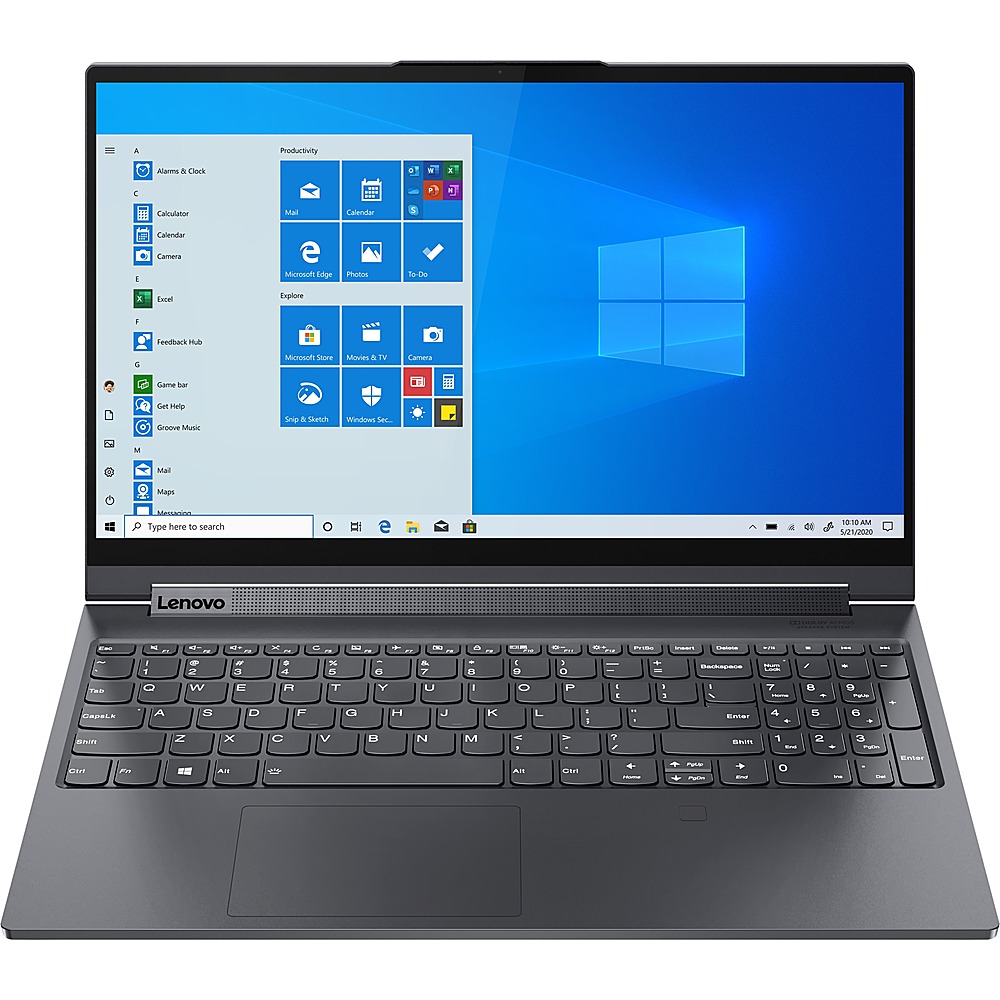
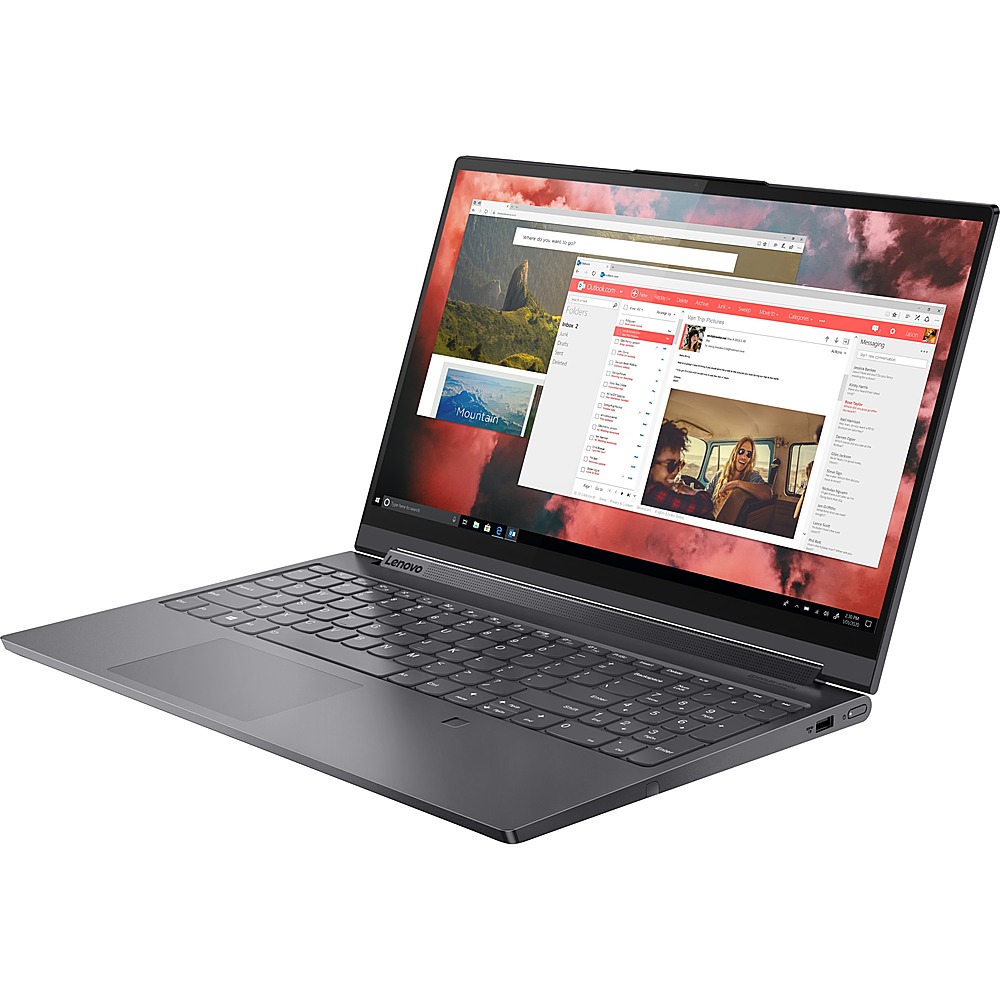
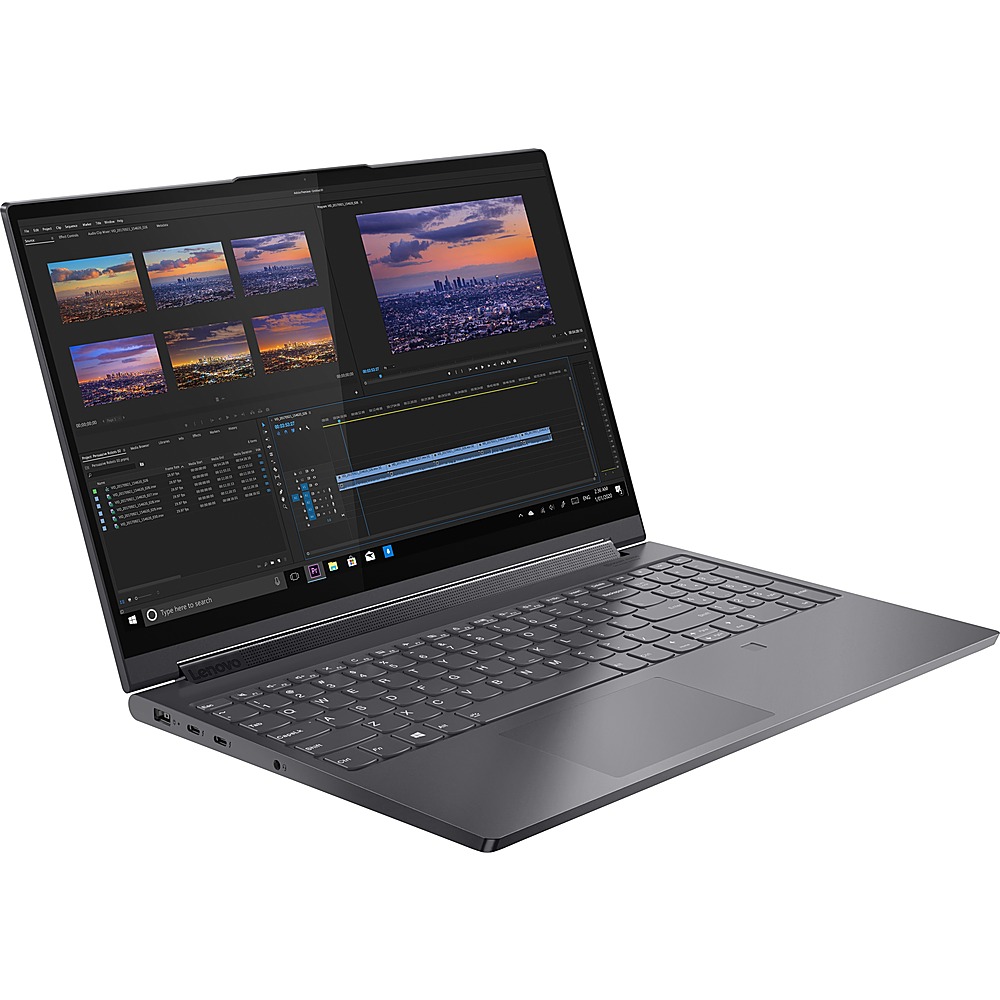
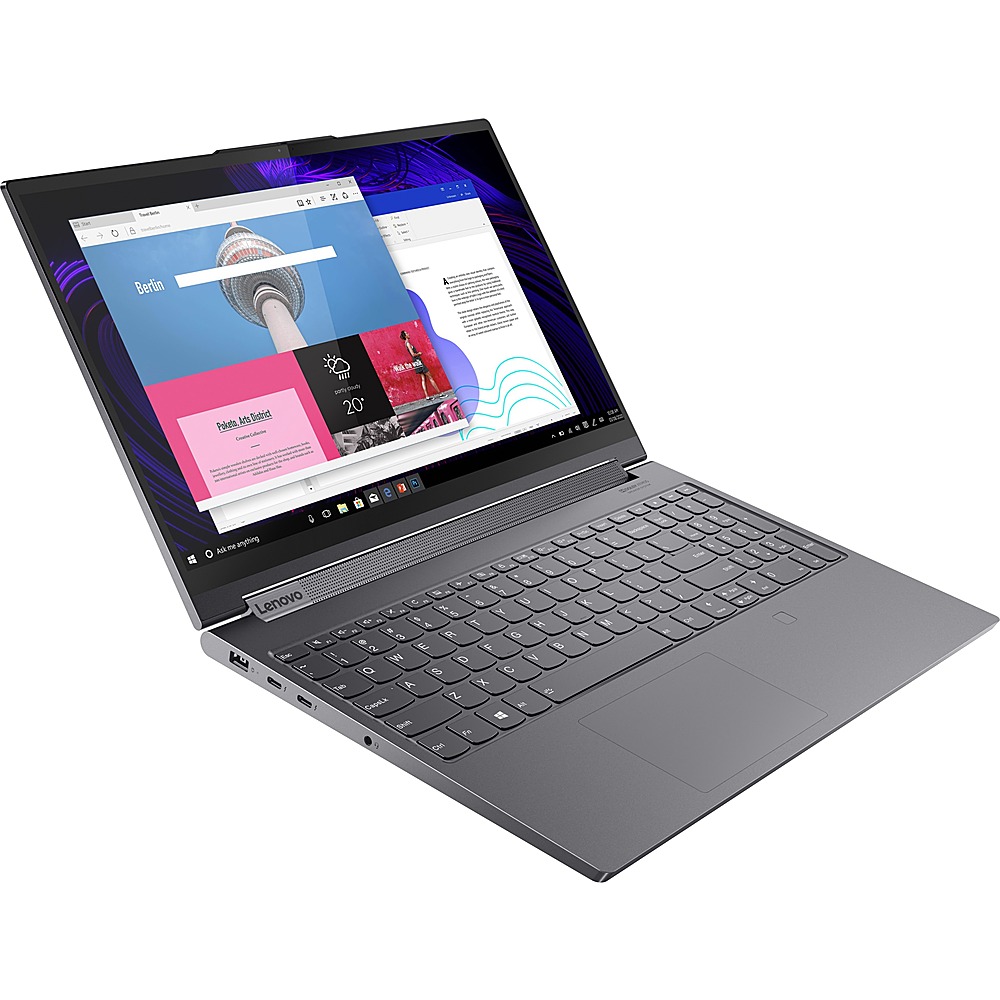
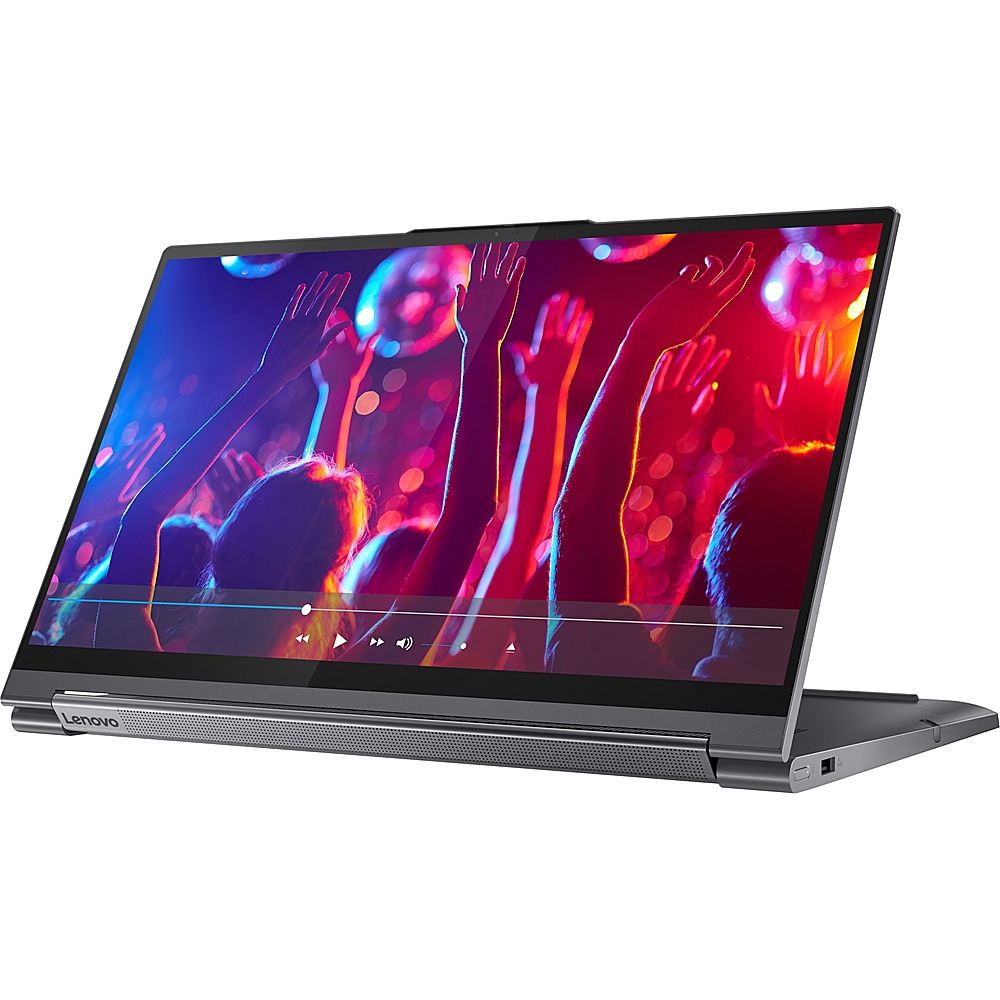
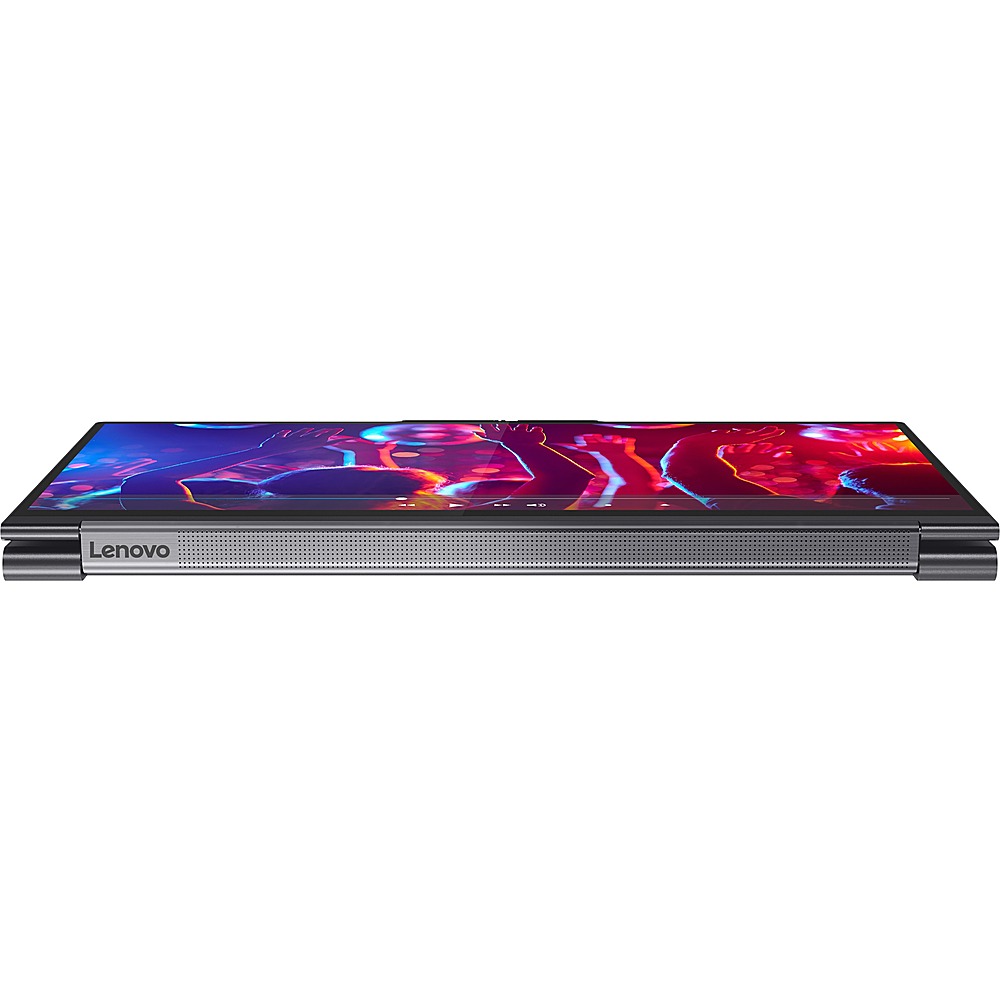
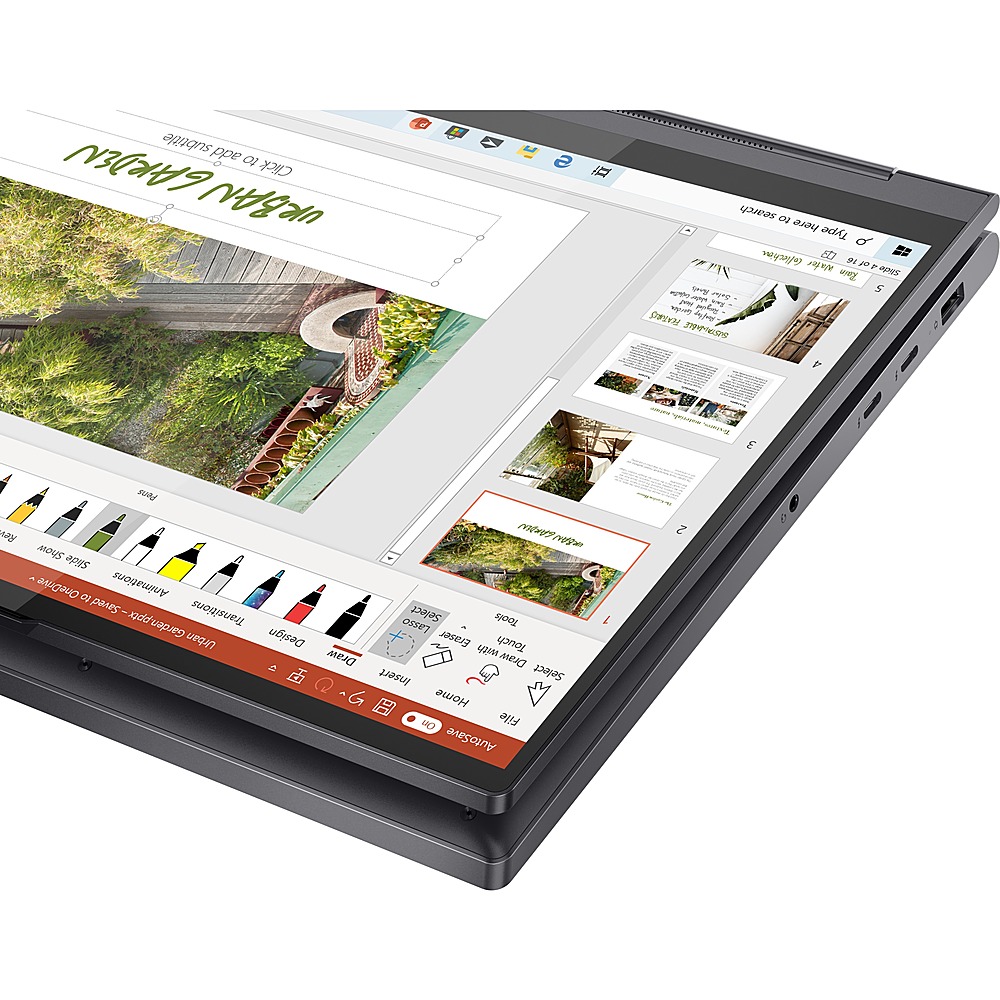
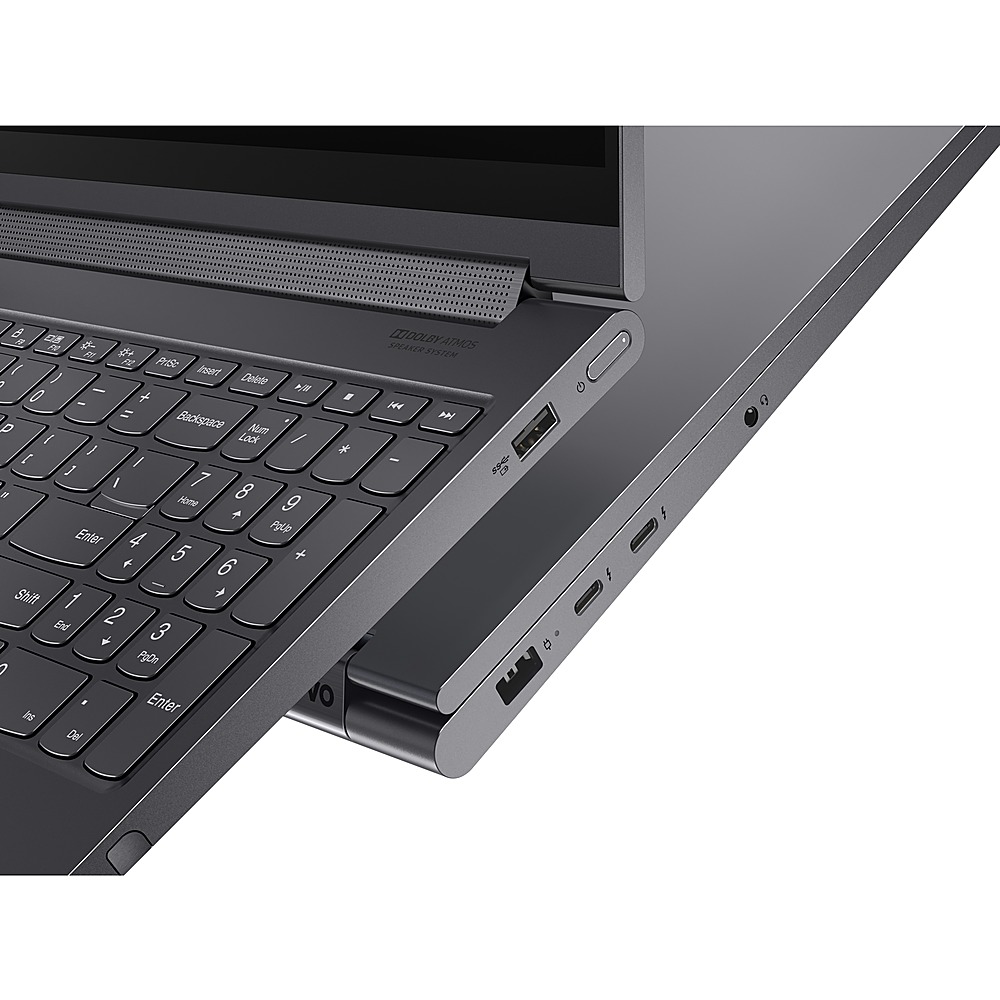
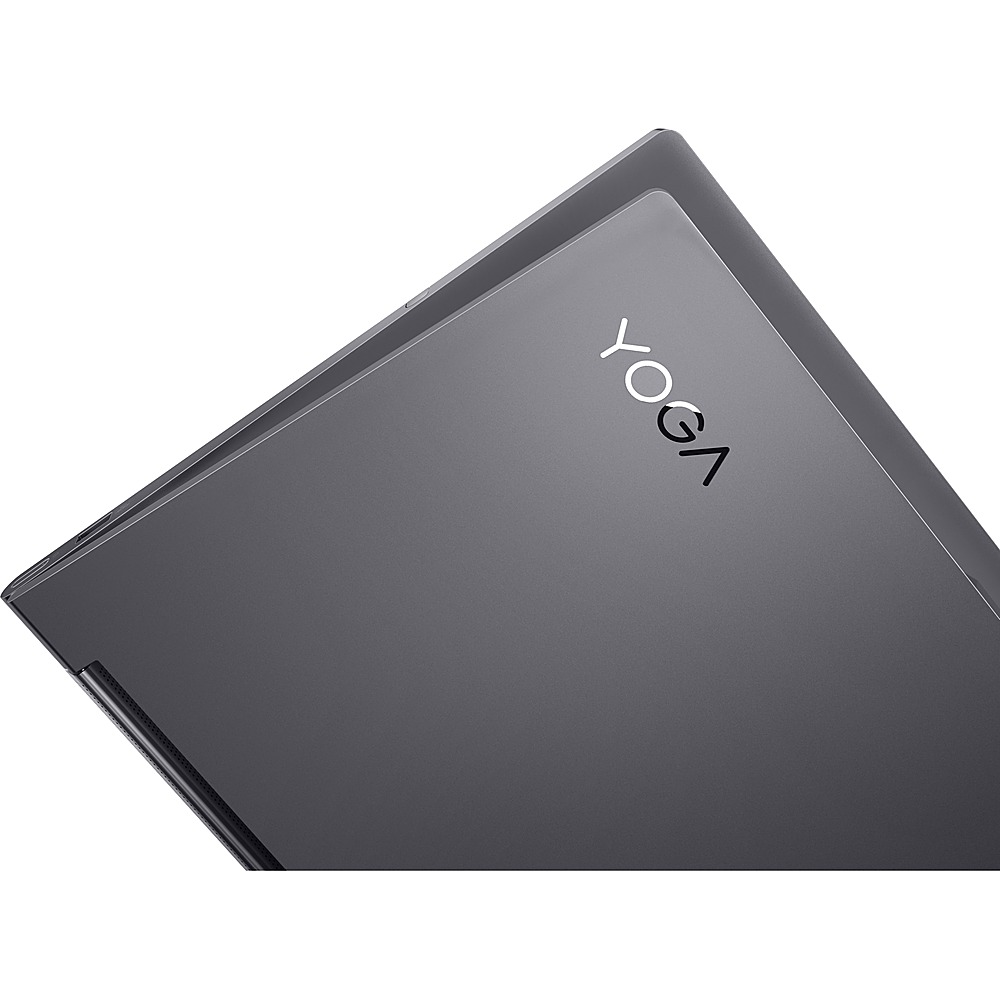
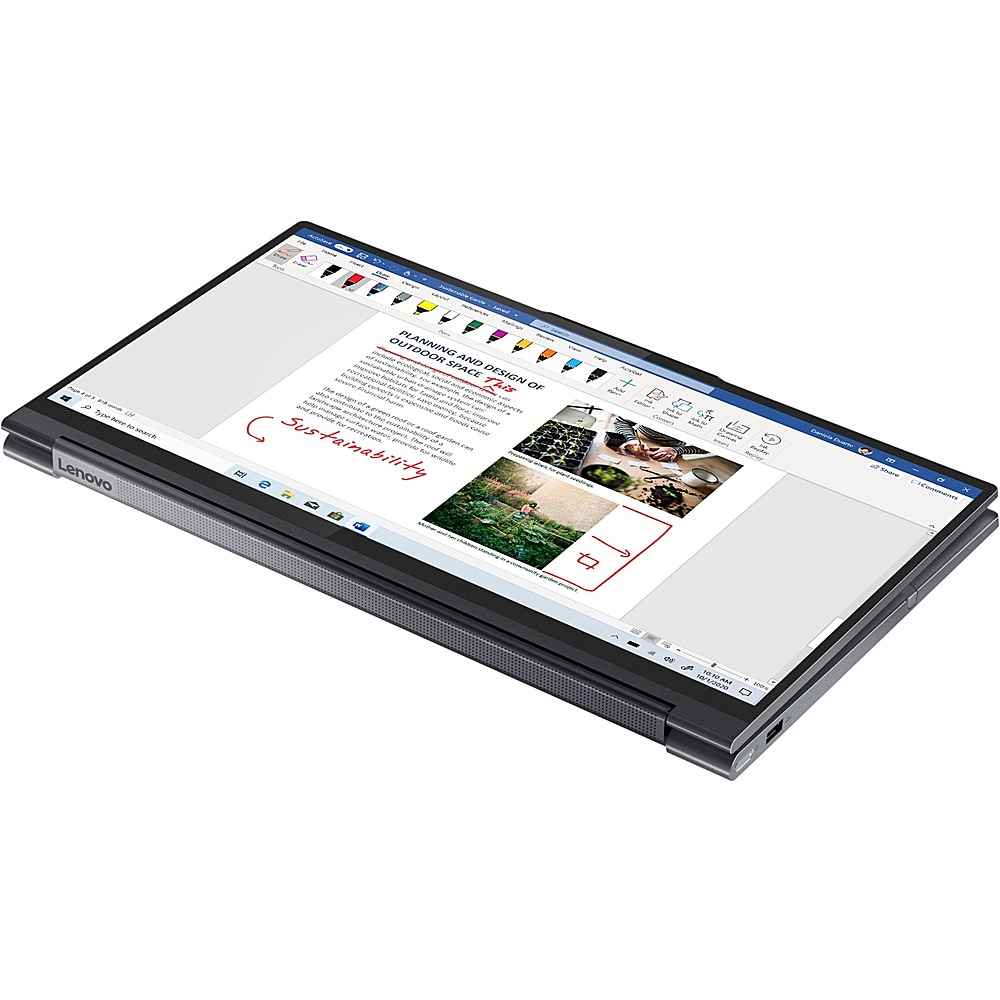
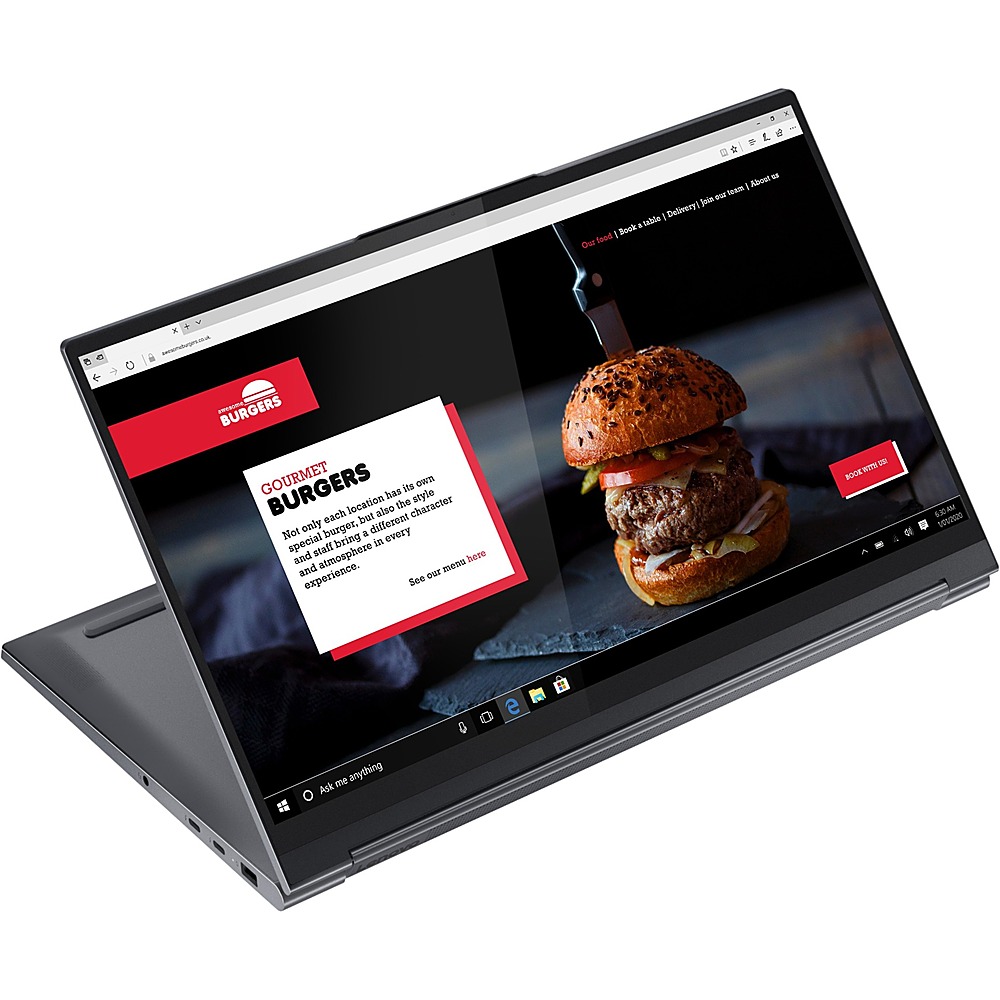
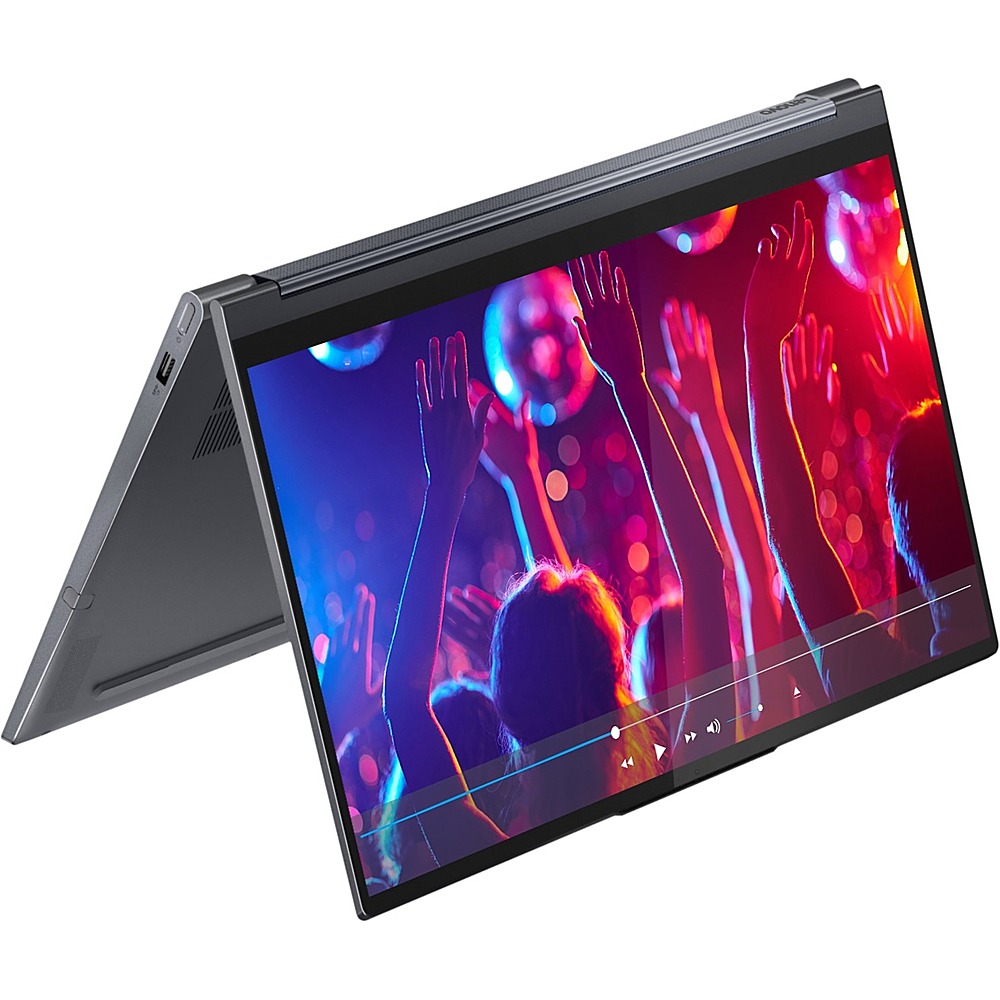
A:AnswerThis Lenovo Yoga 9i 15 model number 82DE0032US, ships with a 15.6 inch (screen size measured diagonally) IPS - FHD (1920x1080) 10-point Multi-touch screen, with a brightness level of 500 nits, has a Glossy finish. This screen is HDR 400 and Dolby Vision Certified. This screen provides 100 Percent of the sRGB (72 Percent NTSC) color gamut for excellent color accuracy. This model configuration ships with Windows 11 Home 64-bit Operating System and should not freeze. Be sure any software you installed is compatible with Windows 11, this includes any legacy software from older computer you may install. Additionally, there is no need to install Microsoft Office software. The software is already part of the operating system, you just need to activate the software with a purchased product key. If you have installed a copy of Microsoft Office, this is conflicting with the existing copy on the system and this will slow your system down. If you have installed a 3rd party anti-virus program, be sure that Windows Defender is turned off and that the trial version of McAfee Anti-Virus software is uninstalled. There can only be one anti-virus program on the system. You may need to restore your system to original factory default settings if any of the programming errors have occurred. You can do that by typing "restore" in the Cortana search window. Just click on the magnifying glass icon at the bottom left of your Windows 11 Desktop. Click on "Reset This PC" Then click on "Get Started" and follow the on screen directions to restore to factory defaults. If the problem persists, we recommend you contact Lenovo Premium Care for additional help at: 888-278-9707.