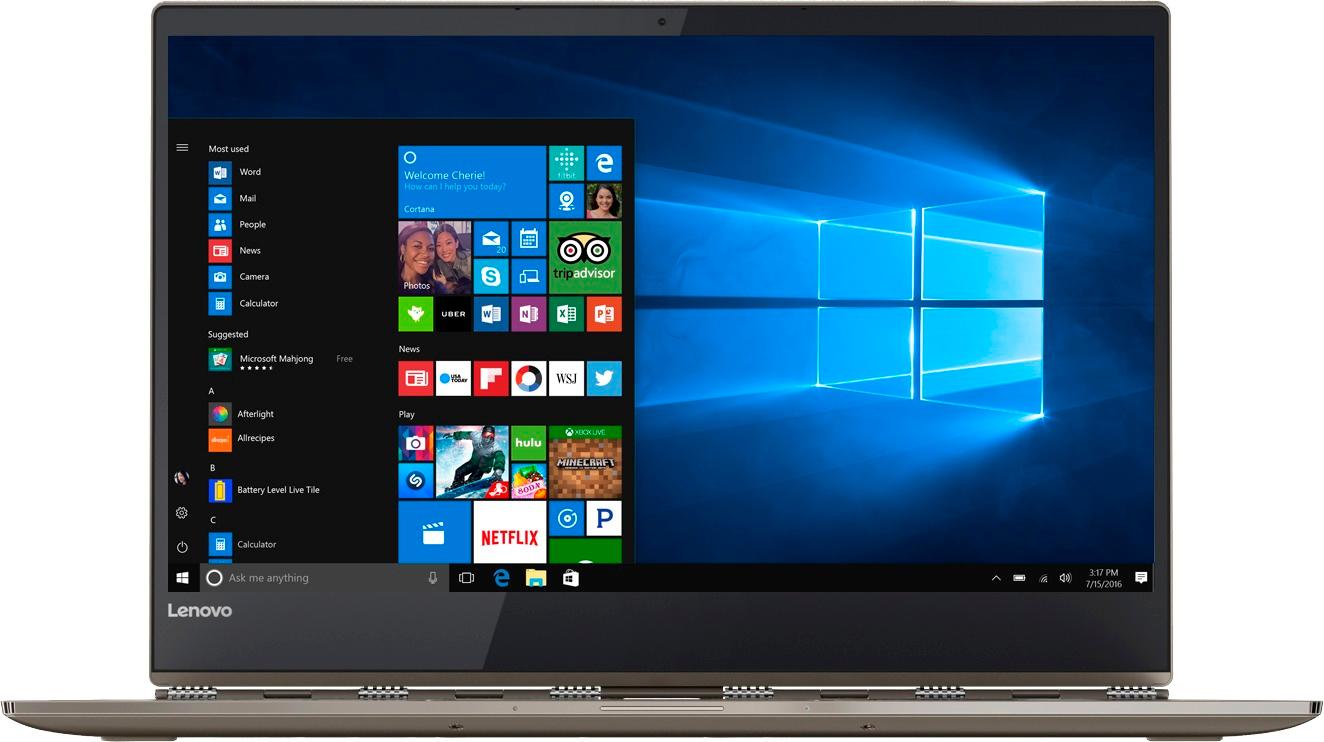
A:AnswerThis laptop does not have many ports at all. In fact, it only has one USB port - it does have blue tooth so you might be able to connect a monitor that way. I use a bluetooth mouse and it was super fast to set up - the USB mice I had on hand would not pair with this laptop. It is important to be aware of the limitations if you are used to being able to add a lot of external devices. Possibly a bluetooth replicator could work?
A:AnswerI would suggest buying a USB-C hub to HDMI dongle from "Juiced Systems BizHUB" .
I bought it recently and tested from amazon https://www.amazon.com/gp/product/B01J391C3W/ref=oh_aui_detailpage_o00_s00?ie=UTF8&psc=1. The hub is rated to charge windows laptops with usb-c thunderbolt port. The maximum limit for through charging to windows laptop is 100 watts.
The Juiced systems USB-C hub is suggested from Linus tech tips at the following link https://www.youtube.com/watch?v=D9XDjjweKd0&t=369s.
A:AnswerYes - I personally did not like it. I do sketching on my ipad pro and intuos in PC and I was hoping I could use this to replace my ipad, but the design of the computer itself is not very good for drawing.
A:AnswerThis system comes with a dual voltage AC adapter, AC 120/230 V (50/60 Hz) with a standard 2-prong North American wall-side adapter. You will need a wall-side adapter to use outside North America.
A:AnswerYou. must install all the batteries for the pen to work. There is a YouTube instructional video that shows you how to install them. just Google name of pen & video will come up.
A:AnswerThe model at the Microsoft Store comes with a Signature Edition of Windows 10-Home 64-bit. This is a clean Windows 10 install without 3rd party adware. The Best Buy model comes with a 30-day trial of McAfee Anti-Virus software.
A:AnswerYou might want to check to see if your Yoga 910 needs a driver update. Follow the link below to look for new driver updates for your specific system. You can also run diagnostics from the Lenovo site as well. As always, be sure to create a restore point on your system before you make any changes. You can do this by just typing "restore point" in the search window within Cortana and follow the link to create a restore point. Here is the link:
https://pcsupport.lenovo.com/us/en/products/laptops-and-netbooks/yoga-series/yoga-910-13ikb/downloads
A:AnswerYou can use this device while it is plugged in. It is not necessary to do so. This device will charge to 100% and maintain the charge level while plugged in.
A:AnswerBest Buy sets the pricing. We recommend you check with Best Buy directly about pricing. You may want to call your local Best Buy for details. The Yoga 920-14 comes with a 1-year limited manufacturer's warranty that covers OEM issues.