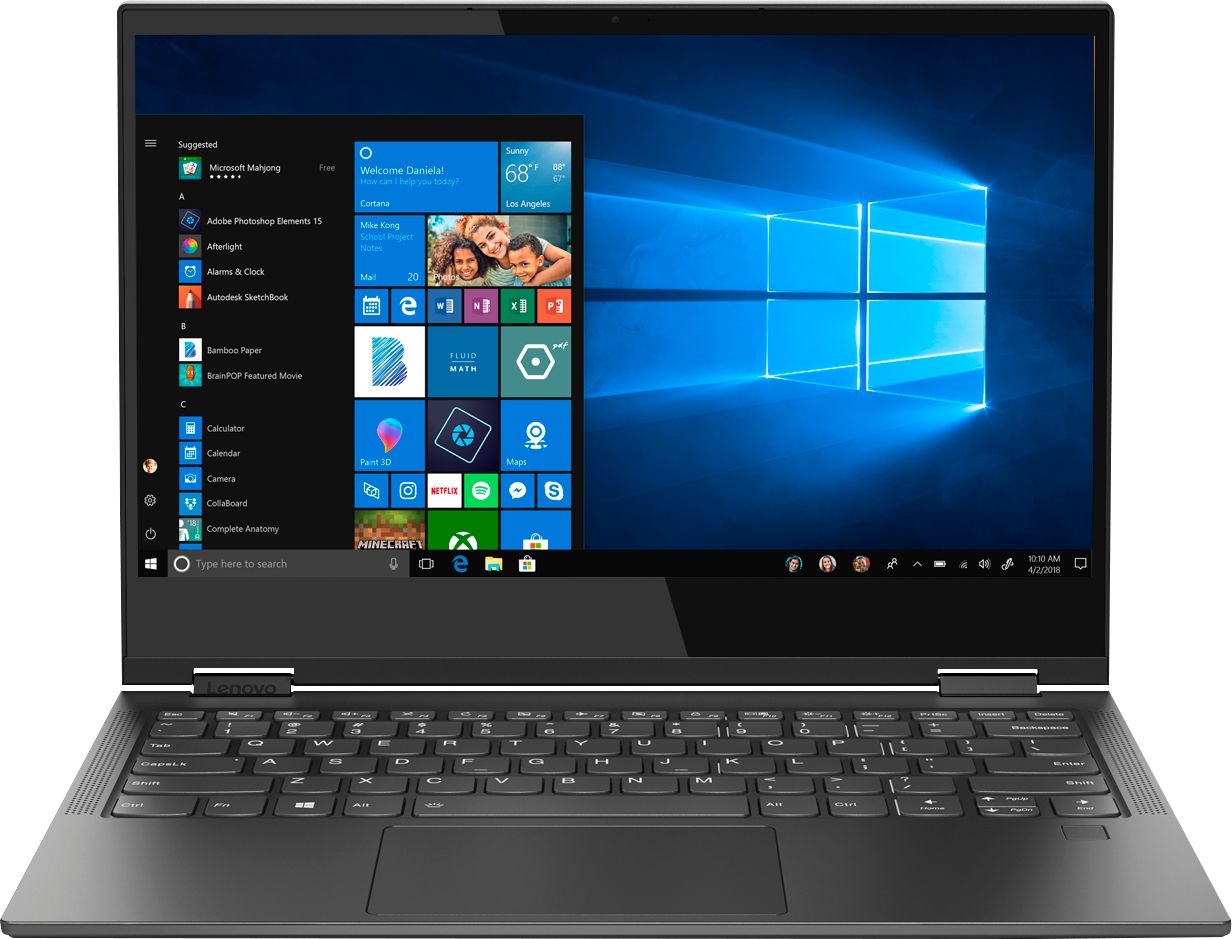
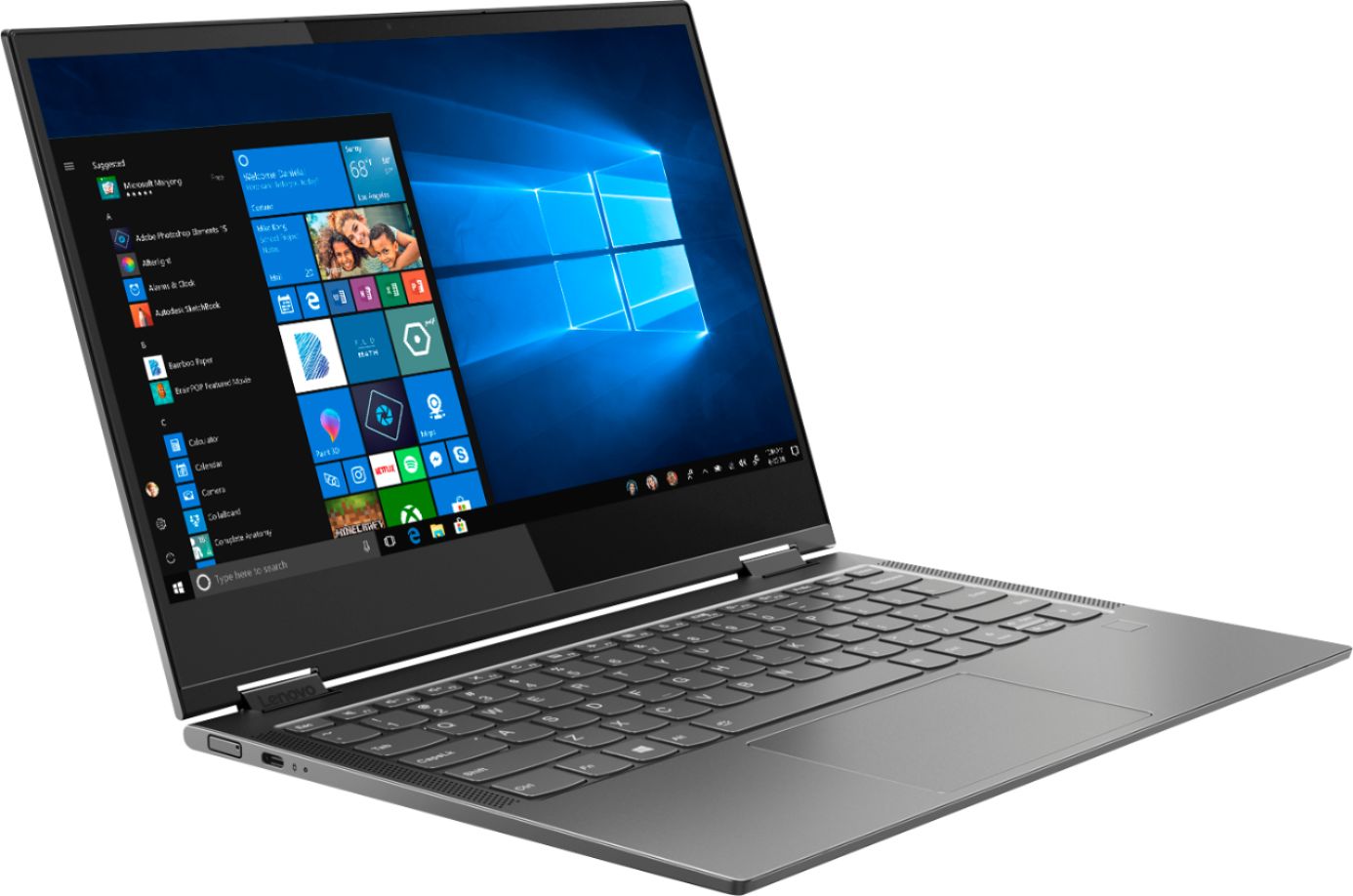
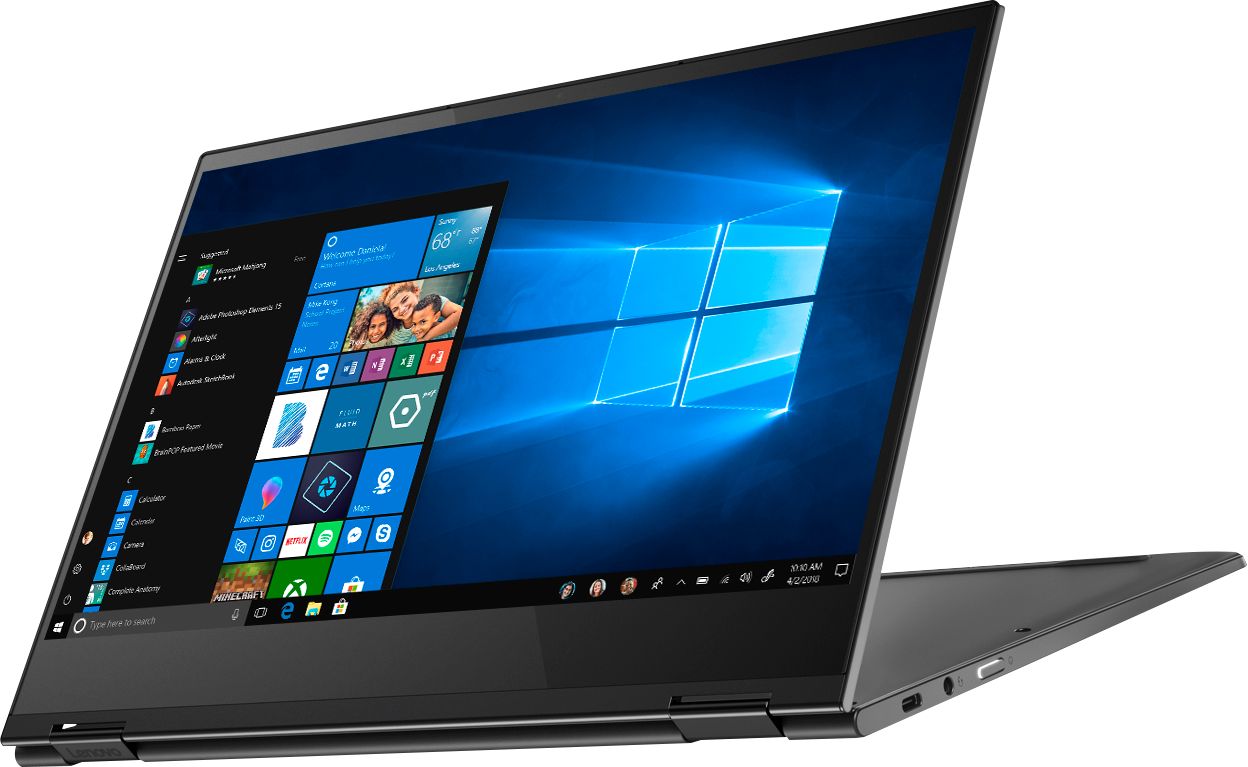
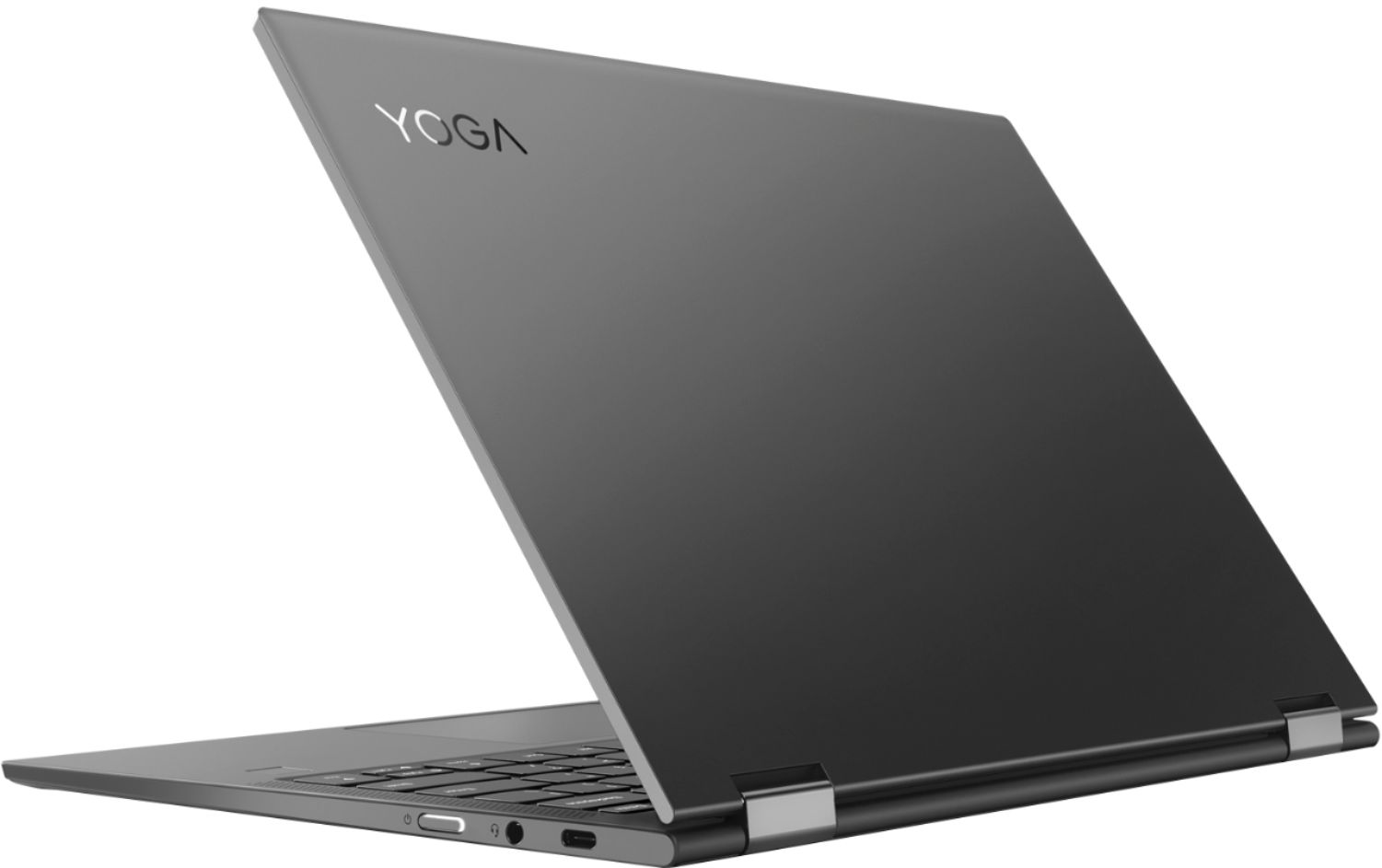
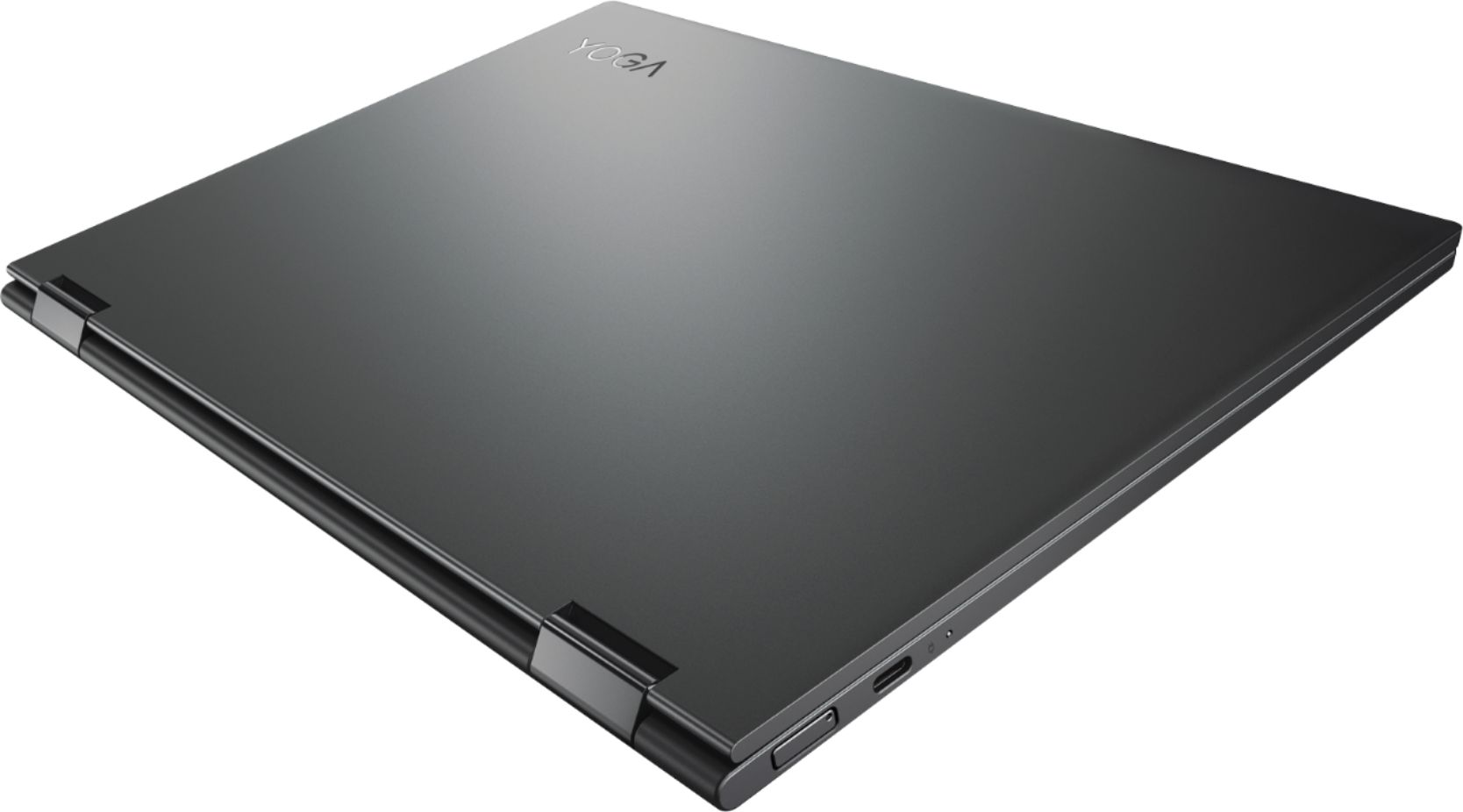
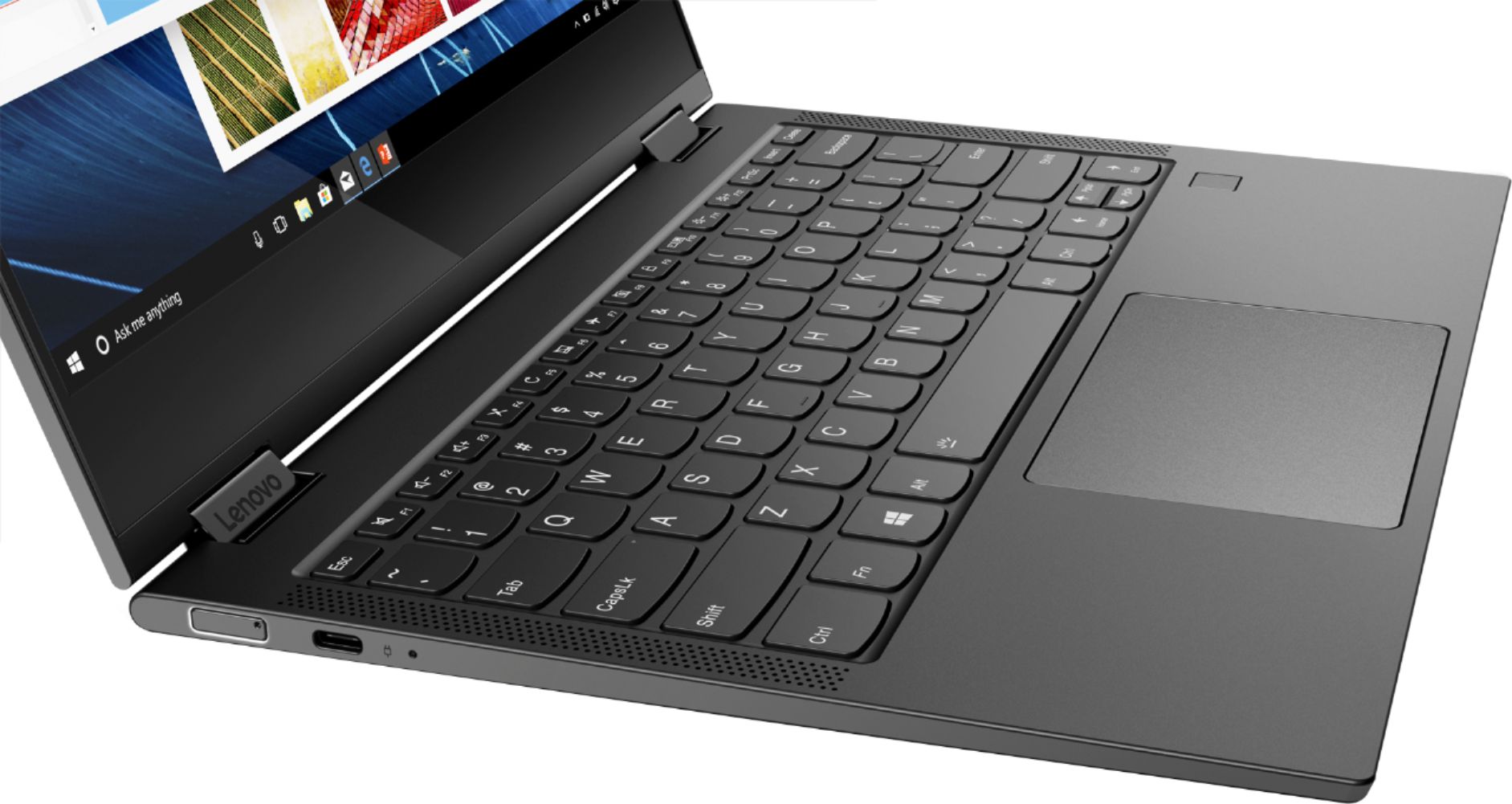
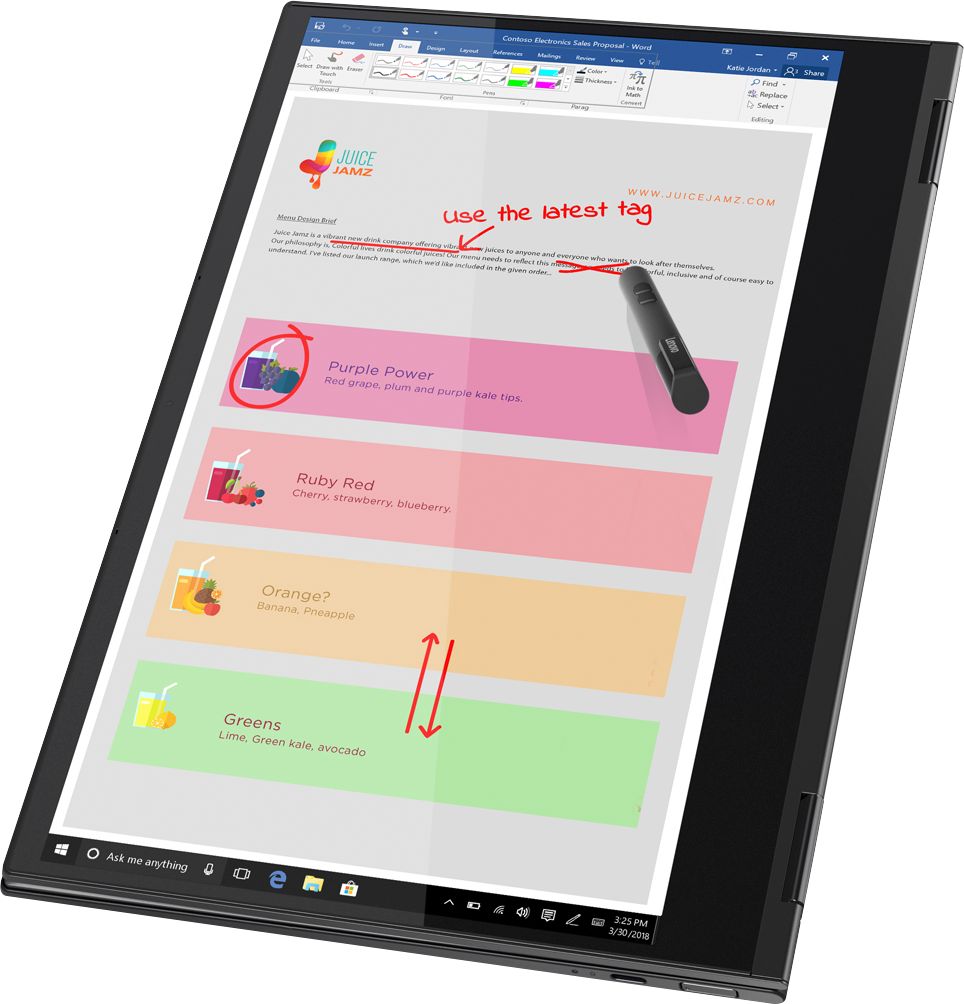
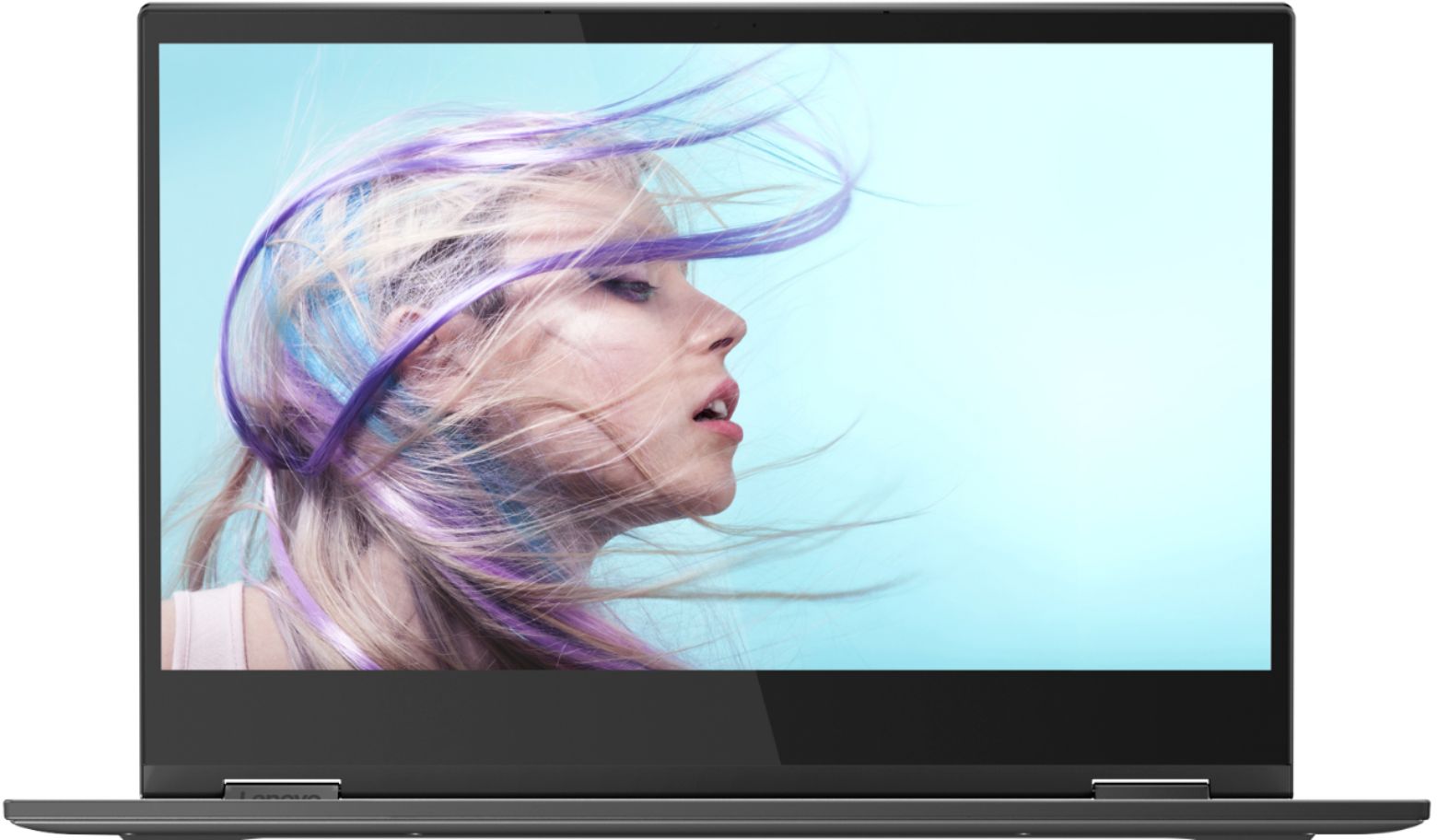
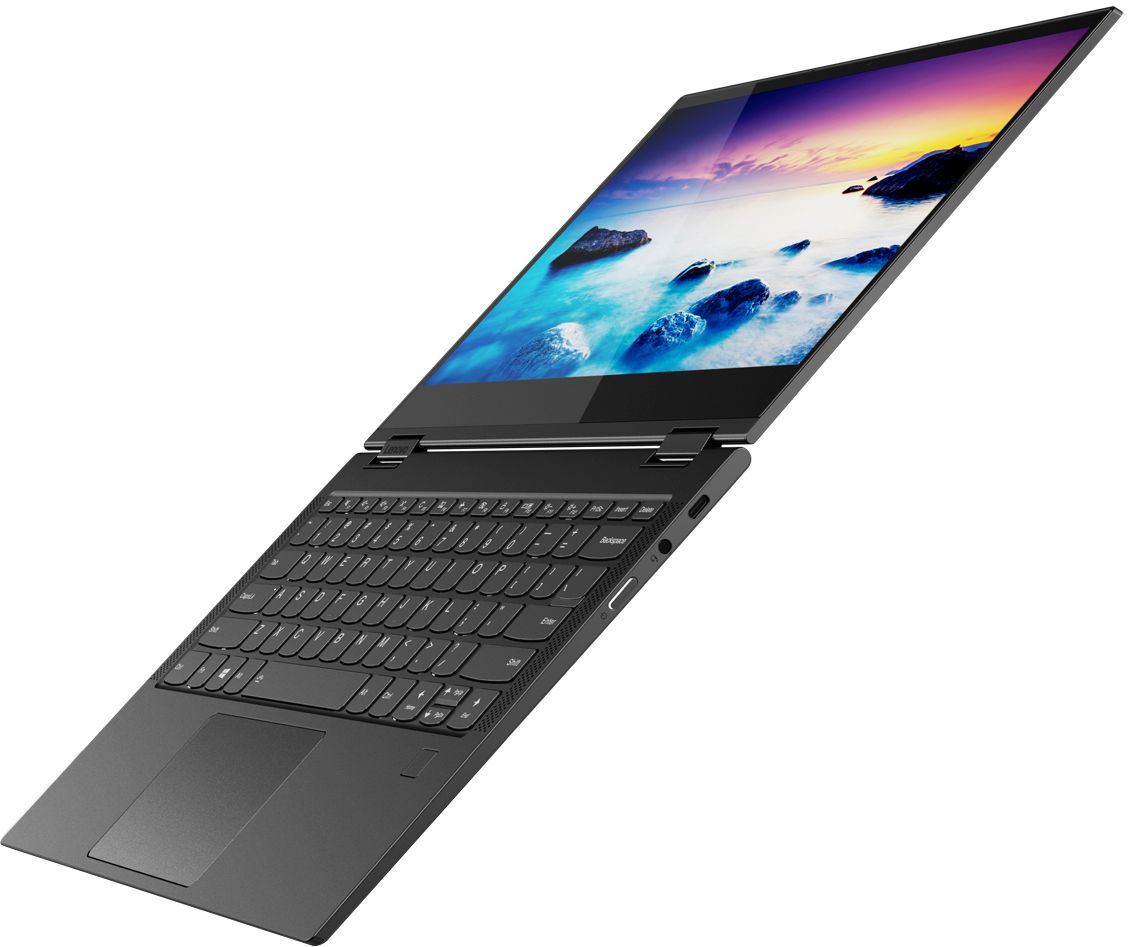
A:AnswerThe Lenovo Yoga C630 (WOS), model number 81JL0018US uses the Snapdragon 850 Mobile processor with integrated Qualcomm Adreno 630 version, within the processor.
A:AnswerNo. The Lenovo Yoga C630 (WOS) has both WiFi as well as LTE Broadband connectivity for "Always Connected" capability. To get the 200-dollar discount, you need to sign a 2-year contract with Verizon for LTE Broadband data for the computer. Without the 2-year Verizon contract, the computer cost is 799.99.
A:AnswerI'd say for what you're doing, this computer is perfectly fine. I'd also recommend that you buy a bamboo ink pen with this to really get the full experience with this laptop and it'd pair well with what you're doing.
A:AnswerSince not all (windows) software is compatible with this computer, you should check to make sure that the programs you will use will work. If your course just uses a web browser and/or Microsoft Office then I think it would be good. It is light, quiet (no fan), lasts a long time on a charge and is fast on WiFi and LTE. Uses Outlook for email which can be subscribed to non-Microsoft accounts such as gmail.
A:AnswerThis is a Windows 10 S-Mode Operating System device, with its ARM architecture Qualcomm SDM850, Snapdragon 850 Mobile processor. We recommend you consult the software publisher for requirements and compatibility of their product with ARM architecture, Windows 10 and the overall system configuration of this device.
A:AnswerThis model ships with the Qualcomm Snapdragon 850 processor. This is an ARM architecture processor. It is an 8-Core processor with a base speed of 2.96GHz. We recommend you check the requirements and compatibility of the software you will need to use on your new computer, before you invest. Be sure the software is compatible with ARM processor architecture. Be sure your new computer will do the work you want to do, before you invest in any new computer.
A:AnswerYou need a Verizon SIM for the PC too. I had a tabled on Verizon that I really didn't need and I was able to pull the SIM from the tablet and install in the PC. Verizon had no issue (I checked in advance) with the move and the PC worked immediately on Verizon for data and Verizon recognized that the SIM was now in the PC. Of course, you can (assuming your phone is capable) use the Hotspot in your phone using the Verizon account to send WiFi signal to the PC without adding a SIM to the laptop.
A:AnswerThe Best Buy mobile specialist said I could when I purchased mine. However, i activated it on my AT&T unlimited plan instead. They said that it's only works with Verizon but I insisted that it also works with AT&T so they tried and it works as well.
A:AnswerThe Lenovo Yoga C630 (WOS) system ships with the ARM format, Qualcomm SDM850, Eight-Core Snapdragon 850 Mobile processor, with a base speed of 2.9GHz. The Yoga C630 (WOS) is a great choice for someone looking for an Always Connected, Windows 10s, ARM processor, Ultra mobile computing device. We recommend you check the requirements and compatibility of the software you will need to use on your new computer, before you invest. Be sure your new computer will do the work you want to do, before you invest in any new computer. Be sure the software you will need to use is compatible with the ARM processor architecture, not all software is.
A:AnswerYou can use cloud data storage since it's always connected or get a type-c adapter to plug in a usb flash drive, external hard drive, SD card if you get a multi function adapter