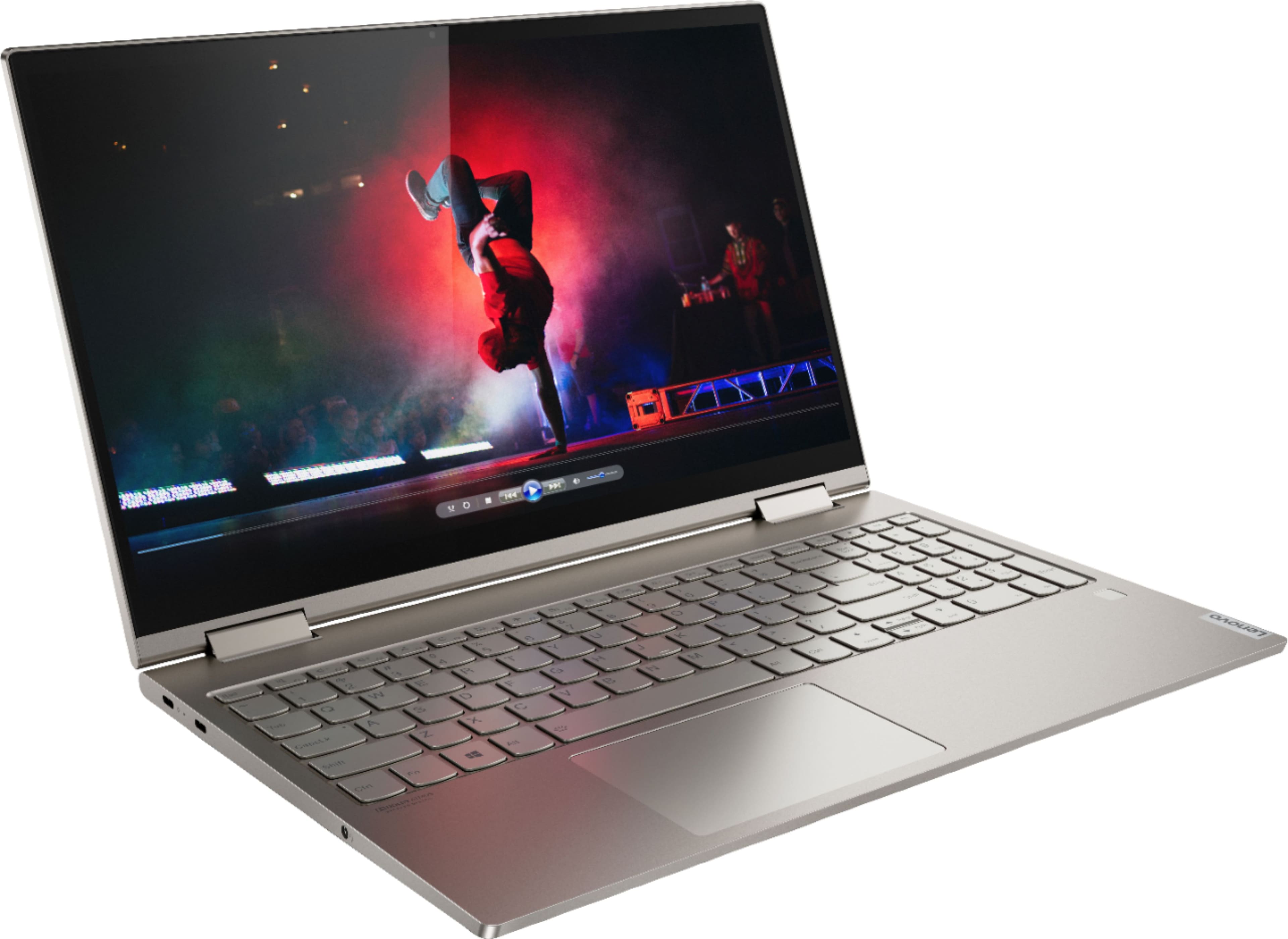
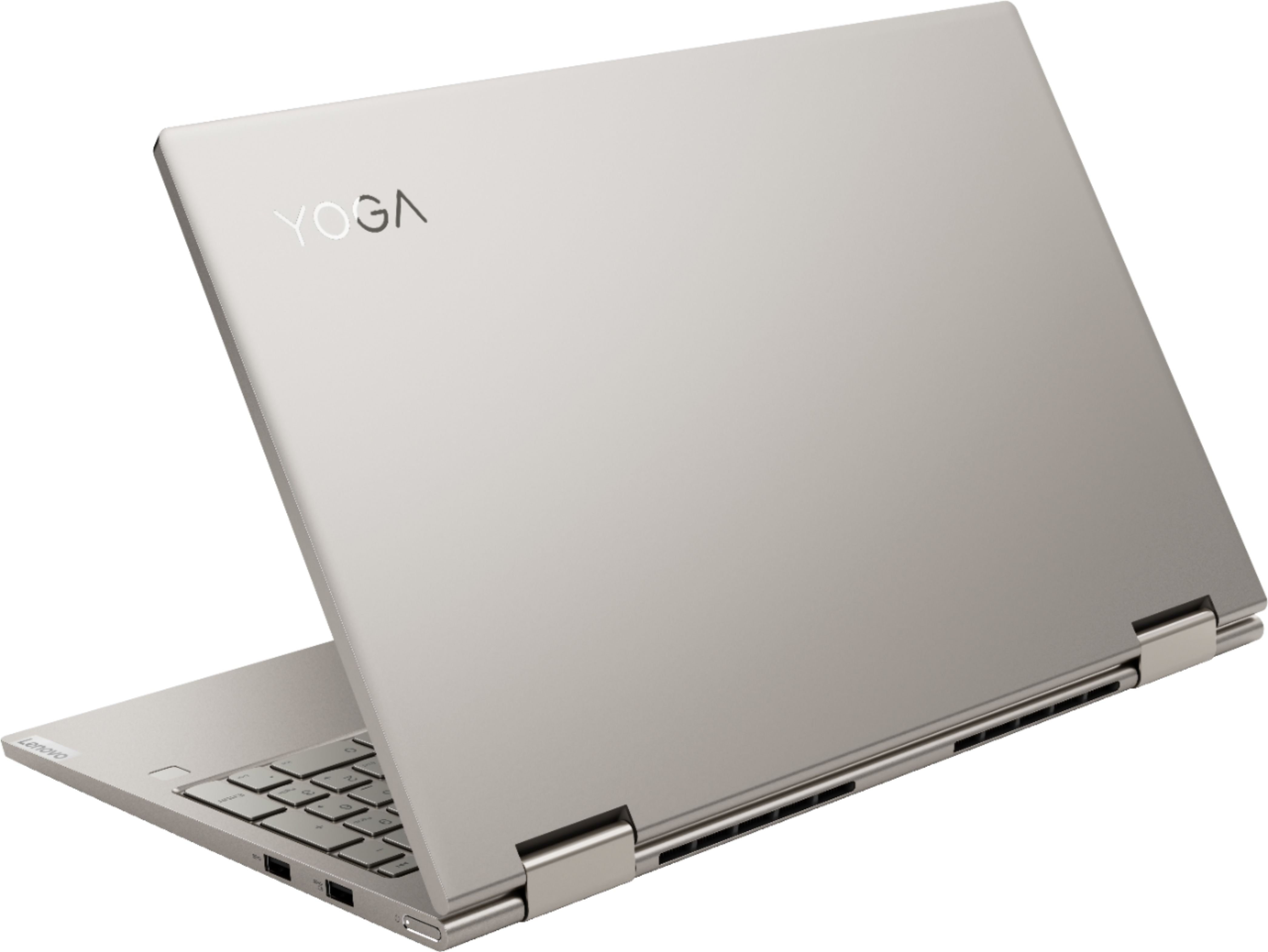
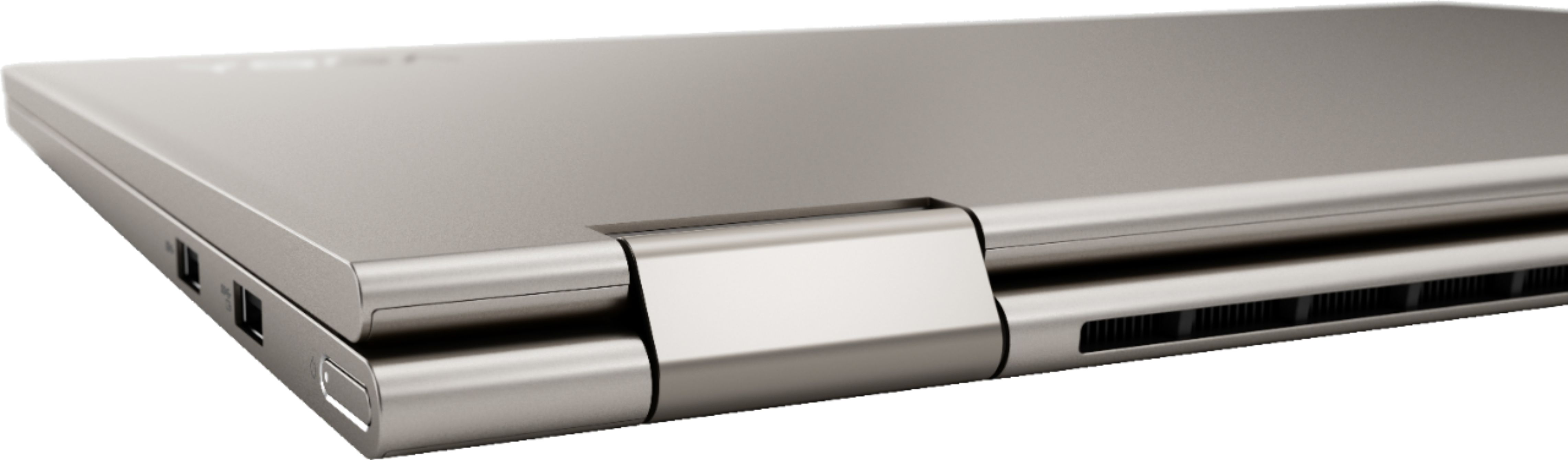
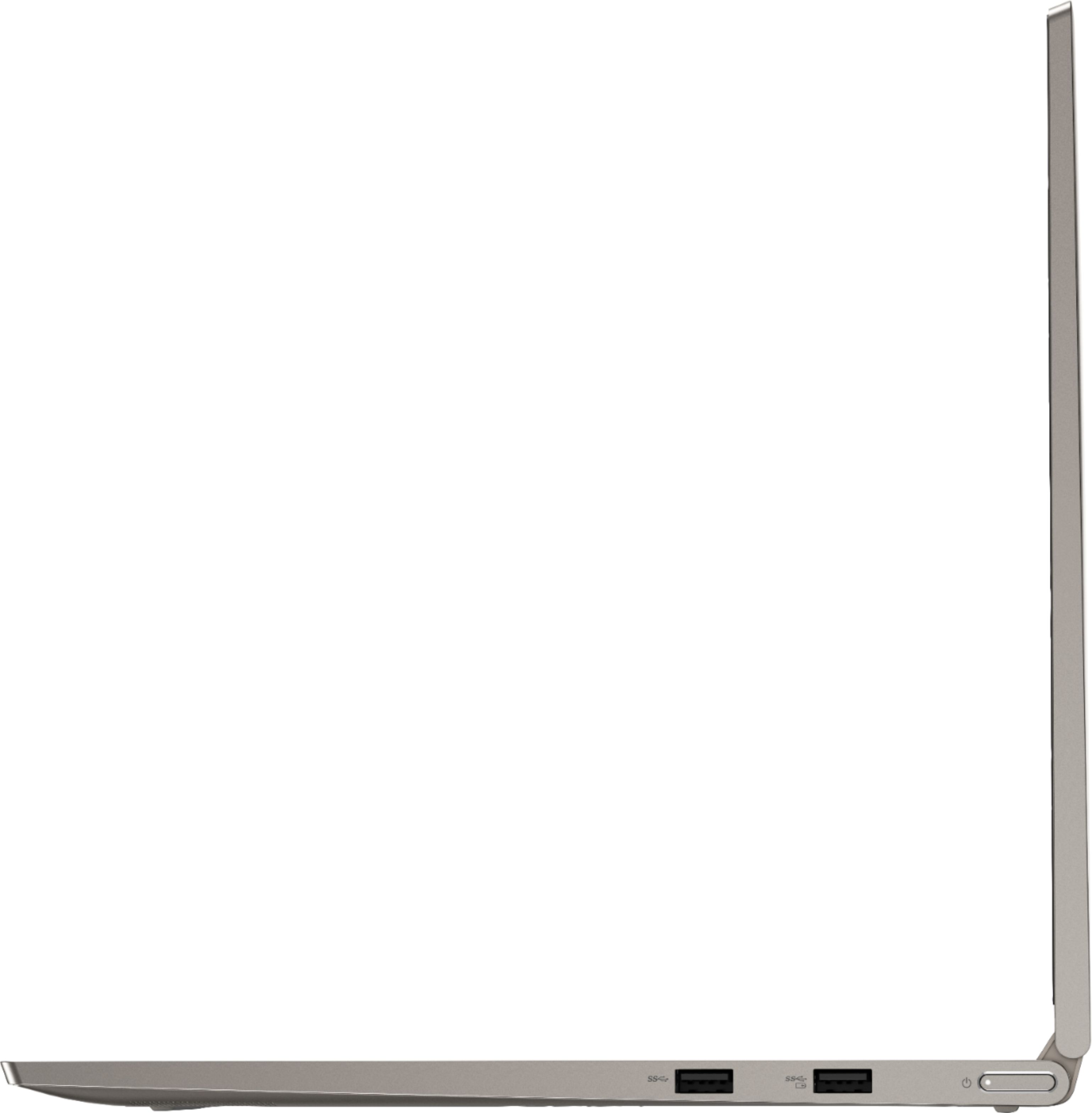
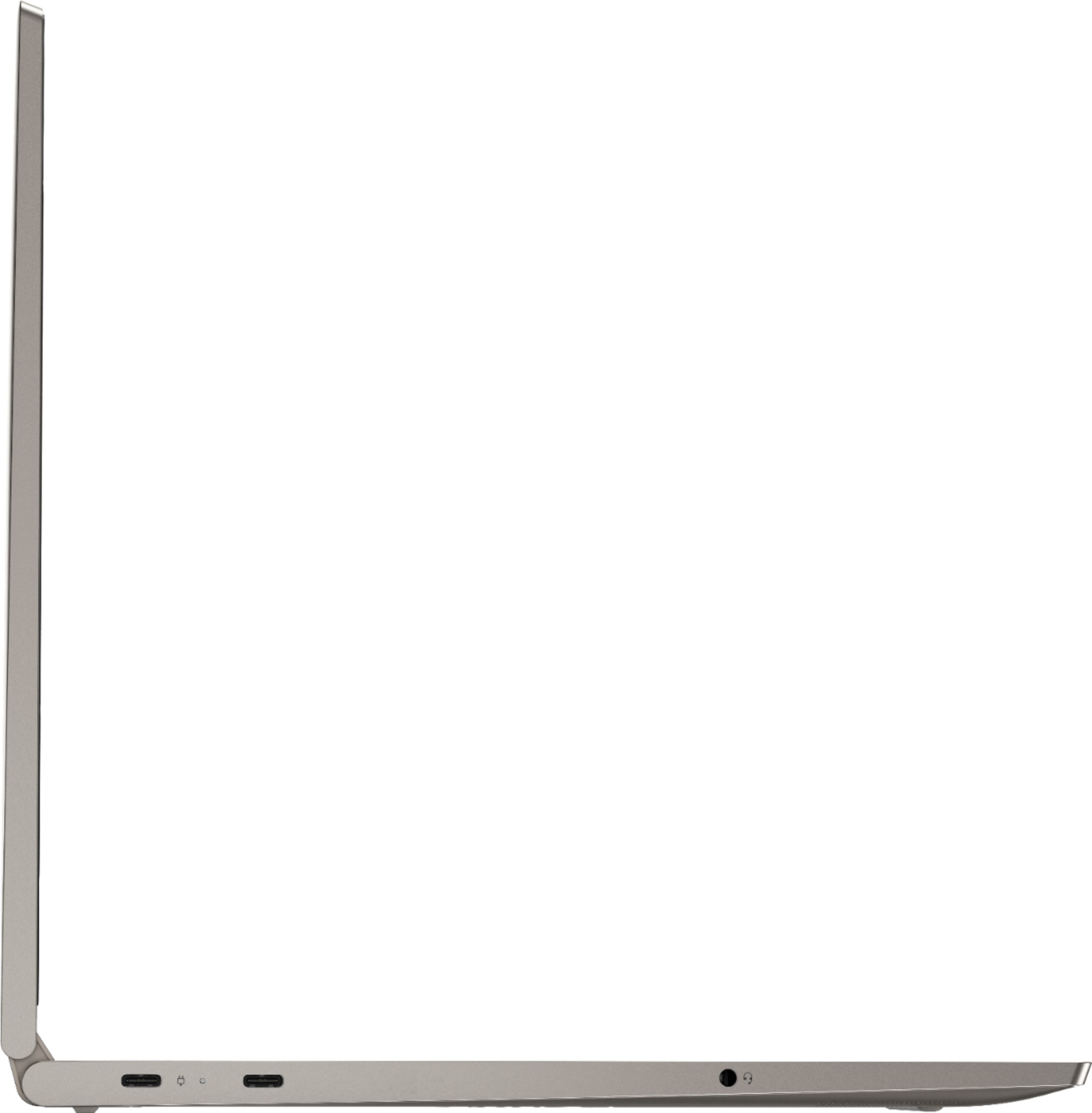
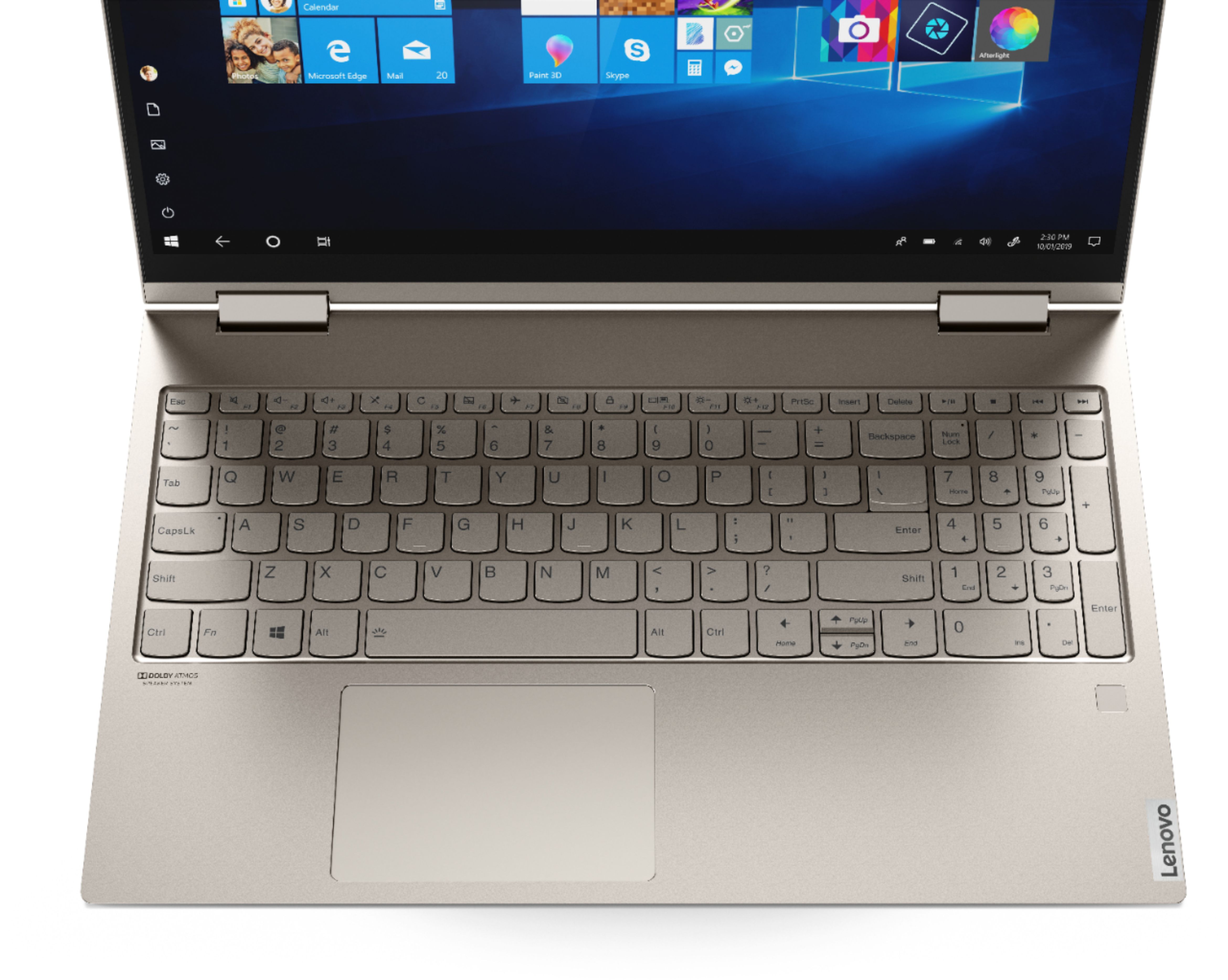
A:AnswerI just purchased this laptop and although the specs says it has an HDMI Output, it does NOT! I had to purchase another cable in order to use my external monitor.
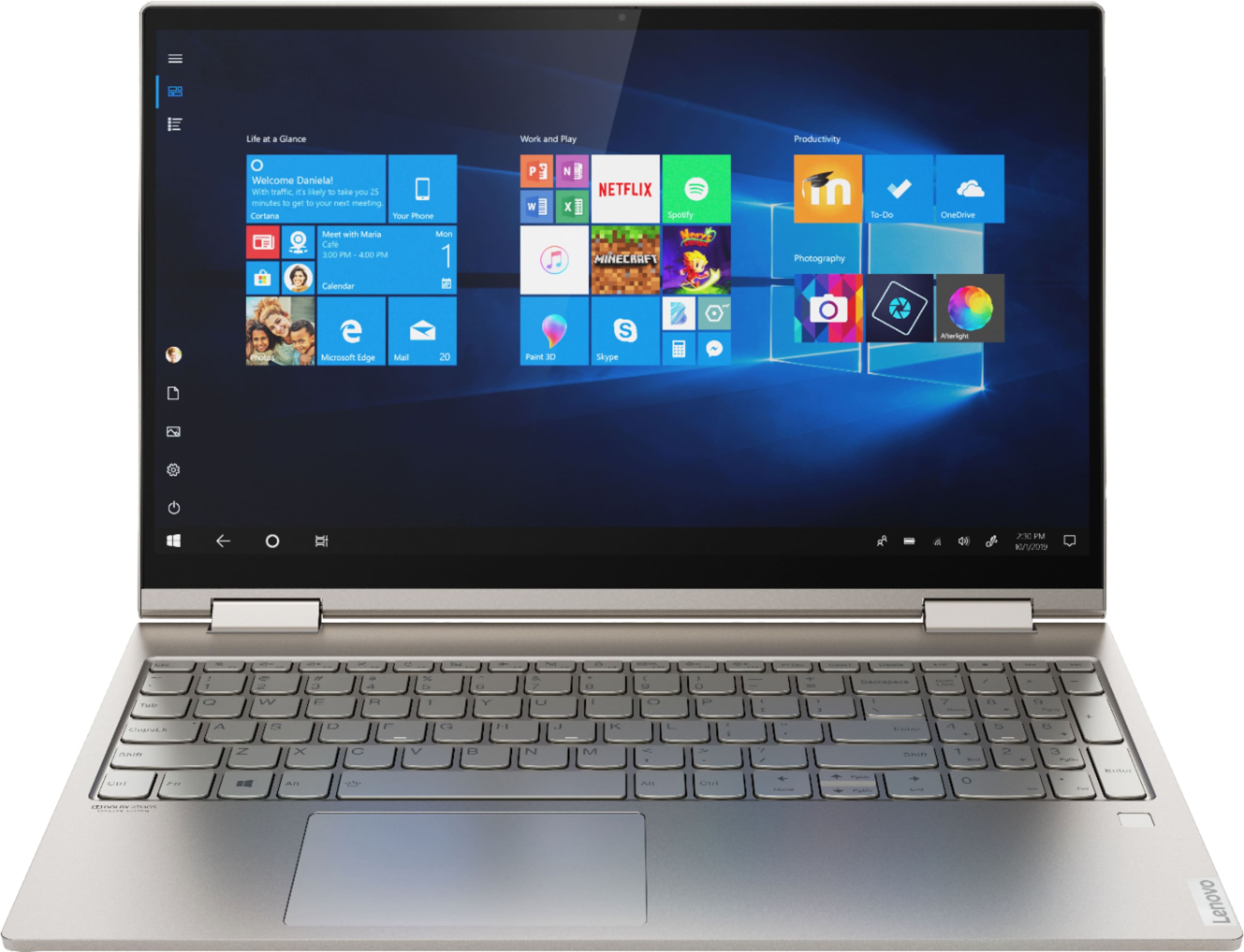
A:AnswerThe Lenovo Yoga C740-15 model number 81TD0077US, ships with a 15.6-Inch (Screen size measured diagonally) IPS - HDR - FHD (1920x1080) screen, with a brightness level of 500 nits, has a glossy finish and is Dolby Vision and HDR certified.
A:AnswerThe Lenovo Yoga C740-15 model number 81TD0077US, ships with a 3CELL_60.3WH_INTERNAL, Lithium Polymer Battery, which within this configuration, has a battery life of up to 15 hours, depending on the work the device is performing. If you are getting substantially less battery life, first, set your screen brightness at less than 100-percent - try 80-percent to start with. Then, be sure Battery conservation Mode is turned off. This power management setting should only be used when the laptop is plugged in all the time. It will prolong overall battery life by only charging the battery to 60-percent of capacity. Here is a link to instructions for turning off Battery Conservation Mode: https://support.lenovo.com/us/en/solutions/ht103159. Also check what programs are running in the background on the computer. Be sure only the programs you want running in the background are. These programs will drain the battery. Here is a link to information about how to find out what programs are running in the background on your Windows 10 computer and how to manage them for better system performance: https://www.windowscentral.com/how-prevent-apps-running-background-windows-10. Then, finally, be sure any software you installed is compatible with Windows 10. Incompatible software will drain the battery at a faster rate. There is no need to install Microsoft Office software. The software is already part of the operating system, you just need to activate the software with a purchased product key. If you have installed a copy of Microsoft Office, this is conflicting with the existing copy on the system and this will slow your system down. If you have installed a 3rd party anti-virus program, be sure that Windows Defender is turned off and that the trial version of McAfee Anti-Virus software is uninstalled. There can only be one anti-virus program on the system. You may need to restore your system to original factory default settings if any of the programming errors have occurred. You can do that by typing "restore" in the Cortana search window. Just click on the magnifying glass icon at the bottom left of your Windows 10 Desktop. Click on "Reset This PC" Then click on "Get Started" and follow the on screen directions to restore to factory defaults. If the problem persists, we recommend you contact Lenovo Tech Support at: 877-453-6686.
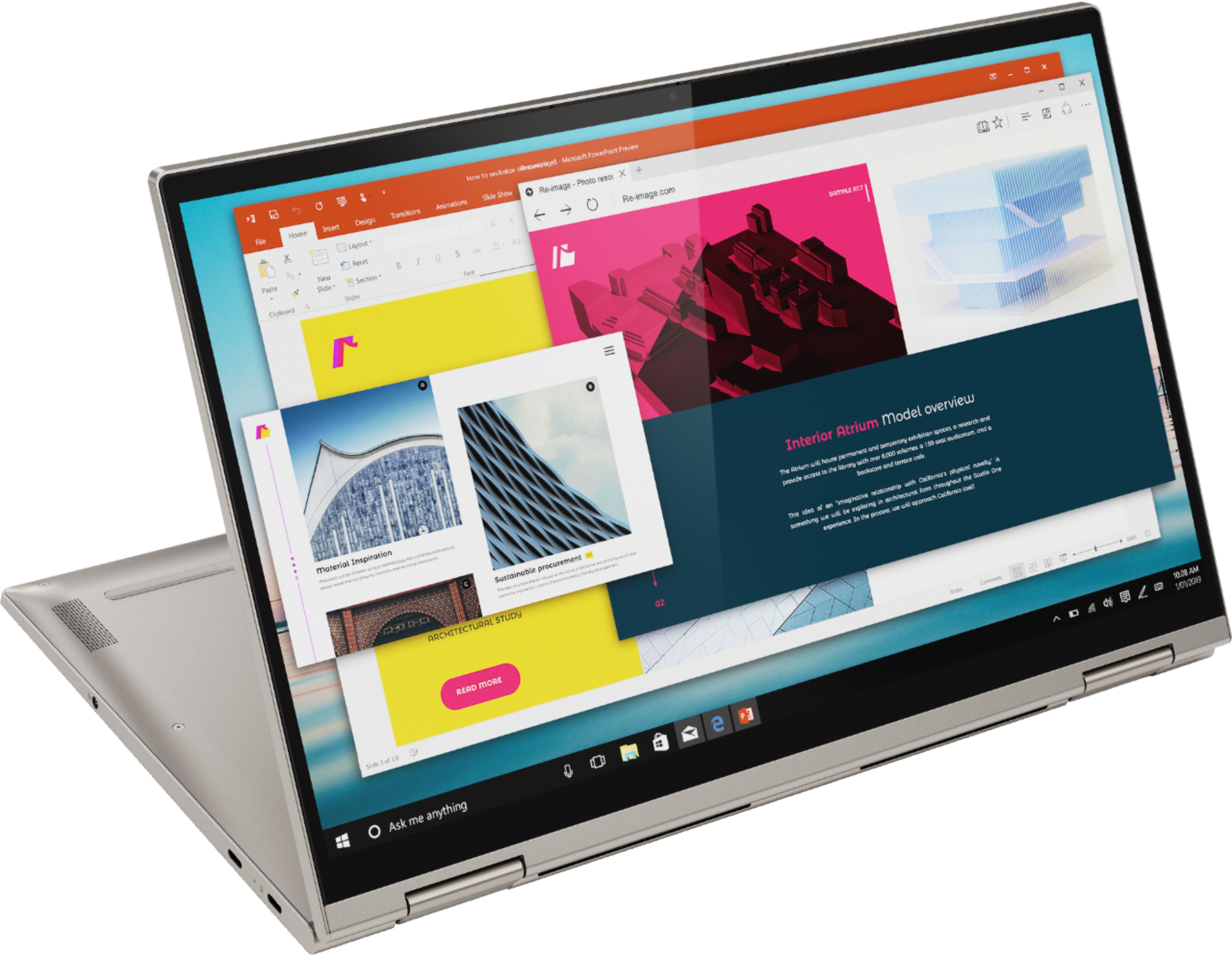
A:AnswerNo. The active pen for the Yoga C740-15 is sold separately. The Yoga C740-15 is compatible with an AES Protocol Active/Digital pen like this one: https://www.bestbuy.com/site/wacom-bamboo-ink-smart-stylus-for-windows-ink-2nd-generation-gray/6374981.p?skuId=6374981
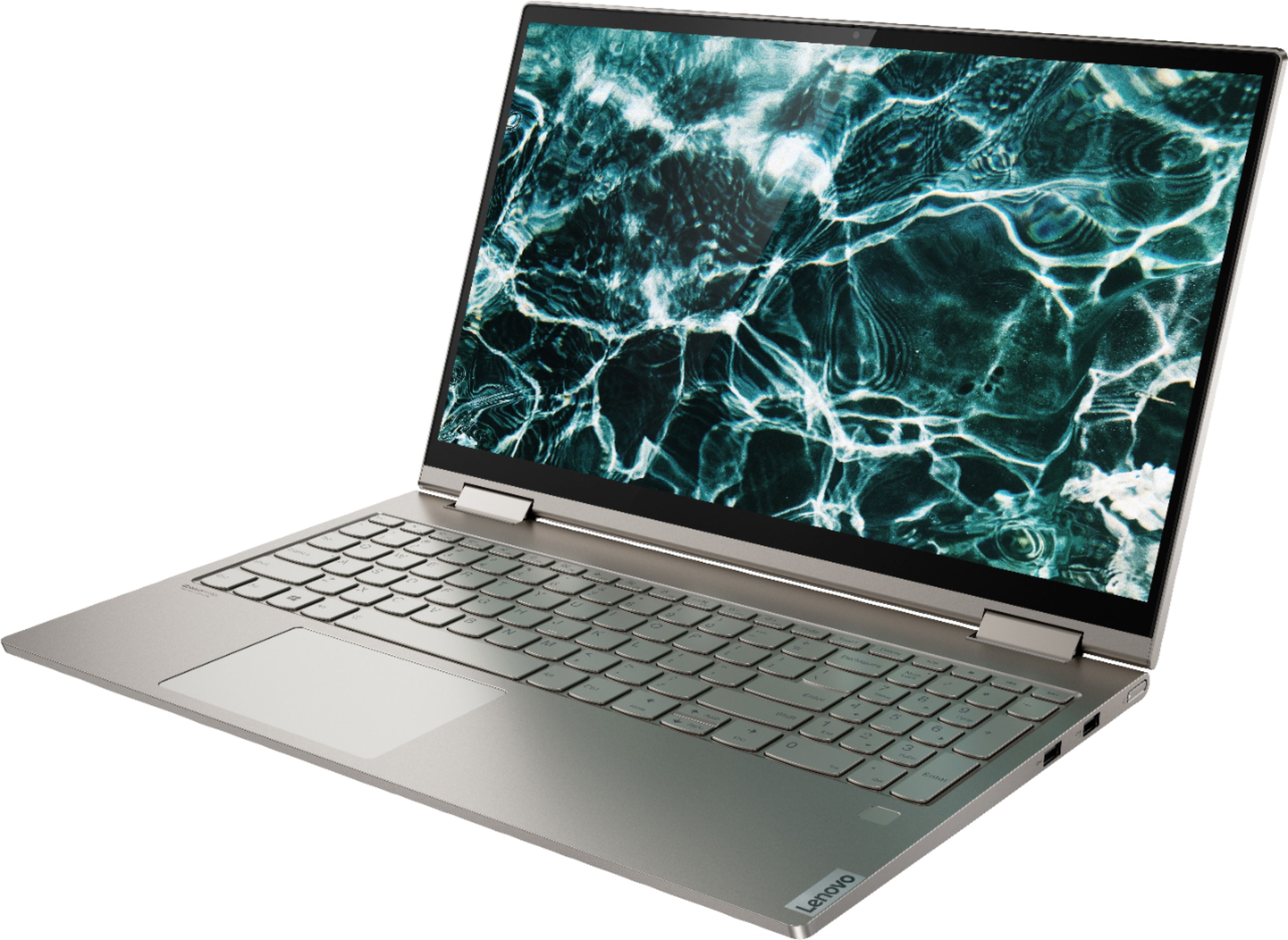
A:AnswerNo. This Lenovo Yoga C740 15, model number 81TD0077US, uses a Touch style fingerprint reader on palm rest for Windows Hello Biometric Secure Login. This Yoga C740 15 has a standard HD (720p) webcam with Dual Array Microphones built in. This webcam does not have Windows Hello Login capability.
A:AnswerThe Lenovo Yoga C740-15 model number 81TD0077US, supports up to 3 independent displays via native display and 2 external monitors; supports external monitors via USB-C (up to 3840x2160@60Hz)
A:AnswerIt's the answer that is unhelpful. I also need the HDMI port. Why have the website specs not been corrected? I would have bought a different brand.