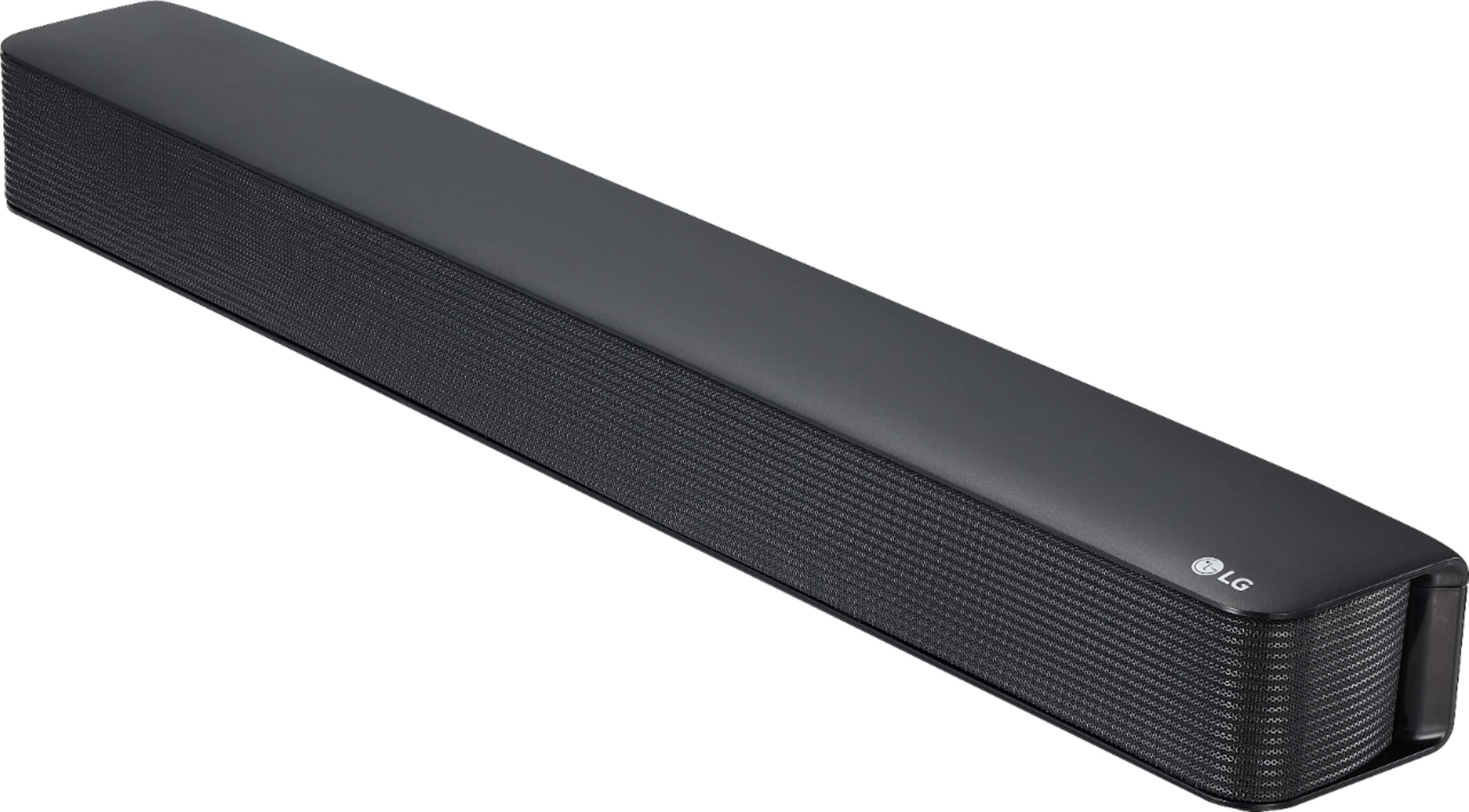
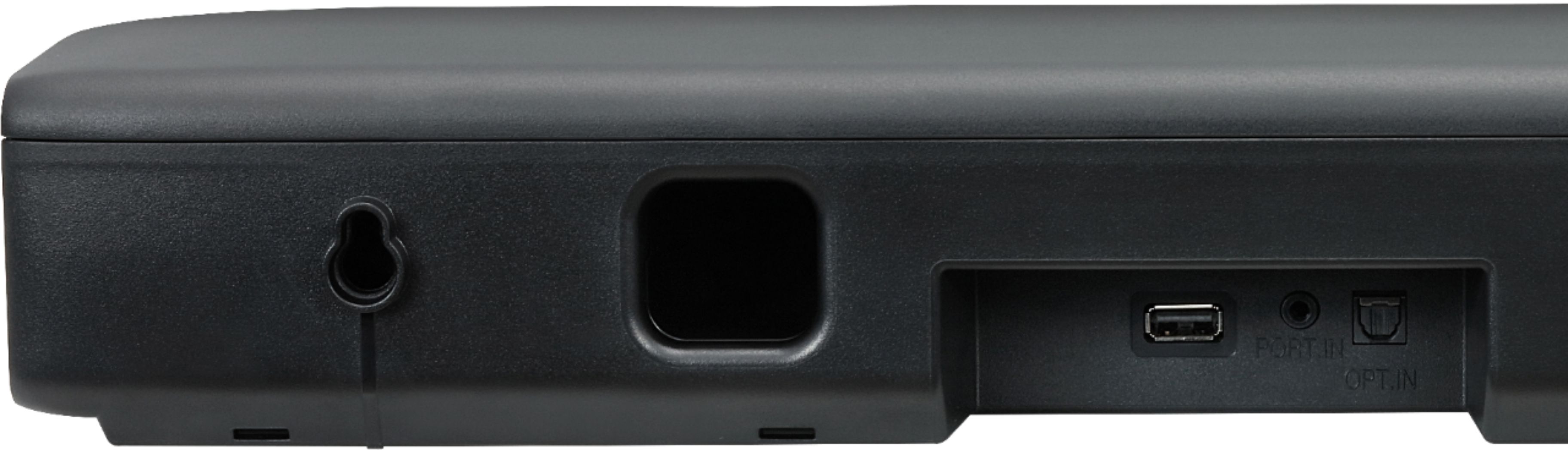
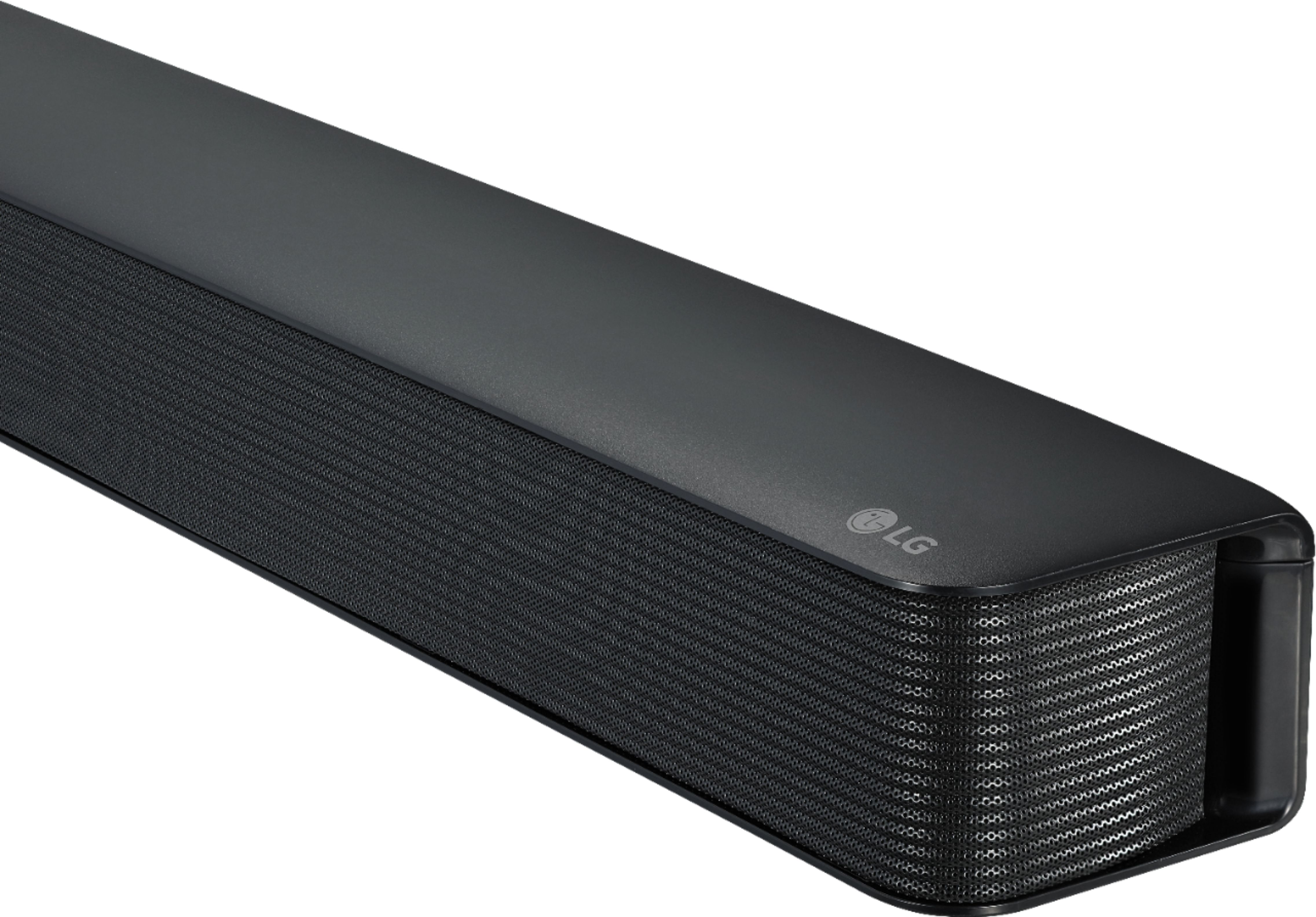
A:AnswerHi Zach. Regrettably, neither the specifications for the LG SK1 2.0 Channel Compact Sound Bar with Bluetooth® Connectivity, nor the owner's manual give a measurement for how far apart the wall mounting holes are in the back of the Soundbar. The owner's manual instructs to mark the hole position from the Soundbar. You can contact our Support Center (800) 243-0000 to ask if they have CAD Drawings that might show the measurement...^IFV
A:AnswerThis unit has Auto power down. This unit will turn itself off to save electric consumption if the main unit is not connected to an external device and has not been used for 15 minutes. ^Daphane
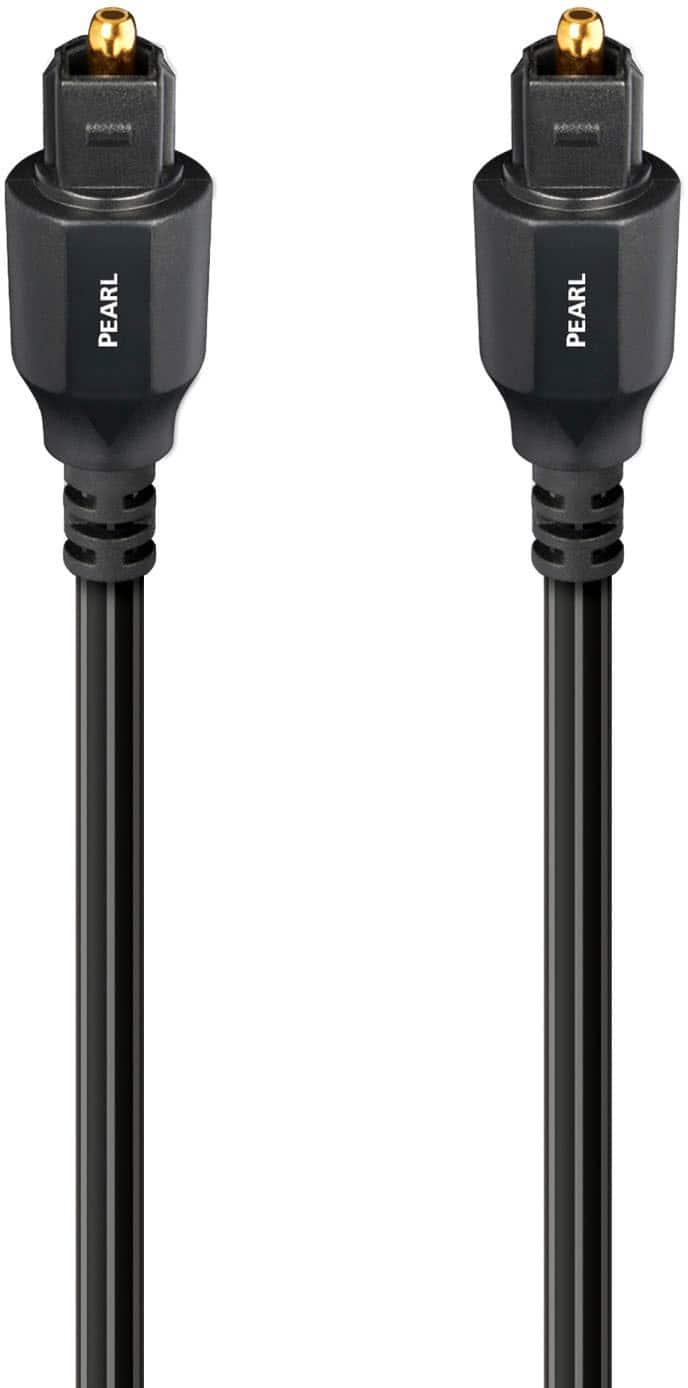
A:AnswerHi DennisH. The LG SK1 2.0 Channel Compact Sound Bar with Bluetooth® Connectivity, Model # SK1 can be connected to a TV in one of two ways. The first is via its Optical Digital Audio Input which can be connected to ant TV, regardless of brand or manufacture that features an Optical Digital Audio Output. This is a port that is featured on just about every TV except for some entry-level TVs that are designed specifically for people who are not looking to augment the TV's sound with a Soundbar, external receiver or Home Theater System. The second way this Soundbar can be connected to a TV is to pair it via Bluetooth with a Bluetooth enabled TV so you can stream audio wirelessly via Bluetooth from the TV to the Soundbar. On some TVs, you can only pair a Soundbar via Bluetooth with a TV that the TV's manufacturer has tested for compatibility. You can contact Vizio to ask if any Soundbar can be paired with the Vizio TV you have or if it will only pair with Soundbars that have been tested for compatibility with their TVs. If you cannot pair it with the TV via Bluetooth, you can always connect it via the Optical Digital Audio ports...^IFV
A:AnswerHi Diane. Even though the LG SK1 2.0 Channel Compact Sound Bar with Bluetooth® Connectivity can be paired with most televisions, there are no guarantees that it will work with all brands or manufactures of TV. Some TVs will only pair with Soundbars that have been tested for compatibility with the TV. You will need to contact TCL if they have a listing of Soundbars that have been tested for comptibility with their TVs. Check to see if that is mentioned in your owner's manual for the TV...^IFV
A:AnswerPlease reach out to our support team via private message on Facebook @LGUSSupport or call at 800-243-0000. Please be sure to provide your contact information, model/serial numbers and date of purchase. ^Daphane
A:AnswerThe LG 2.0-Channel Soundbar with 40-Watt Digital Amplifier - Black, Model # SK1 does not have any audio ports for connecting a wired Subwoofer to it...^IFV
A:AnswerThe LG SK1 2.0 Channel Compact Sound Bar with Bluetooth® Connectivity can be paired with the TV via Bluetooth or you connect its Optical Digital Audio Input to the TV's Optical Digital Audio Output. Pressing the DRC ON button on the remote control for about 2 seconds will allow you to set the TV remote to control the Volume and Mute functions on the Soundbar (also works for TV remotes from Panasonic, Philips, Samsung, Sharp, Sony, Toshiba, and Vizio). You will need to contact Brighthouse Customer Support about which remote they provided you with their service. If it is a programmable or learning remote or a universal remote, you might be able to control some functions on the Soundbar but that will depend on what remote control they provided you with. They will also be able to let you know what functions it will control on the Soundbar if it is capable of that. ^CP

A:AnswerLet's see if we can get that taken care of for you. Send us a message on Twitter at @LGUSSupport or on Facebook https://www.facebook.com/LGUSA/ so we can get more info and see what we can do. ^CP
A:AnswerThe LG SK1 2.0 Channel Compact Sound Bar with Bluetooth® Connectivity does not have does not have any provision for attaching a wall mount directly onto the unit. You would need to use a Wall Mount Shelf to mount it under a TV on your wall...^IFV
A:AnswerPlease contact LG Customer Support by direct message via Twitter (@LGUSSupport) or Facebook Messenger (https://www.facebook.com/LGUSA/). Please be sure to provide your name, phone number, address, email, model/serial numbers, and date of purchase and we will be happy to assist you. ^Daphane
A:AnswerInformation regarding using the remote control can be found on page 7 of the Owner's Manual which can be downloaded here: https://www.lg.com/us/support/product/lg-SK1.AUSALLK ^CP