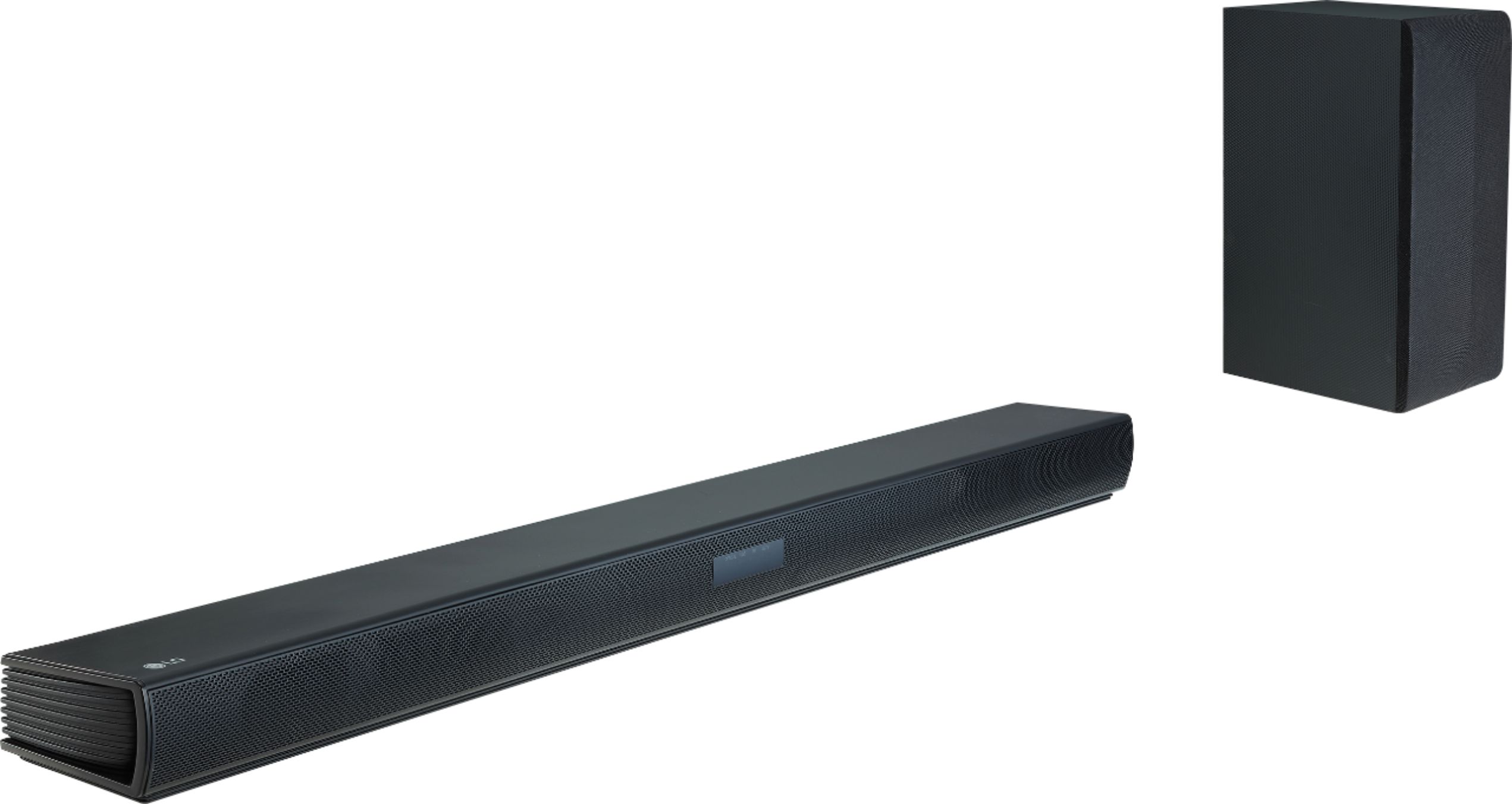
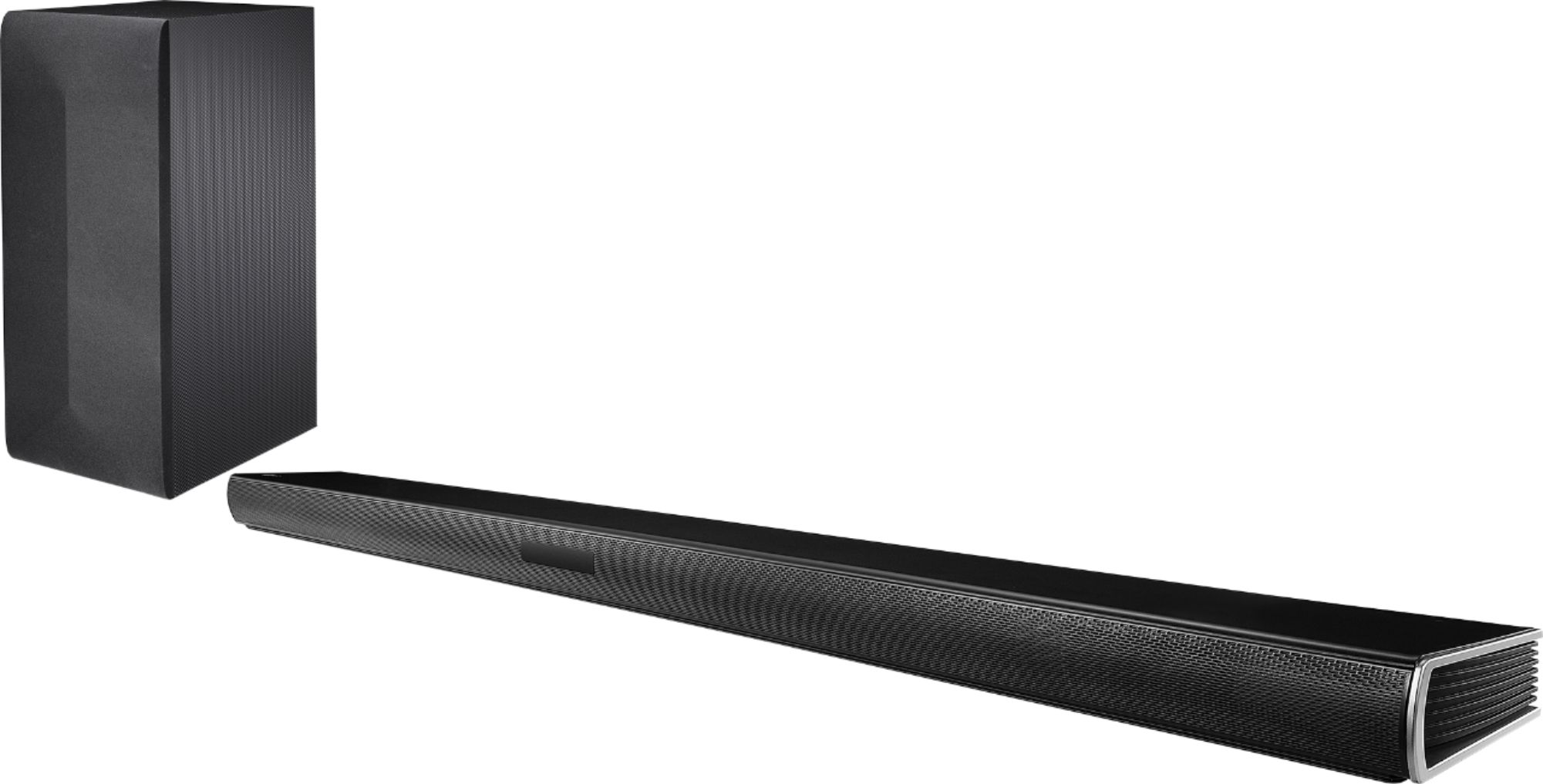
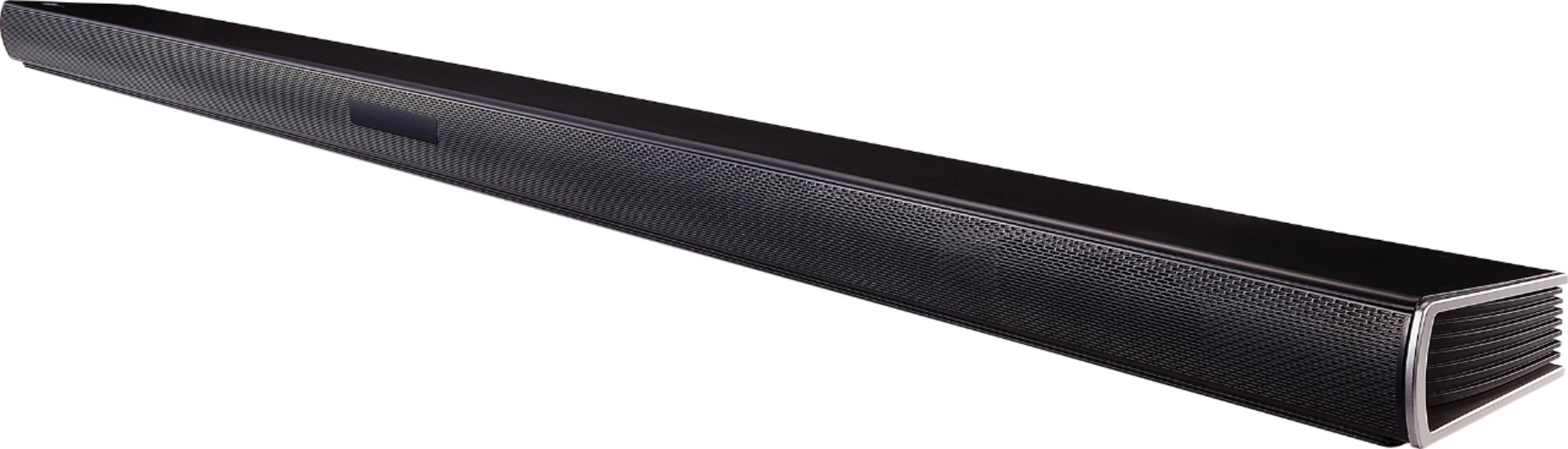
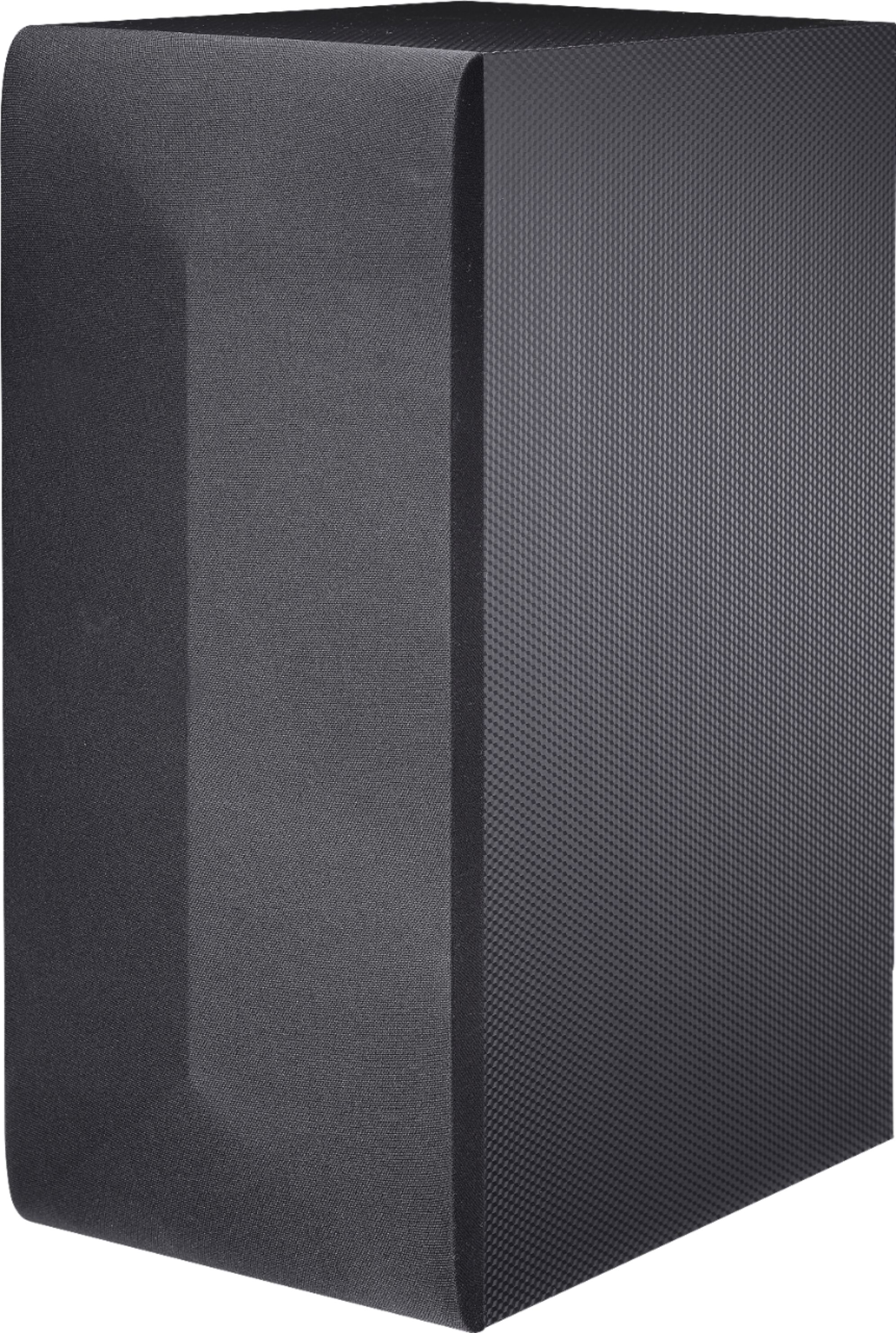
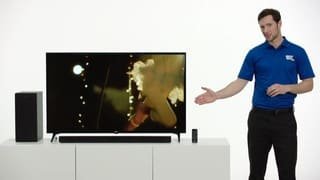
A:AnswerHi DGDC. We regret to read about the issues that you are experiencing with your LG SK4D 2.1 Channel 300W Sound Bar with Wireless Subwoofer and Bluetooth® Connectivity and sincerely apologize for any inconvenience. This sounds like an issue that will require some troubleshooting and more detail on if this happens while you're streaming from the built-in apps on your TV or from some other source like a cable Set-Top box or external device connected to the TV. Please contact our Support Center at (800) 243-0000 for assistance troubleshooting the issue...^IFV
A:AnswerBased on the issues you are describing, it sounds like you may need a technician to check it out. This may be done through our website: http://www.lg.com/us/support/repair-service/schedule-repair-us ^CP
A:AnswerYou cannot pair another wireless LG Subwoofer with the LG SK4D 2.1 Channel 300W Sound Bar with Wireless Subwoofer and Bluetooth® Connectivity...^IFV
A:AnswerThe LG SK4D 2.1 Channel 300W Sound Bar with Wireless Subwoofer and Bluetooth® Connectivity is not a WiSA Certified speaker so the TV that you connect it to does not have to be WiSA Ready...^IFV
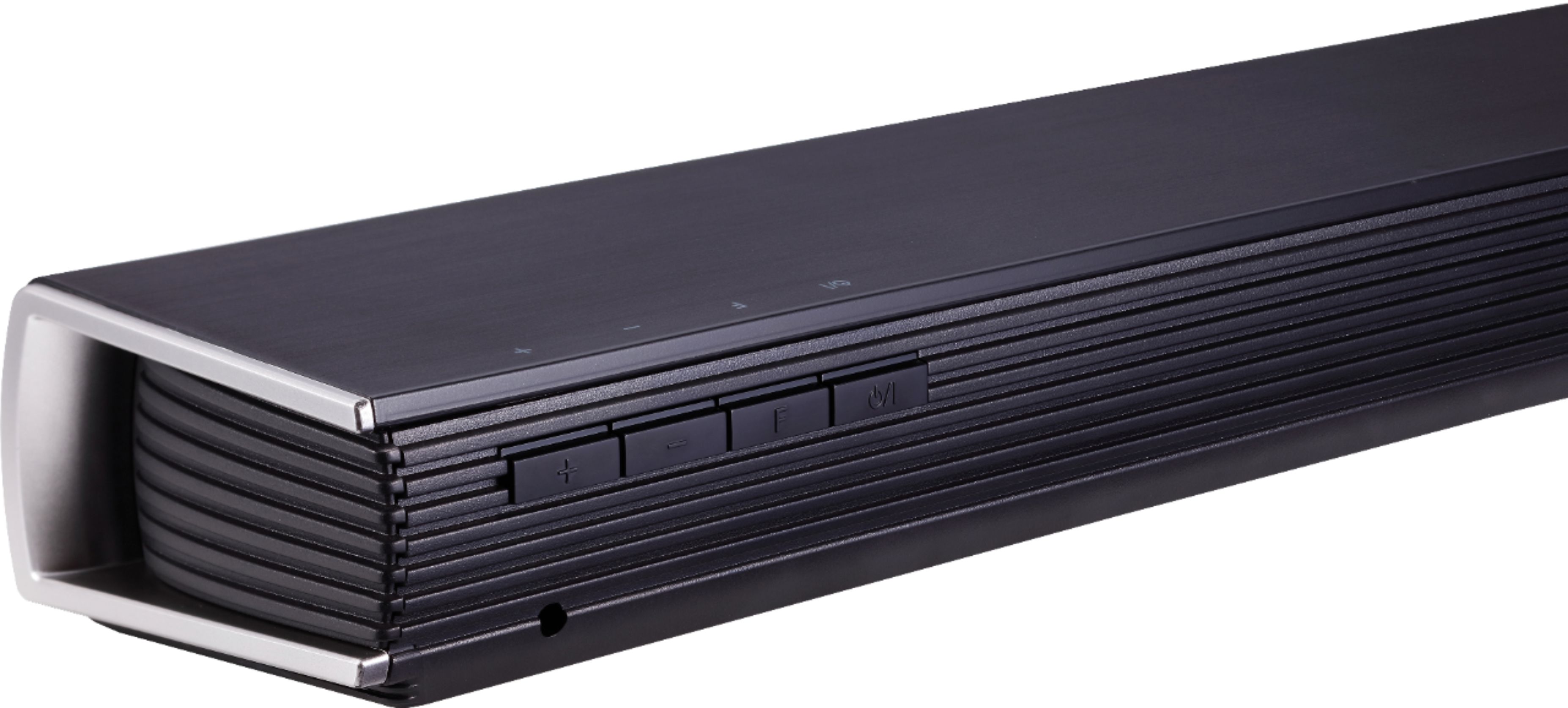
A:AnswerThe ASC button on the remote analyzes the property of input sound and provides the sound optimized for the content in real time. The BASS BLAST button reinforces the bass and powerful sound. CINEMA selects cinematic surround sound. The remote control also has a button for Night Mode as well as buttons for the subwoofer.
When your connection is not completed, you can check red LED on the wireless subwoofer and the wireless subwoofer does not make sound. To solve the problem, follow the steps below.
1. Press PAIRING on the rear of the wireless subwoofer.
- The yellow green LED on the front of the wireless subwoofer blinks quickly. (If the yellow green LED does not blink, press and hold the PAIRING.)
2. Turn on the sound bar
3. Pairing is completed. - The yellow green LED on the front of the wireless subwoofer turns on.
If you need further assistance, you can contact our Customer Support by any of the below options:
Phone: 1-800-243-0000
LiveChat: https://www.lg.com/us/support/chatbot
Email: https://www.lg.com/us/support/email-appointment
Facebook Messenger: https://www.facebook.com/LGUSA/
Twitter: @LGUSSupport
The LG Community Forum is also a great resource for getting help from other LG customers: https://lgcommunity.us.com/
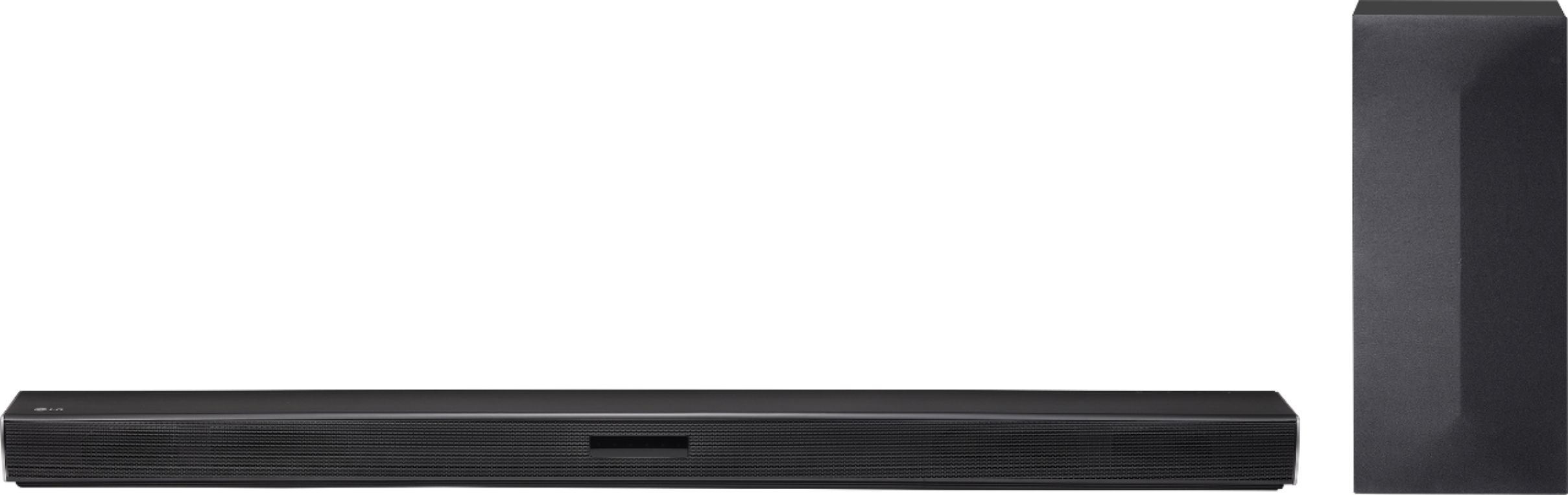
A:AnswerYou have the OPTICAL output,
A digital optical cable transmits digital signals as on/off pulses of red light that go between the components. The light itself is a basic LED light.
*Set up your TV sound output as optical
* Settings
*Sound output
*Optical or TV speaker + optical (preferred) if you choose to+optical you may have to sync audio to play equally. Settings will be available.
*Turn on sound bar
*Select optical output on sound bar
*Test it.
Hope this was of any help
A:AnswerI don't see why not. If it's connected to your optical line then you'd choose optical as your audio source. I literally plugged mine in to my LG tv, turned it on, chose optical source, and bam I was in business!
A:AnswerHi Casey. Please pardon us, but we are not clear with what you mean that the LG SK4D 2.1 Channel 300W Sound Bar with Wireless Subwoofer and Bluetooth® Connectivity, Model # SK4D "immediately backs off" when it turns on and will need some clarification. Is the Soundbar not pairing with the device that you are trying to pair it with or is the Soundbar not pairing with the Subwoofer? If the issue is between the Soundbar and the unit that you are trying to pair it with, try bringing the units closer & see if that resolves the issue. There might be another device or a object that is interfering with the connection. Check to make sure that the device that you are trying to pair the Soundbar with is not paired with another Bluetooth device if that device does not support Multi-pairing. If you need further assistance, please contact our Support Center at (800) 243-0000...^IFV
A:AnswerRegrettably, the specifications for the LG SK4D 2.1 Channel 300W Sound Bar with Wireless Subwoofer and Bluetooth® Connectivity do not list a size for the Subwoofer, but given the dimensions for its enclosure, it is more likely to be a 6" Subwoofer. ^CP