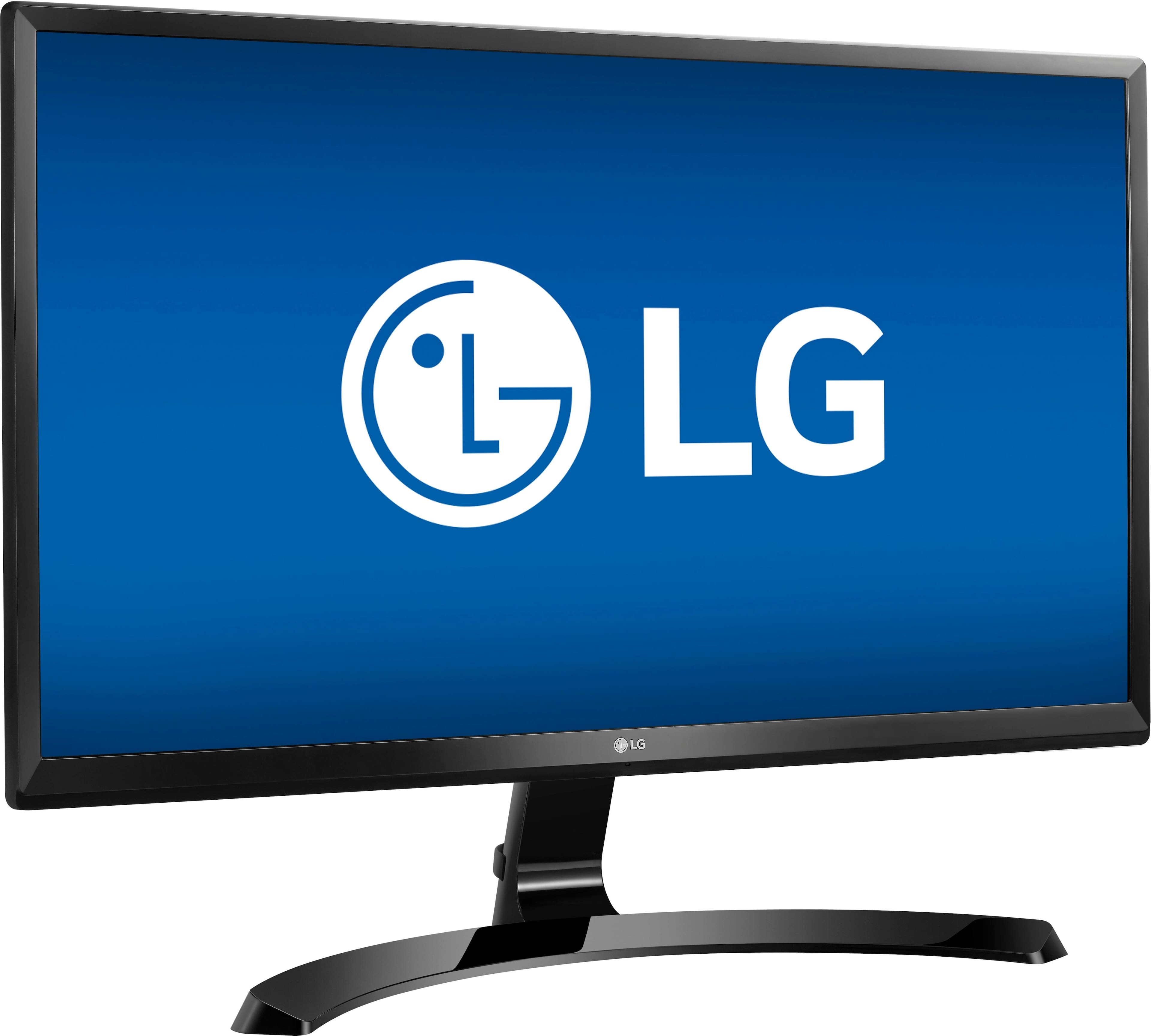
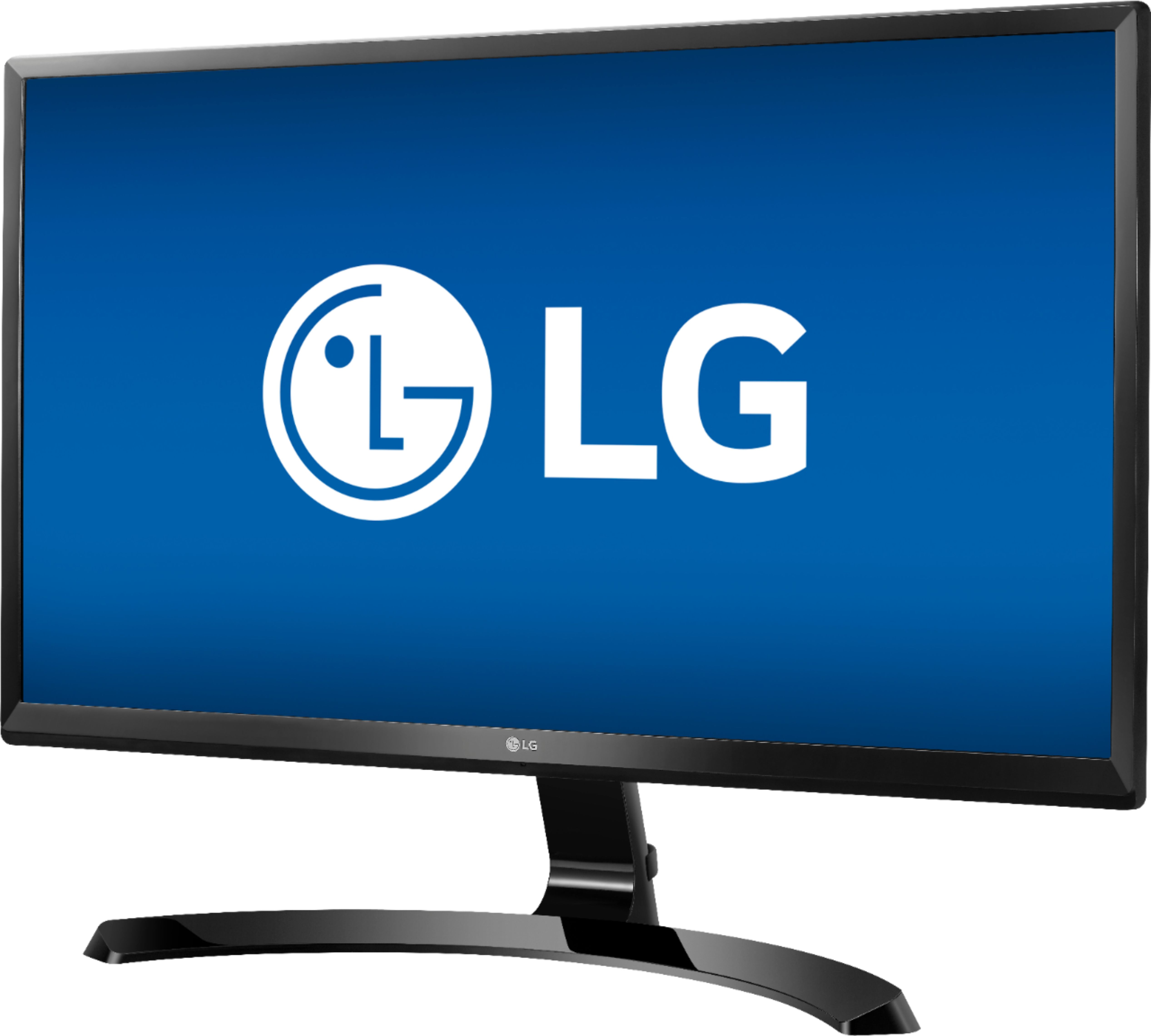
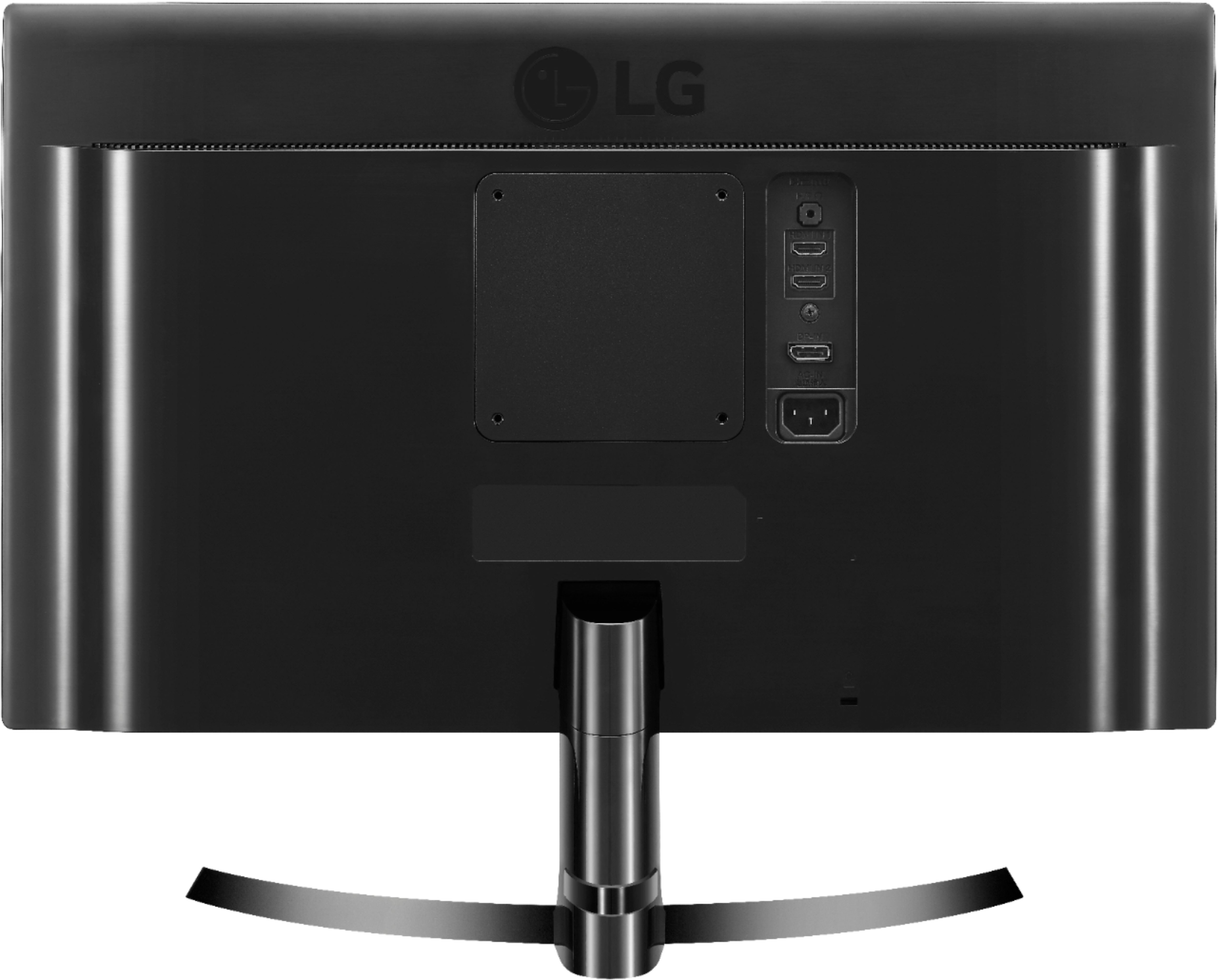
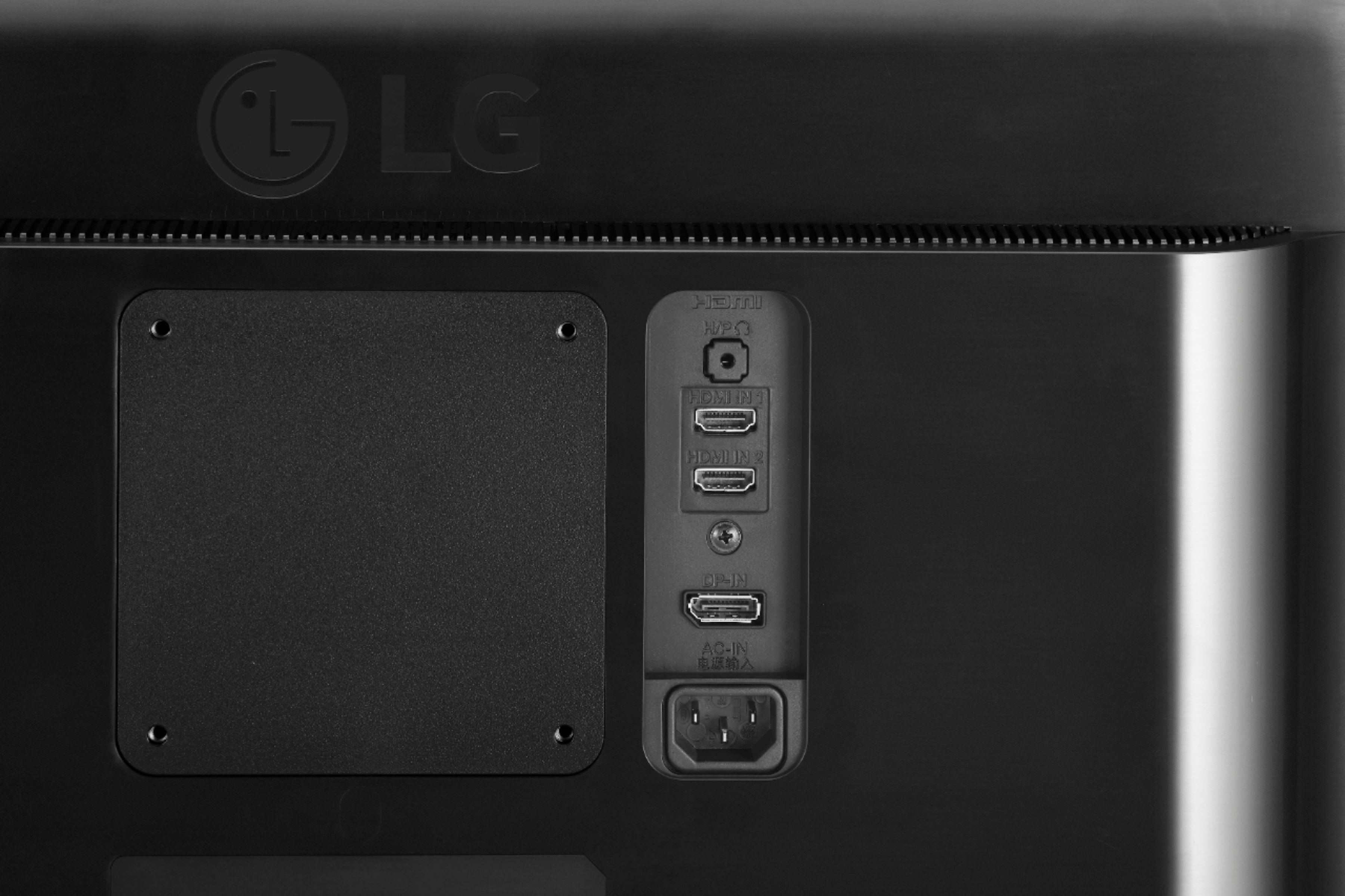
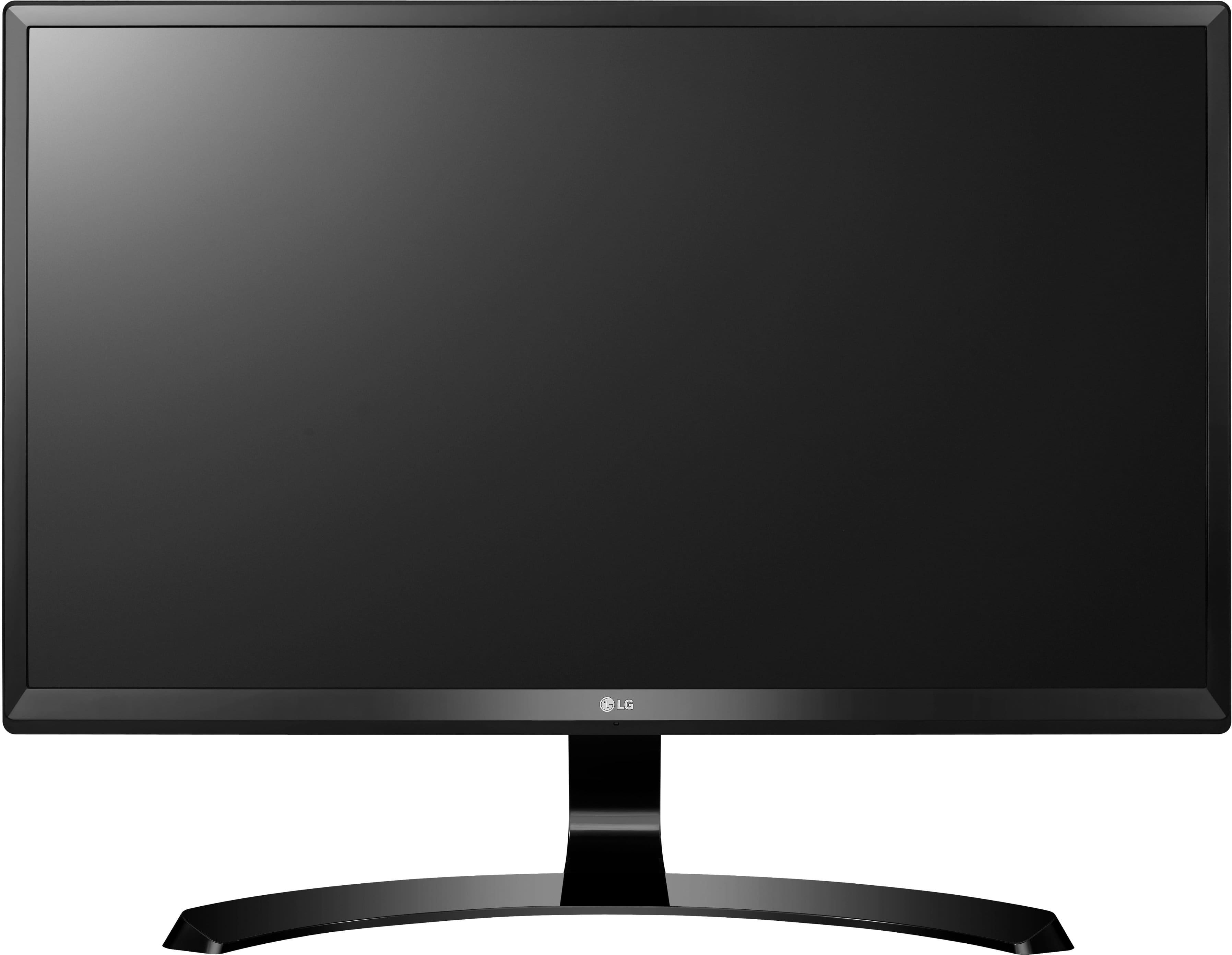
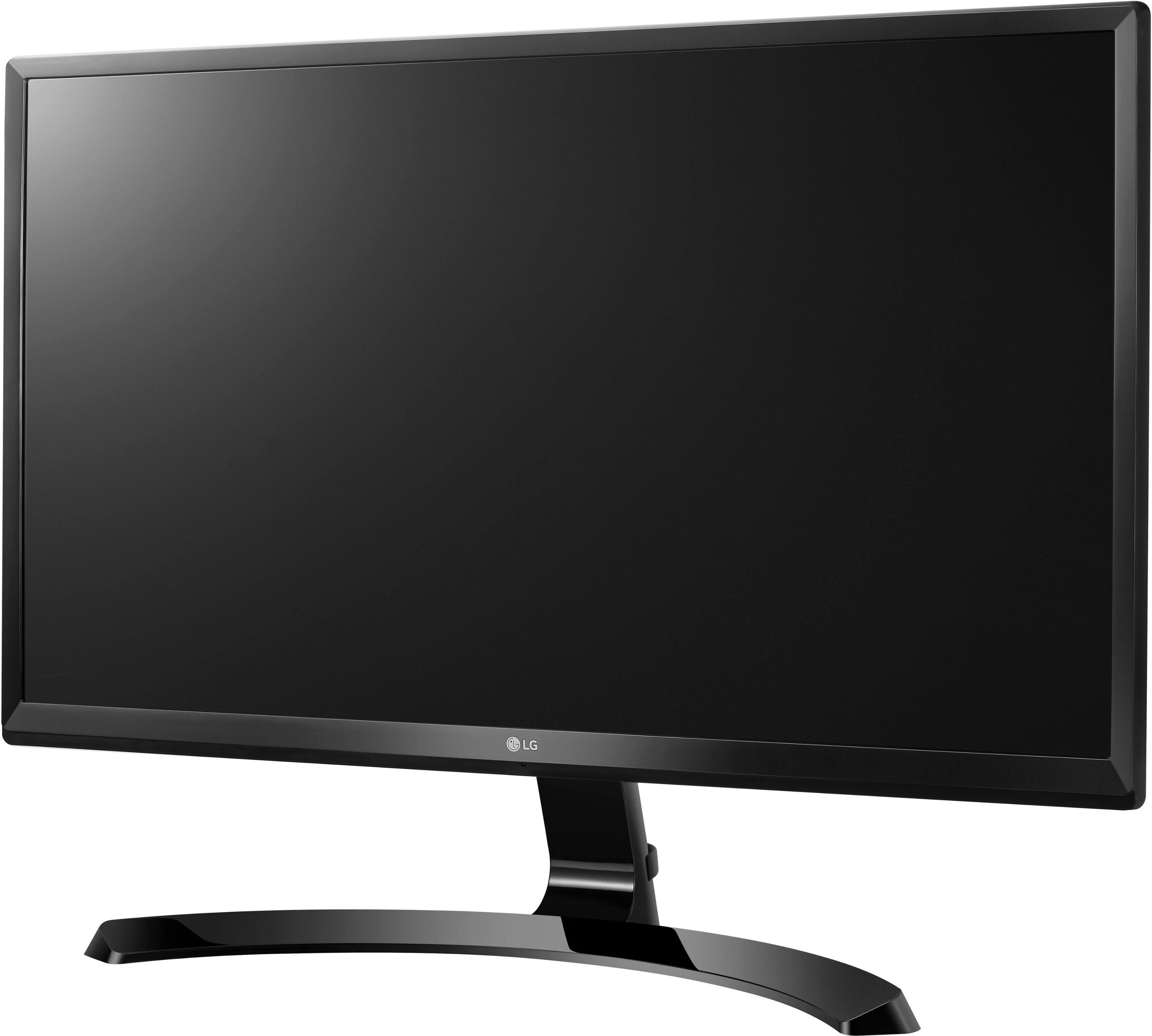
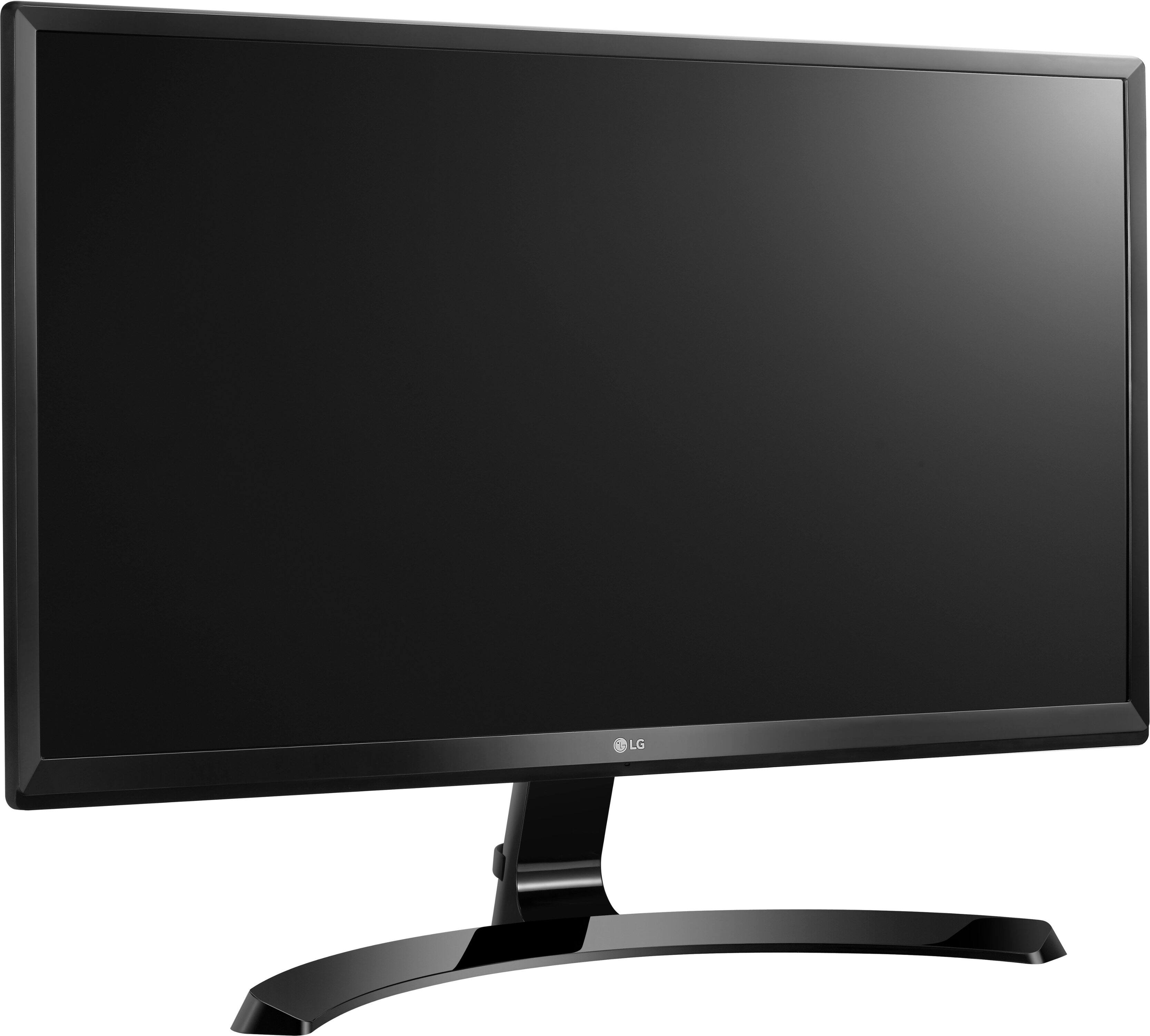
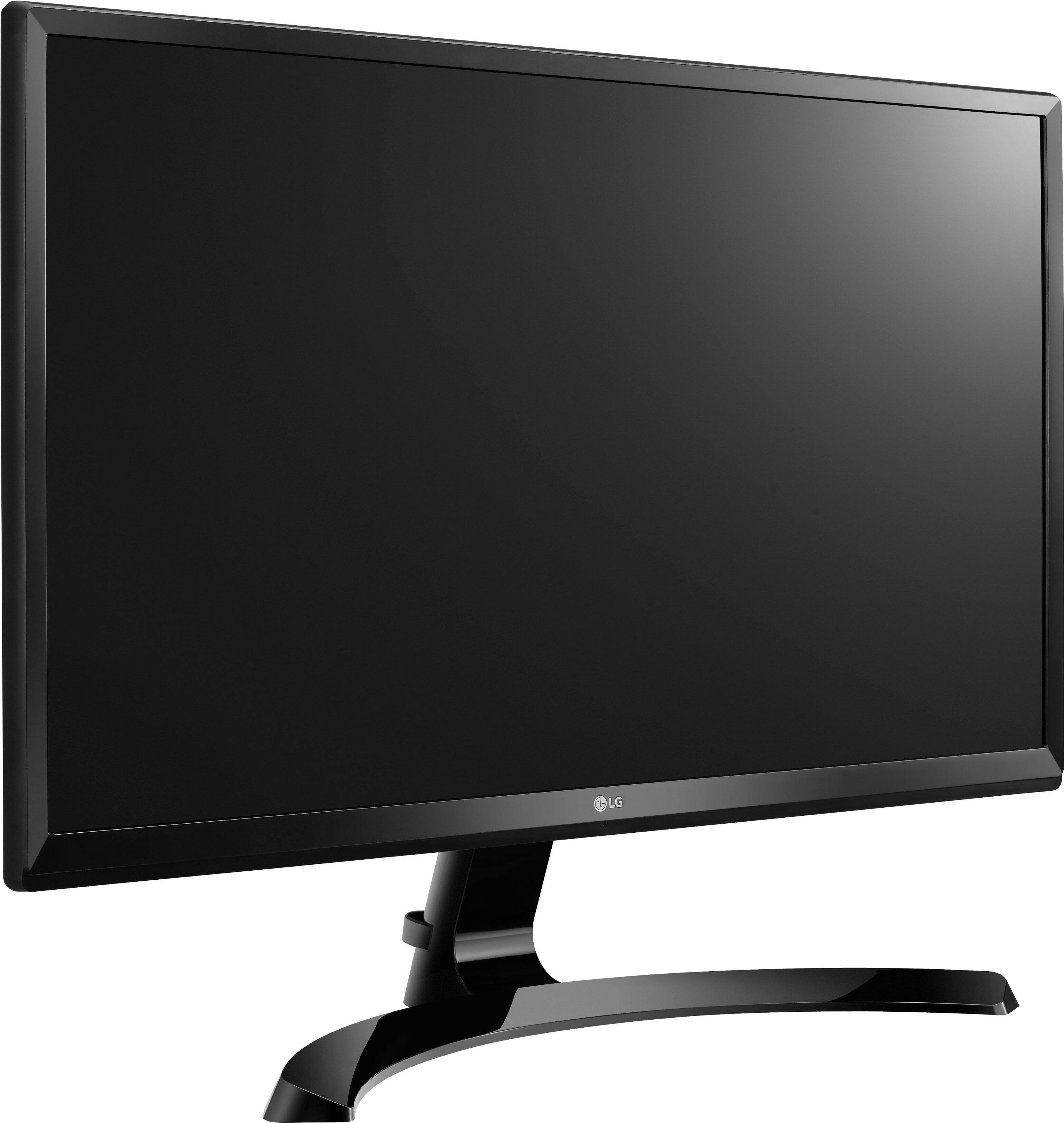
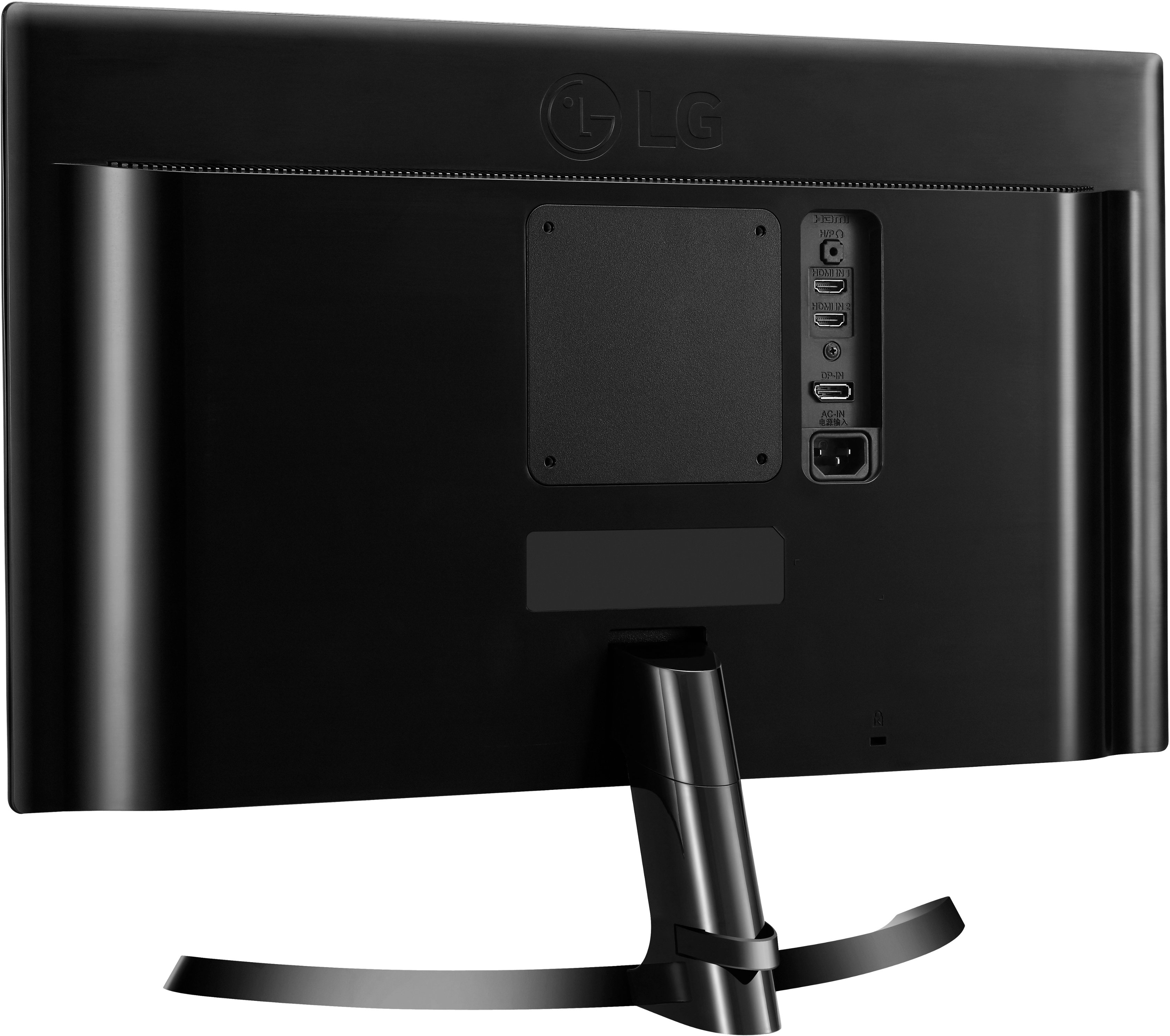
A:AnswerThis monitor has a HDMI input to connect to external devices. We would recommend reaching out to the security system manufacturing regarding monitor requirements to be compatible with their system. If you need further assistance with our monitors, give our computer specialists a call at 800-243-0000. ^CP
A:AnswerIt will be good, but not by any means the best. What level of detail are you looking for? Are you going to be editing 4k footage on the screen, or you just need it to display a constant feed? If you're going to be doing any editing, you'll likely want to get something with HDR.. what was once considered to be a high end feature, is now becoming standard, as we push towards 2020.
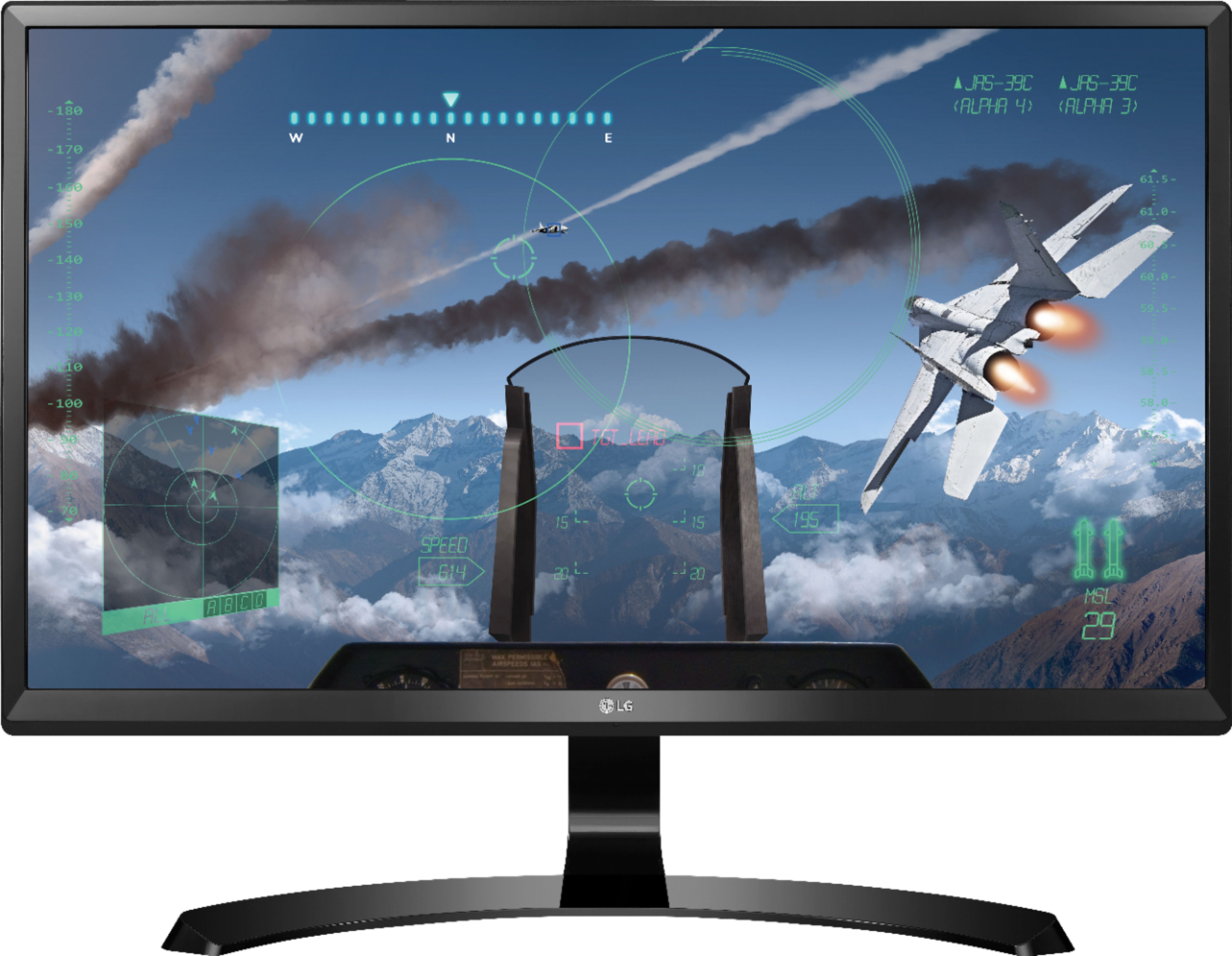
A:AnswerHI Cara. You're absolutely correct that a contrast ratio of 100:1 is 'horrific'. Fortunately, the listed 100:1 Contrast Ration for this LG 24" Class 4K UHD IPS LED Monitor (24" Diagonal), Model # 24UD58-B is incorrect. It is listed as 'mega contrast ratio' on the company site which should read as 1,000,000:1 (as in Mega Millions when you play lotto)...^IFV
A:AnswerThe LG - 24" IPS LED 4K UHD FreeSync Monitor - Black model 24UD58-B has a 5ms response time. FreeSync technology synchronizes the refresh rate between the GPU and display to eliminate image tears and choppiness. If you have additional questions regarding our monitors, please give our computer specialists a call at 800-243-0000. ^CP
A:AnswerThe freesync technology used in this monitor synchronizes the refresh rate between the GPU and display to eliminate image tears and choppiness. ^CP
A:AnswerIf the output of the USB-C adapter you are using provides full 4k HD, this monitor will display it. I am not certain whether the 2880x1800 output on the 2018 MacBook Pro is a limitation of the monitor in the laptop or of the video hardware on the logic board. In the end, that will probably determine the maximum resolution displayed by this monitor.