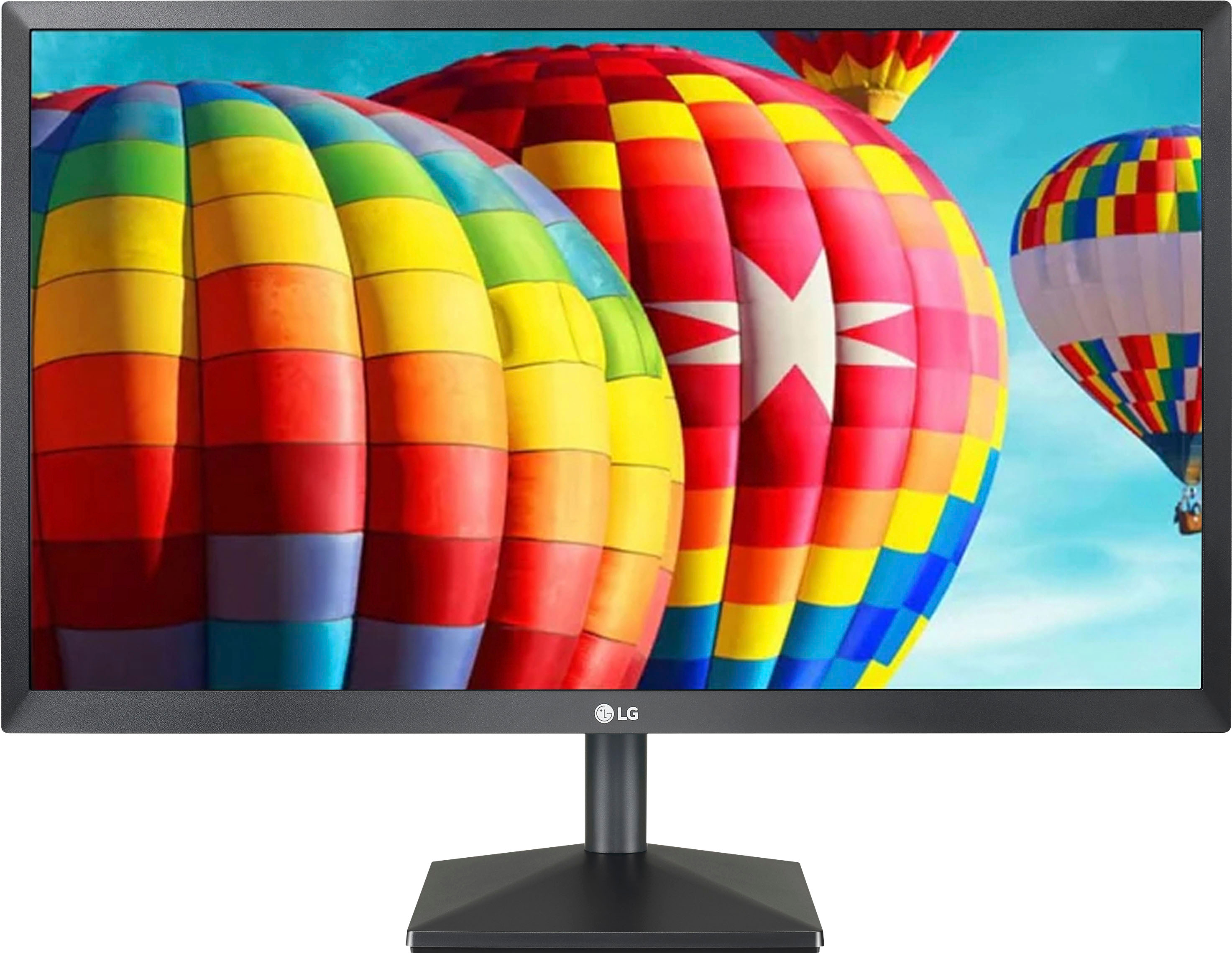
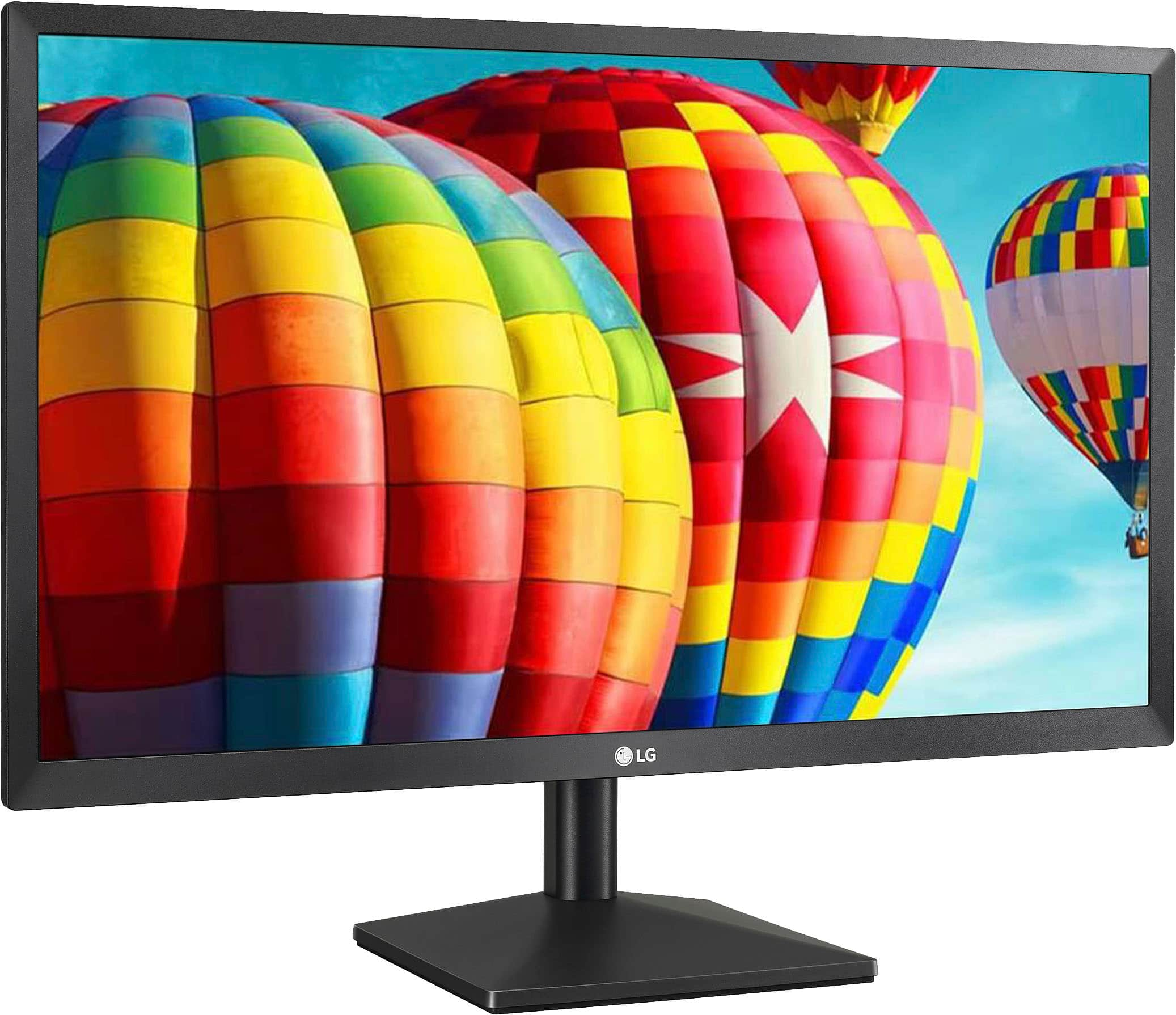
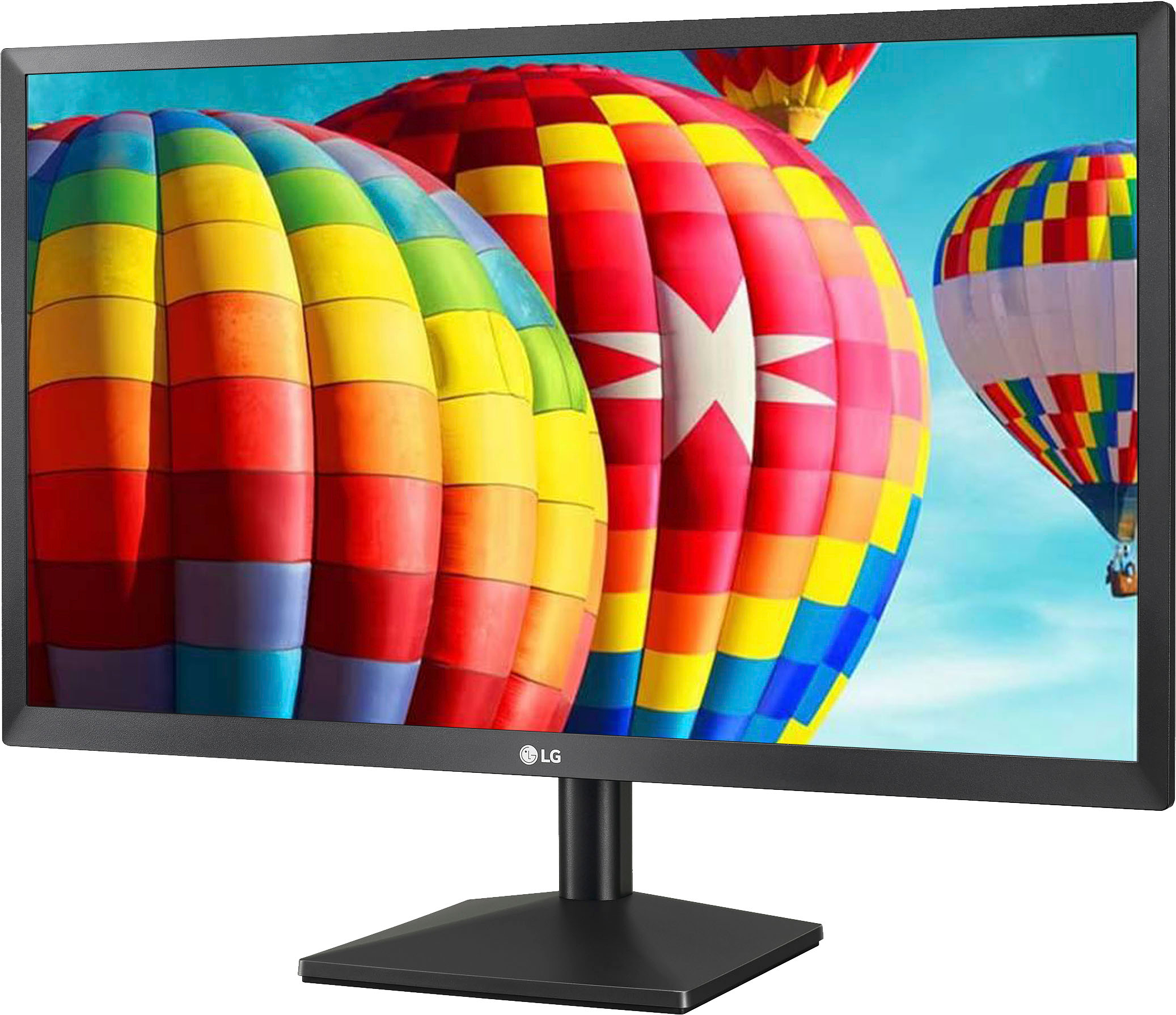
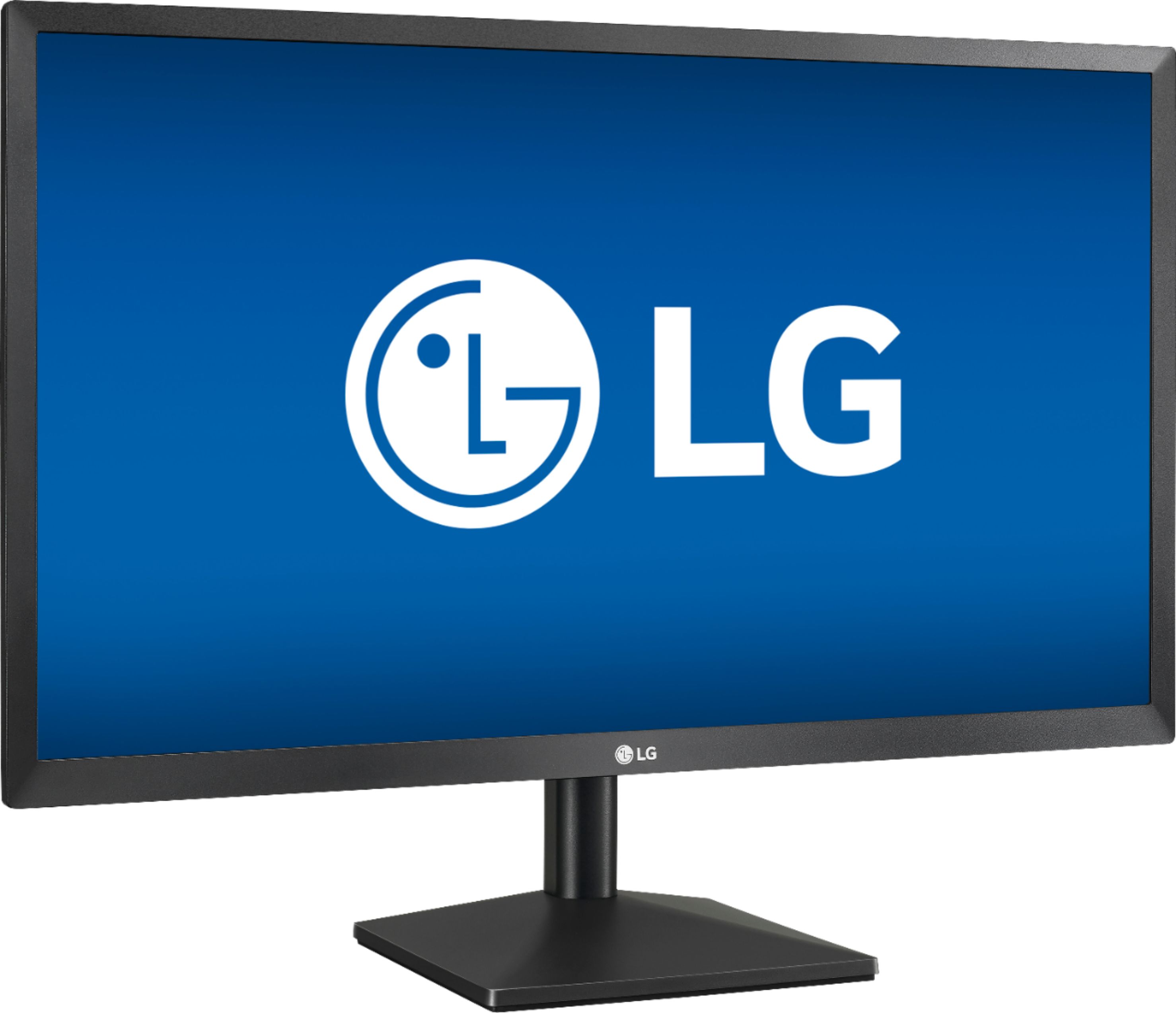
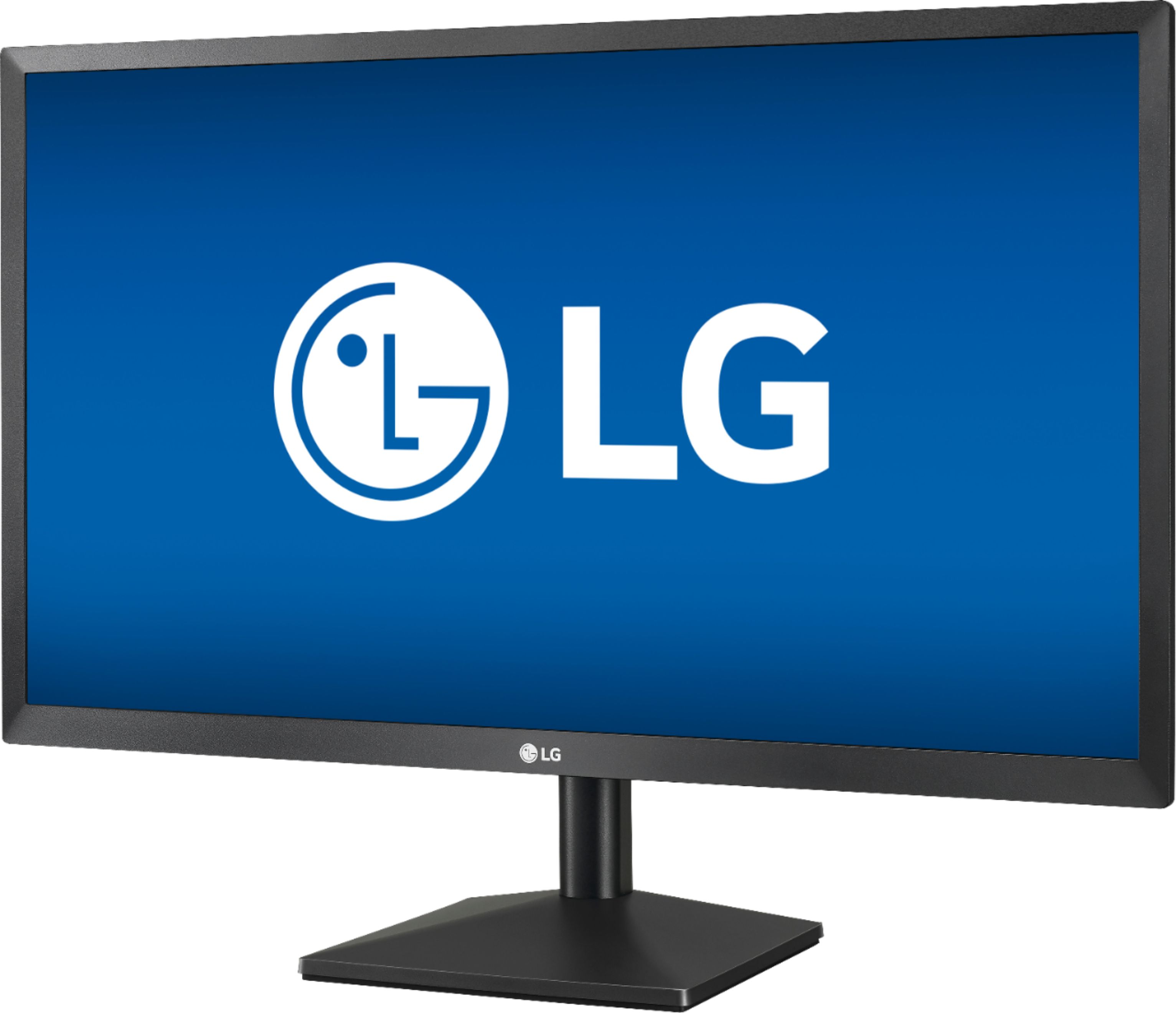
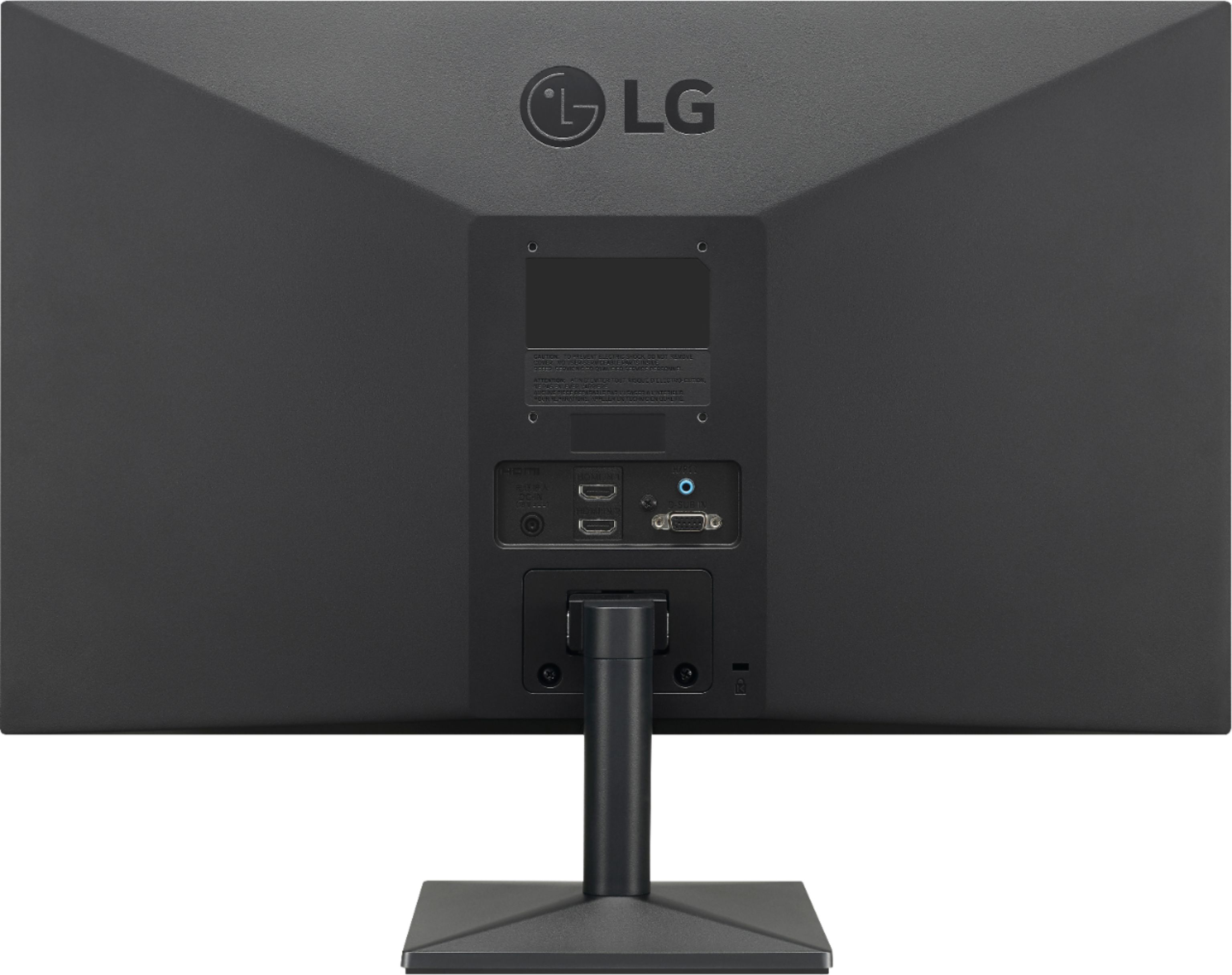
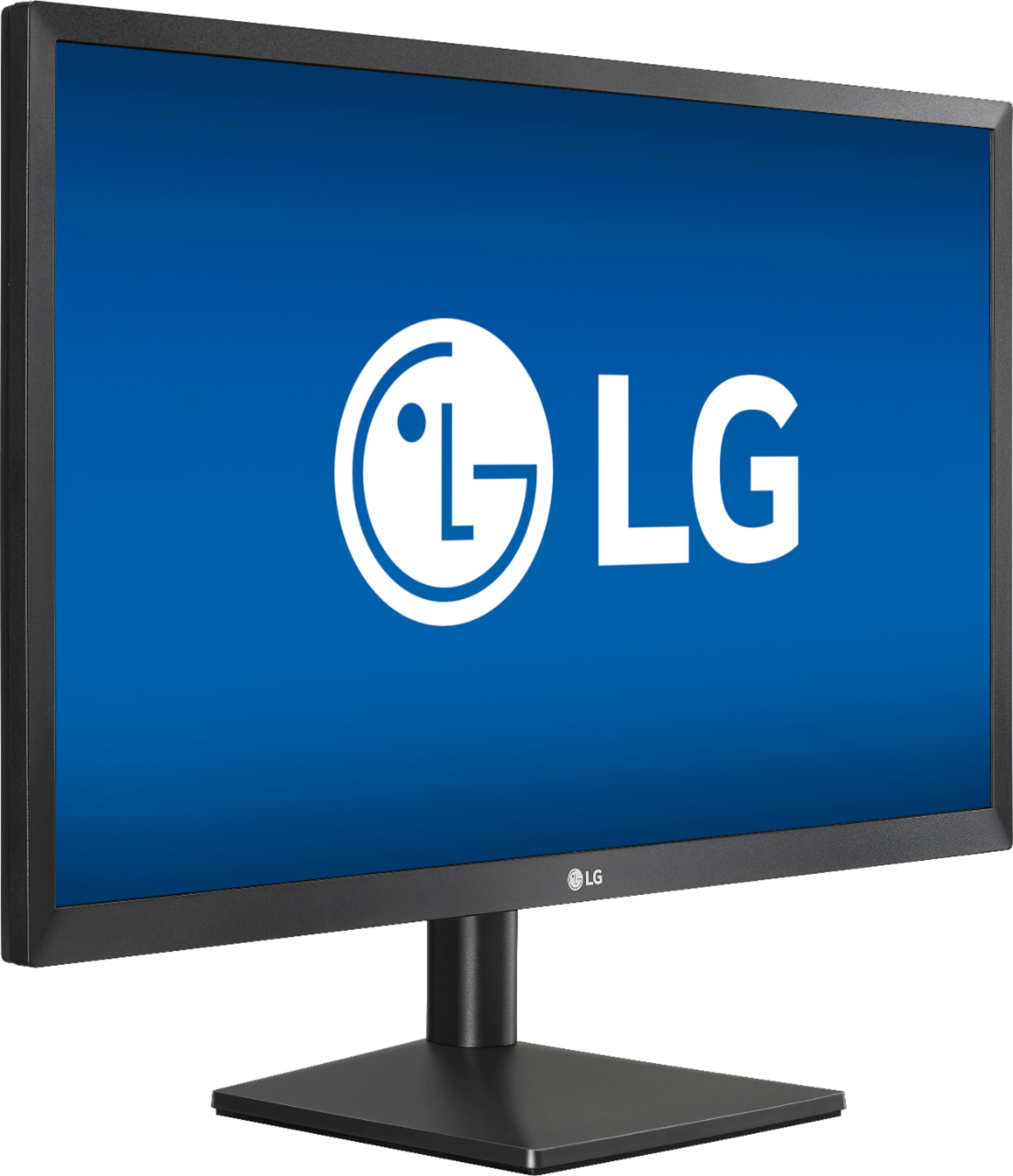
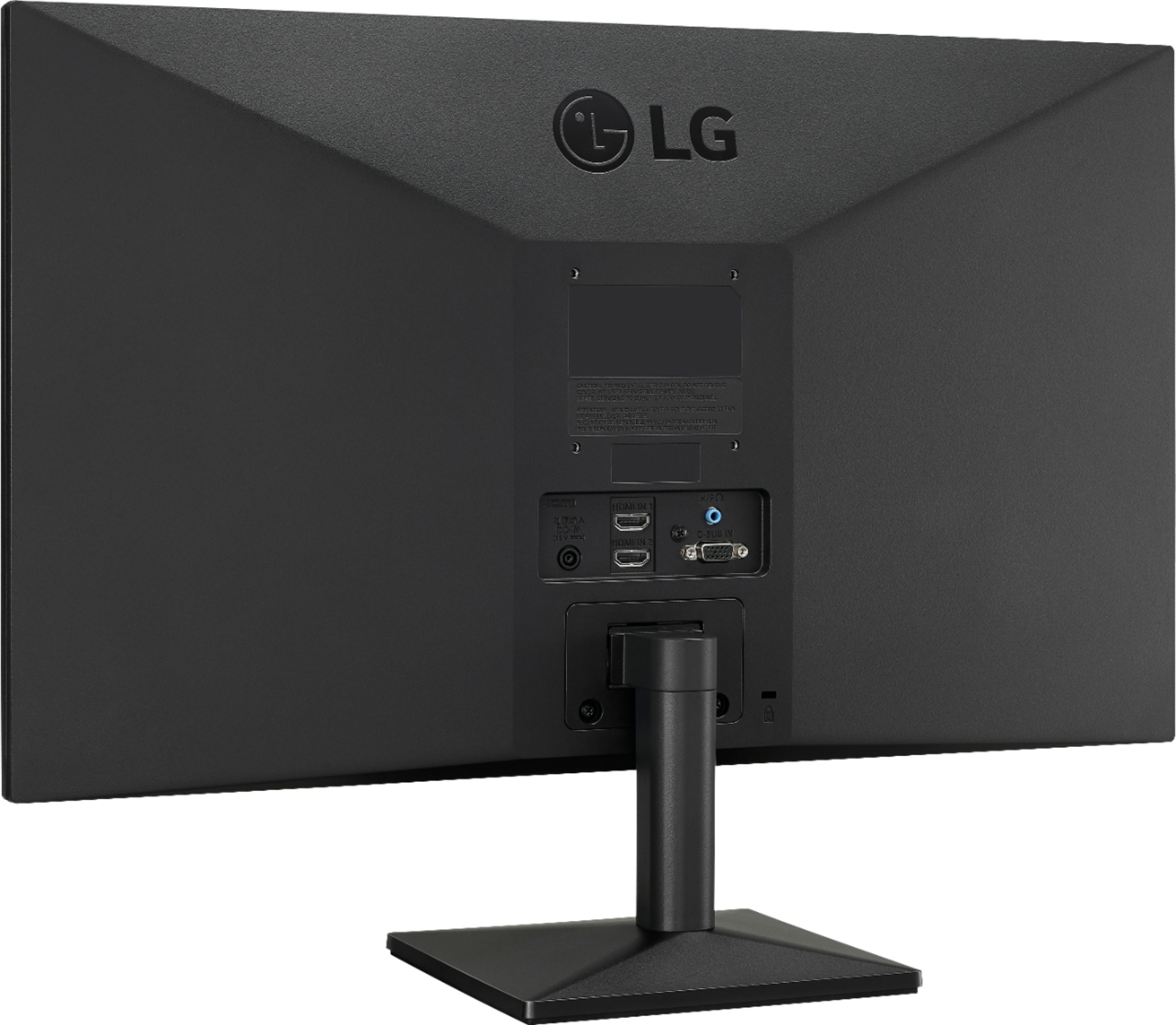
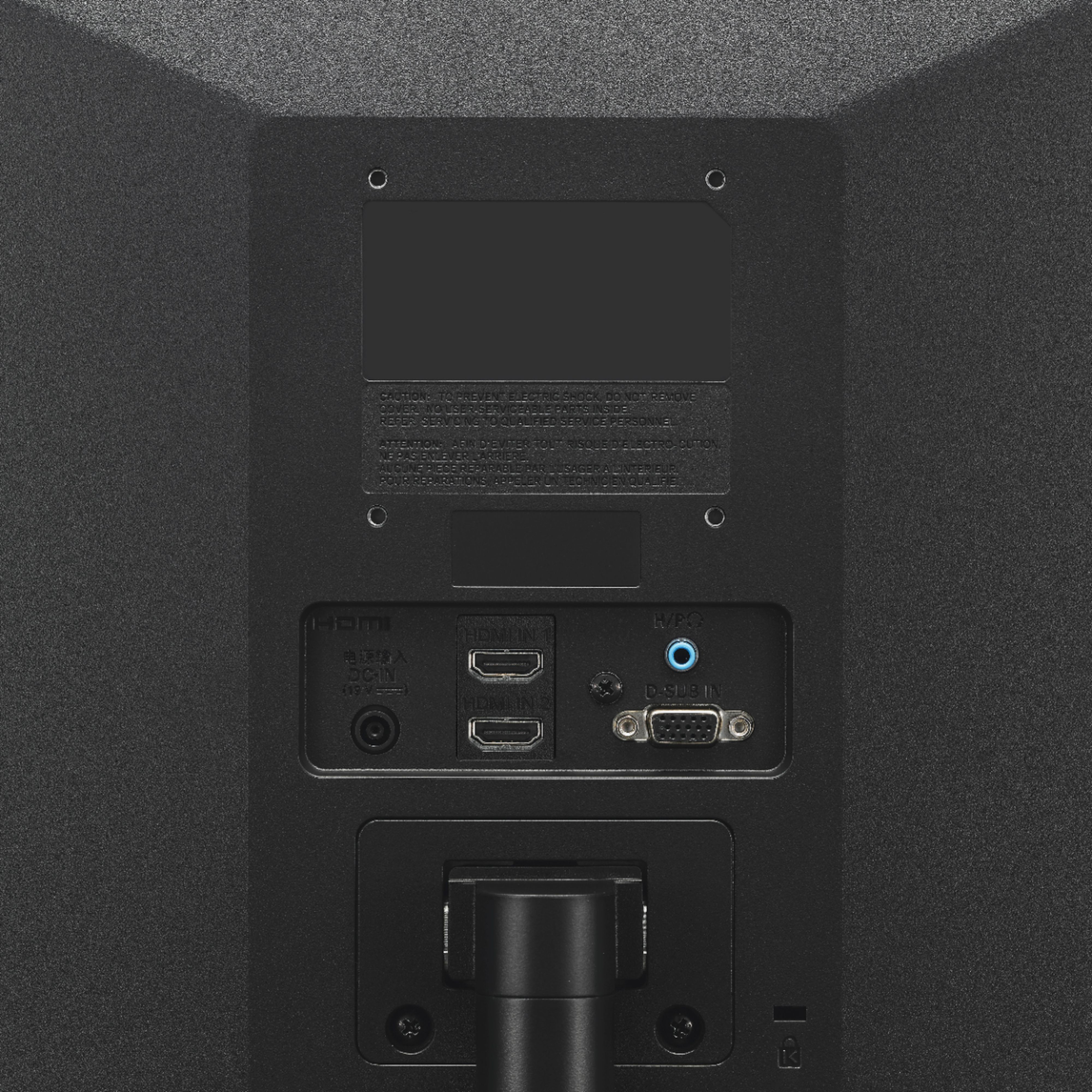
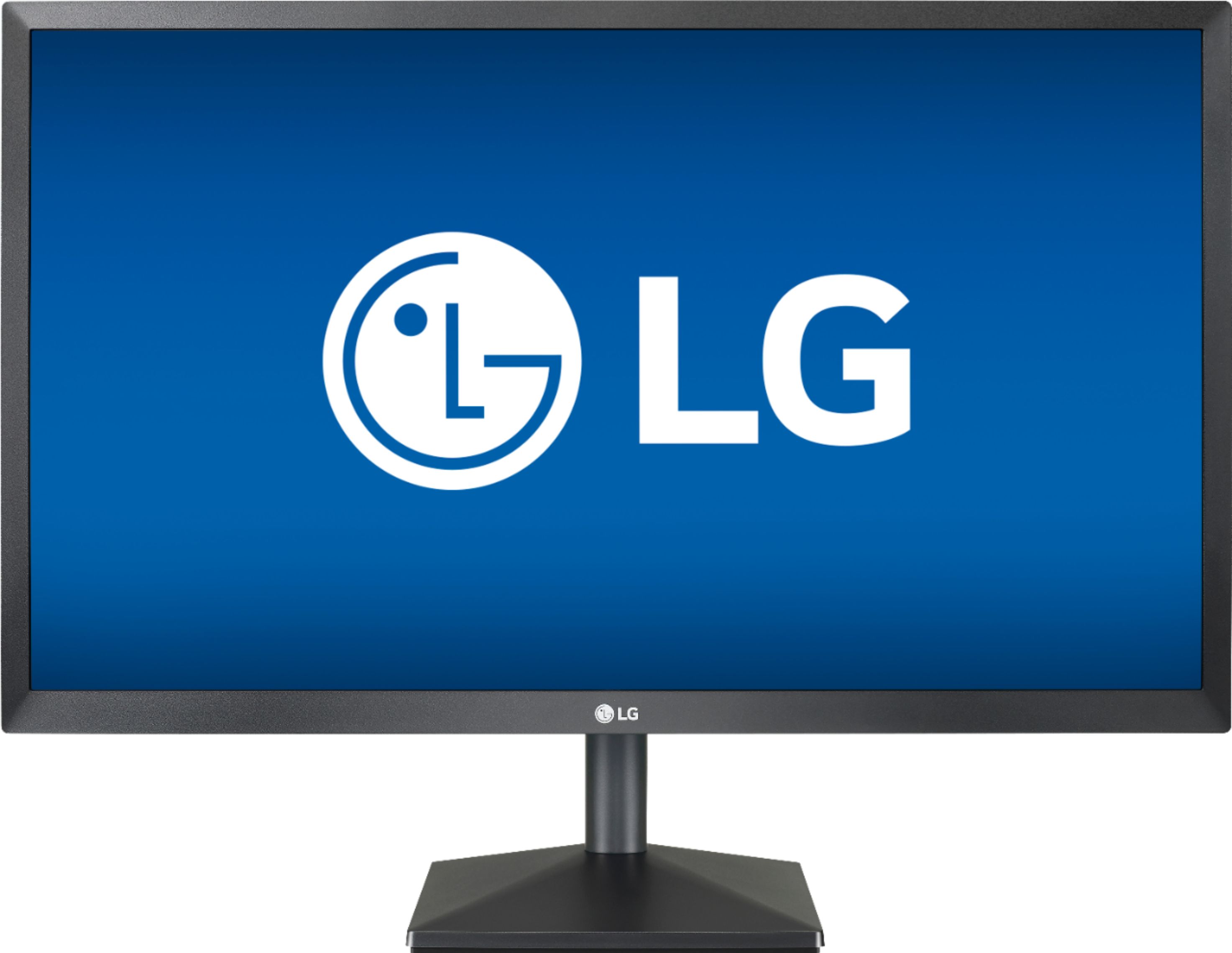
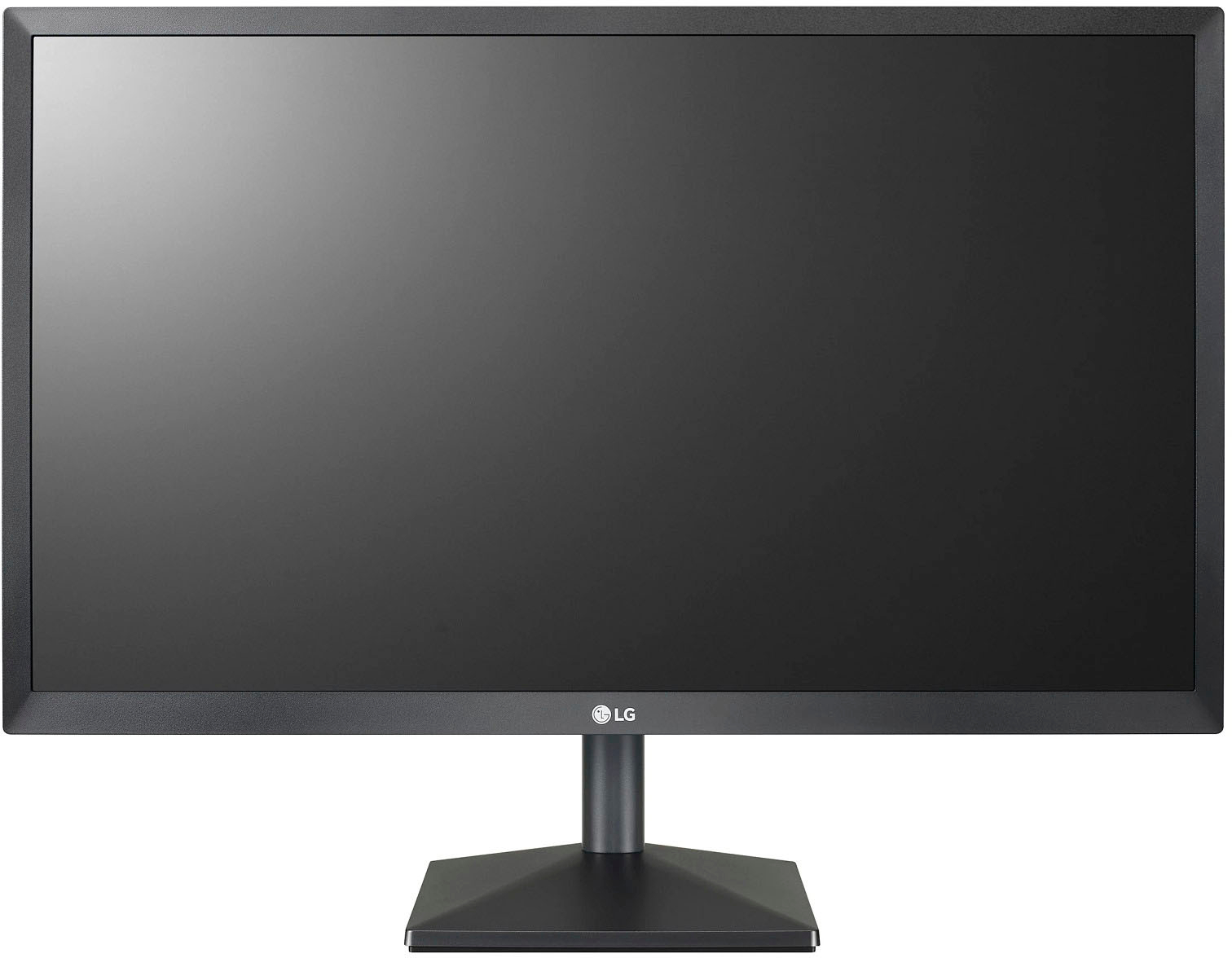
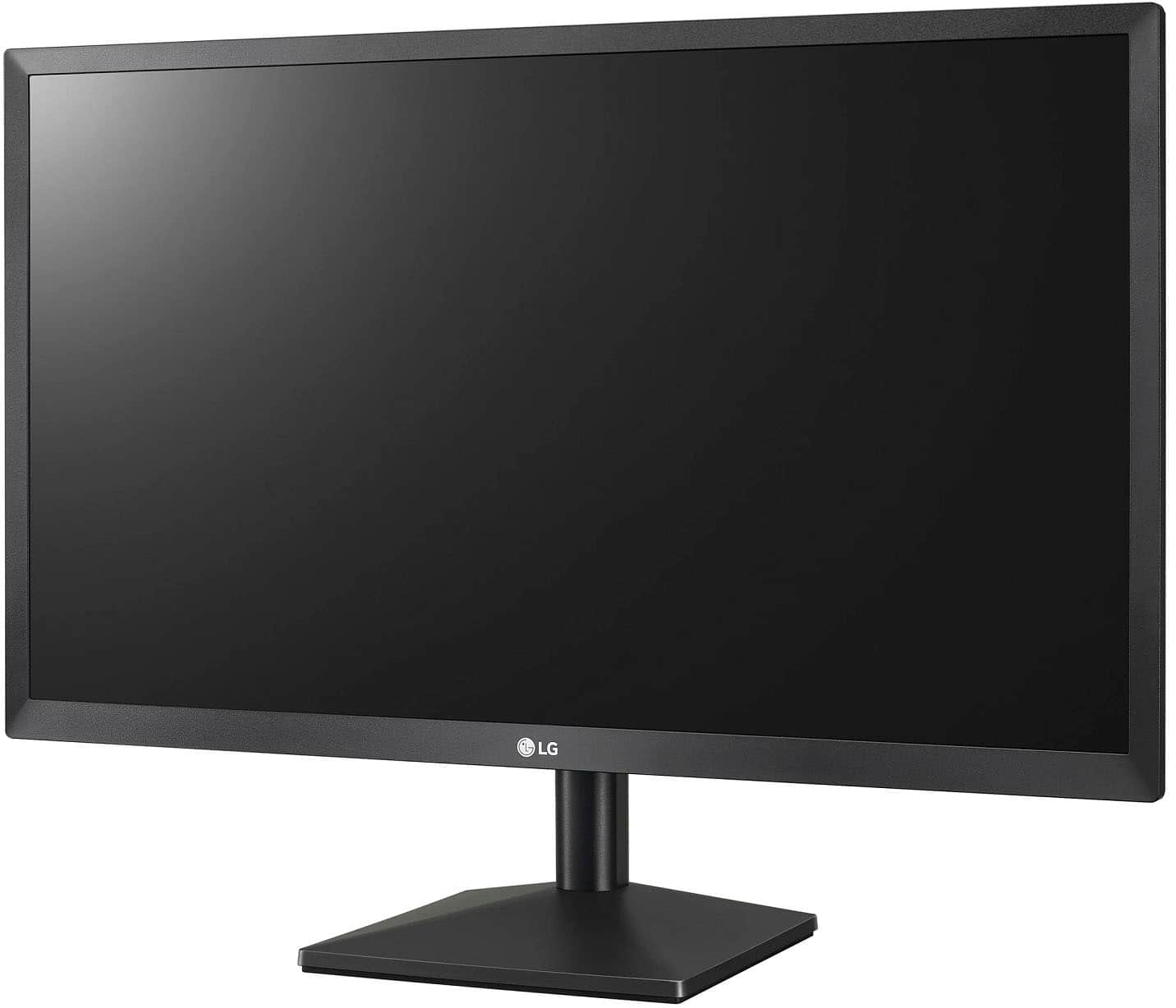
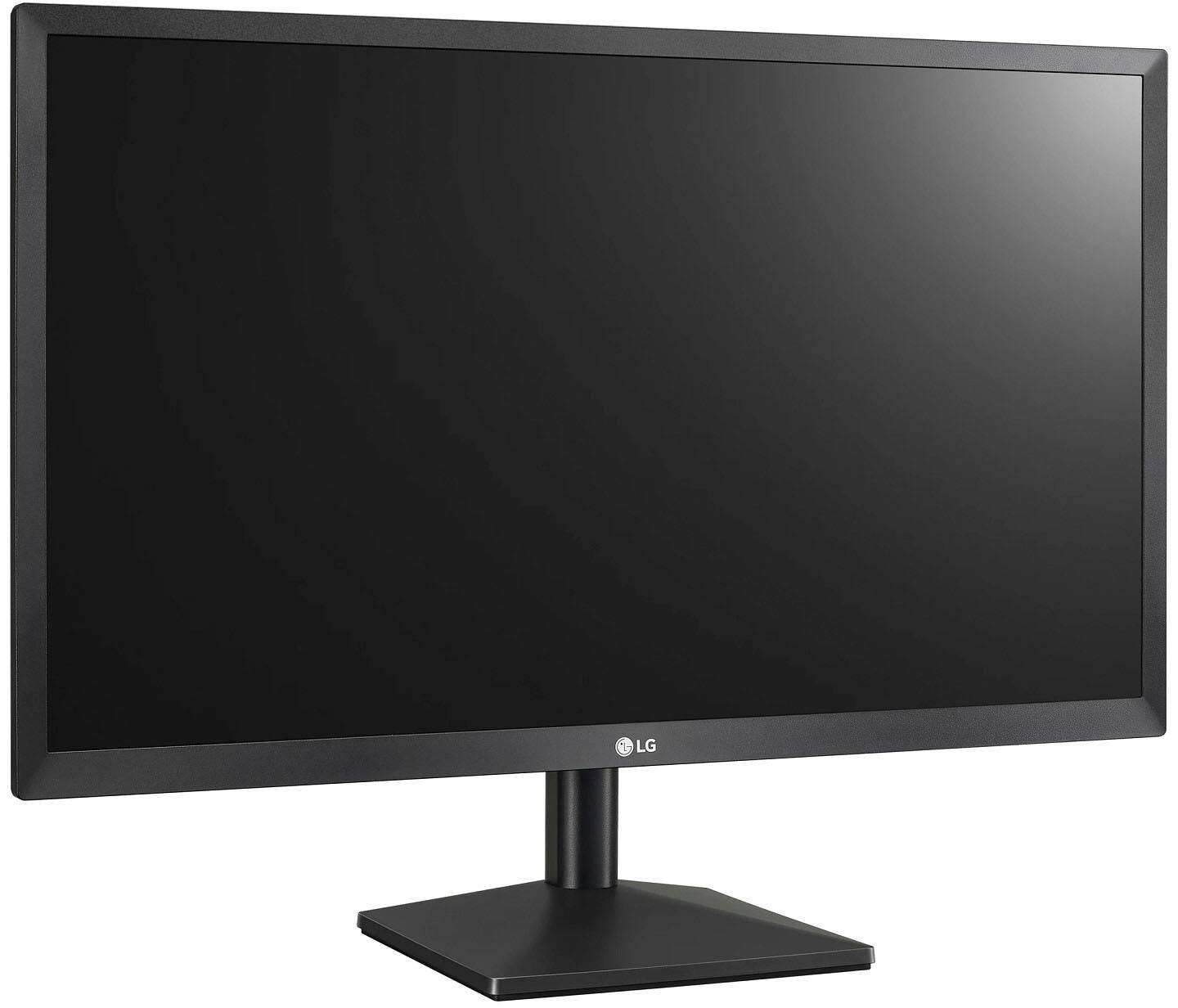
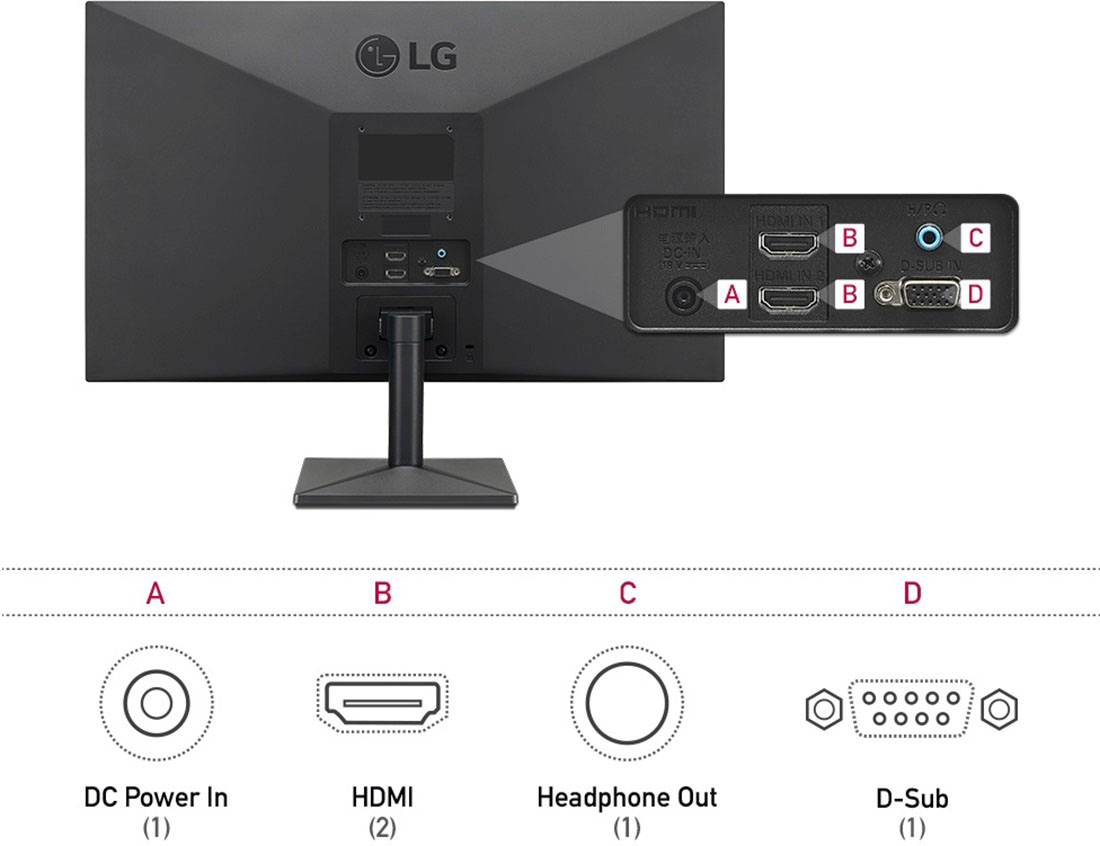
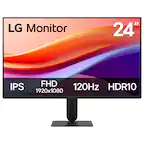
A:AnswerThe LG 24'' Class Full HD IPS LED Monitor with AMD FreeSync (23.8'' Diagonal), Model # 24ML44B-B has a native resolution of 1920 x 1080 and it has 2 x HDMI ports on it that you can plug any gaming console into...^IFV
A:AnswerThe power cable for the LG 24'' Class Full HD IPS LED Monitor with AMD FreeSync (23.8'' Diagonal), Model # 24ML44B-B is about 1.5m (4.92') long...^IFV
A:AnswerThis is a Plug and Play monitor and doesn't require drivers. Available inputs are HDMI and D-Sub. Depending on what connections you have, you may need an adapter for connectivity. ^Daphane
A:AnswerNot sure which model you have, but the 24ML44B-B has a menu choice accessed by pressing the settings button (located along the bottom edge directly below the LG logo) and then toggling to the right to choose "settings," then toggling to the "brightness" setting. Adjusting is a combination of pushing up on the physical button and toggling left or right.
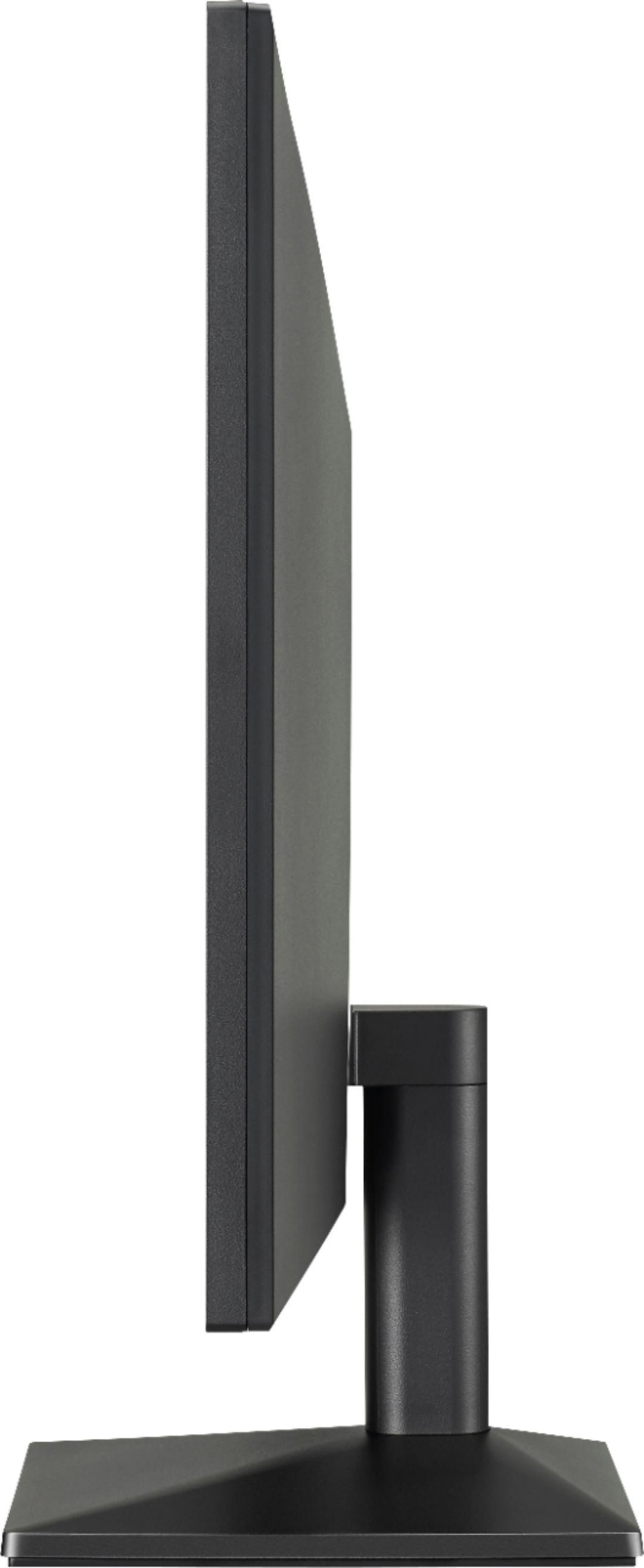
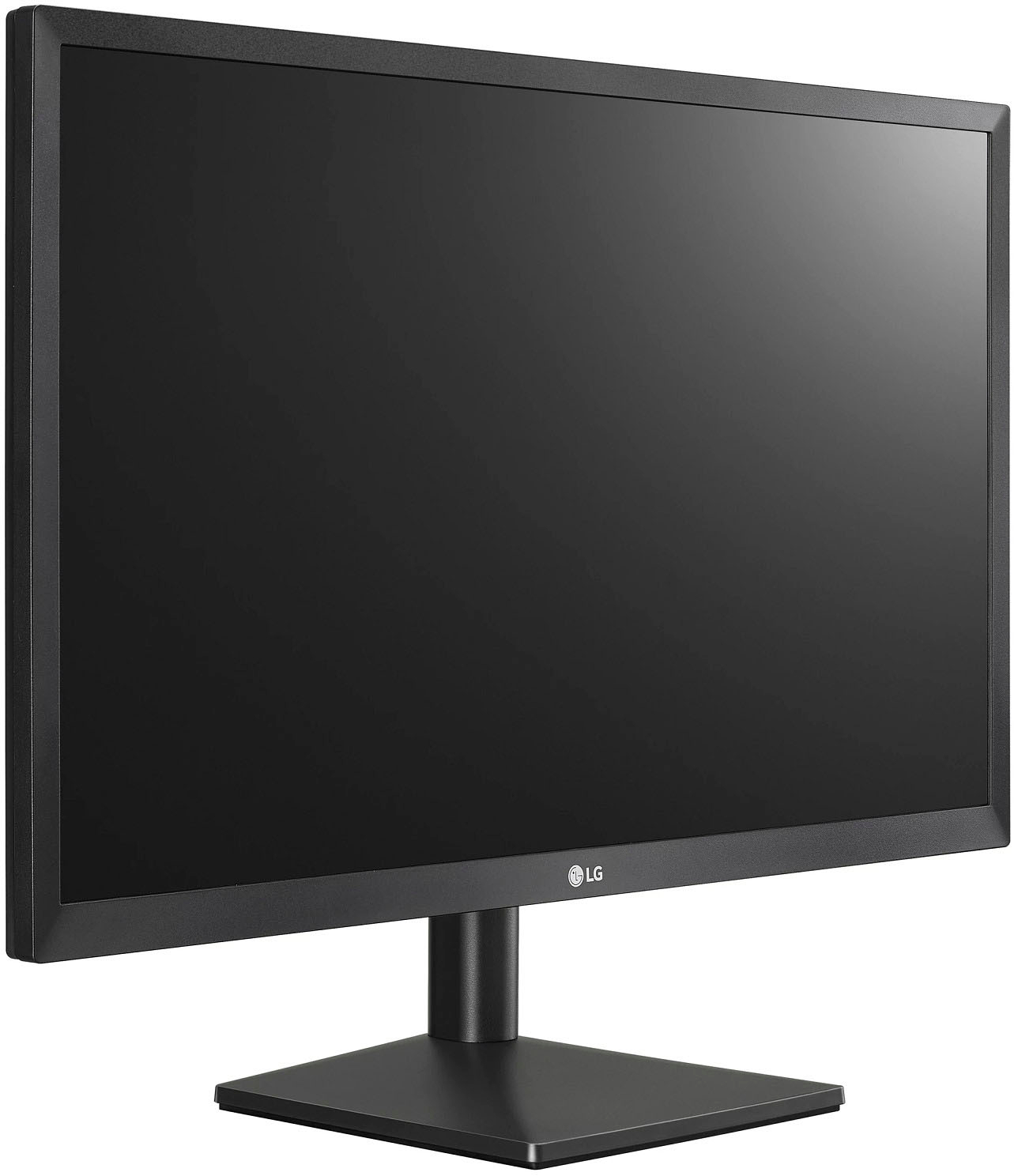
A:AnswerThe LG 24'' Class Full HD IPS LED Monitor with AMD FreeSync (23.8'' Diagonal), Model # 24ML44B-B is not height adjustable. It can only be tilted...^IFV
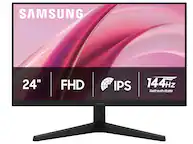
A:AnswerNo, the height is not adjustable. The angle of the screen can be adjusted forward or backward from -5° to 20° for a comfortable viewing experience. ^Daphane
A:AnswerThat will depend on what type of security cameras you have and what connectivity they have. The LG 24'' Class Full HD IPS LED Monitor with AMD FreeSync (23.8'' Diagonal), Model # 24ML44B-B has 2 x HDMI inputs and a 15-pin D-Sub (VGA) connector that you can connect to other devices that have those type of ports. You will need to check the specifications for your security cameras for details on its requirements and what resolutions it can support. The monitor has a native resolution of 1920 x 1080 and most current security cameras will support that resolution...^IFV
A:AnswerHi Judy. Regrettably we do not know which "blue cable" you are referring to and would need to know what ports you have on your old computer to advice you on how you may be able to connect it to the LG 24'' Class Full HD IPS LED Monitor with AMD FreeSync (23.8'' Diagonal), Model # 24ML44B-B. This monitor features an HDMI Input which your older computer may not have, but it also features what is referred to as a D-Sub connector (i.e 15-pin D-Sub connector) which most older computers have. The 15-pin D-Sub connector is also referred to as a VGA connector so if your older computer features a VGA port for connecting to monitors, you can use that connector to connect your older computer to the monitor. You can look up 15-pin D-Sub connector online to see what this connector looks like to see it if matches the connector on your computer...^IFV