A:AnswerHello there! Thank you for your question about AirPlay functionality with the 27LQ600S-WU model. Yes, you can AirPlay from your MacBook Pro to this TV, allowing you to stream content wirelessly with ease. Make sure both devices are connected to the same Wi-Fi network for a smooth connection. If you have any further questions or need assistance, please send us a private message on Social Media @LGUSSupport, and we’ll be happy to help. We appreciate your feedback!
—Avril
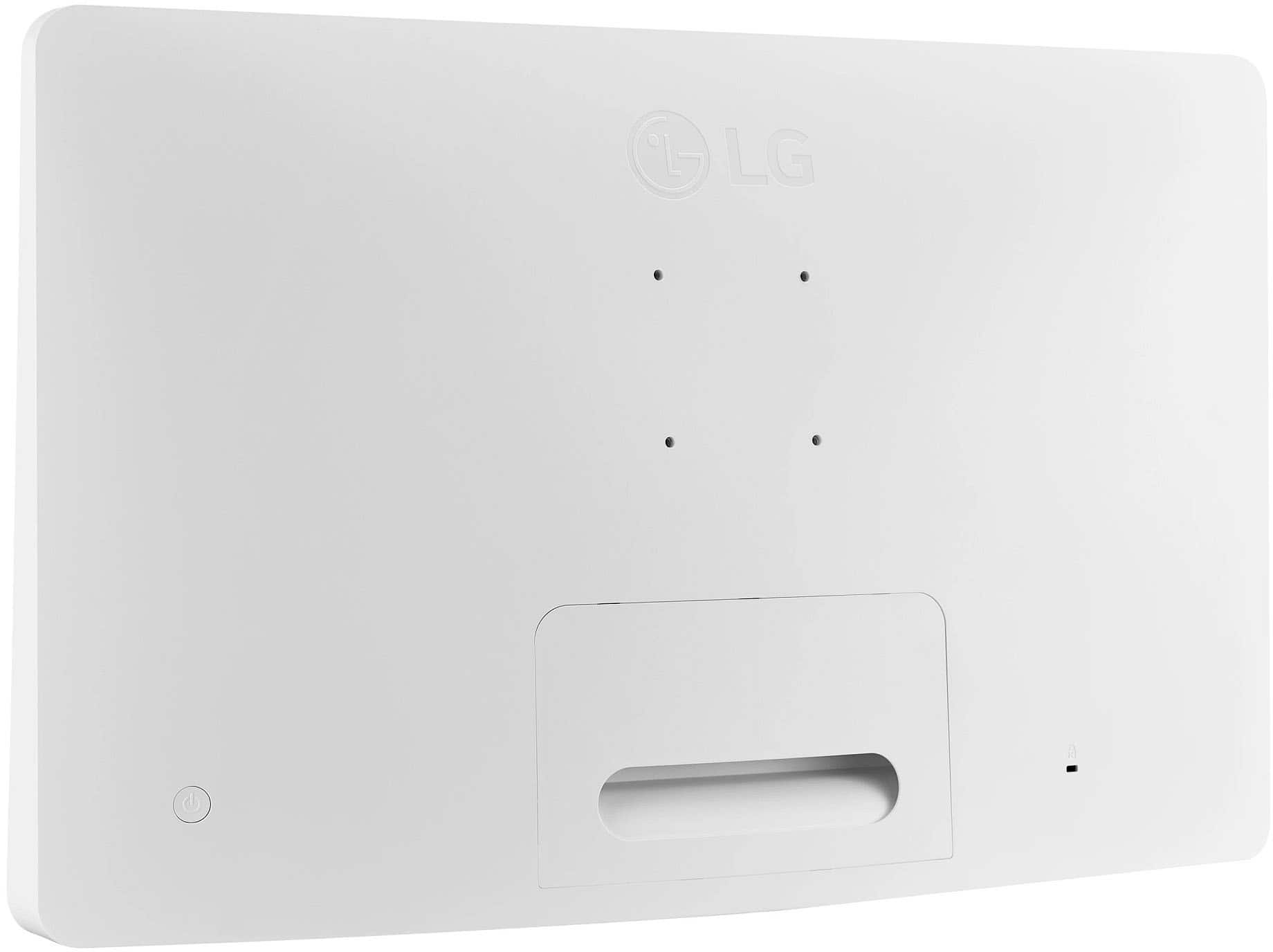
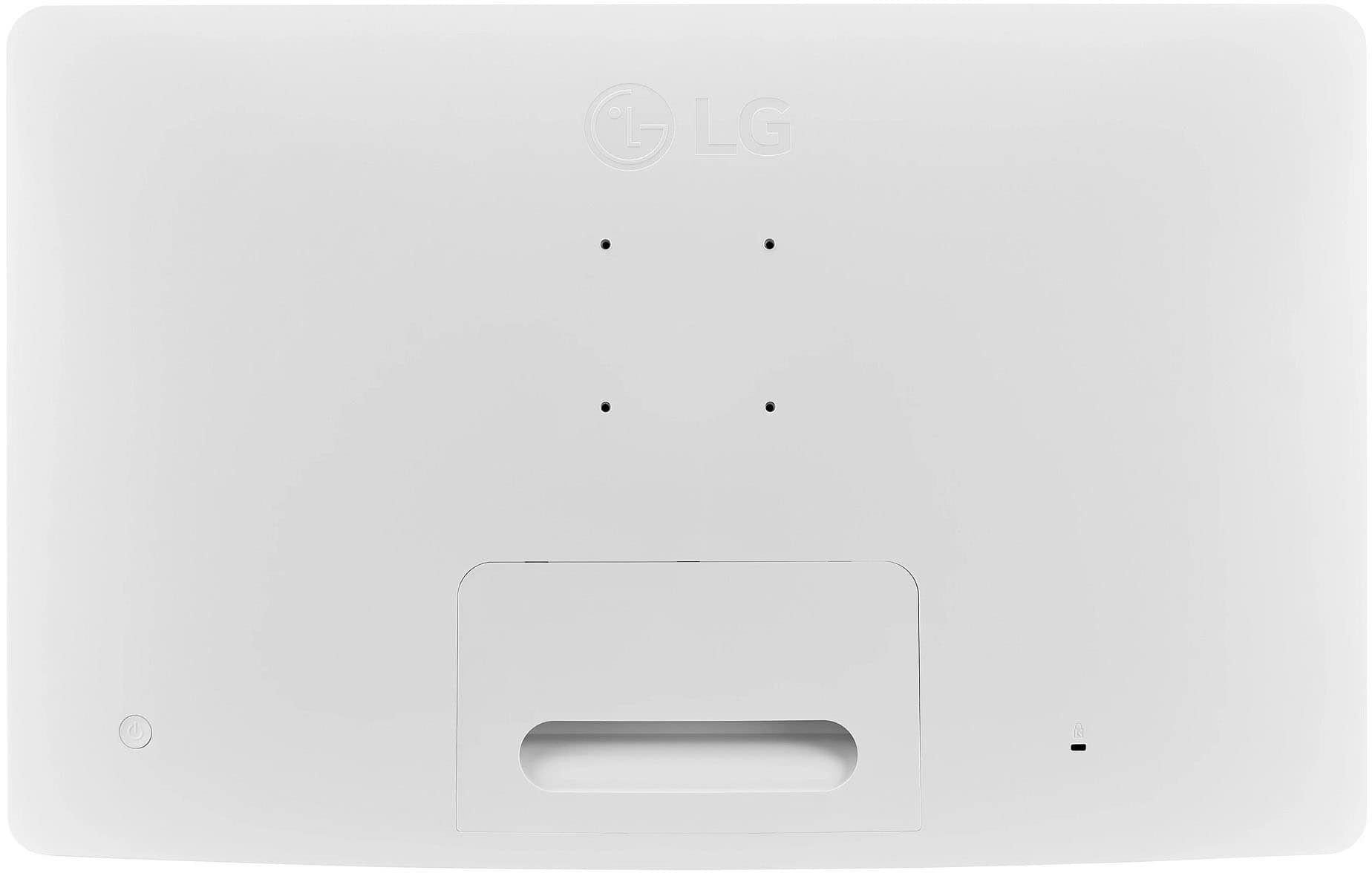
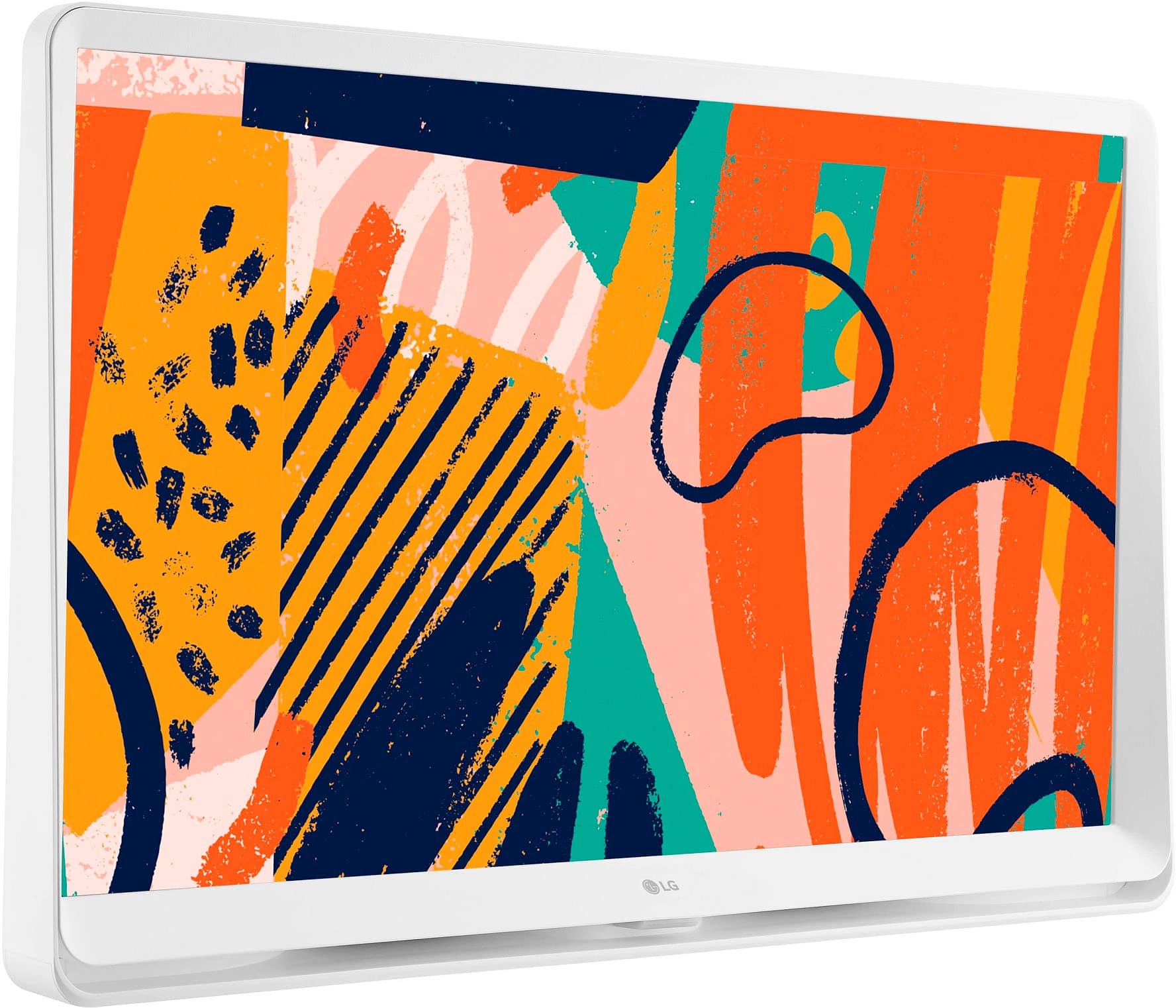
A:AnswerHi,this model webOS Smart TV Wall Mountable VESA 75 x 75. This can serves as Tv or monitor. This has Media Share - Network File Brower, Google Dial and has Screen Share - Miracast, WiDi. ^Vanessa
A:AnswerAll of the major streaming services are listed on the home screen, all you have to do is log in. There are also Netflix, Disney + and Prime Video buttons ON the remote.
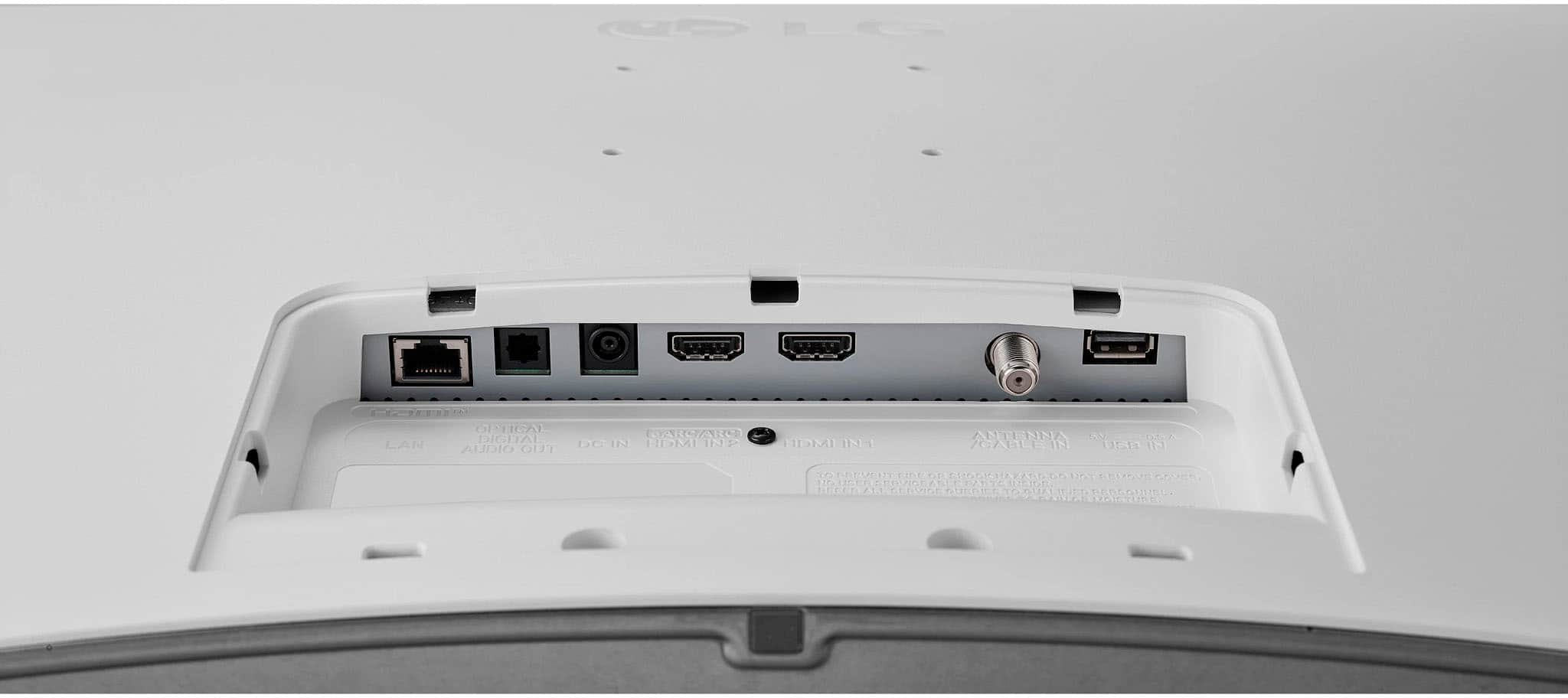
A:AnswerHi there, Mimi. Thank you for your question about the 27LQ600S-WU monitor. This model is designed primarily as a monitor and does not include a built-in TV tuner, which means it cannot directly receive over-the-air local TV channels via an antenna. However, you could use an external TV tuner or set-top box to achieve this. If you have any further questions or need additional assistance, feel free to send us a private message on social media @LGUSSupport, and we’ll be happy to assist you. We appreciate your time! —Avril
A:AnswerHi there! Thank you for your question about the LG 27LQ600S-WU TV. You can use this TV without Wi-Fi by connecting it to your phone via screen mirroring or HDMI. However, for streaming services, you'll need an active internet connection, either through Wi-Fi or your cellular data, as the TV requires a connection to access those services.
If you have more questions or need further assistance, please send us a private message on Social Media @LGUSSupport. We’re here to help!
—Avril