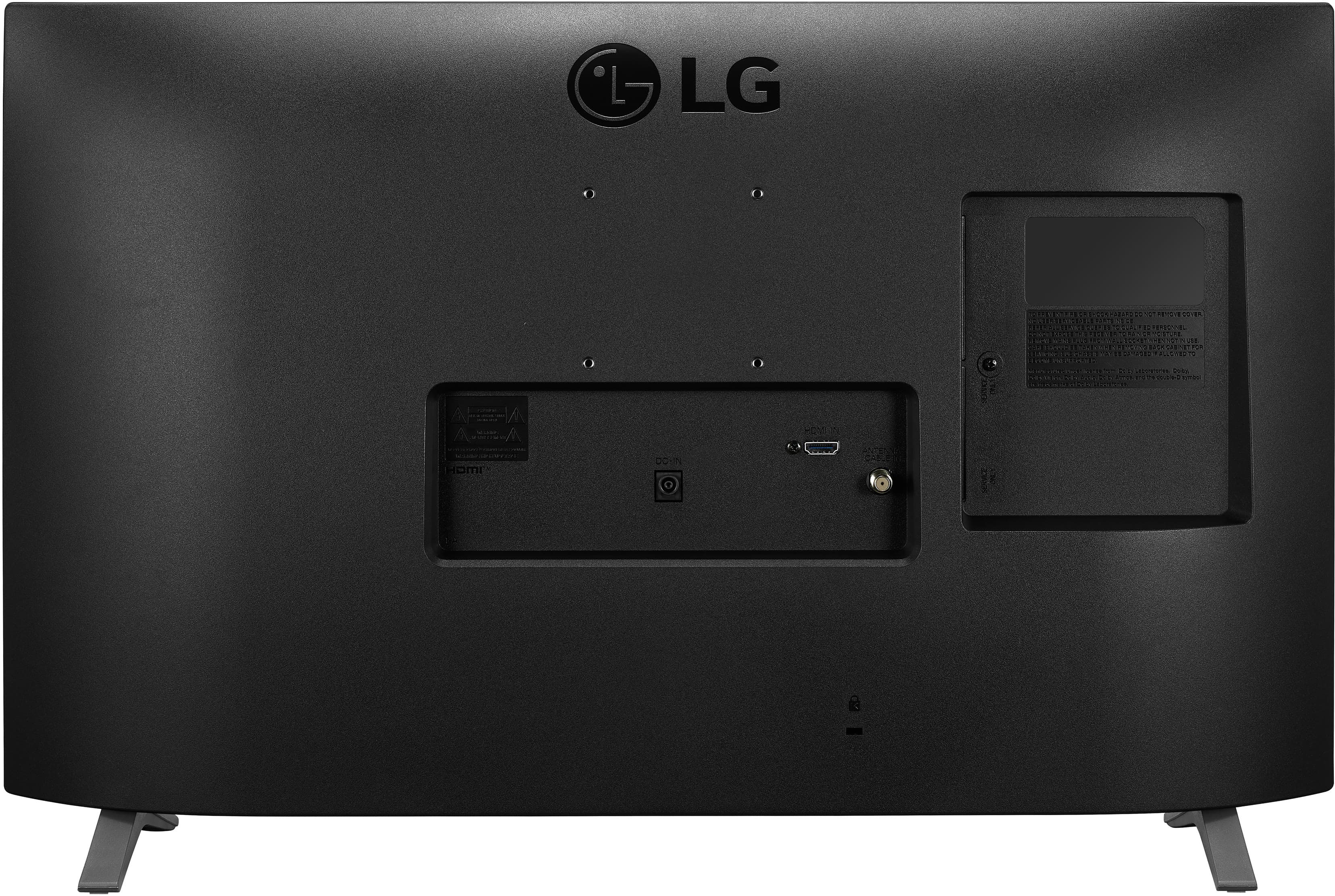
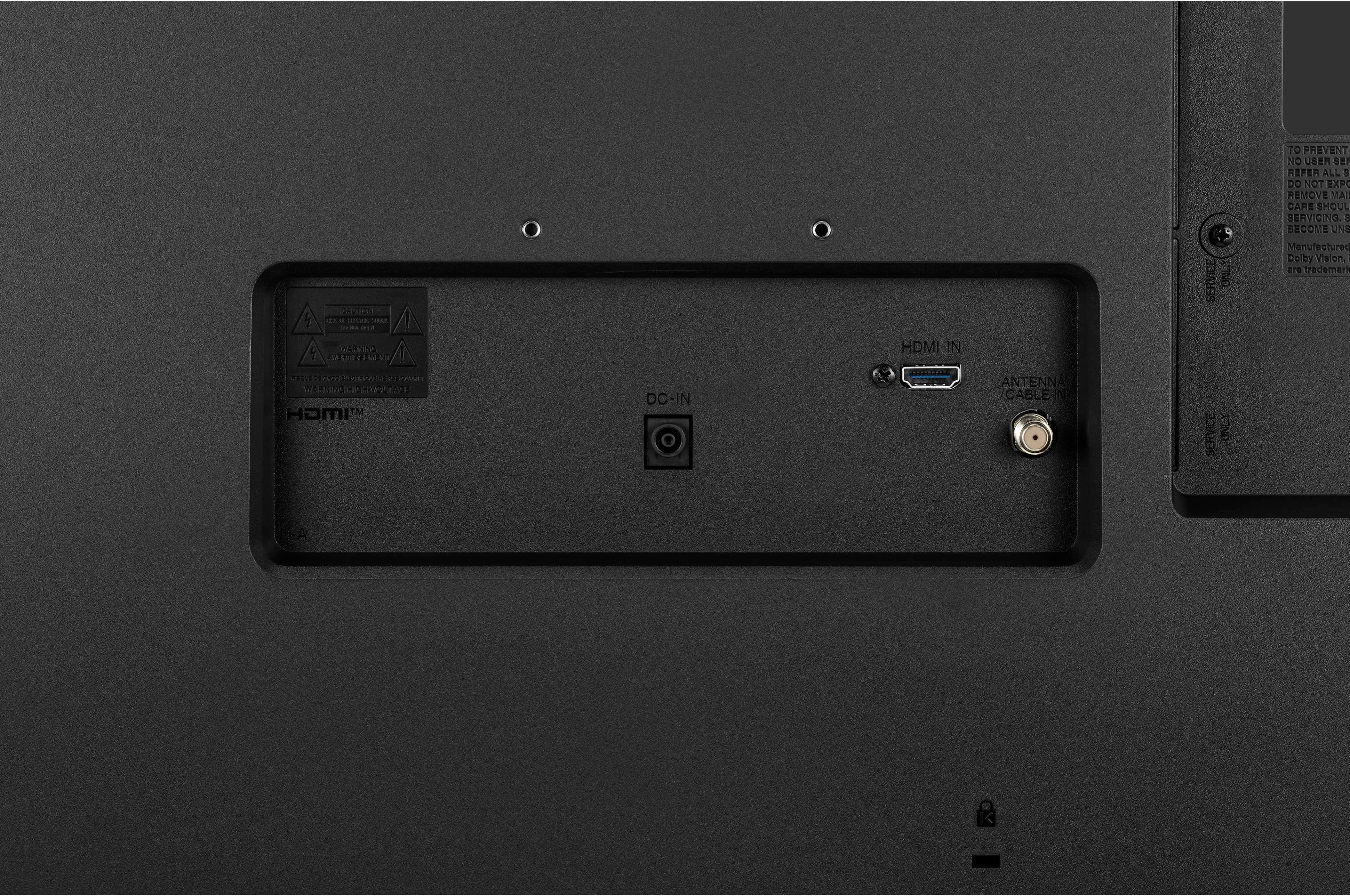
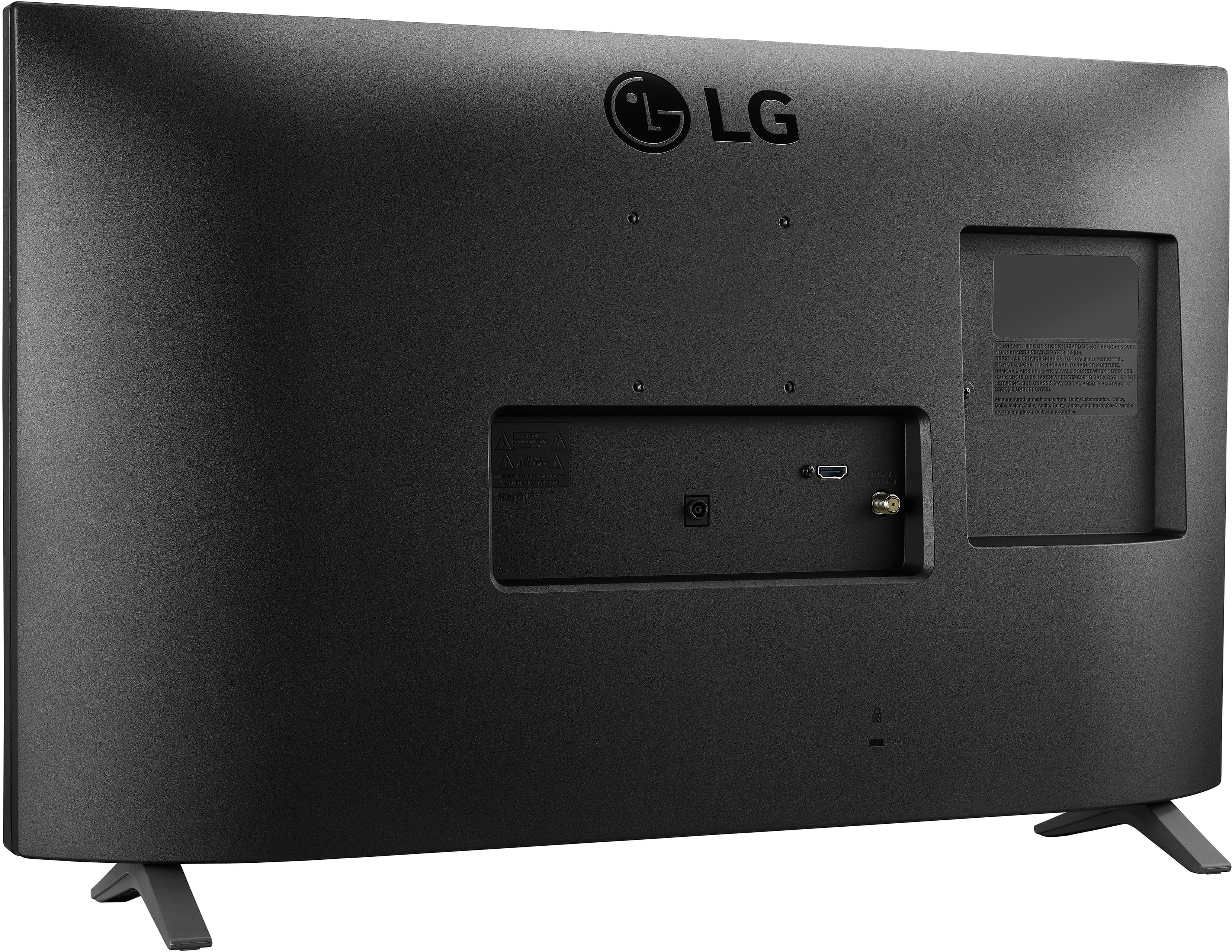
A:AnswerFor a low-cost TV, I should have not been surprised there was only 1 HDMI.
So... you need to choose one external peripheral OR...do what I did and purchase an HDMI switch that allows you 2 (or more) other devices. Then you simply select your input device from the switch (in my case, DVD or Satellite). I found an HDMI switch online for about $10.
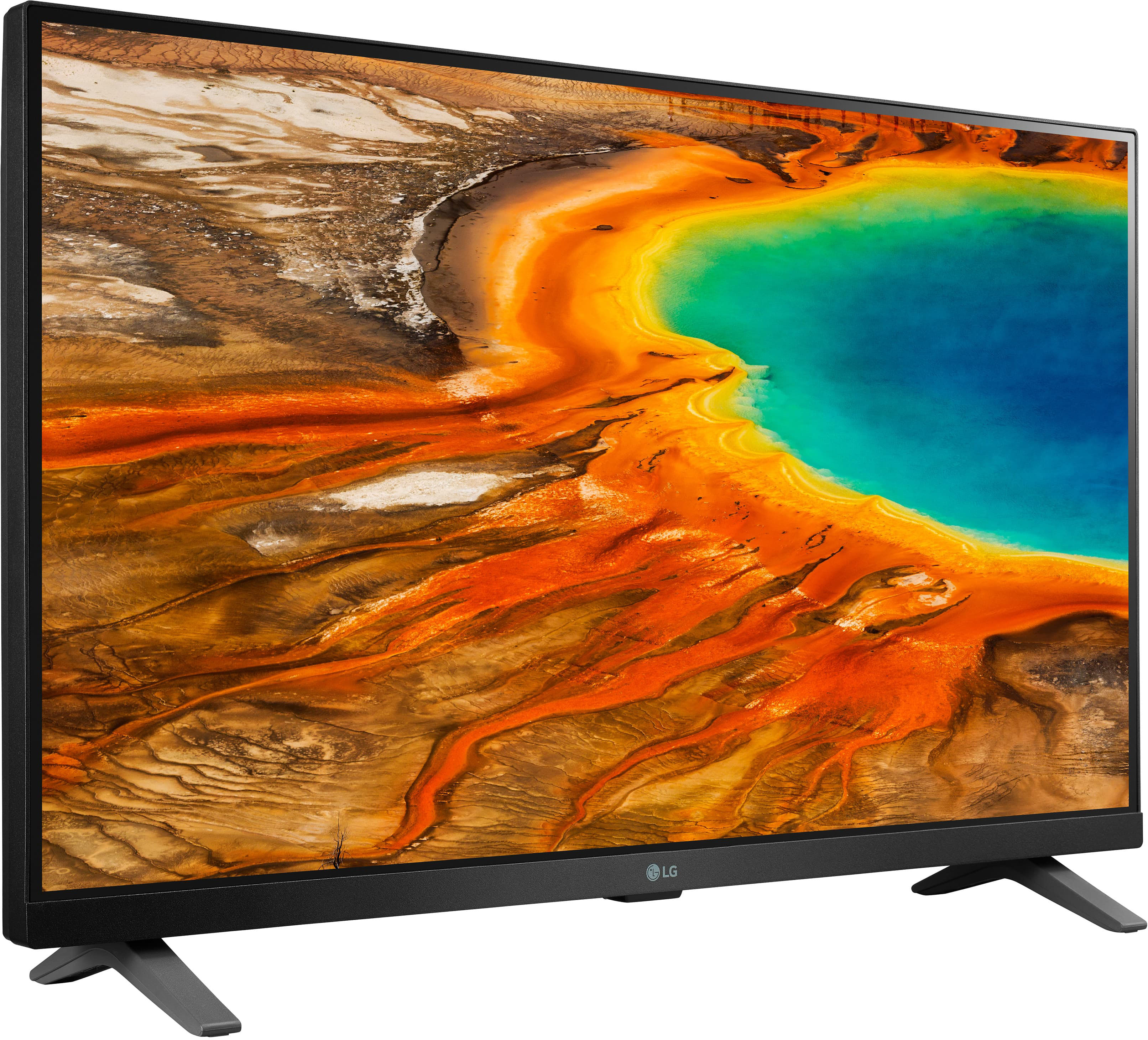
A:AnswerThey are both Smart TV's. Current Smart TV's come with one of three options:
WebOS, Amazon Fire or Roku. Each has a different operating system for streaming.
Xfinity streaming has it's own box that would need to be hooked up to any TV, much like Roku streaming stick or Amazon Fire stick. Roku and Fire stick are there for TV's that aren't Smart TV's or if you want their brand of streaming as opposed to what is installed on your current Smart TV.
A:AnswerTry downloading the app from the LG Content Store (App Store). Press the Home button on the Remote control. Select the LG Content Store from the home page. Then choose the app you want to download to go to its dedicated screen. For a complete listing of available apps, please visit: https://us.lgappstv.com/main/tvapp. For further assistance, please reach out to our support team via private message on Facebook @LGUSSupport and use #VOC in your first message to our social media support team or call at 800-243-0000. ^Venette
A:AnswerI CANNOT ANSWER YOUR QUESTION WITH A YES OR Definite Answer - however In general, newer HDTVs and HDMI or DVI cables should be HDCP compliant. Older TVs, VGA cables, and some older DVI or HDMI cables are more likely to lack support for HDCP. - LG TVs, can stream on media streaming device like an Apple TV, Roku, Amazon Fire Stick, or Google Chromecast - check your cable too for compatibility. I personally use this TV/Monitor to play with an xBox gaming device. I have had no issues .