Questions & Answers
- Model:
- 27GN950-B
- |
- SKU:
- 6423550
Highly rated by customers for: 4k, Color, Refresh rate
Page Showing 61-68 of 68 questions
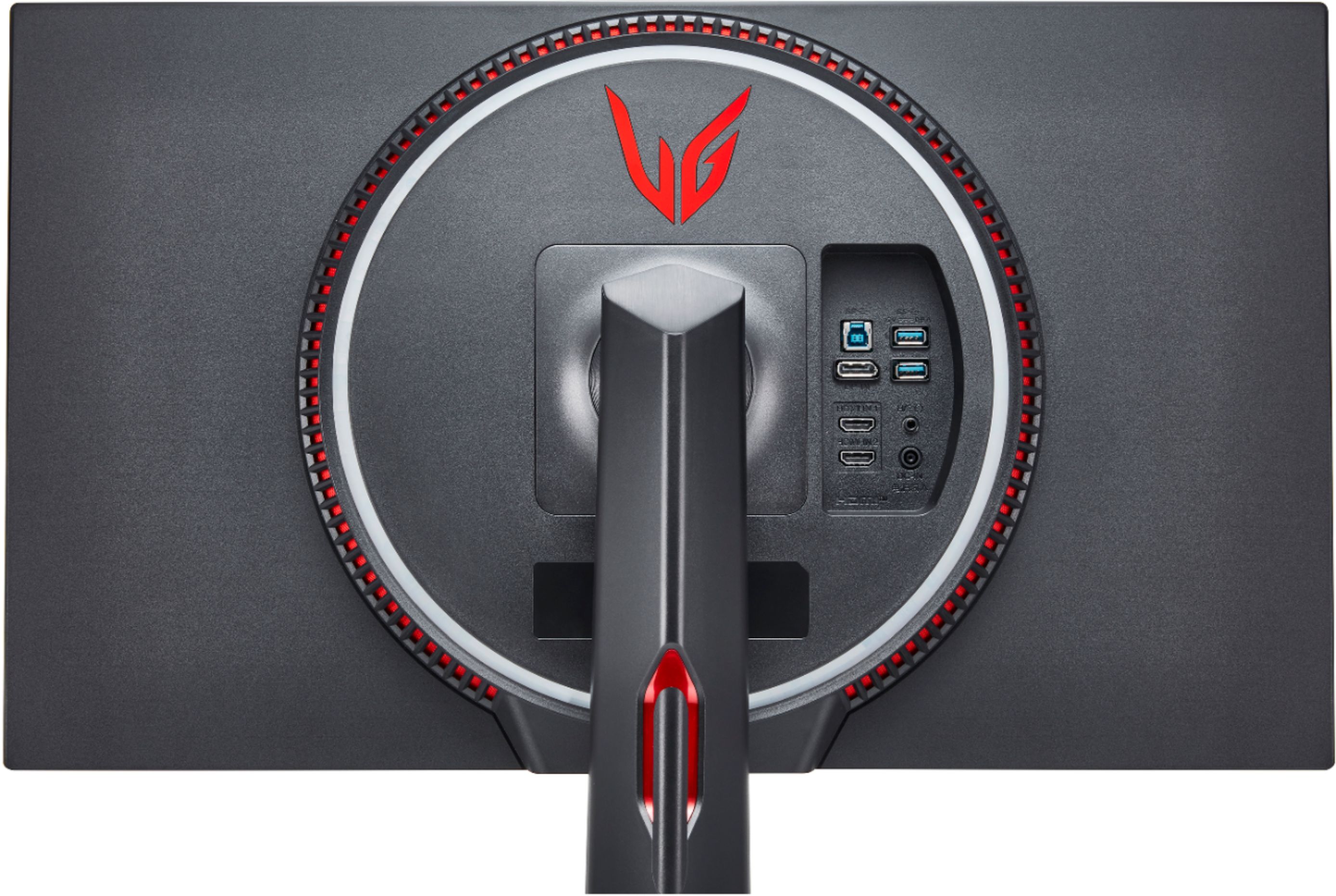
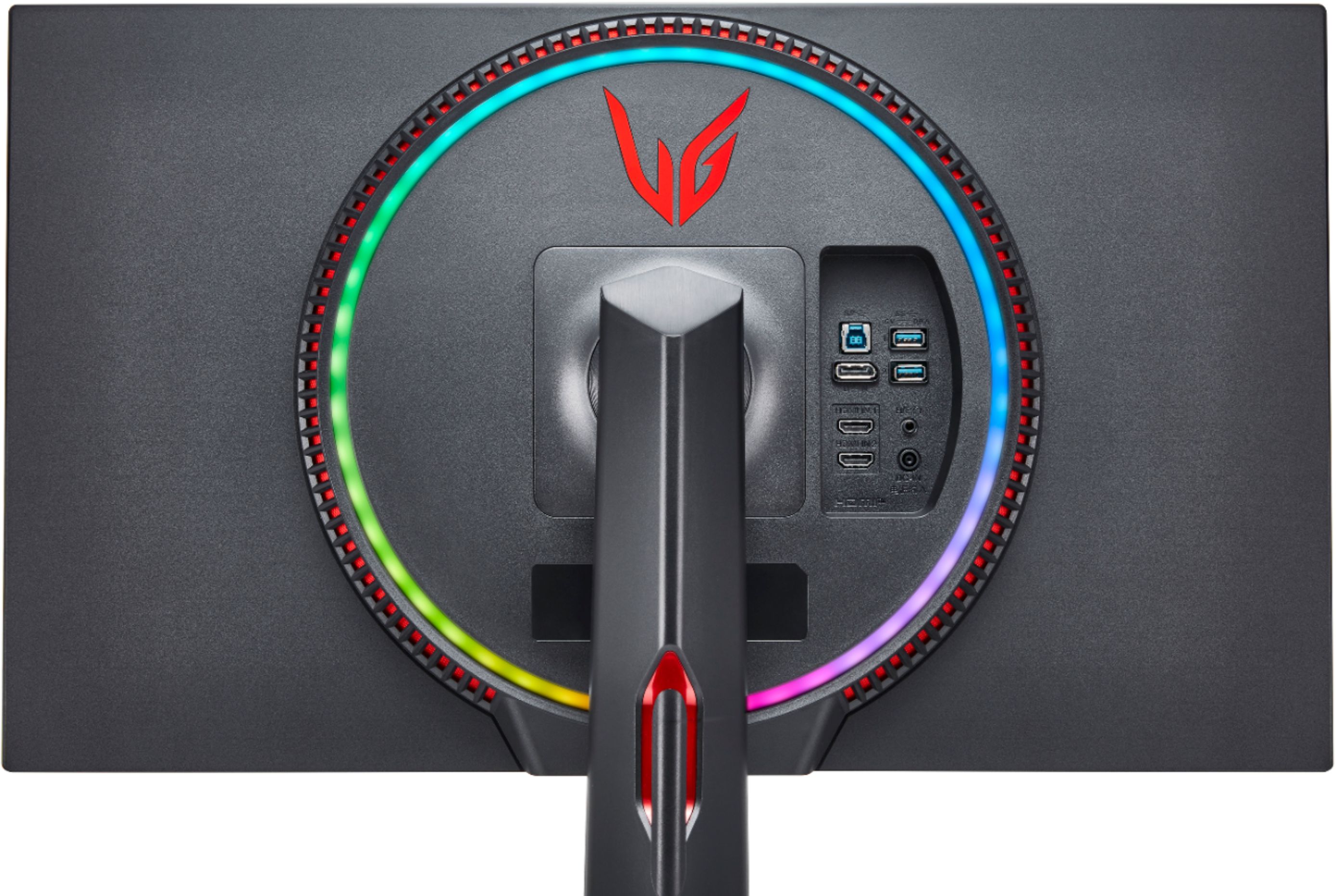
Q: QuestionDoes this lg27gn950 monitor have a FAN inside it? (Like the other 4k 144hz monitors like the Acer Predator X27 or ASUS PG27UQ?)
Asked by PCuser.
- A:Answer Please reach out to our support team on Twitter via @LGUSSupport or on Facebook at https://www.facebook.com/LGUSA. ^Daphane
Answered by LG Digital Customer Care

Q: QuestionAm I able to run 1440p at 144hz with a 1660 ti while I wait for next gen graphics cards?
Asked by Preston.
- A:Answer This monitor can display 3840 x 2160 resolution at 144Hz via the DisplayPort 1.4 (DSC*: Display Stream Compression). ^Daphane
Answered by LG Digital Customer Care

Q: QuestionWill this product ever be in stock?
Asked by Rob.
- A:Answer It has been popping in and out of stock here on Best Buy since 8/31 its when I was able to order mine and picked it up 9/9.
Answered by Rich
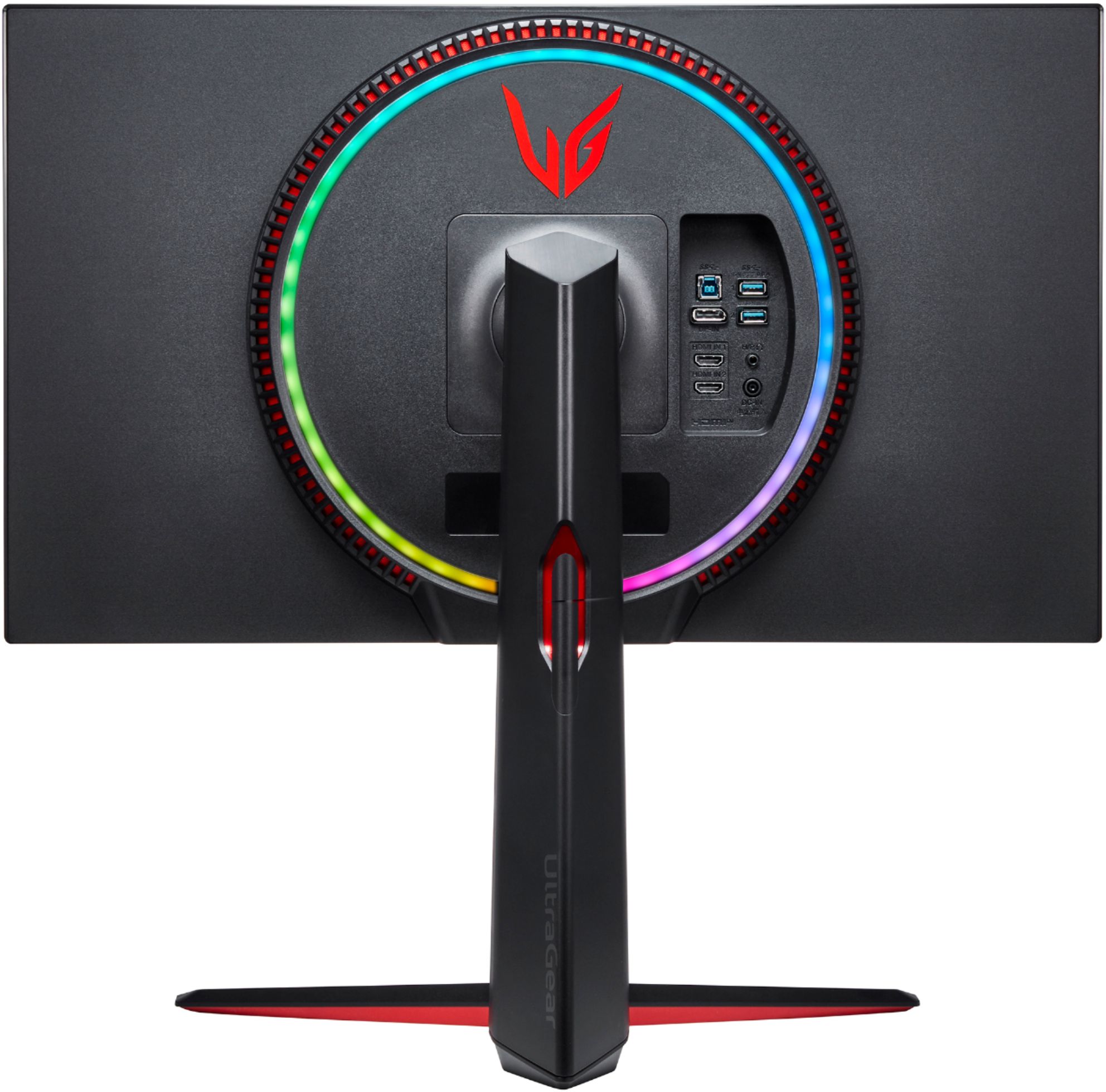
Q: QuestionDoes it come with a DP cable? Seems to only list HDMI cable being provided here on Bestbuy, would be very strange to only include an HDMI cable.
Asked by Matt.
- A:Answer Mine had a Display Port with it and its got a 5K tag on it.
Answered by Rich
Q: QuestionDoes this have hdmi 2.1 so it can fully support ps5 and xbox series x?
Asked by bryce.
- A:Answer The only thing we will miss not having HDMI 2.1 will be 4k 120fps. Several games coming for XsX and PS5 have said they will have 120fps modes which to me implies 1080p or 1440p @ 120fps and this monitor will handle this. Do I wish it was full HDMI 2.1? Yes I do and maybe the refresh will have that. But I still can't wait for this monitor to become available to replace my current 1440p monitor plus getting an eventual 3080ti in my PC with the PS5.
Answered by Rich
Q: QuestionWhen will this item be restocked?
Asked by Bren99.
- A:Answer Hi Bren99. Please contact Best Buy's Customer Service to inquire if they have an ETA for when they expect to have restocking for the LG 27'' UltraGear 4K UHD Nano IPS 1ms 144Hz G-Sync Compatible Gaming Monitor, Model # 27GN950-B...^IFV
Answered by LG Digital Customer Care

Q: QuestionHow do I enable HDR? I went to display settings and toggle ON the HDR for all. And then I went into a youtube HDR video and it does not show under the "gear" Settings Quality the "HDR" tag after the 4k resolution. Thanks!
Asked by Geovane.
- A:Answer Make sure you also have "Steam HDR Video" enabled as well in the Windows HD Color settings, that might be what you are missing. I have my settings attached in a picture and I get the 4K HDR videos on Youtube.
Answered by Matt
Q: QuestionWill LG ever fix the Displayport Deep Sleep bugs that users have been pleading to be fixed since October? Users are having issues where their computers wont wake from sleep, as well as having their windows rearranged when waking the monitor.
Asked by Jimbo.
- A:Answer No you don't LG, You just type the same generic reponse on everyone that files a complaint about this problem. I have read all of your responses for months to the same problem. Quit lieing to the customers. I have a GN950 and will be returning it very sadly.
Answered by Mike
Top Rated
- Tech Fest Deal$99.99