Questions & Answers
- Model:
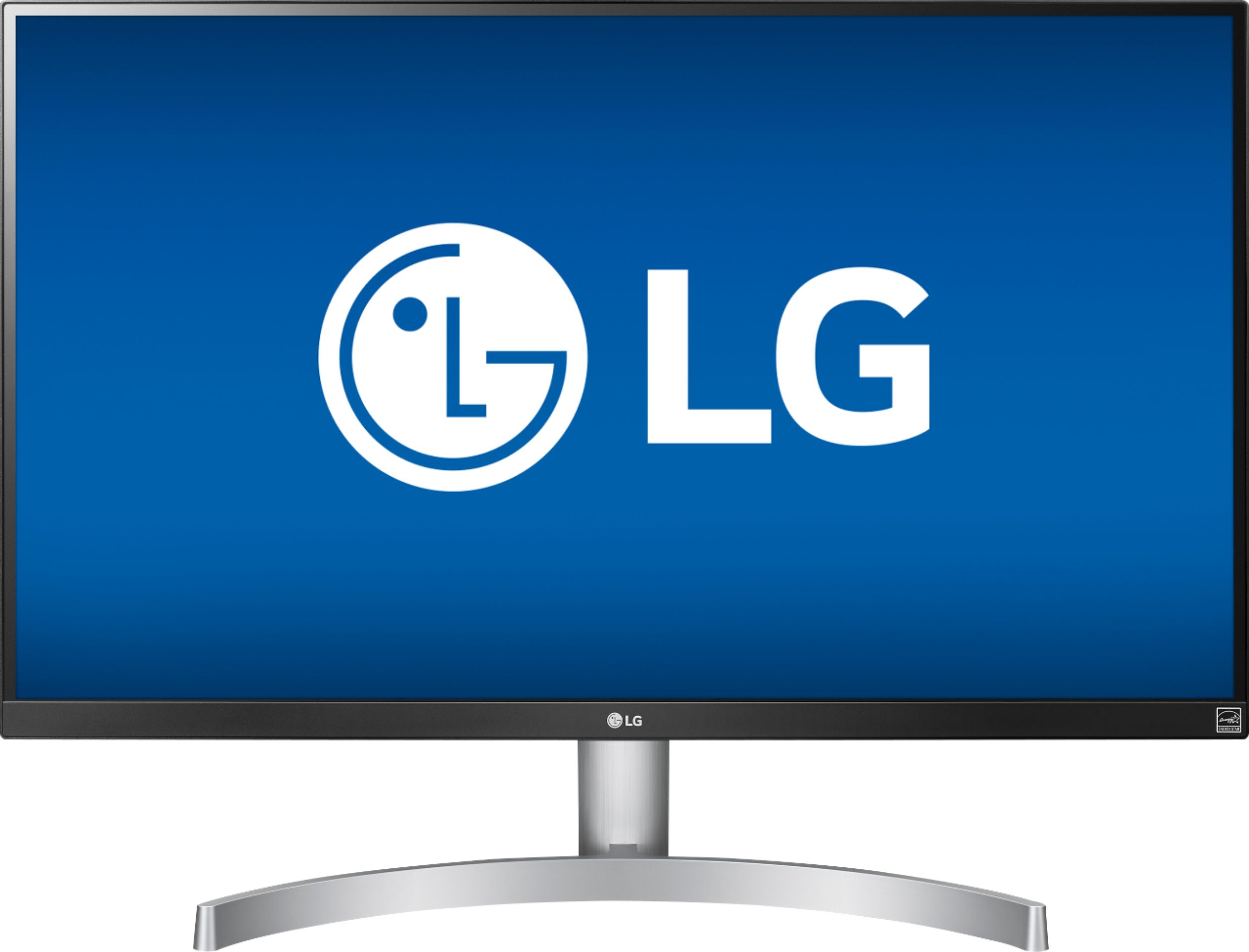
- 27UK600-W
- |
- SKU:
- 6204328
Highly rated by customers for: Picture Quality, HDR, Color
Page Showing 81-91 of 91 questions
Q: QuestionI am using this monitor with MacBook Pro 13" 2018. Can I possibly get sound from MacBook Pro? or I need to get external speakers? Any recommendations on external speakers?
Asked by Nick.
- A:Answer You can get sound out of the Macbook Pro - go to sound settings and you can choose the internal speakers.
Answered by SFPemaquid
Q: QuestionHow do I install driver for this monitor? I tried to open drivers setup from official webpage and dvd...no repsonses. How do I know if my HDR 10 is on? what is the difference between HDR10 and HDR and WCG from window display settings.
Asked by Tom.
- A:Answer Tom, I had a heck of a time trying to download the driver and instruction manual fron the cds that came with this monitor. Later I went online, found the instruction manual, and found out that none of this was necessary. This monitor has a plug and play feature, and all that I needed to do was make the connection, plug it in and turn it on. I was so happy after a good deal of frustration. I don’t know anything about hdr or hdr10. It may be one of those things that you don’t have to worry about.
Answered by Rhubarb
Q: QuestionMac mini is intel uhd graphics 630 3.6 ghz quad core 8th generation intel core i3 Will it work with this monitor.
Asked by Vetts.
- A:Answer Yes it will, perfectly if you use the right cable (recommend an active TB3 to DP cable). Can't comment on the HDMI option but I would recommend using the DP option unless you need all available TB ports for other purposes.
Answered by scdude
Q: QuestionI know that the monitor can run 4k content but when I plug it into my Xbox one x, it keeps telling me "Your TV is telling us that is not compatible with 4k". I have switched around the settings on both the monitor and the Xbox for hours with no luck?
Asked by Noah.
- A:Answer It will be hard to figure out your issue without seeing it in person. The problem sounds like it is in the Xbox settings. I have my own Xbox One X hooked up to this exact monitor, and it works great. Try to look in your Xbox display settings, and enable 4k HDR content. Maybe look up a youtube video where they explain how to do it.
Answered by Inkabodcrane
Q: QuestionWould this work well for my Xbox One X? 4K HDR 60 FPS?
Asked by AlexZ.
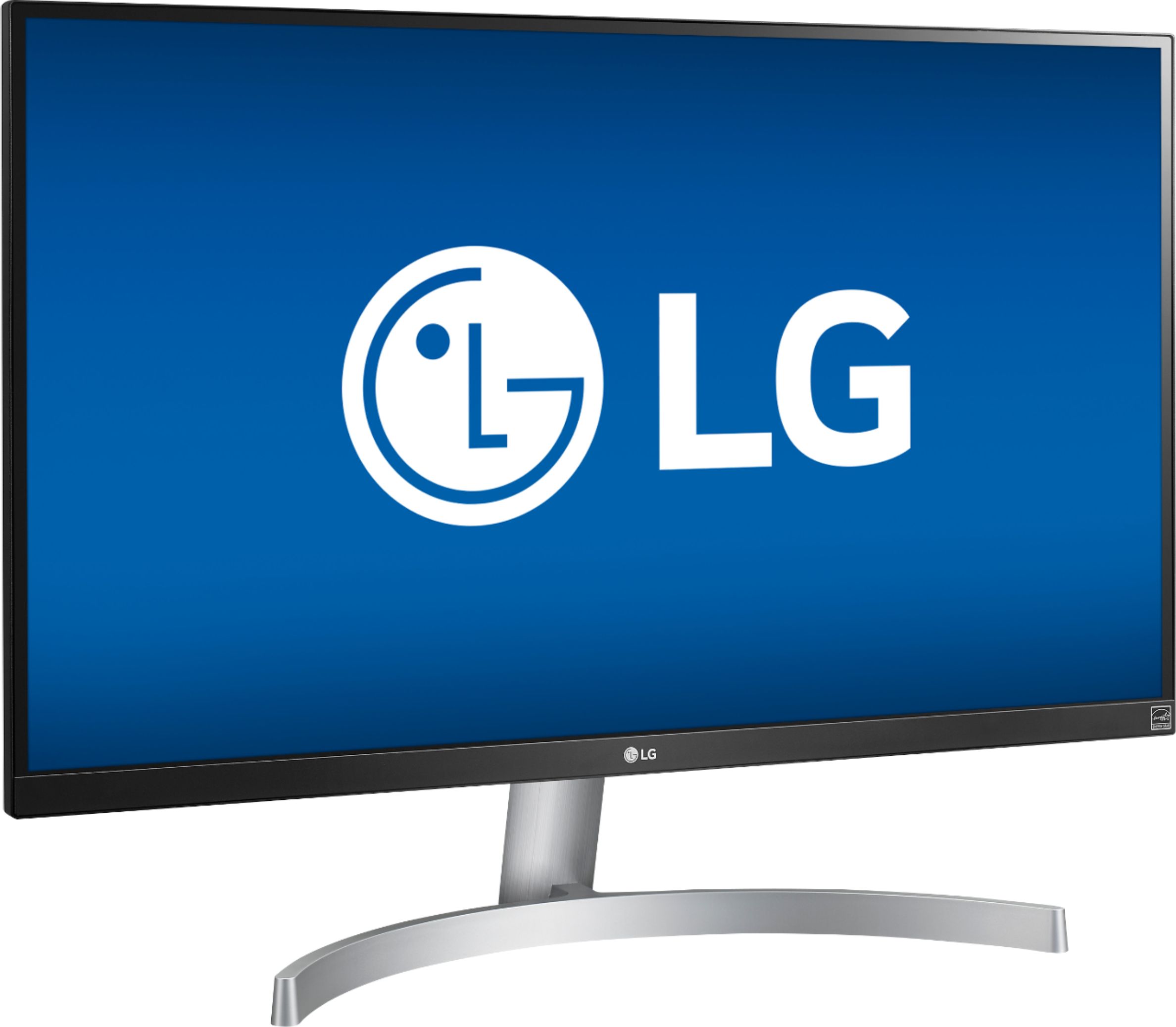
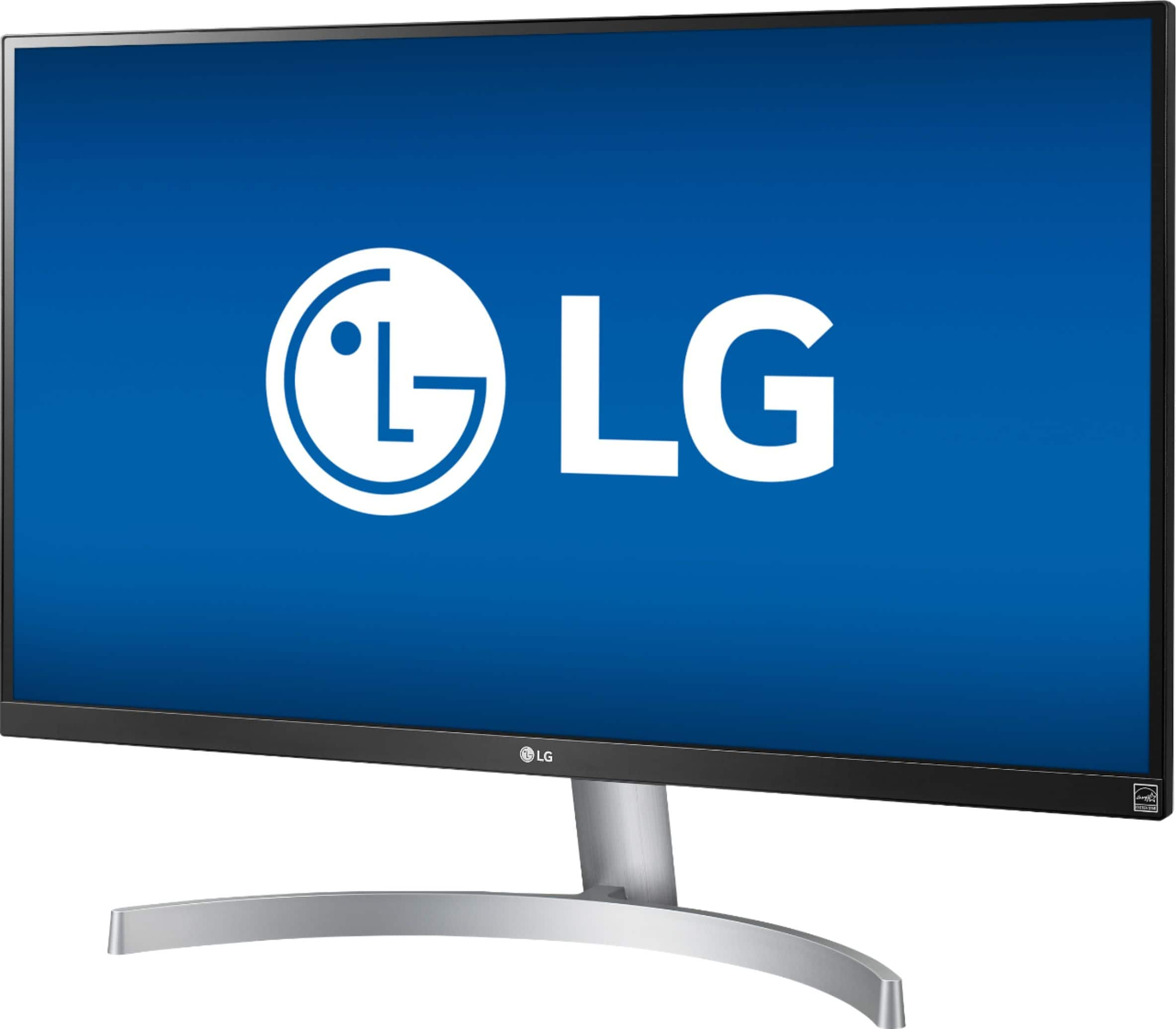
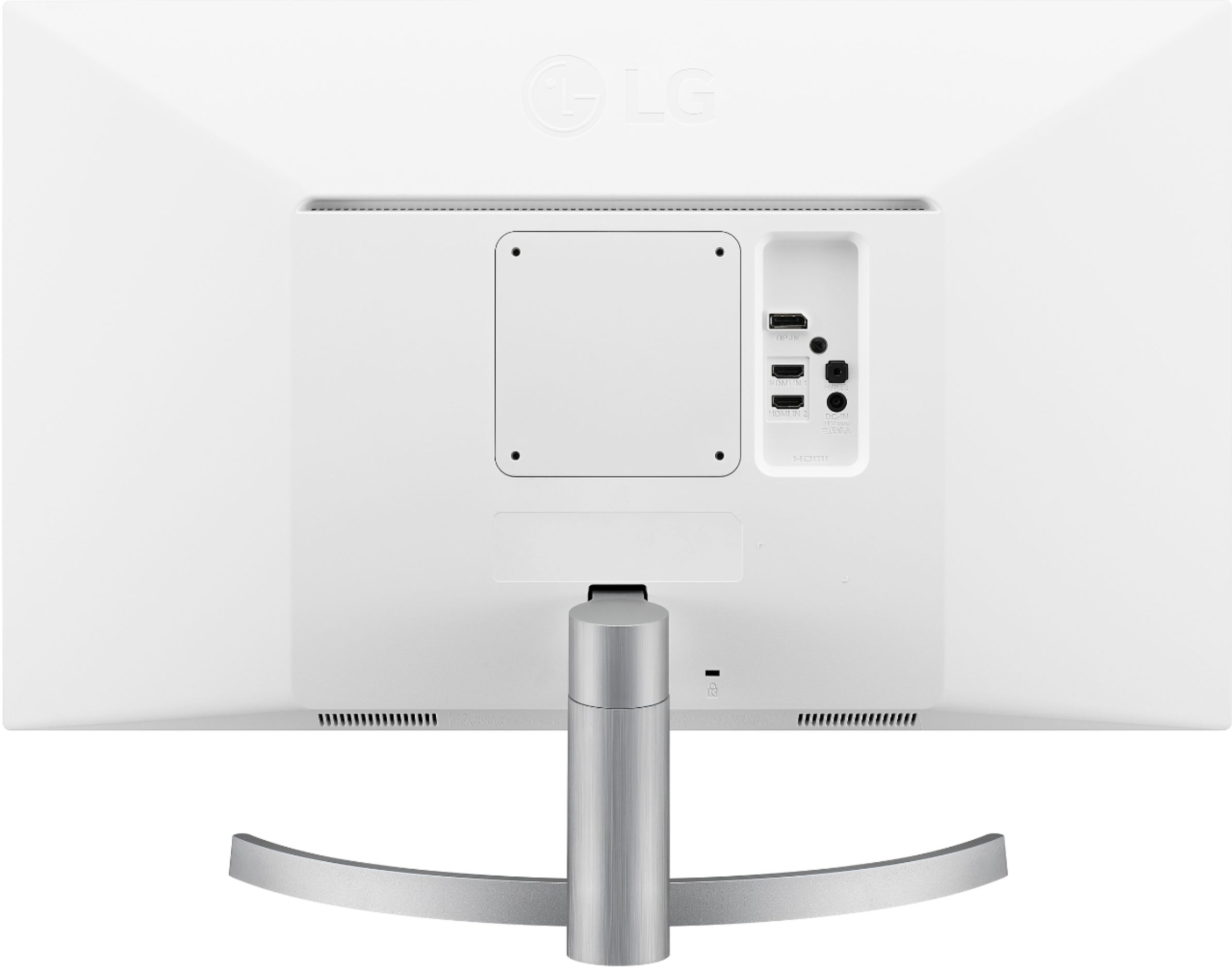
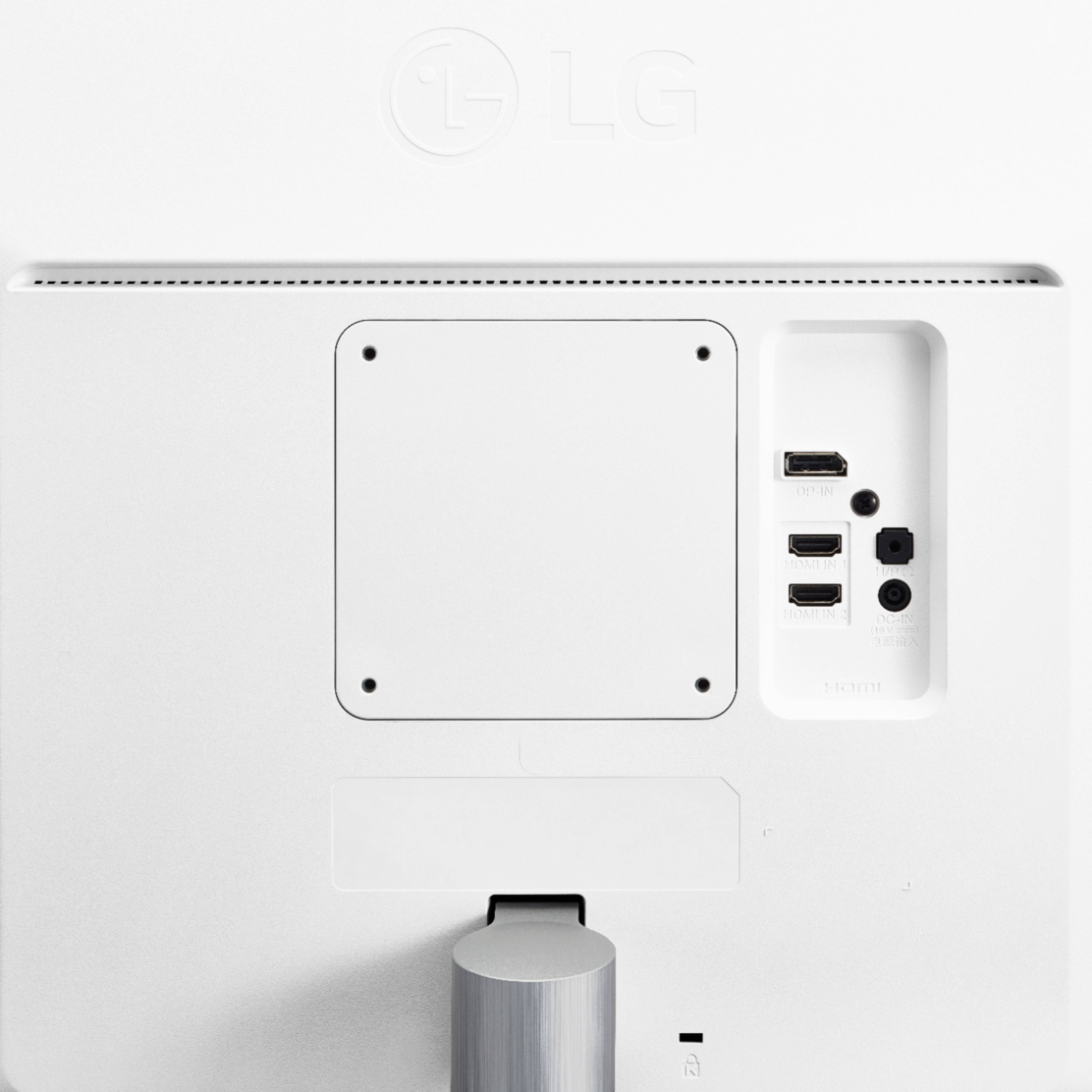
- A:Answer The LG 27" Class 4K UHD IPS LED Monitor with HDR 10 (27" Diagonal), Model # 27UK600-W has a native resolution of 3840 x 2160 @ 60 Hz and supports HDR10. Both HDMI ports on the monitor support HDR and both are HDMI 2.0 ports and are HDCP 2.2 compliant. This monitor can be used with any device that has HDMI ports that are HDCP 2.2 compliant...^IFV
Answered by LG Digital Customer Care

Q: Questionwhat is the best picture settings to use with a 2017 macbook pro 13in 3.1ghz? Most of my work is text based
Asked by maverick.
- A:Answer Depends if you are mirroring the image or extending it. I would recommend extended and running at its max resolution.
Answered by SecretAznMan
Q: QuestionCan this monitor be connected to DC power? If so,how?
Asked by Sailor.
- A:Answer AC power only. Sorry :—(
Answered by Steve
Q: QuestionFor 4k@60HZ I need GT 640 or higher, or GTX 950 or higher. I own a GTX 670. Is that good enough?
Asked by greg.
- A:Answer A GTX 670 is not suitable, performance wise, for gaming at 4k. You might get a few games to run if you turn down all of the details, but don't expect playable results. Should work fine for regular desktop use. If you're planning to connect the display using HDMI, you will only be able to achieve 30 Hz at 4k. 60 Hz requires HDMI 2 which that card doesn't support. Displayport or dual DVI-D should be able to provide 60 Hz.
Answered by Googleguy
Q: QuestionDoes this monitor automatically turn off ?
Asked by FRANKIE.
- A:Answer Yes, the monitor will Auto-Shutdown when an active source isn't detected. You might be able to change this in the settings. But I'll be honest, the monitor came with the Auto-Shutdown already on.
I would recommend:
Answered by zvum
Q: QuestionDoes this have internal speakers or do I have to buy an external one ?
Asked by Joe.
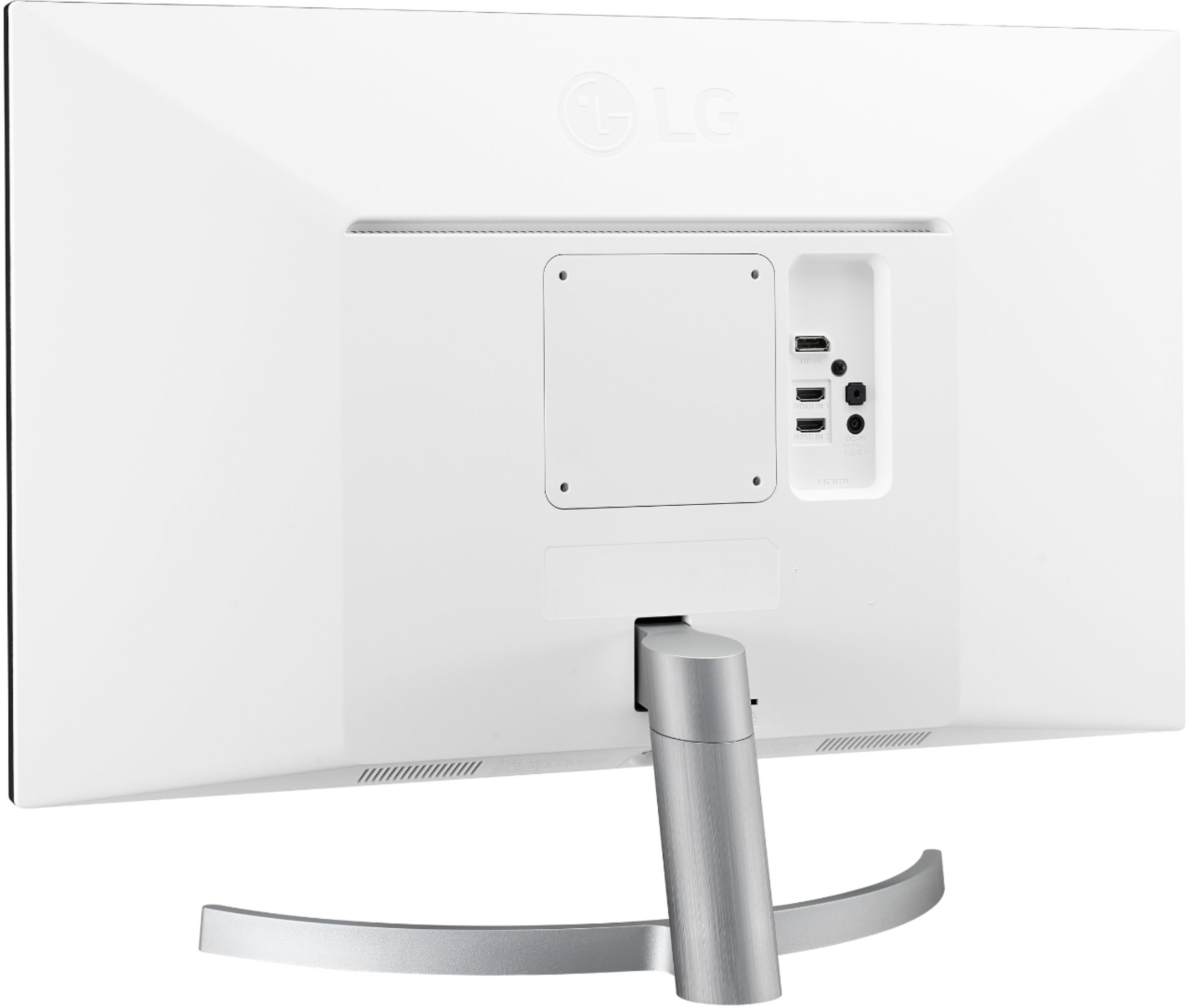
- A:Answer No internal speakers, but it does have a standard 3.5mm stereo jack input on the back if you want speakers connected directly to the monitor as opposed the computer/console. I use mine for both PC and Xbox One X, so I just use standard desktop speakers plugged into the monitor.
Answered by Anonymous
Q: QuestionFirst, I read one of the reviews and it states that it does not work with Apple. Is that true? I need a monitor that will work with my iMac pro and my MacBook Pro. Will this work and if not what will at around this price?
Asked by Cisco.
- A:Answer This monitor absolutely works with Macs as long as they are a model with USB-C interface(s). I bought this specifically for use with my MacBook Pro 15" (Late-2016) and MacBook Air Retina 13" (2018). On another very large online store, I bought a USB-C to Display Port cable for connectivity. This is a thin, simple cable that has no inline boxes or bulk so it works very well for a clean desktop. Using that cable, I get 4K @ 60hz. For whatever reason, it was hit or miss getting 60hz when using a variety of 4K HDMI dongles I had laying around. These dongles all claimed to support 4K @ 60hz but out of three of them, only one actually did. This USB-C to DisplayPort cable, however, works perfectly and I don't have an ugly, unnecessary box hanging out the side of my computer. Buy with confidence. The color accuracy and the consistency in panel backlighting is excellent. My MacBook display is hardware calibrated and the LG matches it right out of the box - so well in fact that I didn't even bother creating a profile for it.
Answered by Thefozz
Top Rated
- $299.00$299.00The price was $349.00
- $99.99$99.99The price was $129.99
- $249.99$249.99The price was $379.99
- $1,099.99$1,099.99The price was $1,299.99