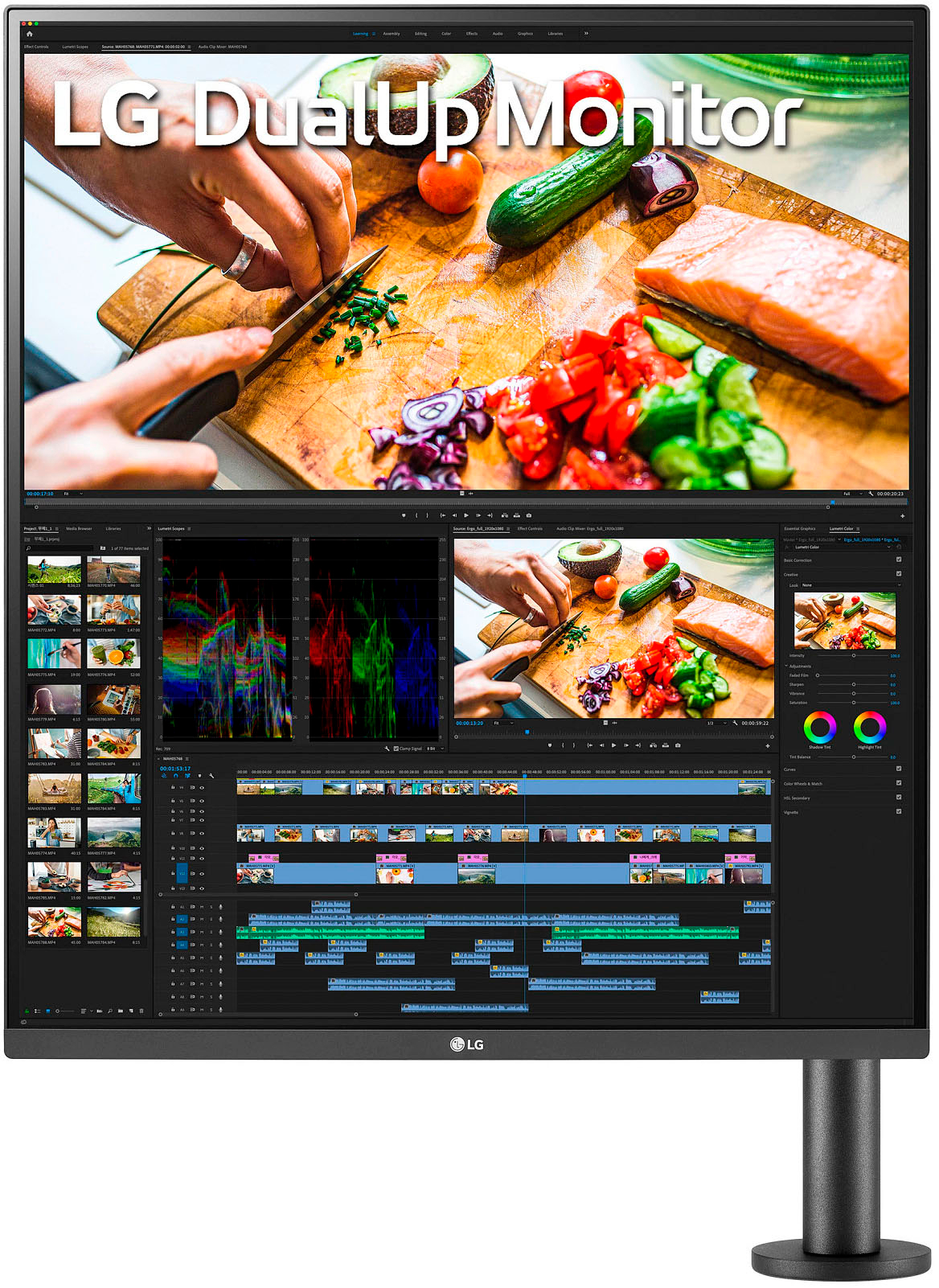
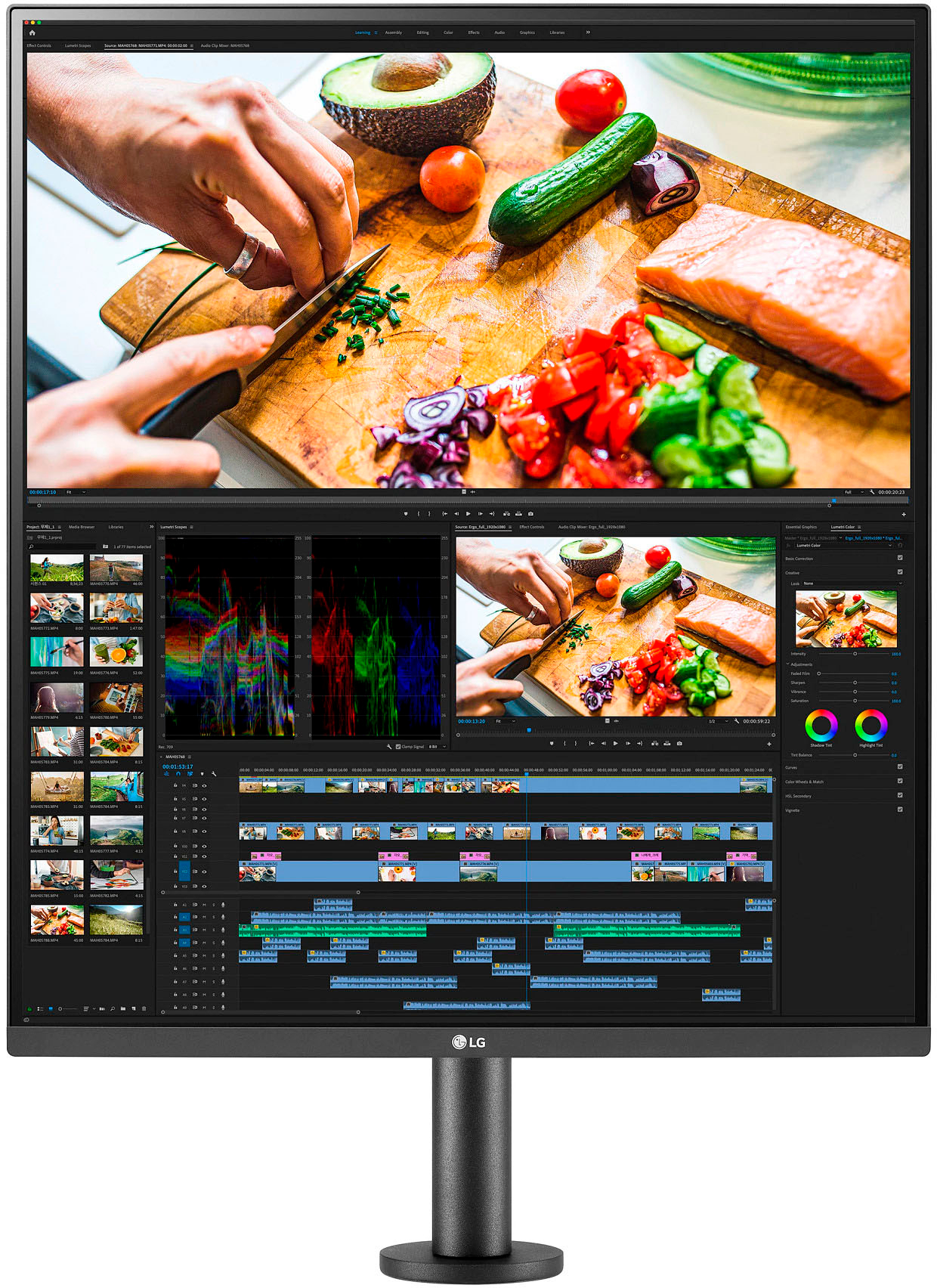
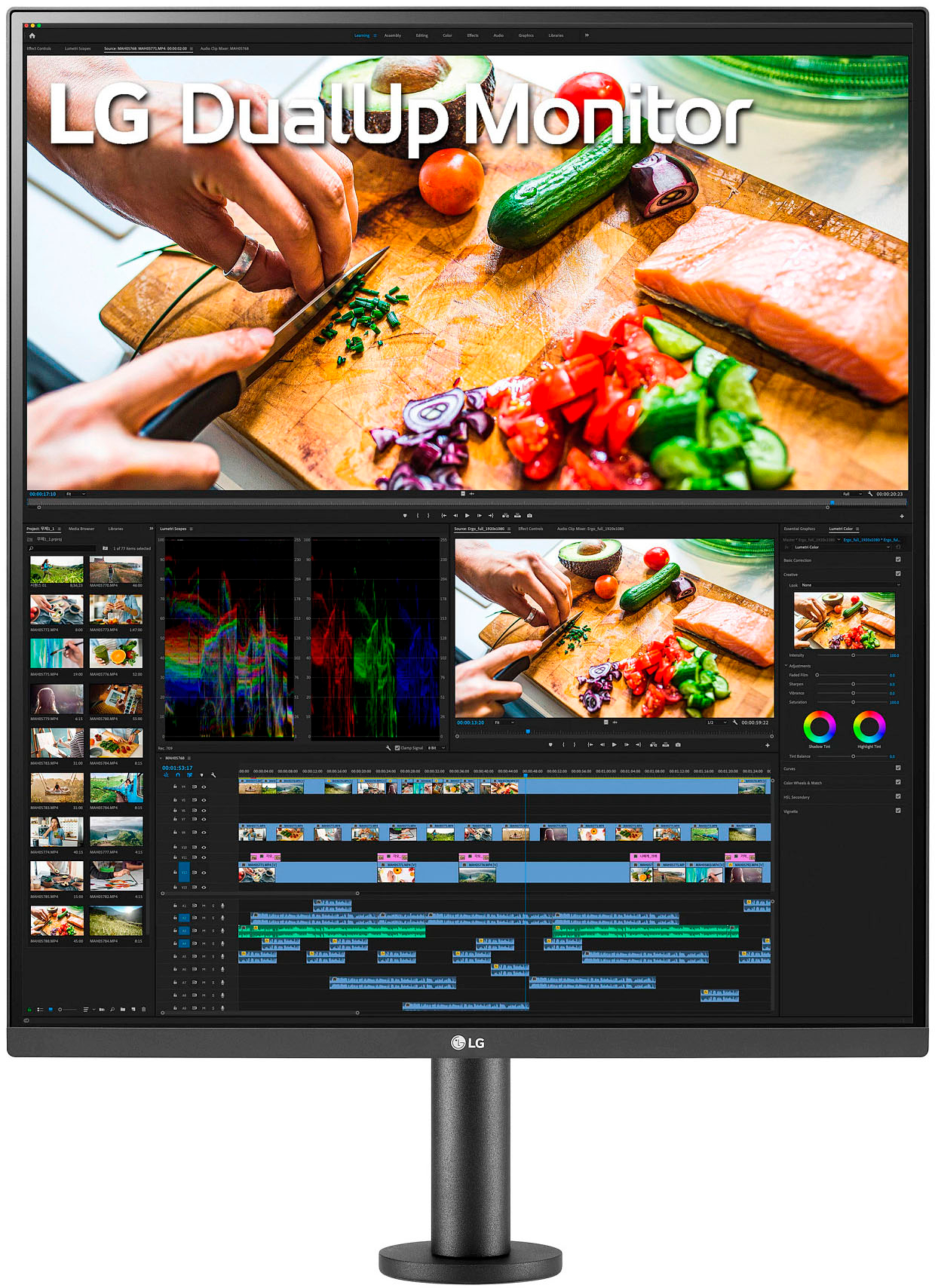
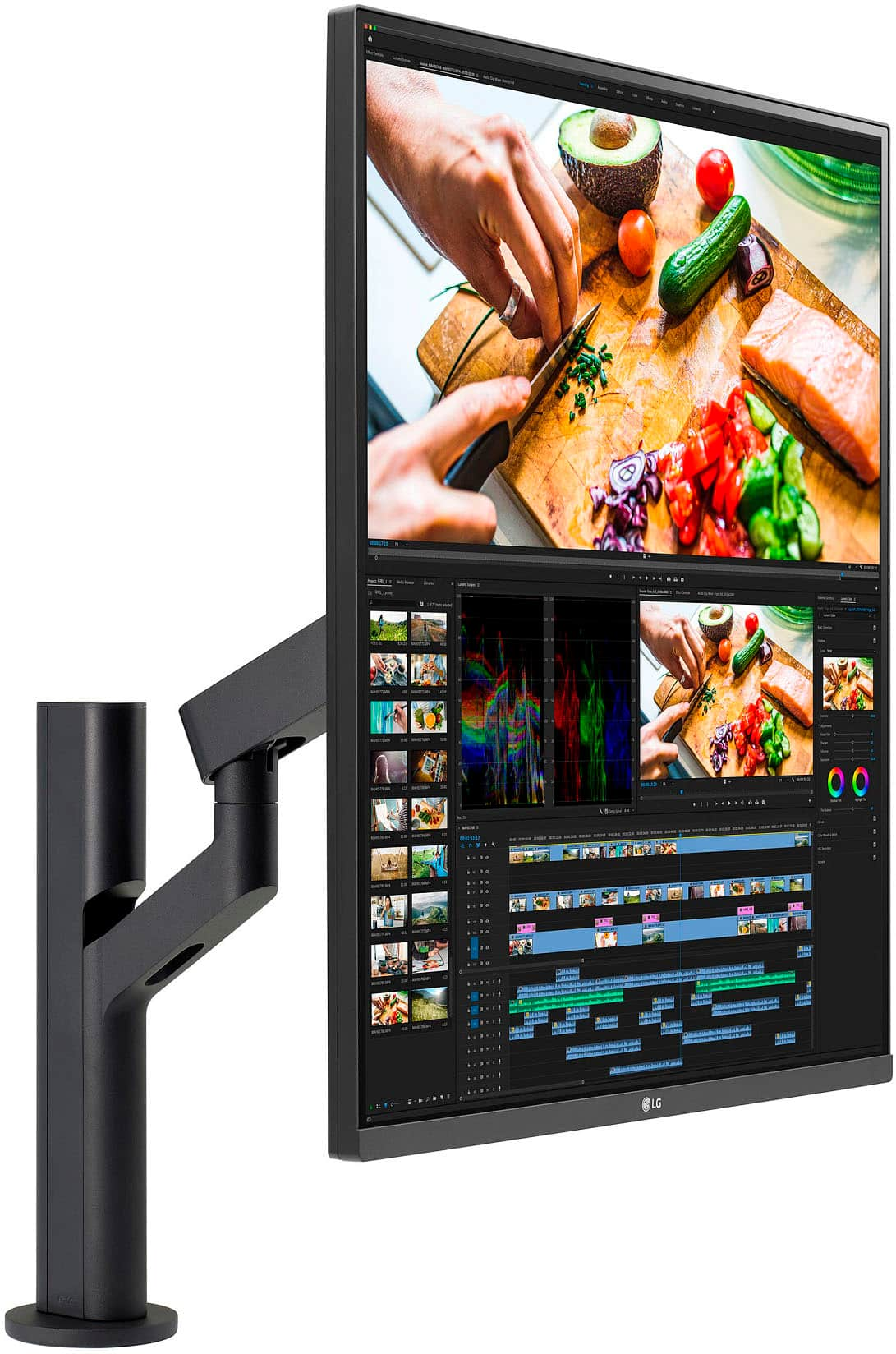
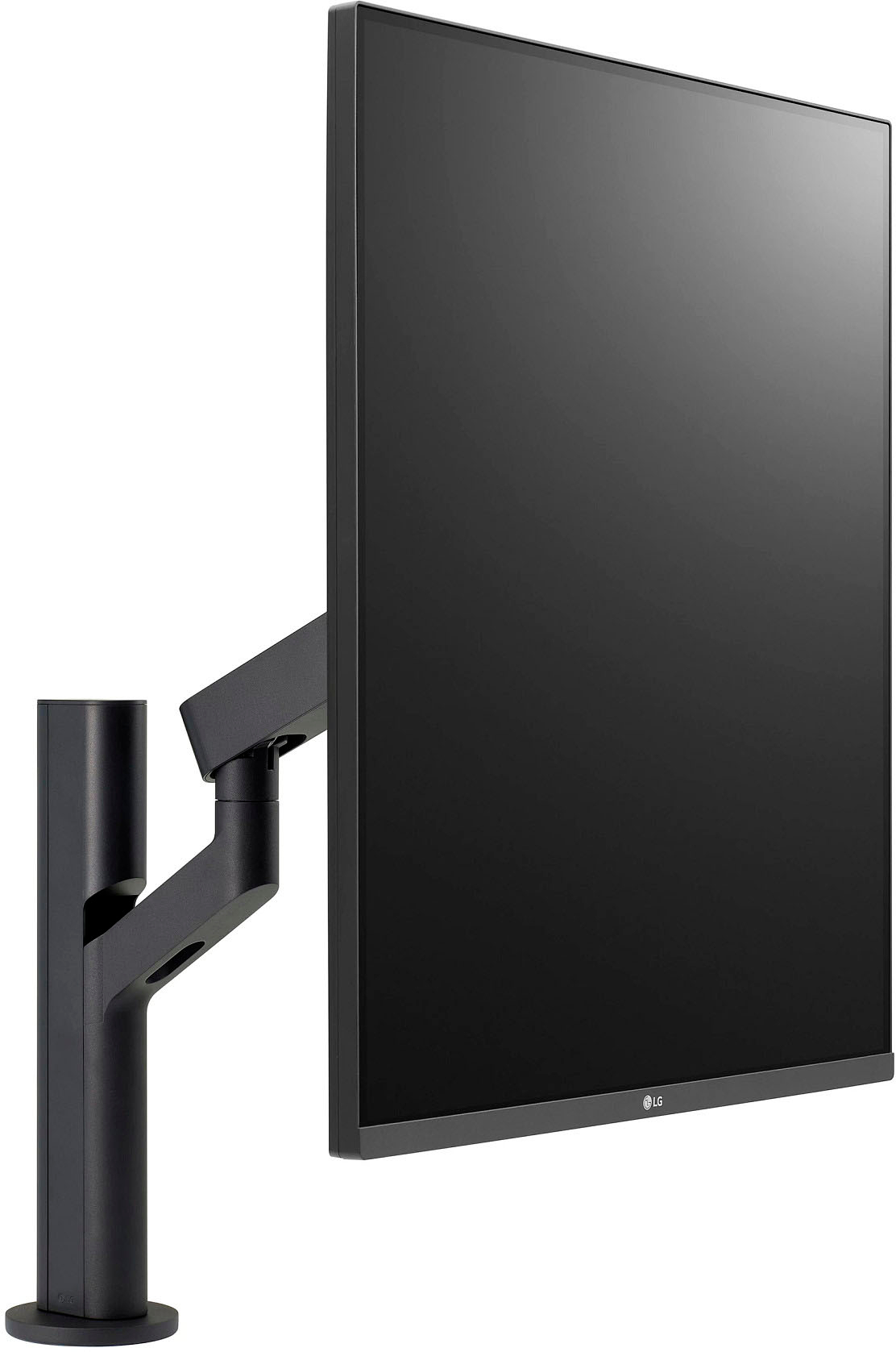
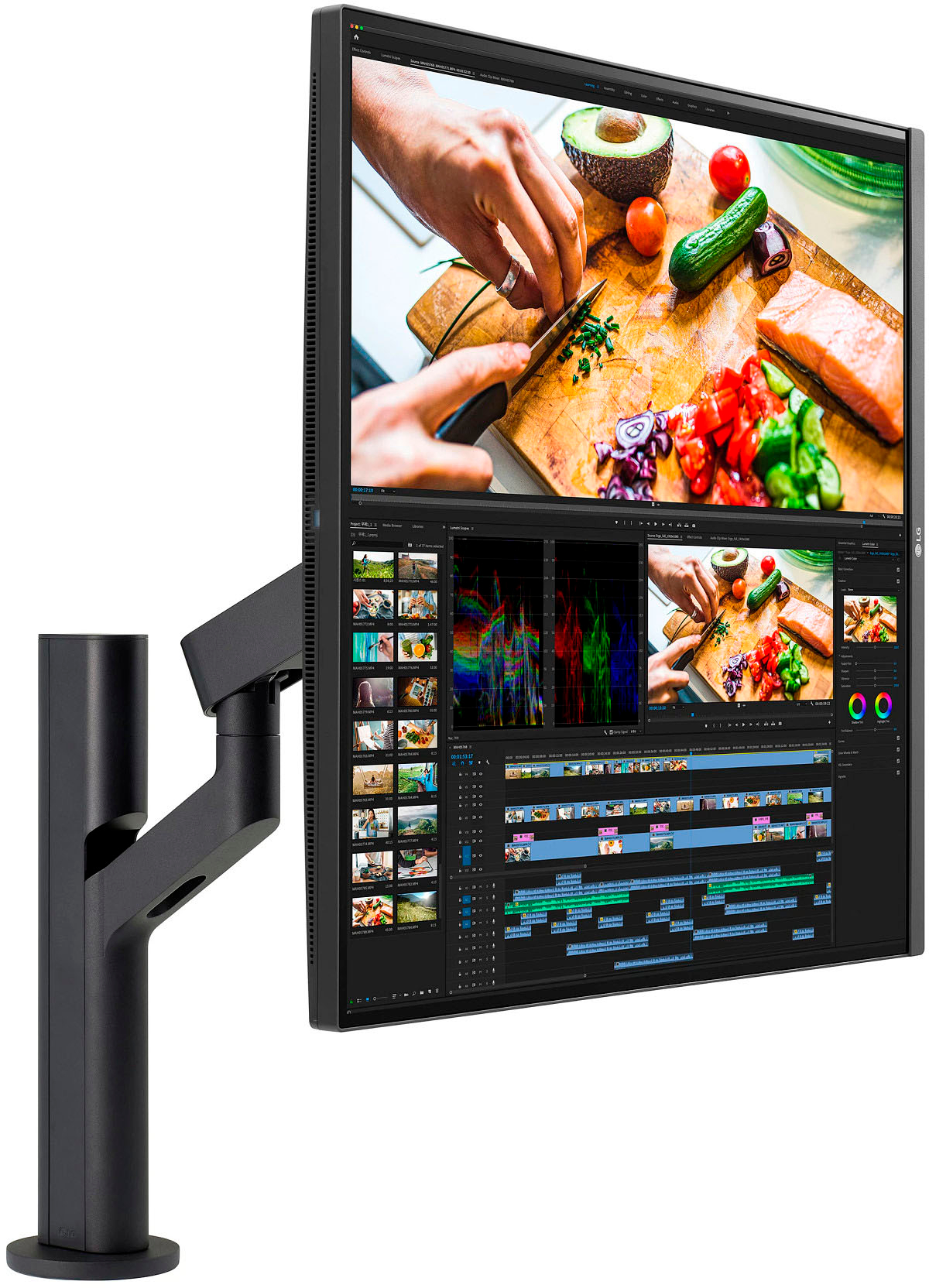
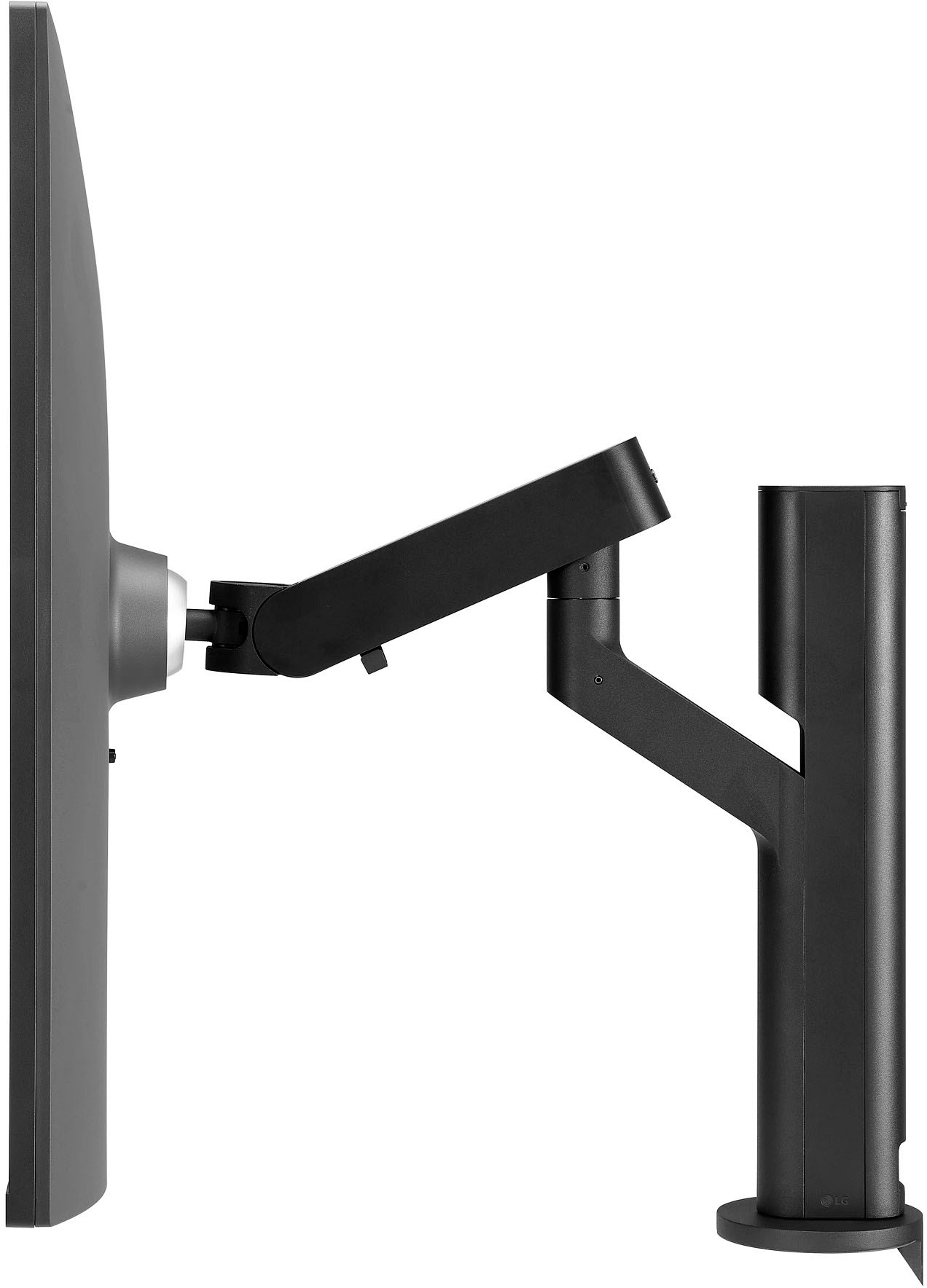
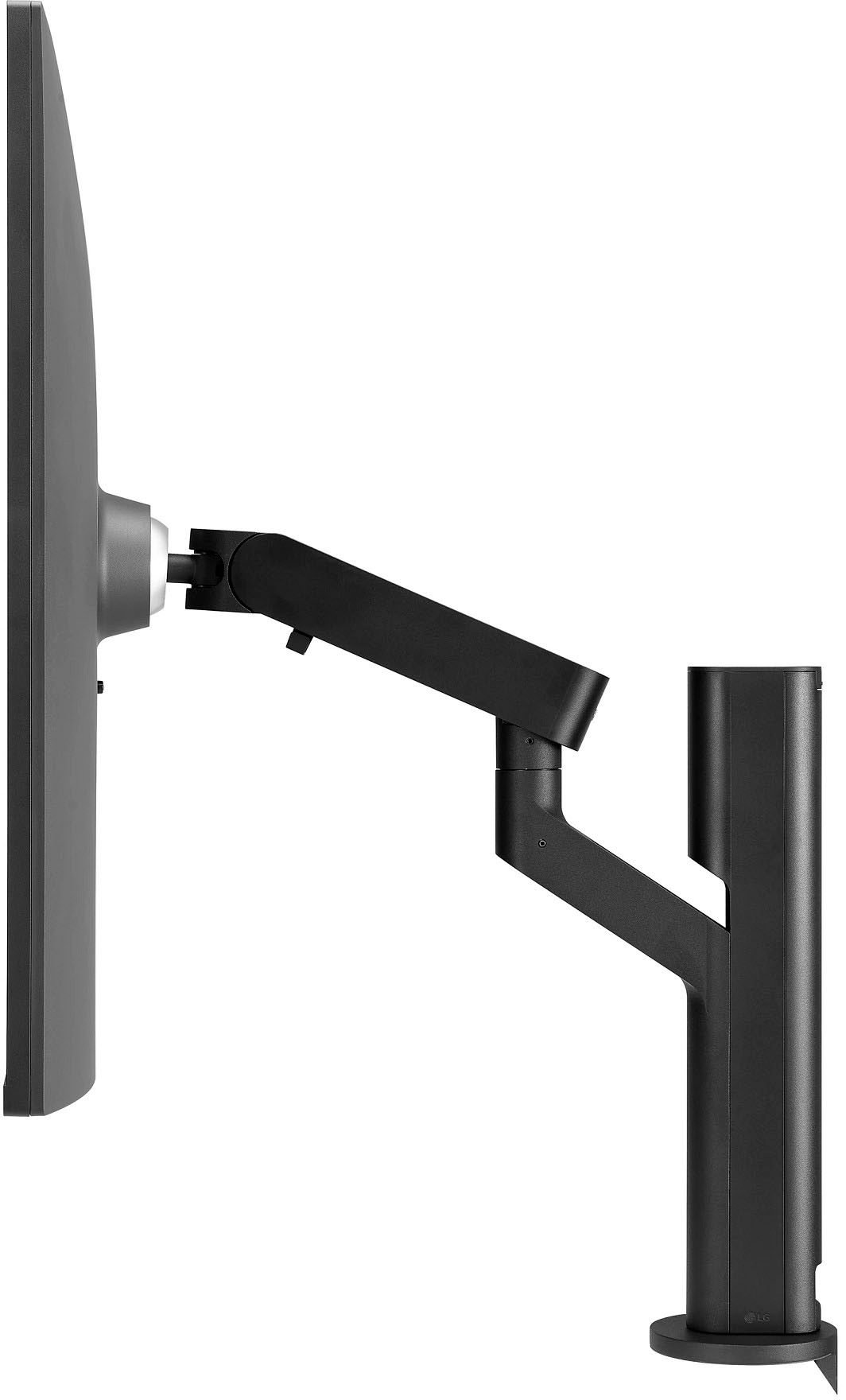
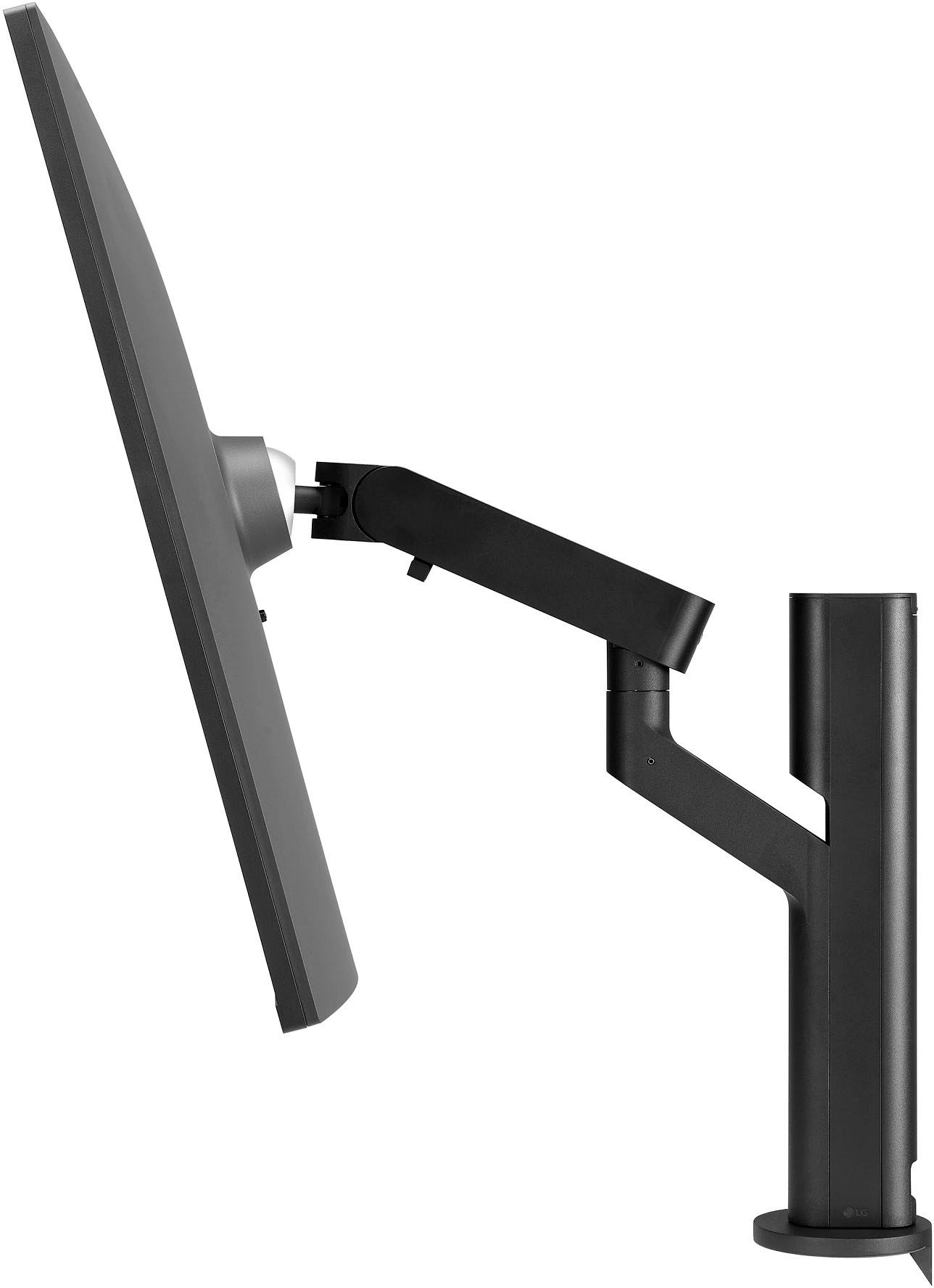
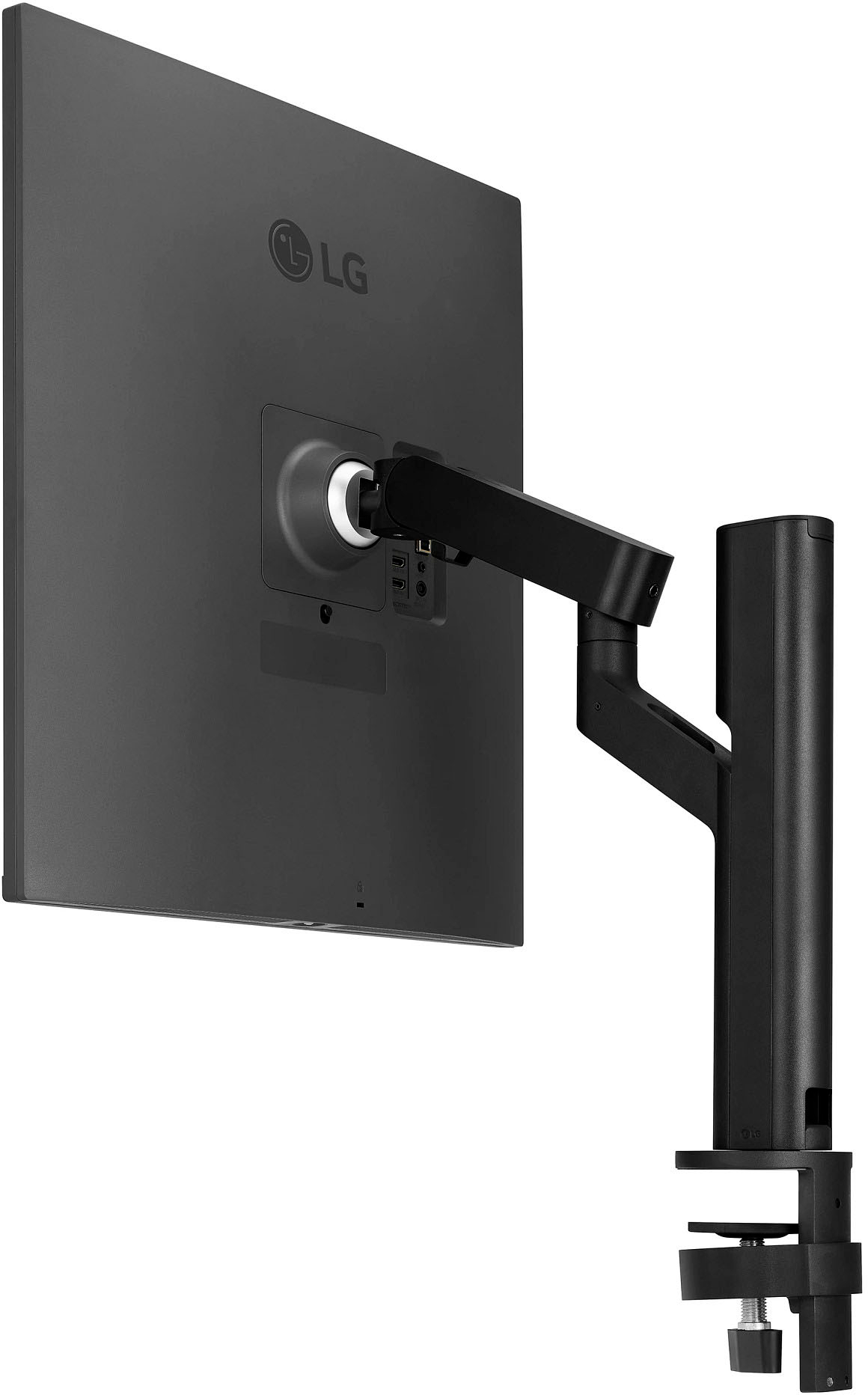
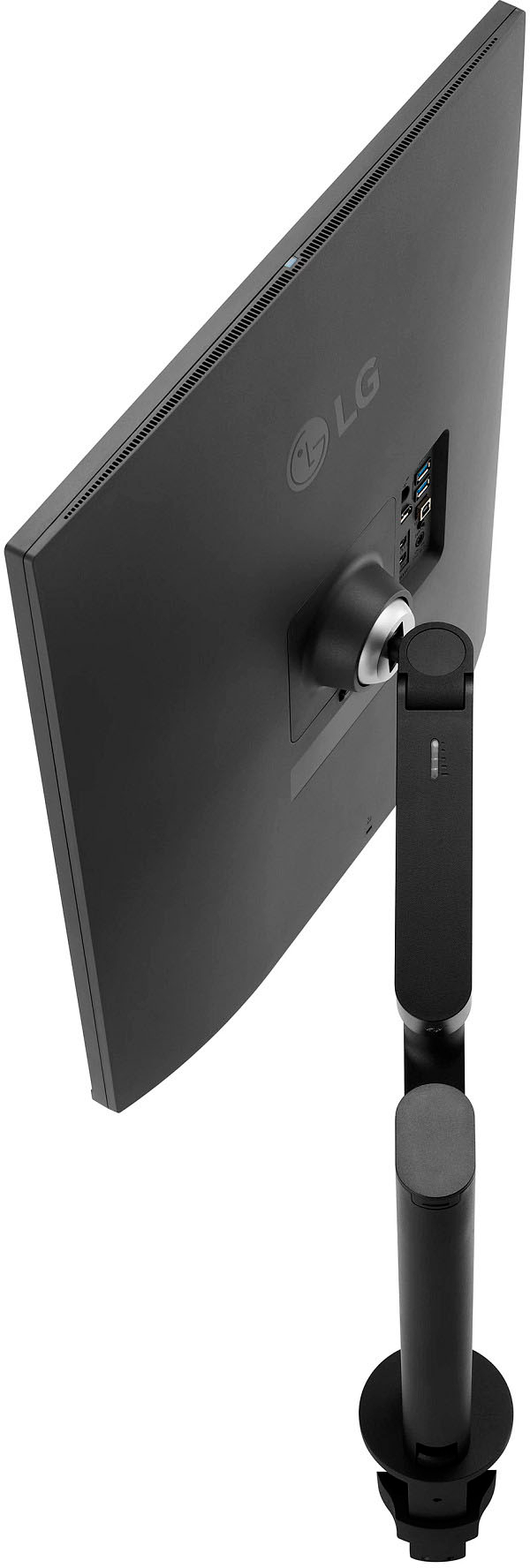
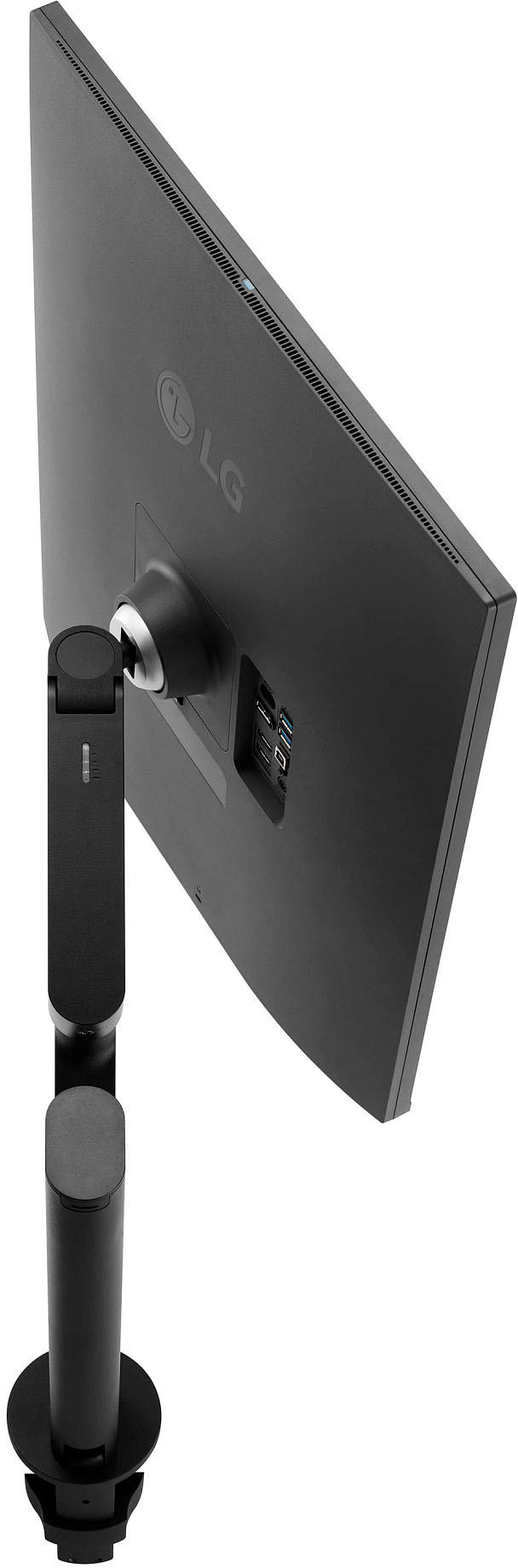
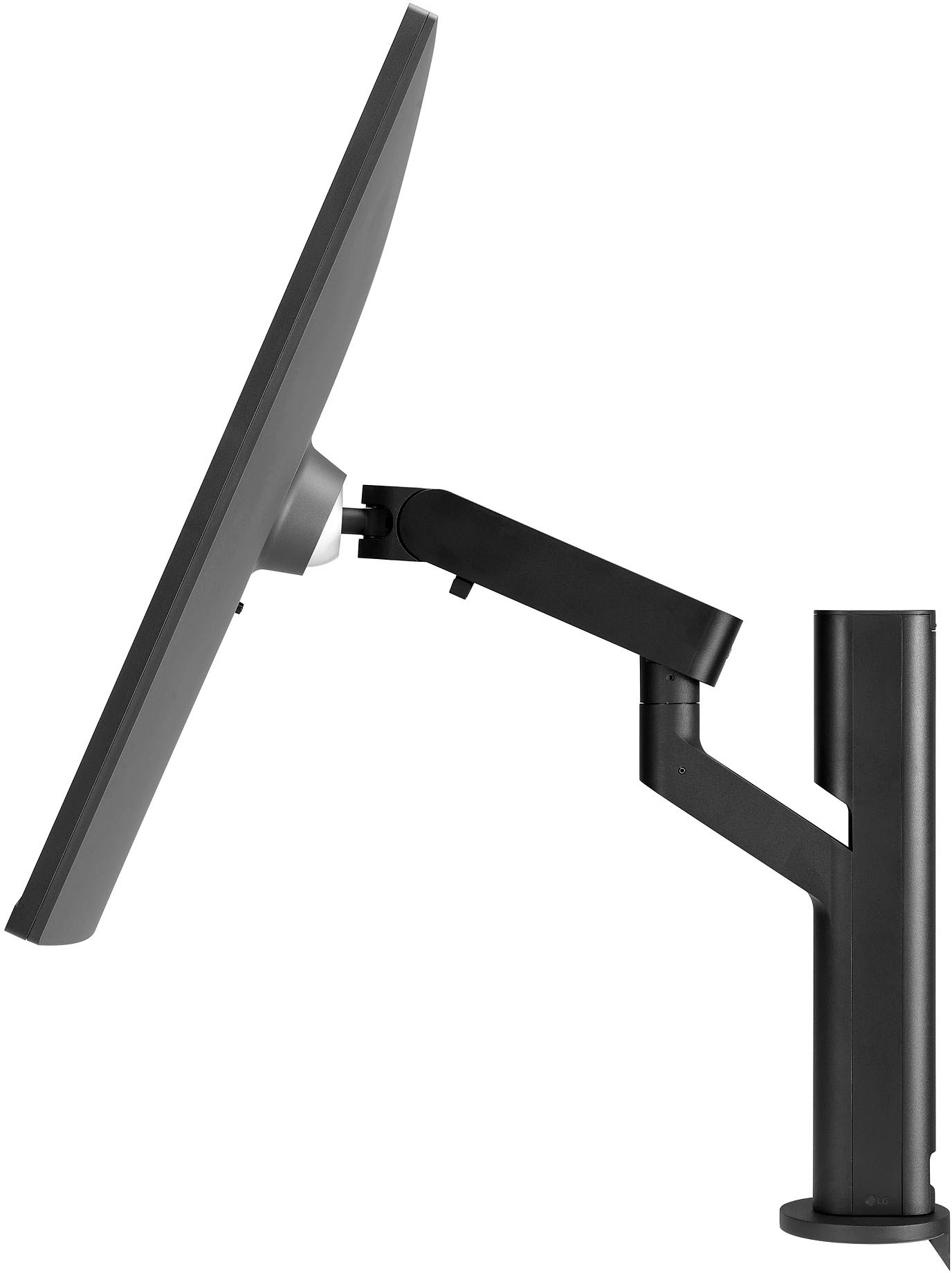
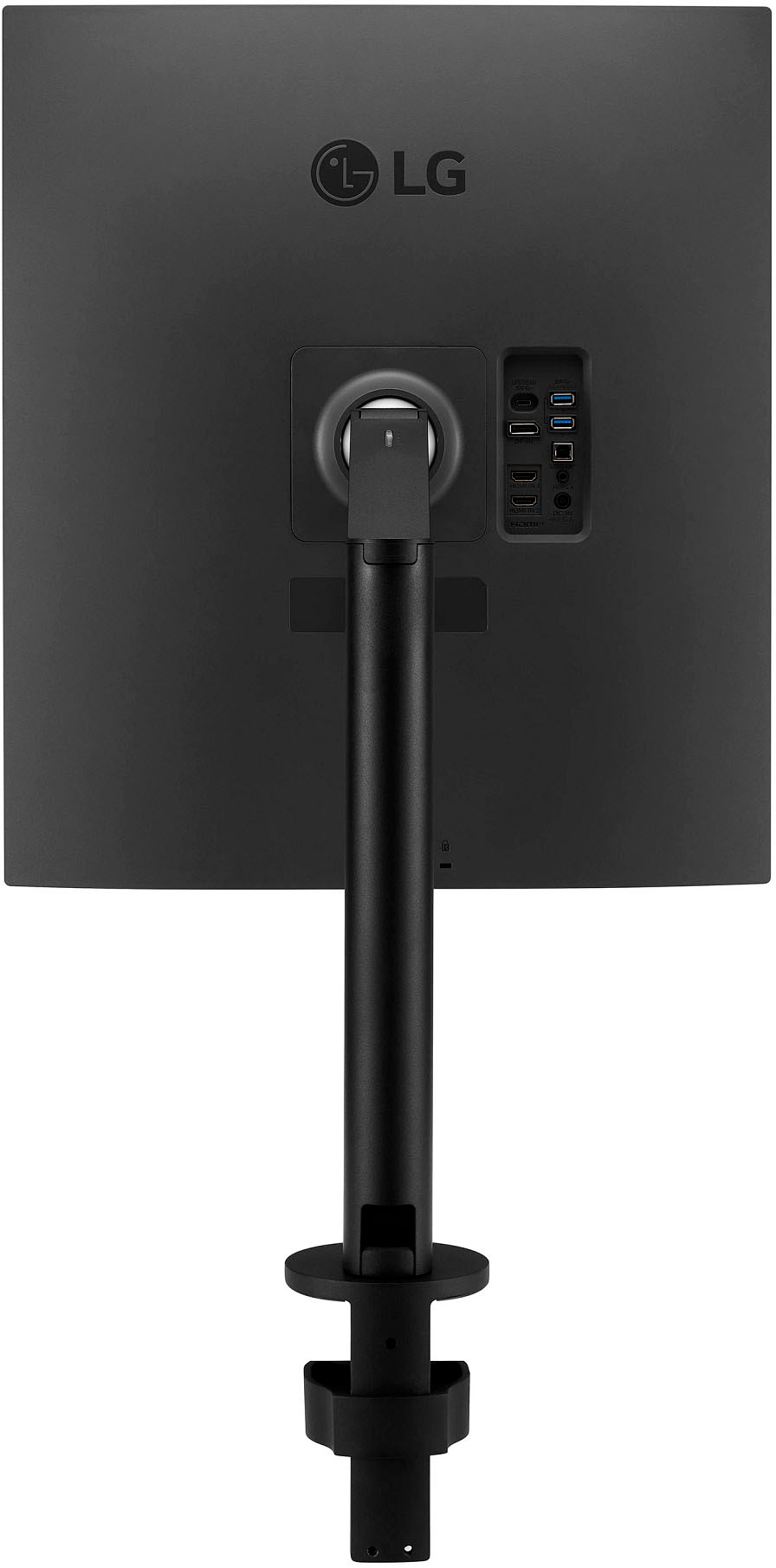
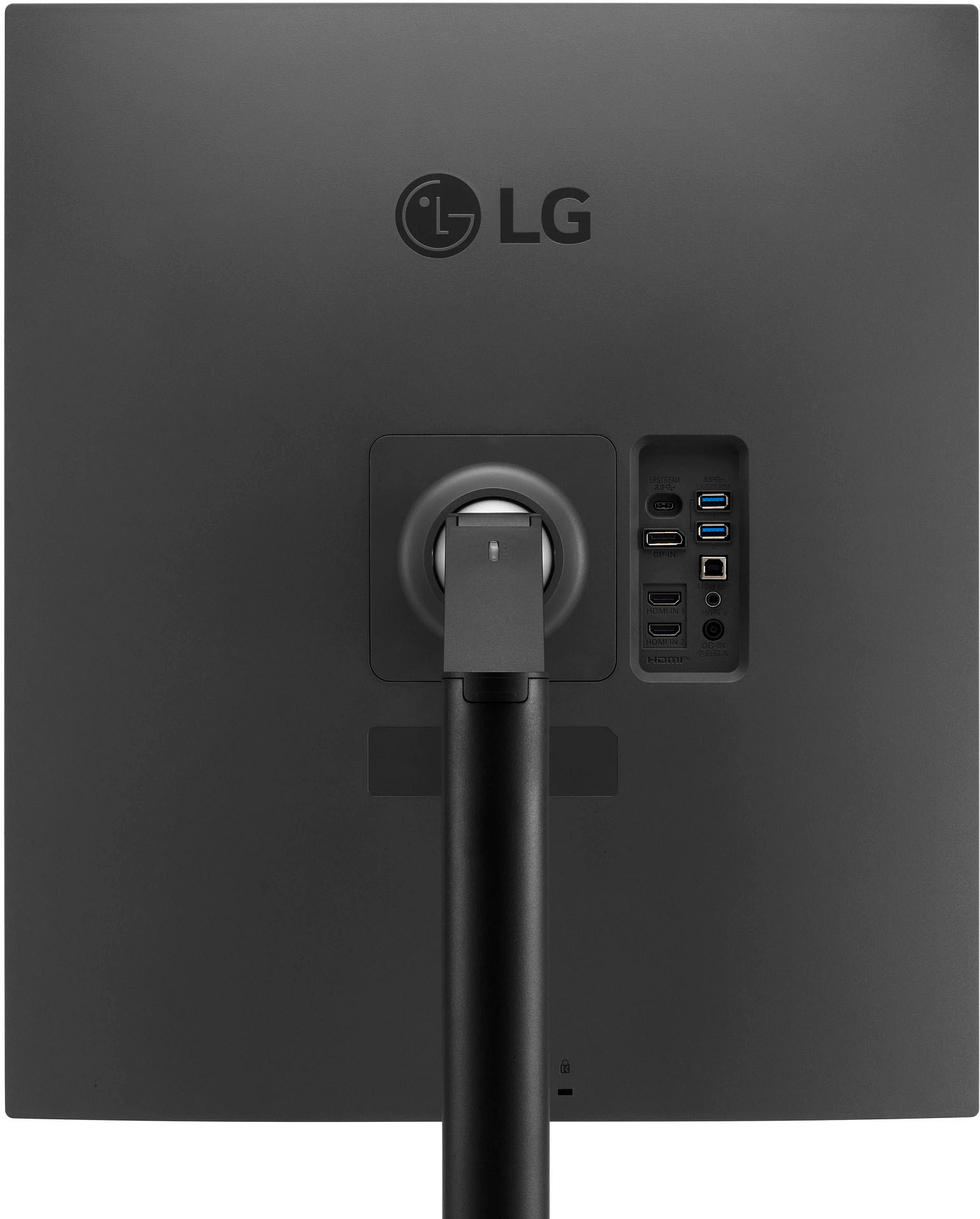
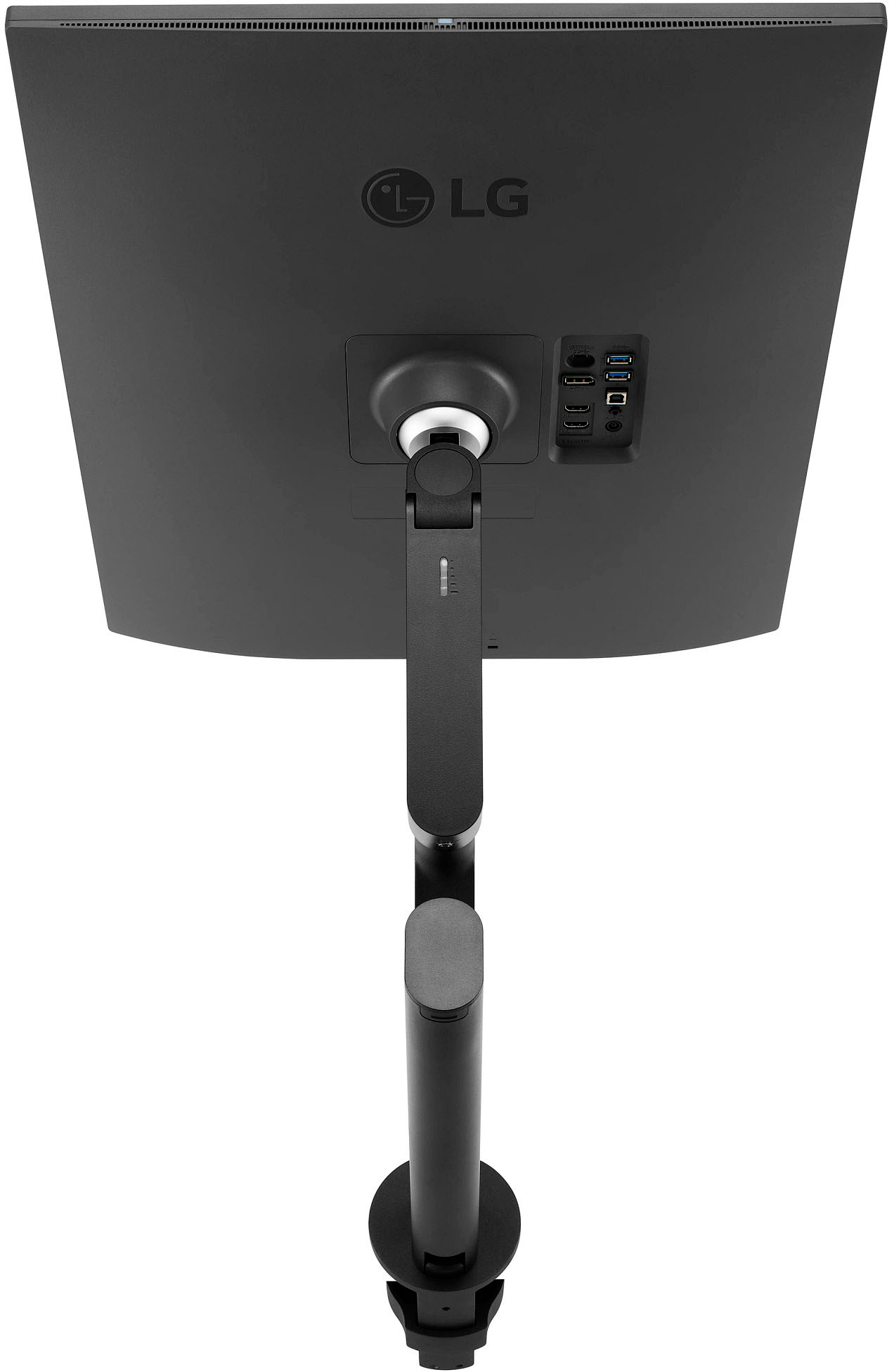
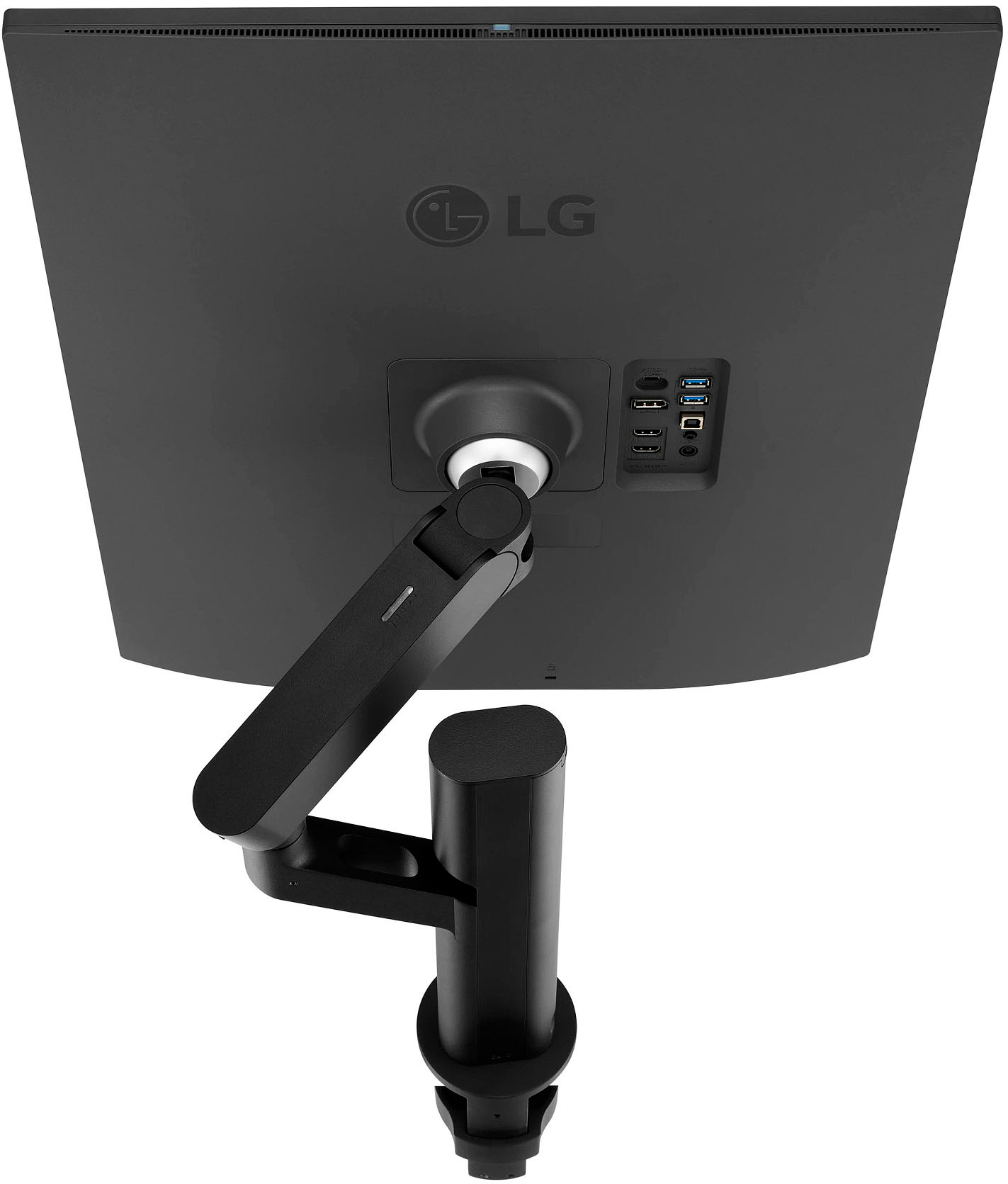
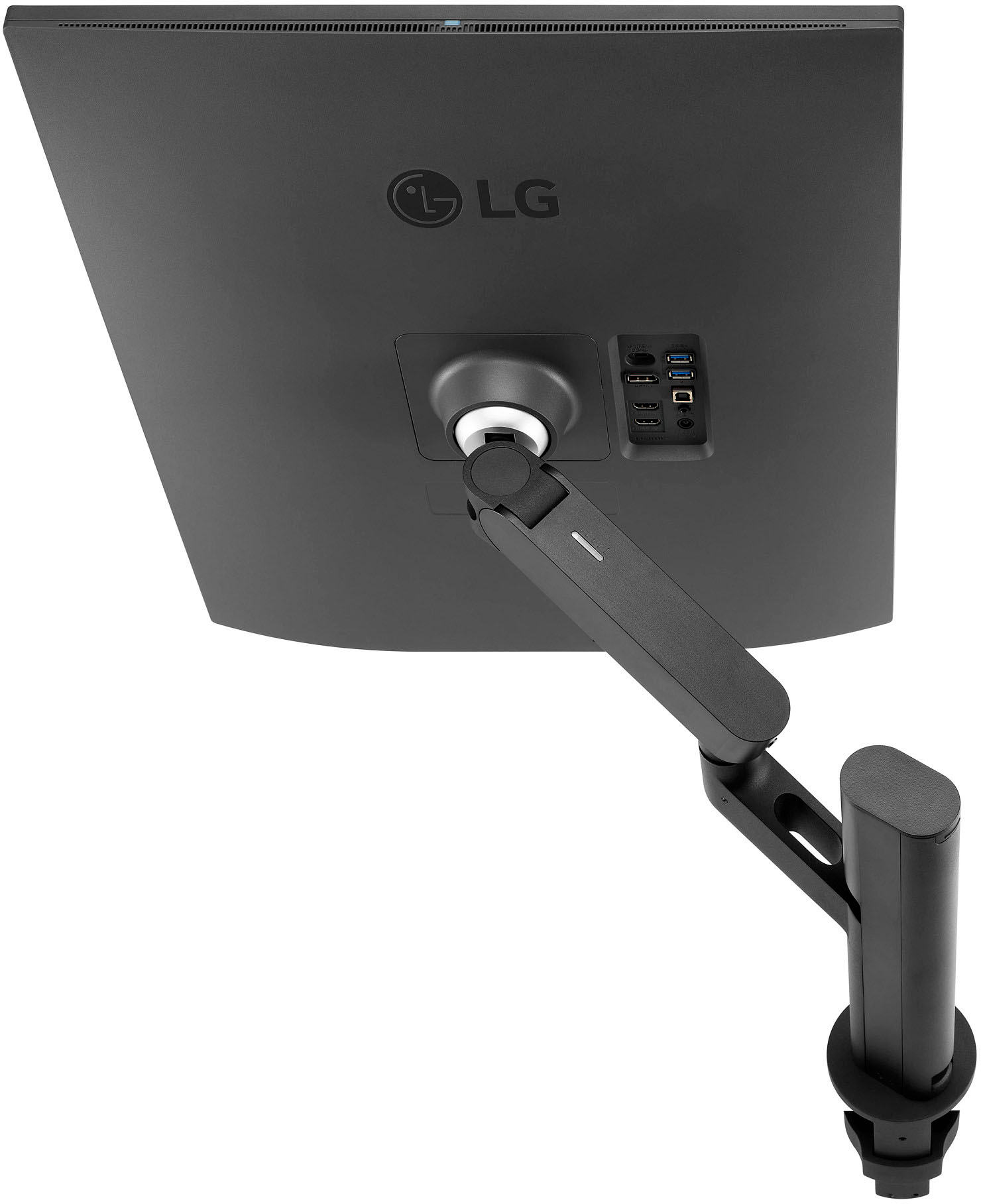
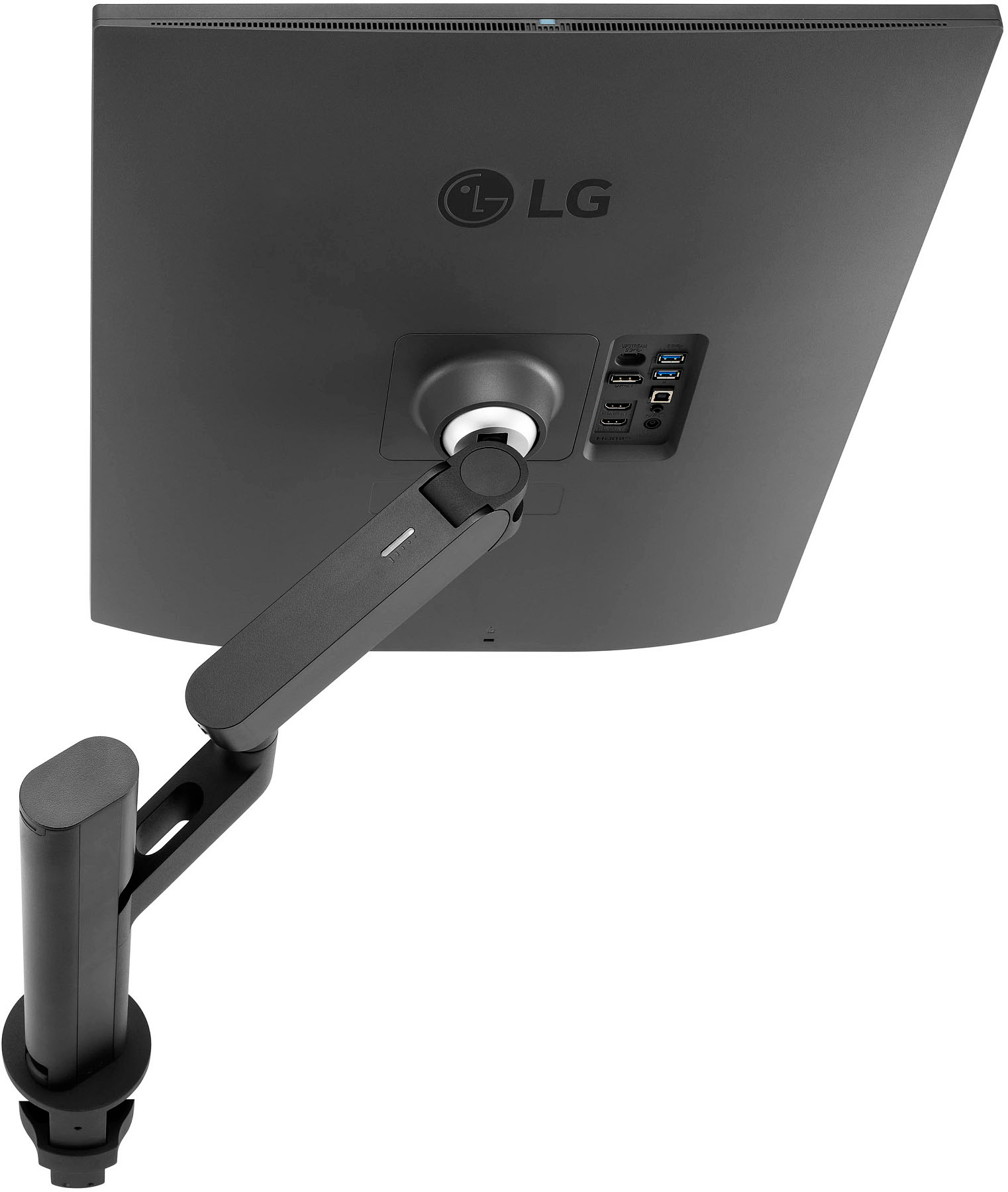
A:AnswerYes! And it looks like a massive 4:3 monitor when you do. You have to manage orientation in Windows, Mac OS, or Linux though. Also, there is no option in the monitor for menu orientation so your menus for the monitor are rotated 90 degrees.
It also only rotates one way.
Honestly wish LG had done a hardware orientation setting at the monitor level instead of OS level, but it does work.
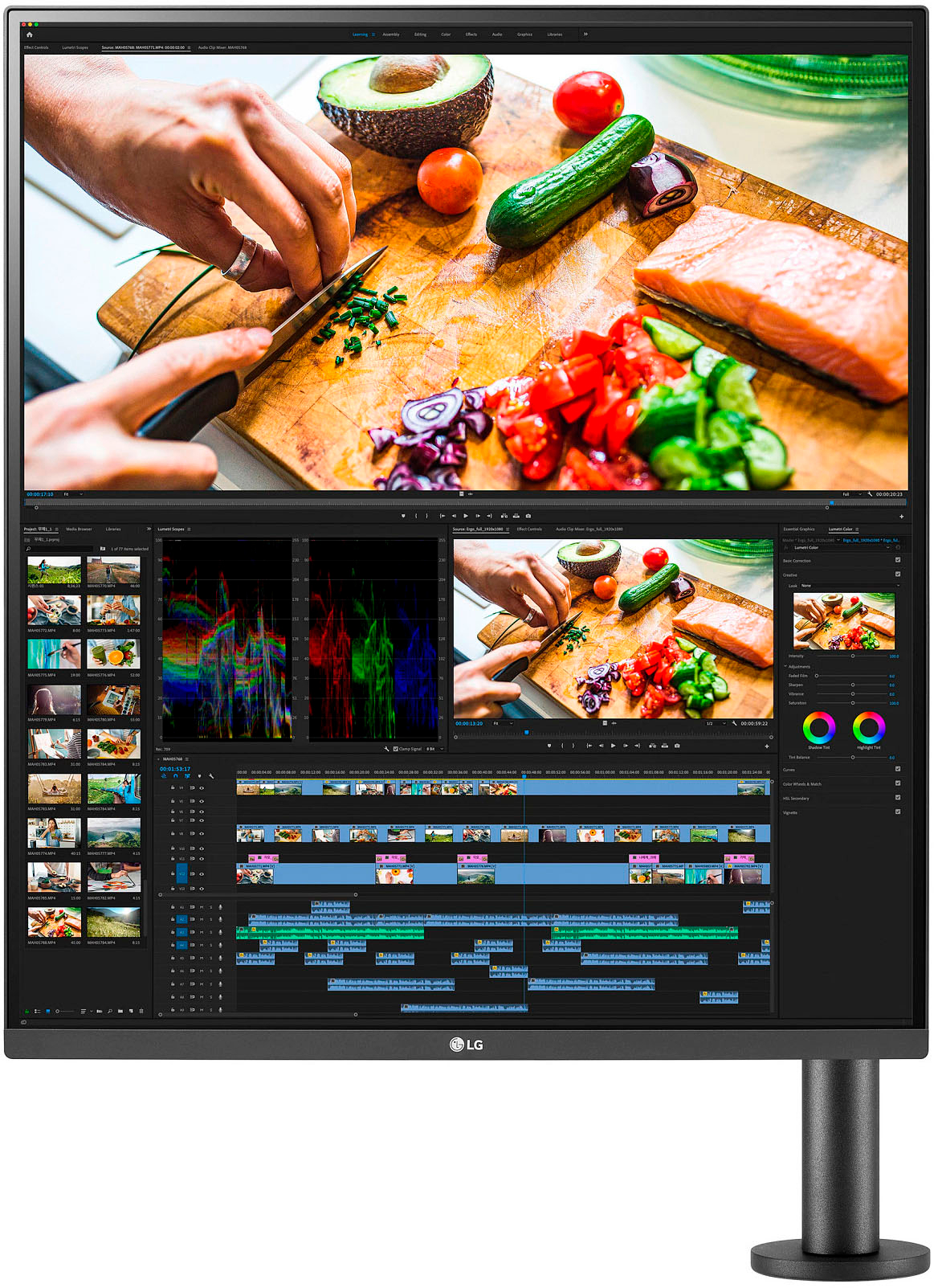
A:AnswerYes LG - DualUp 28" IPS LED SDQHD Monitor with HDR (HDMI, DisplayPort, USB will operate simultaneously using 2 different devices. Please refer to link:https://tinyurl.com/3zhmaxte which has a visual tutorial of installation.~Tanisha

A:AnswerHi, Picture-by-Picture (PBP) & Built-in Keyboard, Video Monitor and Mouse (KVM)
With the PBP feature you can display content from two different computers on the monitor and use the KVM feature to manage the content with a single keyboard and mouse.You can use Displayport
One Source Picture by Picture
By connecting your laptop to the LG DualUp monitor via the HDMI DisplayPort and USB Type C™, you can easily control both displays without using software or shortcut keys. ^Vanessa
A:AnswerHi, You can use this as an extra monitor , This has Picture-by-Picture (PBP) & Built-in Keyboard, Video Monitor and Mouse (KVM)- With the PBP feature you can display content from two different computers on the monitor and use the KVM feature to manage the content with a single keyboard and mouse. By connecting your laptop to the LG DualUp monitor via the HDMI DisplayPort and USB Type C, you can easily control both displays without using software or shortcut keys.^Vanessa
A:AnswerWe would be happy to help you with your case, however we need to move to a platform that supports back and forth messaging. Please send us a private message on Facebook or Twitter using @LGUSSupport and include #VOC, your contact info and we will doing everything in our power to expedite a resolution for you. Thank you. ^Venette
A:AnswerLet us help you with that! Please send us a private message on Facebook or Twitter using @LGUSSupport and include #VOC, your contact info and we can expedite a resolution for you. Thank you. ^Venette