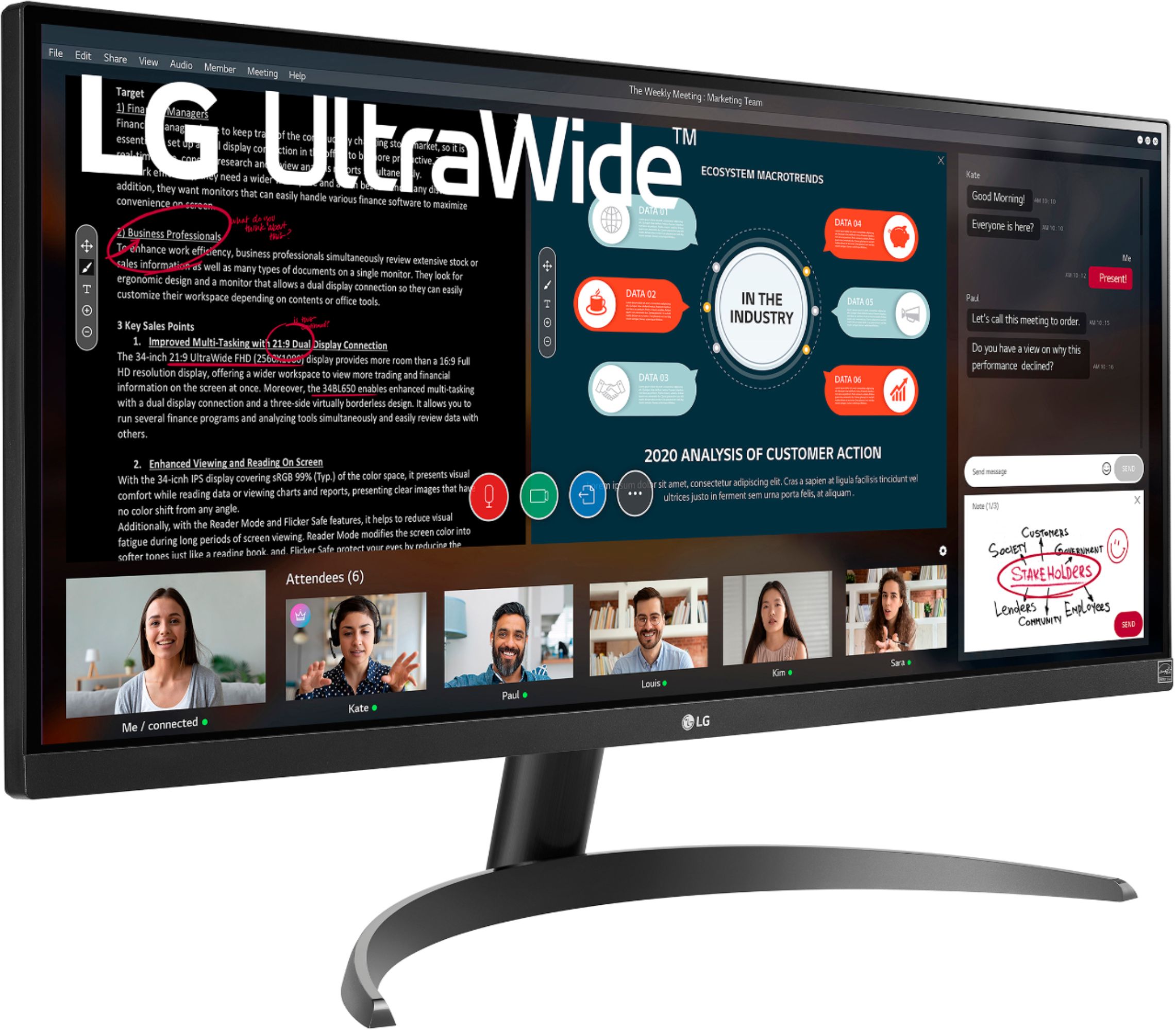
A:AnswerThis monitor has a built in Flicker Safe. LG's Flicker-Safe technology protects users' eyes from fatigue by reducing flickering to almost zero. With a touch of a button, Reader Mode allows the reduction of blue light emissions that can be harmful to the eyes. For further assistance, please reach out to our support team via private message on Facebook @LGUSSupport and use #VOC in your first message to our social media support team or call at 800-243-0000. ^Daphane
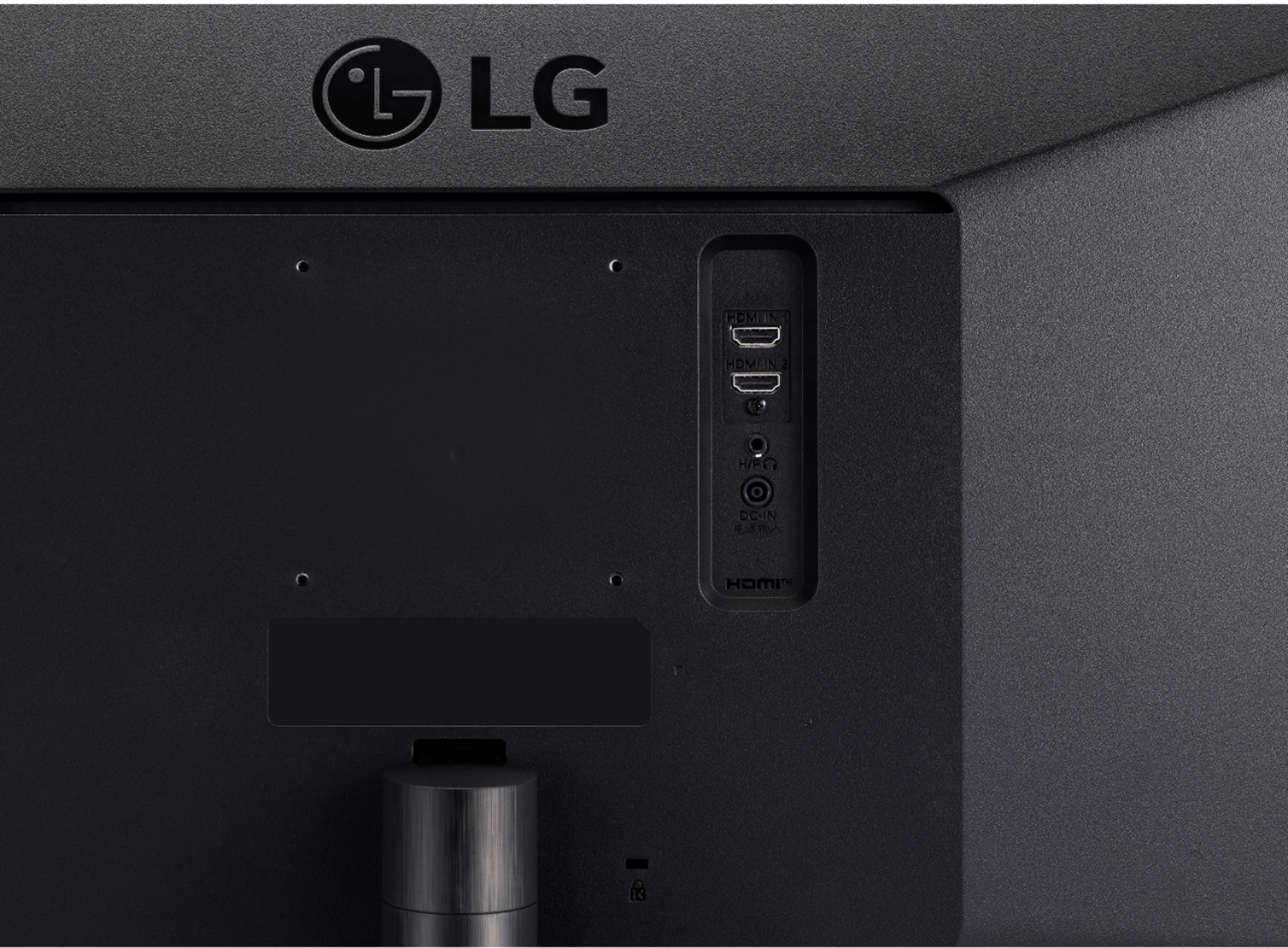
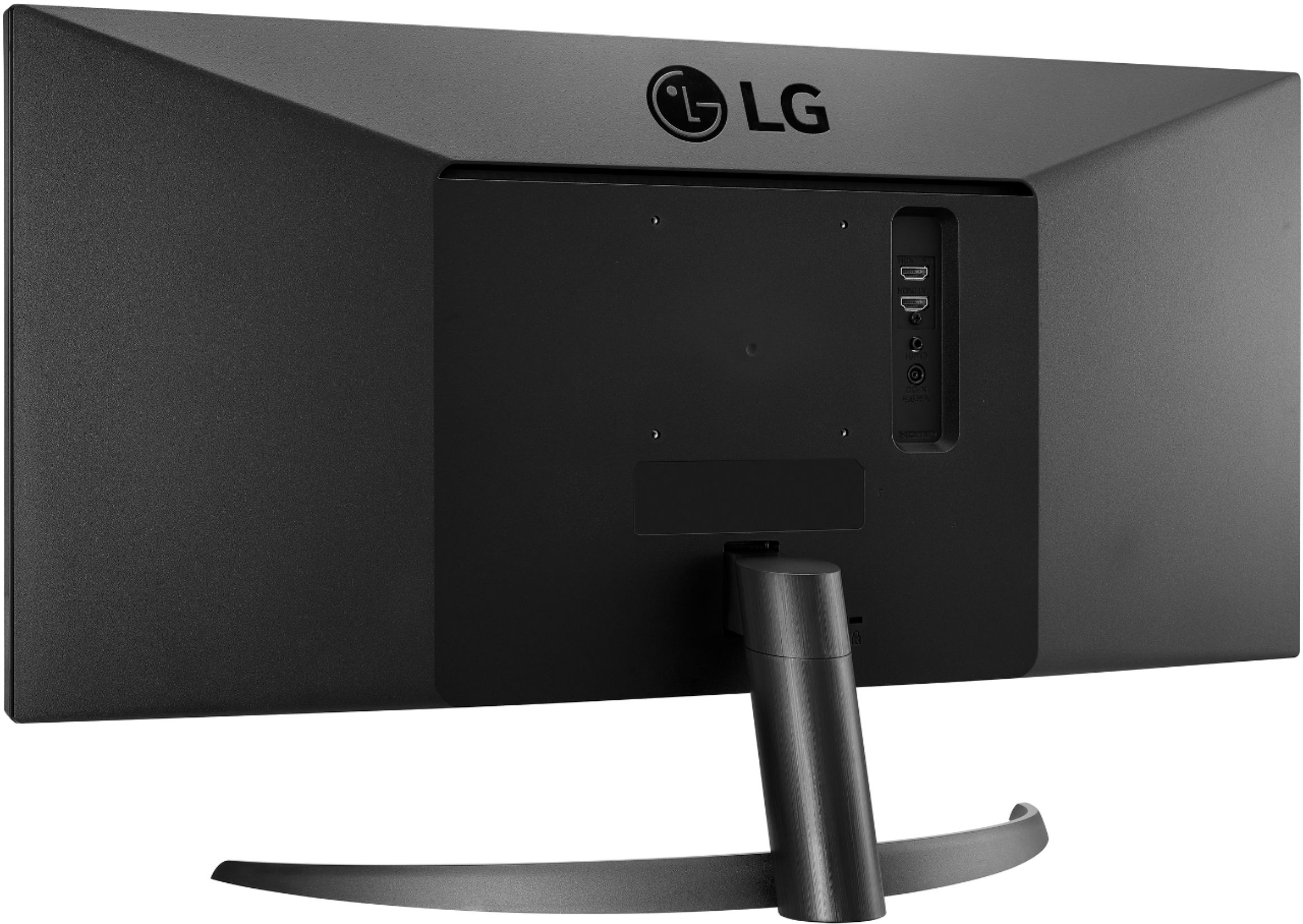
A:AnswerWhen you plug an HDMI cable into a PC, it automatically switches video and audio to the HDMI device. This monitor does not have speakers. You'll need to plug speakers/headphones into the audio out (headphone port) on the monitor or switch the audio out back to whatever you were using before you plugged this one in.
Changing the volume as answered before, you'll see that it says "Adjusts the volume of the external speaker"
A:AnswerPlease reach out to our support team on Facebook at @LGUSSupport and use #VOC in your first message to our social media support team. Please be sure to provide your name, phone number, address, email, model/serial numbers, and date of purchase and we will be happy to assist you. There are policies and procedures in place to ensure resolutions are consistent and fair. I am confident that we will work to provide an agreeable resolution.^Venette
A:AnswerNo, this monitor does not feature PBP (Picture by Picture). PBP (Picture by Picture) function separates the screen in half displaying output from two different source devices simultaneously on the left and right sides of the screen. ^Daphane
A:AnswerNot sure. You can split the screen, not sure why you wouldn't just use the zoom's ability to capture just part of the screen (that's in their preferences). There's probably a way to cover with another open window.
A:AnswerYour webcam should have USB. You plug the USB in and when you choose to use Zoom (or any video conferencing) you will find your webcam in the choices. That's what I have with a Logitech and it works fine. Only time I've had issues is with the service, not the connection.
A:AnswerHello, here is what we have, Input 100-240 Vac, 50/60Hz, Power Save/Sleep Mode (Max.) < 0.5WDC Off (Max.) < 0.3W, Power Consumption (Typ.) 22W, Power Consumption (Energy Star) 16W and Power Consumption (Max.) 25W.^Venette
A:AnswerPlease reach out to our support team on Facebook at @LGUSSupport and use #VOC in your first message to our social media support team. Please be sure to provide your name, phone number, address, email, model/serial numbers, and date of purchase and we will be happy to assist you. There are policies and procedures in place to ensure resolutions are consistent and fair. I am confident that we will work to provide an agreeable resolution.^Venette
A:AnswerMonitor 29WP500-B supports Plug and Play drive and doesn't require drivers. For further assistance, please reach out to our support team via private message on Facebook @LGUSSupport and use #VOC in your first message to our social media support team or call at 800-243-0000. ^Daphane