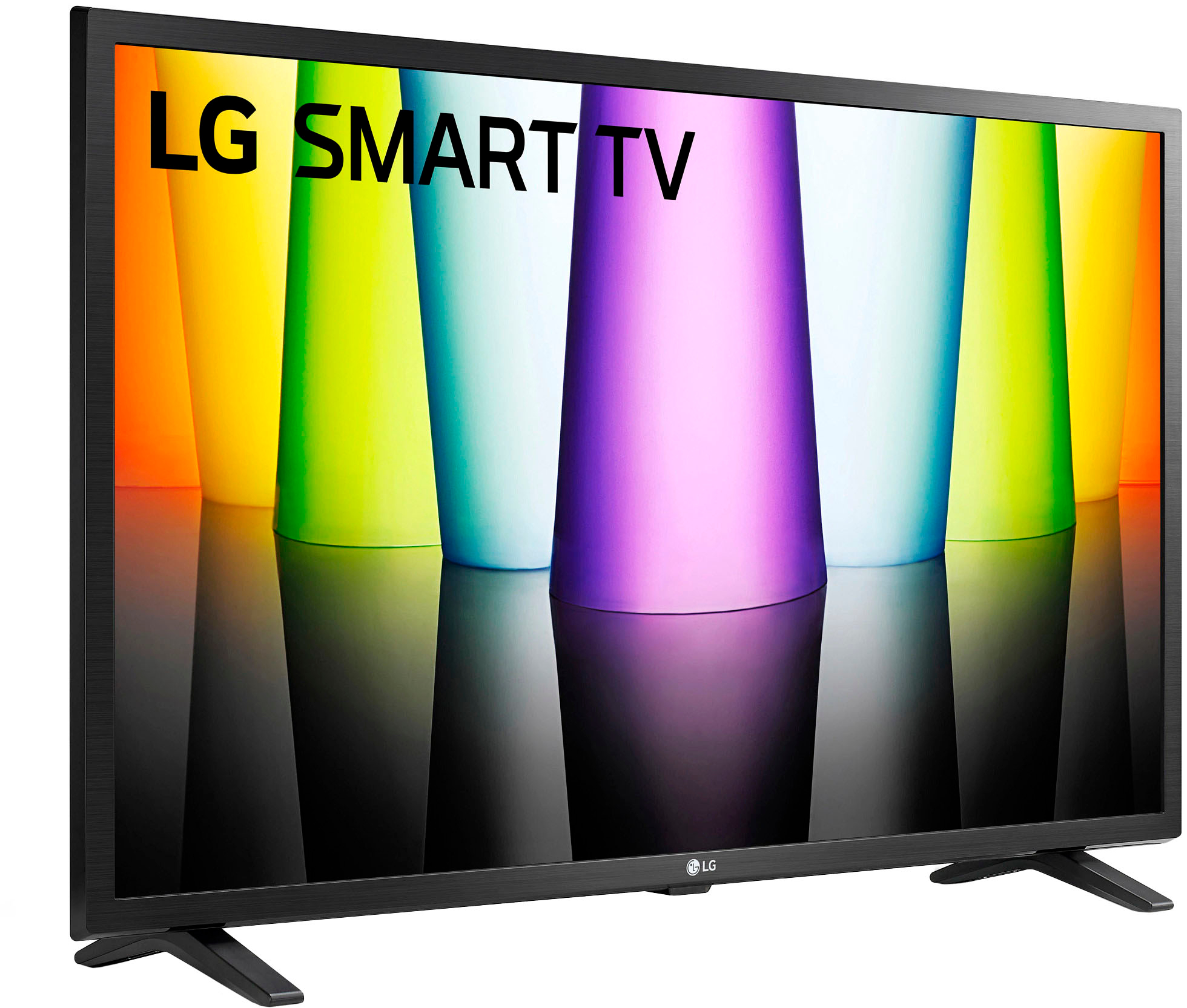
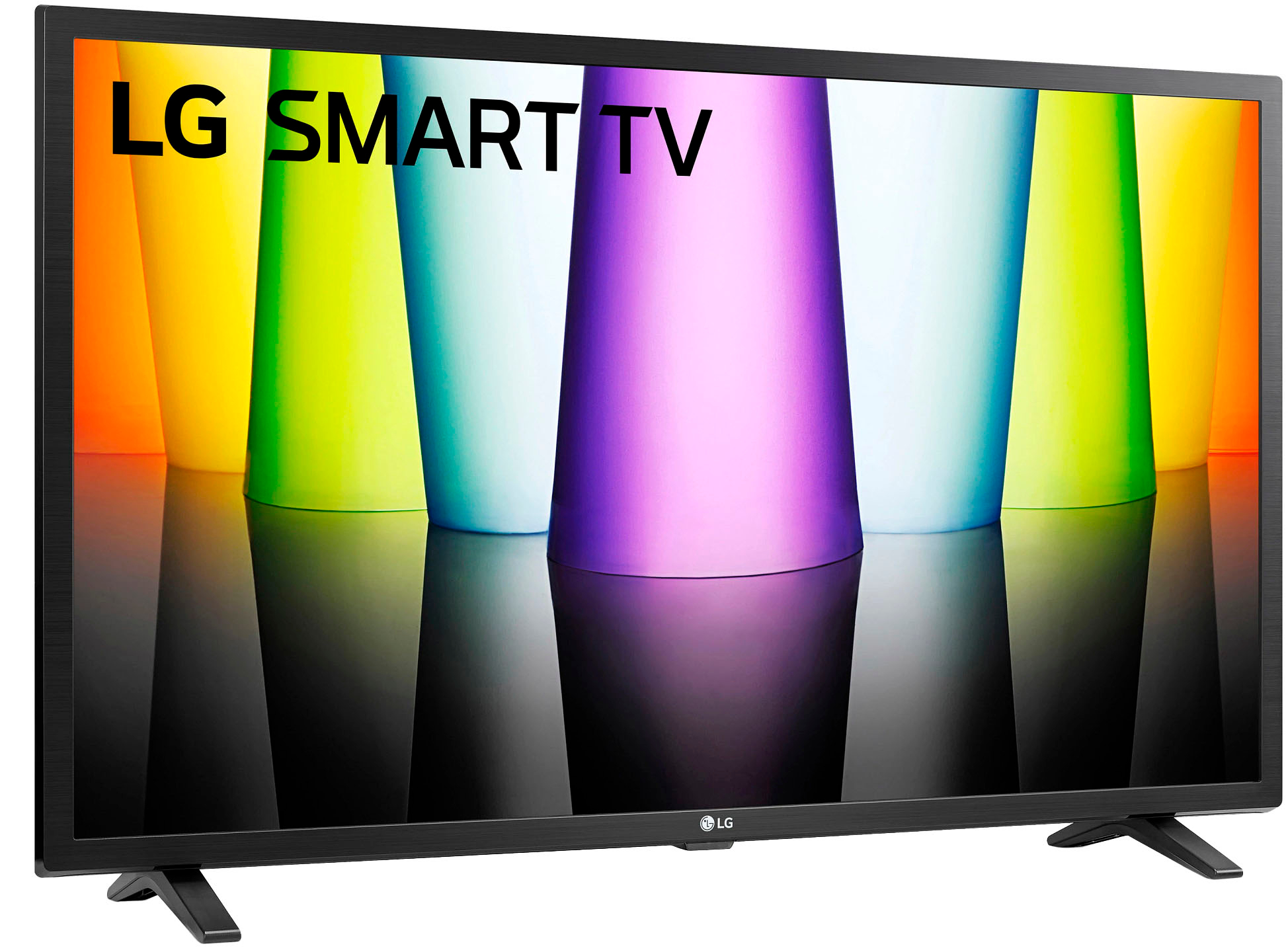
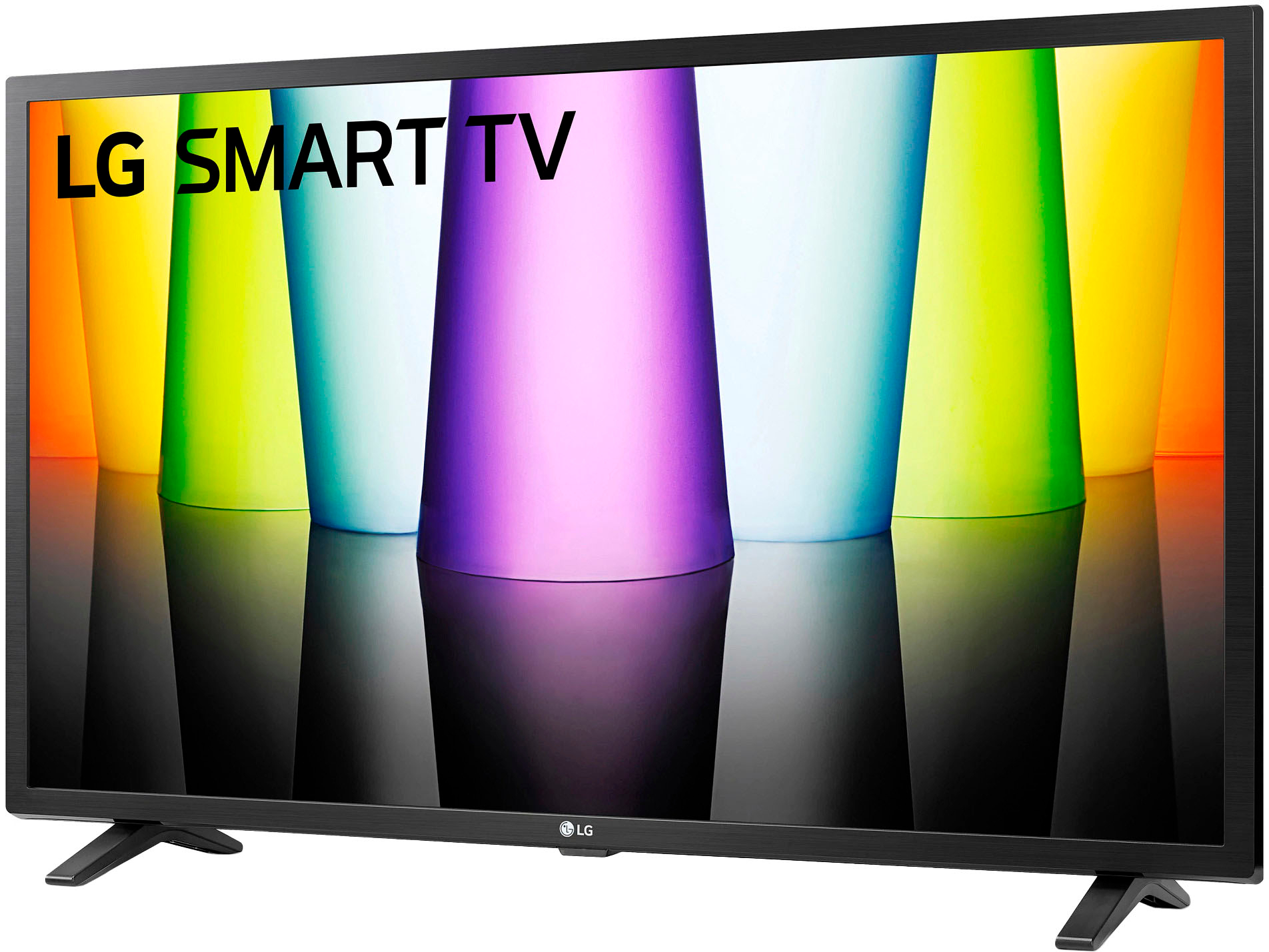
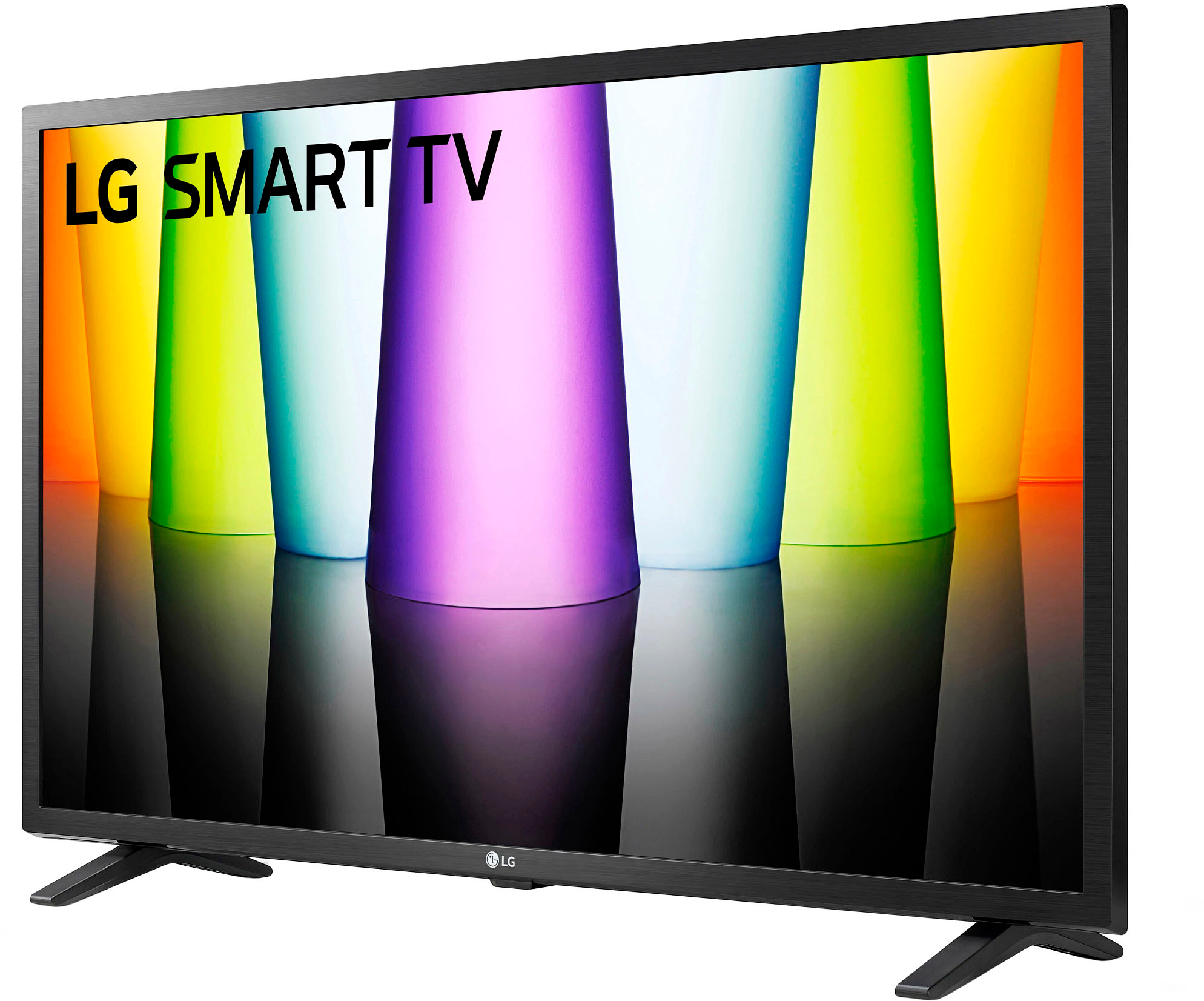
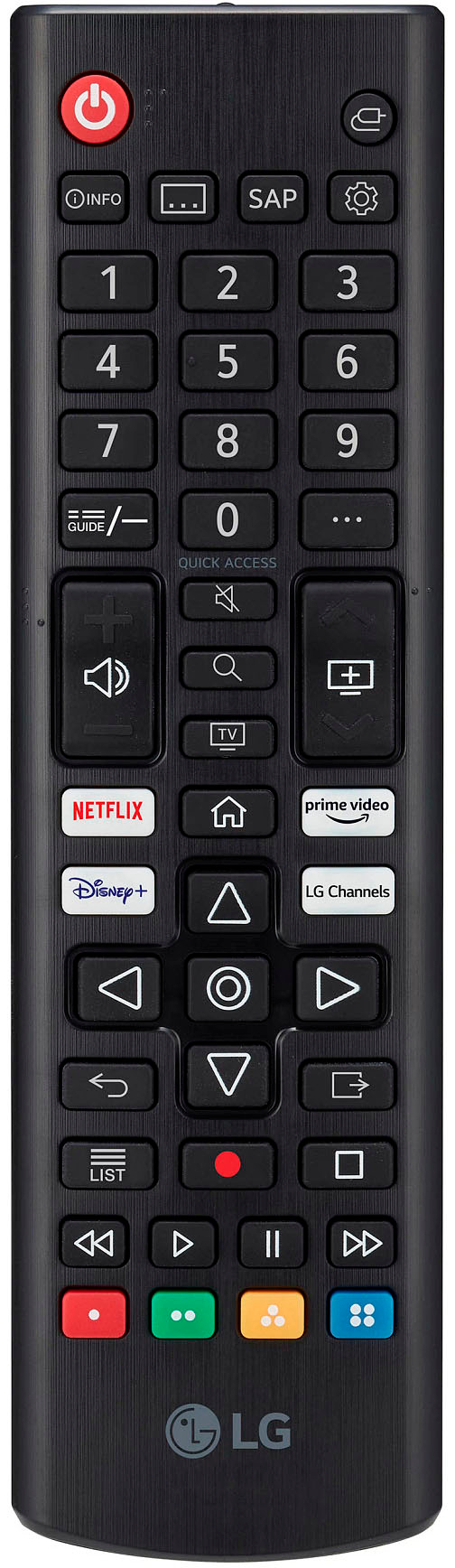
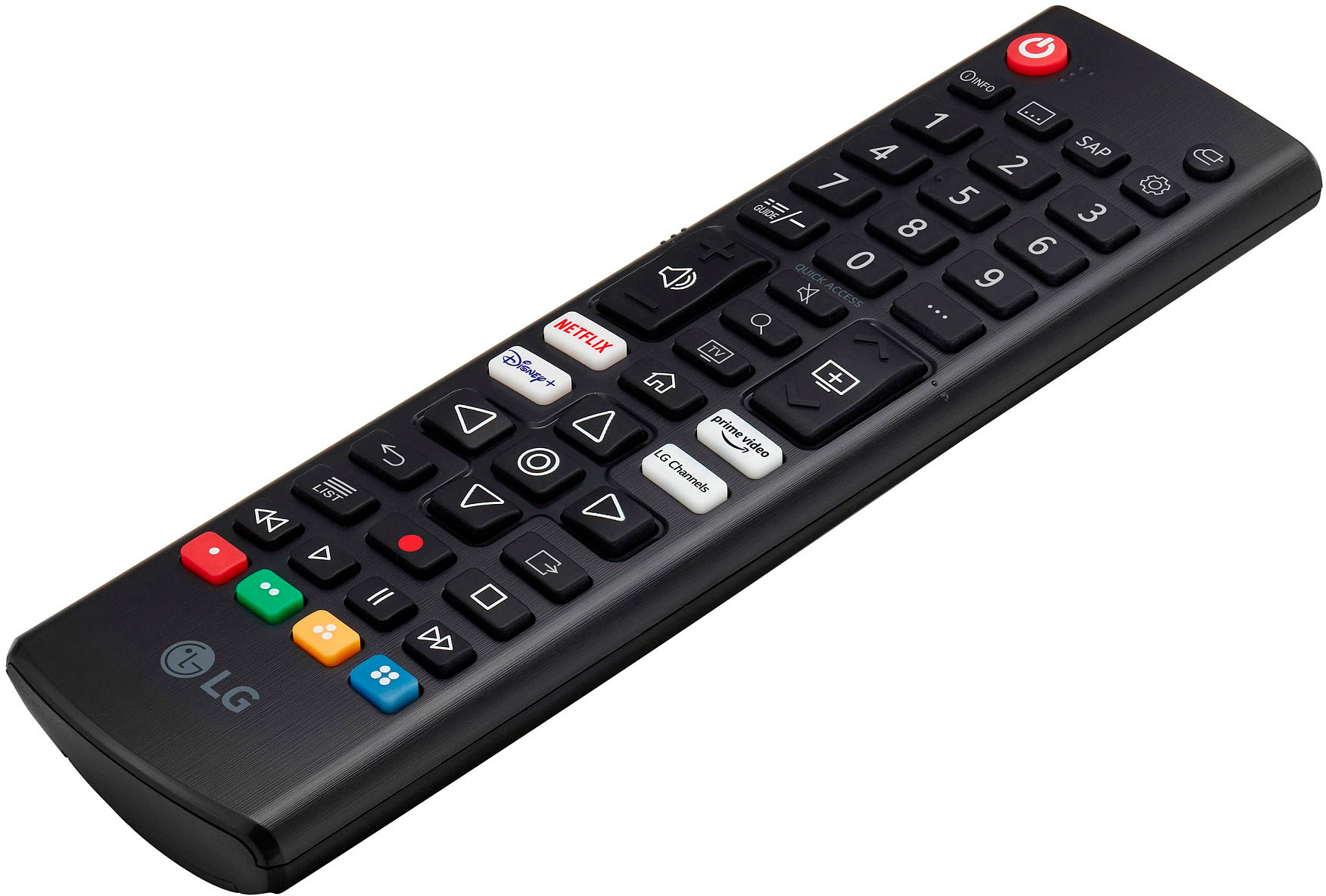
A:AnswerTo attach the power cord to the LG 32LQ630BPUA TV, follow these steps:
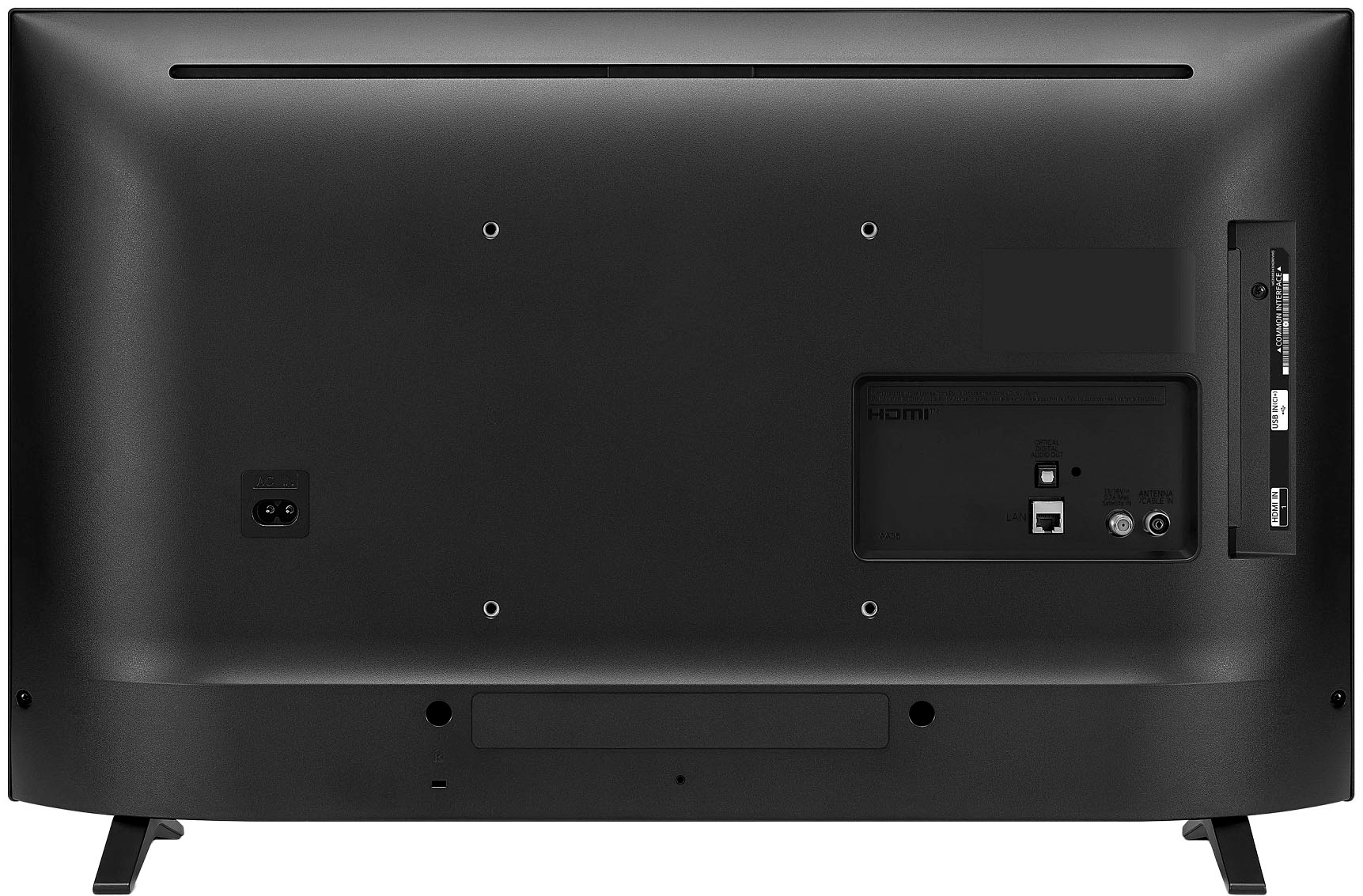
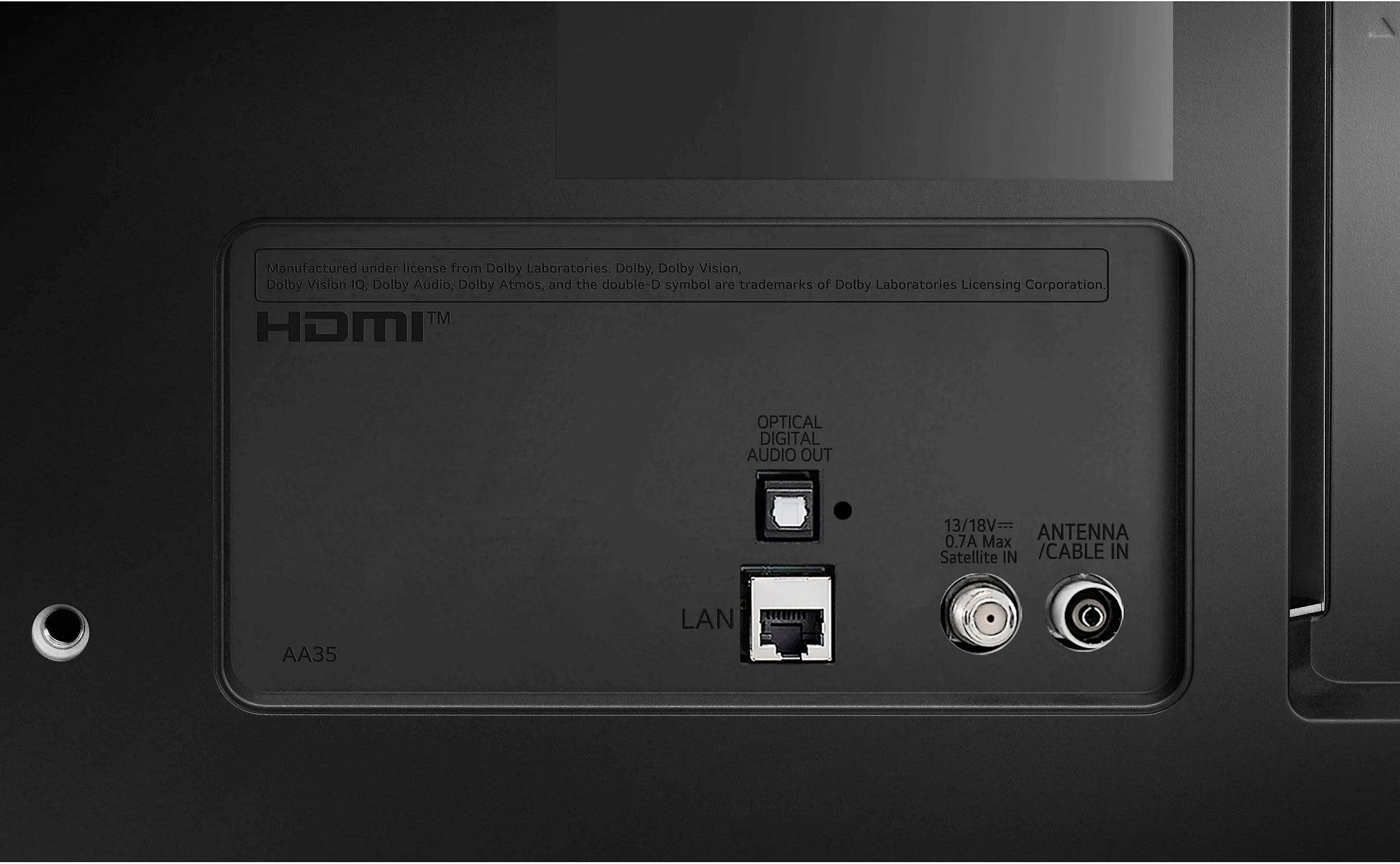
1. Locate the power input on the back of the TV. It should be labeled "AC In."
2. Take the power cord that came with the TV out of the box.
3. Look for the end of the power cord that has a three-pronged plug. This is the end that will go into the wall outlet.
4. Insert the three-pronged plug into a nearby wall outlet.
5. Look for the other end of the power cord. This end will have a two-pronged plug that fits into the TV's power input.
6. Insert the two-pronged plug into the "AC In" input on the back of the TV.
If the power cord that came with the TV does not match any of the inputs on the TV, you may need to purchase a compatible power cord via https://www.lg.com/us/support/parts-accessories.
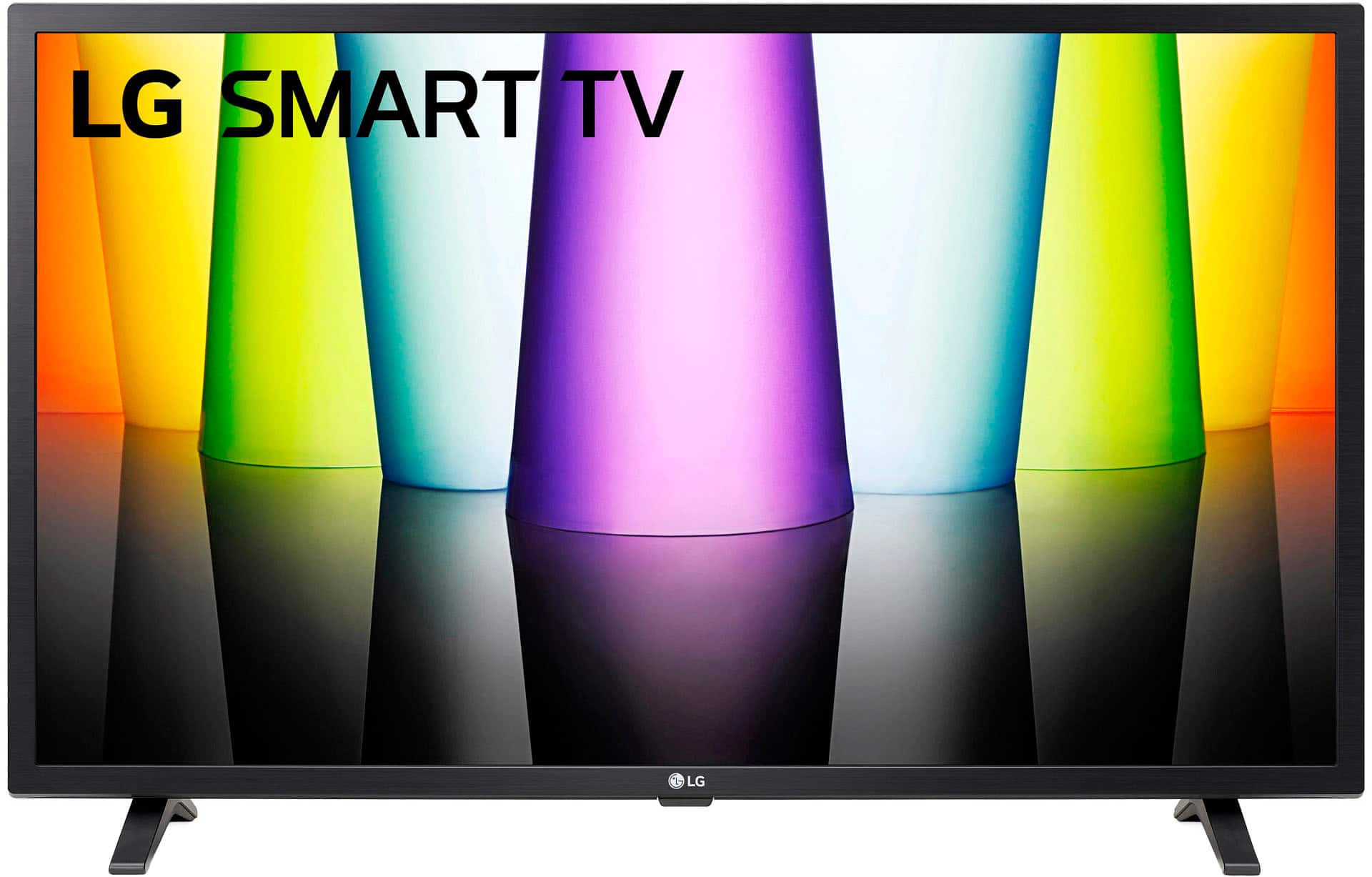
A:AnswerA. No, open box does not mean used. The main difference between open box vs. used products is that products labeled “open box” mean that the item packaging has been opened, but never used. Open box products are like-new. ~Tanisha
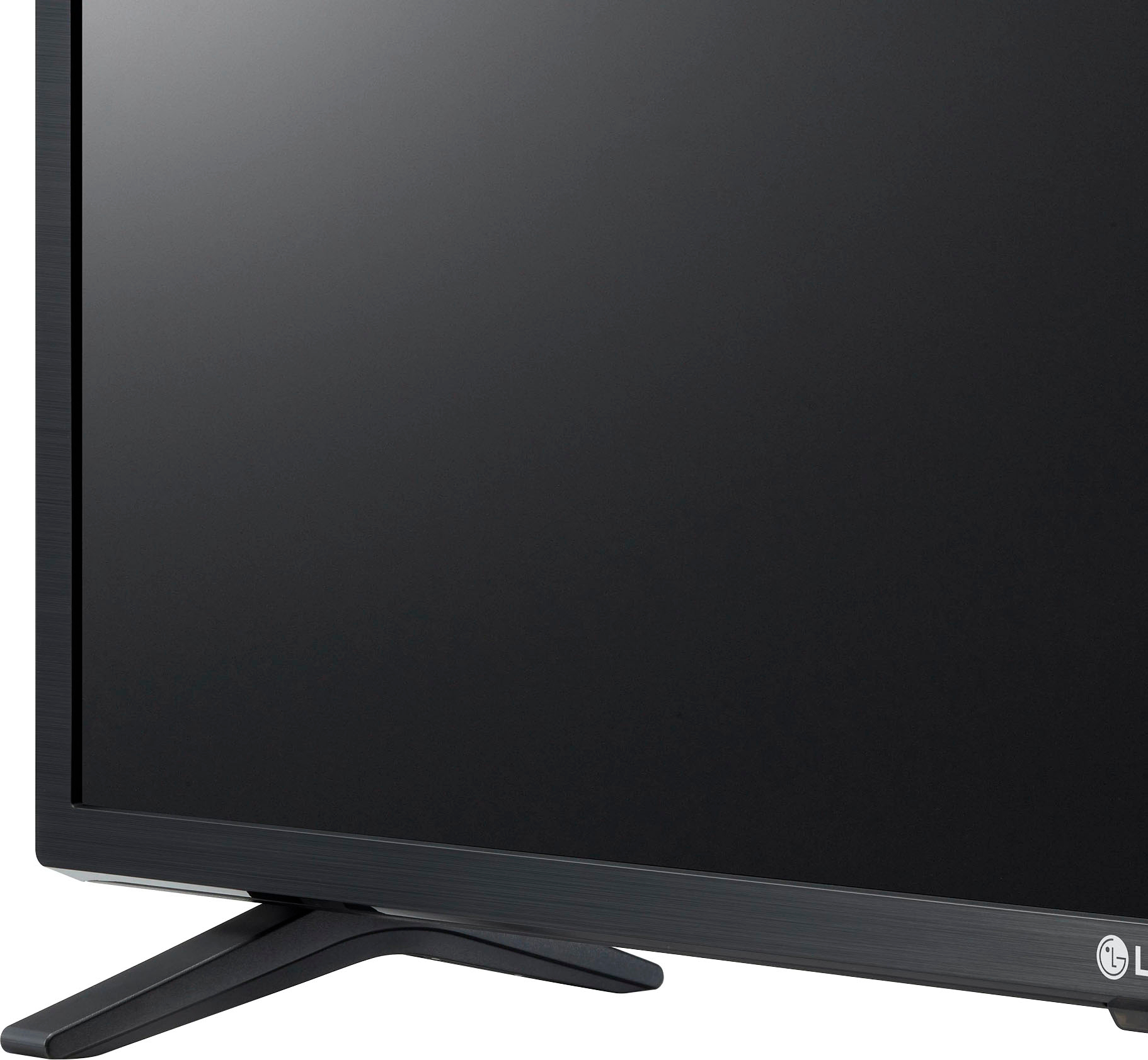
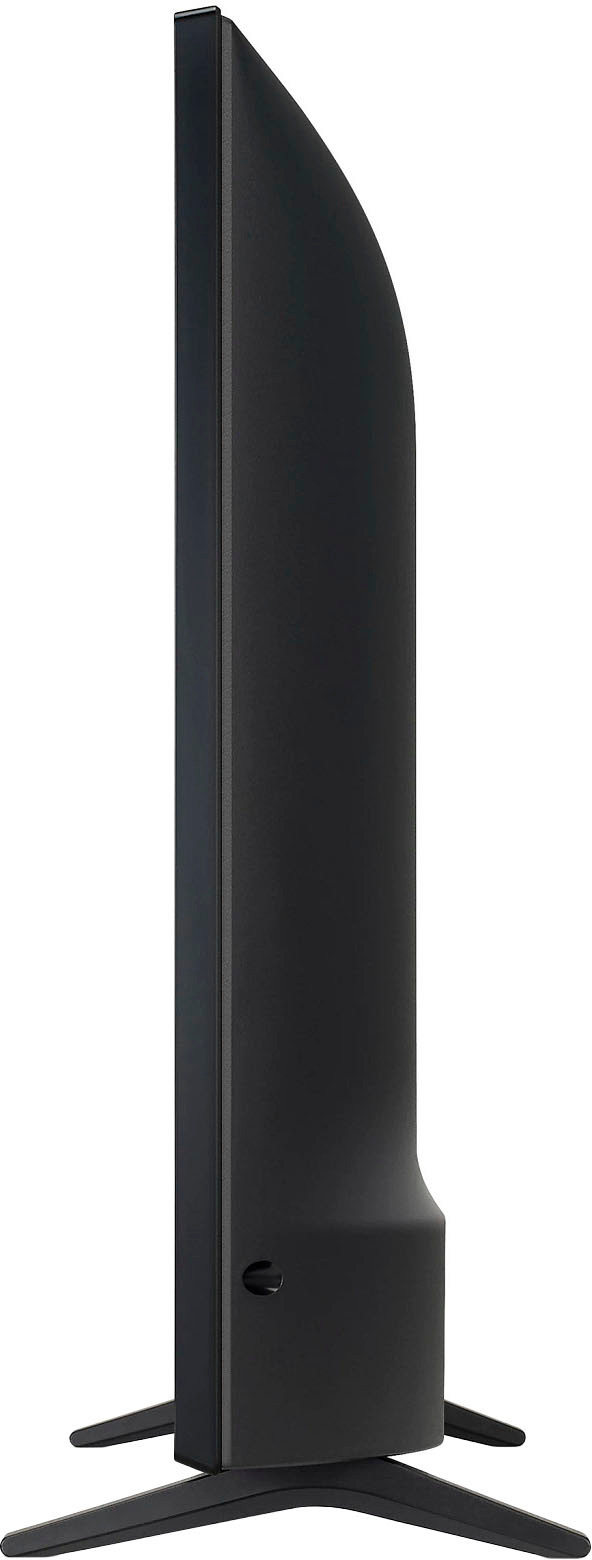
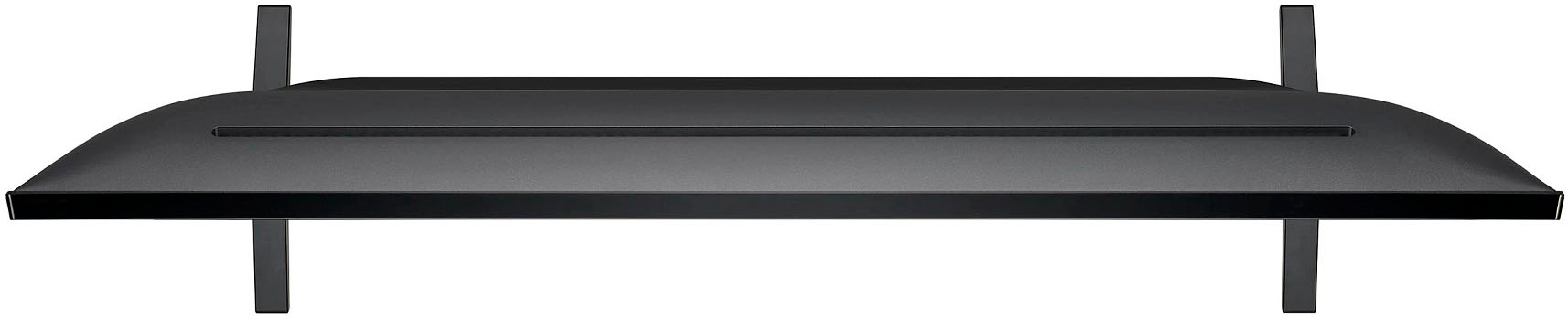
A:AnswerThe Down Firing speakers for the 2.0 Channel Speaker System for the LG 32" Class LED HD Smart webOS TV, Model # 32LQ630BPUA are located under the panel towards either end on the TV...^Ivan
A:AnswerI am using a Roku streaming stick on this model that I bought about two months ago. There is a setting in the advanced selection that allows you to use last used input. I selected it and can use the Roku remote for everything now. I just prefer the interface. You can also turn off the red light at the bottom of the tv if you wish through the advanced settings.
A:AnswerHello there! Let us refer you to Best Buy's delivery and installation website for that information: https://www.bestbuy.com/site/services/appliance-services/pcmcat255100050002.c?id=pcmcat255100050002. They have online chat. ~Rita