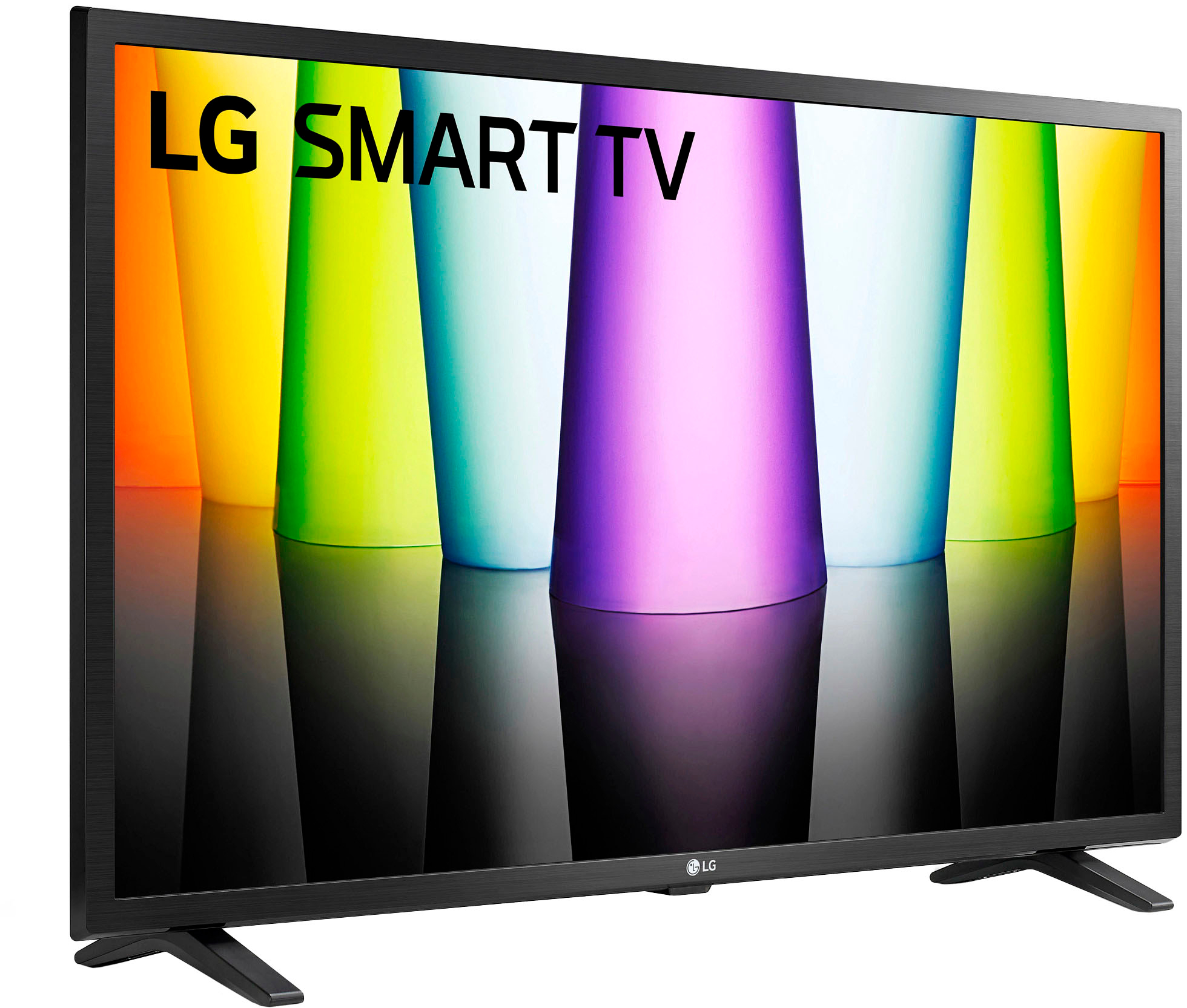
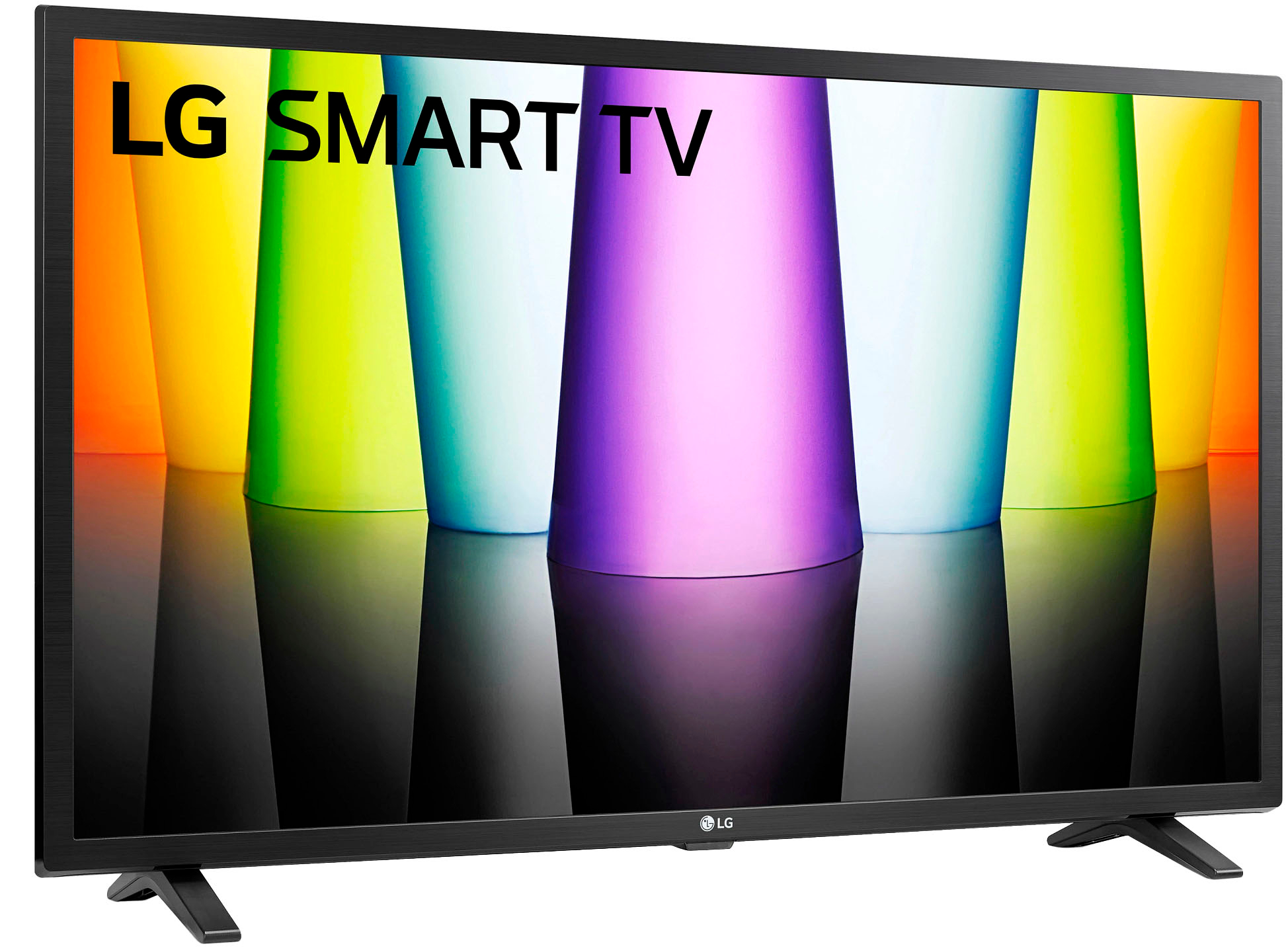
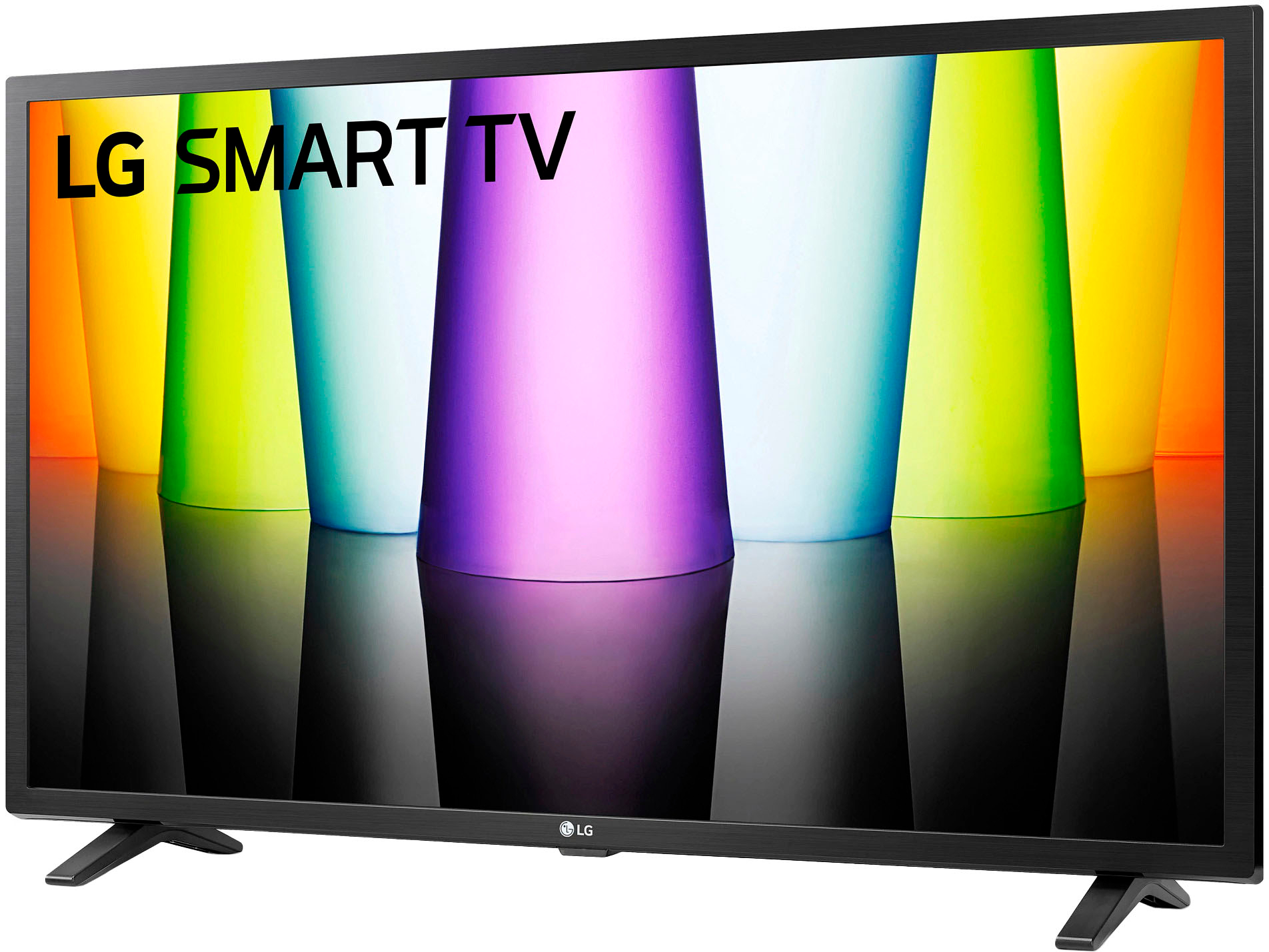
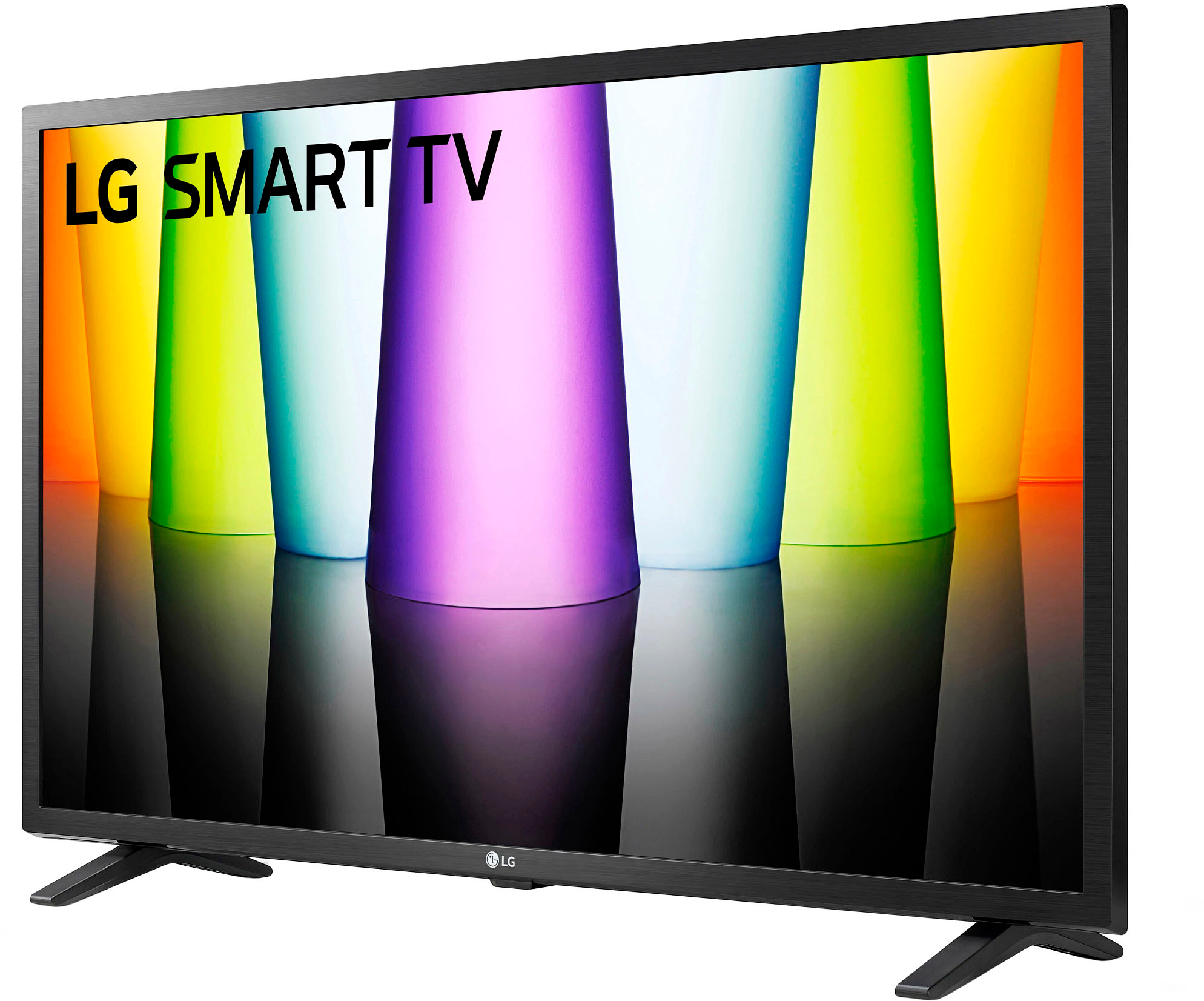
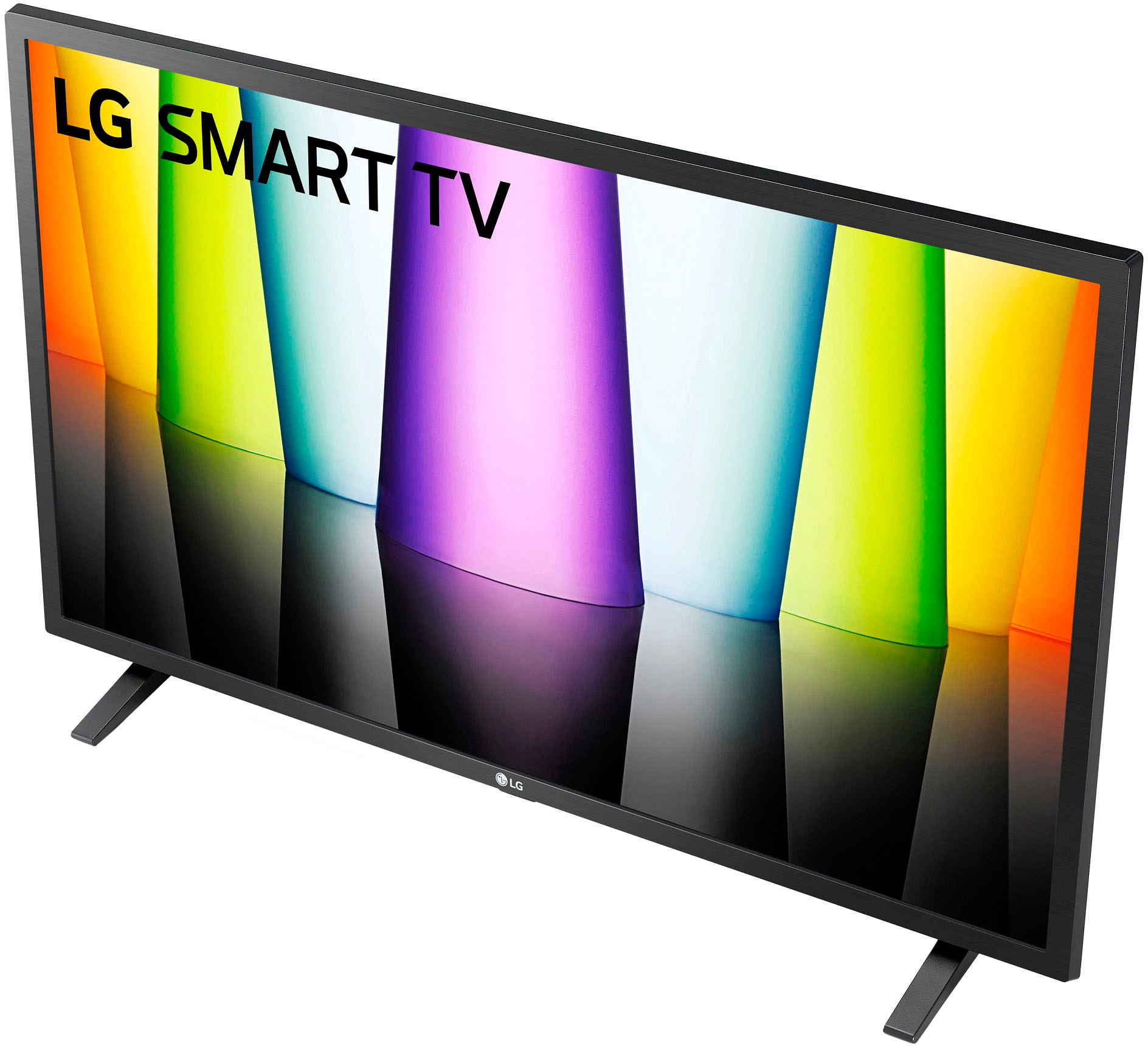
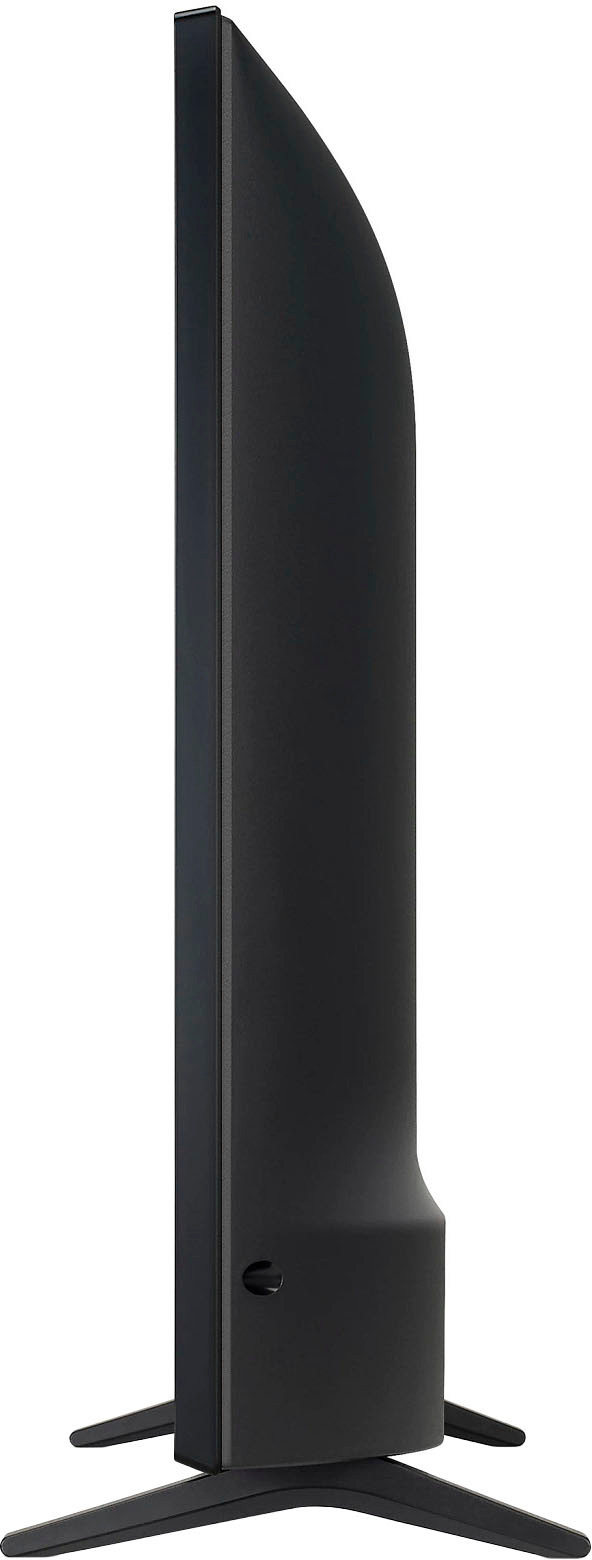
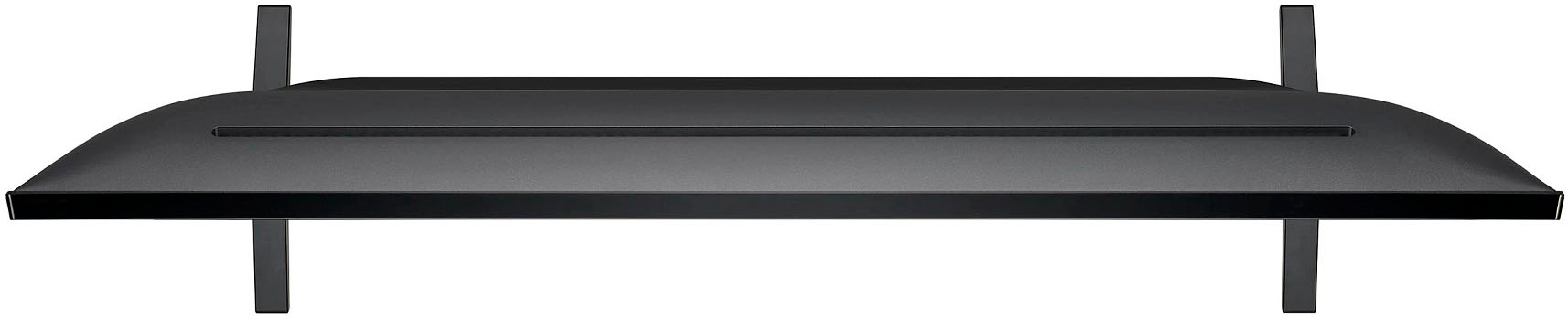
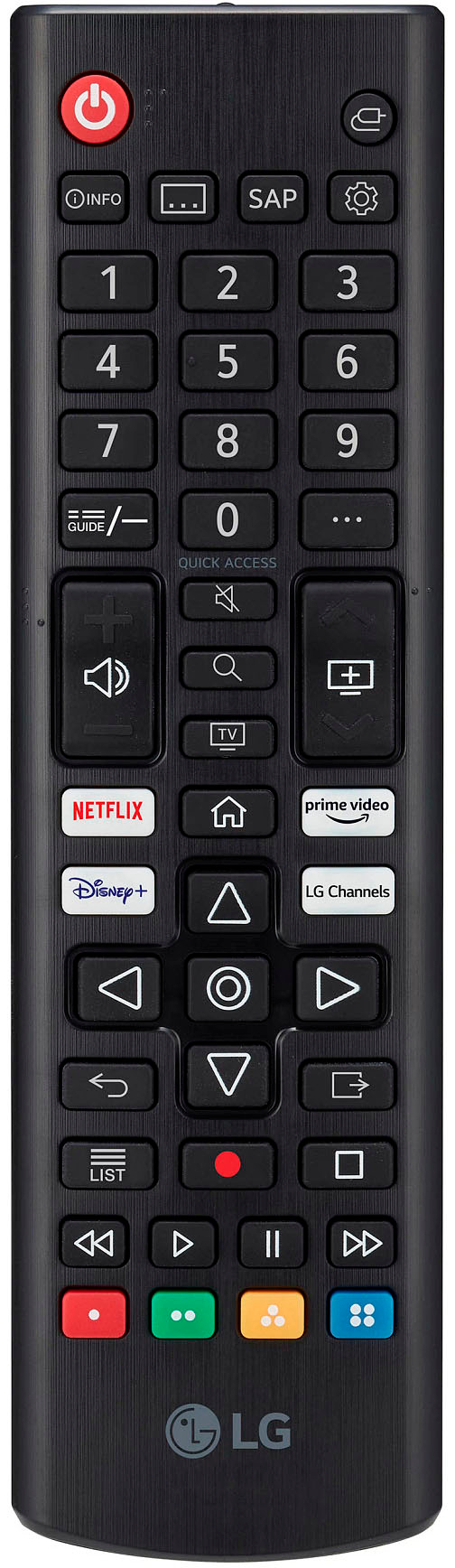
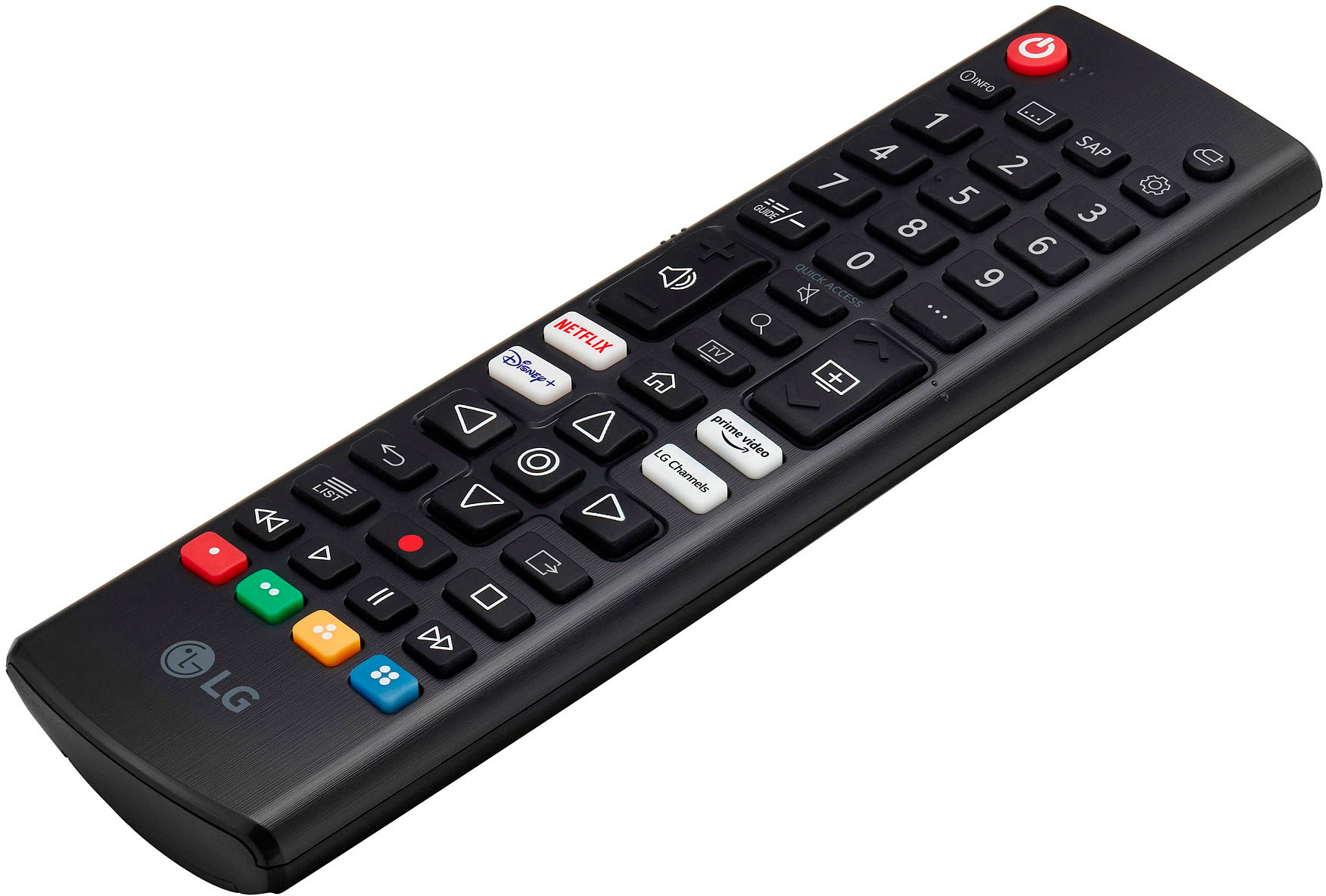
A:AnswerPlease scroll down the product detail page on Best Buy for the LG - 32" Class LED HD Smart webOS TV, Model # 32LQ630BPUA and click on Specifications to expand the page then scroll down to Dimension where you will find all the dimensions for the TV listed and a picture of the TV showing its W x H x D dimensions...^IVan
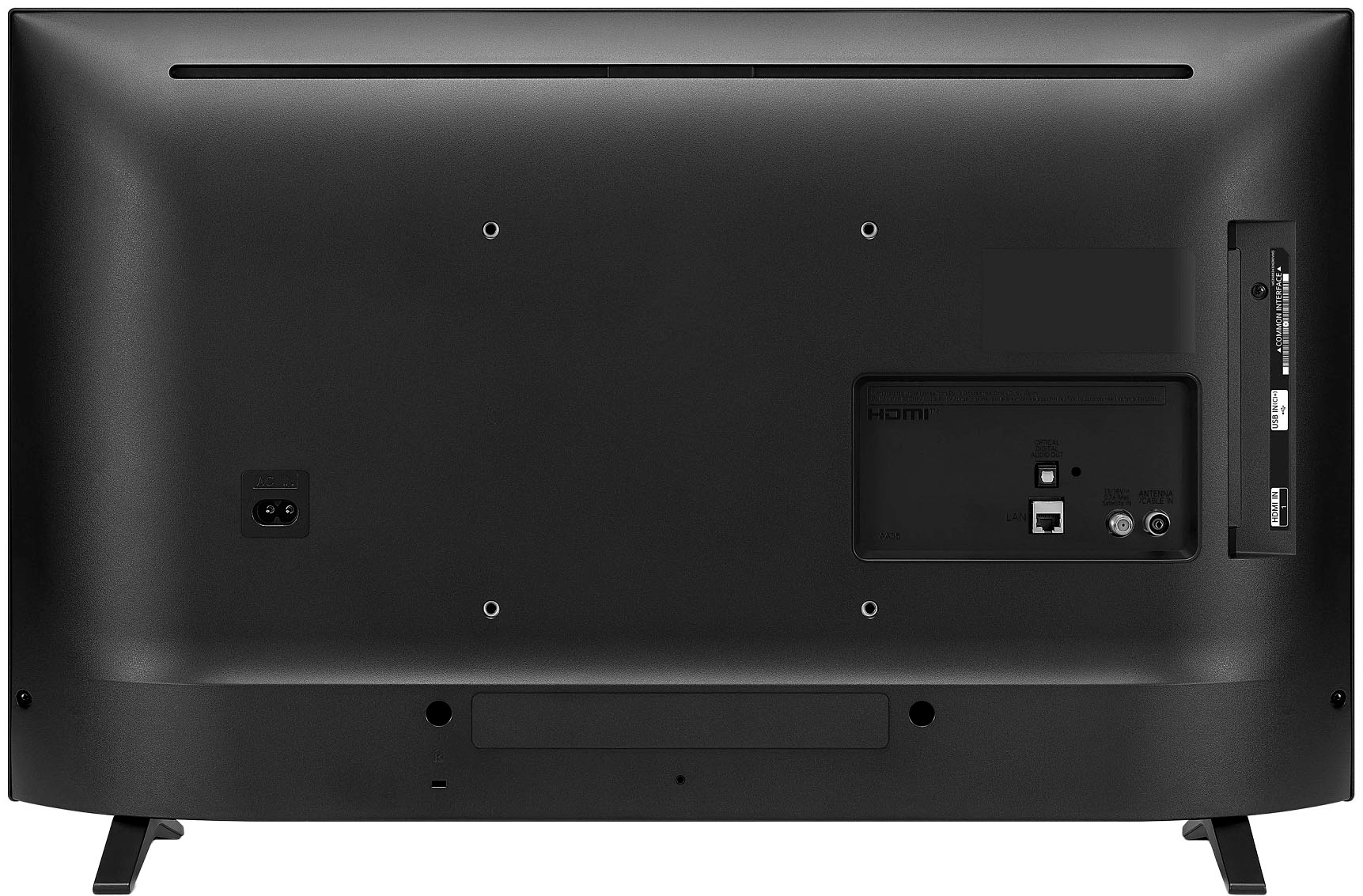
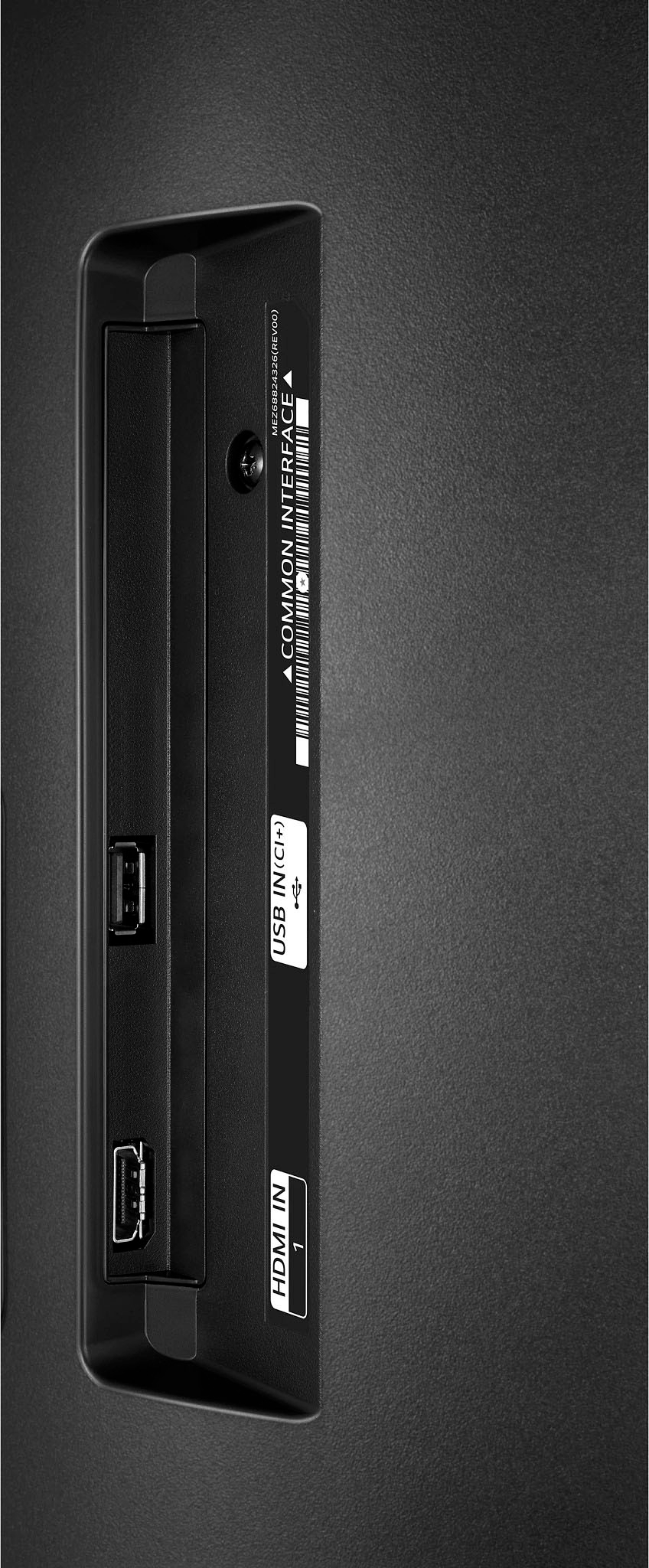
A:AnswerYes, you can record TV programs to your hard drive on this TV. as it has USB plug-ins. For a video regarding this, please refer to the following link: https://shorturl.at/AIJOS. ^Chris
A:AnswerHey there! Yes, the LG HD Smart WebOS TV does have Apple TV built in, and you can stream/mirror your Apple Ipad as well! Check out this video: https://youtu.be/qtstlampkmE. Have a good day! ~Rita
A:AnswerHey there. Here in LG we do not sell that product that you are referring to. However, our partner retailers such as Best Buy, Amazon, etc may sell them and suggest that you contact them for more information whether it would fit this model. ~Anthony
A:AnswerHey there, Star, That's a very good question. Take a look at this link (https://bit.ly/41HvwWG) with instructions as to how to get it set up! ~Anthony
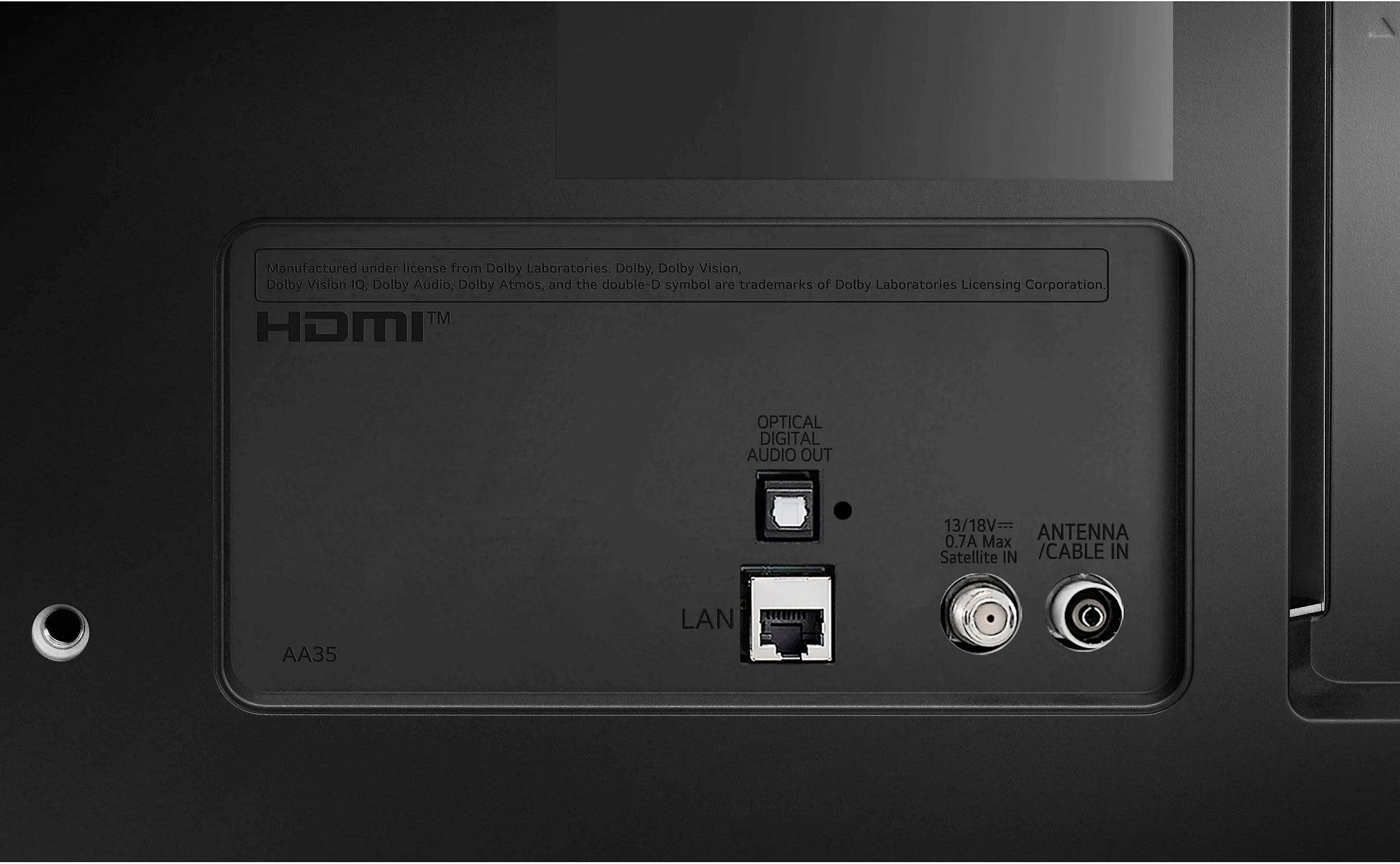
A:AnswerYes. I decided to use my Roku streaming stick because I am familiar with the remote and find it easier to use. I turn the unit on with the LG remote and select the HDMI 1 and use the Roku remote after that. It’s easy.
A:AnswerI replaced a Sony Bravia that had great built in speakers. I think the sound it as good or better. There’s adjustments in the sound preferences you can tweak ( night mode or leveling ).
A:AnswerLG.com will accept return requests from non refurbished product purchases within the first 30 calendar days after delivery. However, shipping, delivery discrepancies, and products that arrive damaged must be reported to LG Order Support within 5 business days of delivery in order to be eligible for a full refund. `JW.
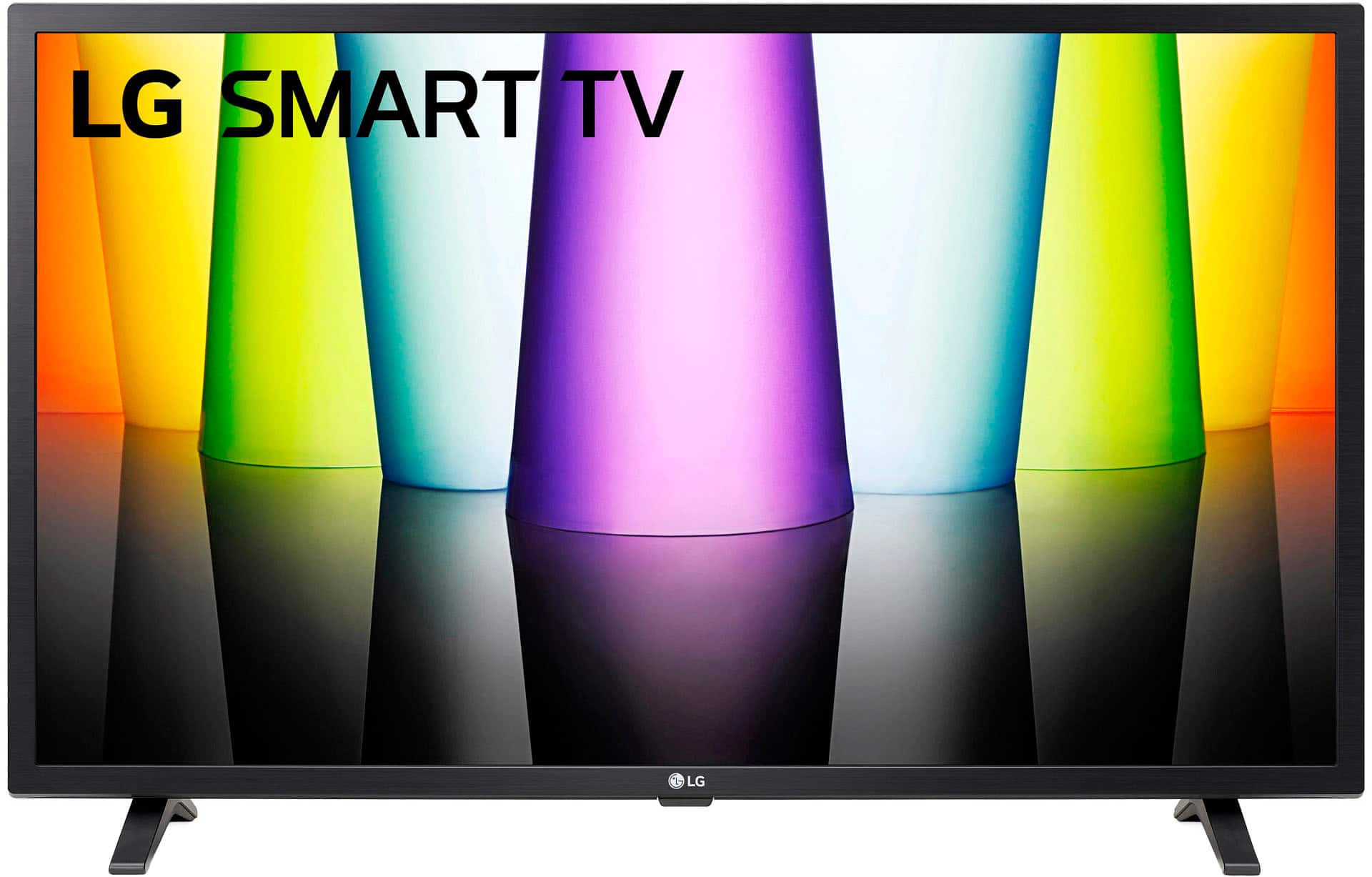
A:AnswerHey there, Clover. We use WebOS 2.0 and only some apps can be download. You will not be able to download any third-party apps at this time. ~Anthony
A:AnswerHi Sue. Yes, this TV's WebOS version is compatible with and has the Disney+ and Paramount+ apps available to download from the LG content store. ^Chris
A:AnswerHi, Cattleya! Great question! Unfortunately, this LG - 24” Class LED HD Smart TV with webOS (24LQ520S-WU) has no gallery mode that allows you to run a slideshow. However, we have other models that might interest you. Check out this link and see the TV that suits you best: https://www.lg.com/us/search?q=tv%20with%20gallery%20mode&searchWithin=false&oldTerm= ^Jolly