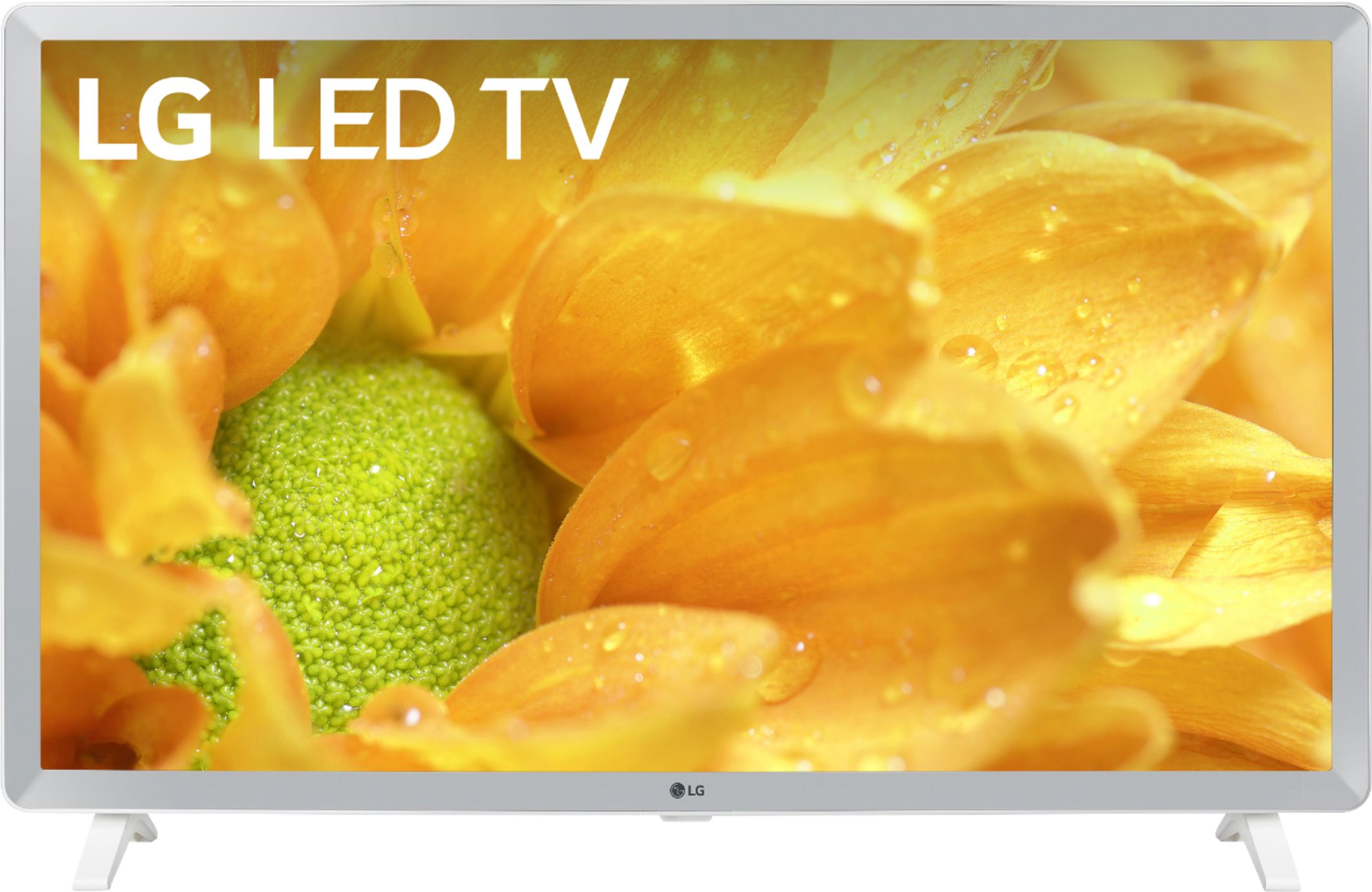
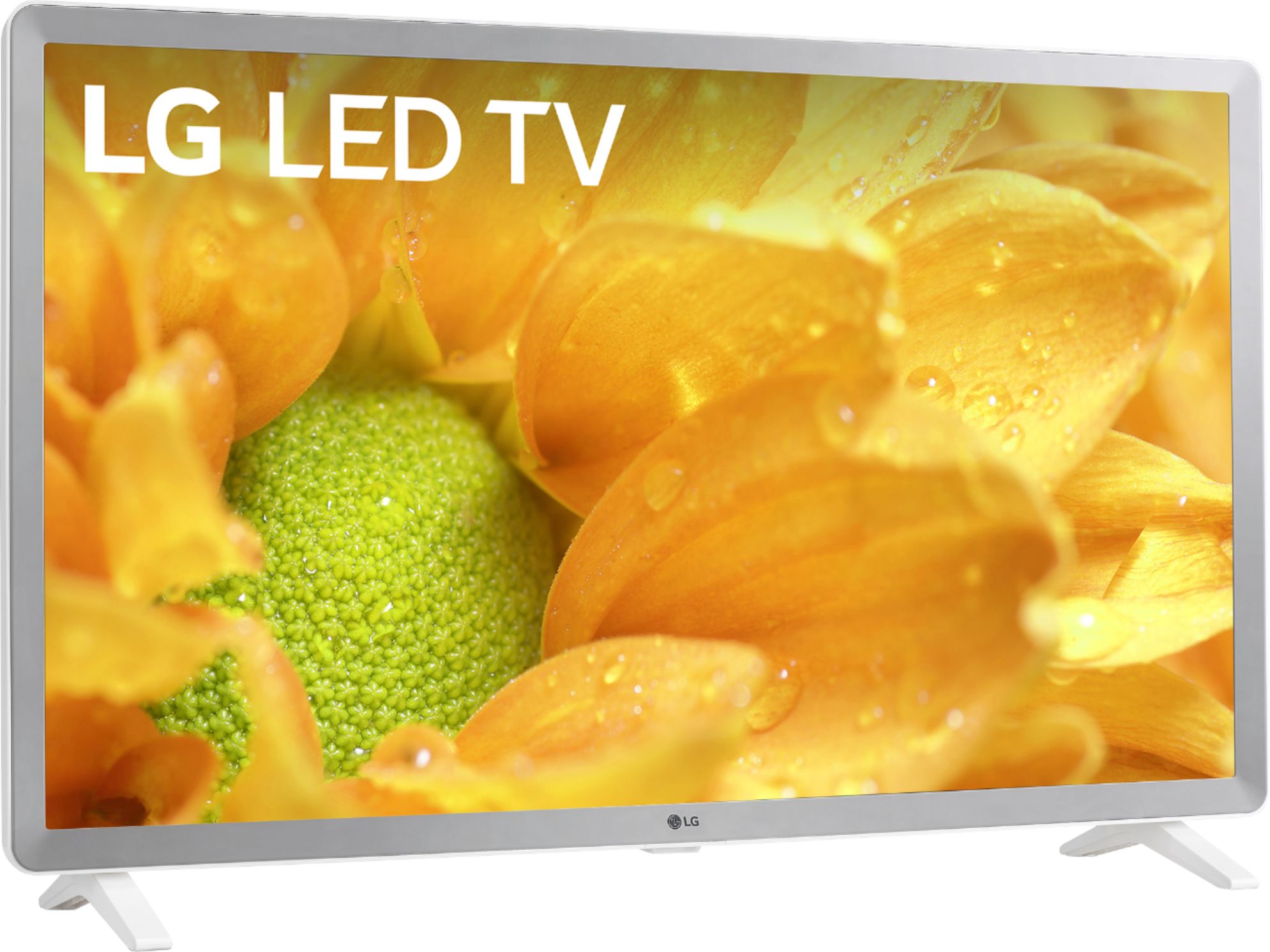
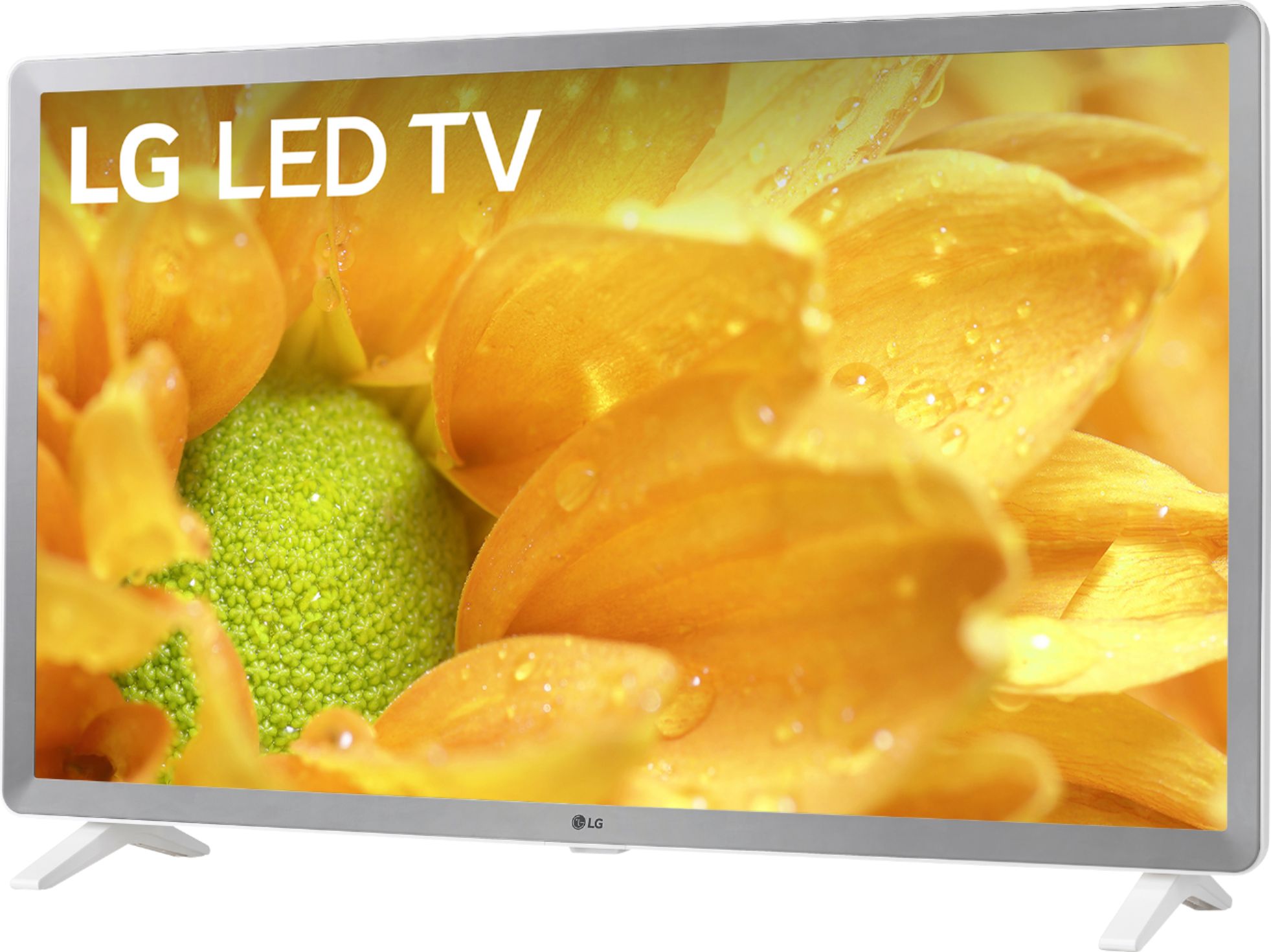
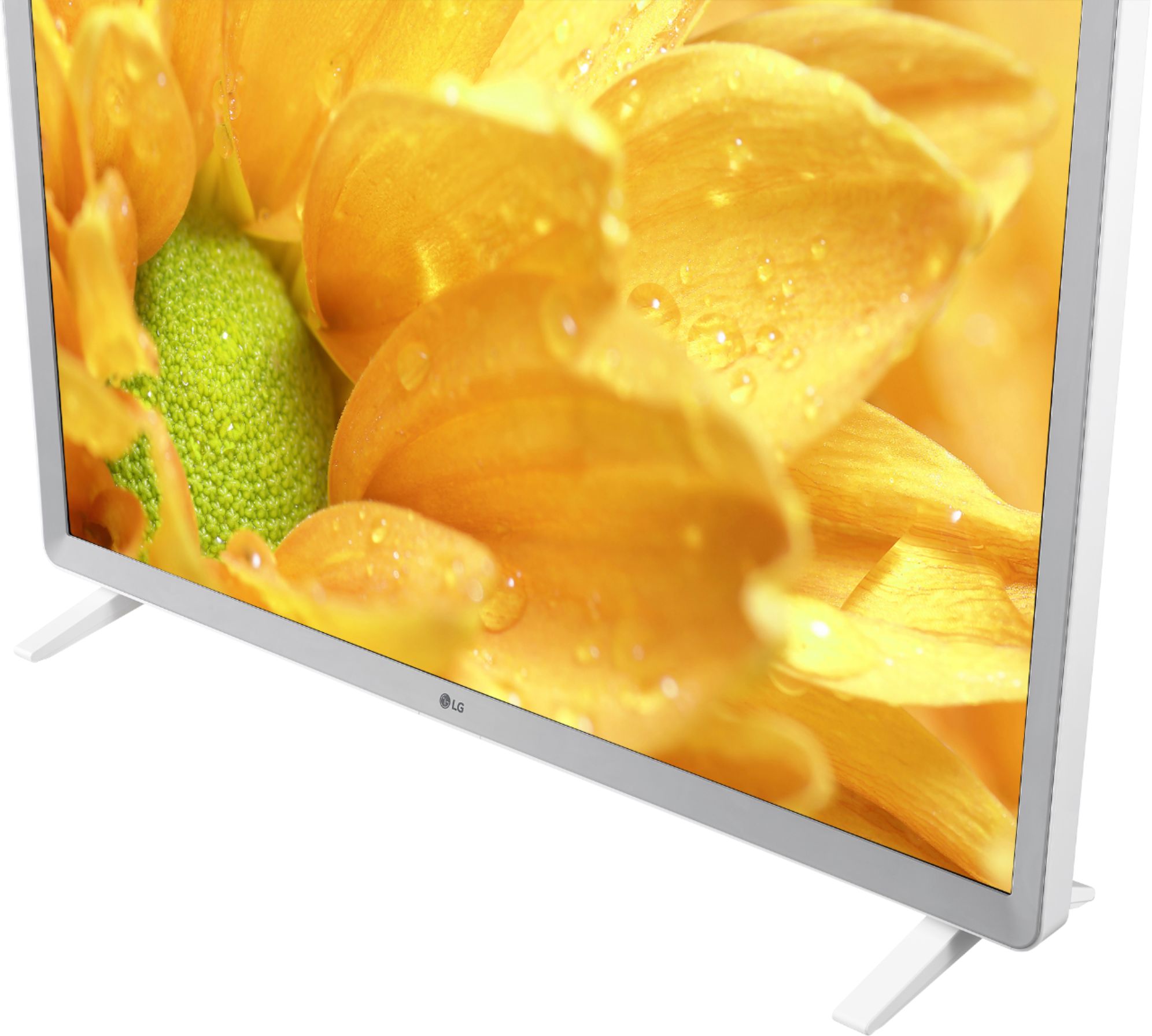
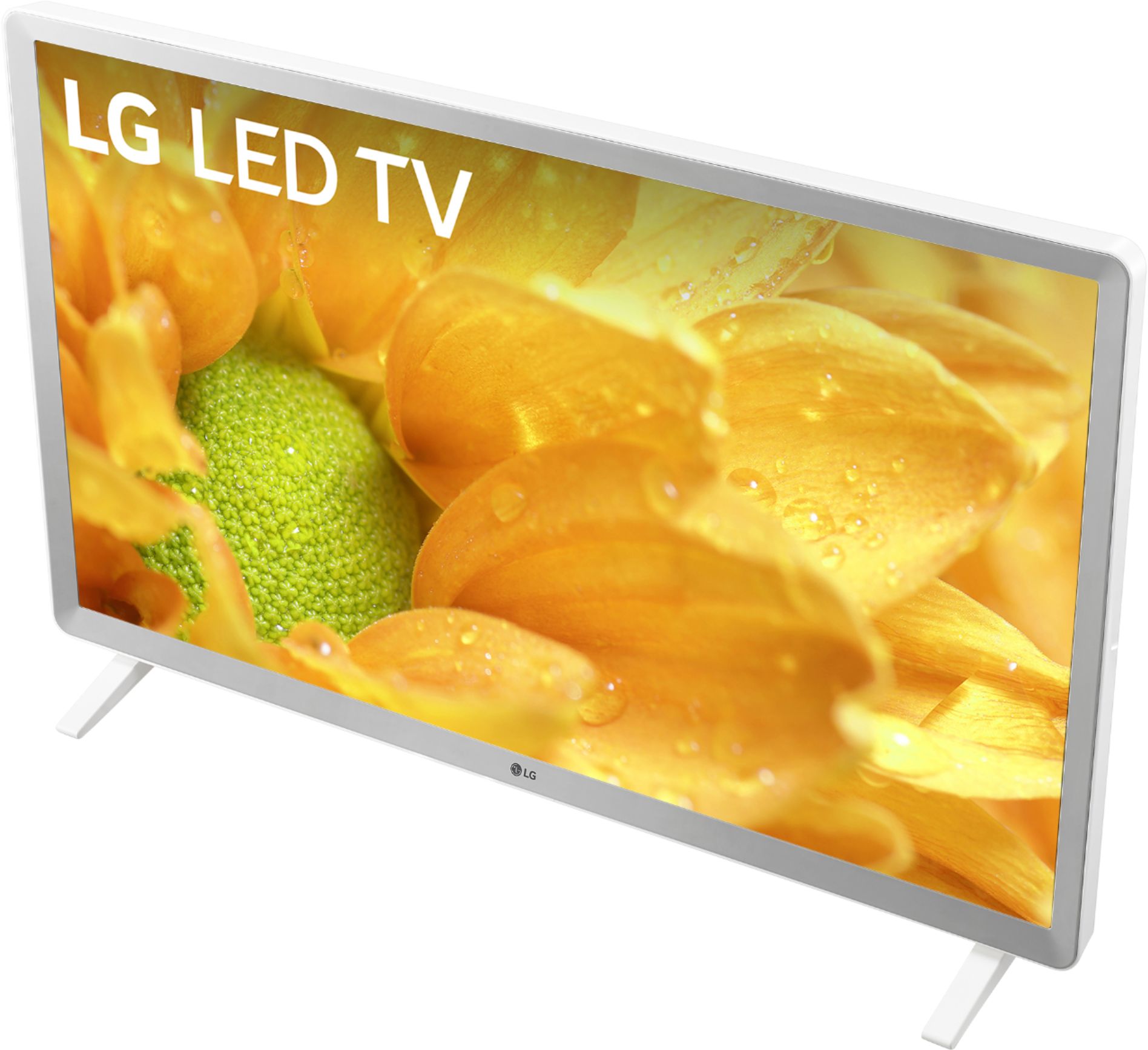
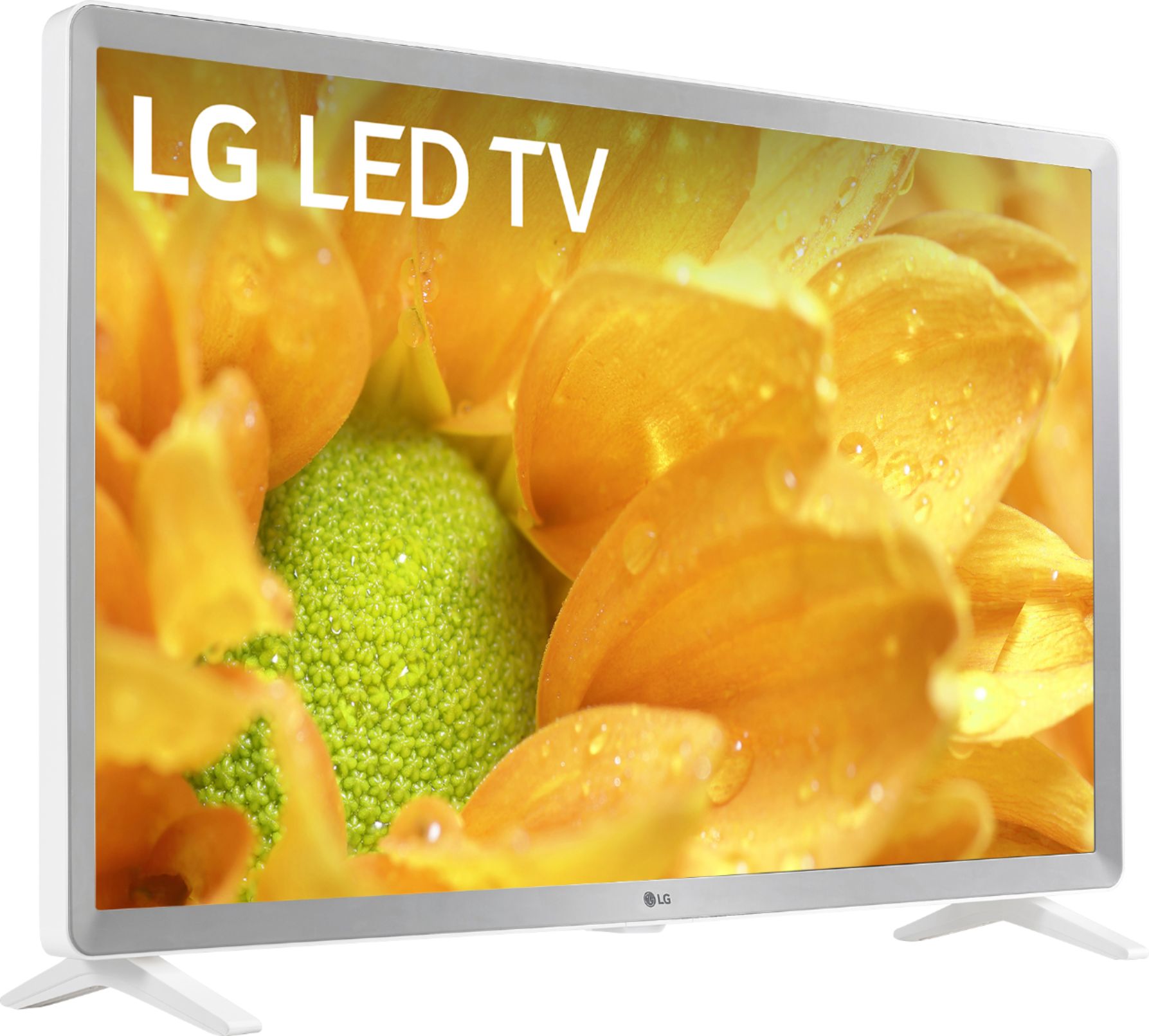
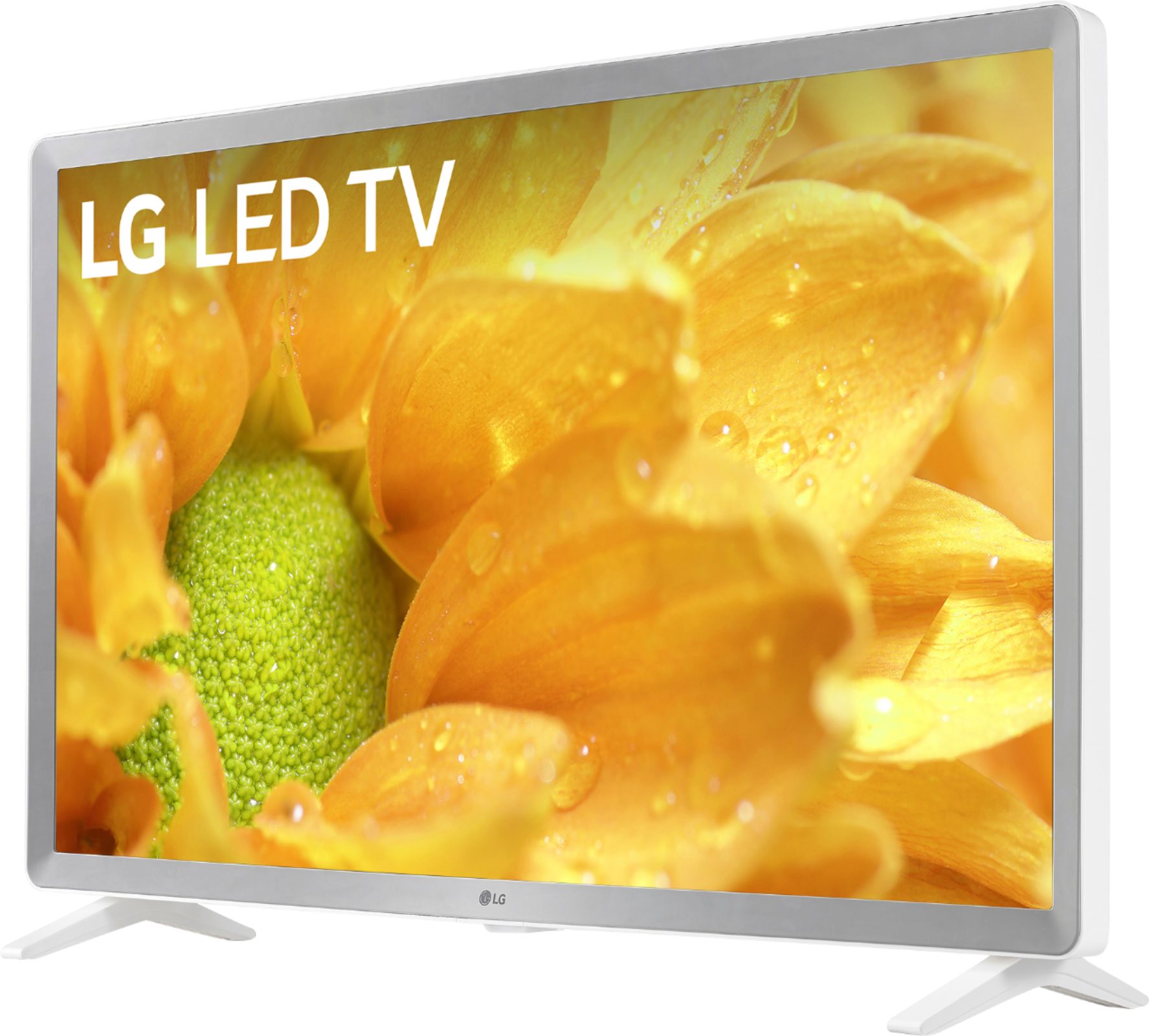
A:AnswerMexico, if you’re taking about the 32” LG TV in white. Fit and finish and functionality remains superior after three months of daily heavy use as a computer work screen and for streaming. Time will tell of course.
A:AnswerYes, the TV will support Smart Connectivity. ^Daphane https://www.lg.com/us/experience-tvs/smart-tv/connect#:~:text=Smart%20Connectivity,enables%20simple%20wireless%20video%20streaming.
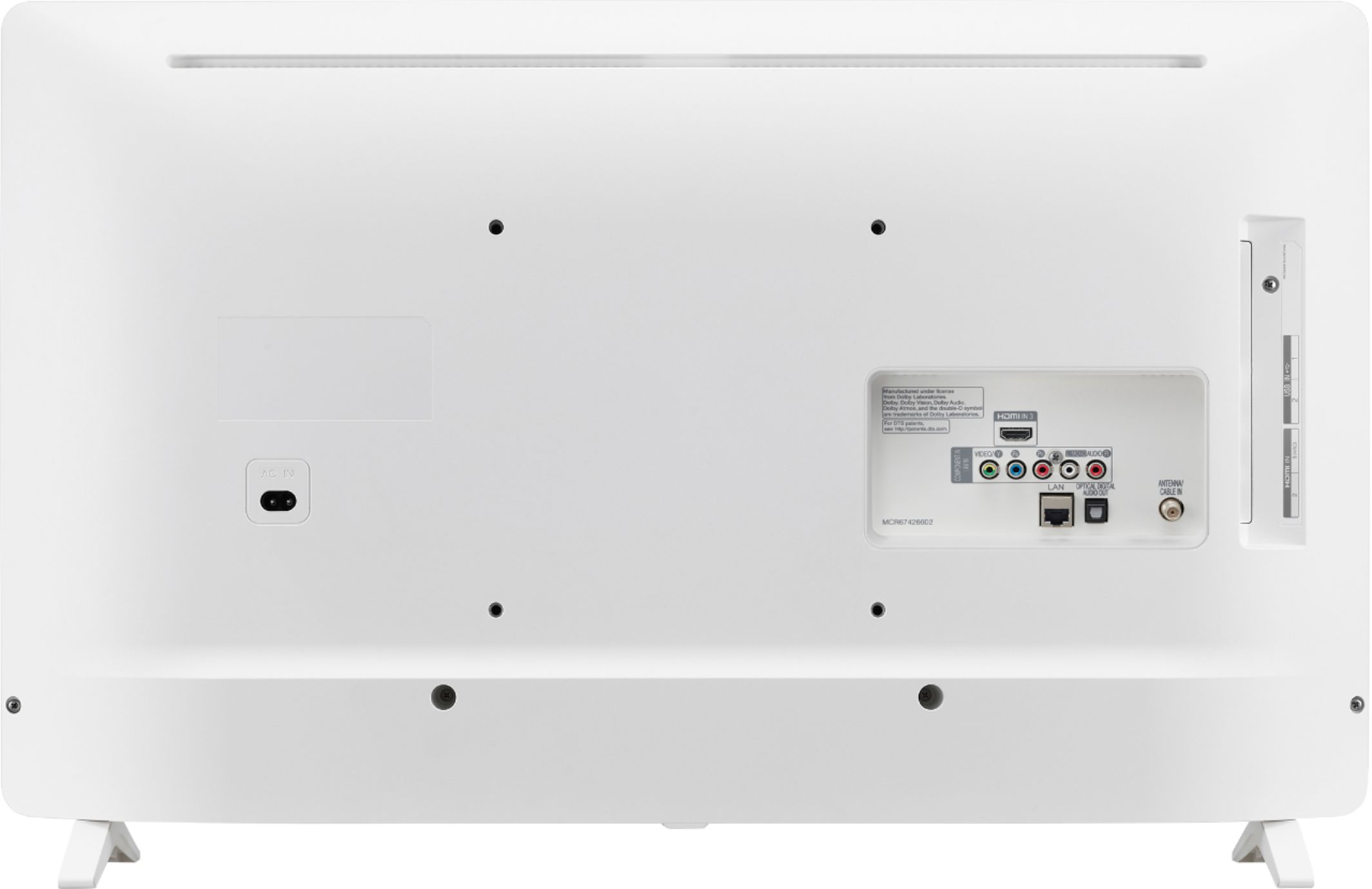
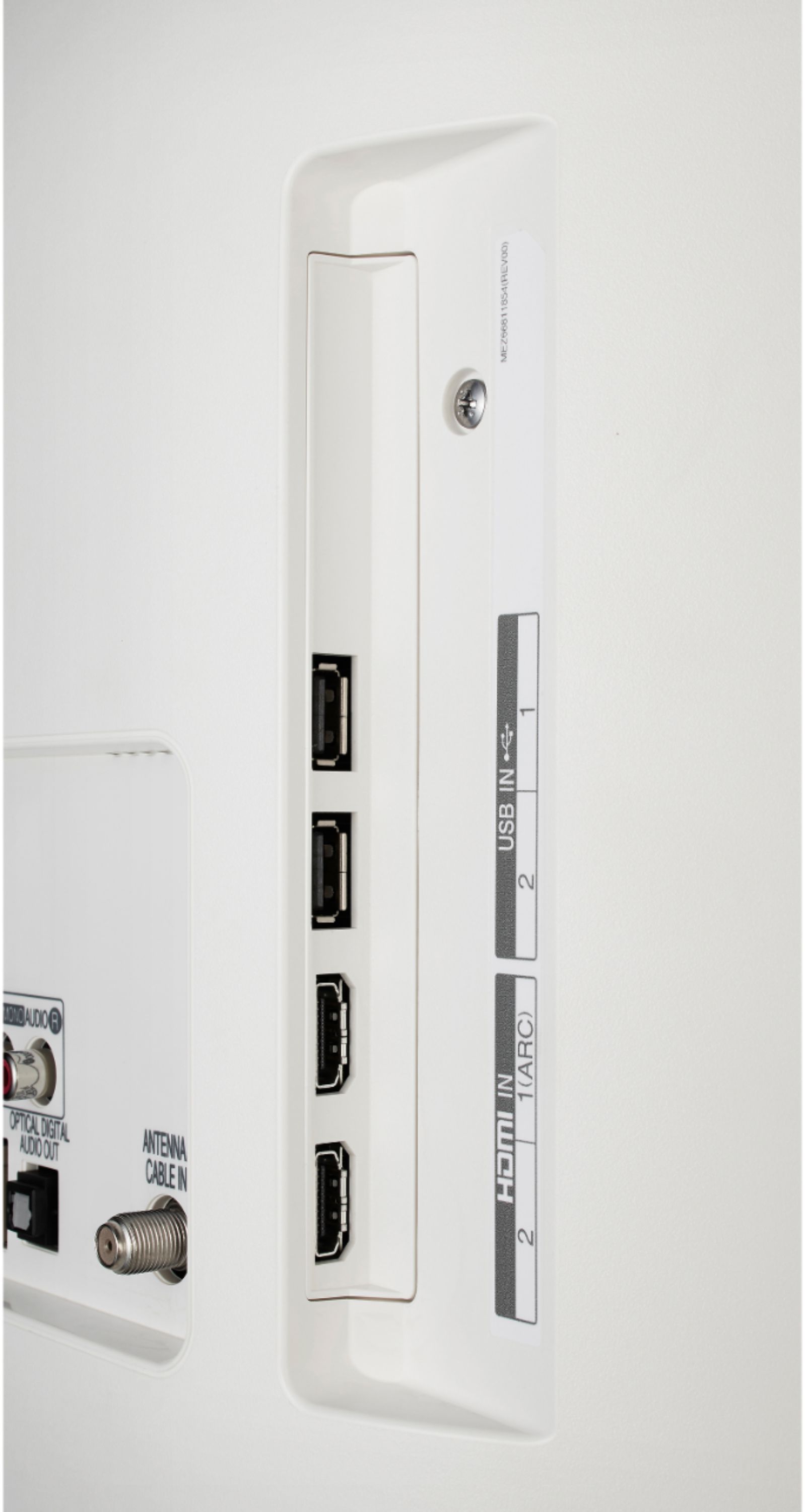
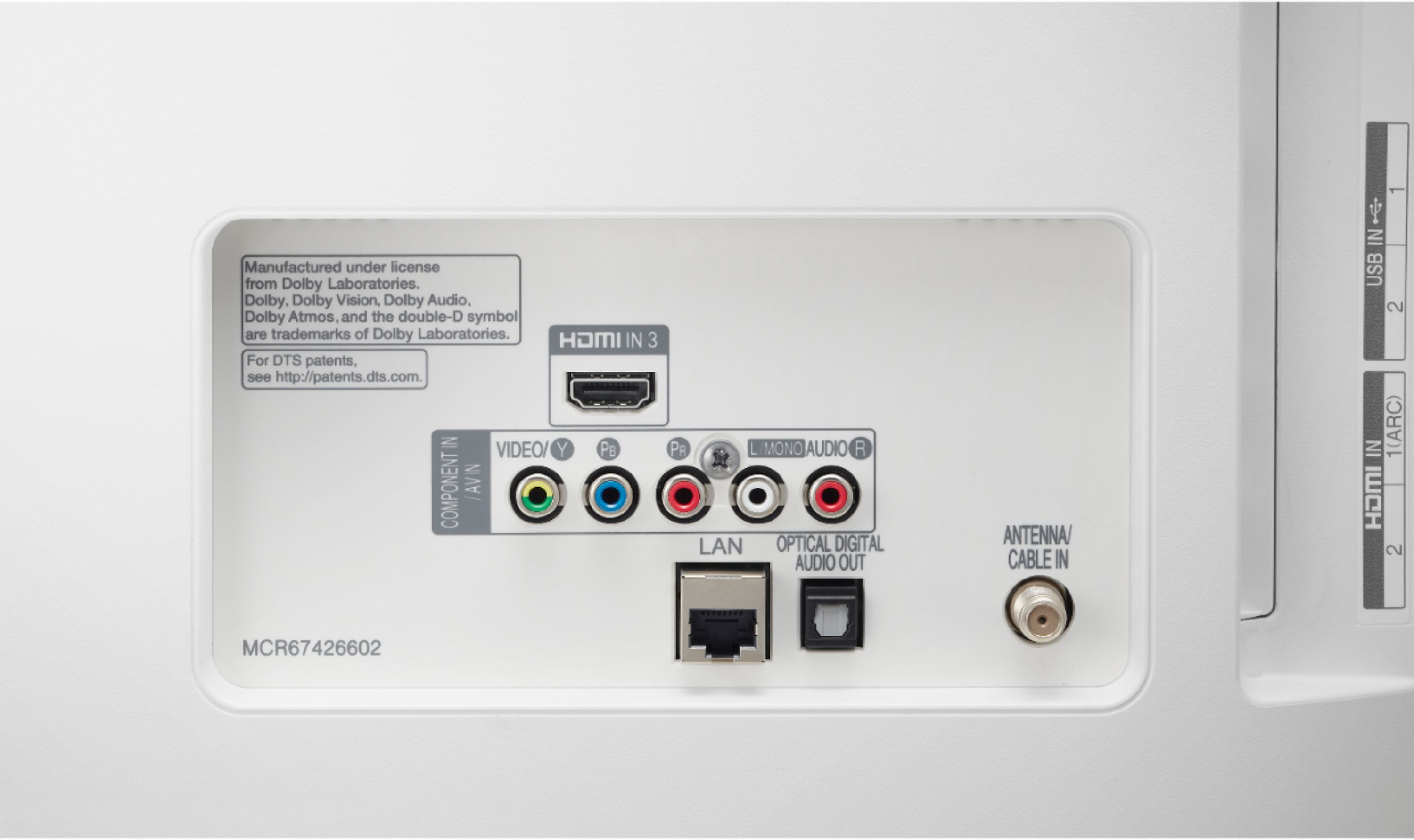
A:AnswerHi Dennis. The LG 32 inch Class 720p Smart HD TV (31.5'' Diag), Model # 32LM620BPUA only has an Optical Digital Audio Output, it does not have RCA Analog Stereo (i.e Red/White barrel ports) Audio Out ports on it...^IFV
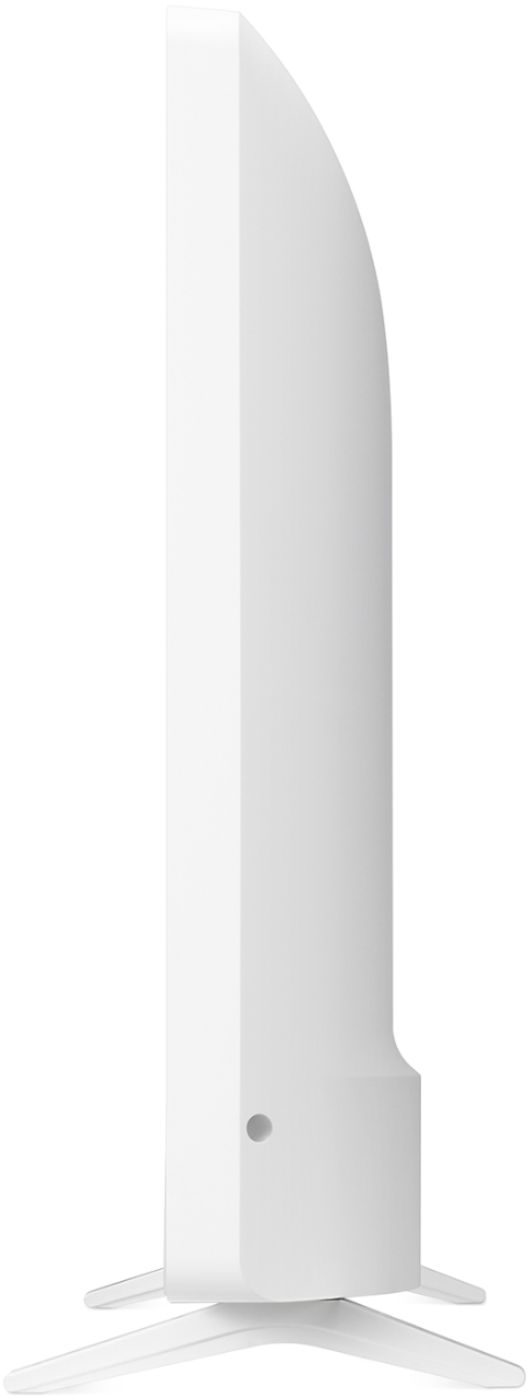
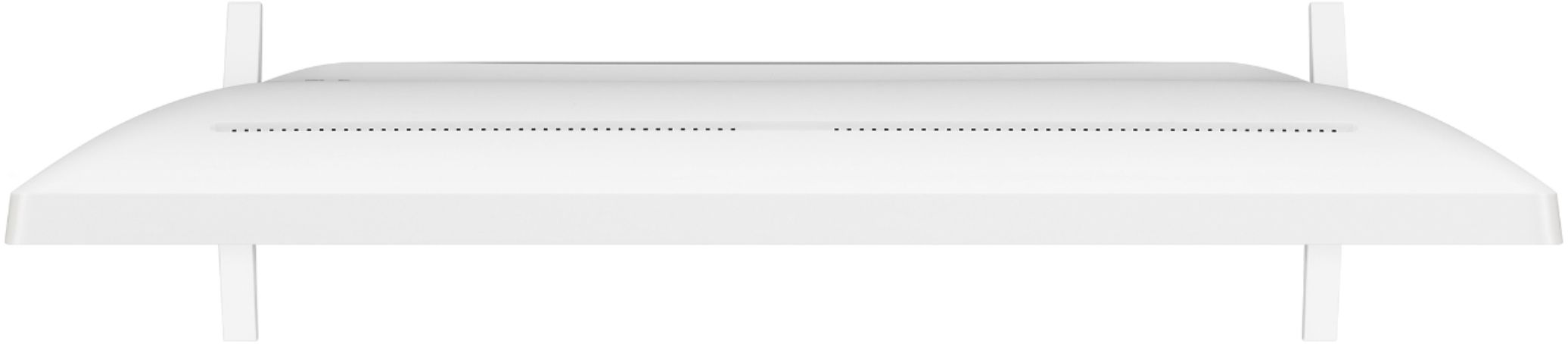
A:AnswerIf you scroll down to 'Specifications' on Best Buy's product detail page for the LG 32 inch Class 720p Smart HD TV (31.5'' Diag) and click on that to expand the page, you will find the dimensions for the TV listed under 'Dimensions'...^IFV
A:AnswerLG's webOS is the TV Platform (Operating System) that the LG 32 inch Class 720p Smart HD TV (31.5'' Diag) and LG Smart TVs run on. It is a Linux kernel-based multitasking operating system for our Smart TVs...^IFV
A:AnswerThirty two inches, but the off and on button is located on bottom of tv, you need to be able to access the bottom of tv, I would not recommend attaching a board to bottom of tv,
A:AnswerUse any one of them for the tv. When you set up the tv, choose the one you have the HDMI cable plugged into. You may want to use the other input for dvd player etc,
A:AnswerThe LG 32 inch Class 720p Smart HD TV (31.5'' Diag), Model # 32LM620BPUA has a native resolution of 1366 x 768 and if you multiply those two numbers, that will give you the total number of pixels on the TV which is 1,049,088 pixels...^IFV
A:AnswerHi Patty. Philo is not a compatible app that is available on the LG 32 inch Class 720p Smart HD TV (31.5'' Diag), Model # 32LM620BPUA and it is not a compatible app that is available for download and installation on our TVs from the LG Content Store (App Store)...^IFV
A:AnswerThe Screen Share feature in the LG 32 inch Class 720p Smart HD TV (31.5'' Diag), Model # 32LM620BPUA allows you to display your smartphone's screen or tablet's screen on the TV as long as both devices are connected to the same network. The Content Share feature allows you to enjoy music, photo and video files saved on your computer. The PC and the TV have to be connected to the same network. You can also download and install LG's SmartShare software from www.lg.com/us to connect to music/video and photos saved on the PC and play them on the TV...^IFV
A:AnswerThe LG 32 inch Class 720p Smart HD TV (31.5'' Diag), Model # 32LM620BPUA features a Full Web Browser. Enter the URL into the URL field for the web browser as you would for a computer to access the web page...^IFV
A:AnswerThe LG 32 inch Class 720p Smart HD TV (31.5'' Diag), Model # 32LM620BPUA has a VESA Wall Mount Interface Pattern of 200 x 200 mm. The metric width for the VESA Standard machine screws that will fit into the VESA Mount holes in the back of the TV is M6 (i.e. 6mm) The length will be determined by the Wall Mount Bracket that you use to mount the TV with. Measure the length of the screws you currently have for the length. If your current wall mount supports the TV's VESA Wall Mount Interface Pattern, you can use it to mount the TV. All you need do will be to buy screws with the correct width that have the same length as your the screws that you used for your older TV...^IFV
A:AnswerThe Lenox Mp app is not a compatible app that is available for download and installation on the LG 32 inch Class 720p Smart HD TV (31.5'' Diag), Model # 32LM620BPUA from the LG Content Store (App Store)...^IFV