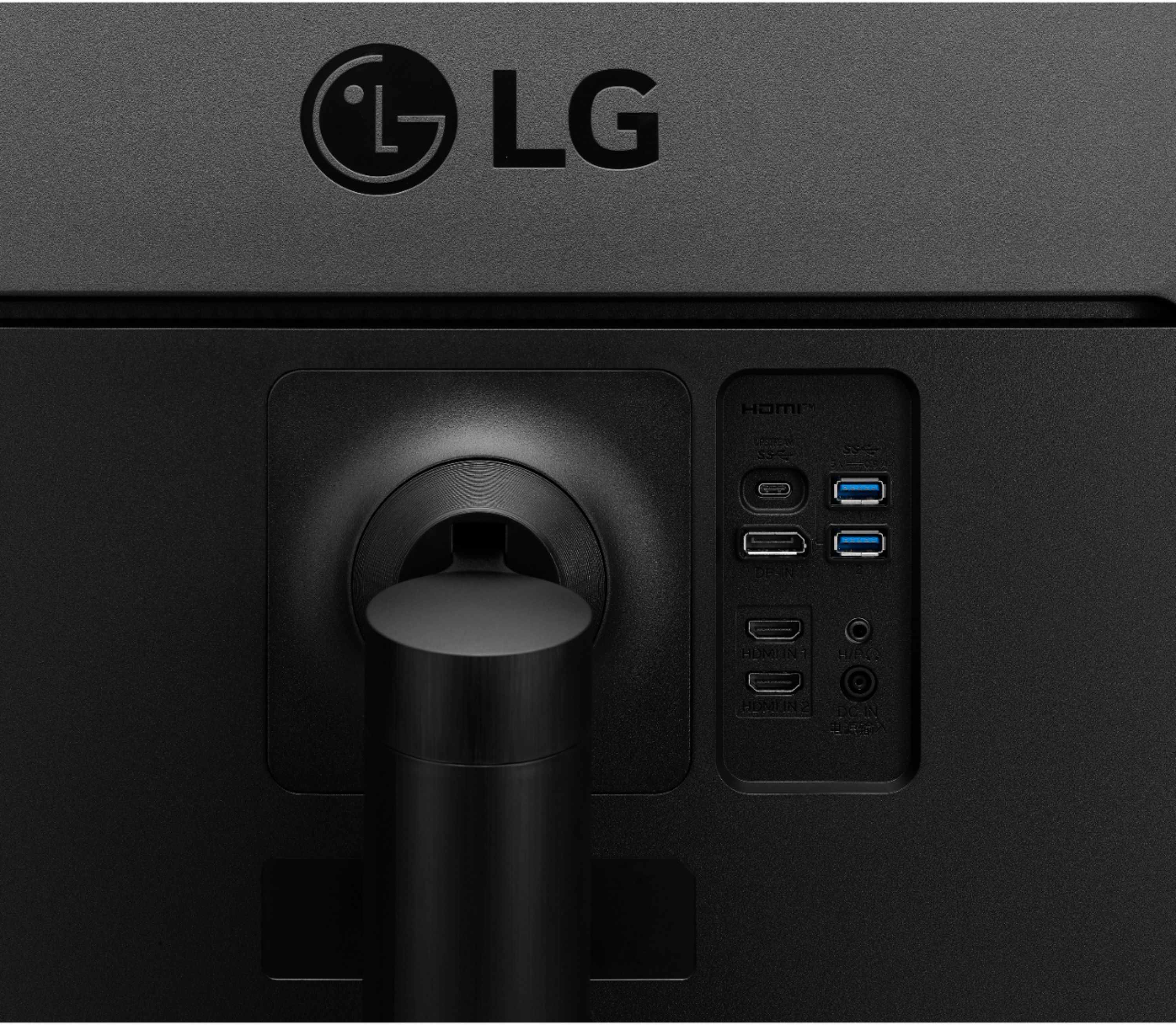
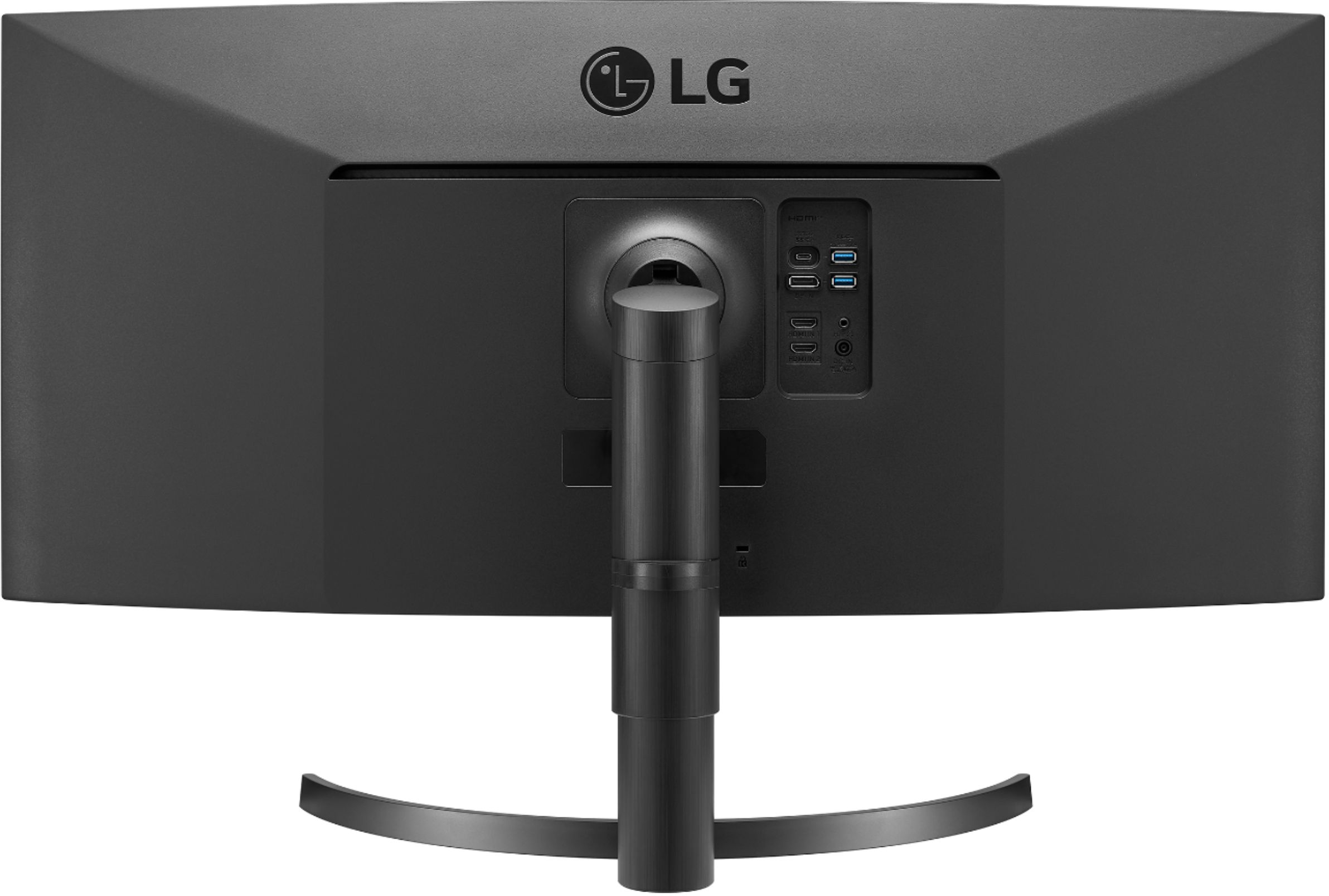
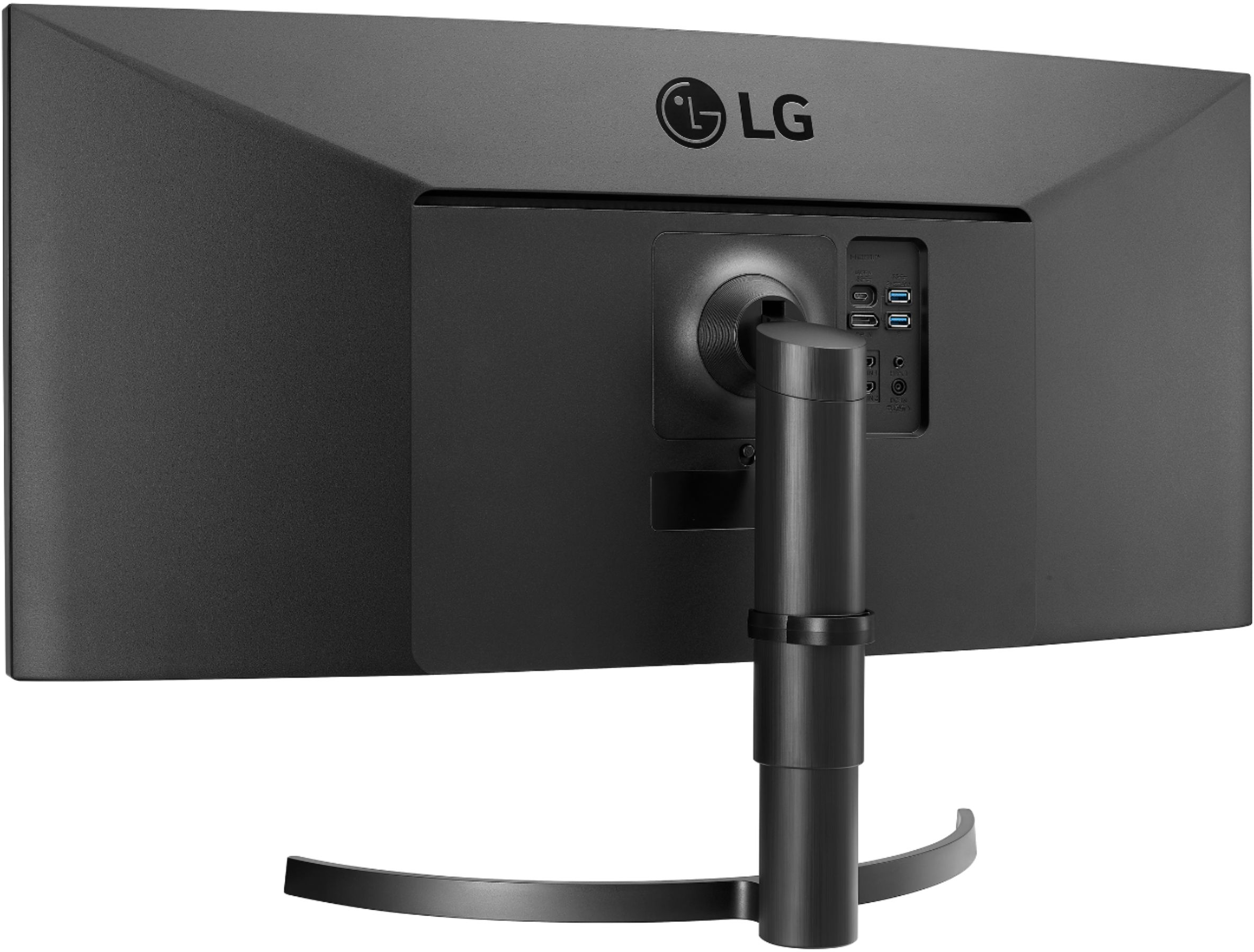
A:AnswerI plug the blue tooth receiver for my wireless keyboard & mouse into one the monitor's USB ports... it works great. I have also also plugged a USB Microphone and a memory stick, they all work fine.
A:AnswerPlease reach out to our support team via private message on Facebook @LGUSSupport and use #VOC in your first message to our social media support team or call at 800-243-0000 to verify. Also, be sure to provide your contact information, model/serial numbers and date of purchase. ^Daphane
A:AnswerYes, the mount location on the back is your standard 4 screw mount point. The LG desk stand that comes with it just has a cover that hides everything
A:AnswerWe are sorry for the delayed availability of products. We are working as quickly as possible to make our products available.35WN75C will be available the week of 12/14 on besybuy.com. We appreciate your commitment to the LG brand. Please bear with us as we navigate uncharted waters to resolve the delay. Again, we apologize for the delay and any inconvenience it has caused. ^Daphane
A:AnswerMonitor 35WN75C-B has a refresh rate of 100Hz. The recommended resolution is 3440 x 1440 @ 85Hz via HDMI or 3440 x 1440 @ 100Hz via DisplayPort. ^Daphane
A:AnswerI had the exact same issue with the exact same computer. My guess is that the monitor can't keep up with the power draw of the computer. It would be nice if they (LG) indicated anywhere what the charging capability of the monitor is over USB-C. Make sure you don't have the Macbook charger connected at the same time, that made mine go haywire.
A:AnswerMonitor 35WN75C-B specifications on LG.com do not list a curvature radius. Display specifications list the radius as 1800mm. https://www.displayspecifications.com/en/model/b8112269. ^Daphane
A:AnswerYes, this monitor (35WN75C-B) will support a dual monitor setup. It is suitable for office work task. Please seek opinions on the customer forums at https://www.facebook.com/LGUSA; they are a great resource for getting help from other LG customers. Thank you. ^Daphane
A:AnswerThis is a Plug and Play monitor (35WN75C-B) and doesn't require drivers. You should be able to connect a PlayStation via HDMI. For further assistance, please reach out to our technical support team via private message on Facebook @LGUSSupport and use #VOC in your first message to our social media support team or call at 800-243-0000. ^Daphane