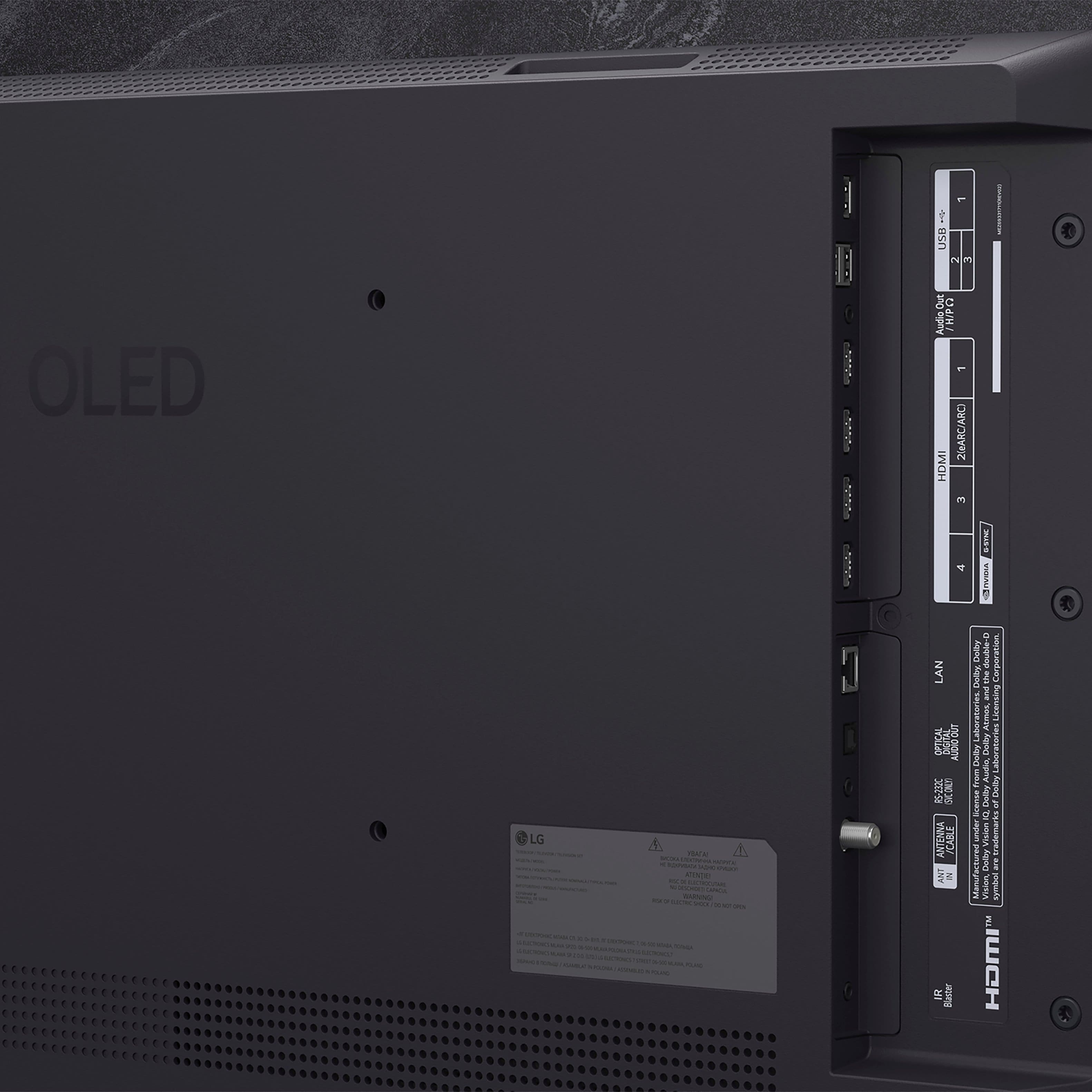
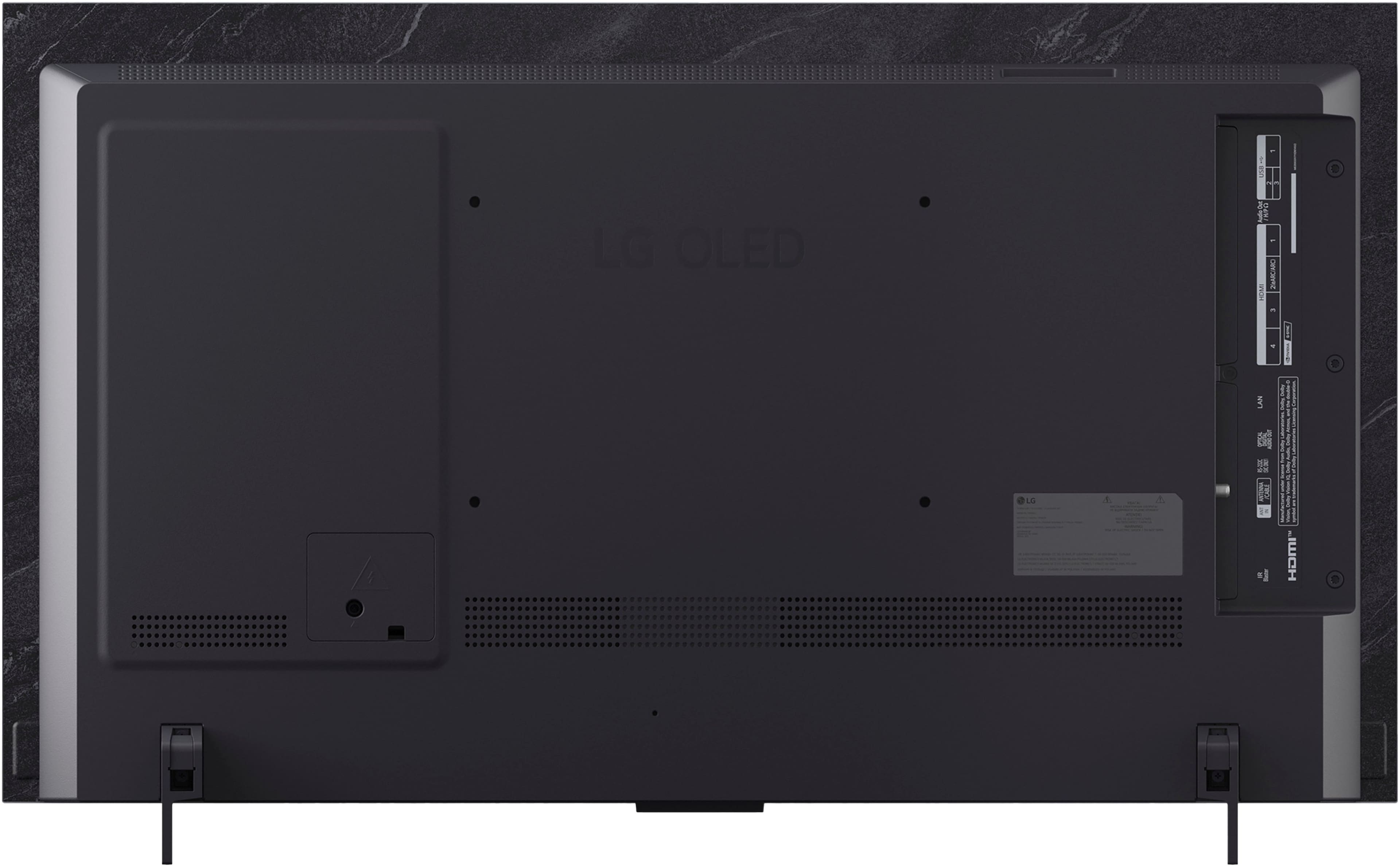
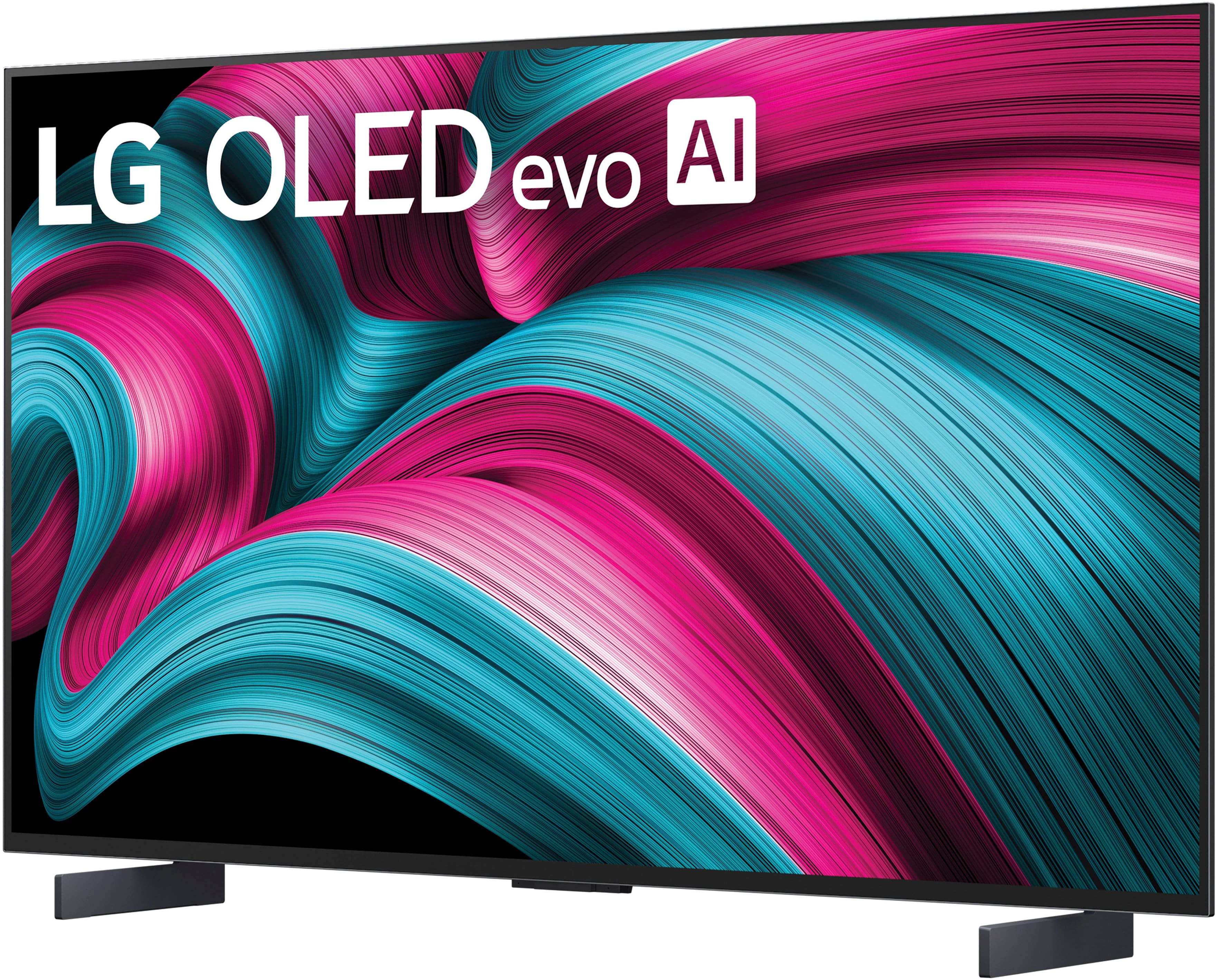
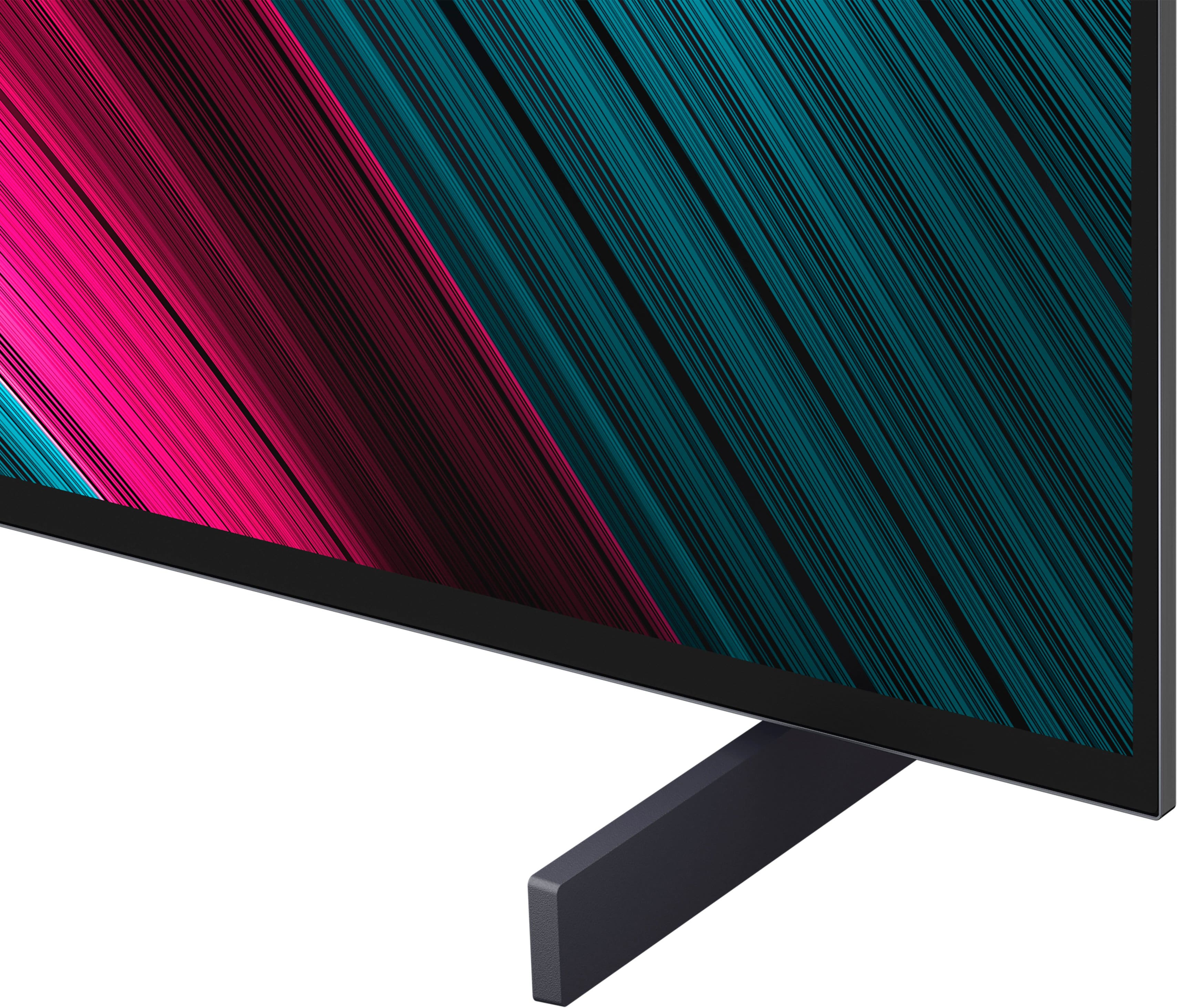
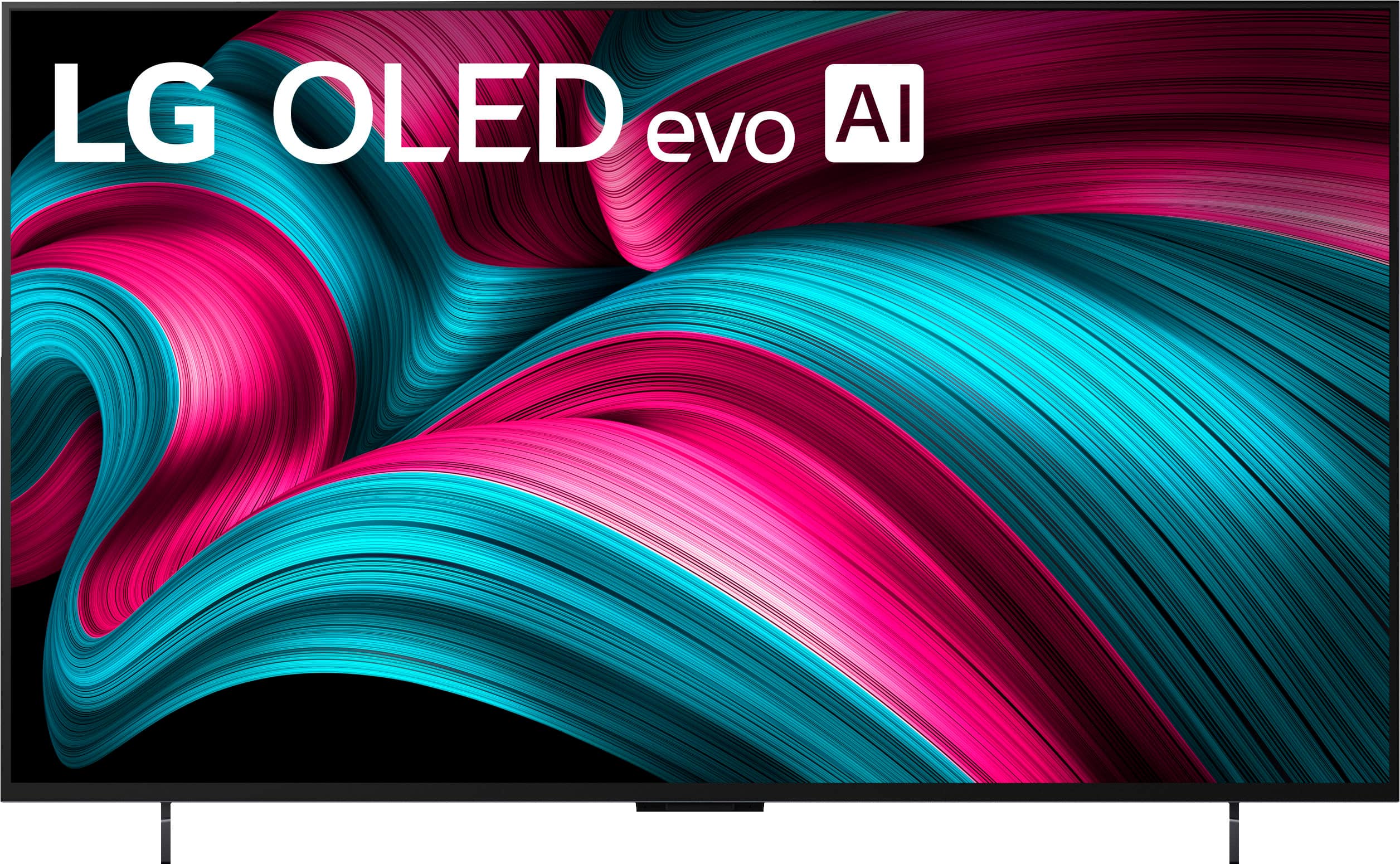
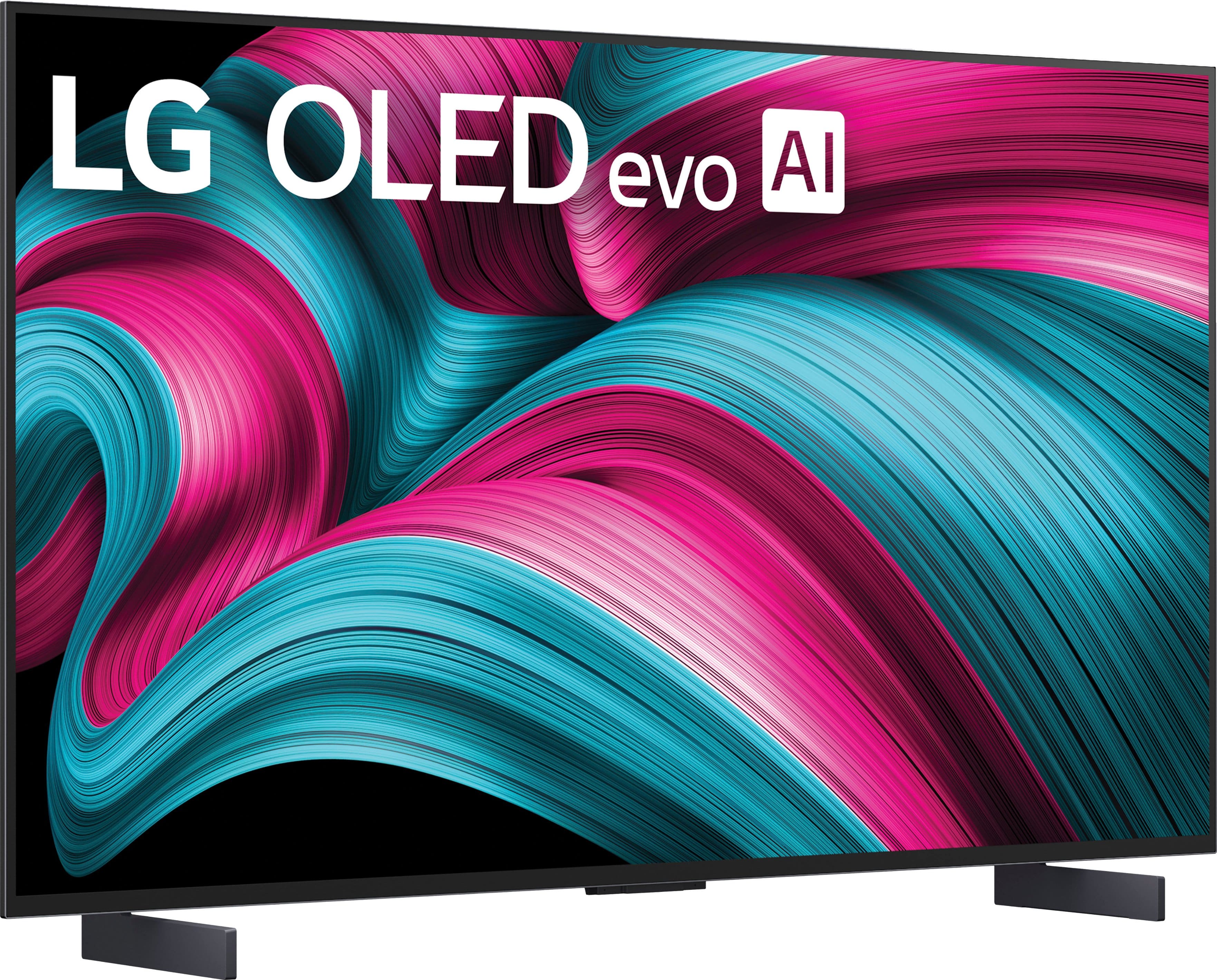
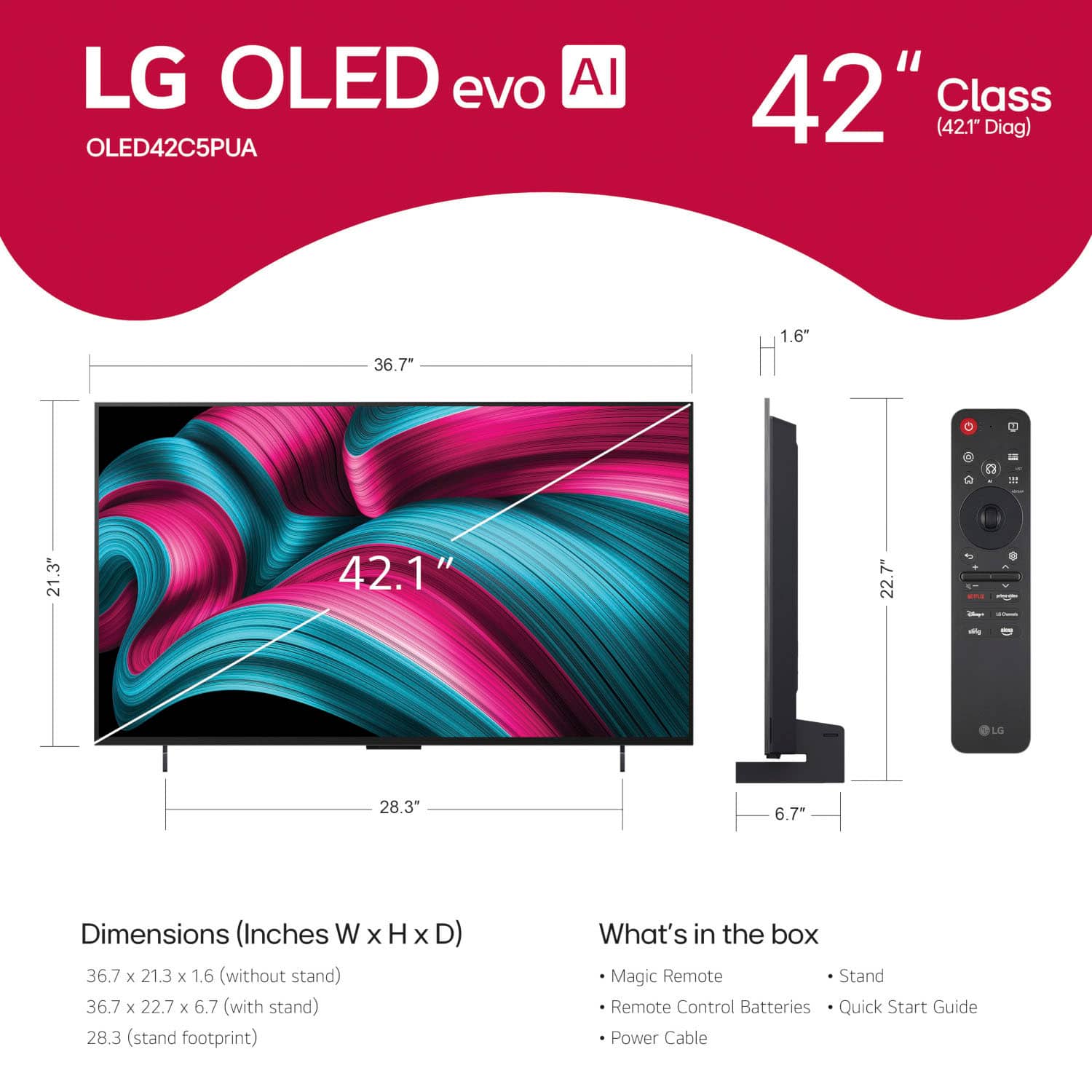
A:Answer Hi there, Linda. Thank you for reaching out to us. We understand your inquiry regarding connecting a soundbar to your OLED42C5PUA TV.
There are a few ways to connect your audio device, but using an HDMI cable is a great option. As a quick step, you can connect the soundbar to the TV's HDMI terminal that has [ARC] written on it. Then, using your TV remote, navigate to [Settings] → [All Settings] → [Sound] → [Sound Out], and select [HDMI (ARC) Connection Device].
LG TV - How to Connect a Sound Bar or Receiver - https://www.lg.com/us/support/help-library/lg-tv-how-to-connect-a-sound-bar-or-receiver--20153207557627
Your feedback is important, and we'd like to assist you further. If you have any further questions about its features or need help with other connection methods like Bluetooth or Optical, please contact us on lgdigitalcare@lg.sprinklrsupport.com, and our team will be more than happy to assist you. —Renzo


. Independently Tested for Quality and Workmanship CheckPlus: 100 % Color Volume to DCI-P3 oi PSSEANE Intertek [www.IntertekCheck.com](http://www.IntertekCheck.com). 100% Color Fidelity and '100% Color Volume to DCI-P3' applies to 2025 OLED TVs. *LG OLED Display is verified by UL for Perfect Color measured to IDMS 11.5 Ring-light Reflection standards. *100% Color Volume is defined as the performance of display which is equal or greater than the size of DCI-P3 standard color volume as verified independently by Intertek. *The LG OLED Panel is certified by Intertek for 100% Color Fidelity, measured to IDMS 11.5 Ring-light Reflection standards.](https://pisces.bbystatic.com/image2/BestBuy_US/images/products/3661ed5e-8d92-47a9-baef-65aa6eb5dcb9.jpg)