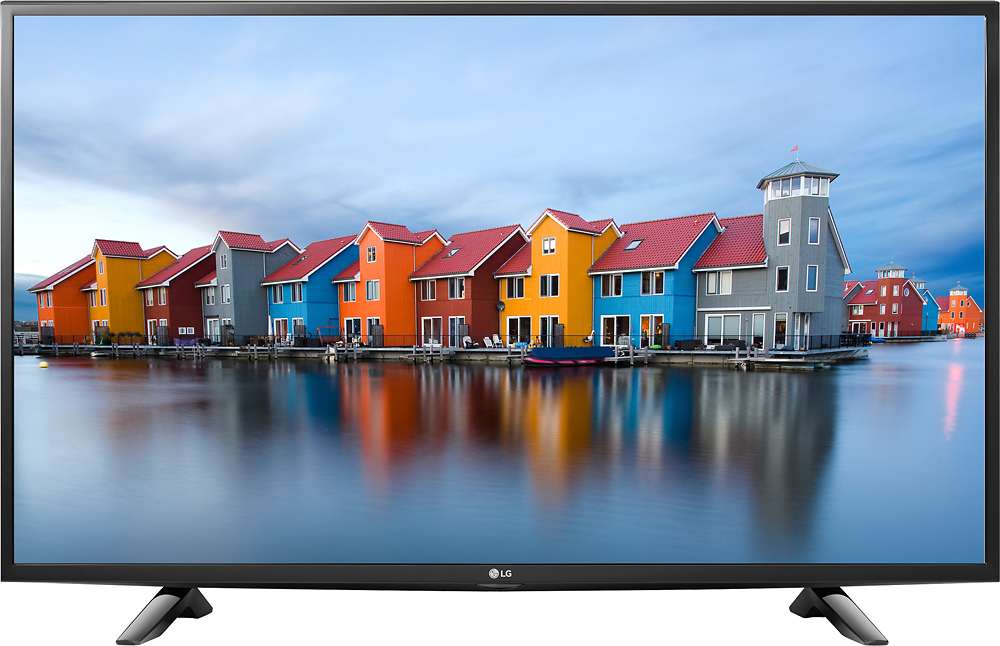
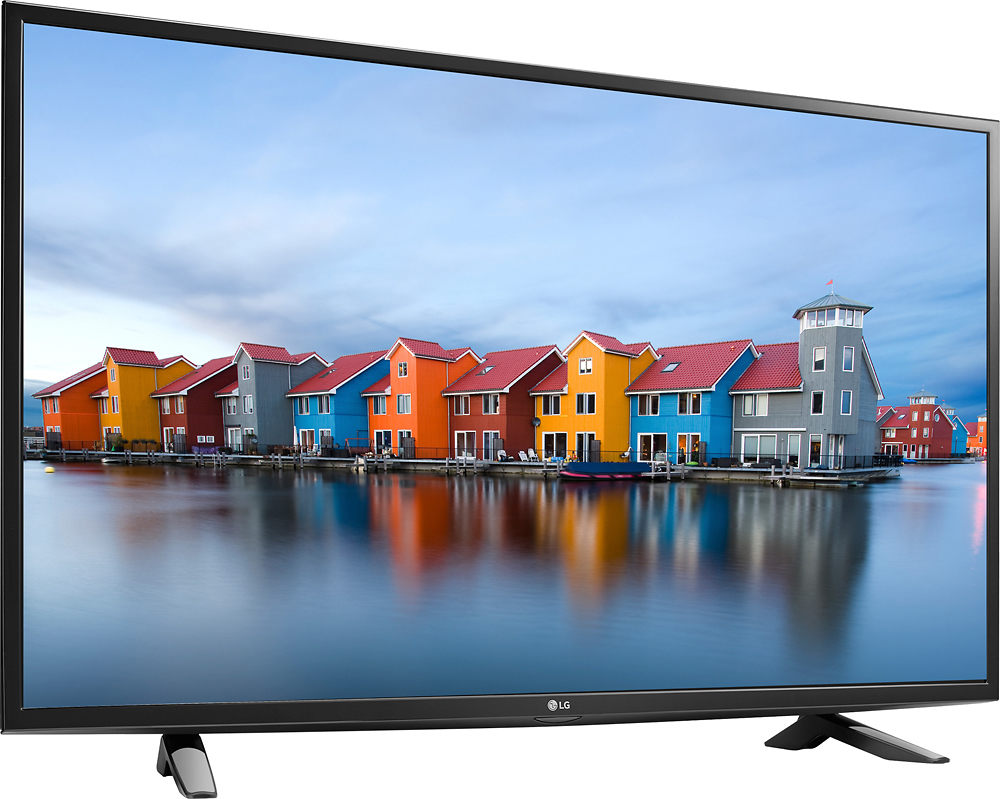
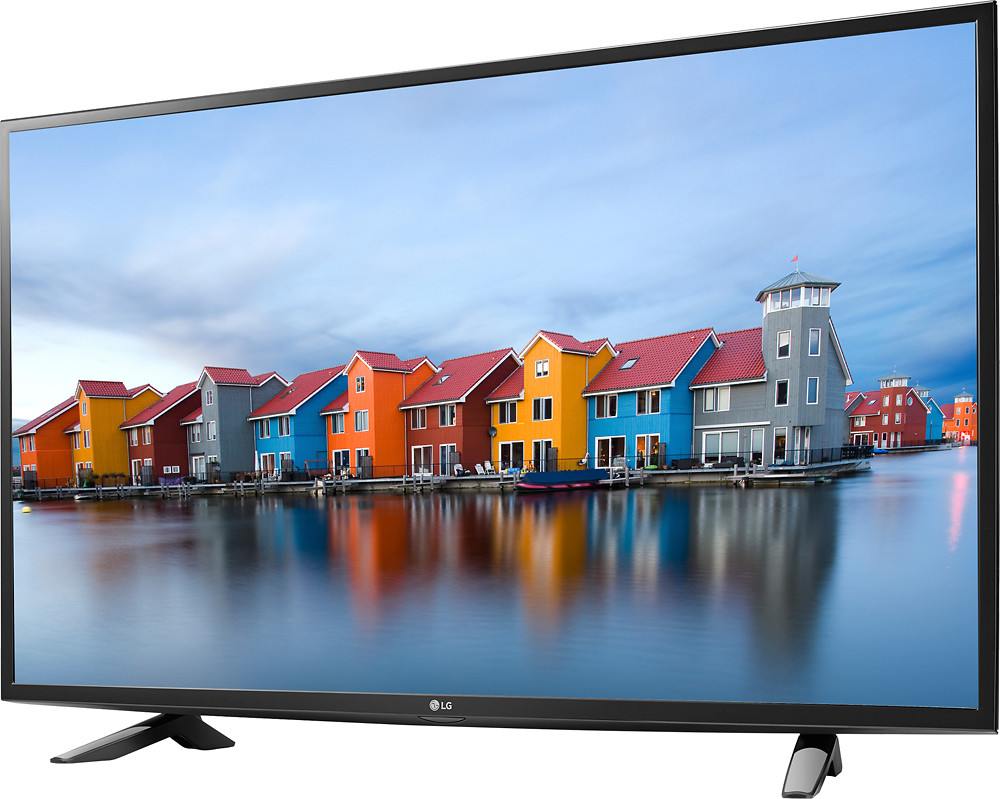
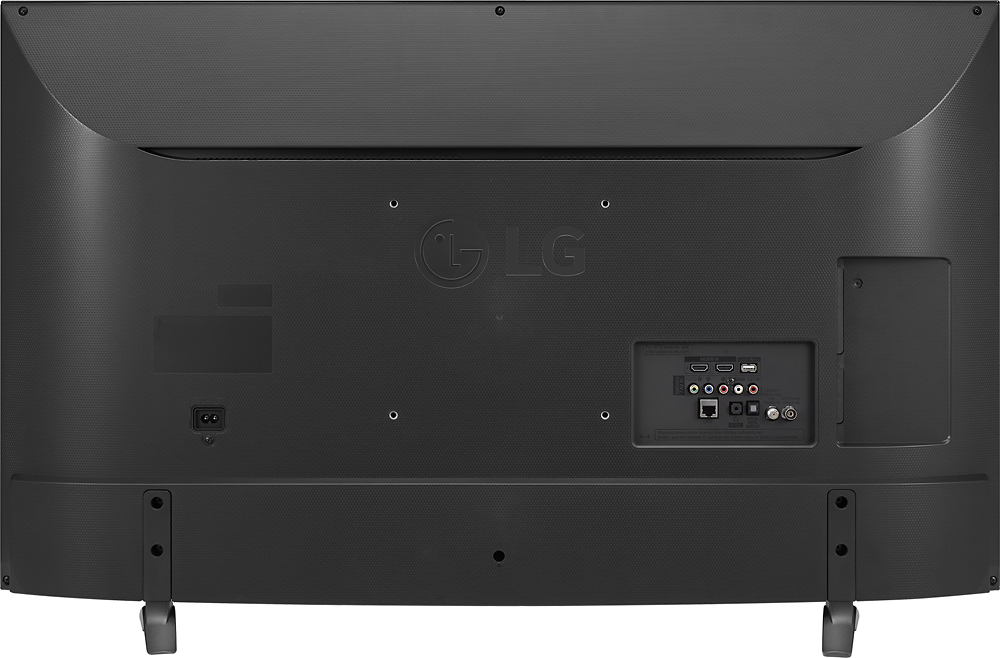
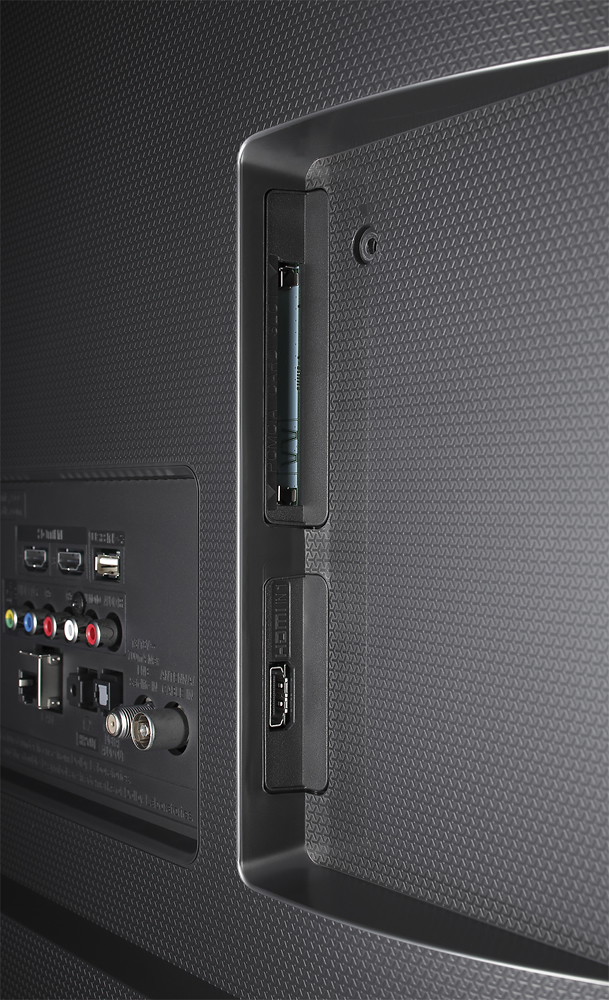
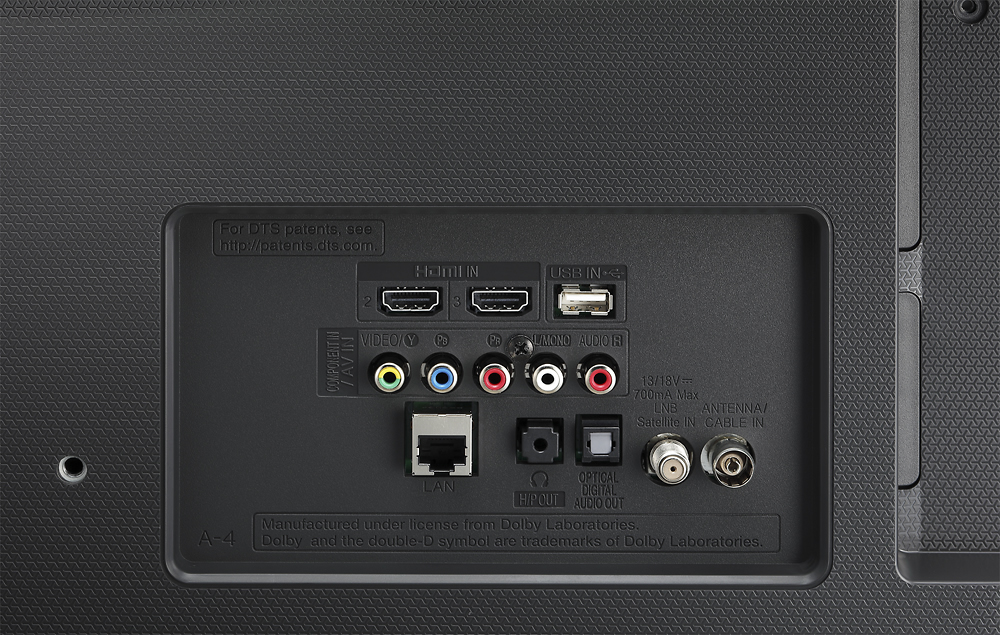
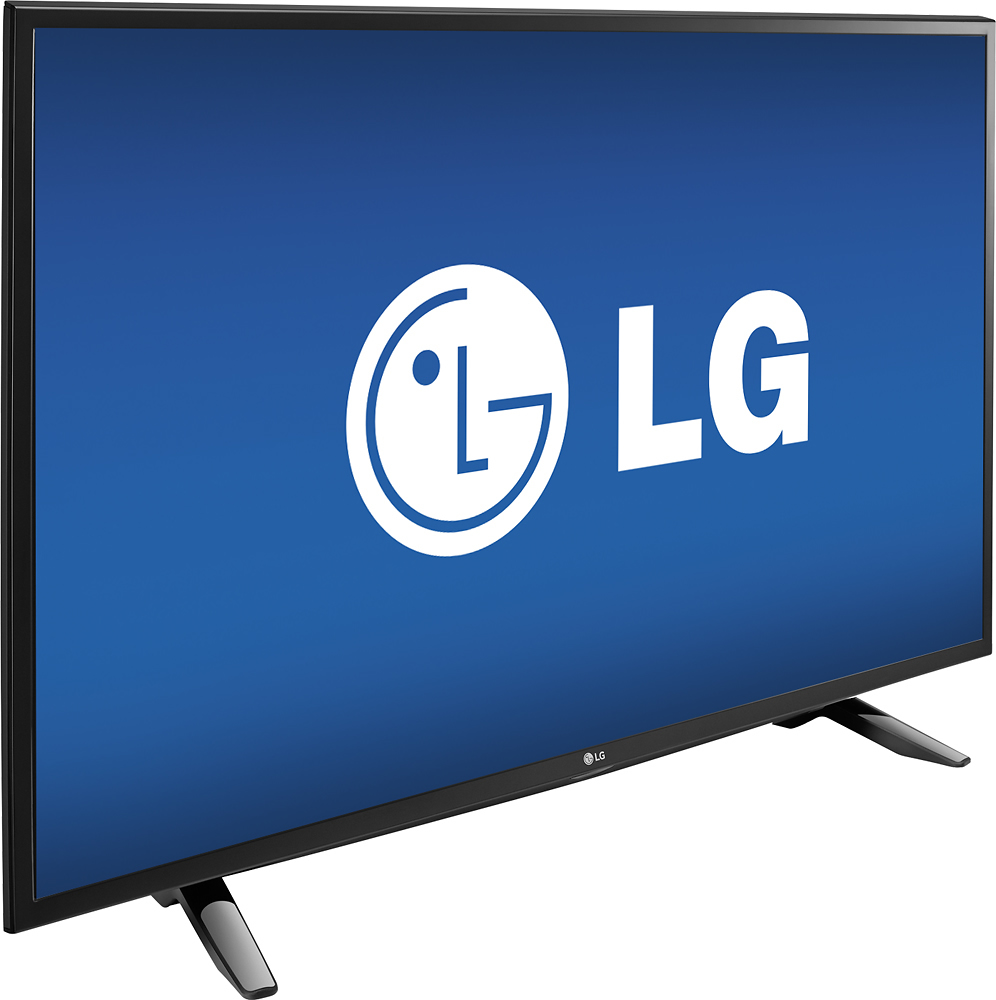
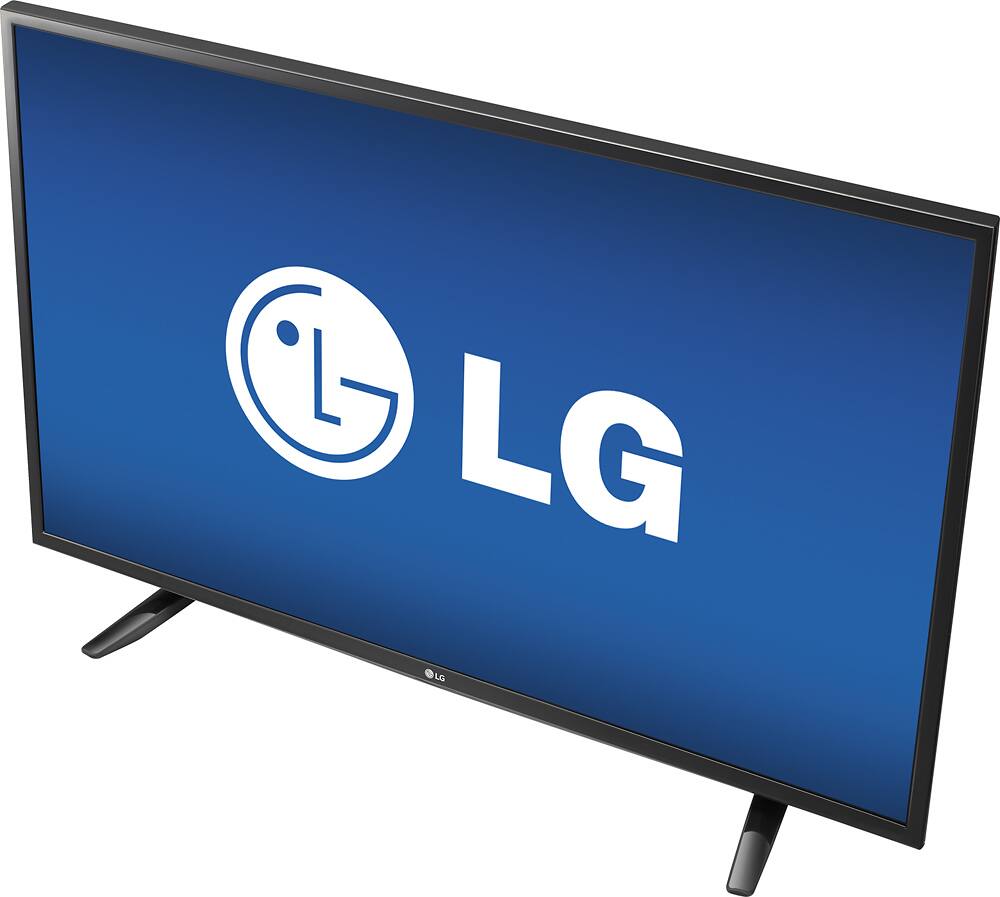
A:Answer When you connect the ENERGY STAR® Qualified LG 1080p Smart LED TV - 43" Class (42.5" Diag), Model # 43LH570A to an indoor or external antenna to receive Over-the-Air digital transmissions, you need to set up the channels. You can set them up automatically using the Auto Tuning feature that will automatically memorize the channels that are currently being broadcast, or you can set them up manually using the Manual Tuning feature. Setting them up manually allows you to adjust the channels manually. For Digital broadcasts, you can check the signal strength and other parameters and save the results. You can access the channels directly by pressing the assigned number for that channel on the remote but the channels numbers will either be single digit, double digit or triple digit numbers without the .1 etc., To switch from Antenna to HDMI, you simply change the input source by pressing the input button on the remote (i.e the button with the plug icon under the 'TV" button)...^IFV