Questions & Answers
- Model:
- 43UQ7590PUB
- |
- SKU:
- 6501937
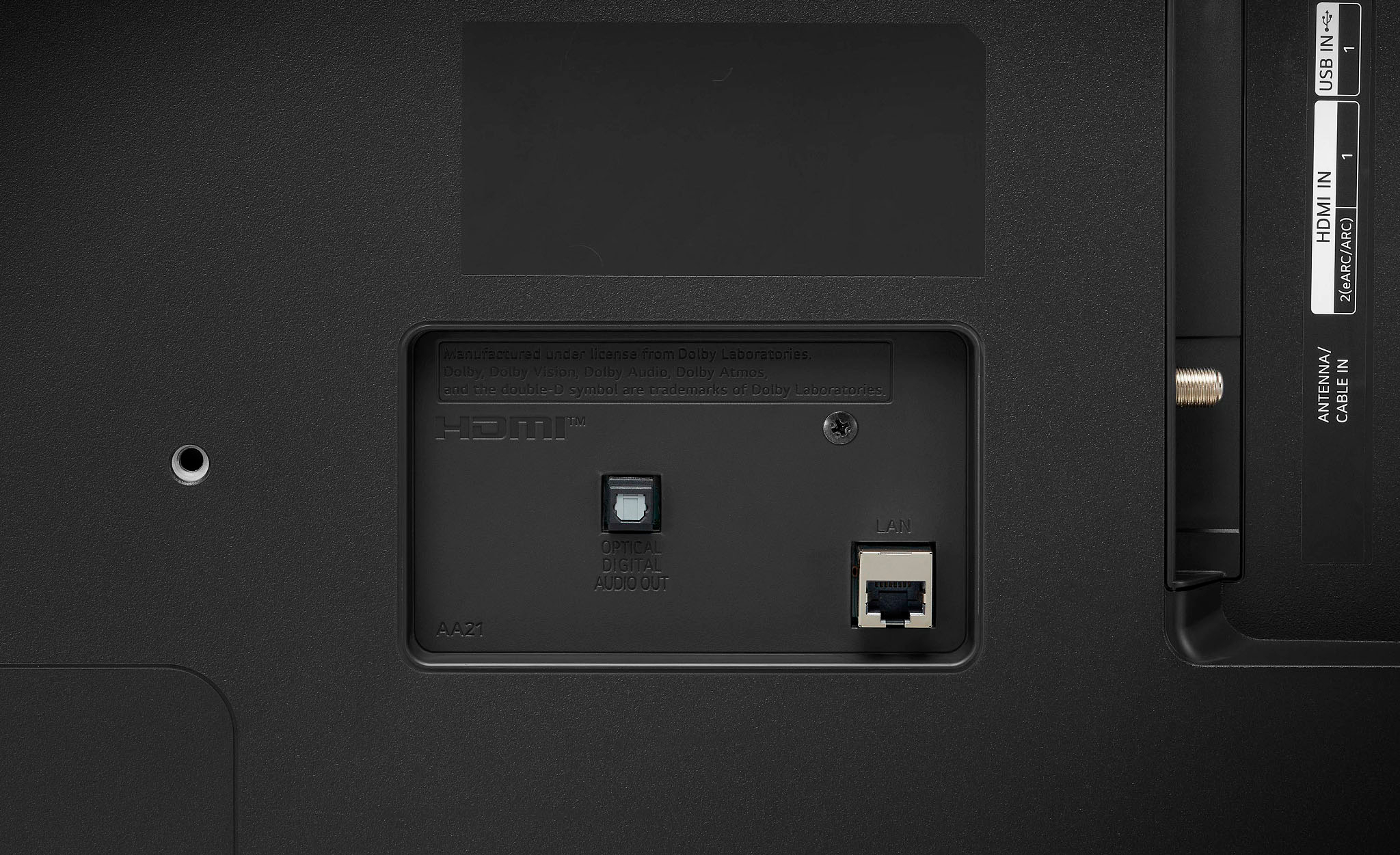
Q: QuestionDoes this TV connect via wireless WiFi?
Asked by EdmundS.
- A:Answer Hello, yes it does.^Venette
Answered by LG Digital Customer Care

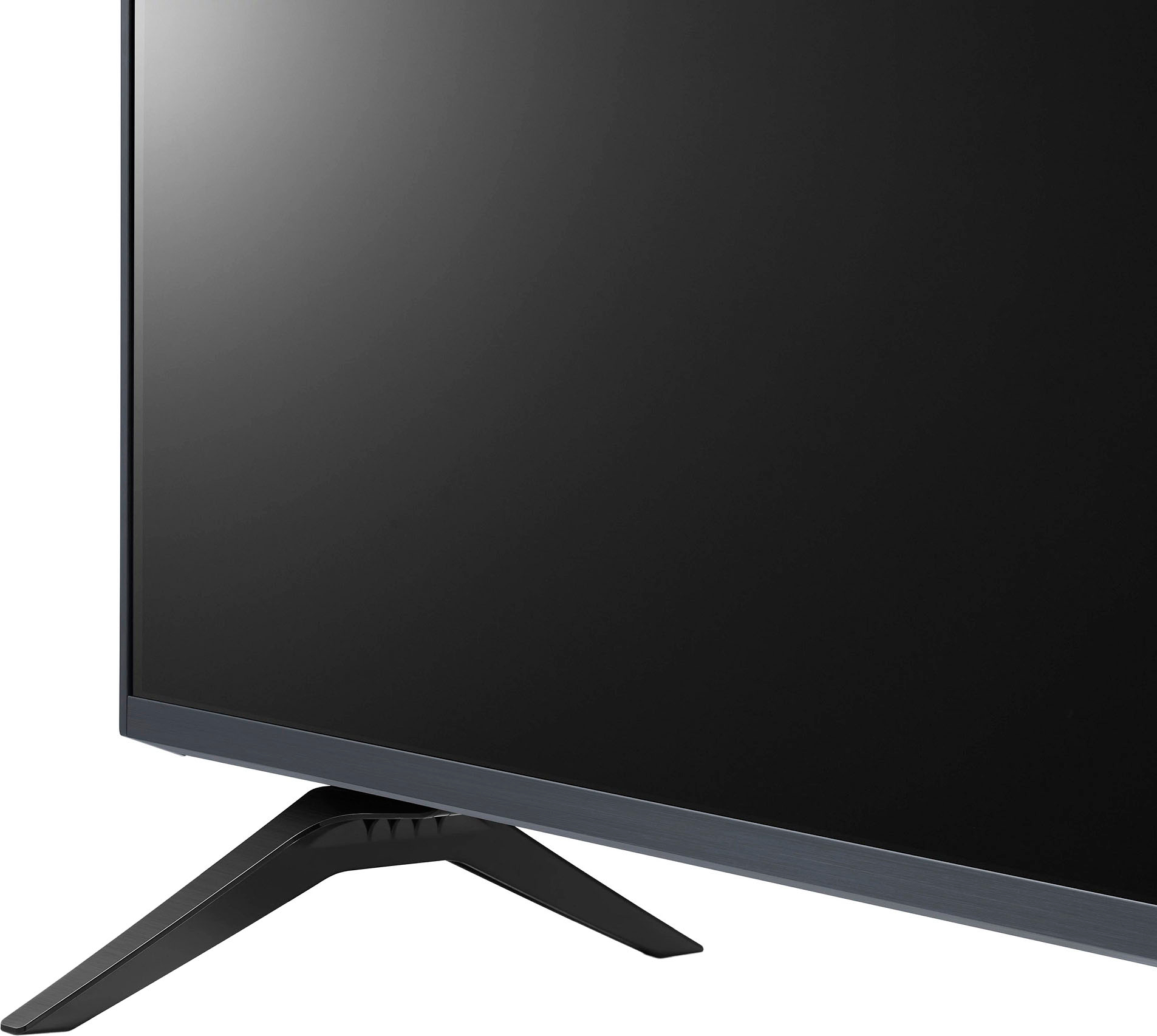
Q: QuestionWhat's the width of the tv stands on the bottom of the tv? I have a smaller entertainment center and not sure if this size tv will fit on it.
Asked by Chrisski.
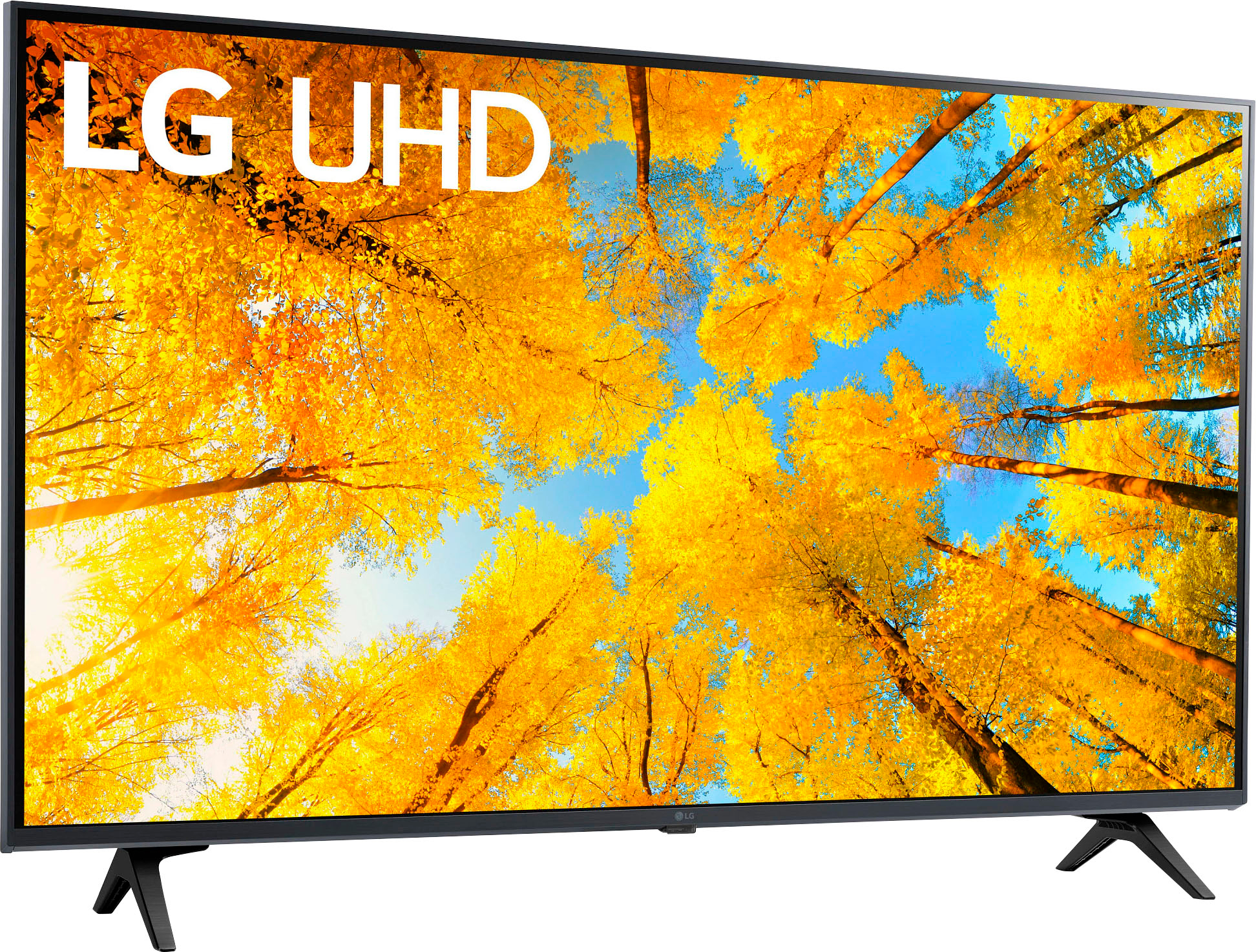
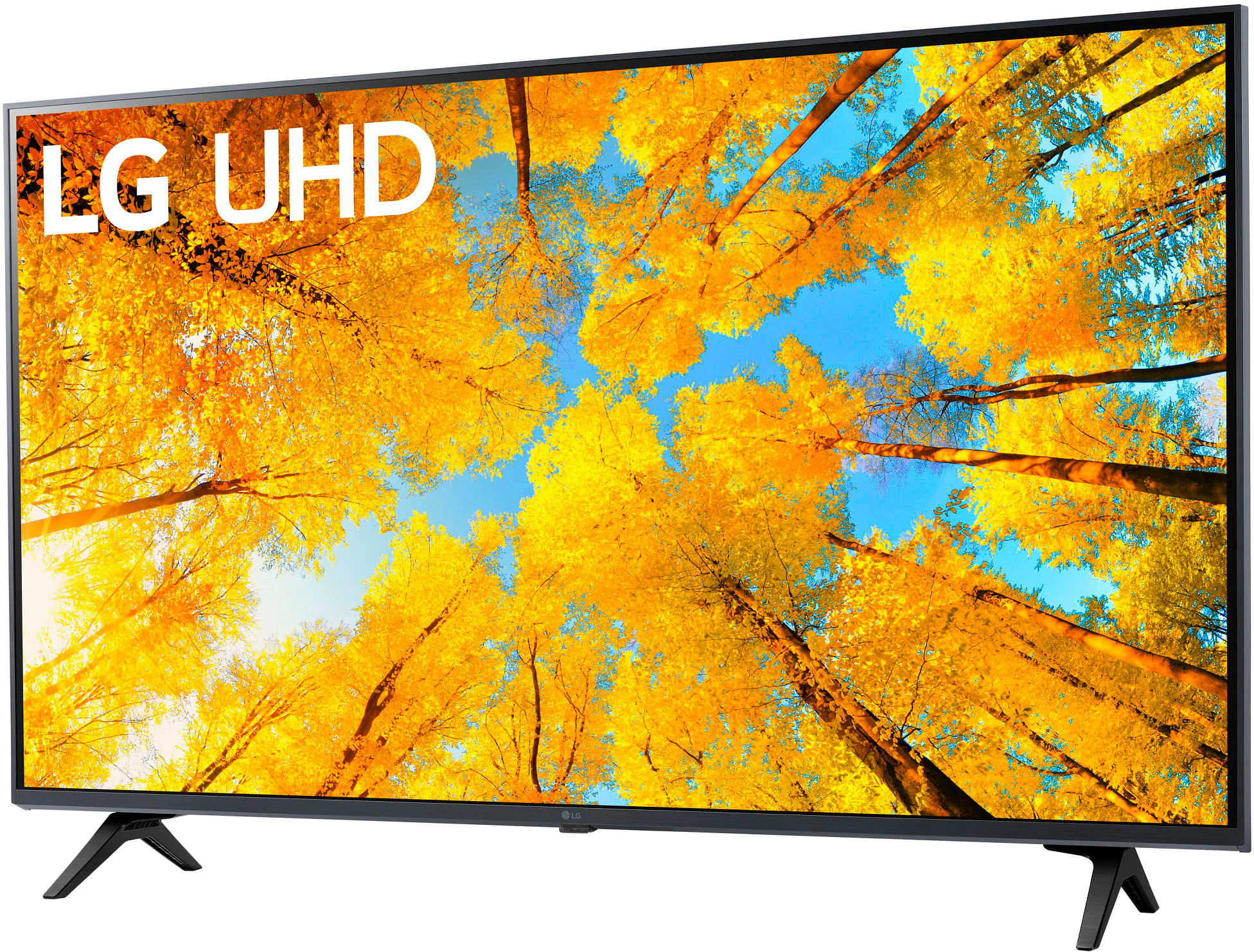
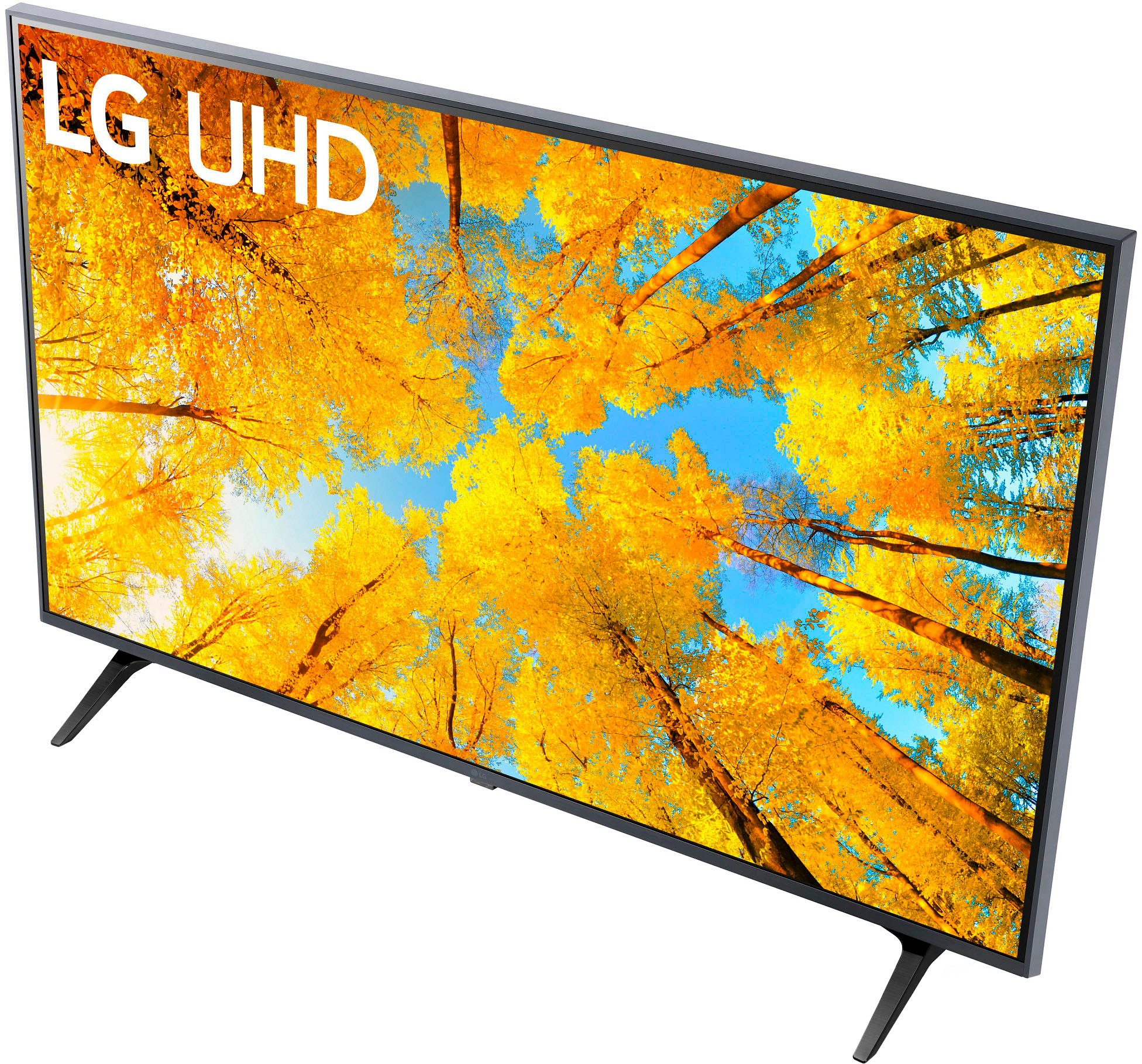
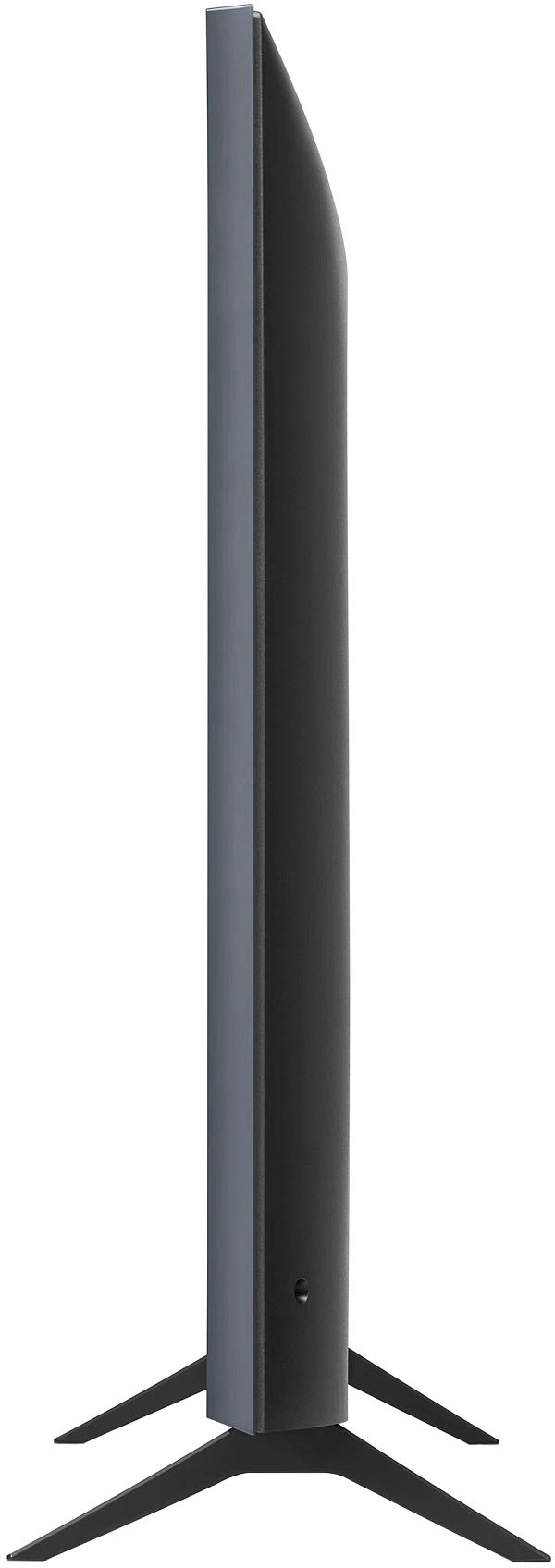
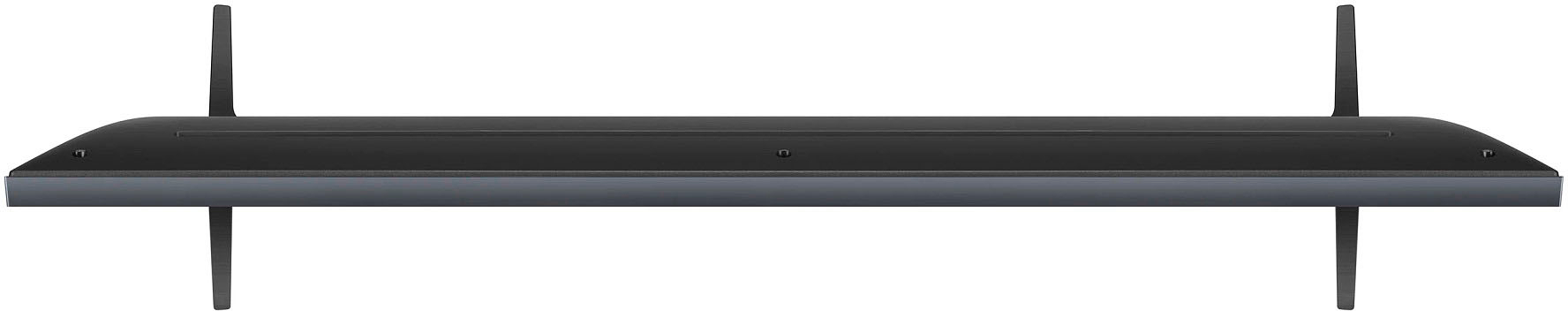
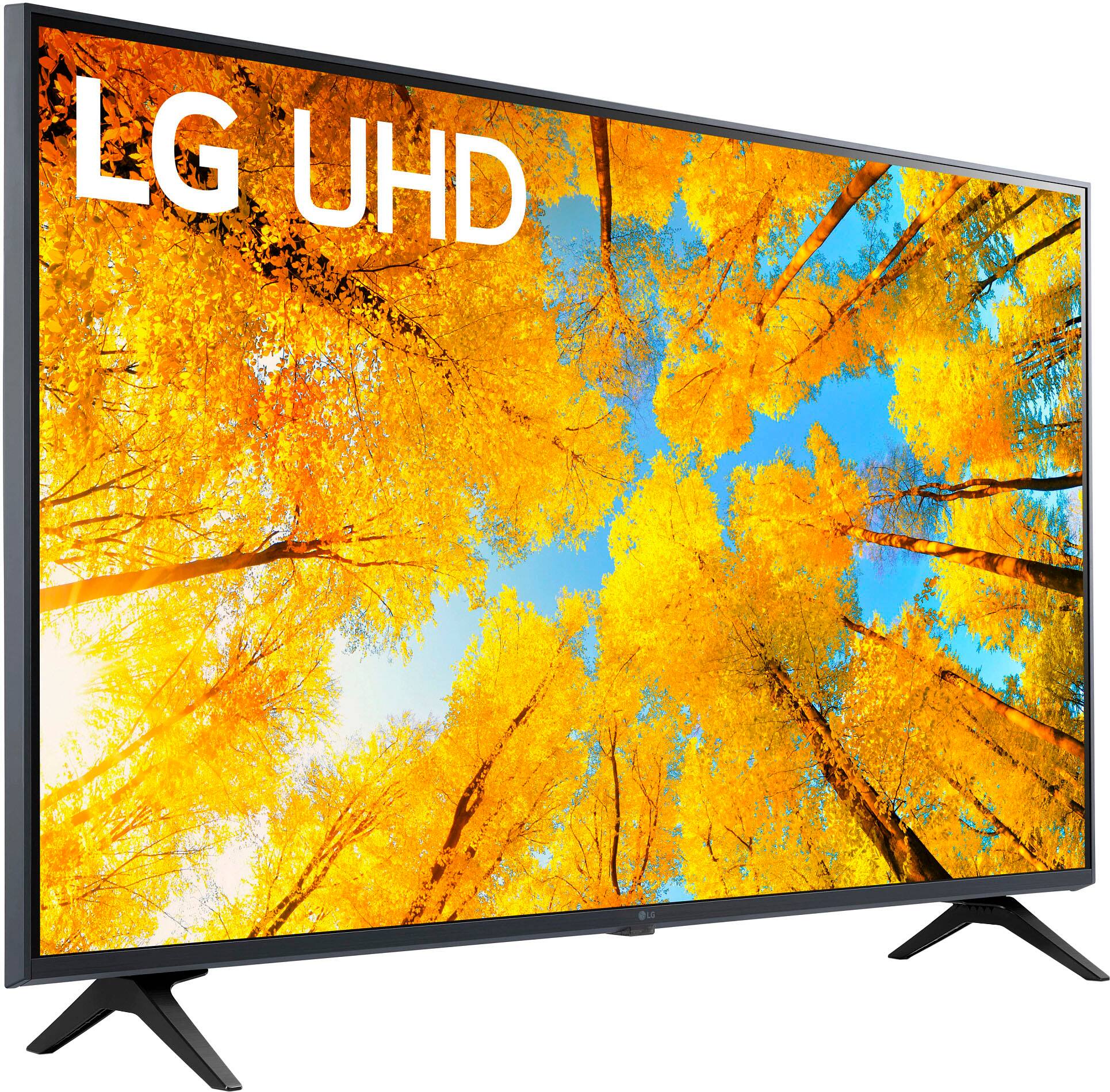
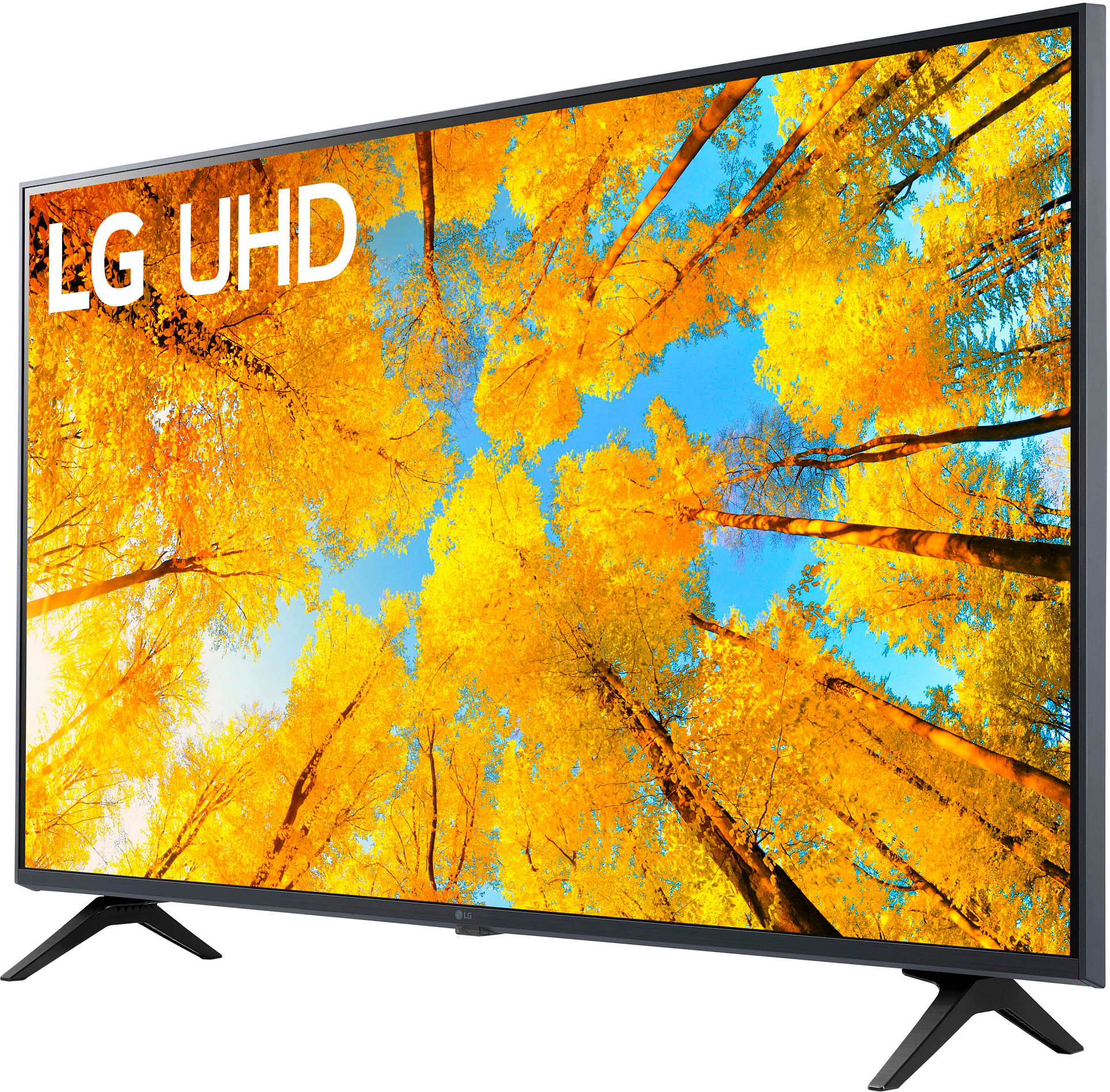
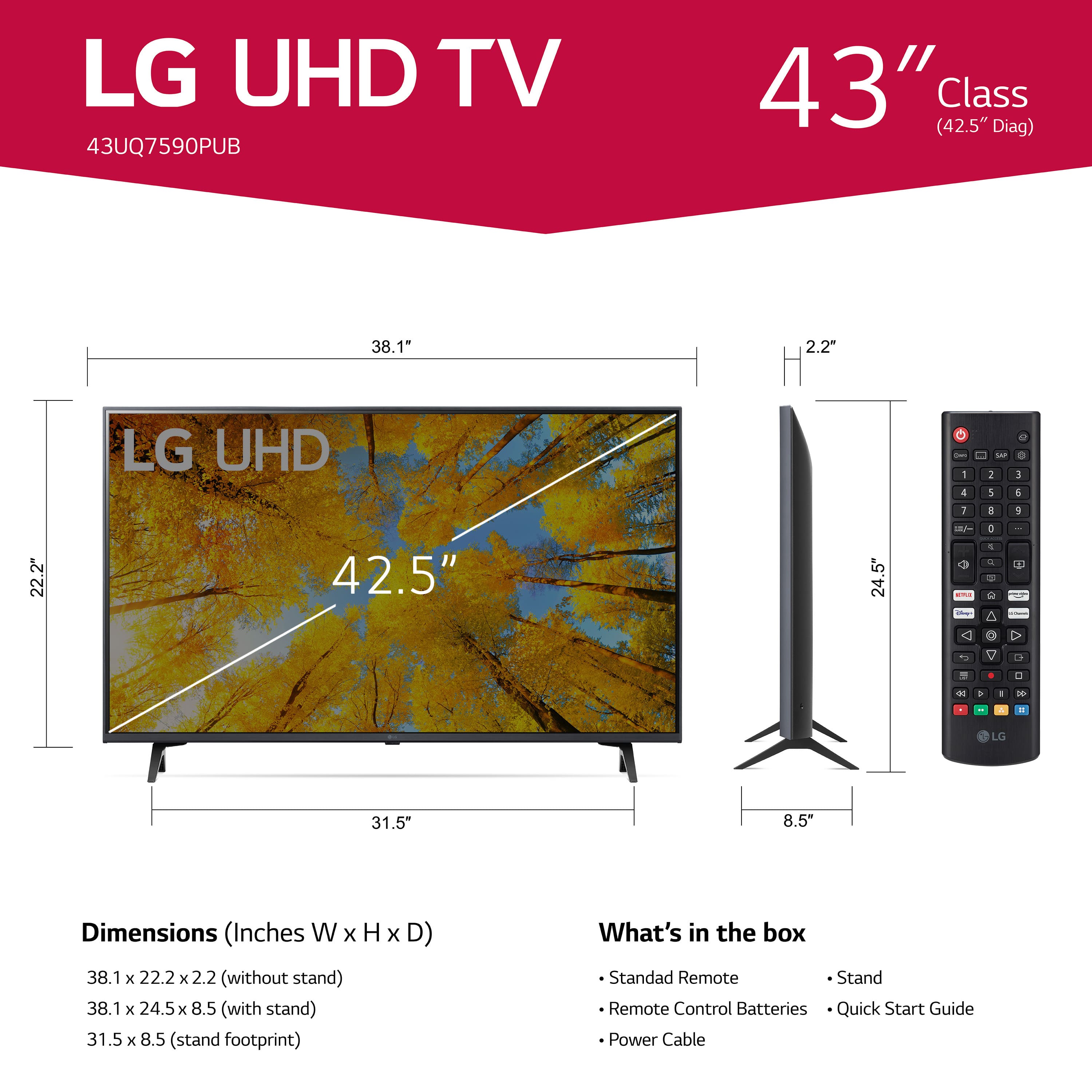
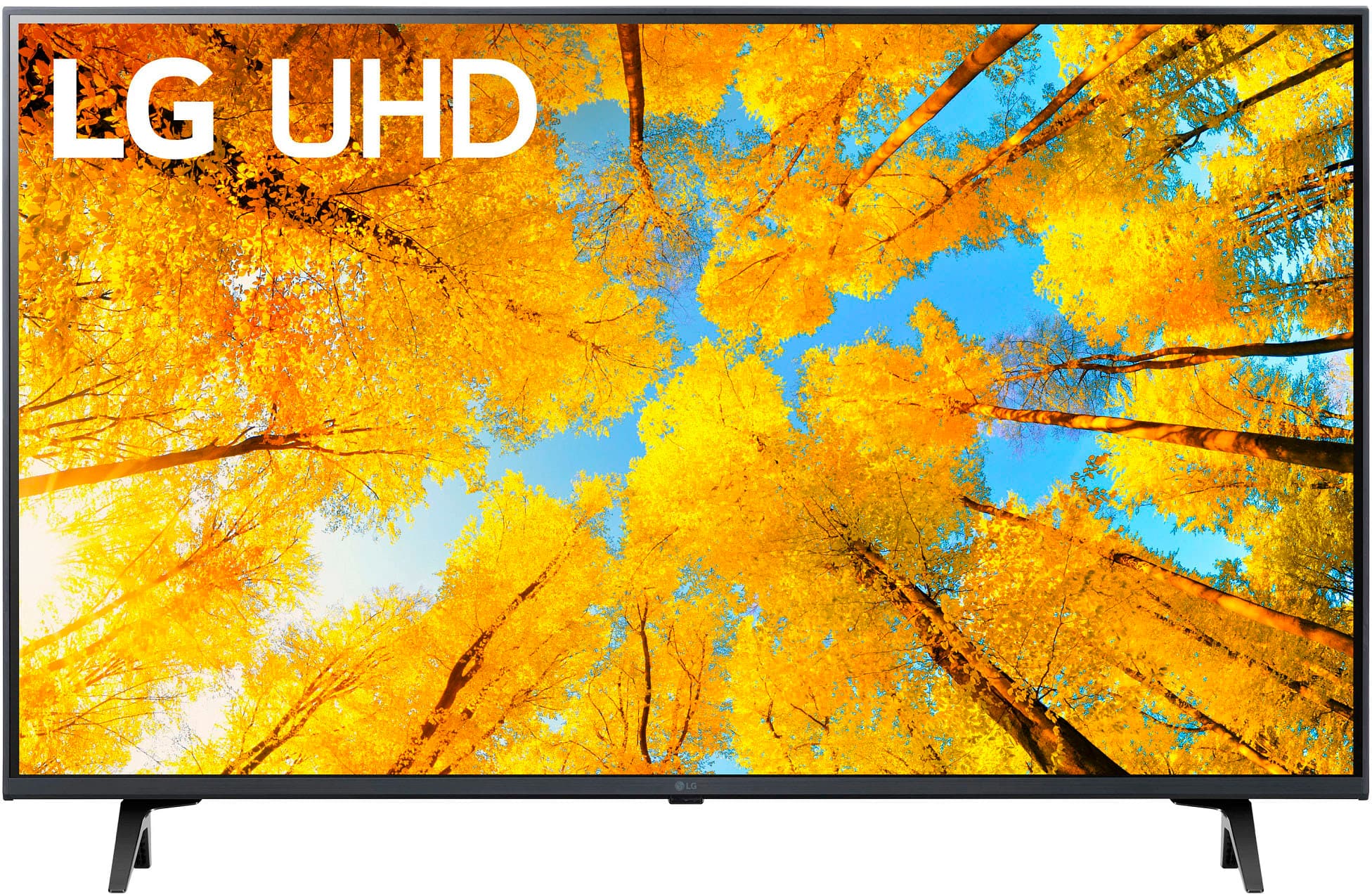
- A:Answer Distance between stands is 32”. Tv overall is 38”. If your opening is minimum 39”,to 40” you will be fine.
Answered by Steve
Q: QuestionAre the table stands adjustable and how far apart are they on the 43" TV. Can they come in closer for a smaller TV stand.
Asked by Annette.
- A:Answer They are about 39" wide and 10" deep (front to back). I got a board that is 42" long and 12" wide to set on top of the table I use to put the tv on. The legs are not designed to be adjustable and I was not comfortable trying to modify their mounting to the tv.
Answered by Anonymous
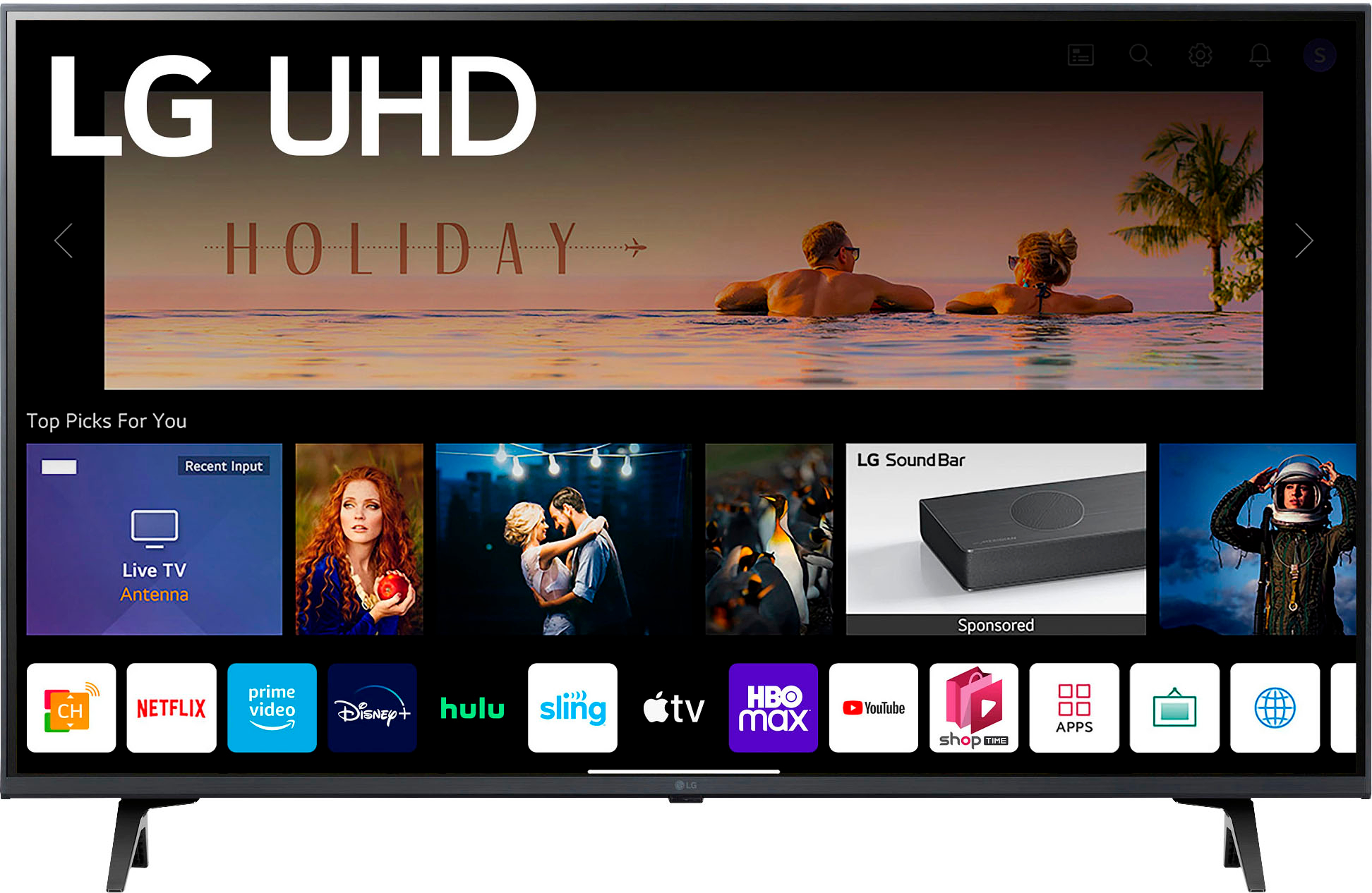
Q: QuestionCan you watch U TUBE?
Asked by SIKU.
- A:Answer Yes, you can watch YouTube. I've watched music videos & some GREAT old movies. I've found episodes of Alfred Hitchcock's TV show, old Thriller (Boris Karloff) shows, some noir & other "scary" movies which I've NEVER seen on TCM. I really had problems to start because I was using my phone as a Hotspot to connect to YouTube. It was set to limit excessive use of internet data & kept disconnecting! You'll need to explore that for yourself. I checked with the net to find out what my problem was. Best of luck to you!
Answered by FinallyBoughtANewTV
Q: QuestionAre there pre loaded stations if so how many. Any examples?
Asked by Juan.
- A:Answer Hello there Juan. Thanks for reaching out. For the LG - 43" Class UQ75 Series LED 4K UHD Smart webOS TV LG Channels provides direct access, via an onscreen app icon, to more than 100 streaming channels without having to download and install each one. All the channels are free to view but may contain ads. The channels offer news, sports, and entertainment from a variety of sources. `Jai.
Answered by LG Digital Customer Care

Q: QuestionI searched through the TV menu for a long time trying to find the sleep timer but was unsuccessful. How exactly do I find the sleep timer through the menu?
Asked by MBP.
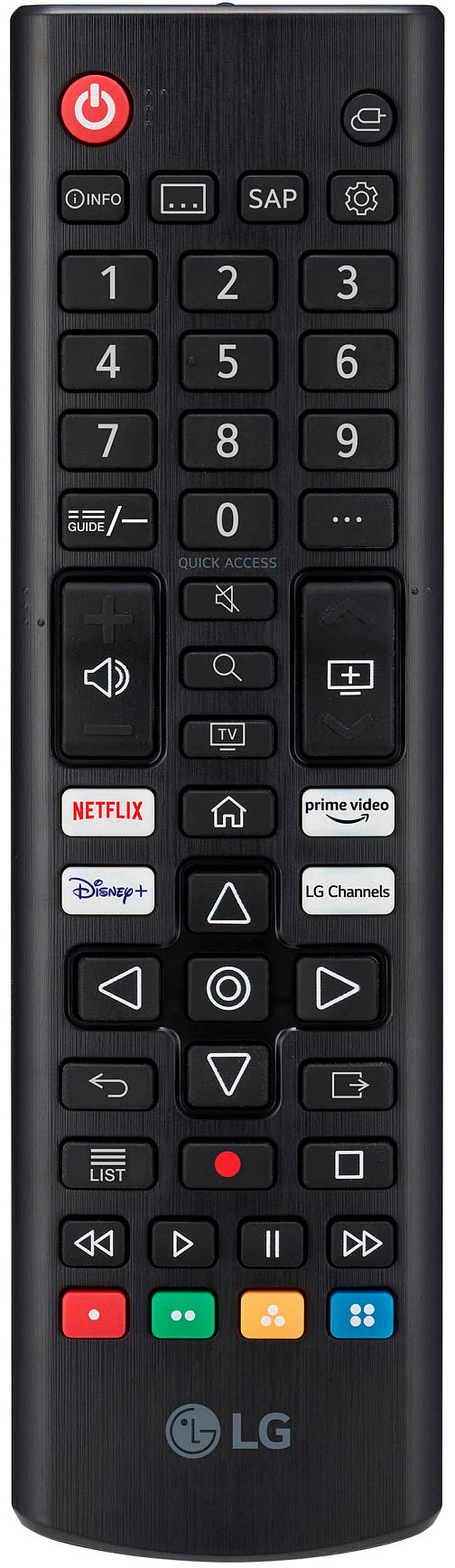
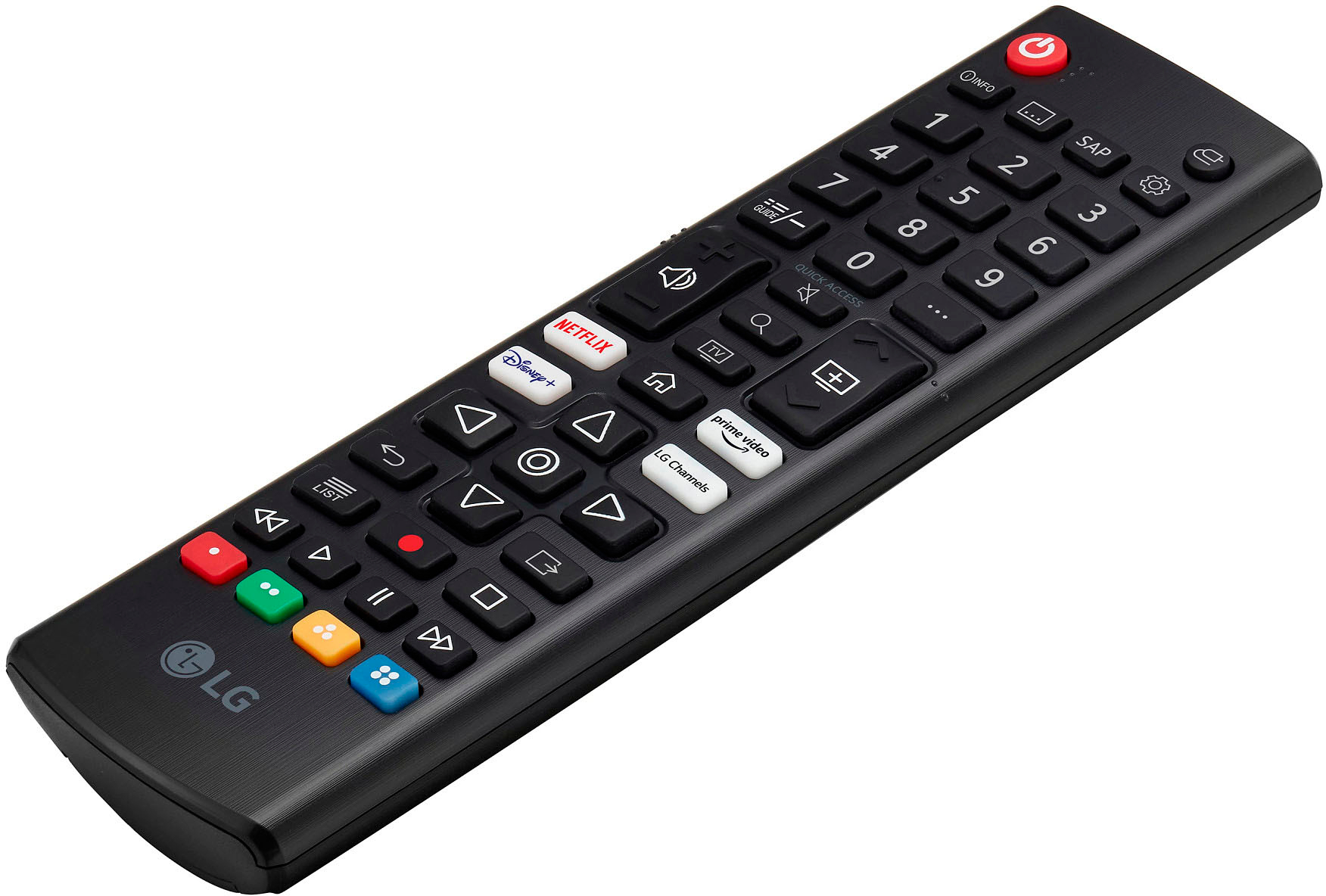
- A:Answer Locate the 2nd button down from top right of your LG remote (Tools symbol). Press it. Use the down arrow (below White buttons) to "All Settings". Press select button, then Right arrow button, then down button to "SYSTEM". Select, then Down arrow to "Time & Timer". Select, then Down button to " Sleep Timer". Select "Sleep Timer" & Down arrow to your choice & "Select". After a few moments, the info will go away on its own, but you can hit that 2nd button down on your remote twice & get rid of it. Good Luck!
Answered by Anonymous
Q: QuestionWhat is size of tv base?
Asked by Anonymous.
- A:Answer Hello there. Thanks for reaching out. The Tv base is 31.5" `Jai.
Answered by LG Digital Customer Care

Q: Questionis there a sleep timer on this?
Asked by Jude.
- A:Answer Hi Jude, yes there is a sleep timer on this model (43UQ7590PUB) TV. ^Chris
Answered by LG Digital Customer Care

Q: QuestionWe have t-mobile wireless internet. How do we connect this t.v. to wireless internet in order to stream?
Asked by Annie.
- A:Answer Go into Settings, Network and then it will prompt you for wireless networks. At that point it will connect to the network once you select it from the list. You will need to know your network password.
Answered by rick
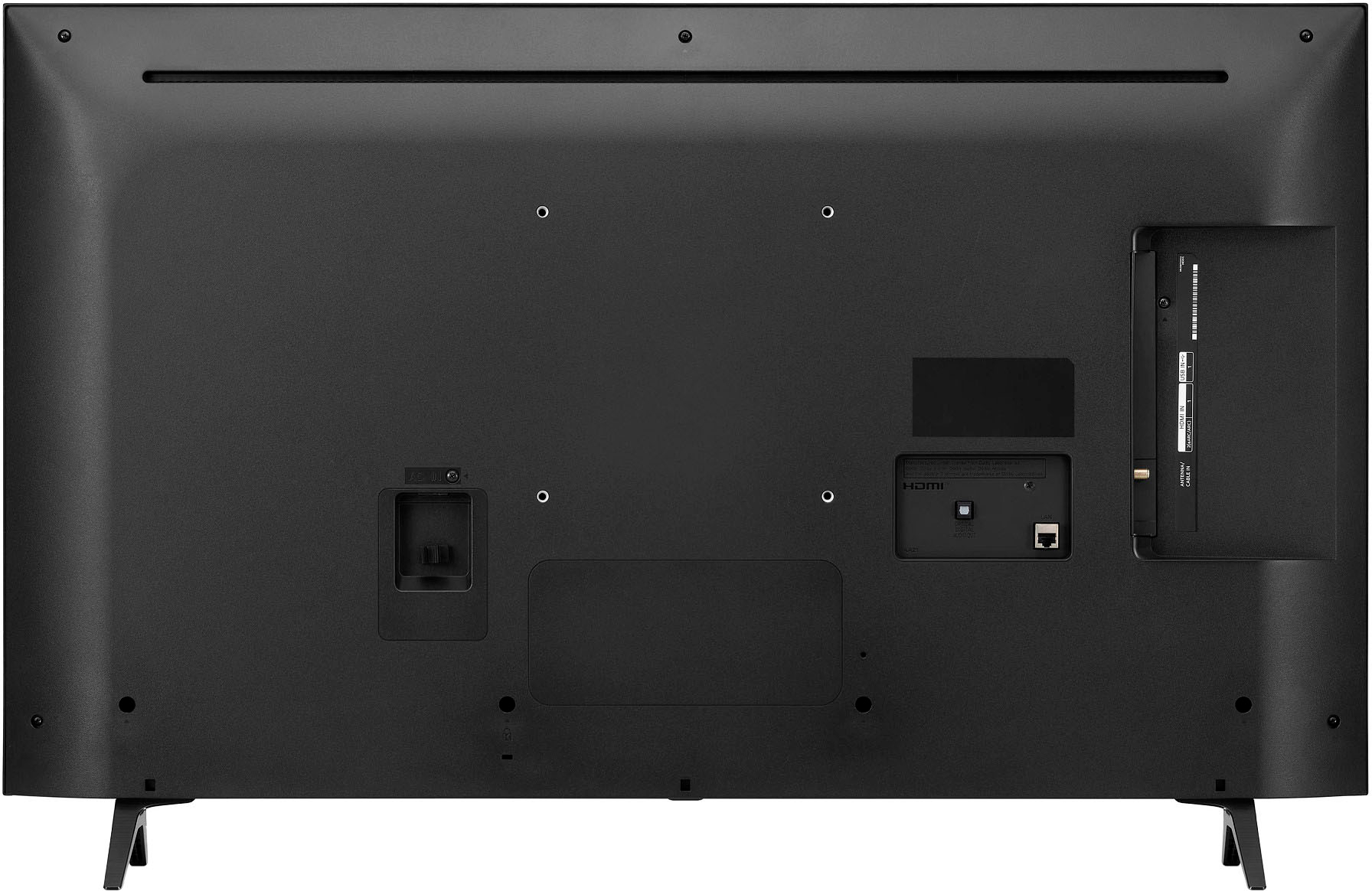
Q: QuestionDoes it have an on and off button?
Asked by Anonymous.
- A:Answer Thanks for the question! Yes, you can turn on and off the LG - 43” Class UQ75 Series LED 4K UHD Smart webOS TV (43UQ7590PUB) by pushing the button below the sensor in the middle of the unit. If you have other inquiries, you may send us a private message on Facebook or Twitter at @LGUSSupport, or reach us at our customer service line at (800) 243-0000, and we will be happy to accommodate you. ^Jolly

Answered by LG Digital Customer Care

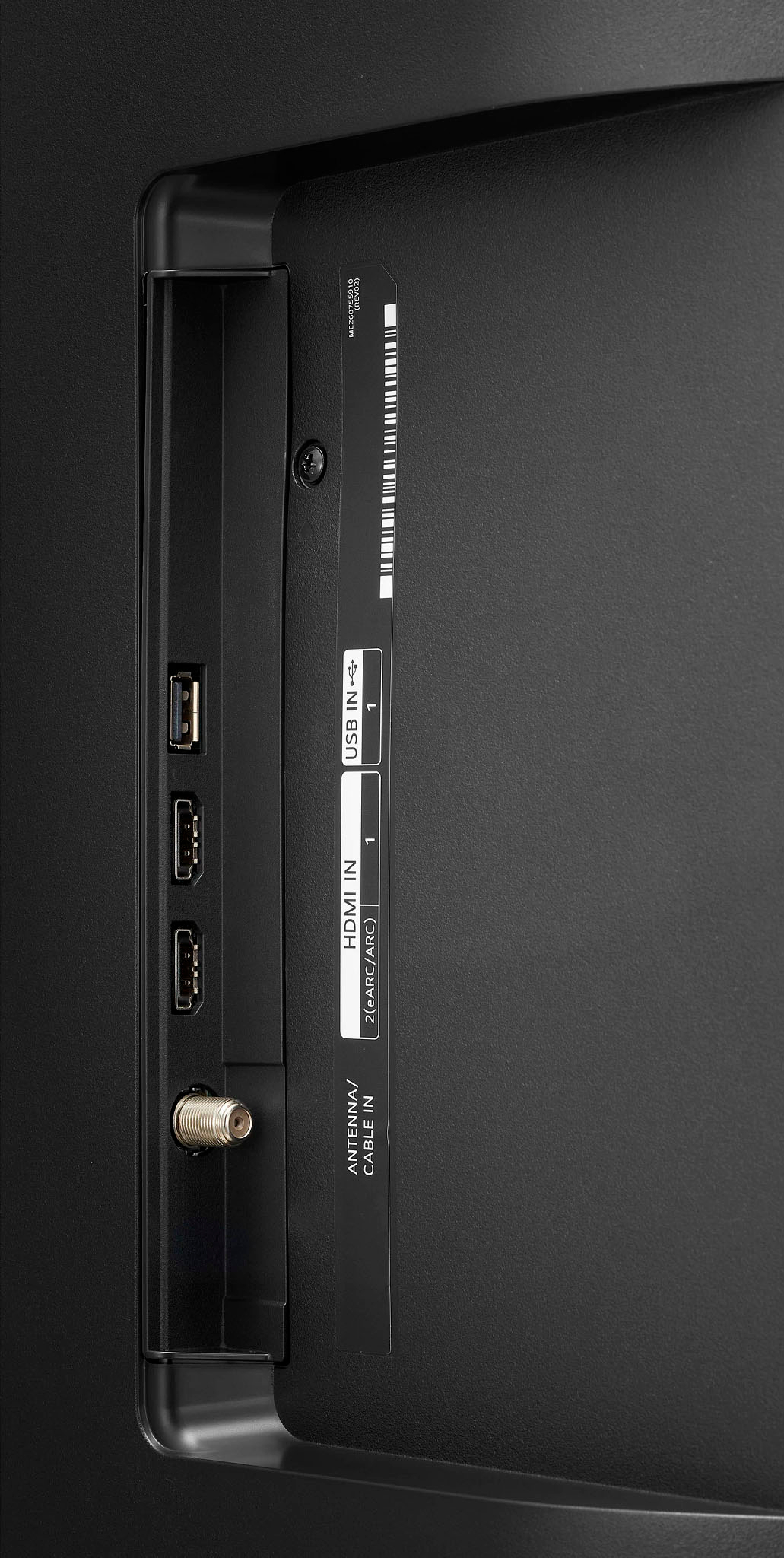
Q: QuestionDoes this TV have a SD card slot?
Asked by Sue.
- A:Answer Awesome question! The LG - 43” Class UQ75 Series LED 4K UHD Smart webOS TV does not have a direct slot for SD cards but it does have a usb port where you can insert an SD card reader as an adapter. For more info about the specs and features of the (43UQ7590PUB) click this link: https://www.lg.com/us/tvs/lg-43uq7590pub ^James.
Answered by LG Digital Customer Care

Q: QuestionIs this tv roku compatible
Asked by Anonymous.
- A:Answer Hi, this model is Roku compatible and can connect a streaming stick/device. ^Vanessa
Answered by LG Digital Customer Care

Q: QuestionWhen I watch AppleTV plus, the settings go automatically to HDR. How do I control that so it does NOT go to HDR?
Asked by WestchesterBabyBoomer.
- A:Answer Hi, this is automatic and cannot be adjusted.If the video / movies is on HDR , it automactic will connect to HDR. If you are watching with 4K resolution , you can turn off the 4k and the message for HDR will not pop up.^Vanessa
Answered by LG Digital Customer Care

Q: Questiondoes this work with roku?
Asked by upgrading.
- A:Answer Yes, I have mine setup!
Answered by David
Q: QuestionWhat is width of stand?
Asked by Jess.
- A:Answer Hi, Stand Width 31.5 inches, Stand Depth 8.5 inches. ^Vanessa
Answered by LG Digital Customer Care

Q: QuestionCan I use my ROKU remote to control all on this TV?
Asked by ROKU.
- A:Answer Hi, This can work with LG TV but depend on Roku remote. You can check the settings or pairing of the device. ^Vanessa
Answered by LG Digital Customer Care

Q: QuestionWhat kind of wall mount should I use ?
Asked by Jes.
- A:Answer Hello there. VESA Mounting (W x H) 200 x 200. ^Vanessa
Answered by LG Digital Customer Care

Q: QuestionDoes this tv have a sleep timer function?
Asked by Dejay.
- A:Answer Yes, but you have to go though the menu, no sleep button on remote.
Answered by TimK
Q: QuestionDoes this tv support Google, Alexa and have Apple air play built in?
Asked by Cord.
- A:Answer Hello,Works With Amazon Alexa, Google Assistant, Apple HomeKit but not built in for voice assistant. ^Vanessa
Answered by LG Digital Customer Care

Best-selling TVs
- $199.99Your price for this item is $199.99$349.99The comparable value for this item is $349.99
- $109.99Your price for this item is $109.99$149.99The comparable value for this item is $149.99
- $139.99Your price for this item is $139.99$189.99The comparable value for this item is $189.99
- $279.99Your price for this item is $279.99$379.99The comparable value for this item is $379.99
- Black Friday Deal$229.99Your price for this item is $229.99
- $179.99Your price for this item is $179.99$299.99The comparable value for this item is $299.99
- Doorbuster$99.99Your price for this item is $99.99
- Black Friday Deal$499.99Your price for this item is $499.99
- $479.99Your price for this item is $479.99$649.99The comparable value for this item is $649.99
- Black Friday Deal$1,399.99Your price for this item is $1,399.99
- Doorbuster$529.99Your price for this item is $529.99
- $189.99Your price for this item is $189.99$249.99The comparable value for this item is $249.99
- $199.99Your price for this item is $199.99$259.99The comparable value for this item is $259.99
- Black Friday Deal$399.99Your price for this item is $399.99
- $149.99Your price for this item is $149.99$199.99The comparable value for this item is $199.99
- Black Friday Deal$1,999.99Your price for this item is $1,999.99
- $74.99Your price for this item is $74.99$149.99The comparable value for this item is $149.99
- $99.99Your price for this item is $99.99$129.99The comparable value for this item is $129.99
- $399.99Your price for this item is $399.99$469.99The comparable value for this item is $469.99
- $89.99Your price for this item is $89.99$129.99The comparable value for this item is $129.99