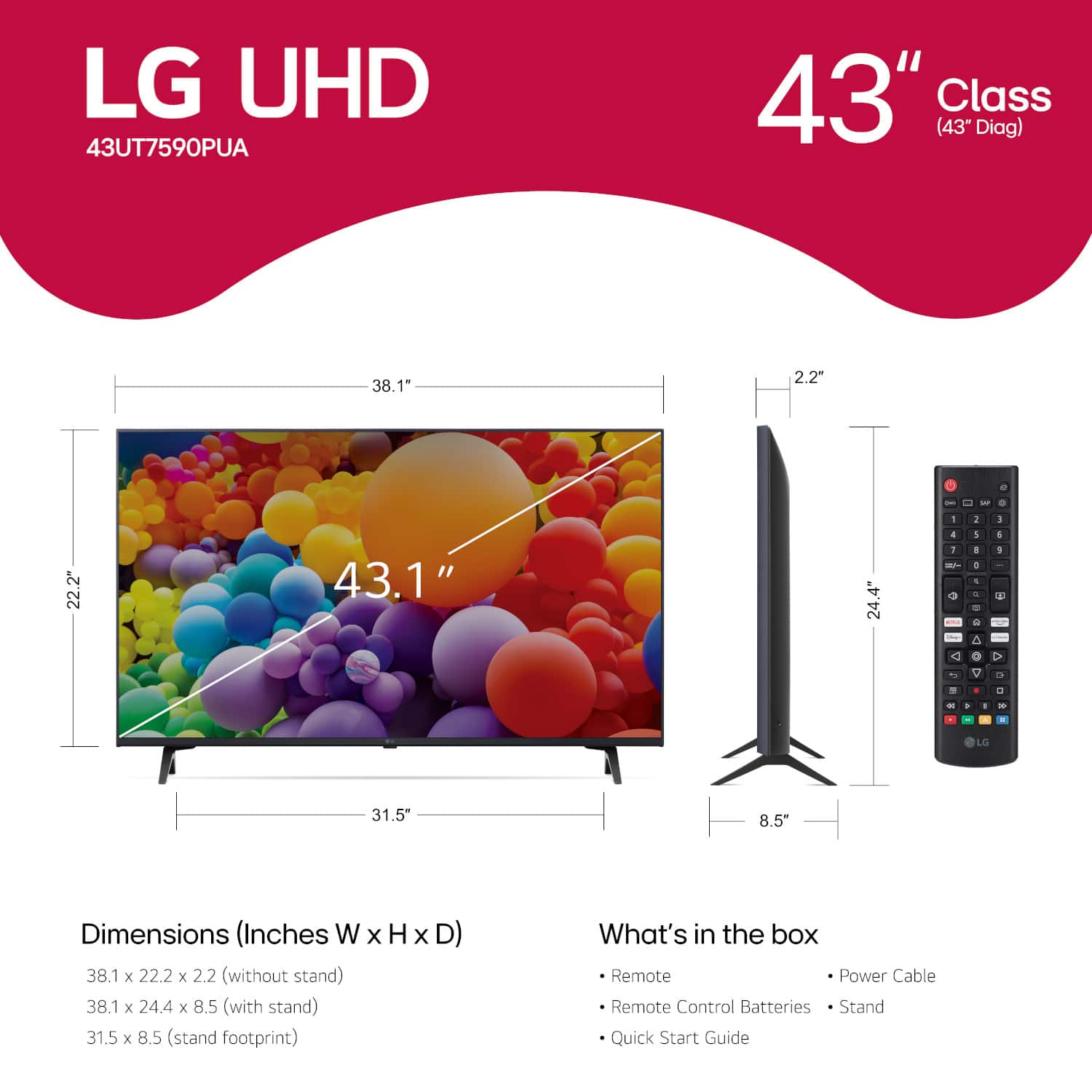
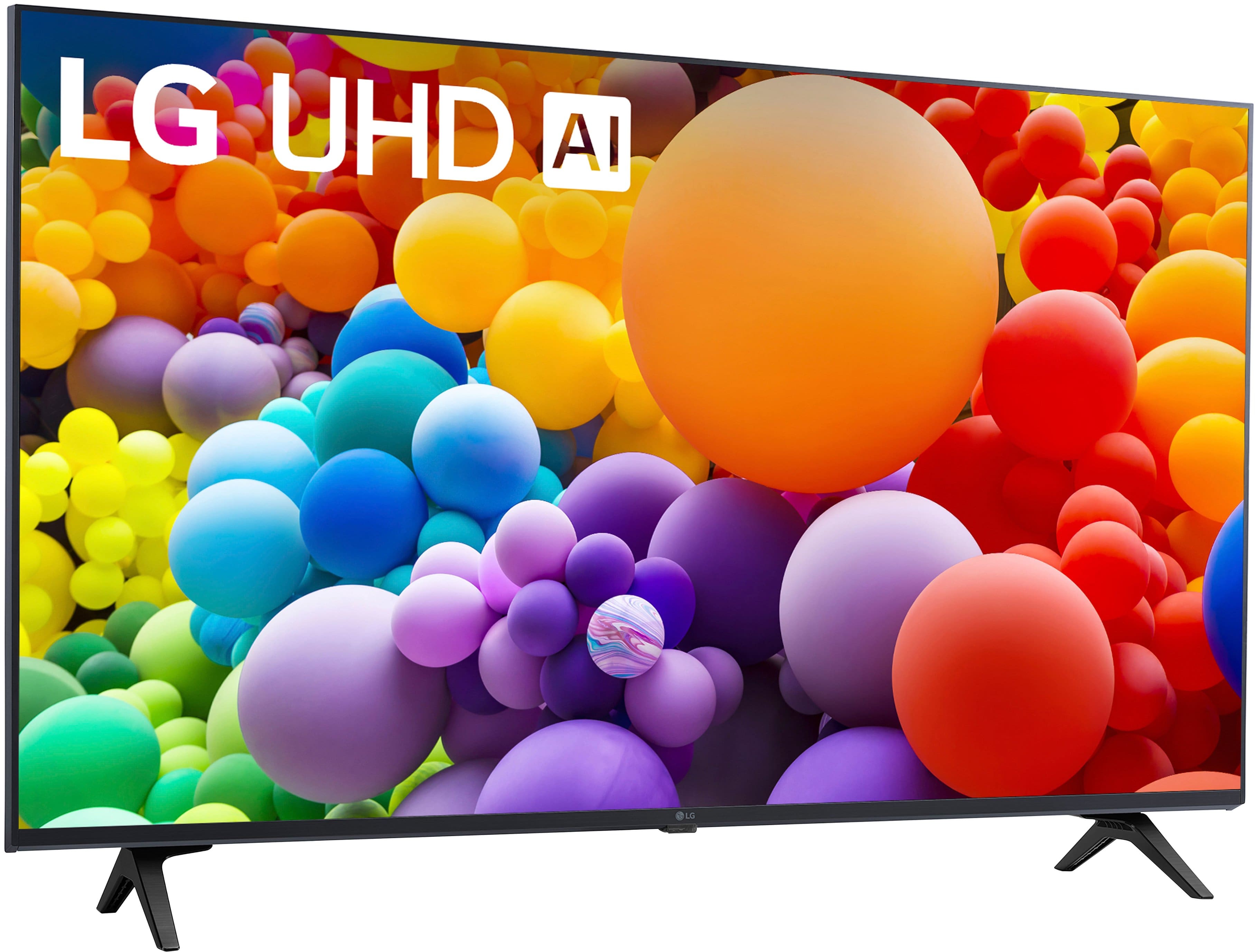
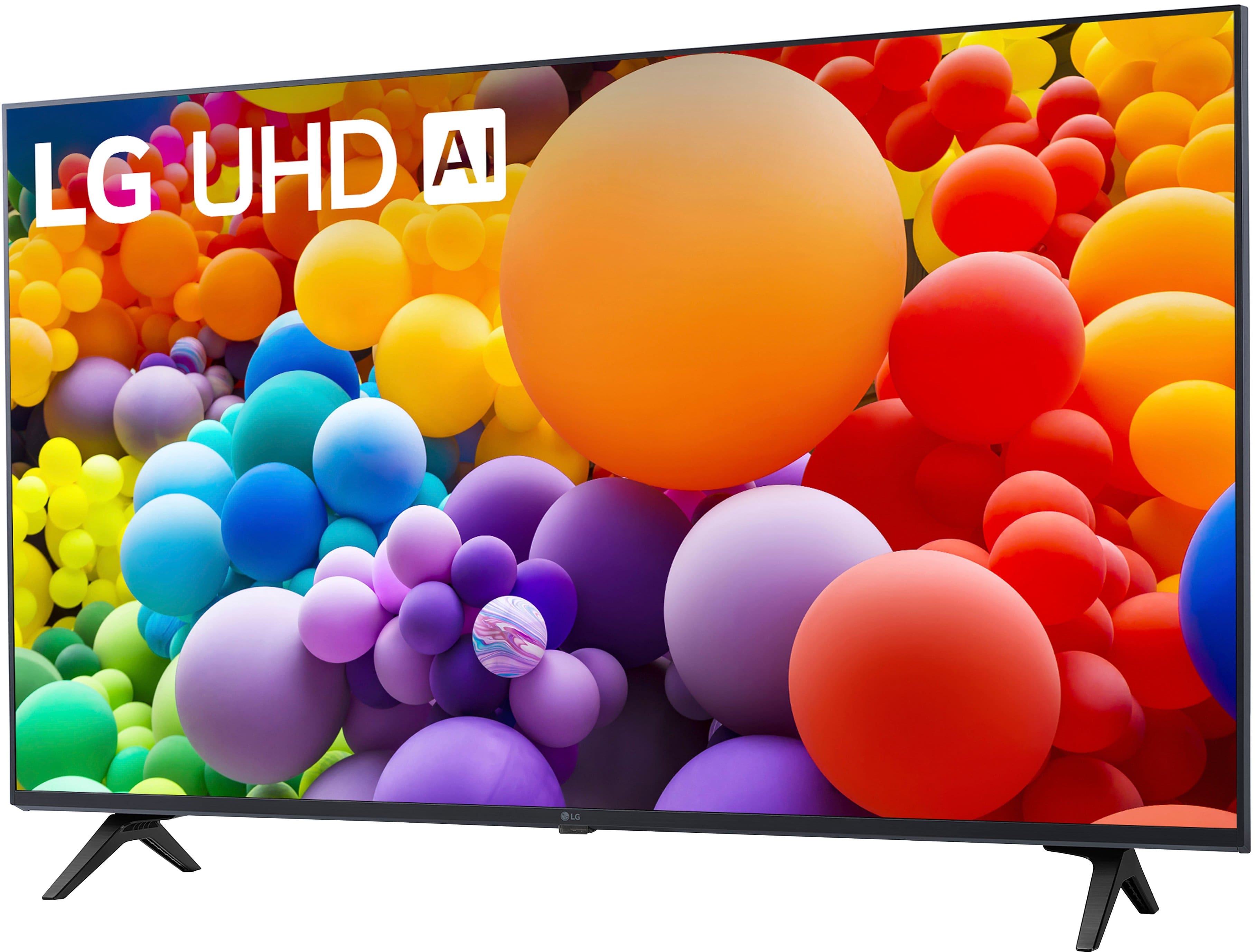
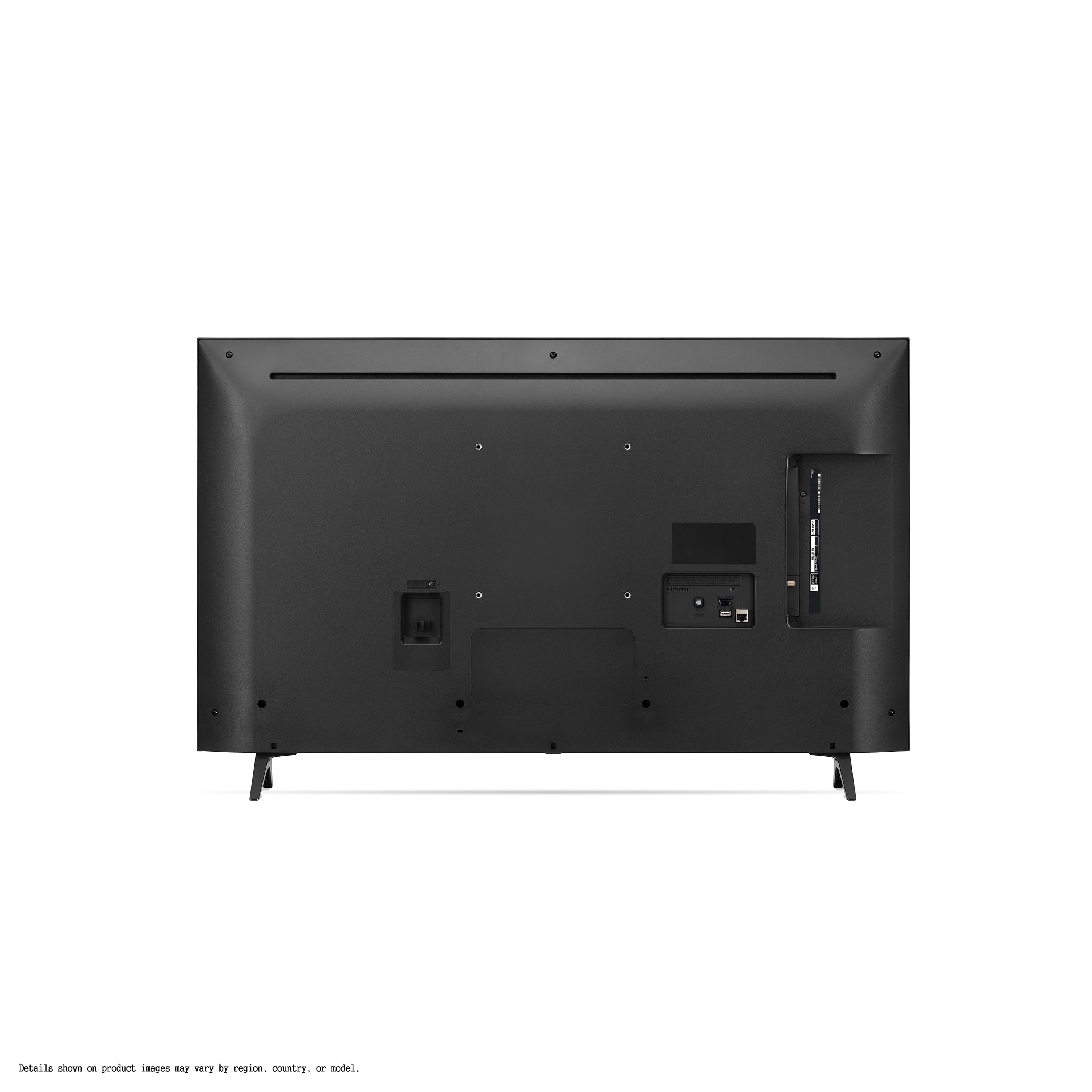
A:AnswerThank you for reaching us regarding LG Smart webOS TV. To set the time zone on your LG 43UT7590PUA TV, follow these simple steps:
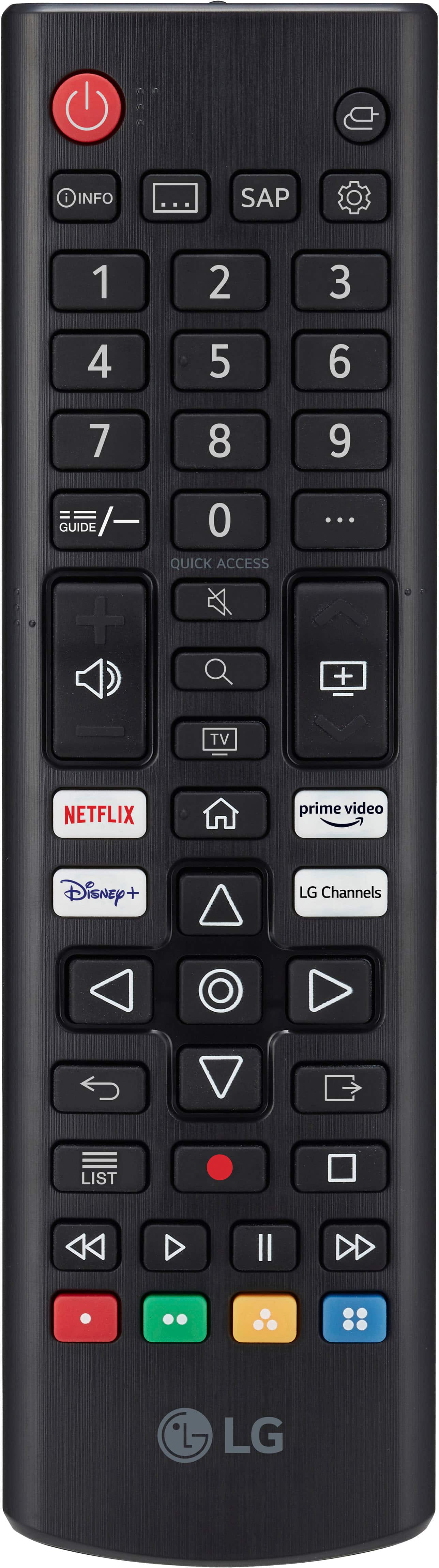
1. Press Settings: Use your remote to press the Settings button.
2. Select All Settings: Scroll down and choose "All Settings."
3. Go to General: Find and select "General."
4. Choose System: Click on "System."
5. Find Time Settings: Look for "Time & Timer" or "Time Settings."
6. Set Time Zone: You can either set the time zone manually or enable automatic settings if connected to the internet. If setting manually, choose your time zone from the list.
7. Exit Settings: Once done, exit the settings menu.
You can download its owner's manual through this link for more information: https://www.lg.com/us/support/product/lg-43UT7590PUA.AUS. For additional assistance, please reach out to us on social media @LGUSSupport so we can help you further. ^Cris
A:AnswerThank you for reaching us regarding LG Smart webOS TV. The LG 43UT7590PUA model does have a screensaver capability. You can download its owner's manual through this link for more information: https://www.lg.com/us/support/product/lg-43UT7590PUA.AUS. For additional assistance, please reach out to us on social media @LGUSSupport so we can help you further. ^Cris
A:AnswerHello, there. Thank you for your interest in the LG 43UT7590PUA TV. The warranty duration lasts for one-year from the date of purchase. You may check it on this link: https://www.lg.com/us/PDF/warranty/he/TV/tv_warranty_3840TWL056F.pdf. As for your question about the remote, please consult the user manual provided with your TV for details regarding the sleep timer feature or downlad it via this link: https://gscs-b2c.lge.com/downloadFile?fileId=b0uL9PKQS6lLrVkympEEyg. If you require further assistance or have additional questions, please send us a private message via @LGUSSupport on social media. Our team is here to help ensure you have a great experience with your LG product. ^Sam
A:AnswerHello there. Thank you for your question about the warranty for the LG 43UT7590PUA TV model.
The LG 43UT7590PUA typically comes with a manufacturer's warranty that covers parts and labor for a specified period. The exact details of the warranty can vary by region and retailer, so it's best to refer to the warranty card included with the TV or visit LG's official website for the most accurate and up-to-date information.
If you have specific questions about the warranty coverage or need assistance with your LG 43UT7590PUA TV, please don't hesitate to send us a private message on Social Media @LGUSSupport. Our team is here to help clarify any details and provide support as needed. Thank you for reaching out. —Renzo
A:AnswerHey there! Thank you for asking us this question. We have a variety of TVs with awesome features to choose from! Check them out through this link: https://www.lg.com/us/tvs. When you get to this website, on the left side of the different TV models, you will see various options with features and prices to choose from! ^Anthony
A:Answer“We understand that setting up apps can sometimes be a bit confusing.” Sounds condescending. The customers are not confused. They just don’t see the need to release personal info to install an app on top of the +$1k spent on a tv. My previous tv didn’t require it. It’ll be better if future tvs don’t require this either.