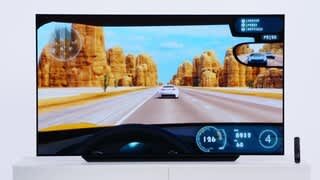
A:AnswerIt depends on how Direct TV shows the event. If it is something like sports, which are shown in the 16 x 9 aspect ratio, you will have a full screen without bars. If they are showing movies that are shot at a wider aspect ratio with bars on the top and bottom. Older shows, usually shot on the 4:3 aspect ratio, and appearing mostly on local stations digital sub-chanels have the opposite situation, the black bars are on the side.
The C1 has the ability to let you change the setting to suit your taste. First, you click on the "All Settings" in the main menu.Then on the Picture sub-menu you will see the "Aspect Ratio" setting. Click on that and then you will be given a "User Selection" choice; click on that. You will now have 5 choices, 16 x 9, Original, 4:3, Vertical Zoom, and 4-way Zoom.
16 x 9 should fill the screen. Original should maintain the aspect ratio as sent out by the TV station. However, some stations, that are using older tv shows as programs, originally shot in the 4:3 aspect ratio expand it horizontally. This is done to fill the screen to satisfy persons who want their screen filled with no bars.
If you don't like what what you see, you can cycle through the $:3, Vertical Zoom or the 4 way zoom. I almost always use the Original setting, since I don't mind bars when they are original. I modify it only when the stations have been playing around with the aspect ration.
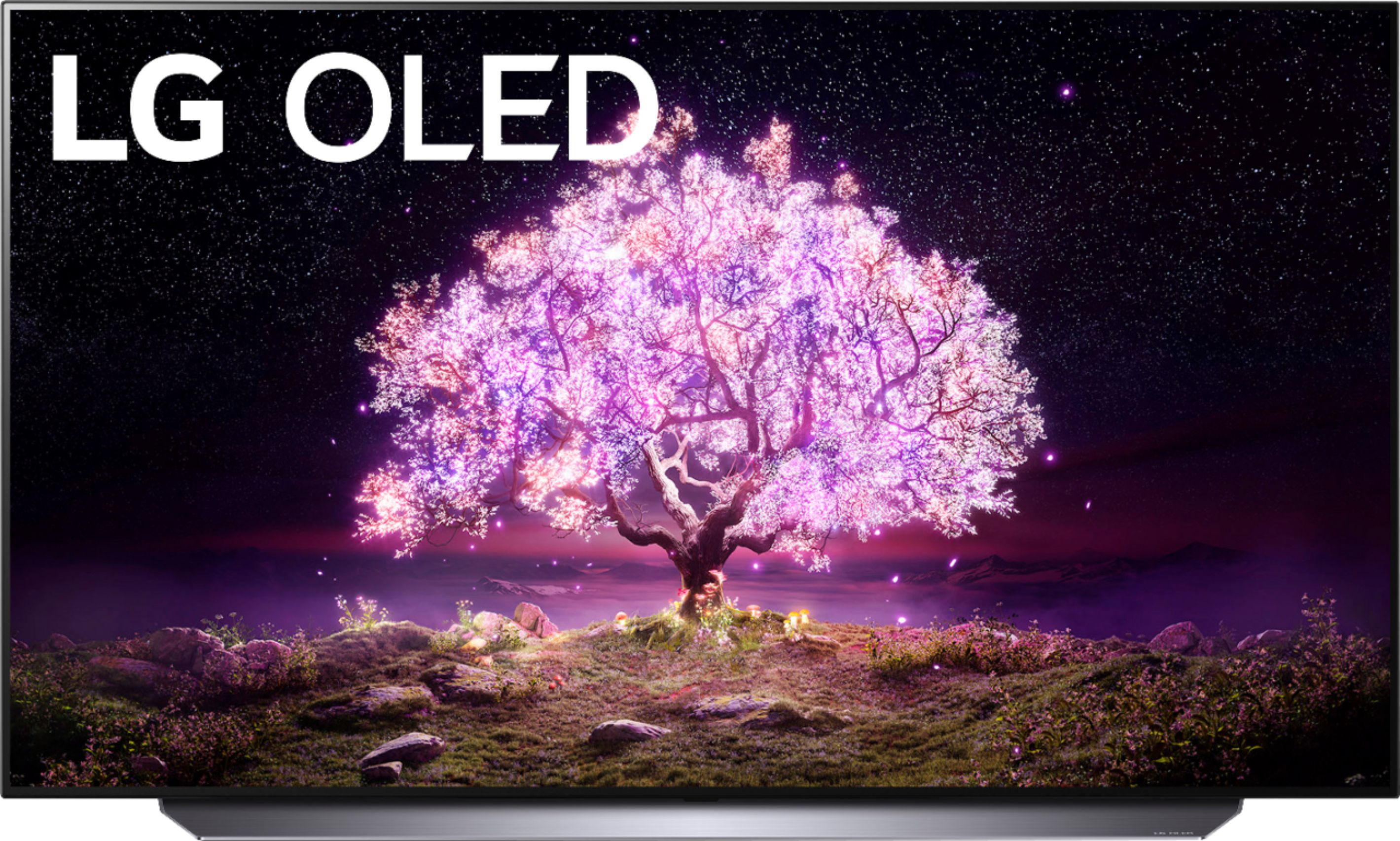
A:AnswerThere are 4 levels of LG OLEDs, A1, B1, C1, and G1. The 1 stands for the the model year 2021. 2020 models had an X, meaning 10 for the 2020. 2022 models should be A2, B2 etc.
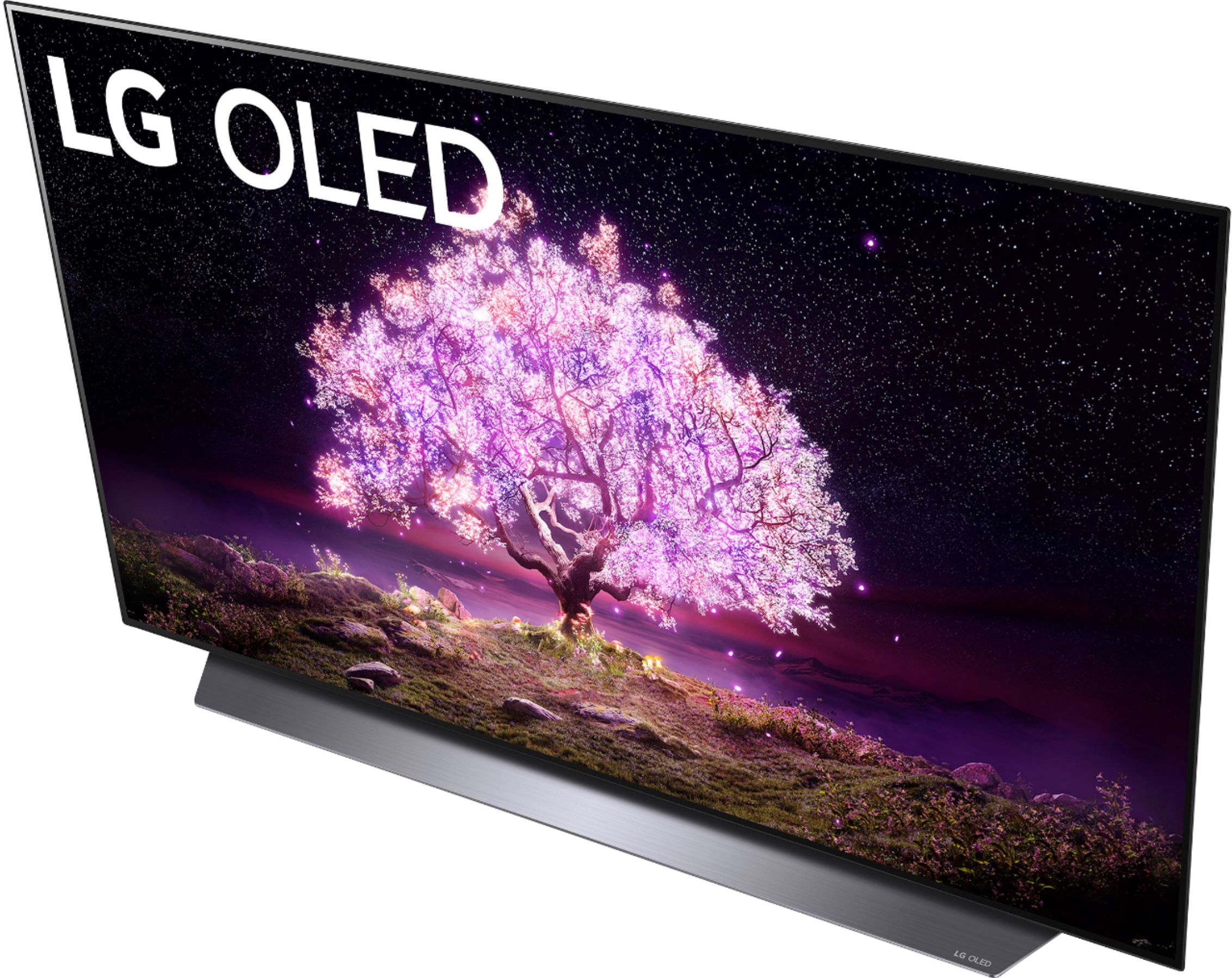
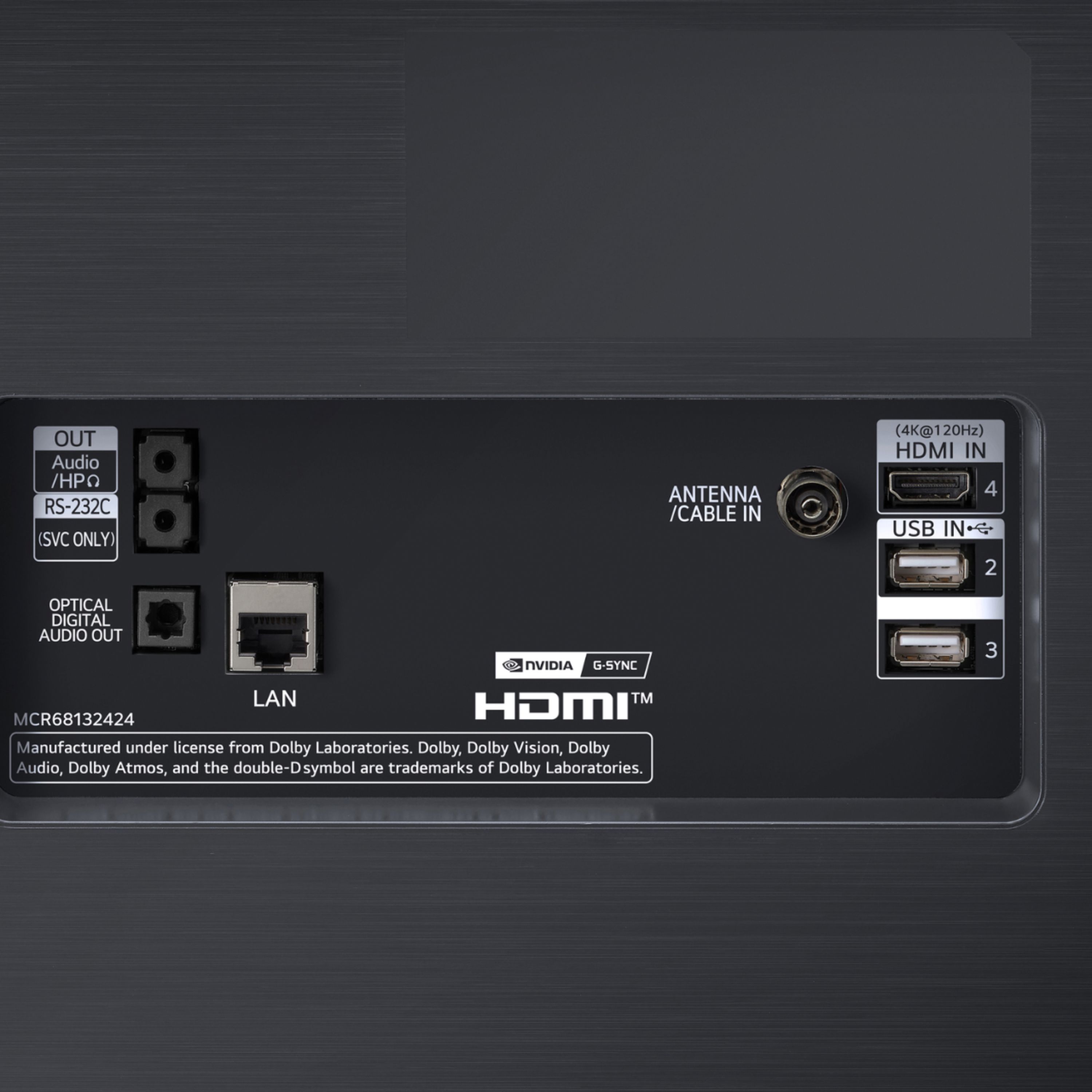
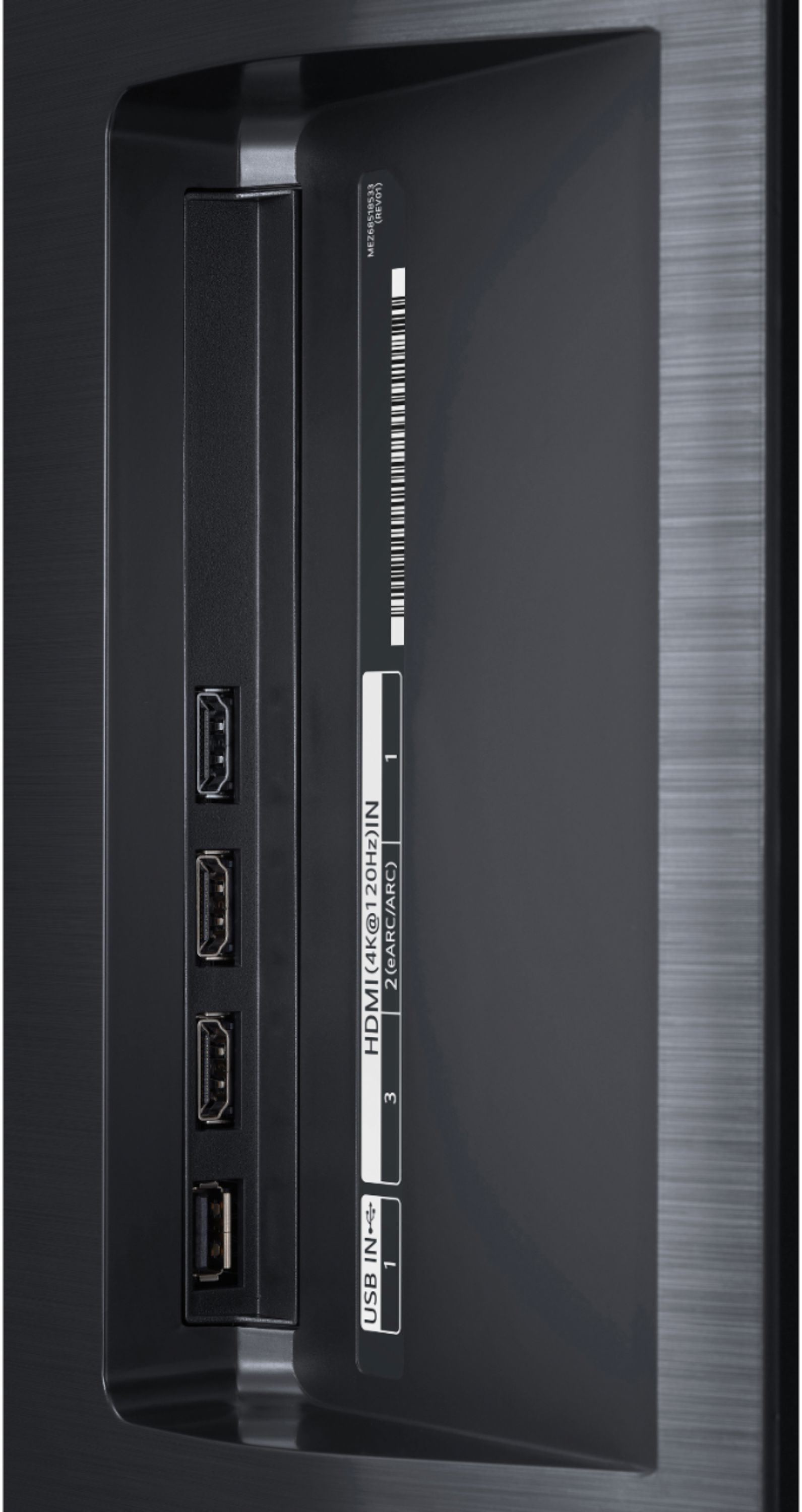
The G1 is the top of the line and the G stands for Gallery, which are really meant to be hung on the wall and are thinner. B1 is better than A1 and the C1 is better yet with 4 2.1 HDMI ports, variable refresh rate, up to120 HZ.
I bought the C1 because it was the sweet spot of performance to price.
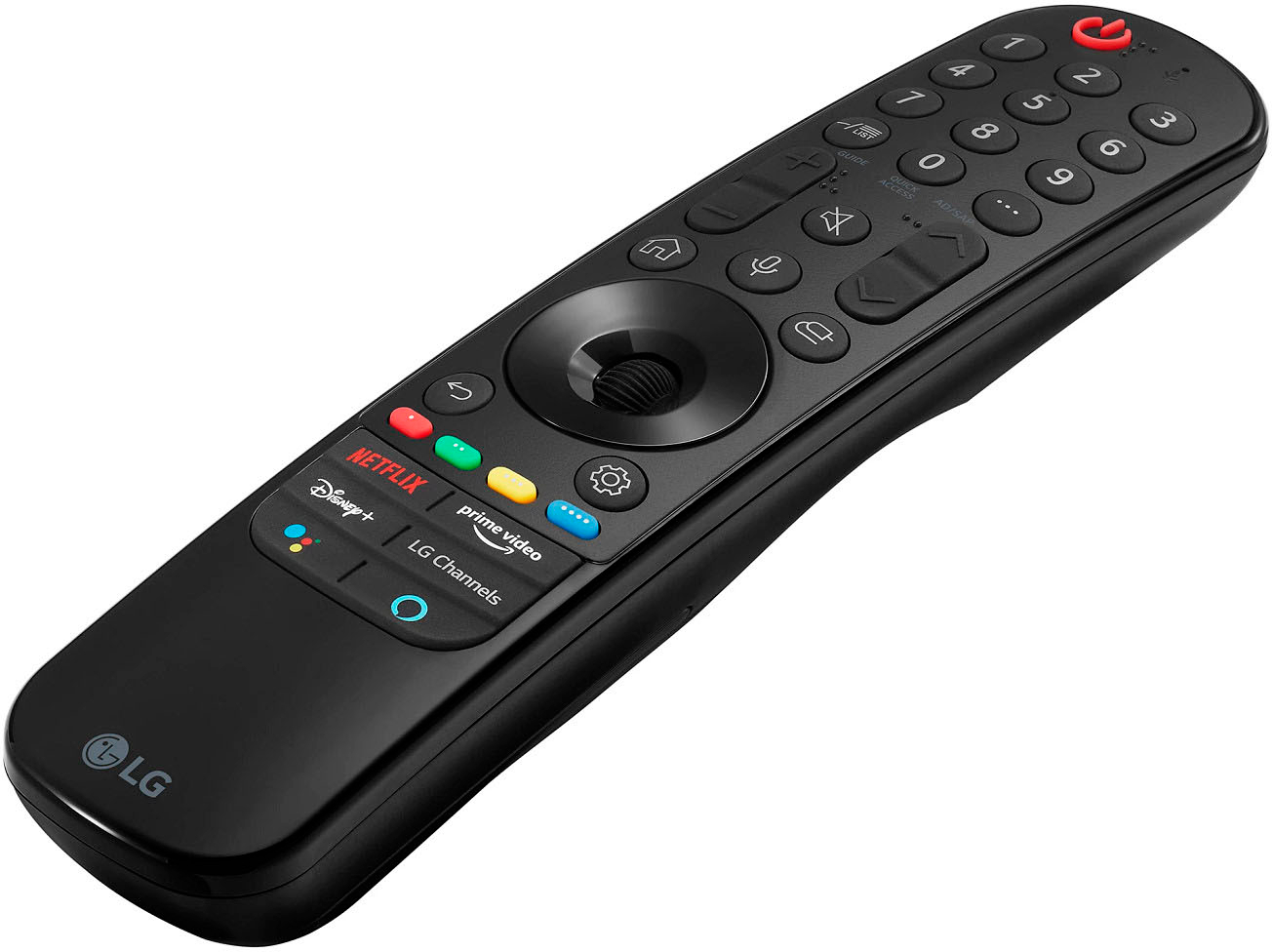
A:AnswerYou need to check with AT&T's manual for the model of the remote. Usually there are codes and programming instructions provided online. Do a google search.
A:AnswerHey bro, I had the same problem, strangely it’s your hdmi cable, I had to buy an hdmi 2.1 cable to get the full benefits. If you don’t believe me you can look it up real fast.
A:AnswerI bought the LG sound bar recently, and of course that pairs seamlessly. However as long as the Atmos Soundbar has bluetooth, optical cable connectors, or HDMI connectors, or something similar, it should work. For me, the LG internal speakers are good enough for my purposes, but I’m not an audiophile. I watch sports, news, sitcoms, and the occasional streaming media, so the LG sound bar and internal speakers are highly satisfactory for me.
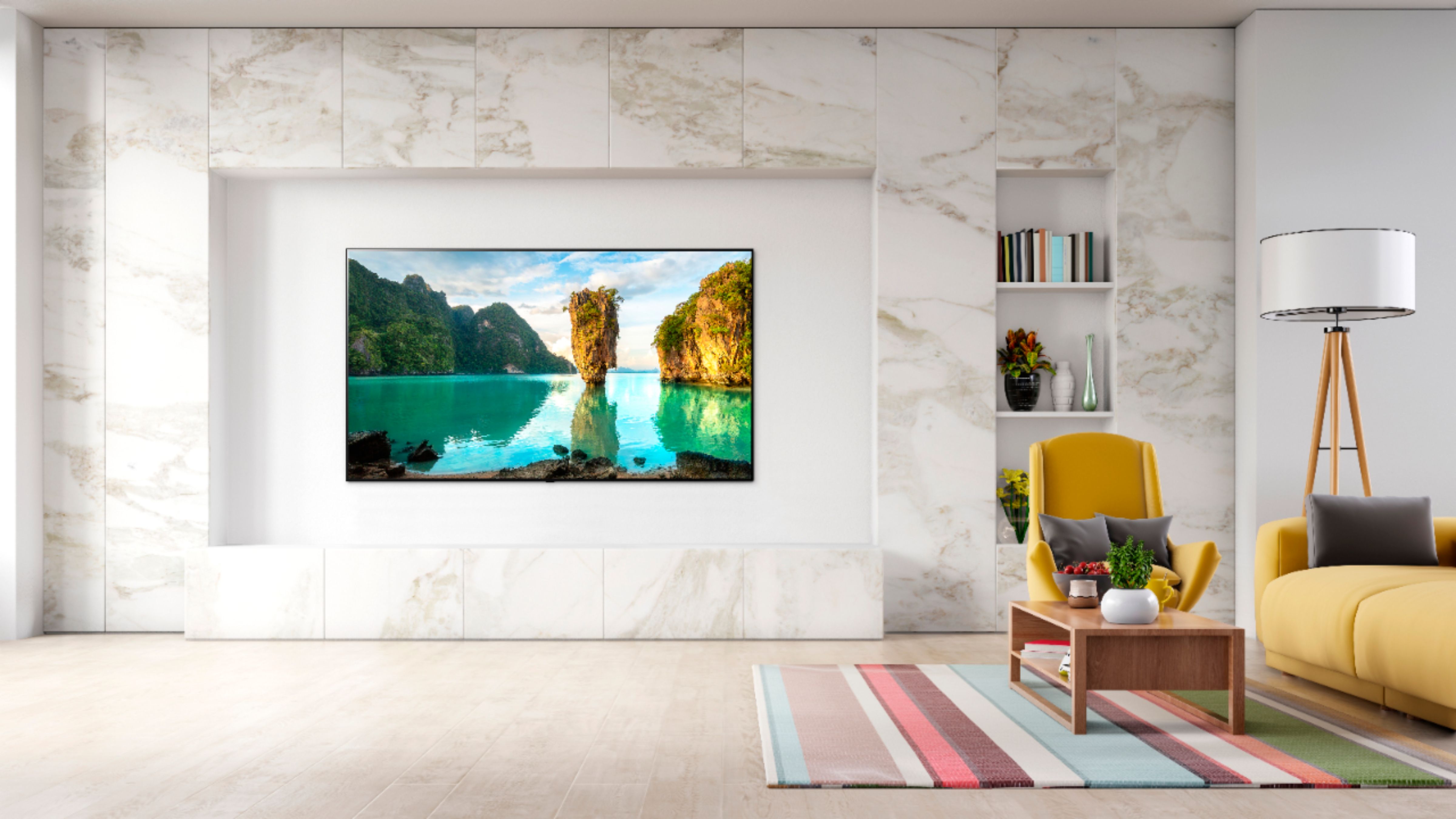
A:AnswerI have my 48" C1 mounted. It has mounting screw holes on the back using 300mm by 200mm VESA standard pattern. I believe your 65" C1 has the same VESA pattern. It's possible that the screw holes are covered.
A:AnswerMan or woman, moving or mounting your tv should be (at least) a 2 person job unless you want to gamble with your $1,200. With thin bezels you don’t have much margin for error when it comes to applying pressure to the screen. The styrofoam packaging helps with this but even then I think 99% of the human race lacks the wingspan and strength to safely grip, lift and exert any control over where the tv goes next.
A:AnswerI can't say for sure that the Sonos Roam Speaker will connect to the TV (because I don't own the speaker), but if it has Bluetooth capabilities, I wouldn't see why not? The TV itself supports Bluetooth connectivity. I've been using my Bluetooth Sony Headphones on it and it's amazing.
A:AnswerModel OLED48C1PUB features Artificial Intelligence (AI) Sound Pro. AI Sound Pro delivers optimal sound settings through adaptive sound control. You can select from a variety of sound setting that are most suitable for your viewing needs. Which includes Clear Voice that boost voice clarity. ^Daphane