A:AnswerOn 03/08/16, I bought this TV. My external speakers are Analog R/L Audio Output. This TV does not have Analog R/L Audio Outputs. At best, it will have a 3.5mm Headphone jack that will output to analog equipment. On 03/22/16, I returned the TV b/c it didn't not have Analog Red/White R/L Audio Output. Else, I would have kept it. Great picture. I wanted to use my external speakers and subwoofer. I am looking for RCA Output to HDMI Converters. Walmart has a (XBOX or game audio) output to HDMI Converter. Also l am looking on Ebay and Amazon for a HDMI to Audio Output Converter. Good luck
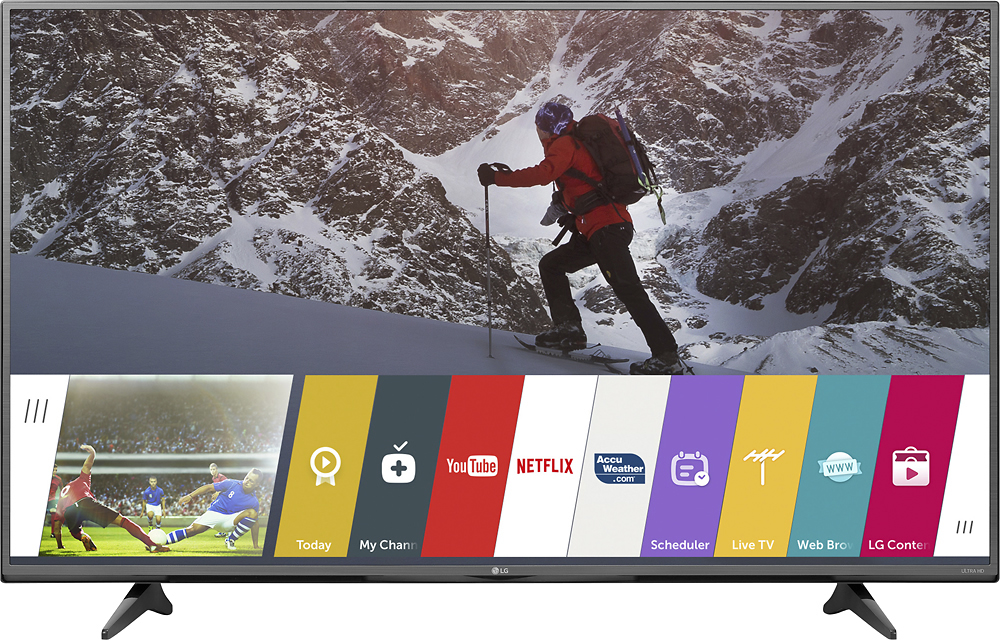
A:AnswerYes it is a SMART TV. It won't say on the package, it'll only say WebOS 2.0 something but I can guarantee that it is indeed a SMART TV. It has Netflix, Hulu and Amazon Prime Video in it. There's also a Google Play Movies and TV to download your favorite movies and tv shows! :)
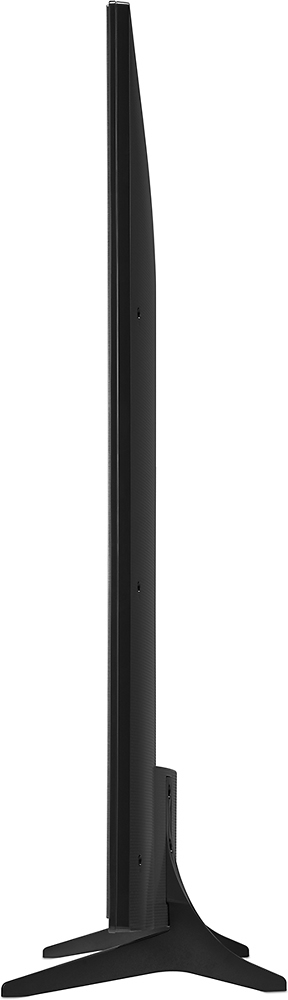
A:Answer49UF6430 is 5 pounds heavier much 1 inch thinner, has 3 HDMI connections while the the 49UF6400 only has 2 HDMI connections. This is all according to doing a comparison on Bestbuy website.
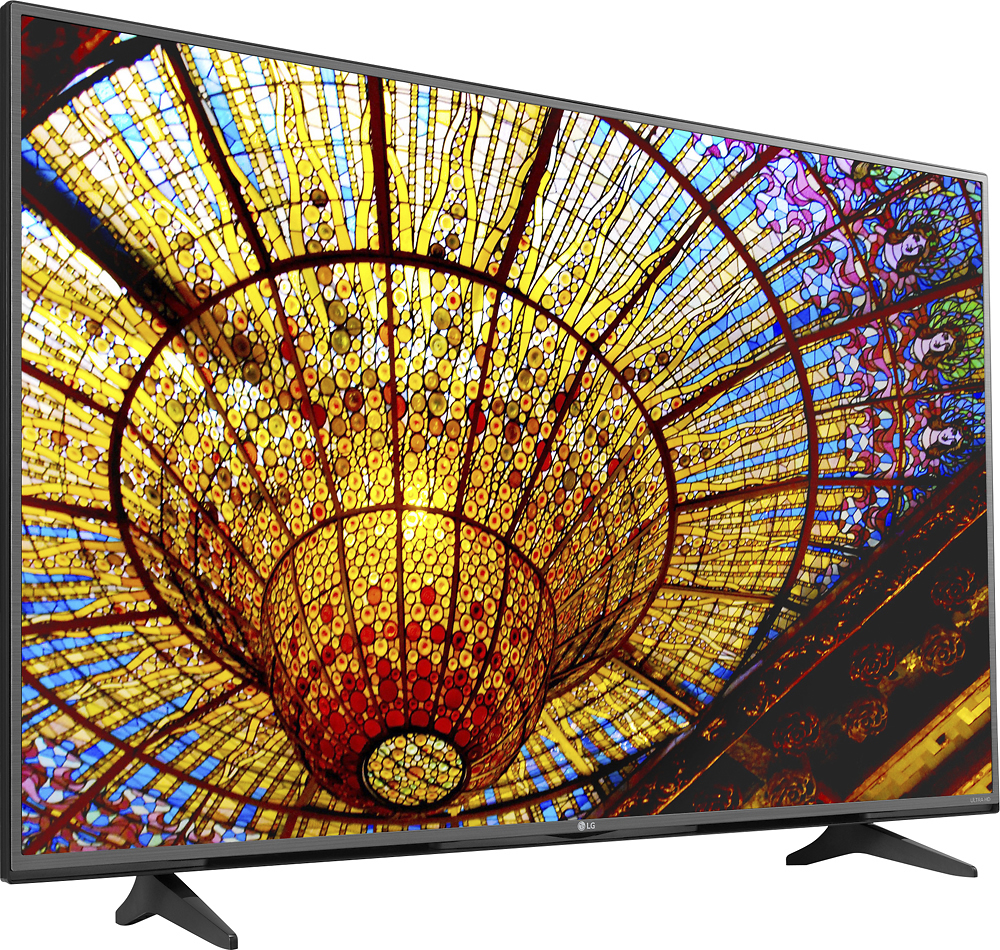
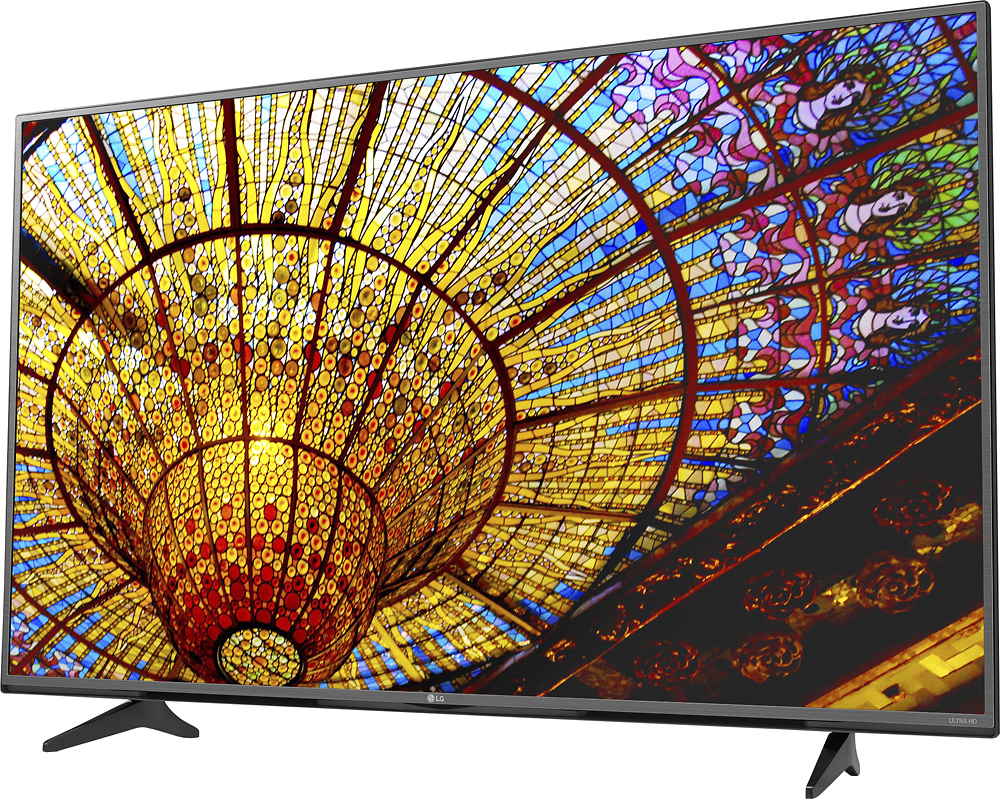
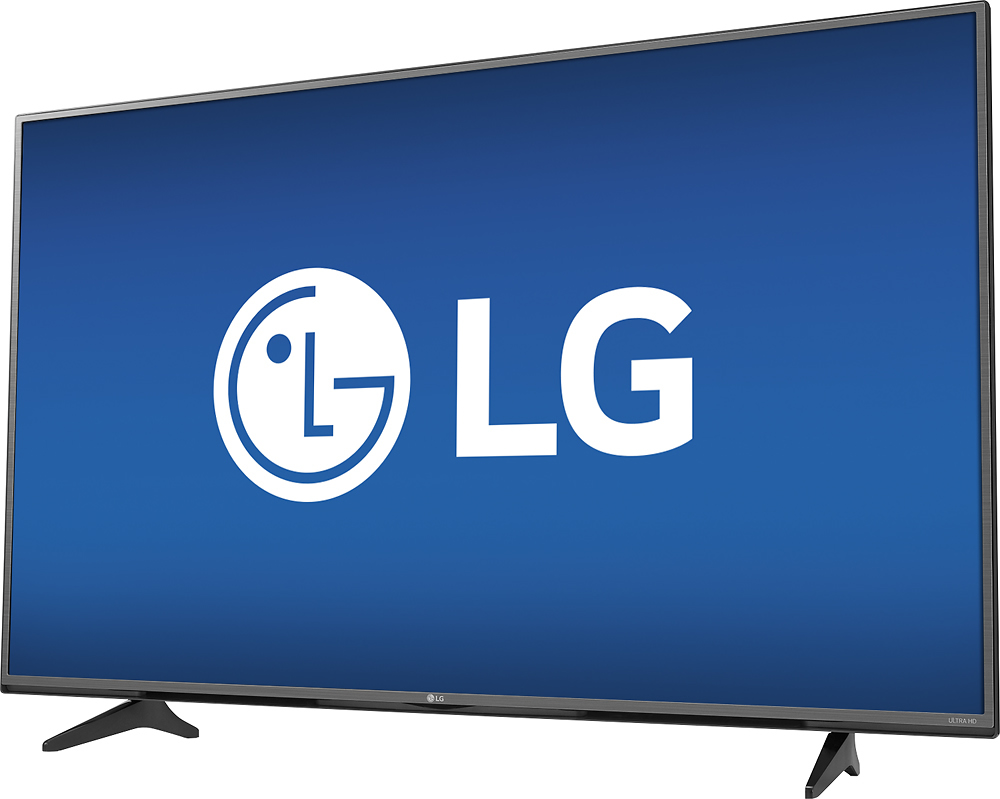
A:AnswerIf you look at an offset picture of the TV from the right side (behind), there is a third HDMI port on the right side of the same panel that the other ports are in, but it faces 90 degrees more to the right the the other ports so a head-on shot of the rear of the TV would not show it.
Other TVs of the same model but different sizes may also have the same set up, their pictures look similar with a quick Google search, so view any TV of this model to see.
A:AnswerThe current crop of 4K tier 1 TVs list HDCP 2.2 compliance in their specifications. This is a good sign. If you have a 4K TV already, or are looking at a non-tier 1 brand, make sure you scour the specs for HDCP 2.2. If it's not 2.2-compliant, you might be out of luck as this new encryption is rolled out.
As in, if you bought one of the first 4K TVs, generally released in 2013, it may not work with whatever dedicated 4K content comes out in the near future.
The LG 49UF6430 is a newer tier 1 product but I could not find anywhere in the specifications where it states that it is indeed HDCP 2.2 compliant.
A:AnswerYes. There are two ways. Tested with Windows 10: add device to your connected device settings. You can project your PC display to the TV (as a second monitor). The other method, which is more reliable, is to download LG SmartShare application. The contents in a particular folder can be cast to your TV.
A:AnswerYour HDMI cable will deliver the max Resolution that your TV service sends out and what the cable says it can deliver. For 4K, you need a cable that can deliver 4K. If your cable is 1080P, that is the max, then that is the highest resolution possible. Don't believe the HYPE. HDMI has the ability to deliver full 1080p or 2160P. Regular TV broadcasts are delivered in Standard Definition, 720P. So there is 720P, 1080 i , 1080P, 4K (2160 P). I have Dish Network which provides Standard Definition and High Definition (1080 i) programs. I had a Vizio 37" High Definition (HD) TV 1080P capable television. The Vizio TV displayed 1080i (I) information for the program being watched. ie, No one Delivers 1080P or 2160P without consumers paying extra for it. I called Dish Network Technical Support and they confirmed that the best TV reception available to date is 1080 i . They can deliver 1080P movies, but you have to pay extra. There is no 1080P or 4K TV delivery without extra costs. Only 1080P or 4K content is Netflix movies, Amazon Services or DVD's/videos/movies/You Tube shot with 1080P or 4K cameras. Dish will deliver the 4K if first consumers have a 4K source, such as pure 4K video, 4K Netflix or Amazon video. It will be a long time before 1080P or 4K (2160P) broadcasts on network TV (ABC, CBS, NBC, USA...) for free. The best bet is stay with 1080P televisions. I bought a 4K TV, but will return for a 1080P TV because I do not rent Netflix or Amazon. I only watch ABC, NBC, CBS, and Dish channels, and DVR (no videos or DVD). Even my old Blu Ray will only deliver 1080P, a 4K 2160P Blu Ray is needed to enjoy 4K.