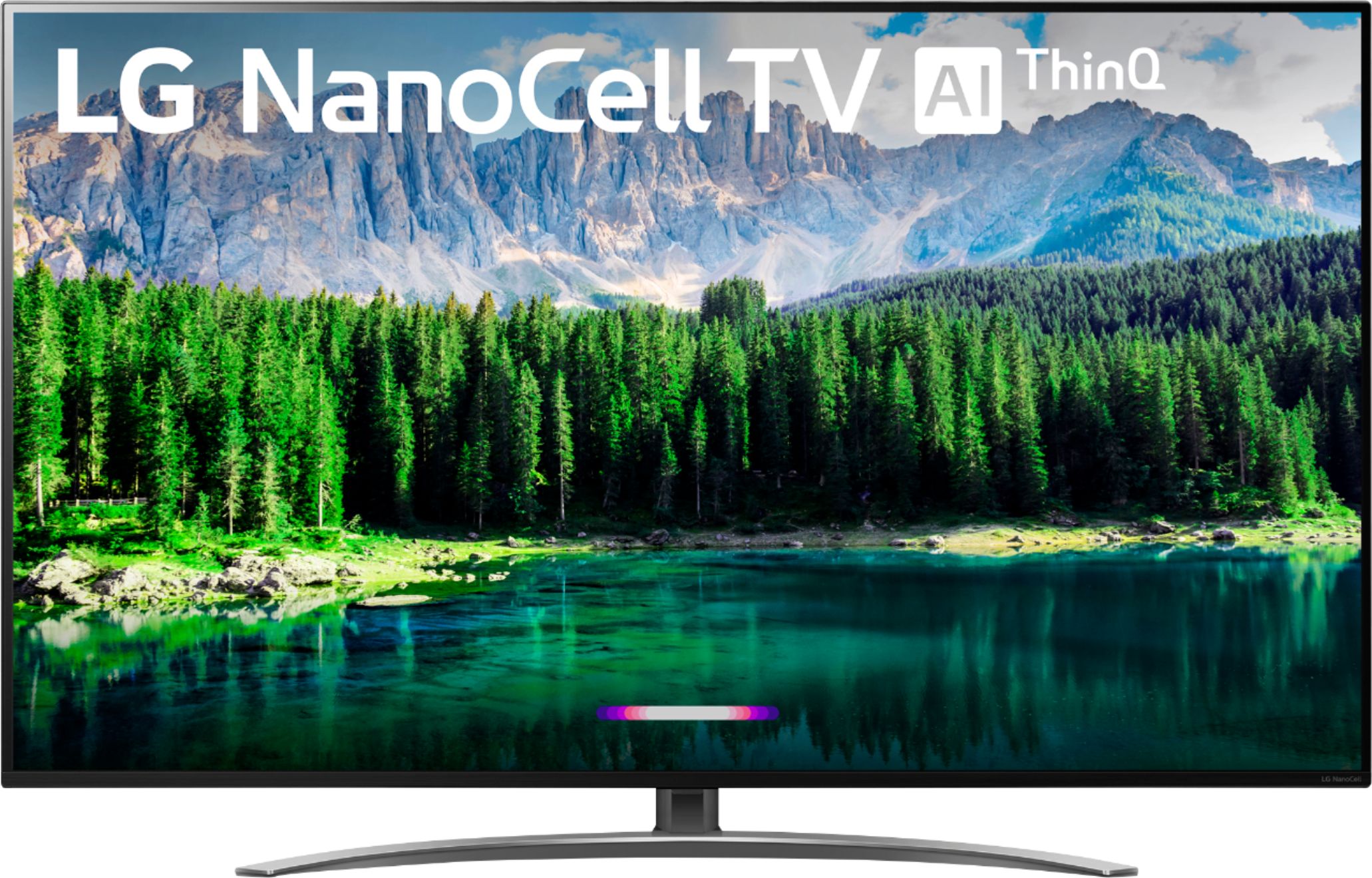
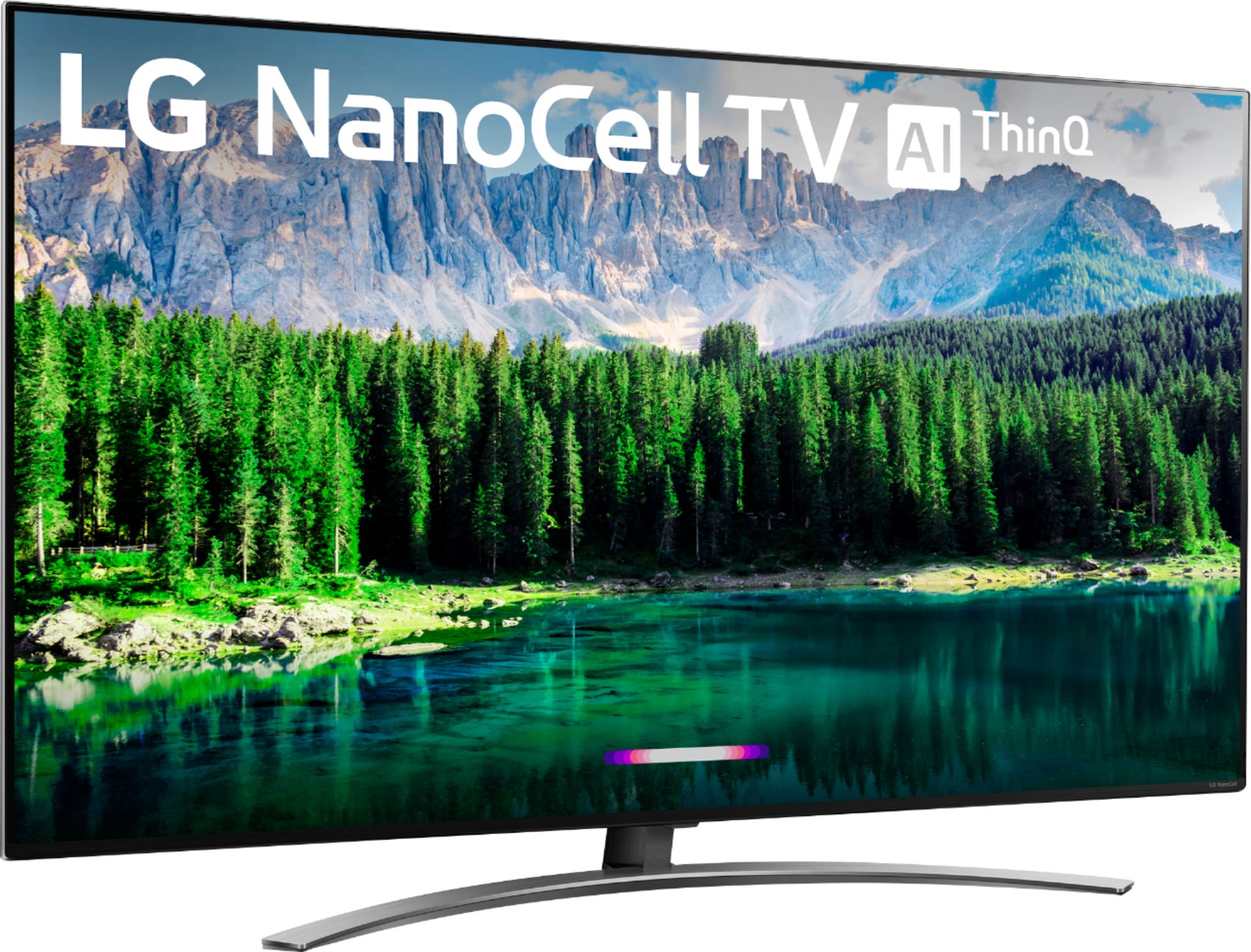
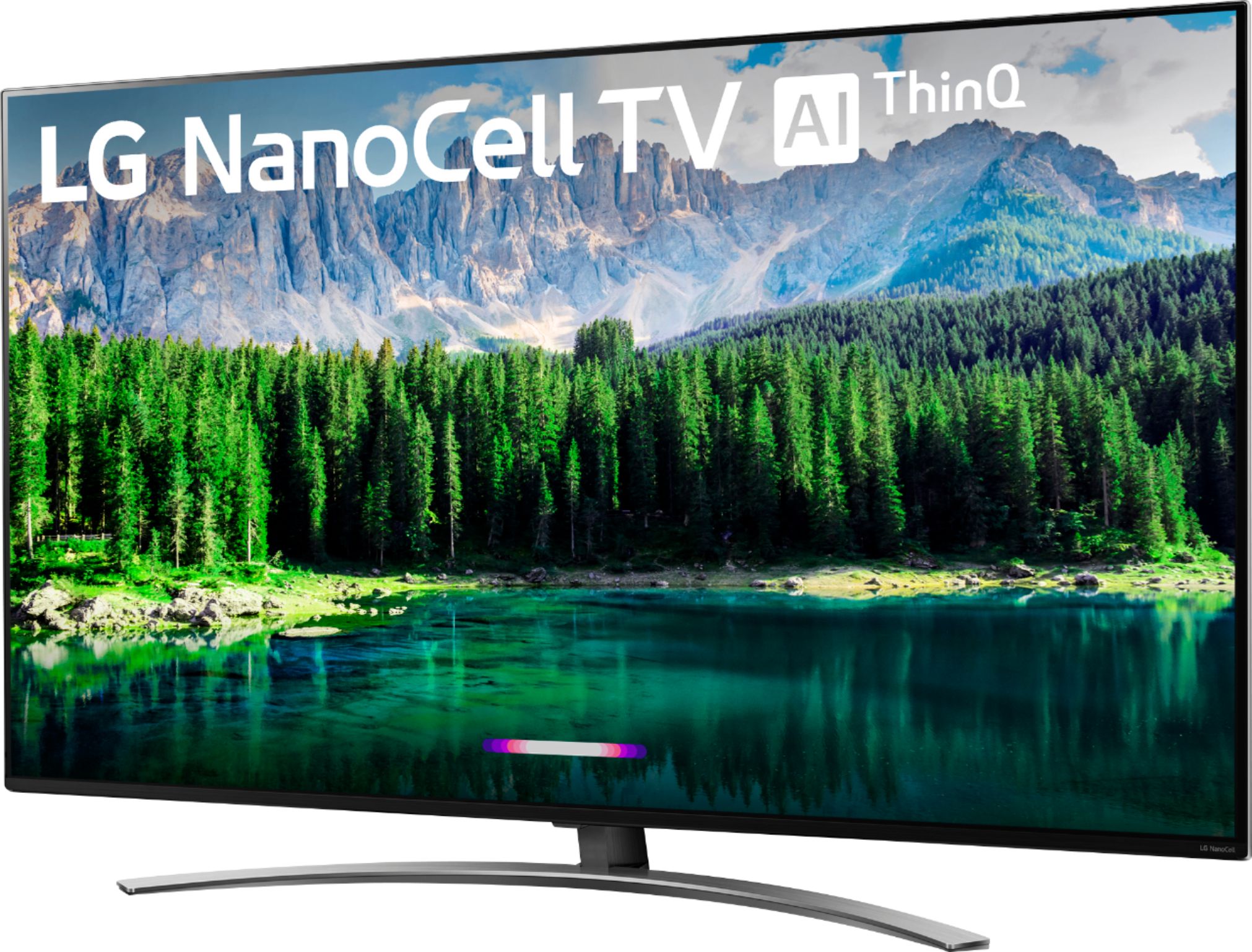
A:AnswerHi Ken. If you scroll down to the bottom of the product page for the LG Nano 8 Series 4K 49 inch Class Smart UHD NanoCell TV w/ AI ThinQ® (48.5'' Diag), Model # 49SM8600PUA, under 'Support & Services, you can click on Customer Service See All Geek Squad® Services > Under 'Choose Your Geek Squad Service by Category' you can click on the TV and Home Theater icon. Under 'Top TV and home theater services' you will see the pricing for each service available...^IFV
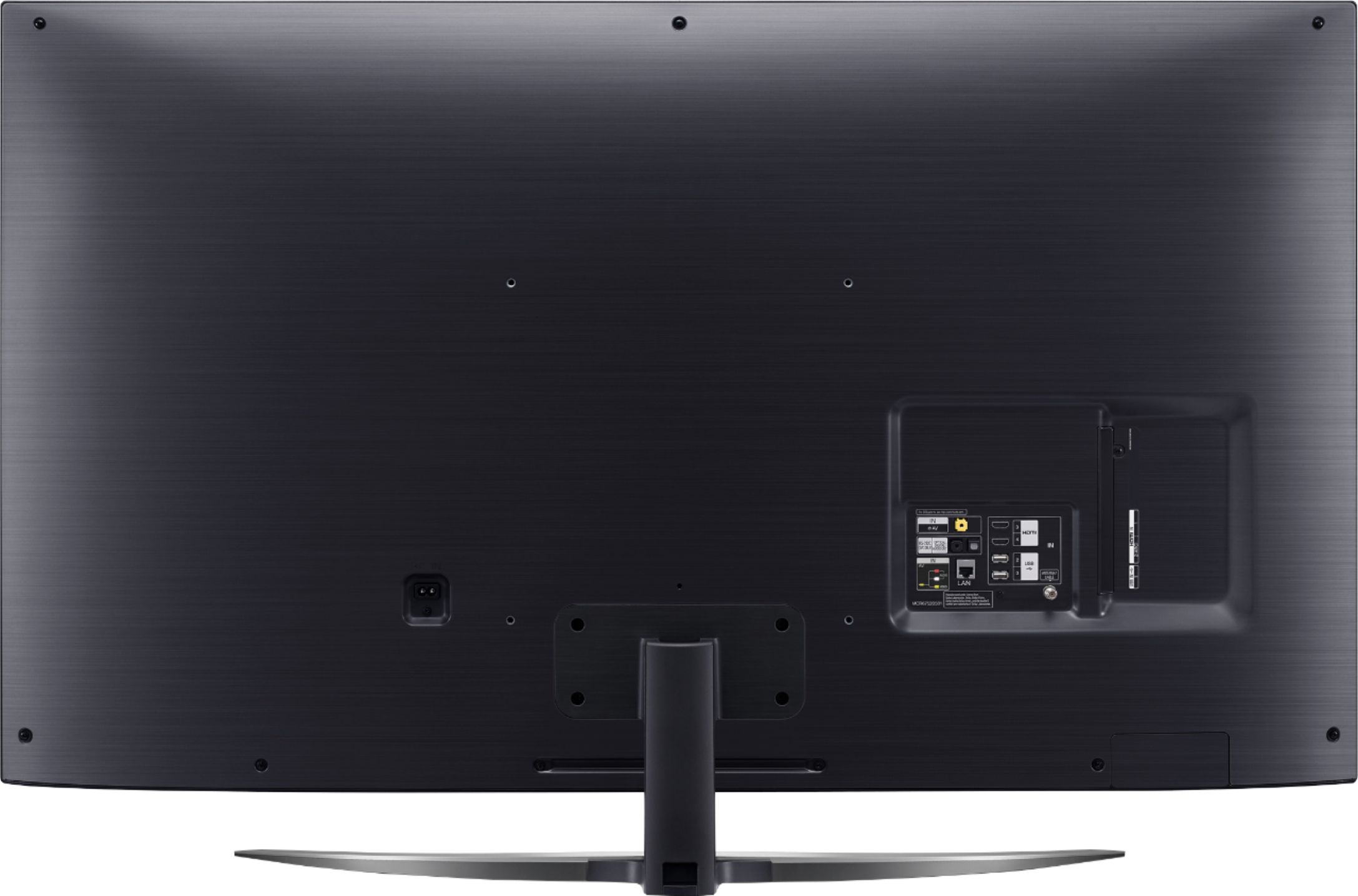
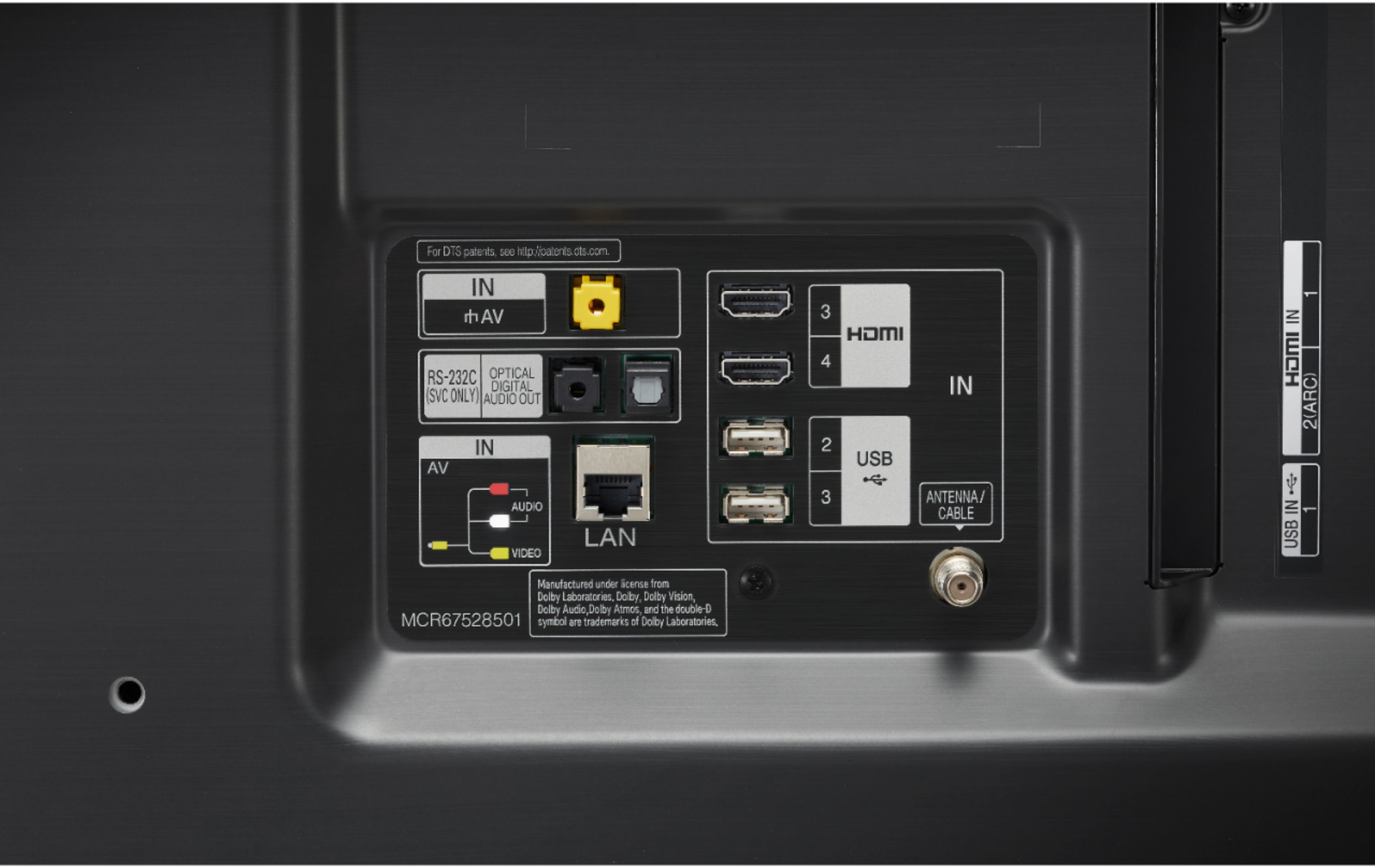
A:AnswerThis TV can be connected to a laptop or desktop computer using a HDMI cable. If you are in need of guidance with using this TV, you can contact our Customer Support by any of the below options:
Phone: 1-800-243-0000
LiveChat: https://www.lg.com/us/support/chatbot
Email: https://www.lg.com/us/support/email-appointment
Facebook Messenger: https://www.facebook.com/LGUSA/
Twitter DM: @LGUS
The LG Community Forum is also a great resource for getting help from other LG customers: https://lgcommunity.us.com/ ^CP
A:AnswerIn the video settins, there are presets for different viewing modes. When you go deeper in the settings, you can adjust the brightness, backlighting, contrast, colors, and more.
A:Answeryes, I've mirrored it many times with my Ipad. But side note. A few times now, the mirroring just stops, and you can't reconnect to mirror again. This may be an issue on the tablet side, but wanted to mention in case someone else has seen this issue.
A:AnswerWell the Roku is a competing OS for TVs, so it is totally fair that it can't be downloaded on a WebOS TV. LG also has a built in service extremely similar to Pluto TV called LG Channels, which gives you access to over 150 IP based channels.
A:AnswerI am sure it does. not sure where is located. I was planning on setting up my universal remote to it, but I have the "magic remote" and It is mush better sore wed surfing and choosing content than a universal remote
A:AnswerIn order for the display to produce a legit 4K image, the content being provided must be in 4K. There is very little 4K content on the market. Current content is UHD, which is the best quality product provided by the networks at this time.
A:AnswerThank you for reaching out. For best assistance with your inquiry, we recommend reaching out to Best Buy directly. Their phone number is 1-888-BEST BUY (1-888-237-8289). ^CP
A:AnswerHi ditto. Please pardon us but we are not clear on your inquiry about the LG Nano 8 Series 4K 49 inch Class Smart UHD NanoCell TV w/ AI ThinQ® (48.5'' Diag), Model # 49SM8600PUA and will need some clarification. The TV has a width of 43.1" which includes the bezels for the TV. We are not clear on your description about your picture being inset on 34 inches. You can find instructions for how to set up your Amazon Alexa at https://www.lg.com/us/support/help-library/connecting-lg-tv-to-google-assistant-amazon-alexa-lg-smartthinq-CT10000030-20150783600366 or contact our Support Center at (800) 243-0000...^IFV
A:AnswerThis TV is designed for use within the US. If used outside of the US, the warranty will be voided. We cannot guarantee compatibility of applications outside of the US. ^CP
A:AnswerVUDU is one of the Premium Content Providers apps that comes preinstalled on the LG Nano 8 Series 4K 49 inch Class Smart UHD NanoCell TV w/ AI ThinQ® (48.5'' Diag), Model # 49SM8600PUA. VUDU also supports Dolby Vision HDR and HDR10 and Dolby Atmos...^IFV