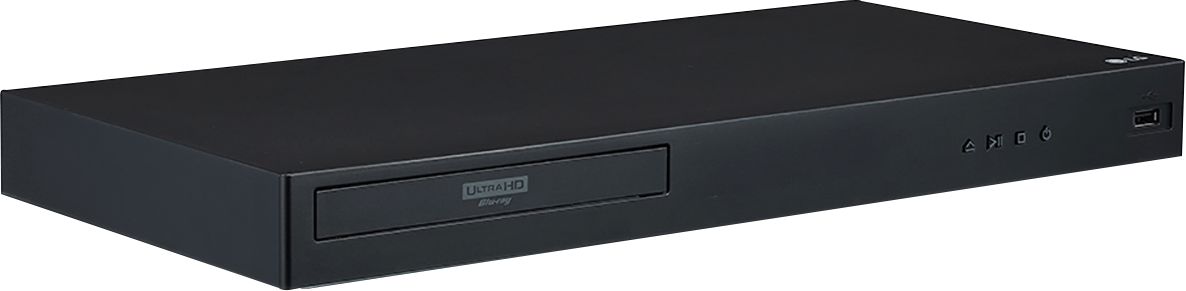
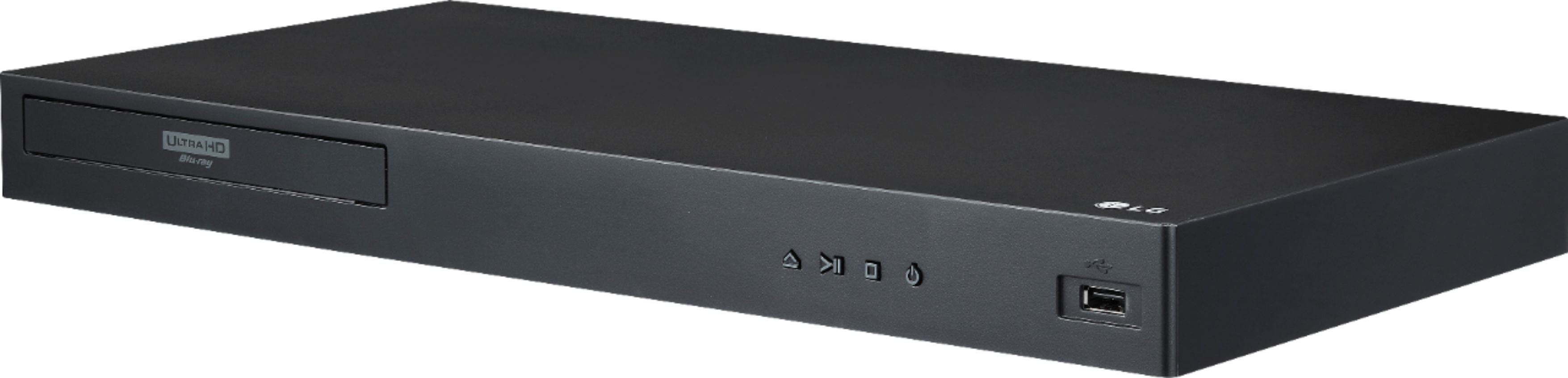
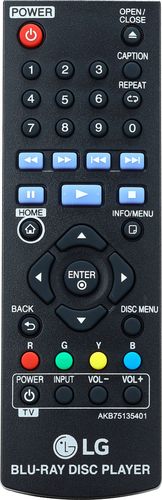
A:AnswerNo, this is not a region free player. There is a regional code printed on the rear of the unit. This unit can play only BD-ROM or DVD discs labelled same as the rear of the unit or “ALL”. ^Daphane
A:AnswerYou can play frame-by-frame on the LG 4K Ultra-HD Blu-ray Disc™ Player, Model # UBK80 or slow down the playing speed to play various speeds of slow motion...^IFV
A:Answeryou twice have not answered my question. I asked the question a couple of days ago, referring to my Blue Ray Playing video’s displaying on my TV screen horizontally? Your answer was maybe I recorded it set wrong. I checked into this. The video plays vertical on my computer. Photos show ok 2.
A:AnswerPlease reach out to our support team via private message on Facebook @LGUSSupport and use #VOC in your first message to our social media support team or call at 800-243-0000. Also, be sure to provide your contact information, model/serial numbers and date of purchase. ^Daphane
A:AnswerThe LG 4K Ultra-HD Blu-ray Disc™ Player, Model # UBK80 can be connected to an HD LED TV. It will still work but it will only display images in 1080p. It will downconvert the 3840 x 2160-resolution video on the disc to a 1080p format your TV can display...^IFV
A:AnswerThat's not good! We're sorry to see that you've run into these issues with your Blu-ray player. We'll need to gather some additional details from you in order to see how we can best assist. Please reach out to a specialist via Twitter @LGUSSupport, Facebook https://www.facebook.com/LGUSA/ ^CP
A:AnswerThere isn't a foreseeable maximum on drive size but on file size. If you use a drive formatted with FAT32 you will be constricted to 4GB files, however if you use a drive with NFTS ( which is what I am using) then its maximum volume size is 2^^64-1, and its maximum file size is 16 × 1024^^6 bytes (way more than the biggest hard drive available today). Its cluster size stays at 4kb, regardless of the volume size. EXFAT is not recognized on this player which is the format most drives come with from the Manufacturer.
NFTS is a microsoft/PC World technology and does not come within the Mac System so in order for a mac to see it (to add your files) you will need "NFTS for Mac" Drive utility. It works perfectly. it is made by Paragon. it is only a $20 download and it has a free 30 day trial to see that it works for you. I am using it with no problems.
Hope this Helps!