Questions & Answers
- Model:
- S70TR
- |
- SKU:
- 6578017
Highly rated by customers for: Sound Quality, Setup, Ease of use
$499.99
Page Showing 121-129 of 129 questions
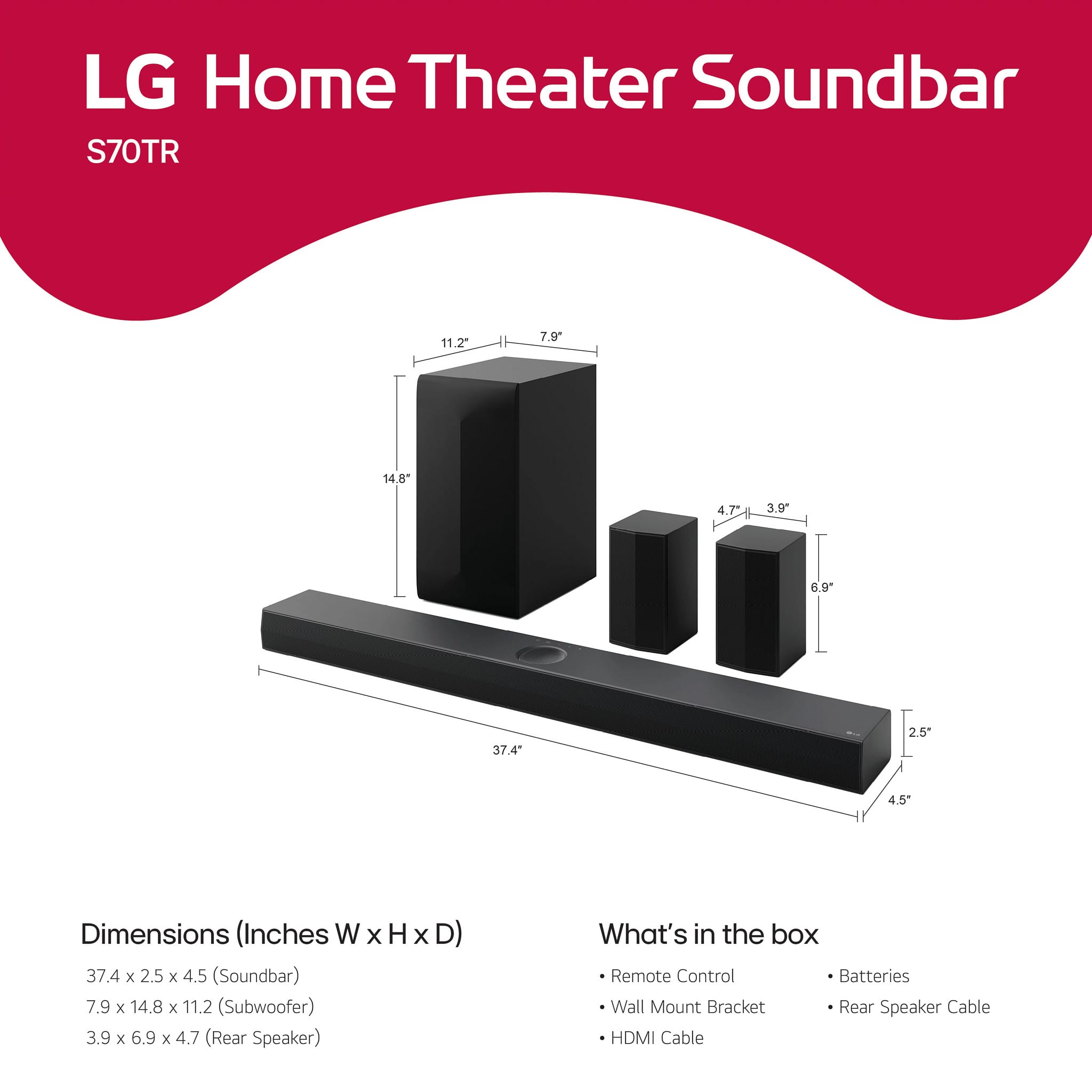
Q: QuestionI purchased this soundbar but it did not come with a packing list of parts, the optical cable or the screws to mount the soundbar. What size screws can I use instead? I can replace the optical cable.
Asked by Katrina.
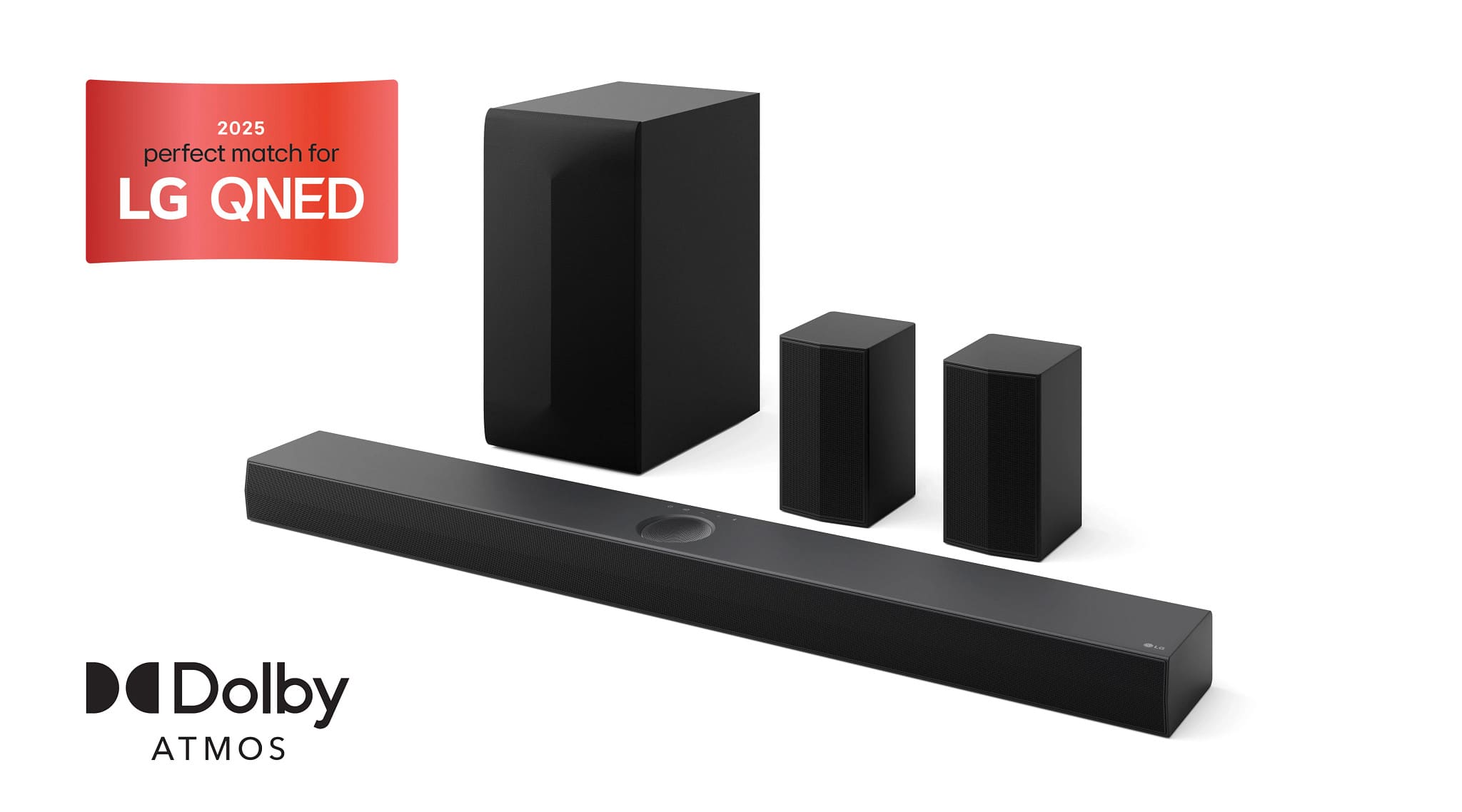
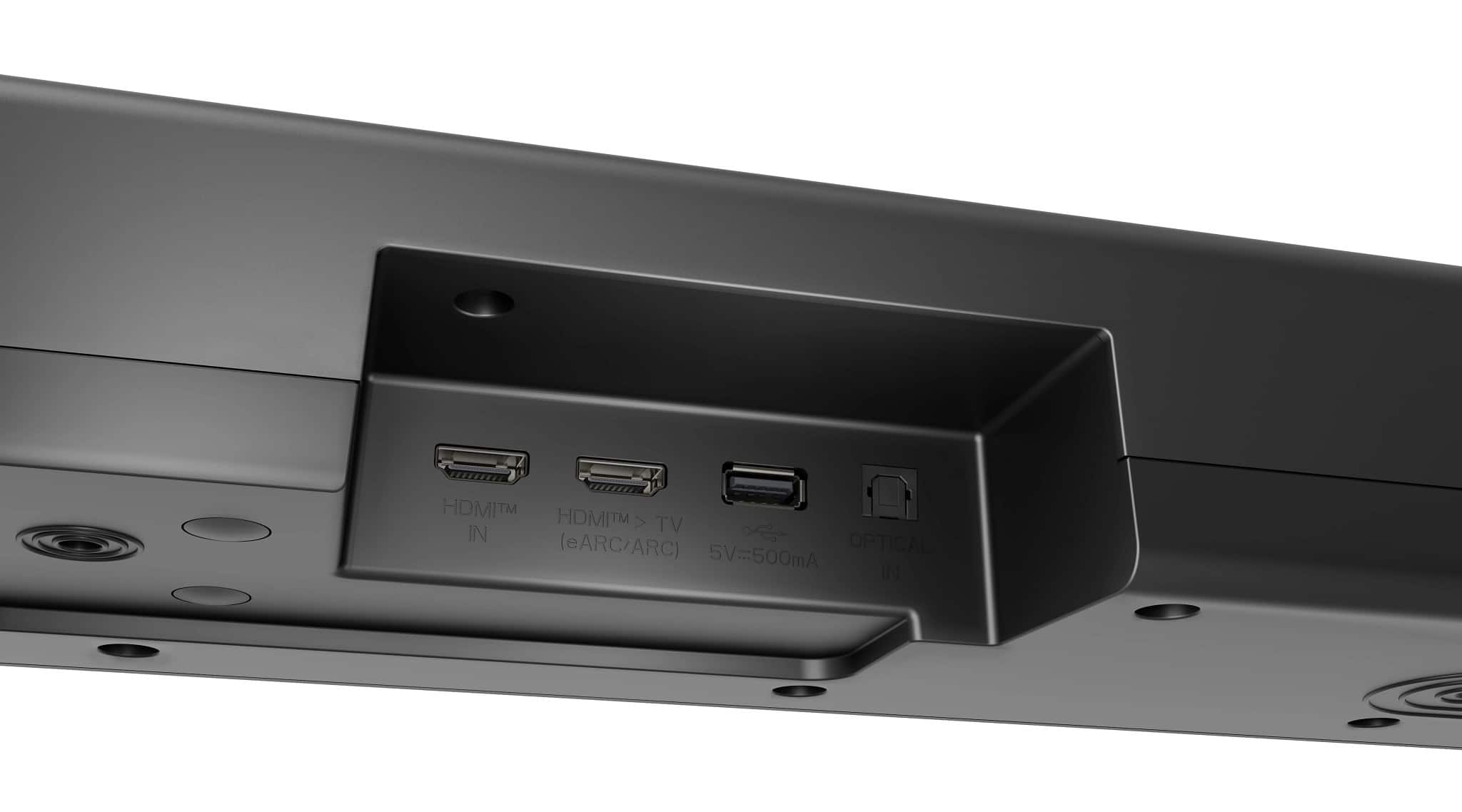
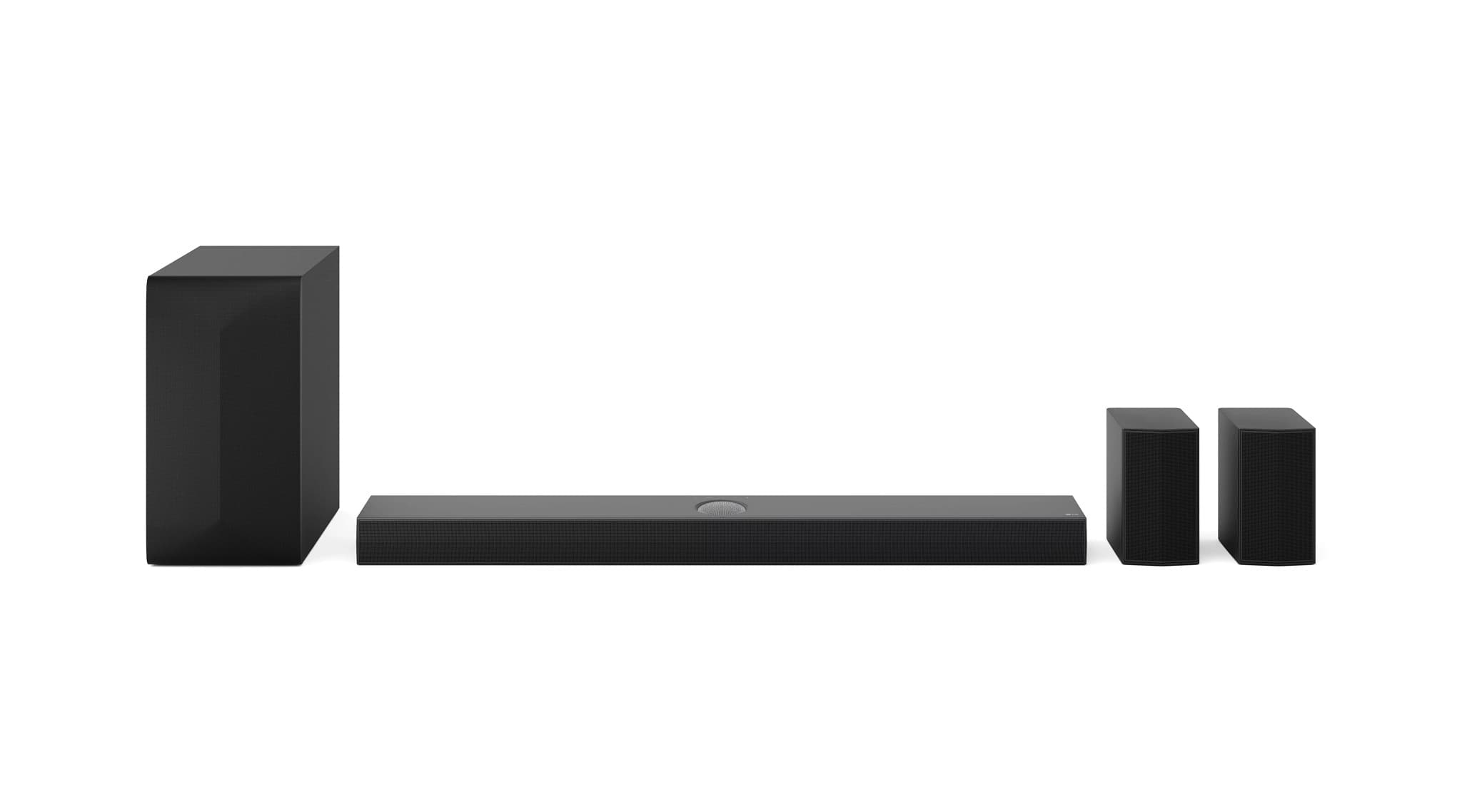
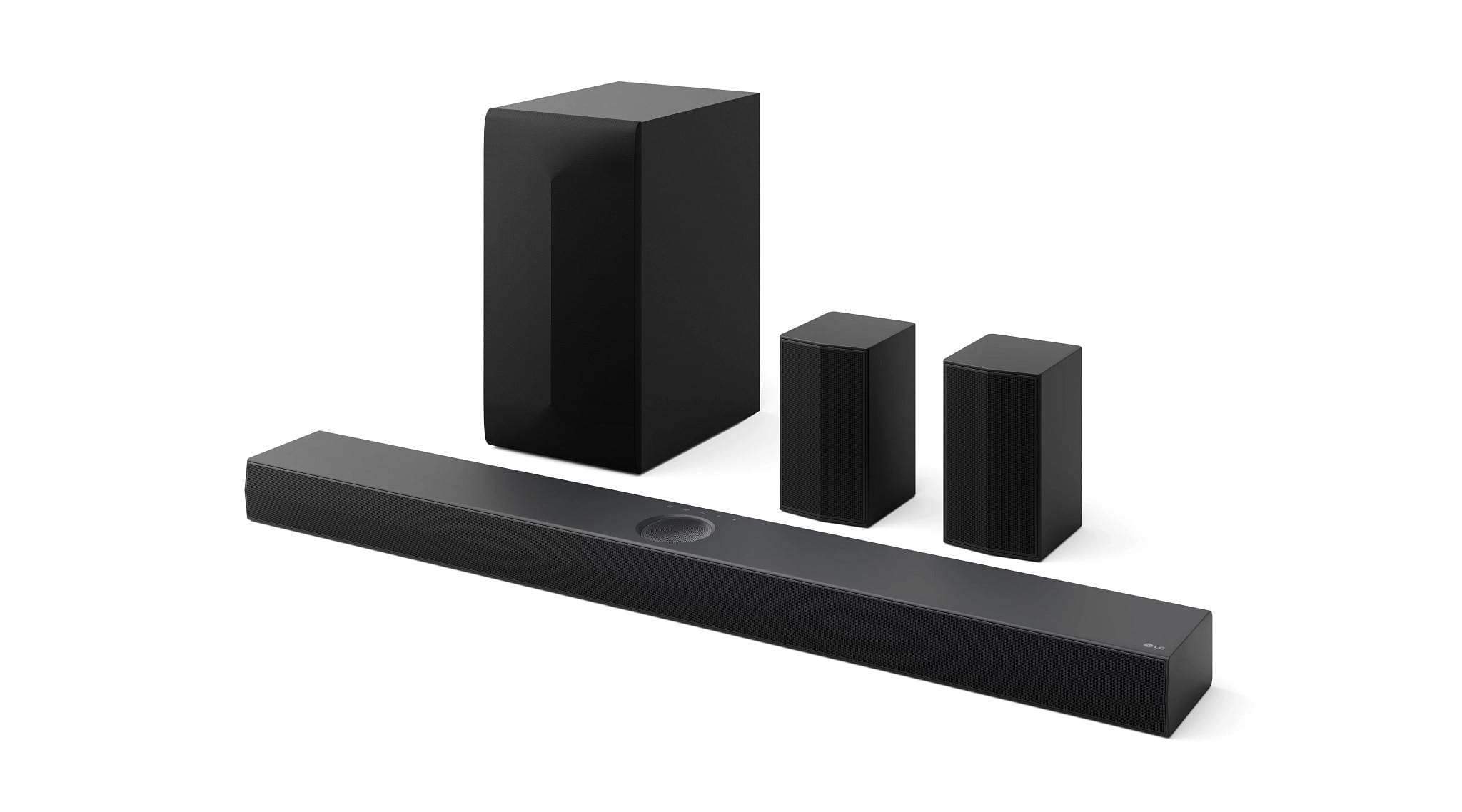
- A:Answer A packing list is not provided with the LG 5.1.1-Channel S70TR Home Theater Soundbar with Wireless Subwoofer and Rear Speakers, Dolby Atmos®, WOW Orchestra - Black, Model # S70TR. An Optical Cable, Rear Speaker cable, Remote Control (with batteries), a Wall Mount Bracket, a Wall bracket installation guide, and the owner's manual should have come as included accessories with the soundbar. Page 47 in your owner's manual lists bracket screws and wall plugs as "Sold Separately" and the note at the bottom of the page states "Screws and Wall Plugs are not supplied for mounting the product. We recommend the Hilti (HUD-1 6 x 30) for the mounting."...^Ivan.
Answered by LG Digital Customer Care

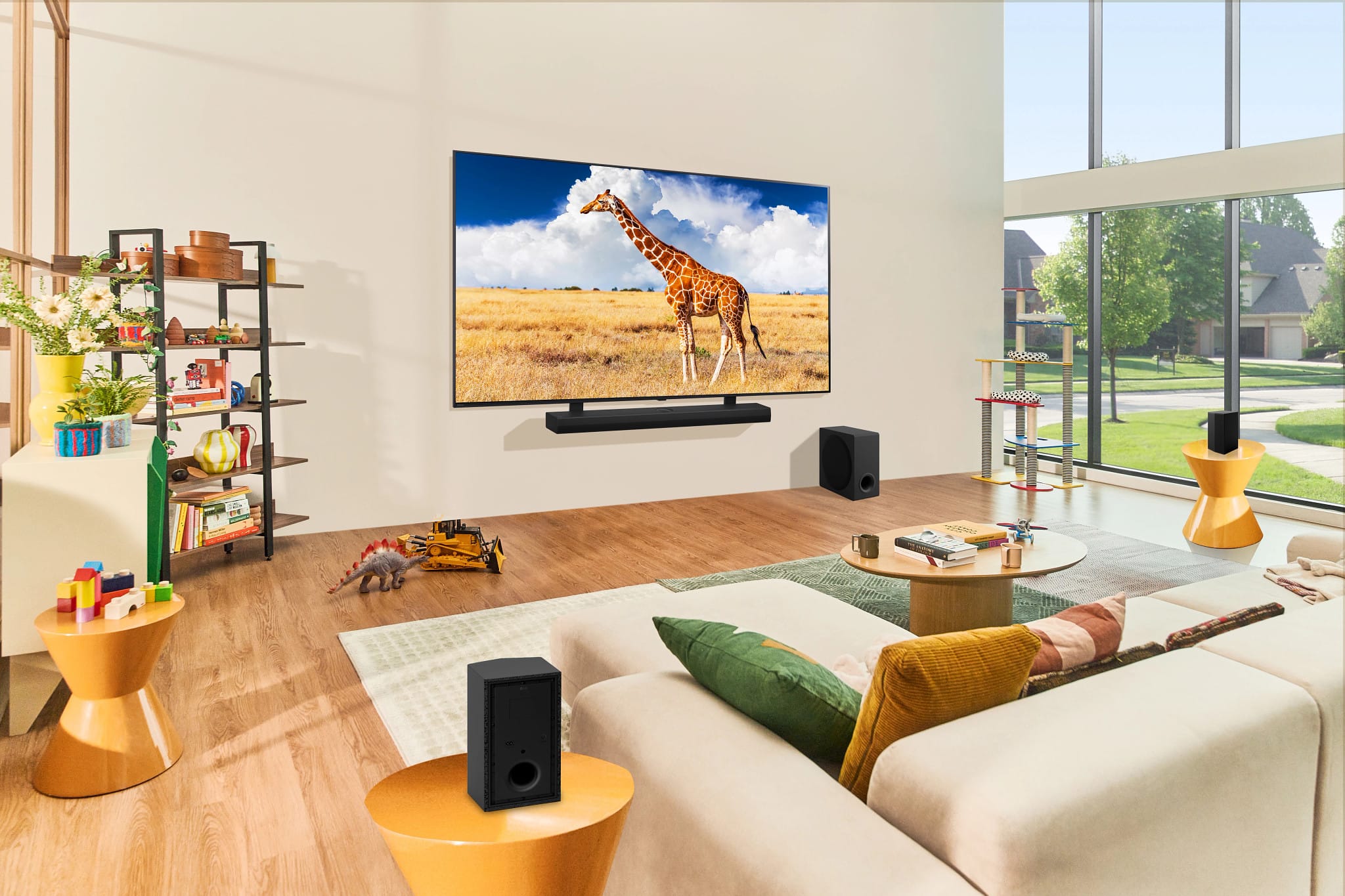
Q: QuestionI have green lights on the sub woofer and the powered rear speaker, yet no sound in the rear speakers. I just got the LG TV and speakers, however your installers didn't get it properly set up. What can I do to engage the rear speakers?
Asked by Rearspeakers.
- A:Answer Hi there! Thank you for reaching out about your LG S70TR sound bar system. We understand how important it is to get full surround sound from your setup. Since the green lights are on, it indicates the rear speakers are connected, but they may need additional setup to ensure they’re active during playback. Here are a few steps you can try: Check Sound Settings: On your LG TV, go to Settings > Sound and ensure the output is set to the sound bar system. Additionally, check if the Surround Mode or Dolby Atmos is enabled for immersive audio, as this can enhance rear speaker output. Adjust Speaker Levels: Use the remote to enter the sound bar’s Speaker Level settings. Here, you can manually increase the rear speakers' volume, which might resolve the issue if they’re set too low. Audio Source: Ensure you’re using a surround sound source, such as a movie or show that supports surround sound. Certain content, like stereo audio, may not activate the rear speakers. LG Sound Bar – Troubleshooting No Audio from External Sound System - https://www.lg.com/us/support/help-library/lg-sound-bar-troubleshooting-no-audio-from-external-sound-system--1422464978777 If these steps don’t help or you have further questions, please send us a private message on Social Media @LGUSSupport, and we’ll be happy to assist you. Thank you for choosing LG, and we’re here to help get your system up and running! —Renzo
Answered by LG Digital Customer Care
Q: QuestionCan the output level of the Subwoofer be adjusted individually? Meaning, independent of the Soundbar?
Asked by Sarge.
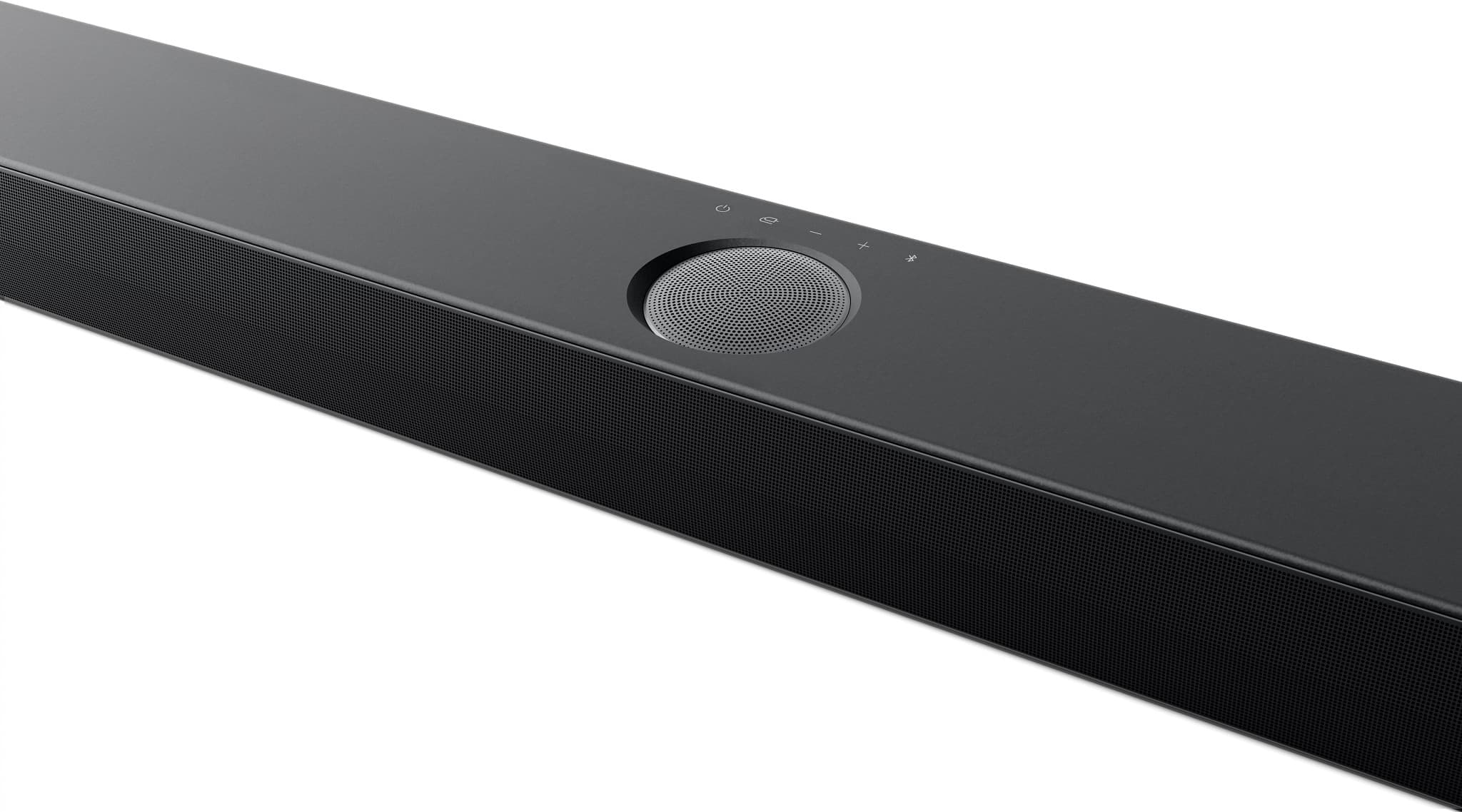
- A:Answer Hi there! Thank you for reaching out about the LG S70TR Sound Bar. The output level of the subwoofer can indeed be adjusted independently of the soundbar itself. This allows you to customize your audio experience according to your preferences, ensuring that you can achieve the perfect balance of sound in your space. https://www.lg.com/us/sound-bars/lg-s70tr-sound-bar#pdp_specs If you have any more questions or need further assistance, please don’t hesitate to send us a private message on social media @LGUSSupport. We’re here to help! Thank you for choosing LG! —Renzo

Answered by LG Digital Customer Care

Q: QuestionWhat is the speaker wire size? Is it 18 or 16? Looking for the gauge
Asked by Cartridge.
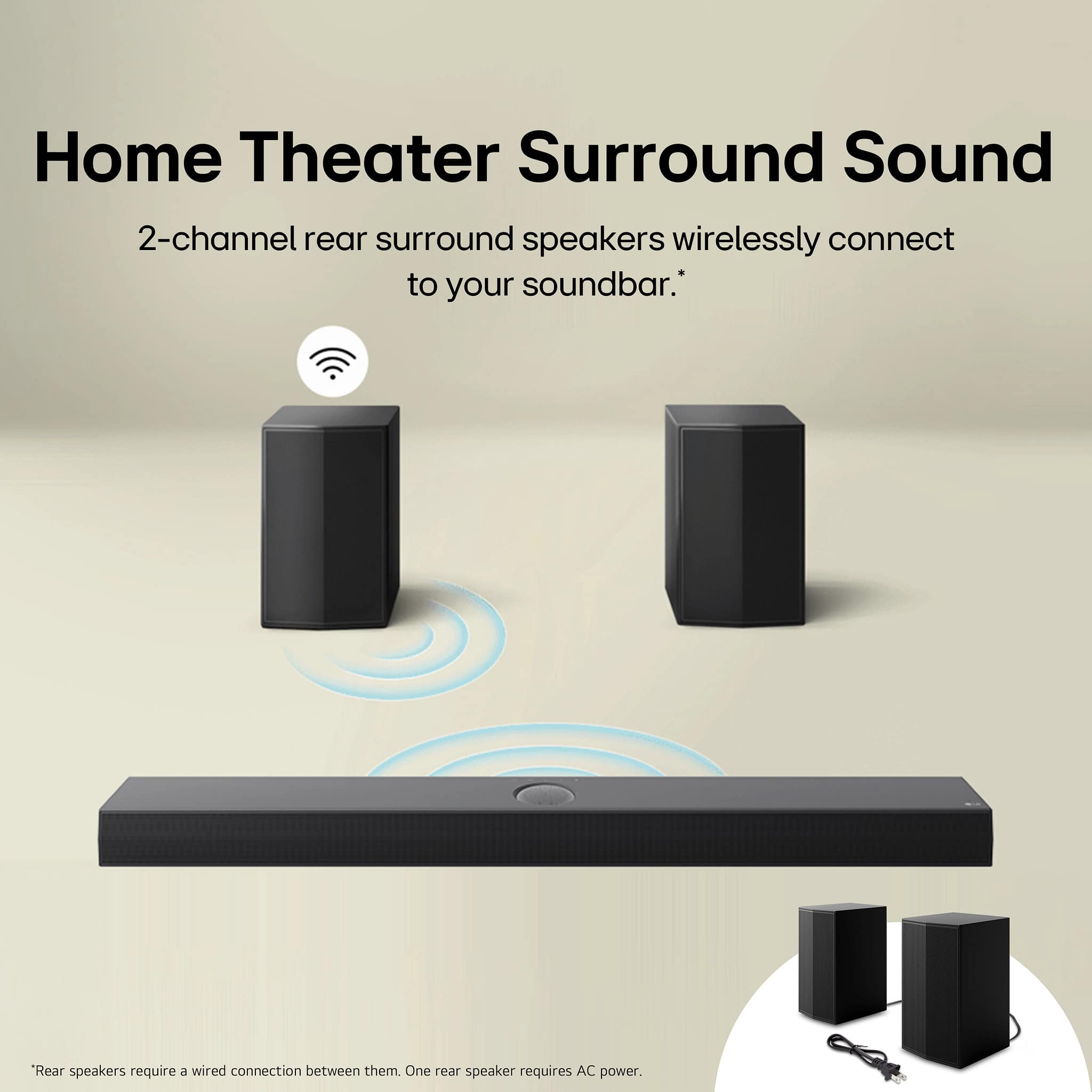
- A:Answer The rear speakers do require wire or one of them will not work.
Answered by Anonymous
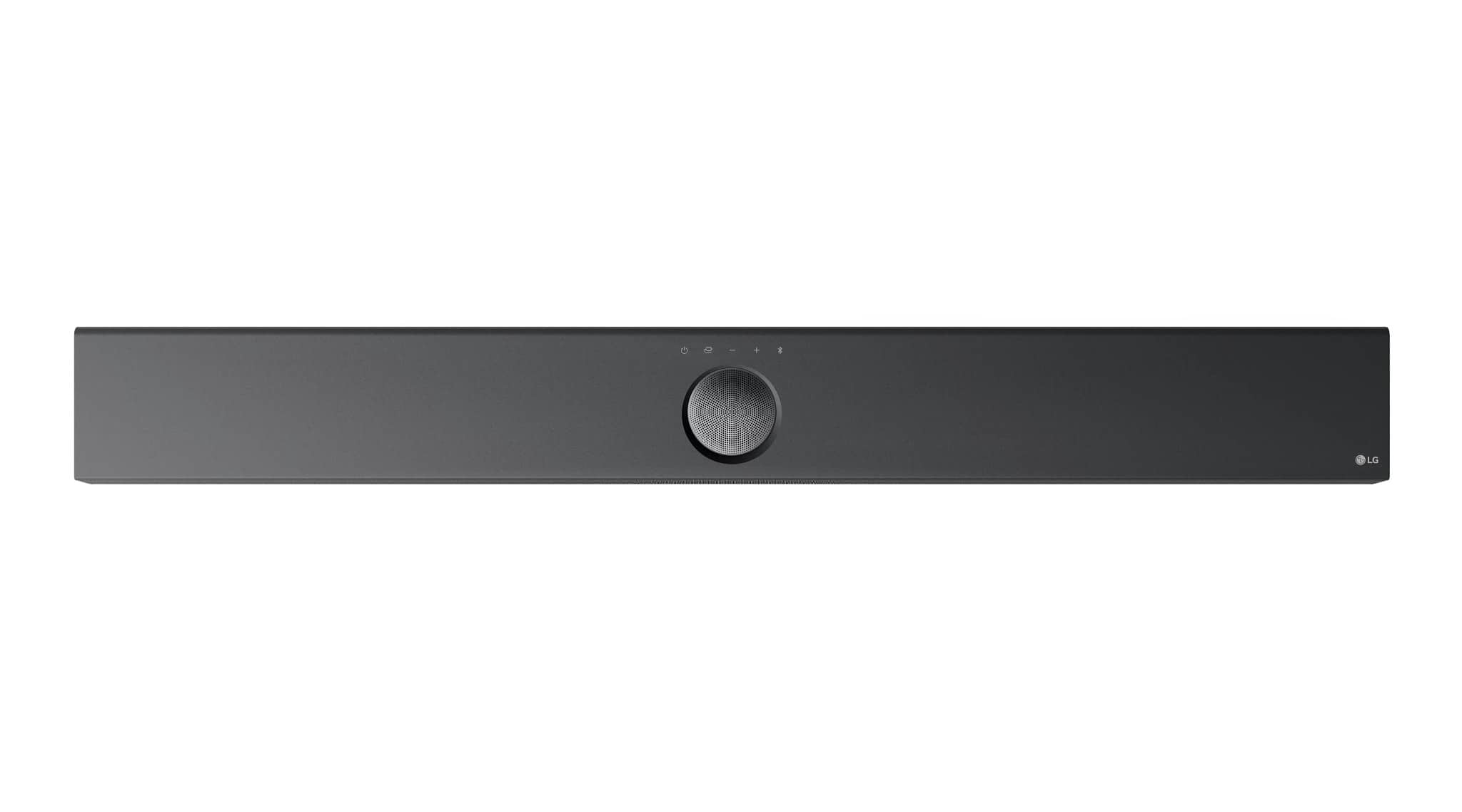
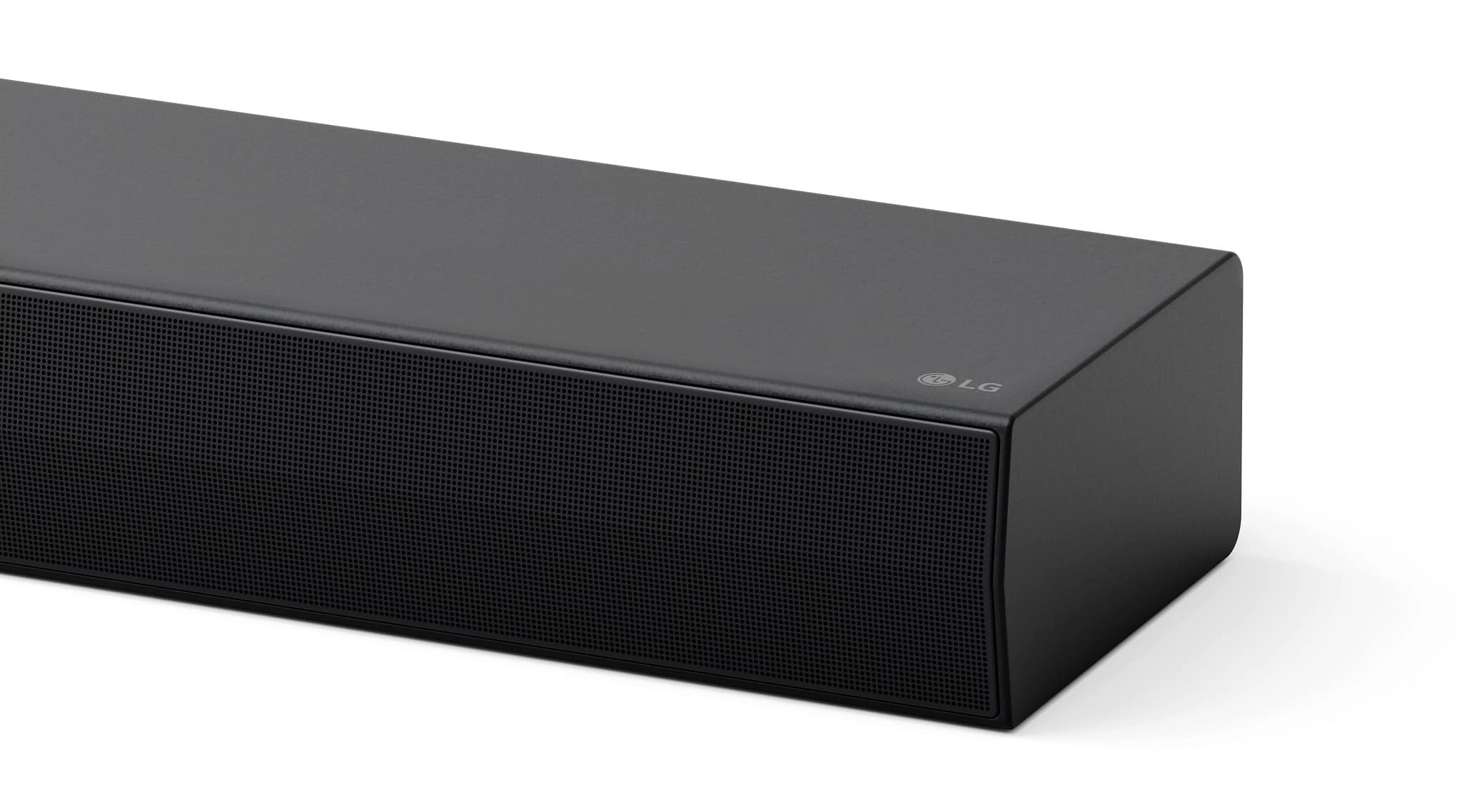
Q: QuestionHi there, what are the dimensions on the sound bar?! Thanks.
Asked by Anonymous.
- A:Answer They are on the web site.
Answered by FelixD
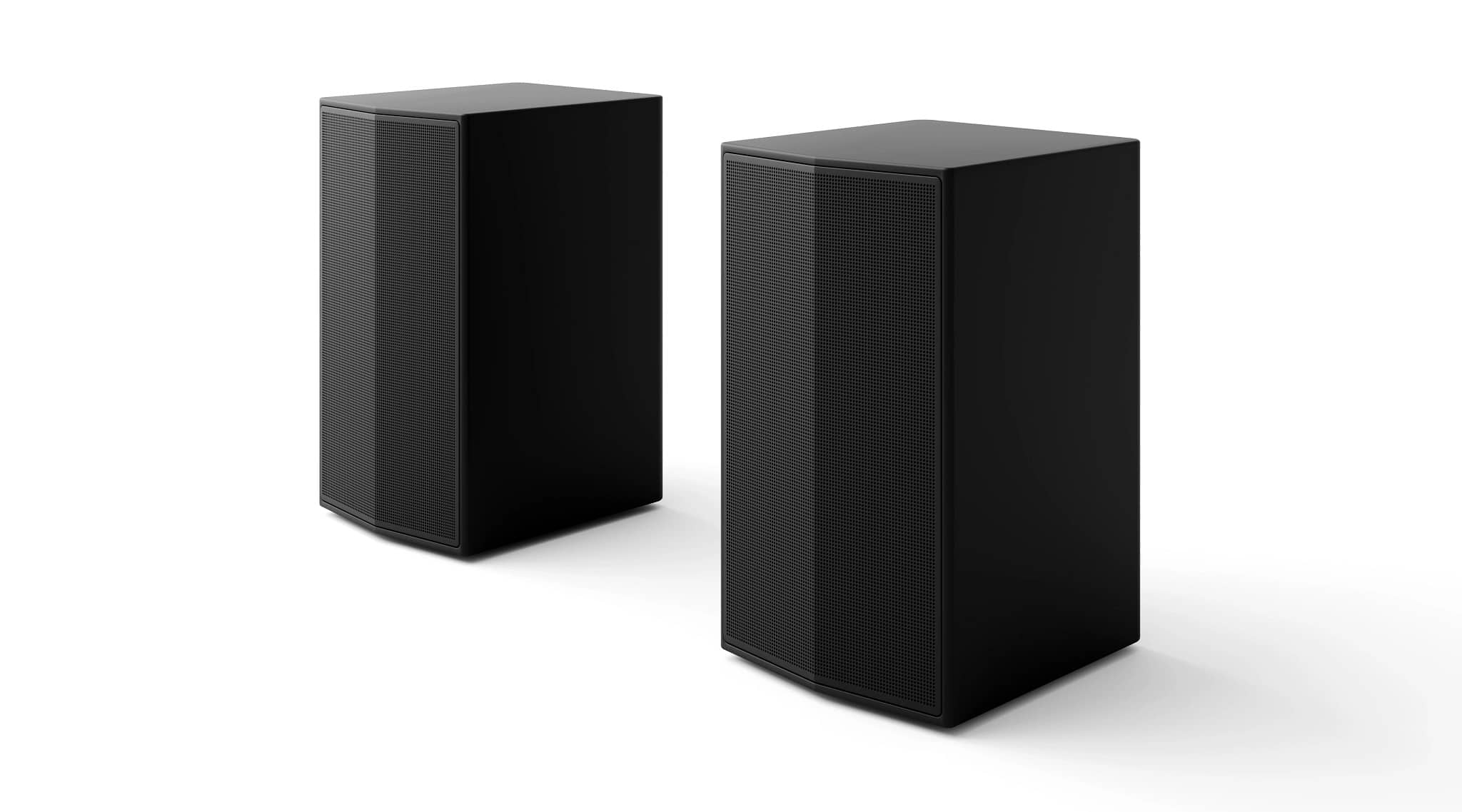
Q: QuestionWhat size screws fit in the back/bottom of the satellite speakers? I'm looking to attach them to speaker stands.
Asked by Jim.
- A:Answer M4 screws fit these rear speakers for the S70TR. For some reason LG does not have this information on ANY of their manuals or their website ANYWHERE. Absolutely insane. But I just fit an M4 screw into the back of mine. The hole itself is about 8mm in length.
Answered by Rapp
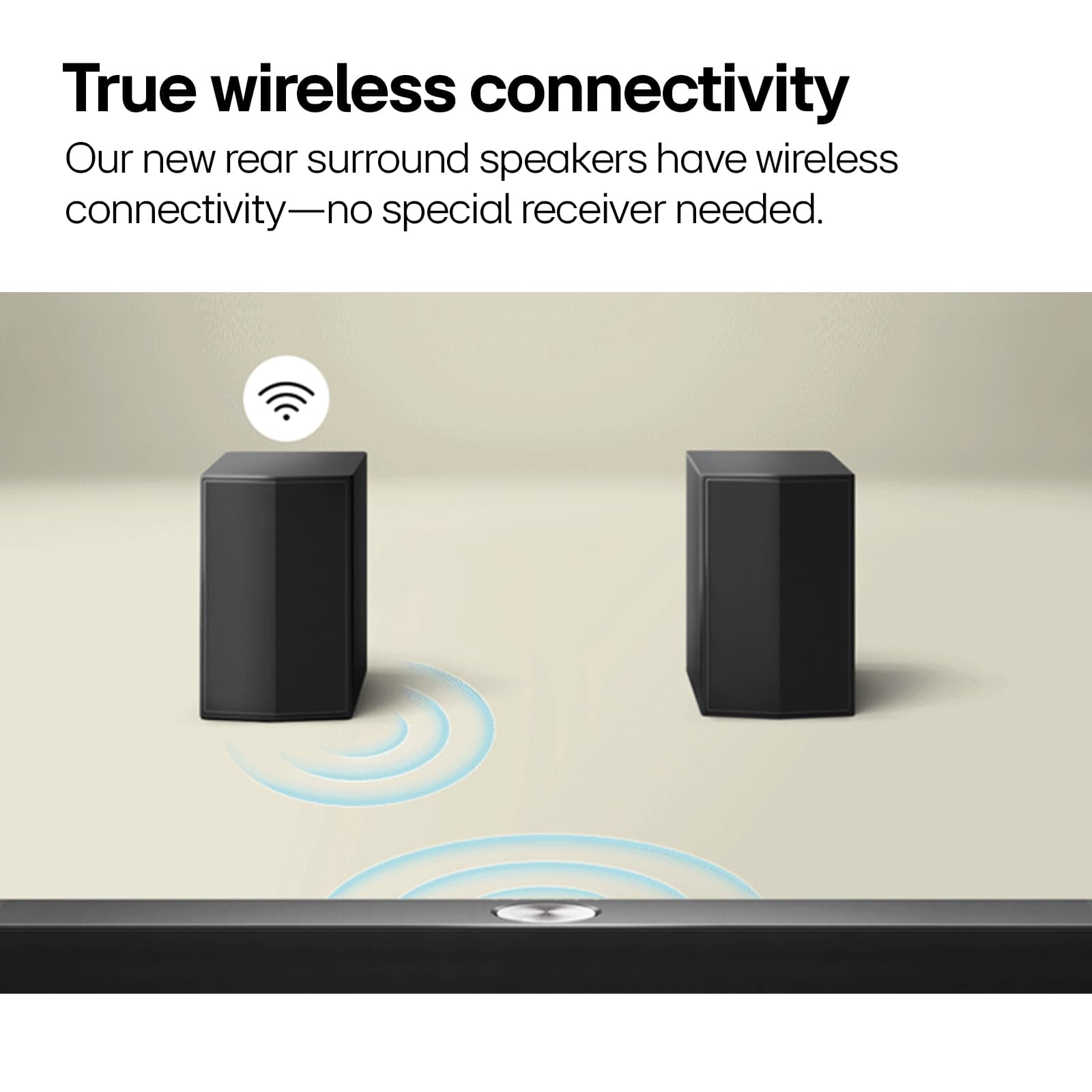
Q: QuestionI’m wondering if I can buy some actual wireless LG speakers and add them to the sound bar? The ones that came with it require speaker wire to connect both together. I don’t want speaker wire running across the floor to place these on either side side.
Asked by BigDeuce.
- A:Answer Regrettably, the LG 5.1.1-Channel S70TR Home Theater Soundbar with Wireless Subwoofer and Rear Speakers, Dolby Atmos, WOW Orchestra - Black, Model # S70TR is incompatible with the LG SPT8-S 2.0 Ch. Wireless Rear Surround Speakers, but even though the speakers are advertised as 'wireless' that is referring to the wireless audio. The speakers still have to be plugged into an outlet for power since wireless power is not yet possible...^Ivan.
Answered by LG Digital Customer Care

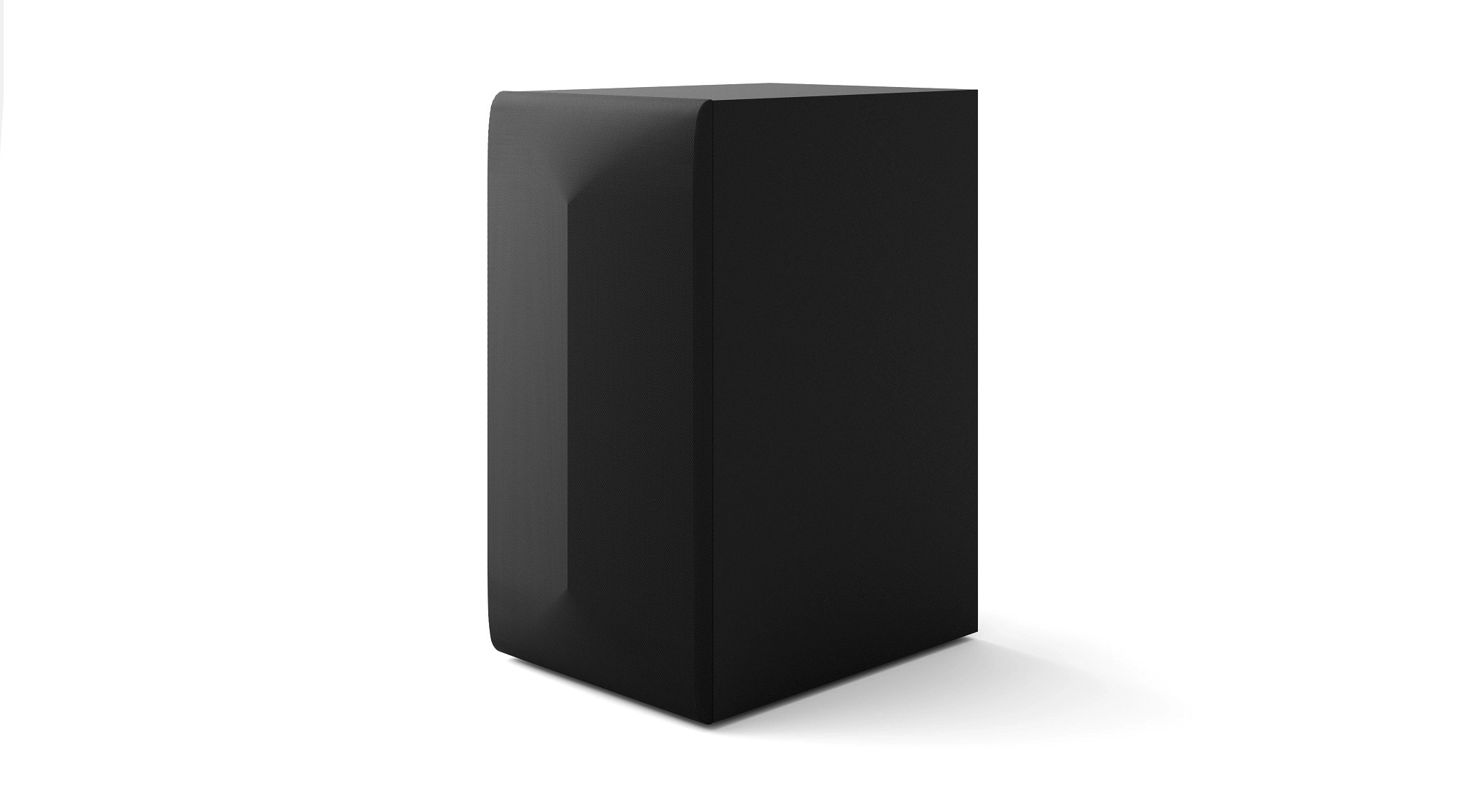
Q: QuestionHow big is the subwoofer. Is it a 6 inch or a 8inch
Asked by Anonymous.
- A:Answer These are the specs for this product as shown on Best Buy site. Subwoofer Height 14.8 inches Subwoofer Width 7.9 inches Subwoofer Depth 11.2 inches Subwoofer Weight 12.7 pounds
Answered by Anonymous
Q: QuestionWhat size mounting hardware do the threaded holes on the back of the rear speakers take? Do the rear speakers have similar threaded holes on the bottom?
Asked by Brian.
- A:Answer Hi there, Brian. Thank you for your question. The LG S70TR Soundbar does include wall mount brackets and hardware. The threaded holes on the back of the rear speakers are designed for wall mounting, but the exact size of the mounting hardware isn't specified in the product details. Based on typical standards for similar LG products, you will likely need M4 or M5 screws for the rear speakers. Regarding your question about similar threaded holes on the bottom of the rear speakers, the rear speakers typically have threaded mounting holes on the back for wall mounting, but not on the bottom. https://www.lg.com/us/sound-bars/lg-s70tr-sound-bar#pdp_specs We understand your need for clarity on setup and are happy to assist further. Please send us a private message on Social Media @LGUSSupport, and our team will be more than happy to help with any additional questions you may have. —Renzo
Answered by LG Digital Customer Care