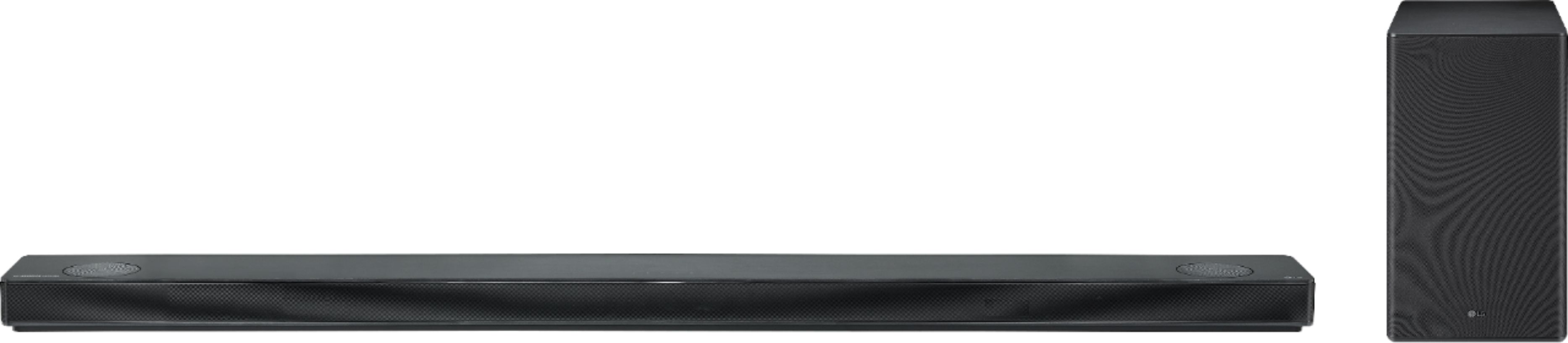
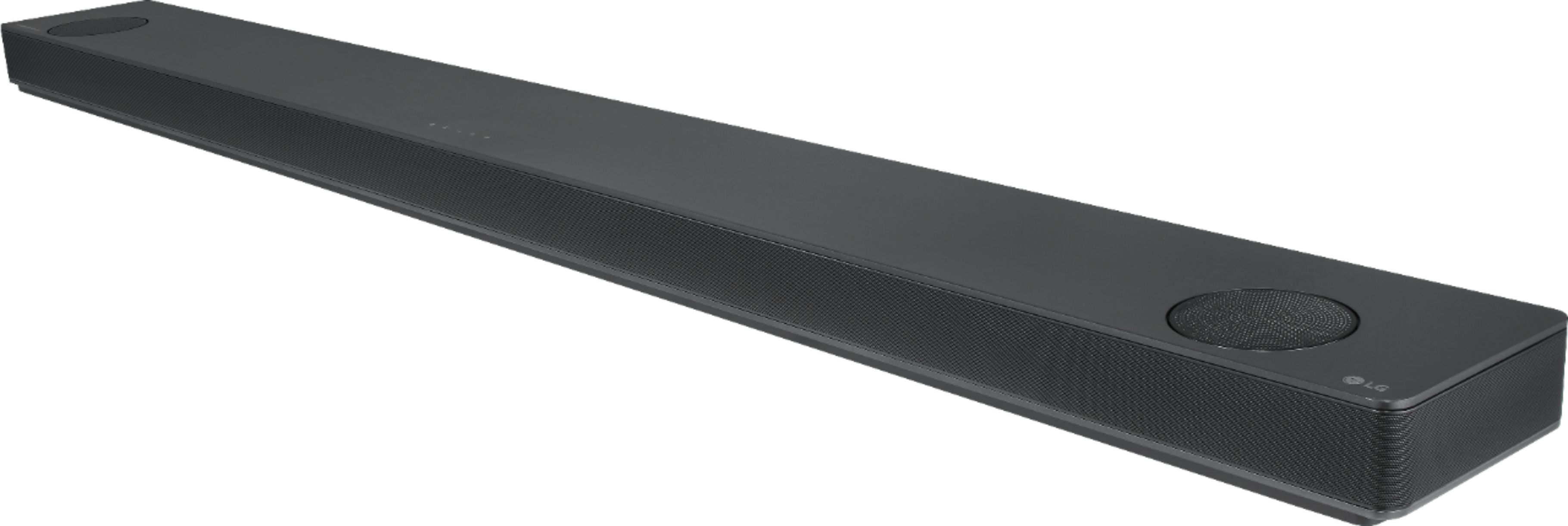
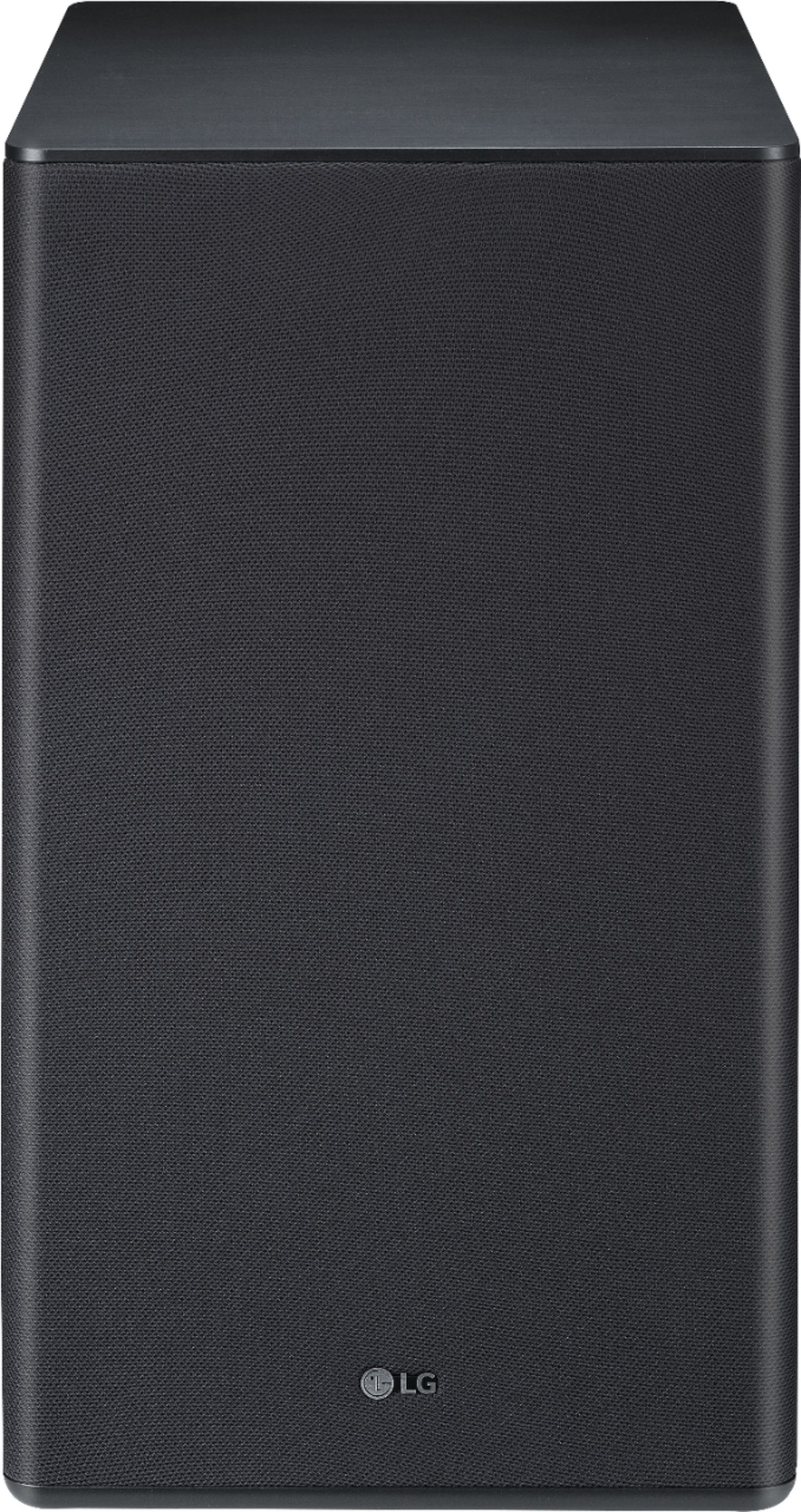
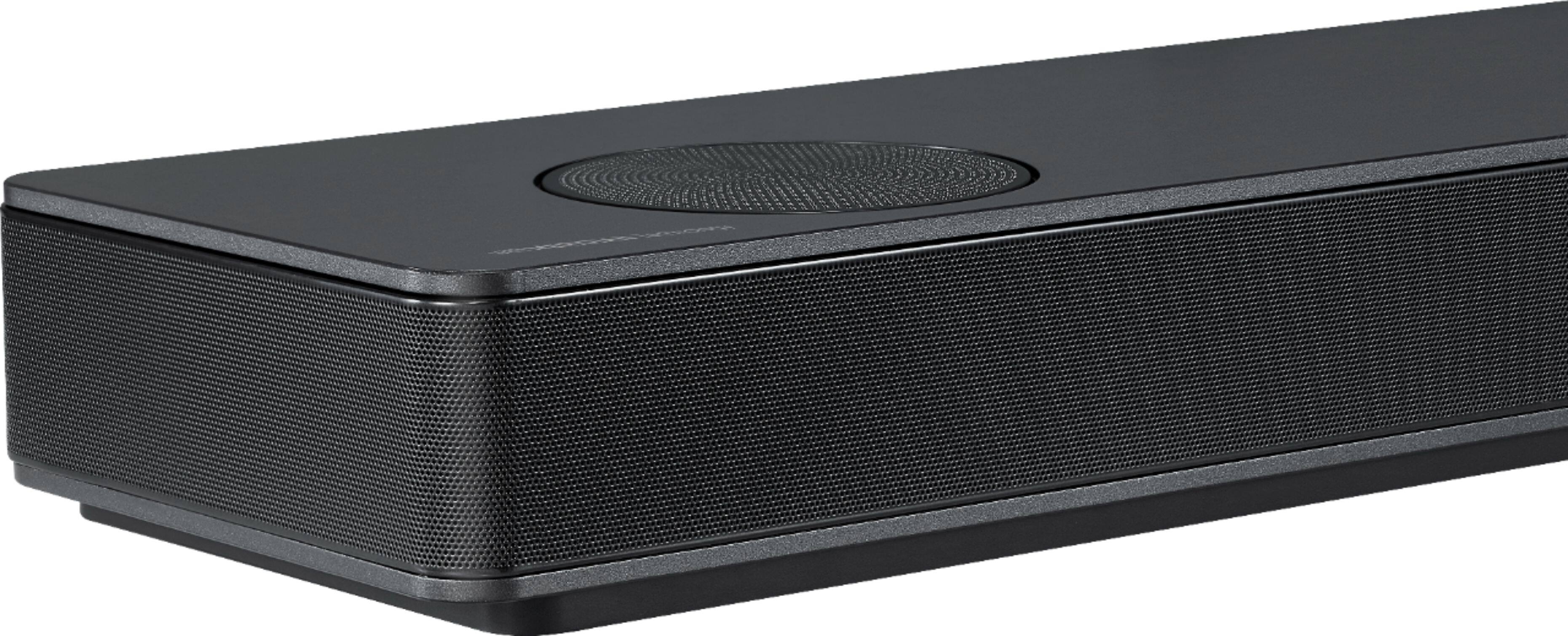
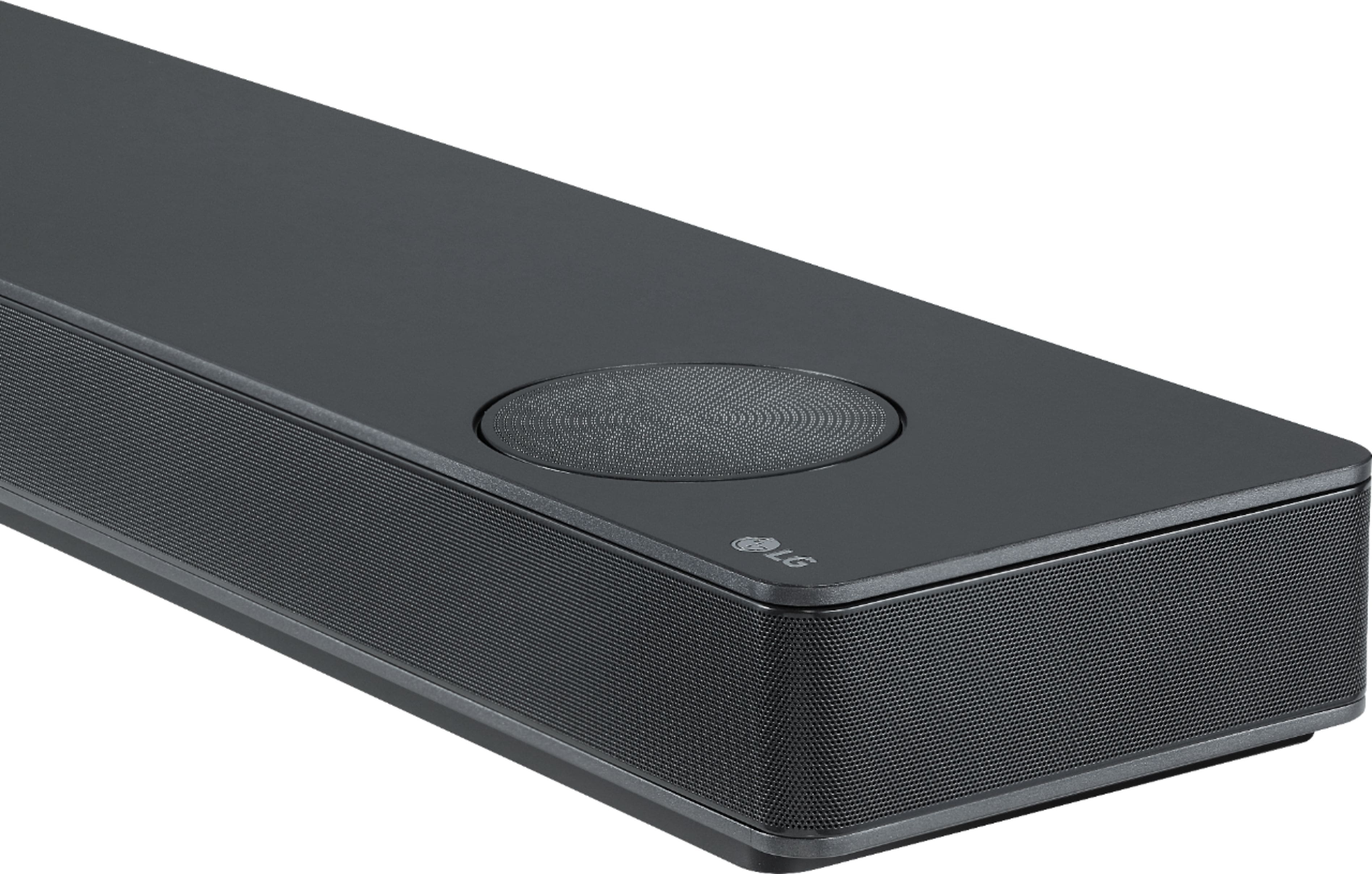
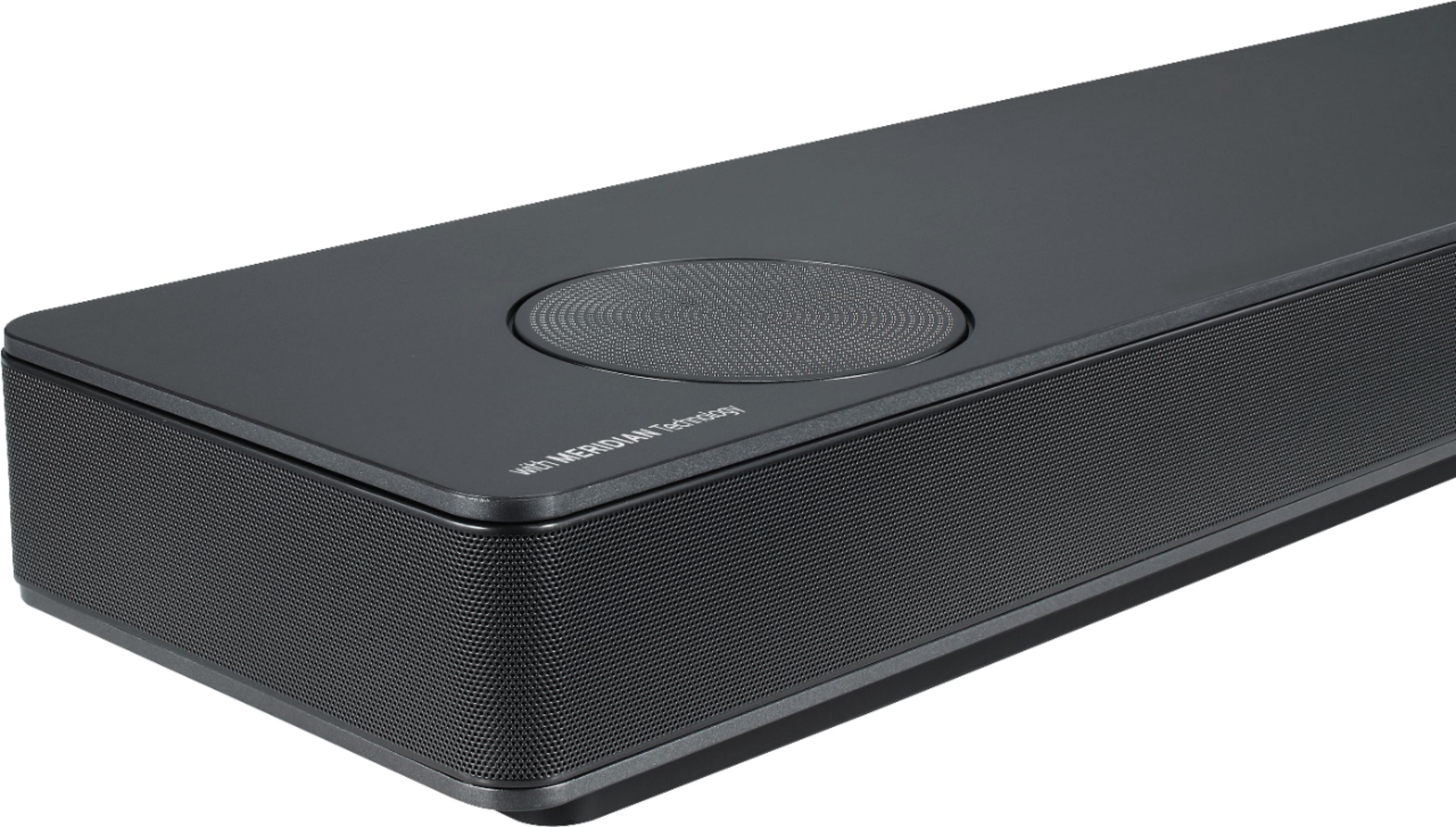
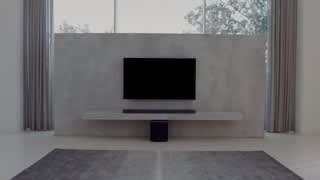
A:AnswerOverhead volume is corresponding to the up firing speakers on top of the sound bar. This is what is intended to give you some of the Atmos experience by bouncing the sound of the ceiling of the room you are in to simulate overhead speakers.
A:AnswerI have mine in front and it is fine. The TV is just barely above the soundbar, but I do have to lift the remote a little higher to turn the TV on. Once on everything is normal.
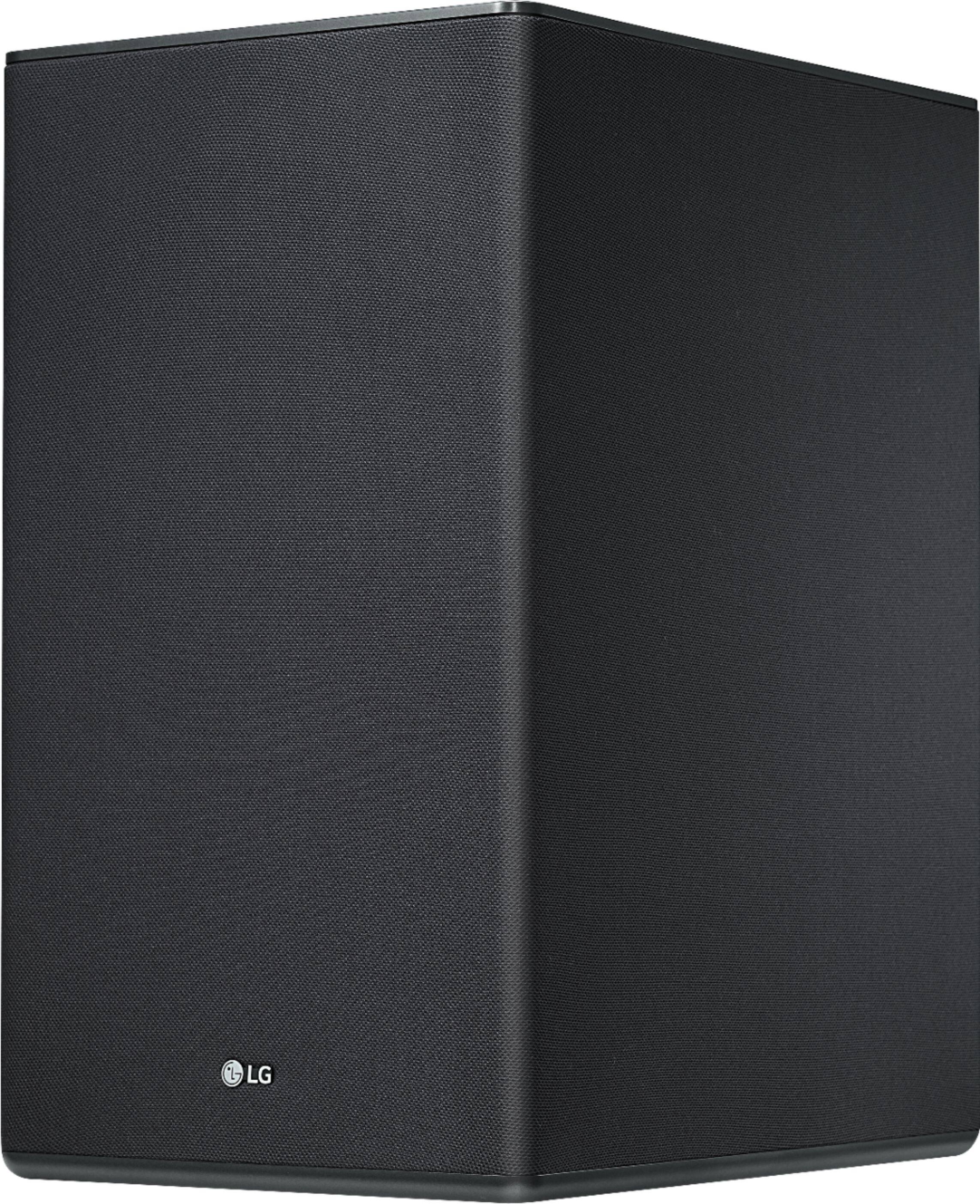
A:AnswerI've had similar issues with intermittent disconnects. Apparently that's a problem with these. Try moving the sub really really close to the bar and see if that helps.
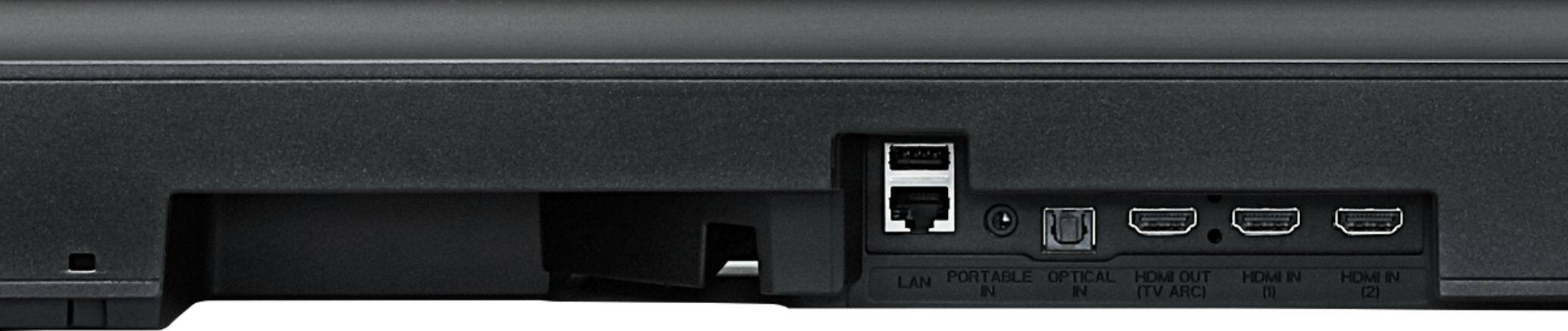
A:AnswerYou do not have to have an LG TV to use the LG 5.1.2-Channel Hi-Res Audio Sound Bar with Wireless Subwoofer and Dolby Atmos Technology, Model # SK10Y with a TV. If your TV supports Bluetooth, you can pair it with the TV to stream audio signals wirelessly from the TV. Check with your TV's manufacturer if it can be paired with any Soundbar or if it can only be paired with Soundbars that your TVs' manufacturer has tested for compatibility. The Soundbar has an Optical Digital Audio Input that can be connected to the Optical Digital Audio Output of any TV regardless of brand or manufacturer that features that port and it can also be connected via its HDMI Out which supports HDMI ARC functionality when that port is connected to an HDMI port that also supports HDMI ARC functionality on a TV regardless or brand or manufacturer. ^CP
A:AnswerWe would be happy to look into this further with you. Drop us a line on Twitter at @LGUSSupport or on Facebook https://www.facebook.com/LGUSA/ or you can give us a call at 800-243-0000 so we can get more info and see what we can do. ^CP
A:AnswerUpdate. Kudos to the wife for doing this. She asks Alexa to connect to Bluetooth and even though the sound bar is turned off after the command it takes a few seconds and the sound bar tornados on and is paired with the echo. I was asking Alexa to pair to LG sound bar to an avail. Volume the controlled via echo.
A:AnswerSo that we are able to gain more insight and research what assistance may be available to you, we request that you reach out to a specialist via Twitter @LGUSSupport or Facebook https://www.facebook.com/LGUSSupport/ ^AC